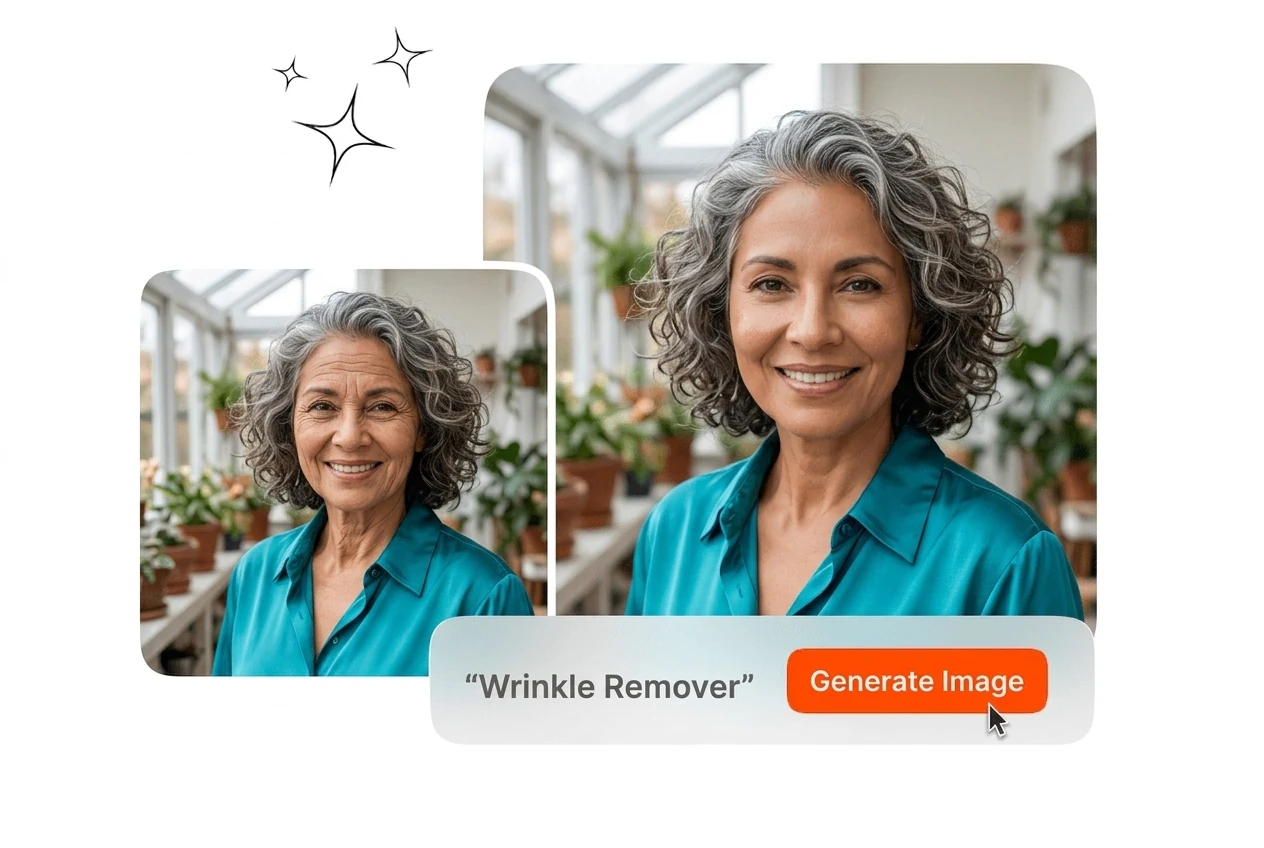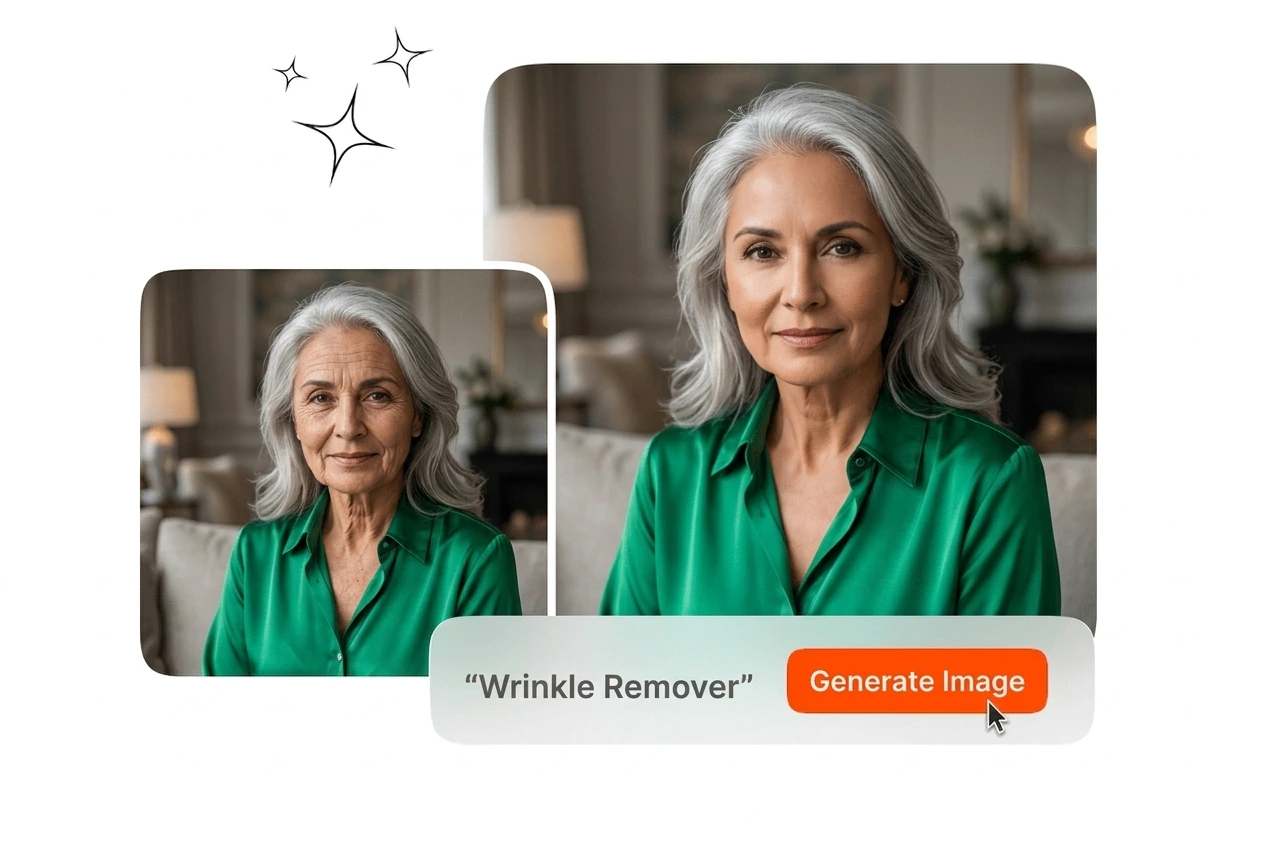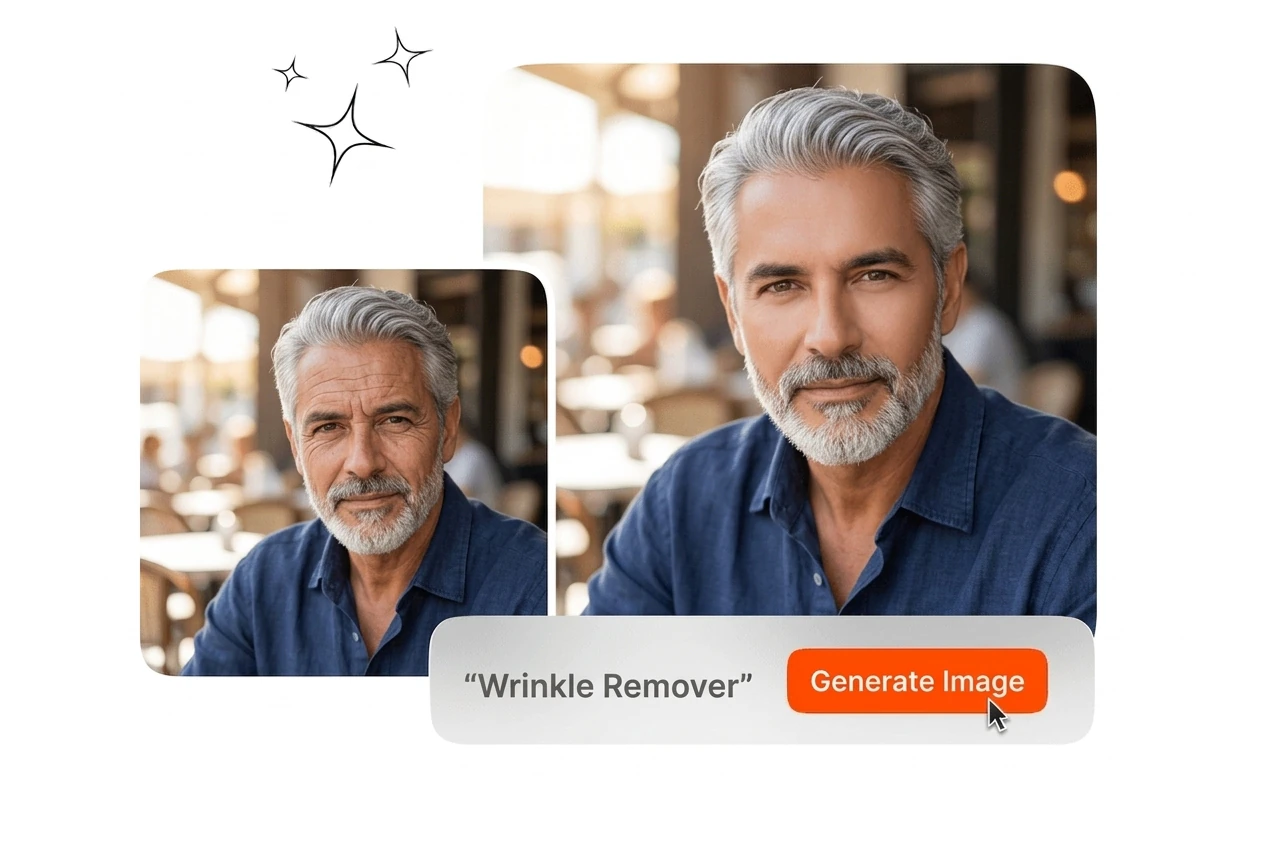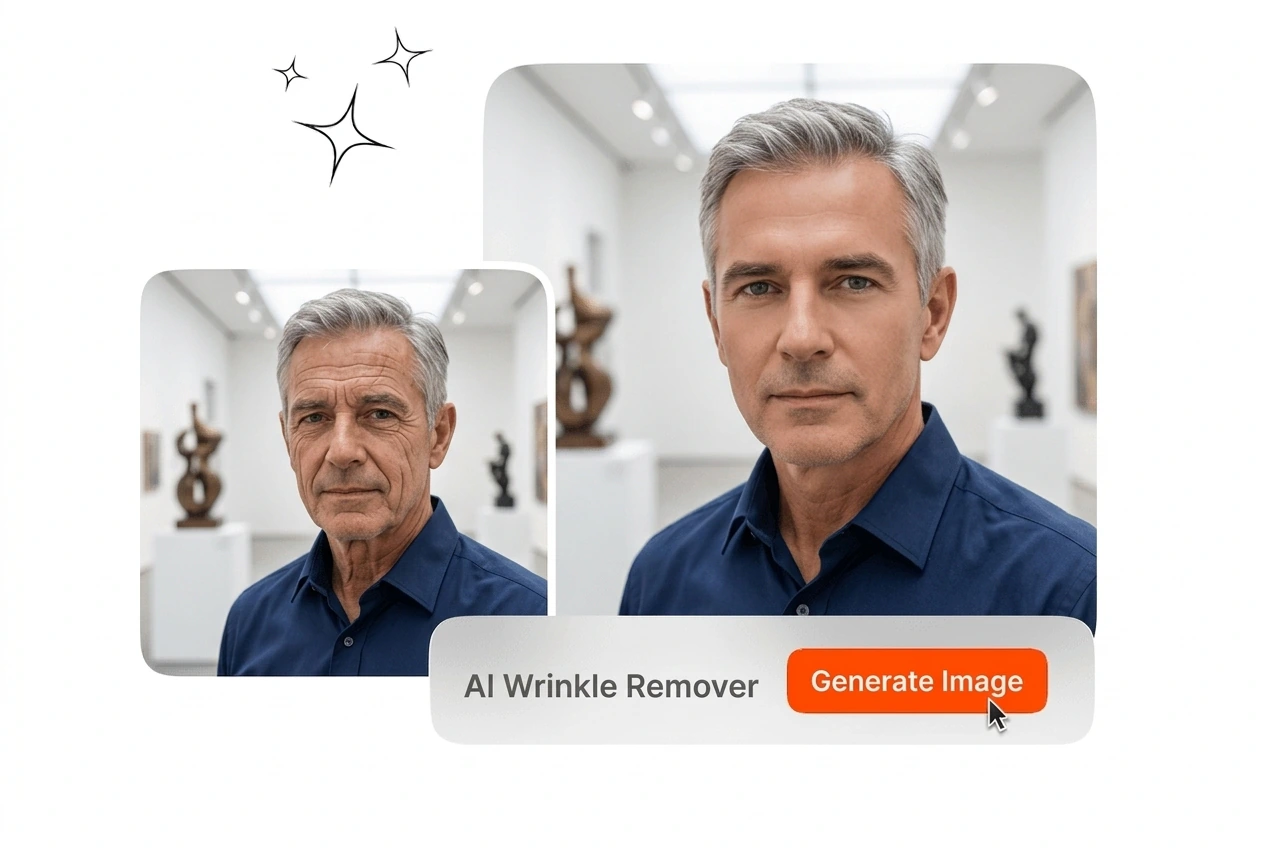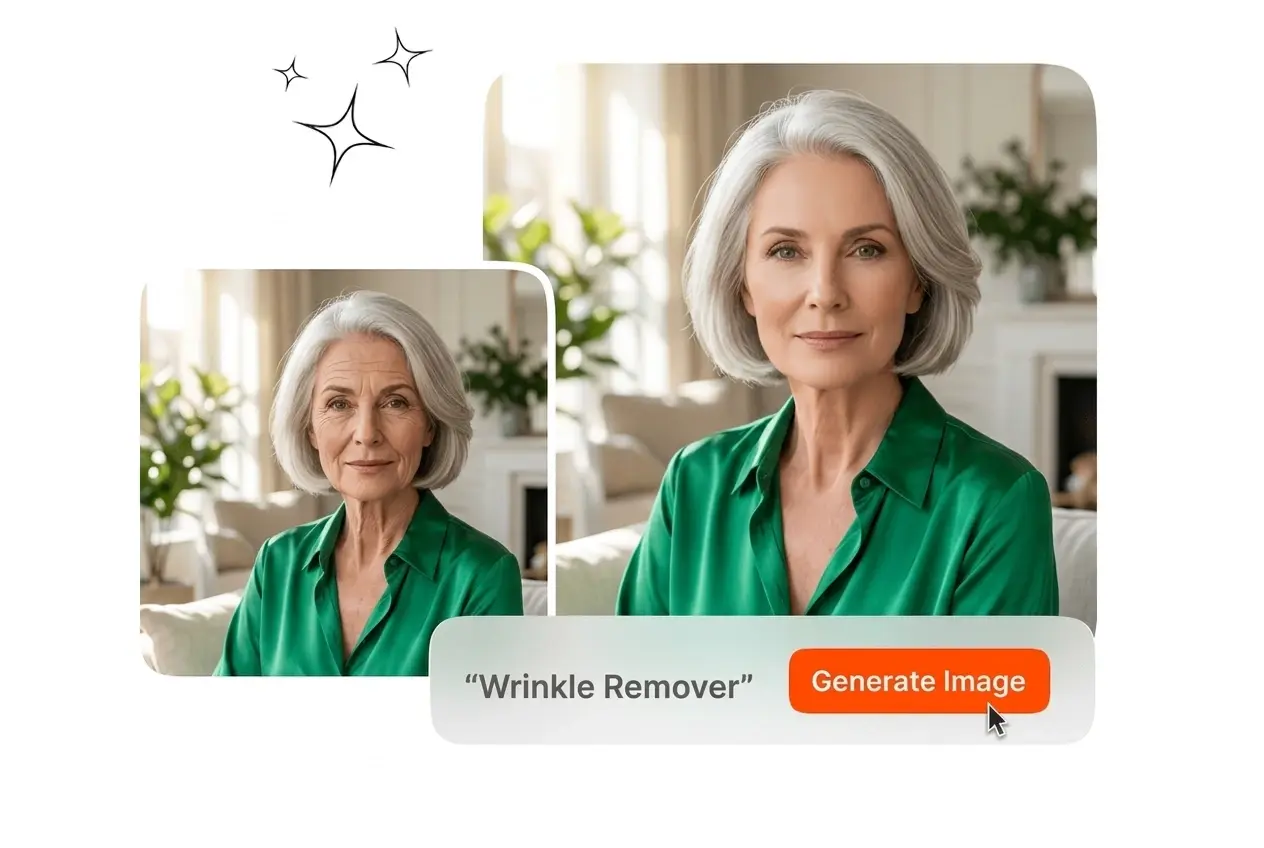
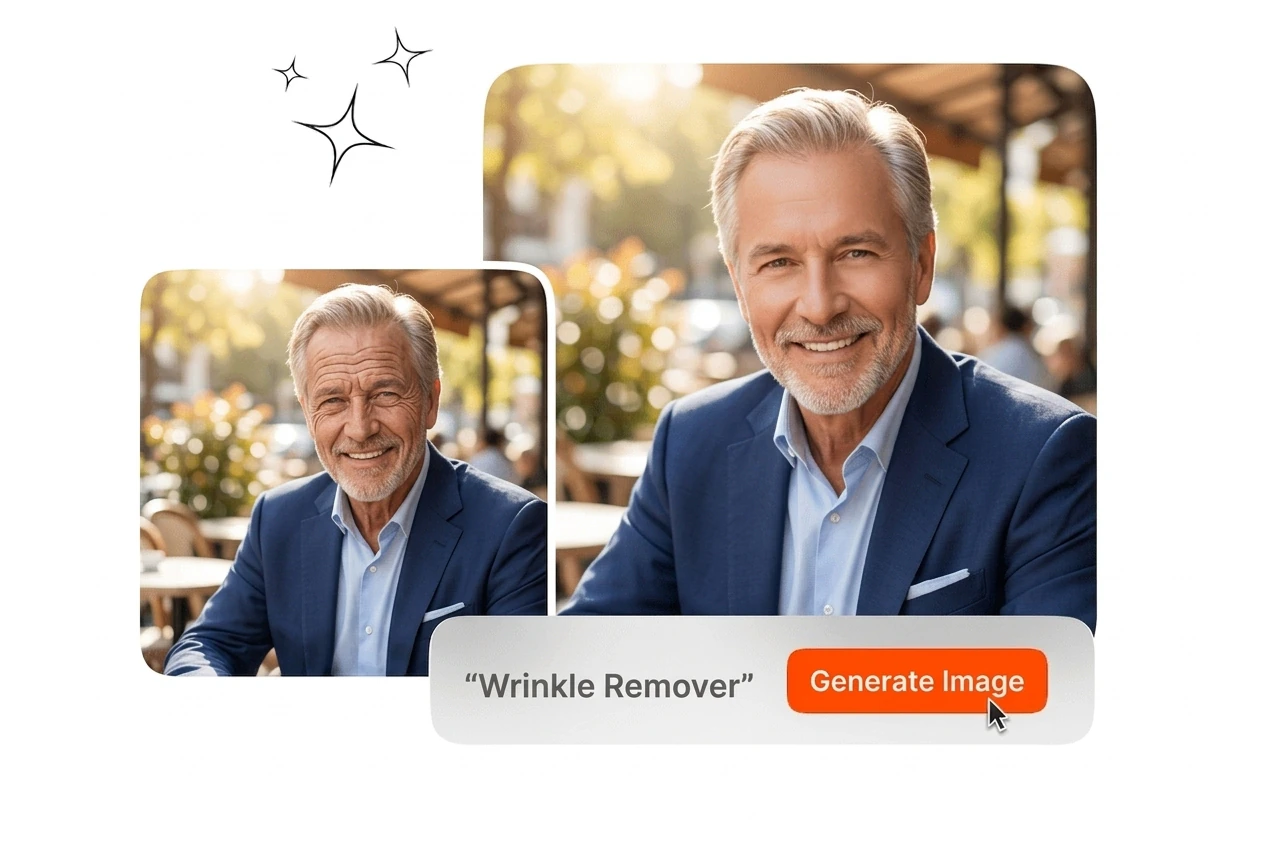
Free Al Wrinkle Remover

The AI Wrinkle Remover processes your uploaded portrait to smooth fine lines automatically. High-resolution exports require clear lighting in the original reference image.

Banner preview

Professional AI Wrinkle Remover

Upload a portrait and let the AI Wrinkle Remover smooth fine lines automatically. Export a clean, high-resolution image ready for professional use.

AI Wrinkle Remover For Portrait Workflows

Different professional roles require consistent skin retouching. The AI Wrinkle Remover handles repetitive editing tasks so you can finalize your image batches faster.

Photographer using AI Wrinkle Remover for headshots

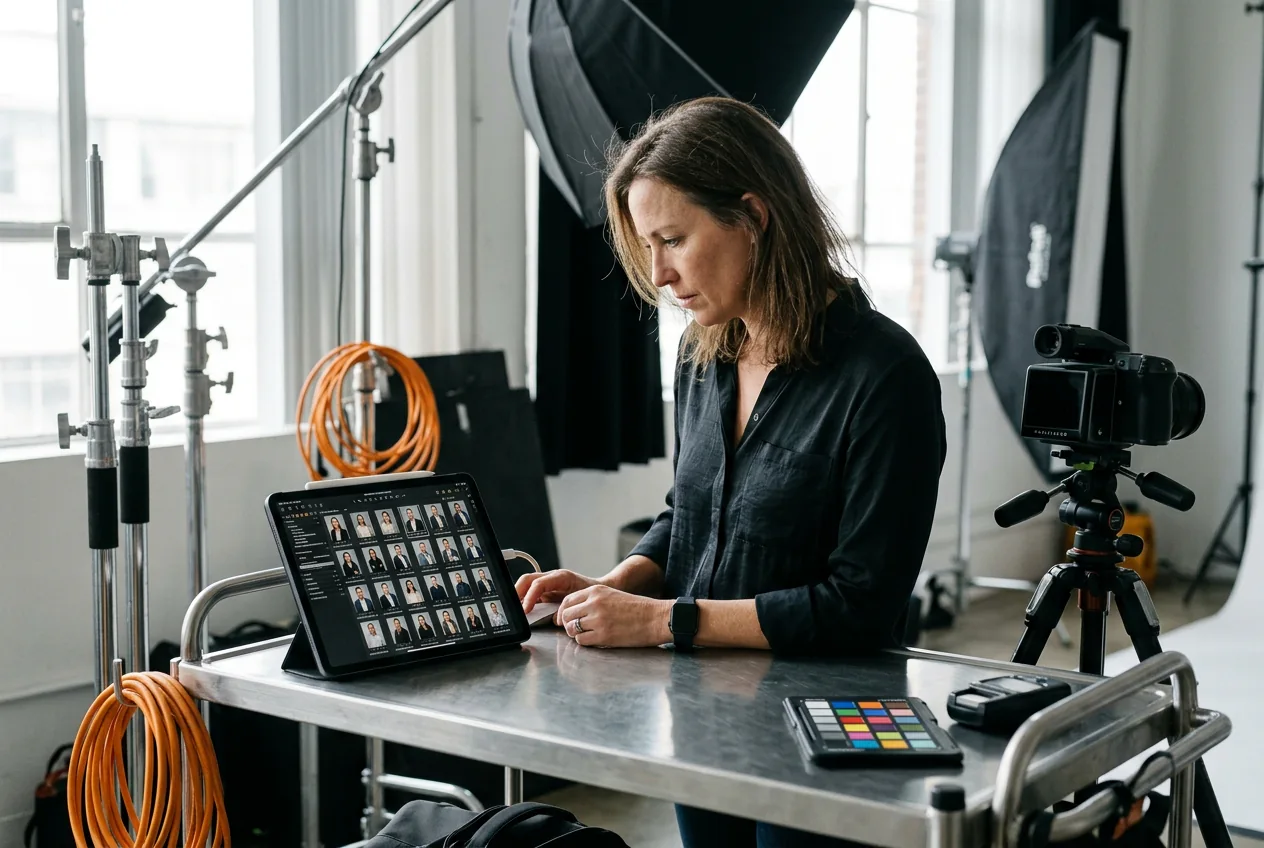
Corporate Headshot Photographers

You process dozens of employee portraits per session. The AI Wrinkle Remover handles the initial retouching pass automatically. This face Wrinkle Remover ensures consistent skin smoothing across the entire company gallery without manual brush work.
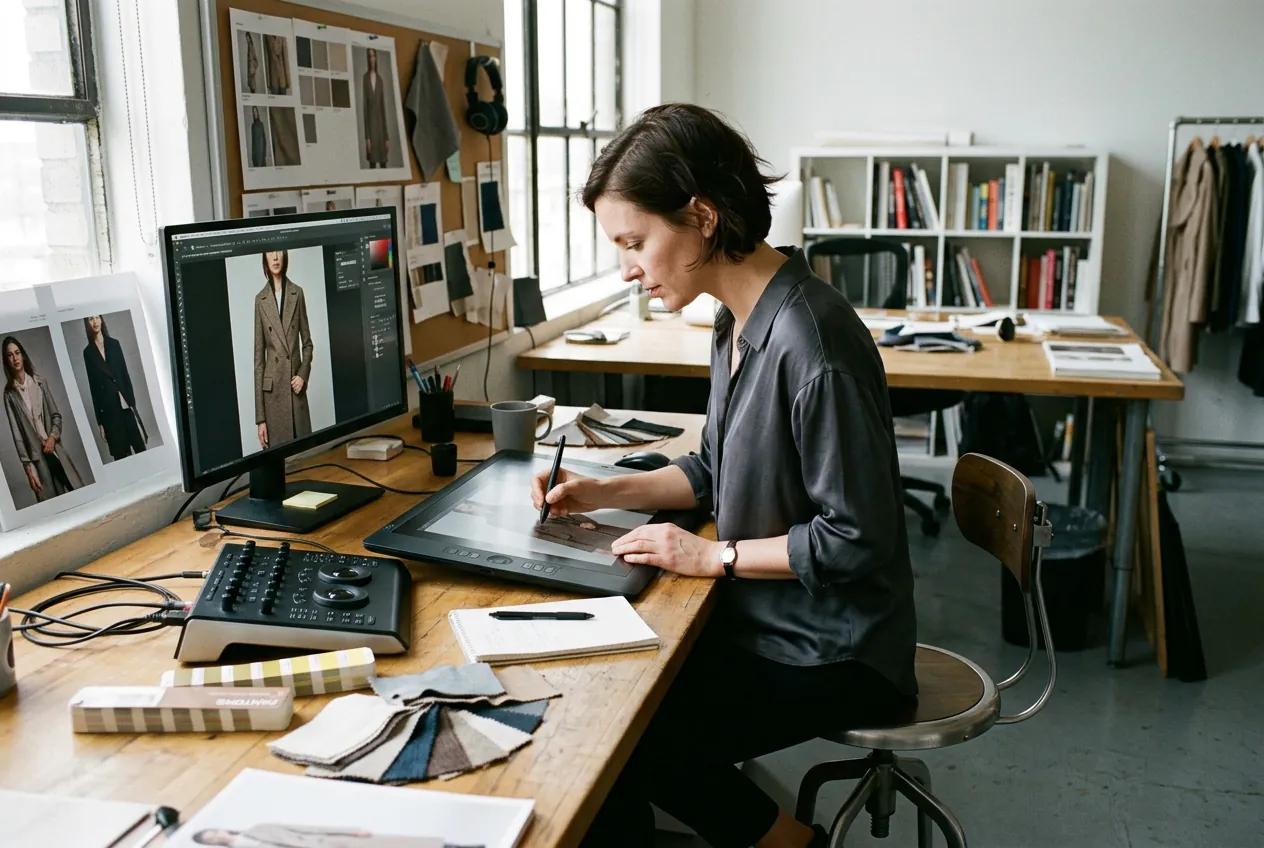
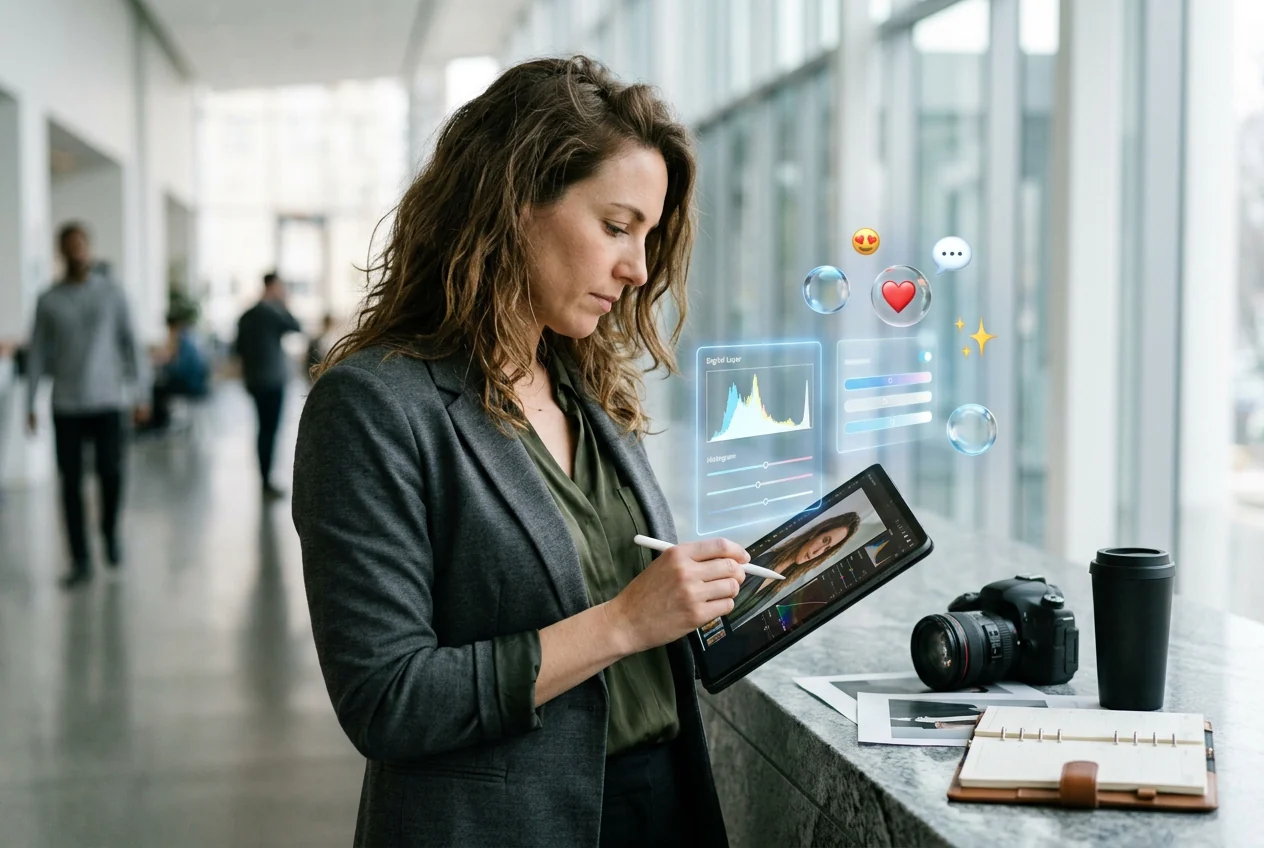
Retoucher applying AI Wrinkle Remover to models

Apparel Catalog Retouchers

Product timelines leave little room for detailed facial edits. Upload the model reference image and apply the Wrinkle Remover instantly. You get a natural result that maintains skin texture while keeping the focus on the apparel.

Manager exporting AI Wrinkle Remover social assets

Social Media Managers

Daily posting schedules demand quick turnarounds for executive photos. Use this photo Wrinkle Remover online to clean up portraits before publishing. The tool delivers a polished, professional look without requiring complex desktop editing software setups.

How the AI Wrinkle Remover Works

Process your portraits through a straightforward interface. Upload your reference image, adjust the smoothing intensity, and export the final high-resolution file immediately.

Step 1

Upload Reference Image

Select your source file and load it into the workspace. The system analyzes the face structure and identifies areas requiring adjustment automatically. Ensure your subject has clear lighting for the best detection results.

Step 2

Adjust Smoothing Intensity

Set the parameters for the specific facial regions. You can target the forehead or eye area individually, or apply a balanced skin smoothing effect across the entire face with one slider.

Step 3

Export Final Image

Review the processed portrait and verify the natural texture retention. Download the final file from the Veme AI Wrinkle Remover in high resolution, ready for immediate integration into your daily publishing workflow.

Core AI Wrinkle Remover Capabilities

Control the exact level of skin smoothing in your portraits. The AI Wrinkle Remover targets specific lines while preserving essential facial details and lighting.

Natural Texture Retention

Heavy editing often results in an artificial plastic appearance. This AI Picture editor smooths fine lines while keeping natural pores and lighting intact. Your final export looks authentic and requires no additional color correction steps.

AI Wrinkle Remover natural skin texture retention

Targeted Regional Control

Different facial areas require different levels of processing. The AI Wrinkle Remover lets you isolate the forehead, crow's feet, or smile lines independently. Adjust the intensity for each zone to achieve a precise, balanced outcome.

AI Wrinkle Remover targeted facial zone control

Automatic Tone Matching

Manual edits frequently leave mismatched skin tones around the treated areas. This AI Image changer automatically aligns the lighting and color of the smoothed sections with the original image. The result blends perfectly without visible borders.

AI Wrinkle Remover automatic skin tone matching

High-Resolution Output

Professional workflows demand crisp final assets for print and digital use. Process your files through the AI Wrinkle Remover and export them at full resolution. The system maintains strict image quality for all commercial applications.

AI Wrinkle Remover high resolution export preview

AI Wrinkle Remover FAQ

Upload your source file into the workspace and select the smoothing tool. The system detects facial lines automatically, allowing you to adjust the intensity. This workflow provides a clean result for professional headshots without manual brushing.

Start Using The AI Wrinkle Remover

Upload your reference image and adjust the smoothing parameters. Export a clean, professional portrait with natural skin texture in minutes.

Create Free