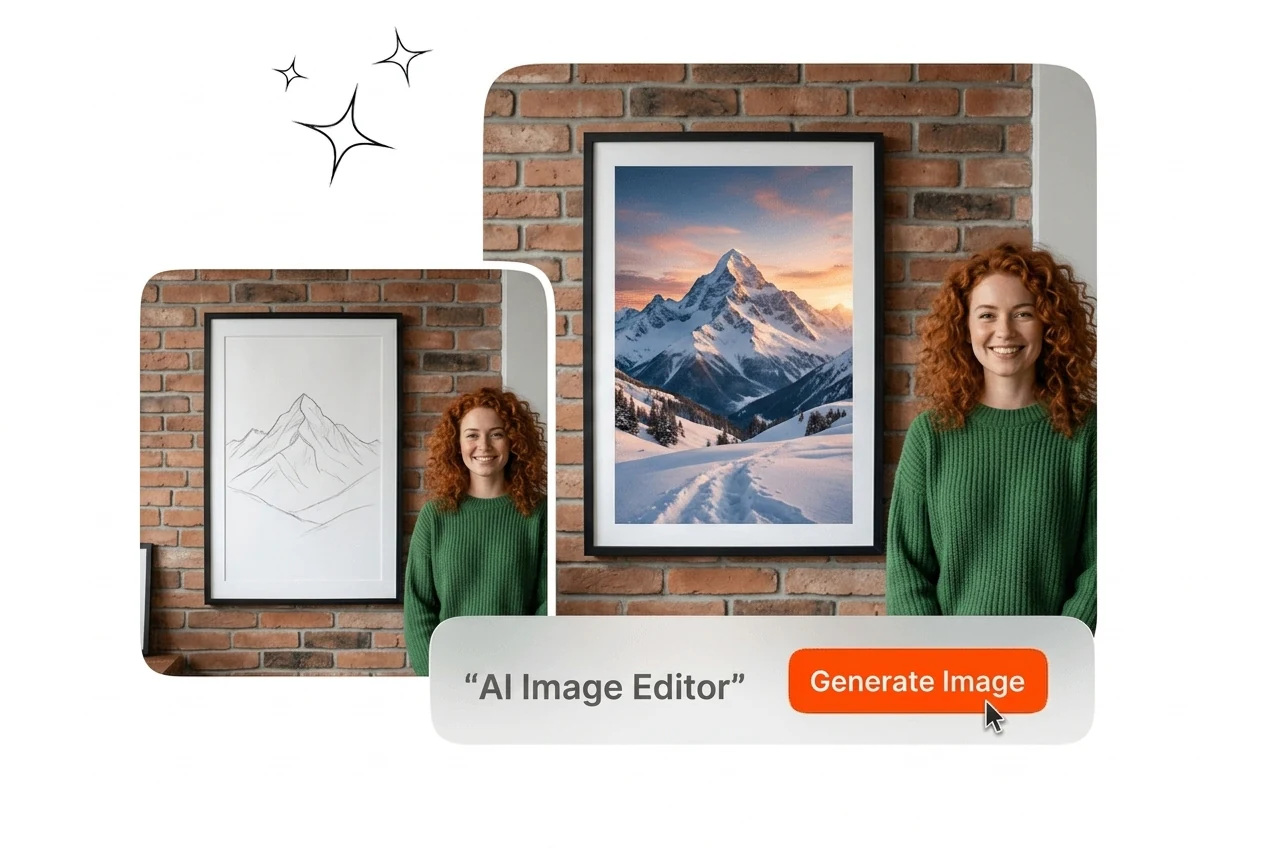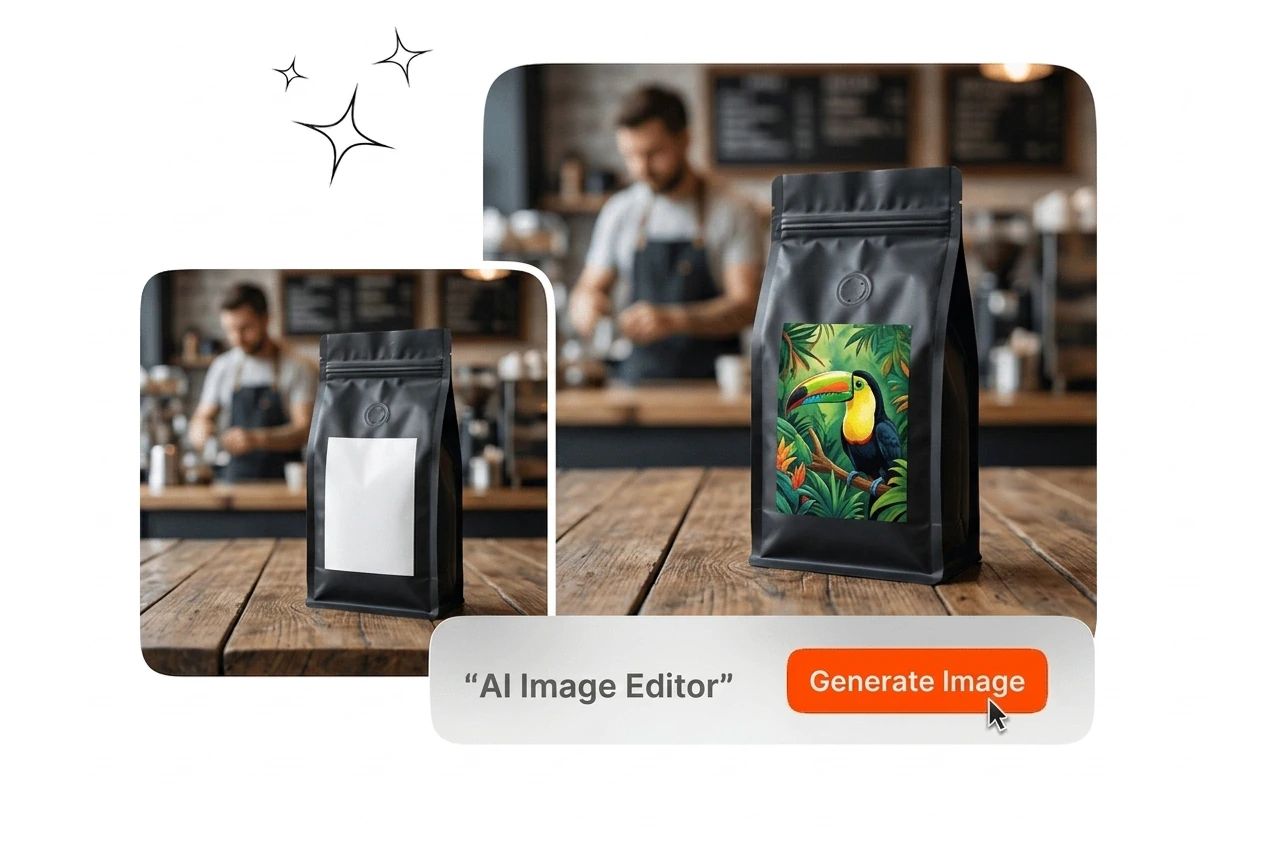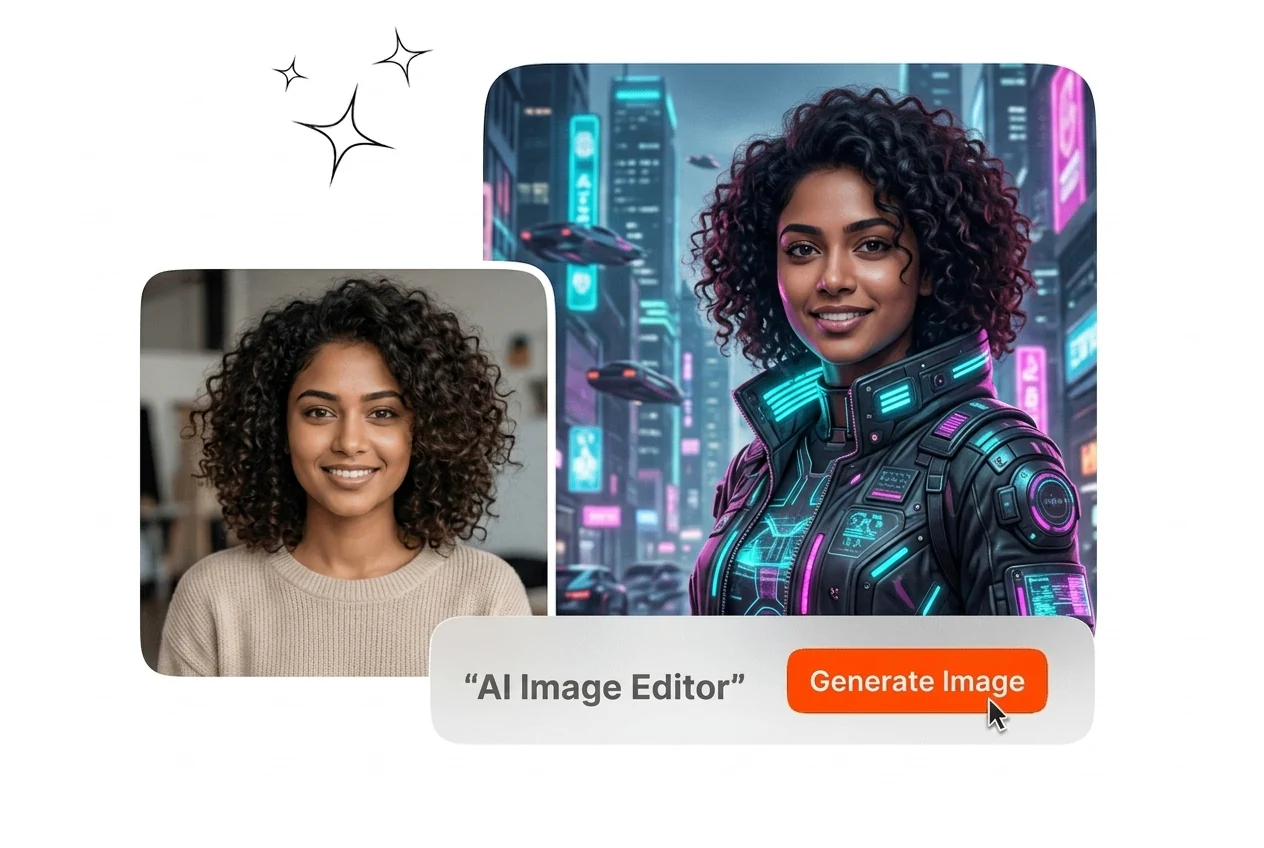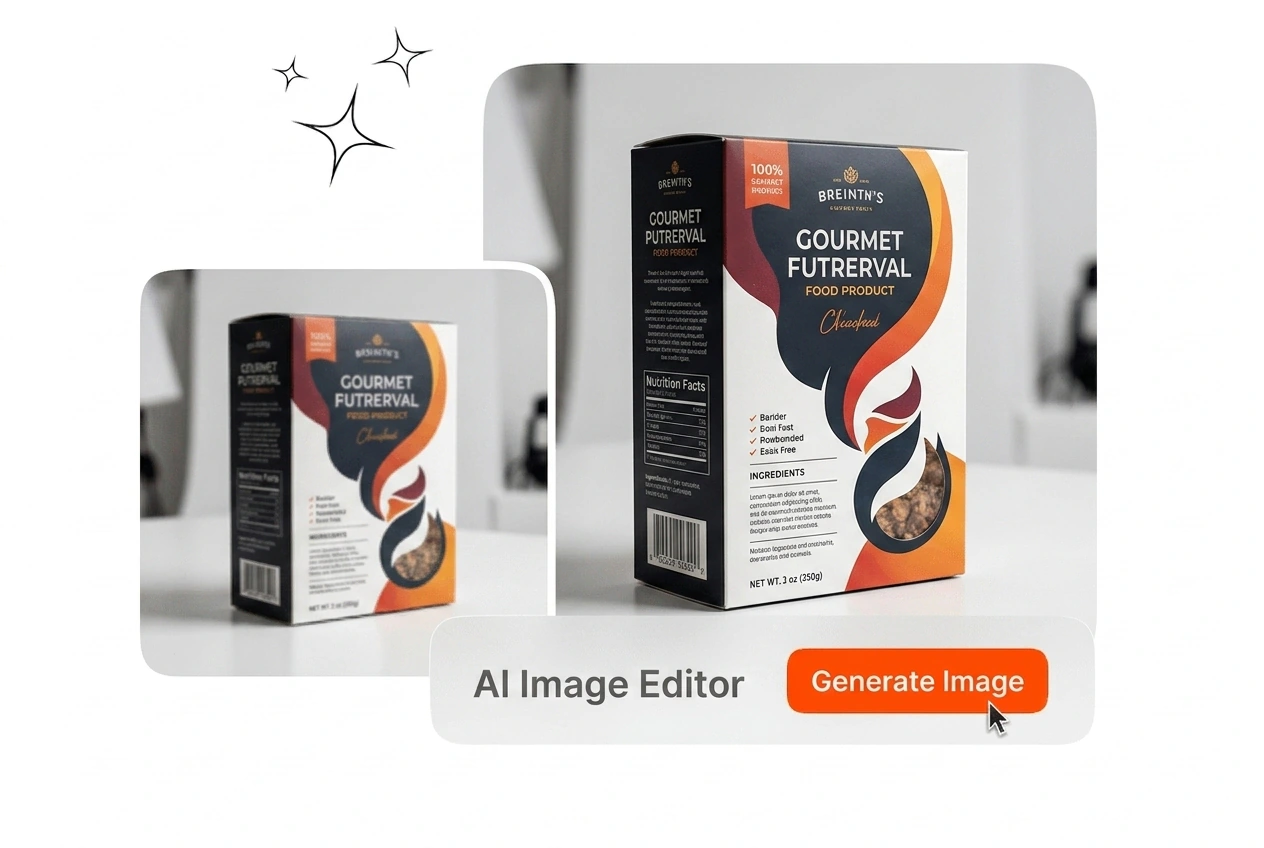
AI Image Editor

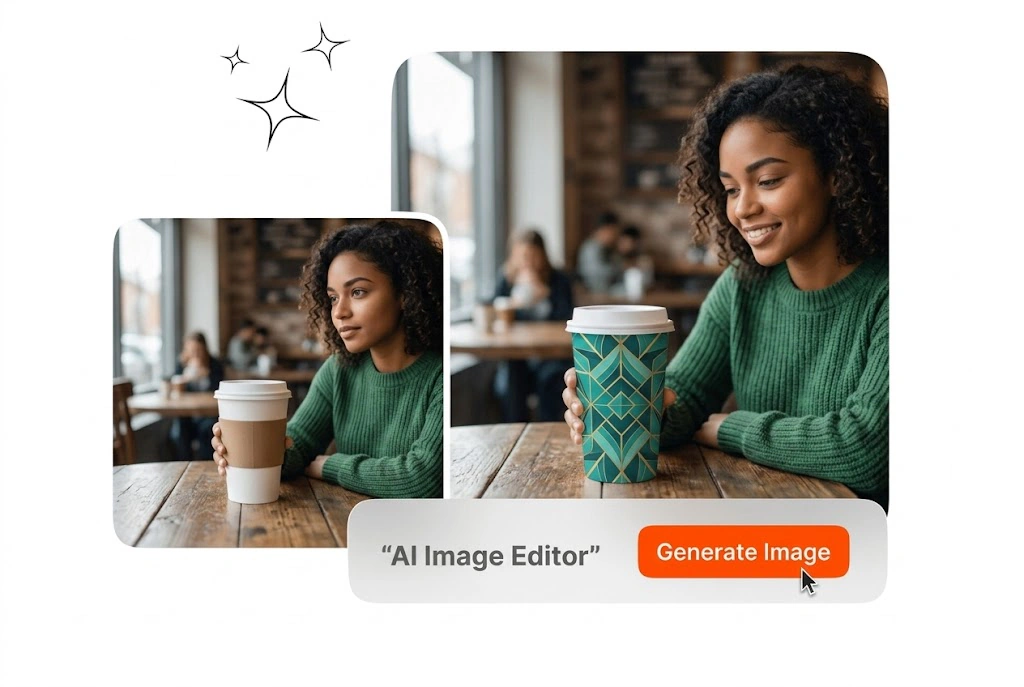
Upload an image, mark what you want to change, and generate polished edits with AI in one focused workspace.

FROM INPUT TO FINAL IMAGE IN SECONDS

Step 1

Upload Source

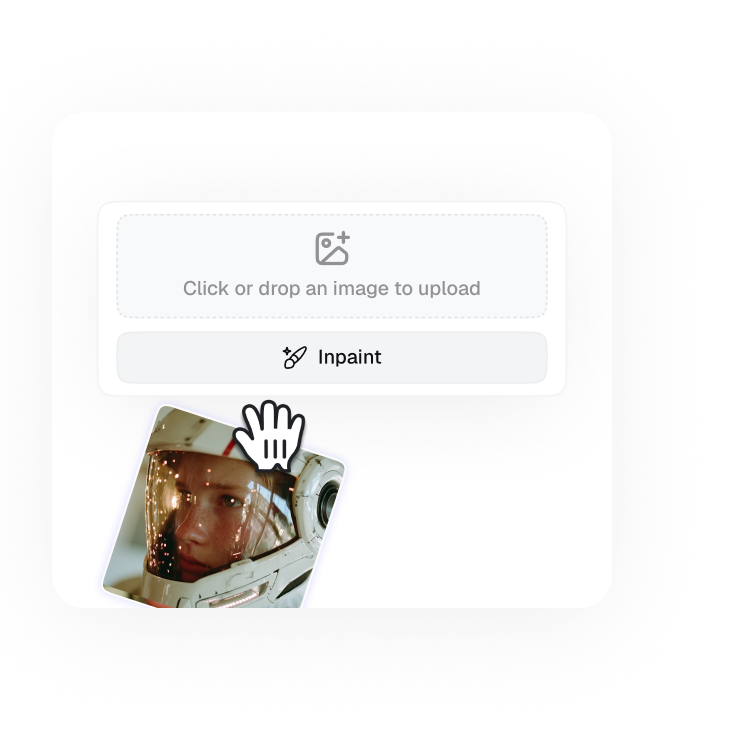
Import up to 15 images as reference materials to begin your creation process.

Step 2

Edit with Prompt

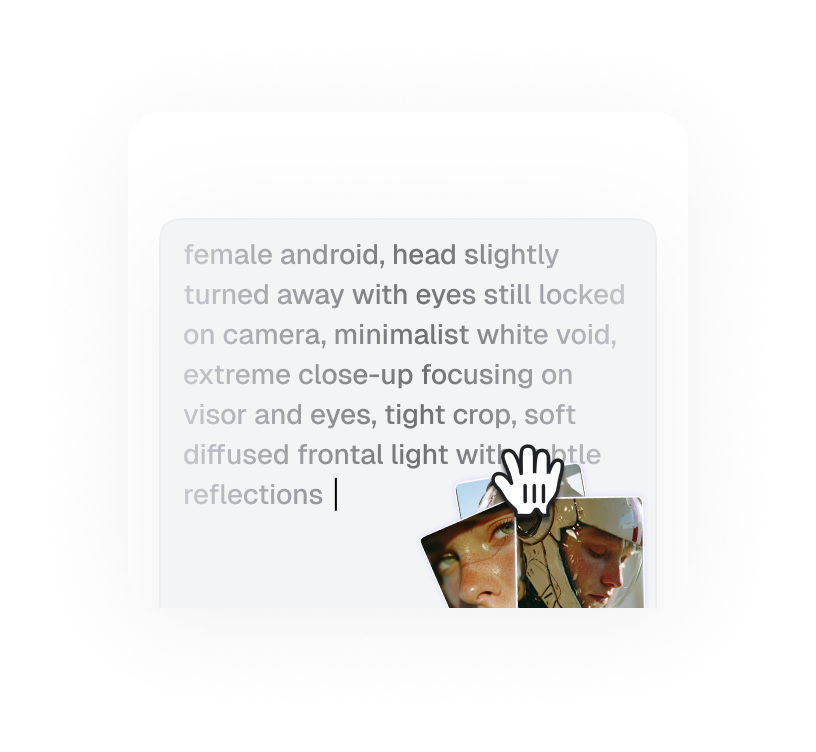
Just type in a simple description of what you want to see, such as the style, scene, or overall feeling.

Step 3

Generate Your Image

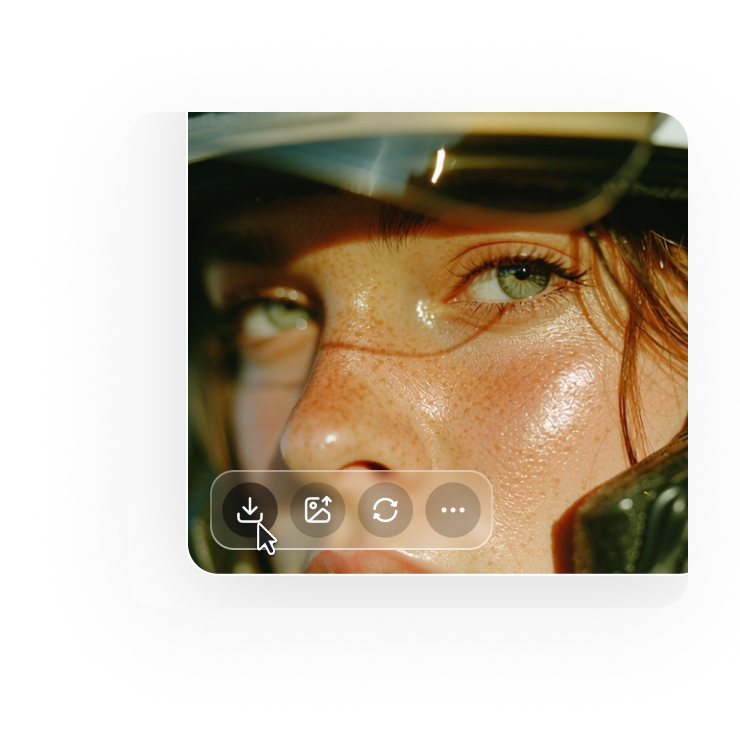
Click the generate button and wait a few seconds to get a high-quality image you can download or use immediately.

Edit Any Image with AI

AI Image Editor handles image editing, background removal, style changes, and portrait retouching. Use AI Image Editor with reference images, then export clean results quickly.

Who Uses This AI Image Editor

Creators, marketers, and design teams use AI Image Editor to retouch assets fast, keep visual consistency, and ship polished outputs without heavy desktop tools.

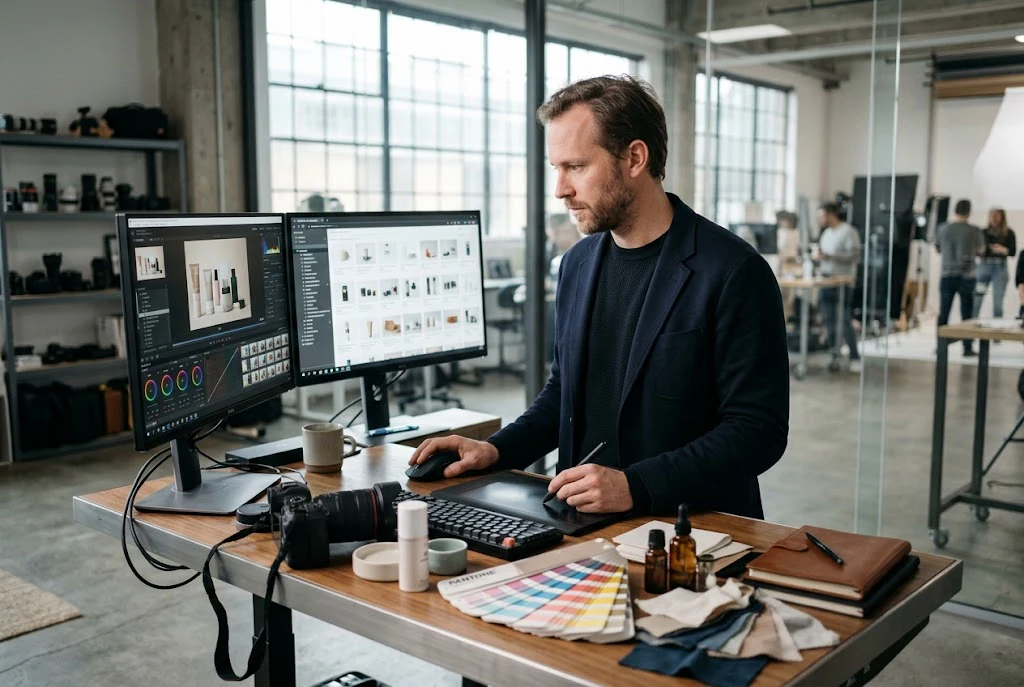
E-commerce team using AI Image Editor product shots

E-commerce Teams

Product teams managing high-volume catalogues use this tool to remove backgrounds, swap scene settings, and unify visual style across hundreds of product images. Each export matches the same colour grade and framing without manual adjustment per image.
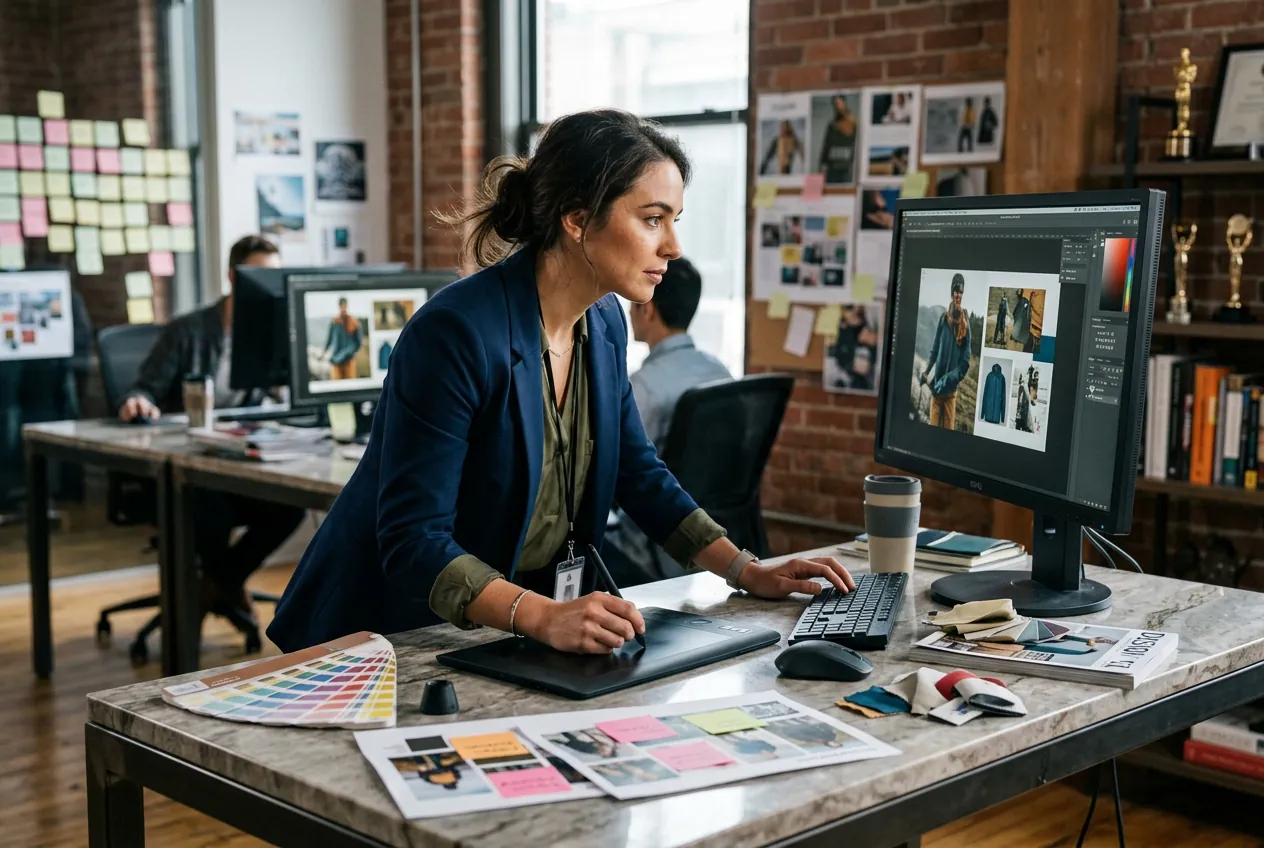
Brand marketer editing images with AI Image Editor

Brand Marketers

In-house marketing teams producing campaign assets use the edit photo online free workflow to update ad visuals, adjust colour, and retouch brand imagery between campaign cycles. Output stays consistent across formats without sending files back to a retouching vendor.

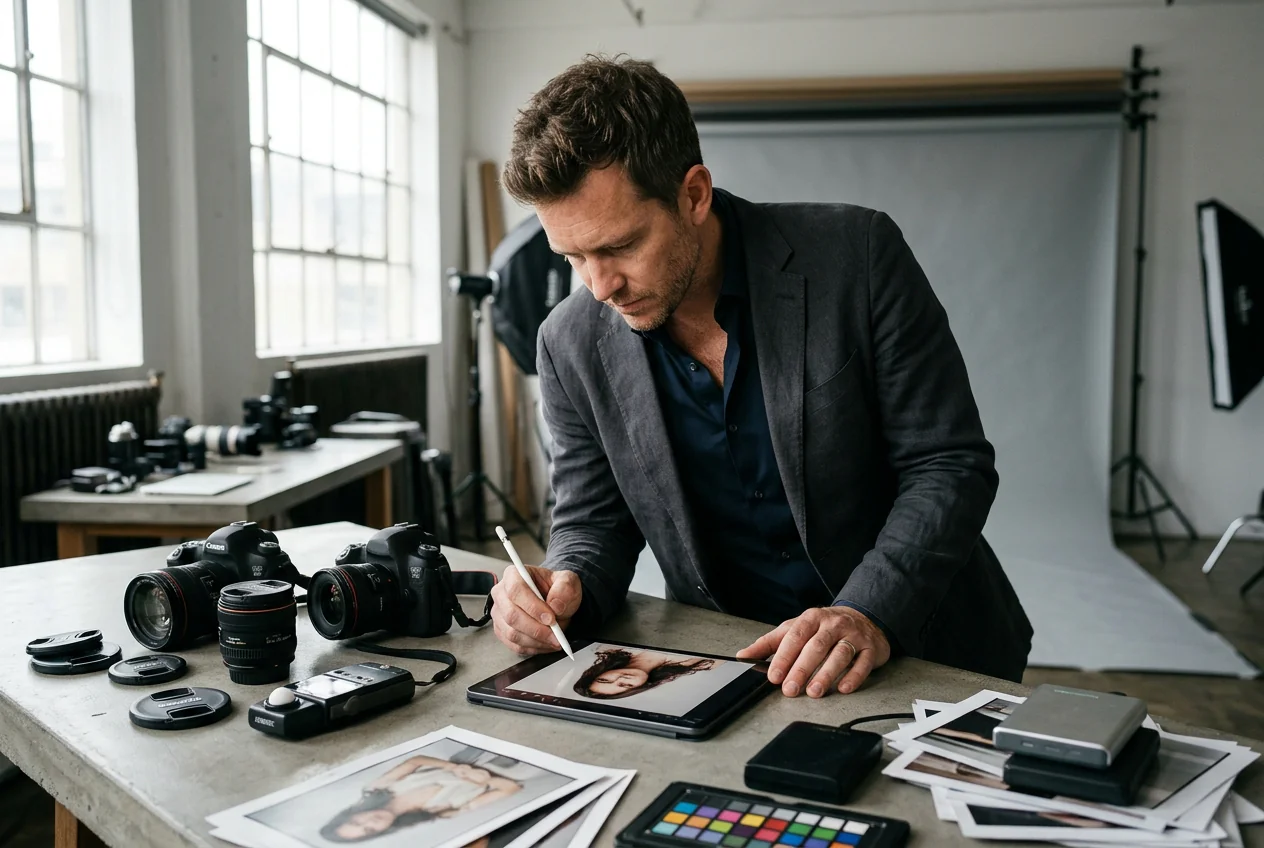
Portrait photographer retouching with AI Image Editor

Portrait Photographers

Photographers handling client portrait work use the skin retouch, lighting correction, and outfit change capabilities to deliver final images faster. The tool keeps facial identity and skin texture intact while applying targeted edits to background or clothing.

How the AI Image Editor Works

Use AI Image Editor in three steps to upload, refine, and export polished visuals fast. Keep edits consistent across repeated content tasks.

Step 1

Upload Your Image

Upload your source image or a reference image that sets the visual direction. Supported formats include JPEG and PNG. The higher the source resolution, the cleaner the edited output will be.

Step 2

Set Your Edit

Describe what should change or select the target region using the brush tool. Specify background replacement, object removal, style shift, or portrait retouching. The AI reads the region and applies only the changes you define.

Step 3

Export Your Result

Review the edited image in the preview panel. Adjust the edit scope if needed, then export at your target resolution. Output is clean and ready for use in campaigns, listings, or print without further processing.

AI Image Editor Key Capabilities

These AI Image Editor capabilities cover practical editing needs including retouching, transformation, background cleanup, and quality control for social, ecommerce, and design workflows.

Natural Language Edits

AI Image Editor provides precise retouch controls for color, texture, and local corrections in one workflow. Teams use AI Photo Editor quality while reducing repetitive edits. It supports Retouch Photo, fix image, and Photo Editing Tool needs in projects.

AI Image Editor applying natural language background swap

Region-Locked Editing

AI Image Editor handles style conversion and image-to-image workflows without forcing complex software steps. Creators can transform drafts into polished variants quickly. It supports image to image ai, transform image, Text to photo, and Edit images with AI scenarios.

AI Image Editor regional mask selection and retouch

Portrait Identity Retention

AI Image Editor streamlines cleanup tasks like remove background, sharpen detail, and controlled enhancement in one place. This reduces tool switching during delivery cycles. It supports enhance image, Sharpen image, and free ai image editor workflows for production.

AI Image Editor portrait identity consistency across edits

Upscale and Enhance Output

AI Image Editor supports online editing from any device with fast export and revision loops. Teams finish edits without heavy desktop suites. It fits Online Image Editor, edit photo online free, generate image, and ai image editors production needs daily.

AI Image Editor upscale image resolution enhancement result

AI Image Editor Common Questions

Yes, the remove background function isolates the foreground subject and strips the background cleanly. It works best when the subject has clear edges and the source image is well-lit. The resulting cutout exports at full resolution, ready for placement on any new background.

Start Editing Images with AI

Start with AI Image Editor today as a photo editor online free, then export visuals fast. Keep AI Image Editor edits consistent for ecommerce tasks.

Create Free