

AI Clothes Wrinkle Remover
Remove wrinkles from any garment in your photo and keep the fabric looking natural. The tool detects clothing areas in your image and smooths out creases without losing texture or color. Upload a portrait, product shot, or outfit photo and export a cleaner version in one pass.
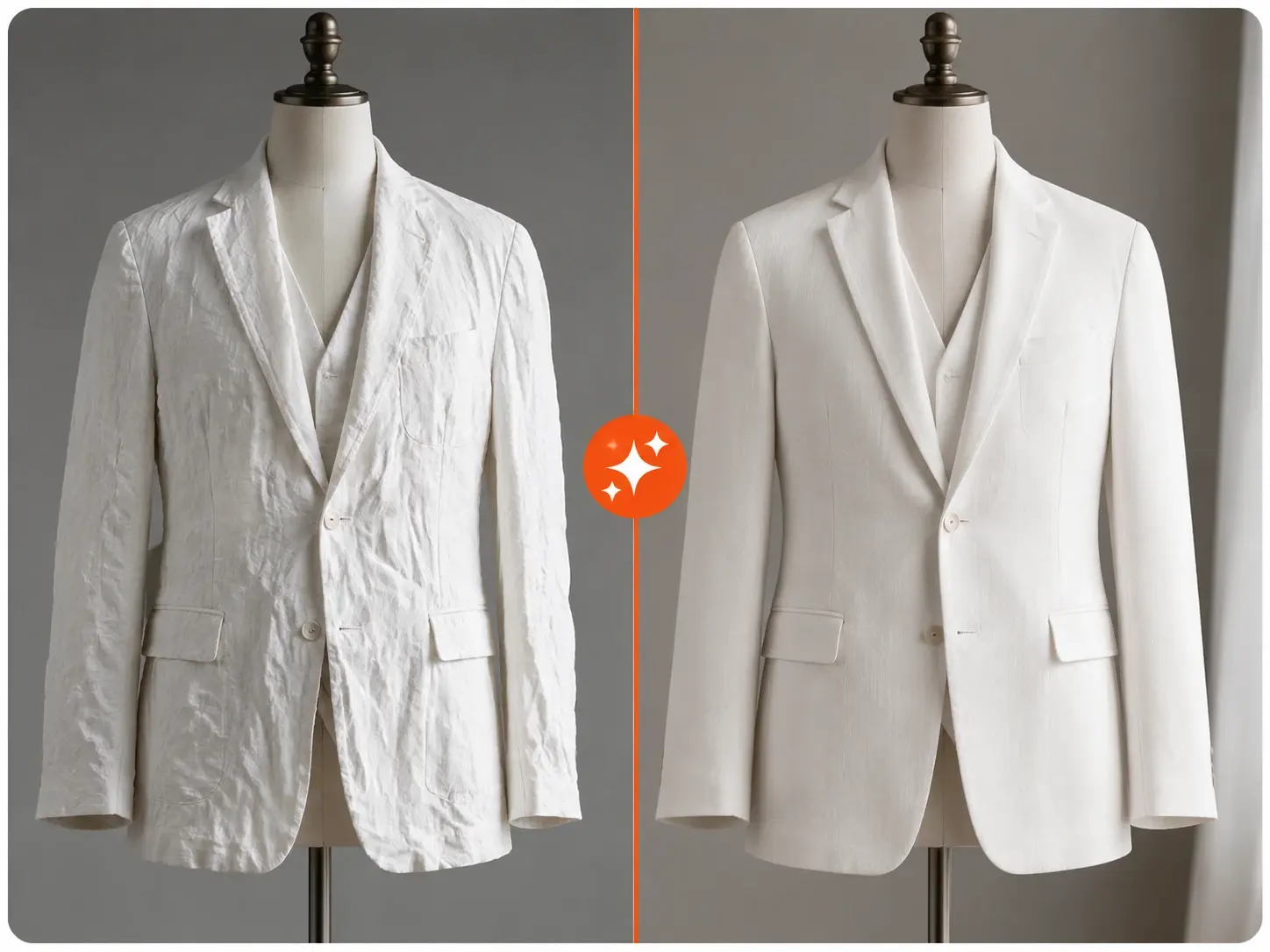
Inside The Clothes Wrinkle Remover
The controls that turn a creased garment into a flat, clean image you can ship.
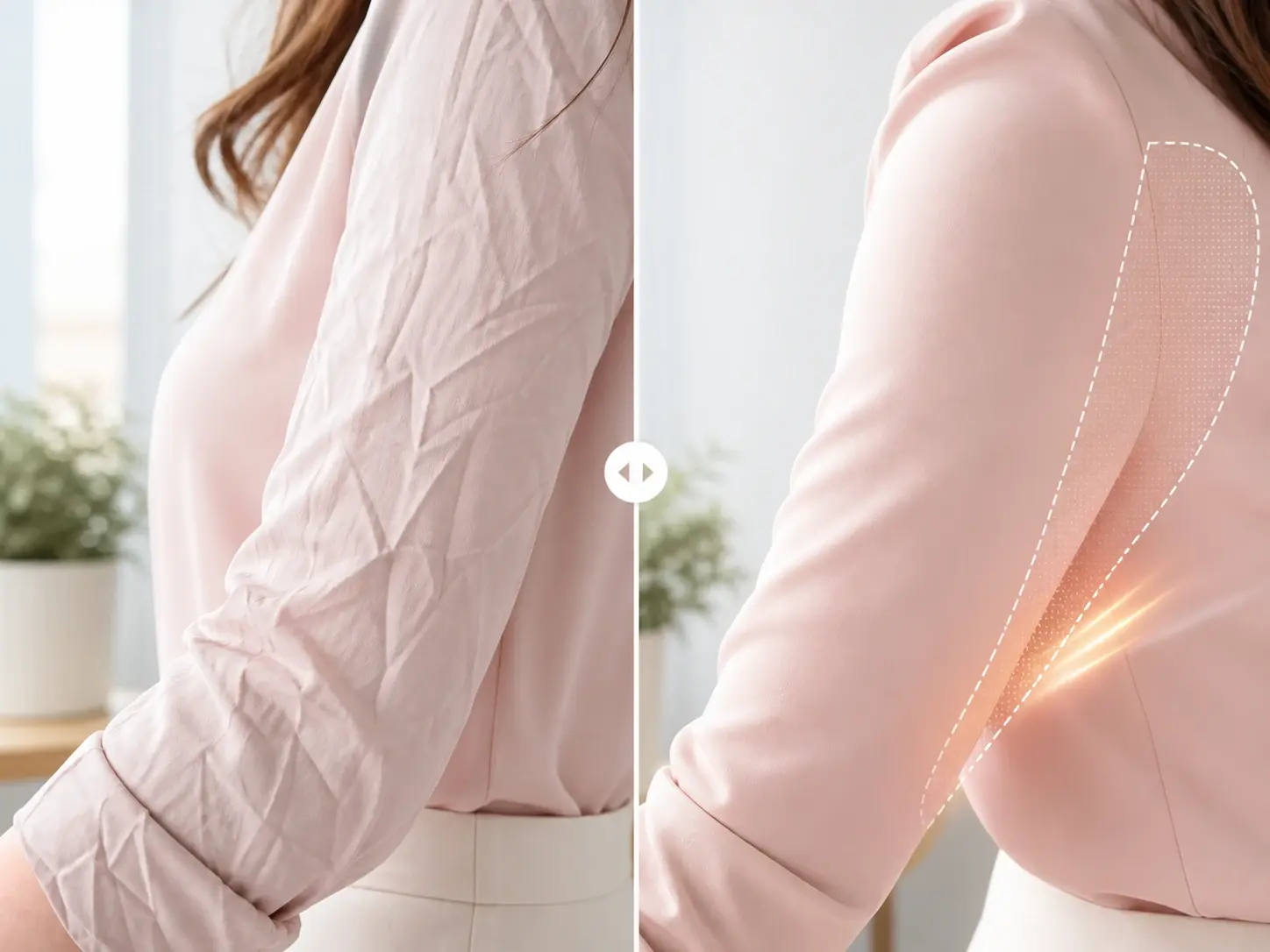
Fabric Aware Smoothing
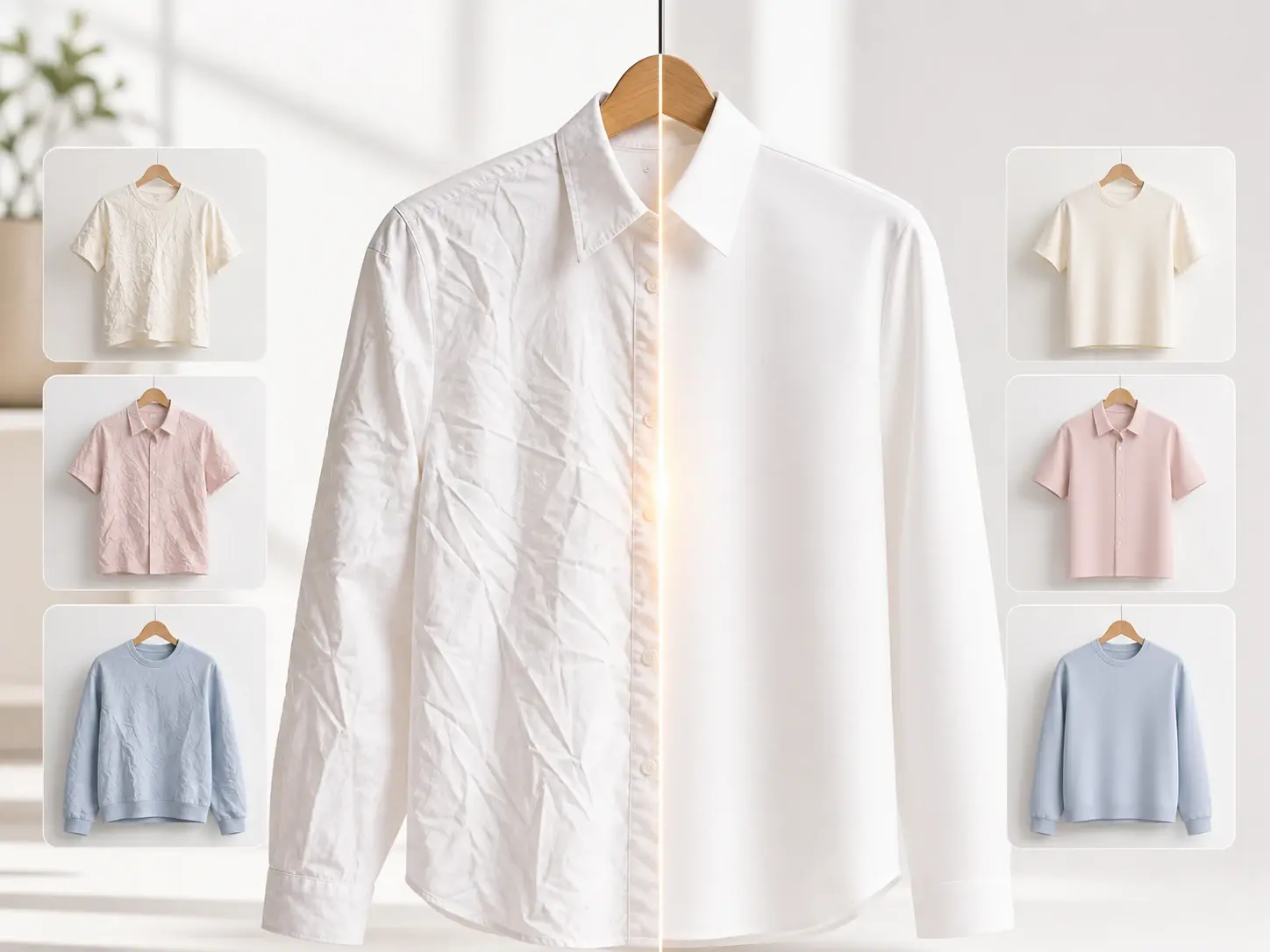
The Clothes Wrinkle Remover detects the garment area and separates the crease from the weave. Mark the region or let the tool find the clothing on its own, then confirm the pass. Your output keeps the fabric texture and the color while the press lines disappear.
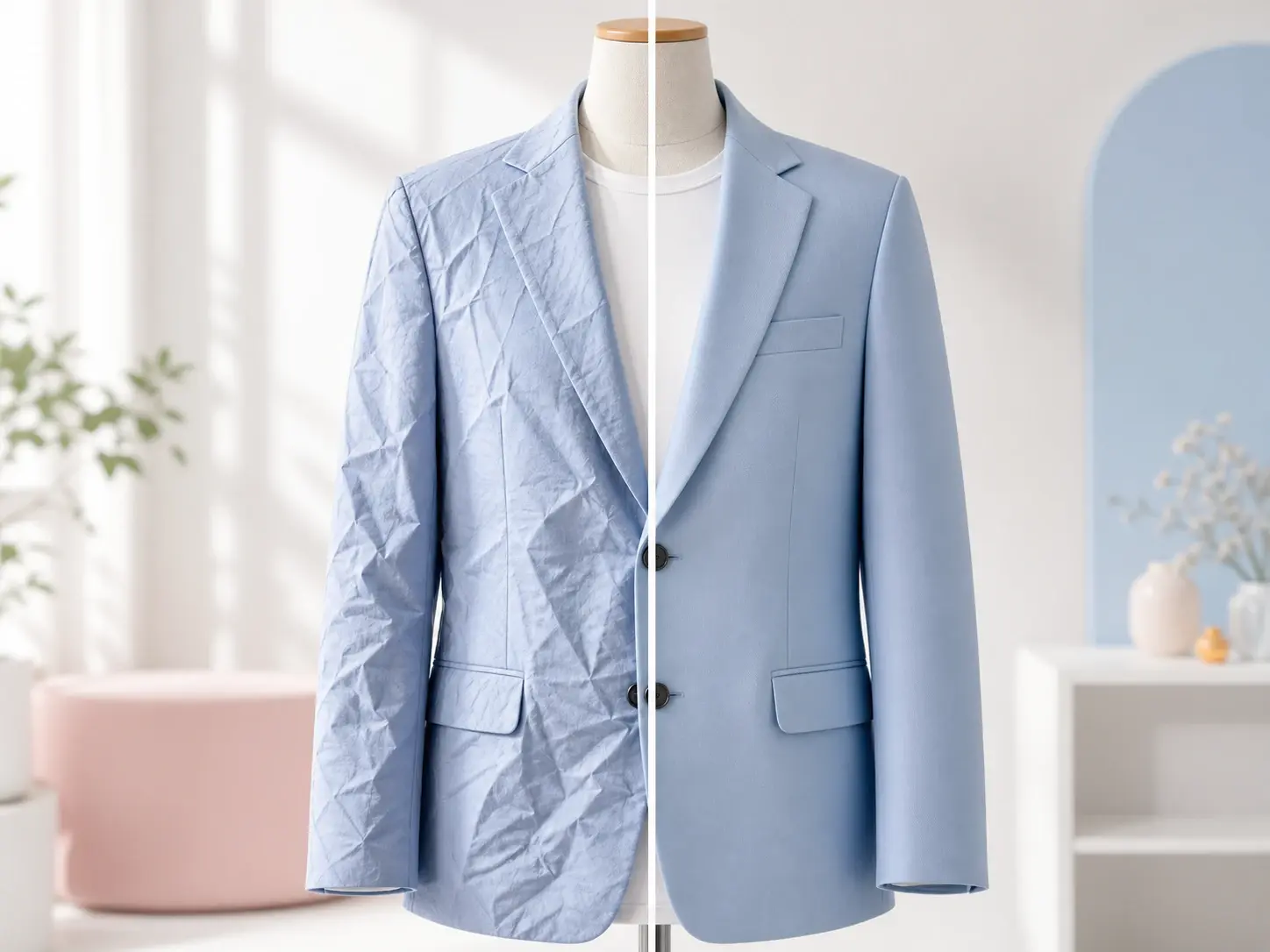
Deep Crease Repair
Heavy folds and packing lines need more than a light pass. Set the strength higher and the ai wrinkle remover clothes rebuilds the flat surface under the fold. The result holds the seam and the drape, so the garment looks pressed, not painted over.
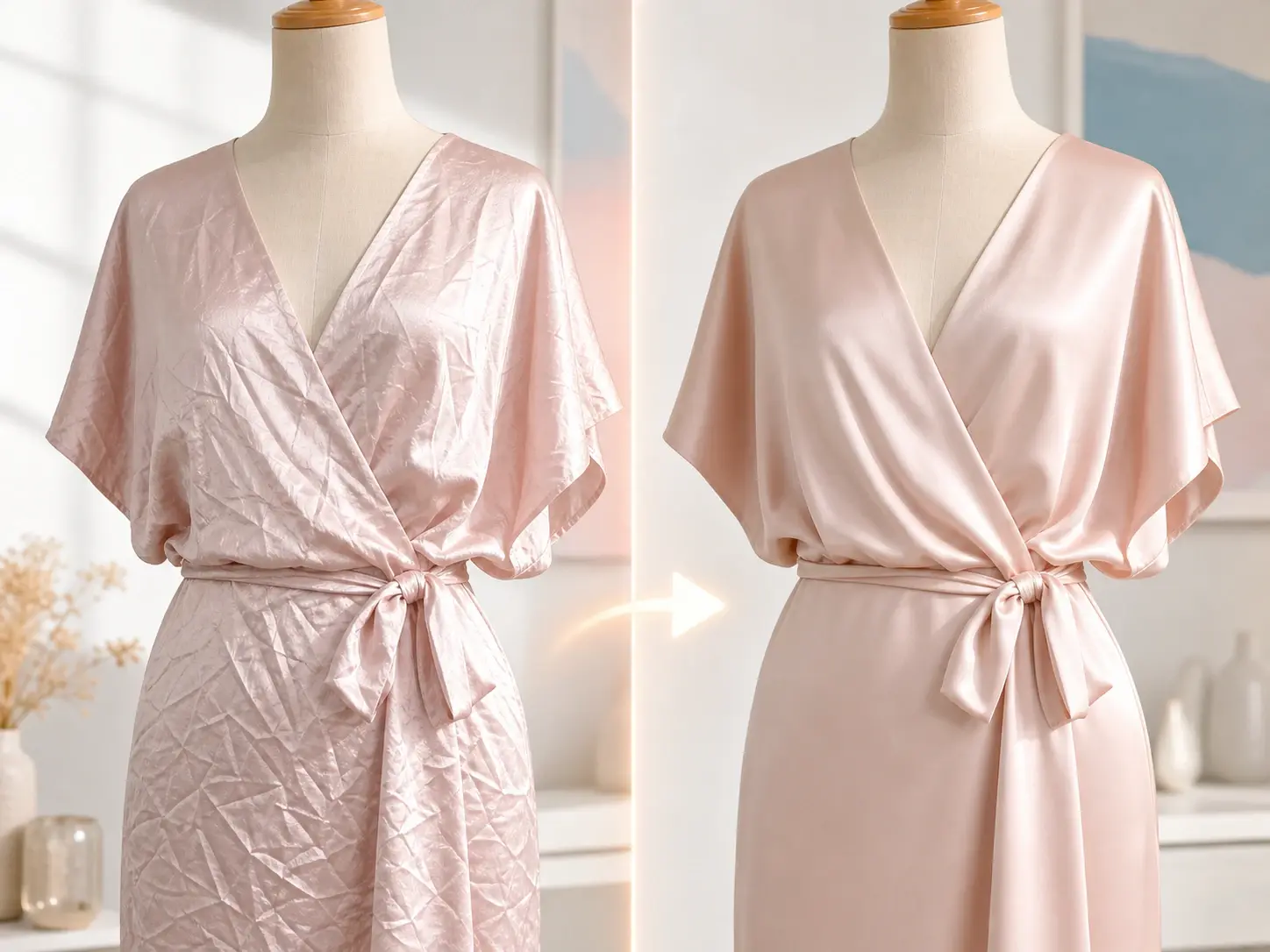
Texture Preserving Output
A flat garment still has to read as real cloth. The Clothes Wrinkle Remover keeps the grain on cotton, the sheen on silk, and the line on denim. Preview the change side by side and export a frame that smooths out wrinkled clothing without a plastic look.
Batch Listing Cleanup
Storefront galleries need a consistent finish across many shots. Load a set of product photos and the Clothes Wrinkle Remover applies the same flat result to each garment. Export a clean batch for Amazon, Shopify, or Etsy in one session instead of one frame at a time.
Clothes Wrinkle Remover vs Manual Retouch
How the Clothes Wrinkle Remover changes a job that used to mean a reshoot or hours of masking.
Photo Edit vs Reshoot
A steam and reshoot resets the lighting and costs a studio hour. The Clothes Wrinkle Remover fixes the crease in the frame you already shot, so the angle and light stay the same. You keep the good take and skip the second session.
Auto Detect vs Hand Masking
Manual retouch means tracing the garment edge and cloning the fabric by hand. This Clothes Wrinkle Remover finds the clothing area and flattens it for you. The hours of masking drop to a short pass with a quick review.
Texture Kept vs Blur Smear
An old blur tool flattens the crease and the weave together, which leaves a smeared patch. The Clothes Wrinkle Remover separates the fold from the texture, so the cloth still reads as cloth. Your output looks pressed rather than washed out.
Clothes Wrinkle Remover Questions
Flatten A Creased Garment Fast
Open the Clothes Wrinkle Remover in veme, upload your photo, and export a flat, clean garment frame with the fabric texture still in place.