Free Image to Cartoon

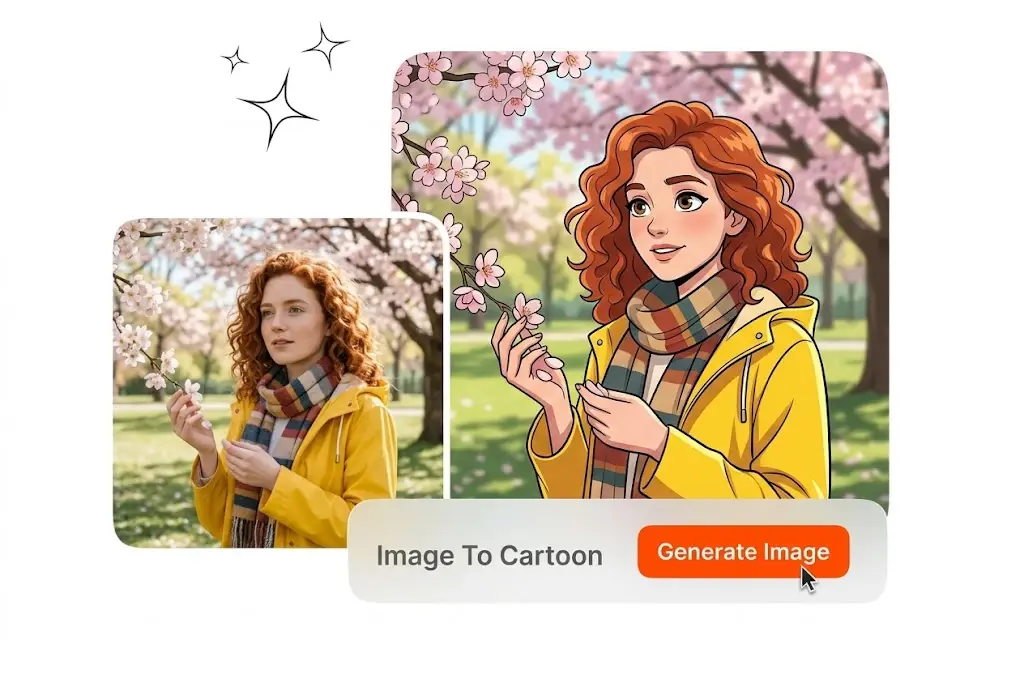
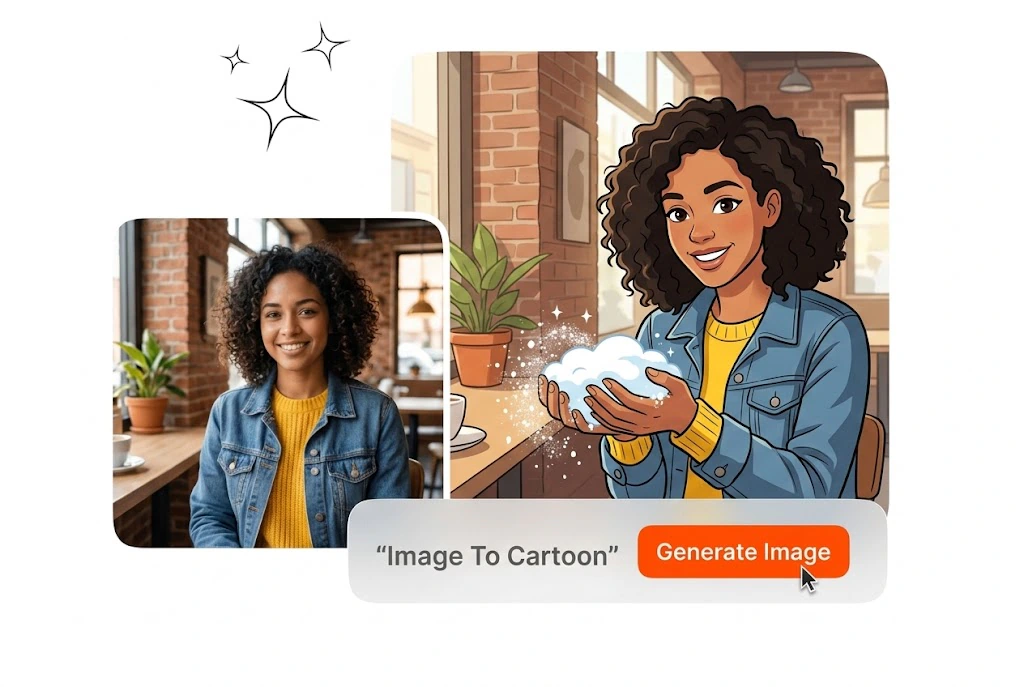
This Image to Cartoon tool converts JPG or PNG photos into cartoon looks. Upload a file, pick a style, export a sharp cartoonize photos fast.

Banner preview

Image to Cartoon Fast Stylized Photo Output

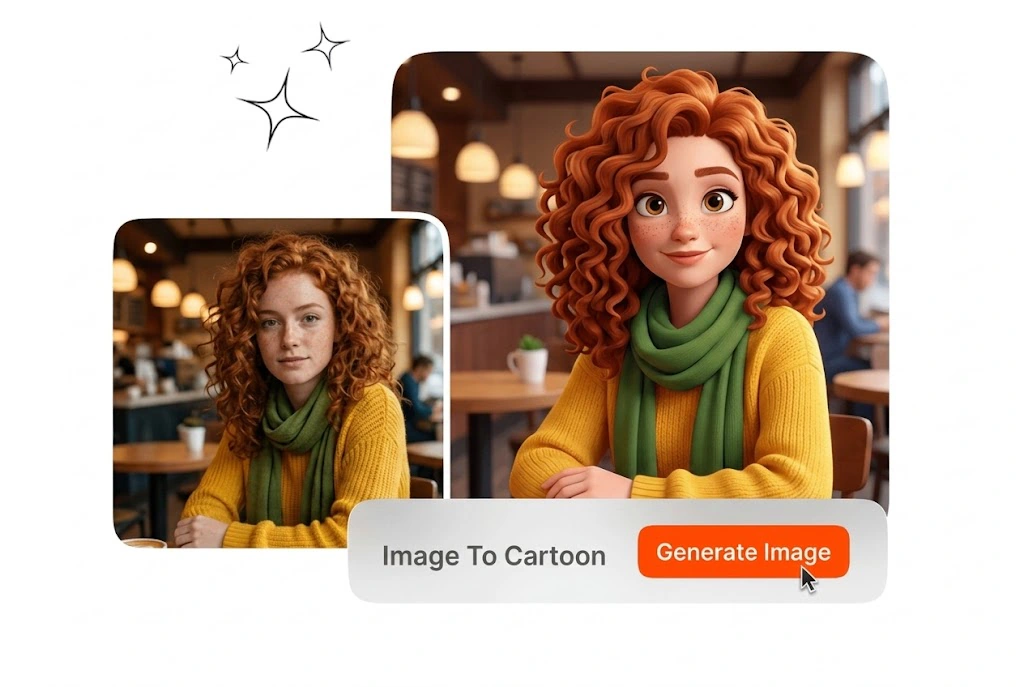
This Image to Cartoon flow keeps facial cues readable while simplifying color into cartoon lines. Export PNGs for avatars, ads, or social posts fast.

Image to Cartoon for Creators, Marketers, and Everyday Users

Teams need cartoon looks per channel. This Image to Cartoon workflow supports creators, marketers, and community leads who need stylized images without heavy illustration software.

Creator using Image to Cartoon for social posts

Social Media Creators

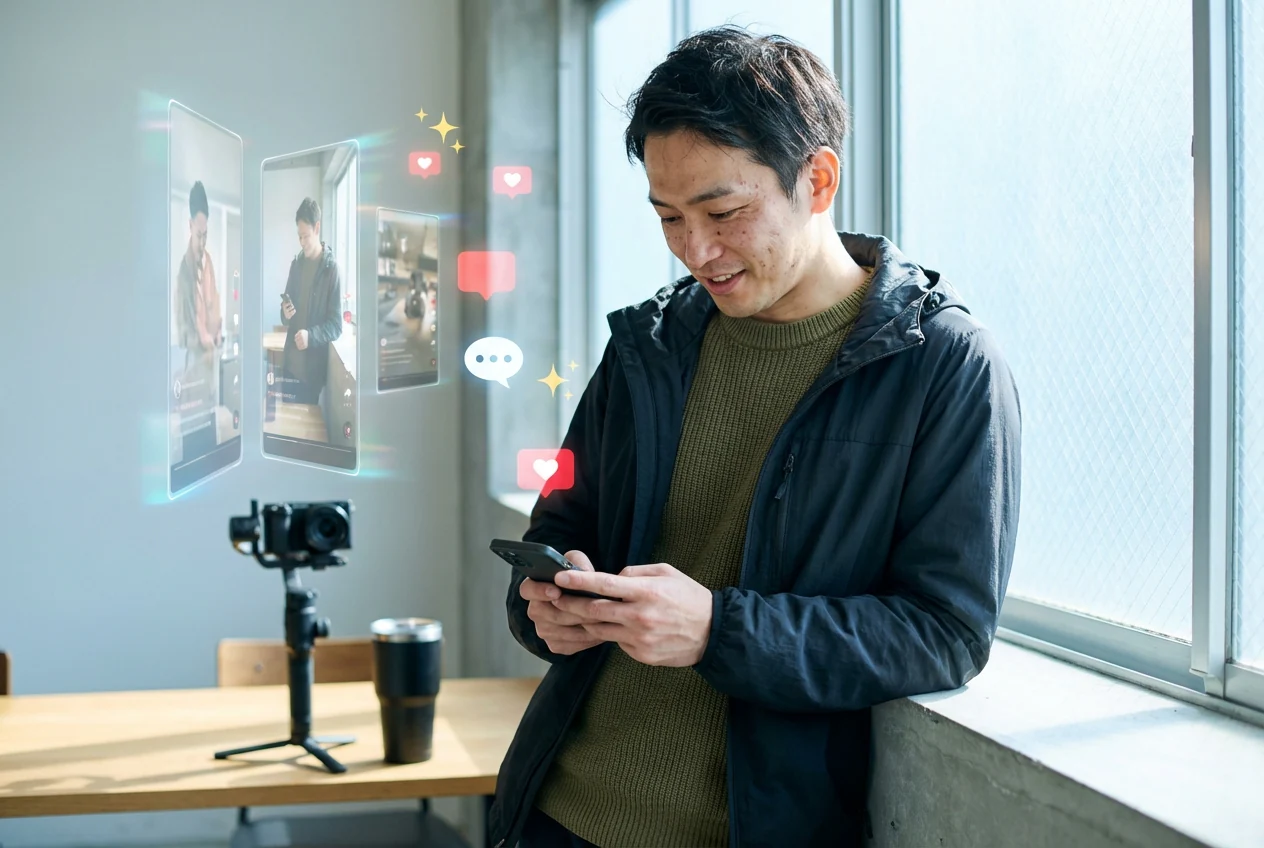
Posting daily means you need fresh looks without a long edit session. Use our Image to Cartoon online free tools for quick variants, and export vertical crops for reels. Cartoonize images for story frames and keep faces readable under bright phone lighting.
Marketing team Image to Cartoon campaign tests

Brand Marketing Teams

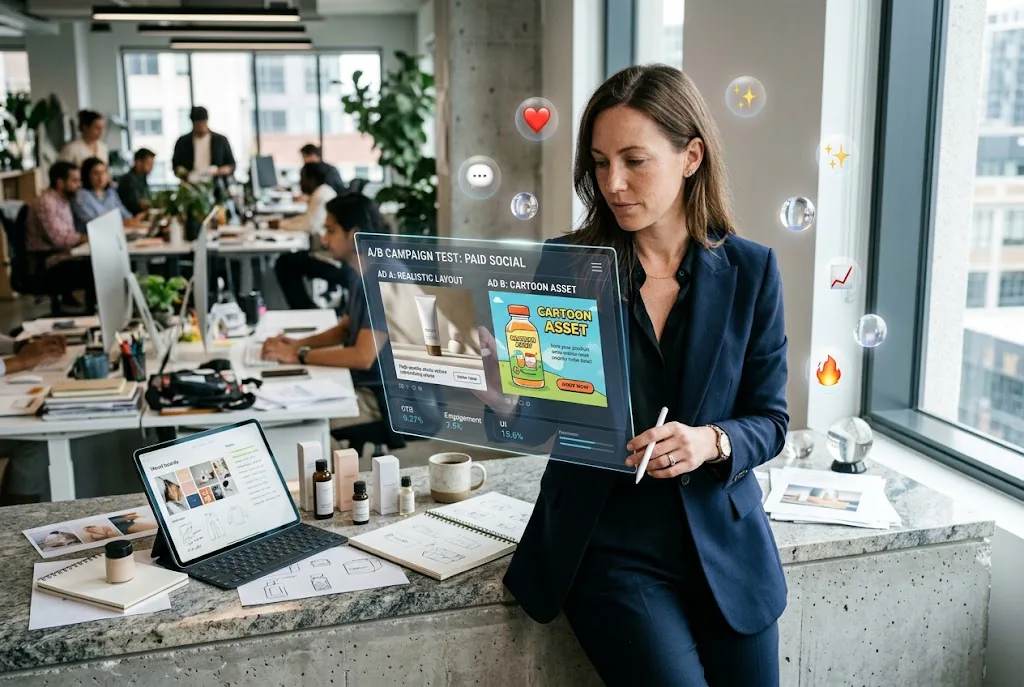
Campaign tests need multiple visual directions before you commit spend. Create Image to Cartoon assets from the same product photo, then compare layouts fast. Use Image to Cartoon transformations for paid social without rebuilding the whole shoot.

Community user making Image to Cartoon avatar art

Community Users

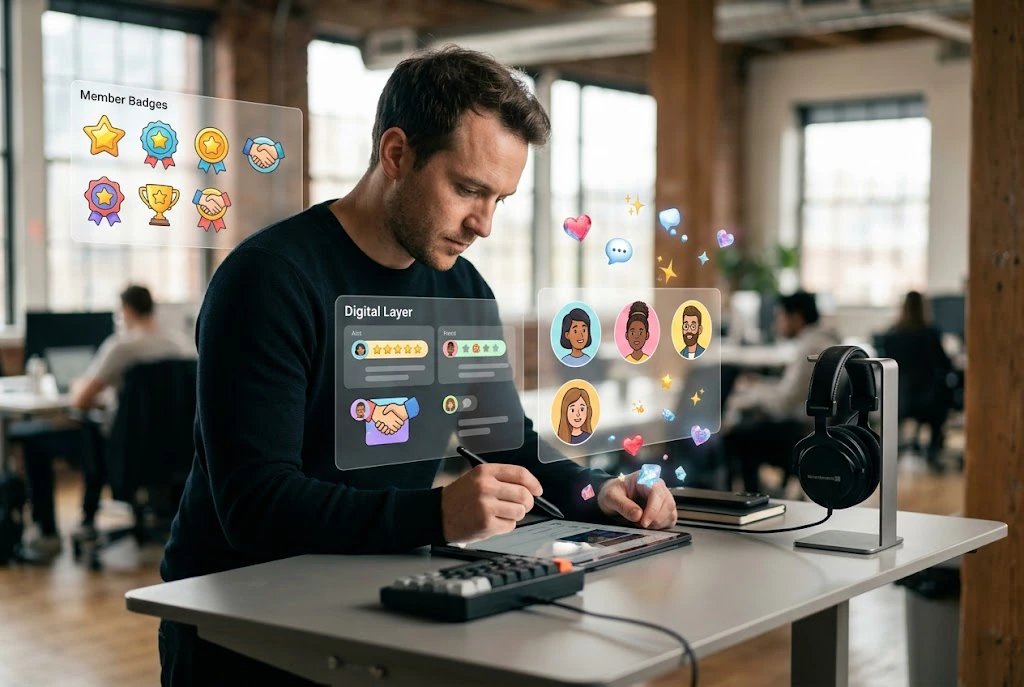
Profiles read faster when avatars feel intentional and consistent. Generate an Image to Cartoon avatar for member badges, then reuse the same preset for new joins. Photo to Animation style presets add motion cues without a full animation pipeline.

How Image to Cartoon Produces Each Result

Our Image to Cartoon process uses three simple steps. Upload a file, pick a style, and export a PNG sized for web or print.

Step 1

Upload Photo

Pick a clear JPG or PNG with visible eyes, fur, or product edges. AI Image to Cartoon reads lighting better when shadows are soft and backgrounds stay simple. Avoid heavy filters so your photos maintain correct proportions when cartoonized.

Step 2

Pick Style

Choose a preset for your channel, from flat comic fills to softer illustration ink. The Image to Cartoon mode keeps line clarity while simplifying textures. Try Photo to Sketch if you want pencil linework before applying fills.

Step 3

Export File

Download a high-contrast PNG for thumbnails or small merch proofs. File naming for free HD cartoon image downloads stays consistent when you batch export. Photo to 3D Cartoon Converter presets add rounded shading without breaking silhouette edges.

Image to Cartoon Core Output Controls

This Image to Cartoon tool focuses on likeness, style range, and export hygiene. Each feature answers how cartoon output behaves on screens and in print.

Likeness Preservation

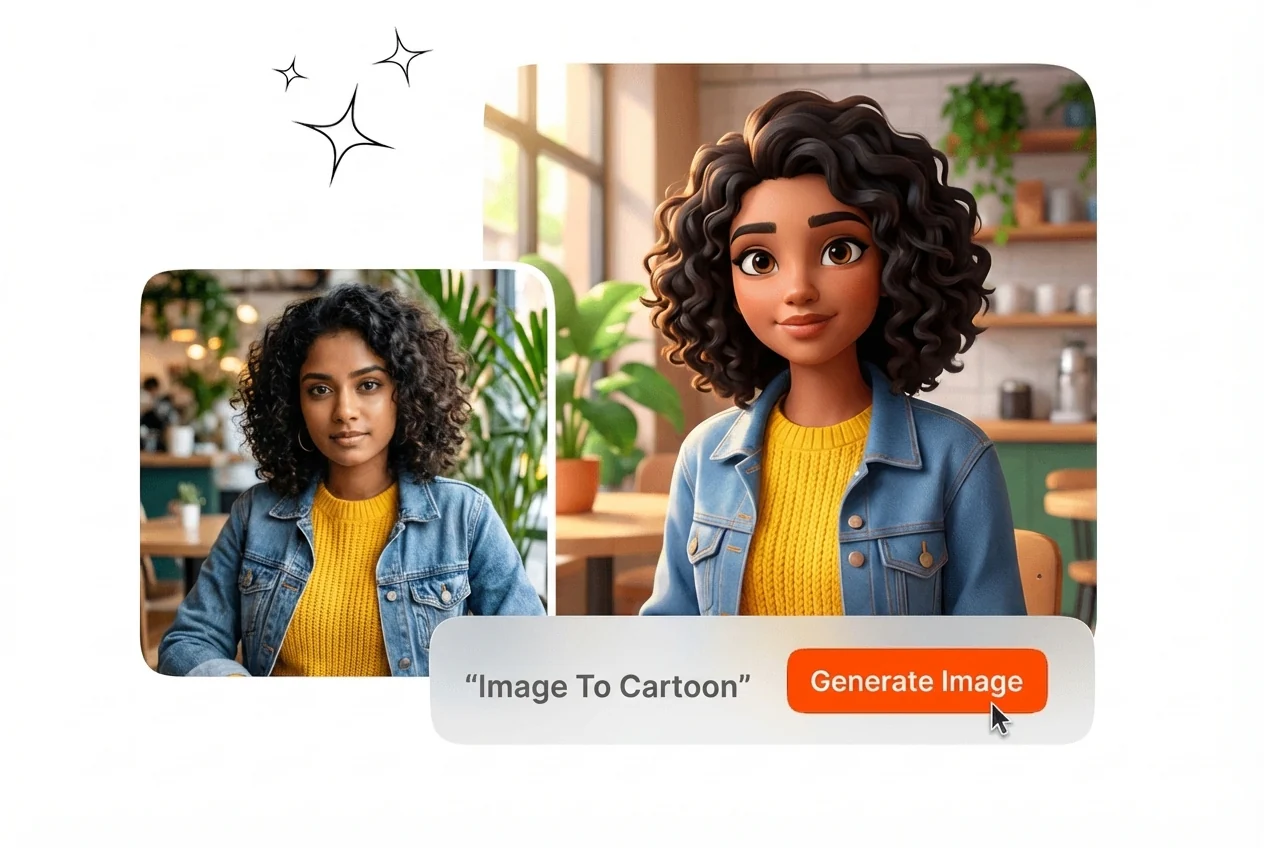
Cartoon output fails when faces drift into generic templates. This Image to Cartoon workflow keeps jawline, eye spacing, and hair silhouette cues stable across presets. Turn Photo Into Cartoon Instantly when you need a fast avatar refresh.

Image to Cartoon likeness preservation portrait sample

Style Preset Range

Channels need different exaggeration levels, not one filter for everything. Image to Cartoon online free without watermark previews let you compare looks before export. Cartoonize images free online batches help you ship A and B cover tests the same afternoon.

Image to Cartoon style preset range interface view

Subject Flexibility

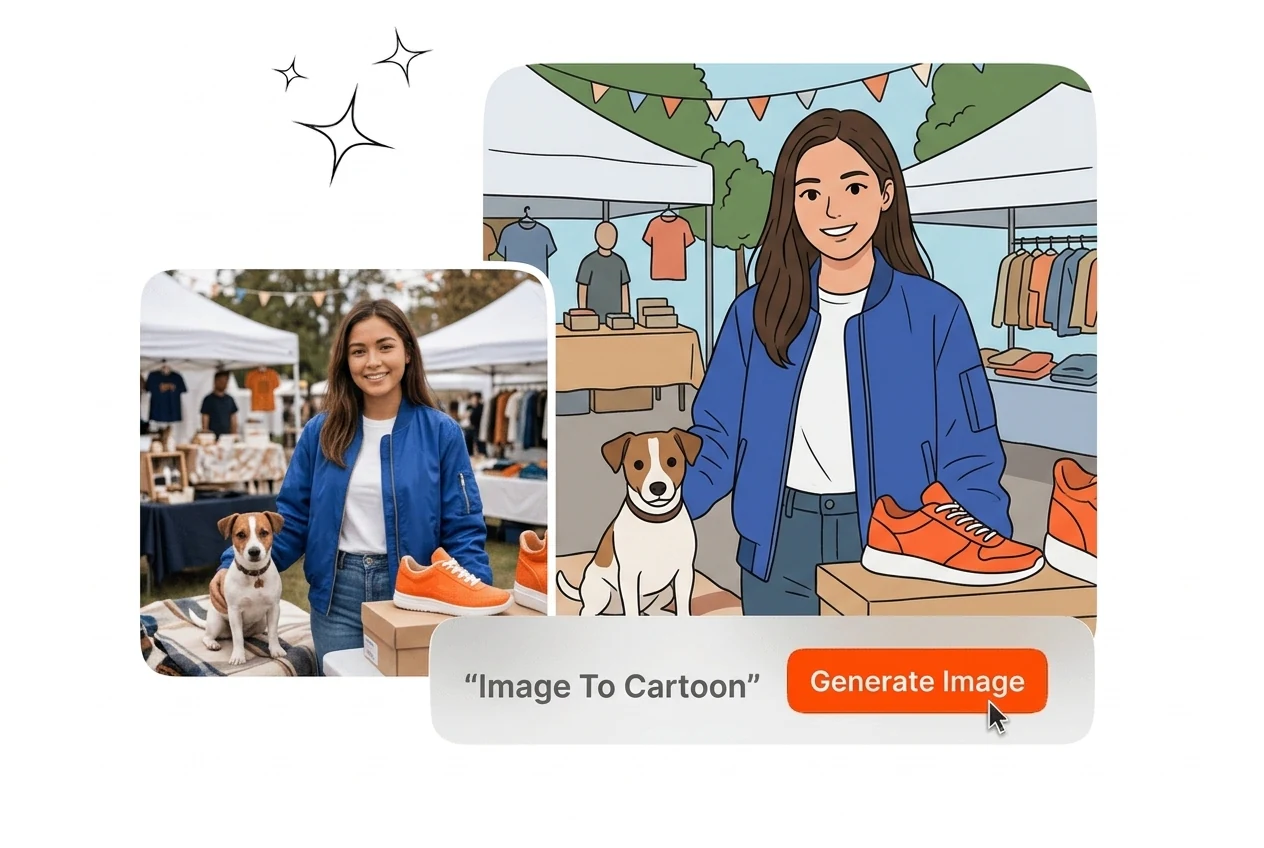
Not every post centers on a face, so objects and pets still need readable edges. Image to Cartoon converter mode keeps product corners crisp for marketplace tiles. AI photo to cartoon free runs help you test packaging ideas without reshoots.

Image to Cartoon subject flexibility pet product sample

Clean Export Discipline

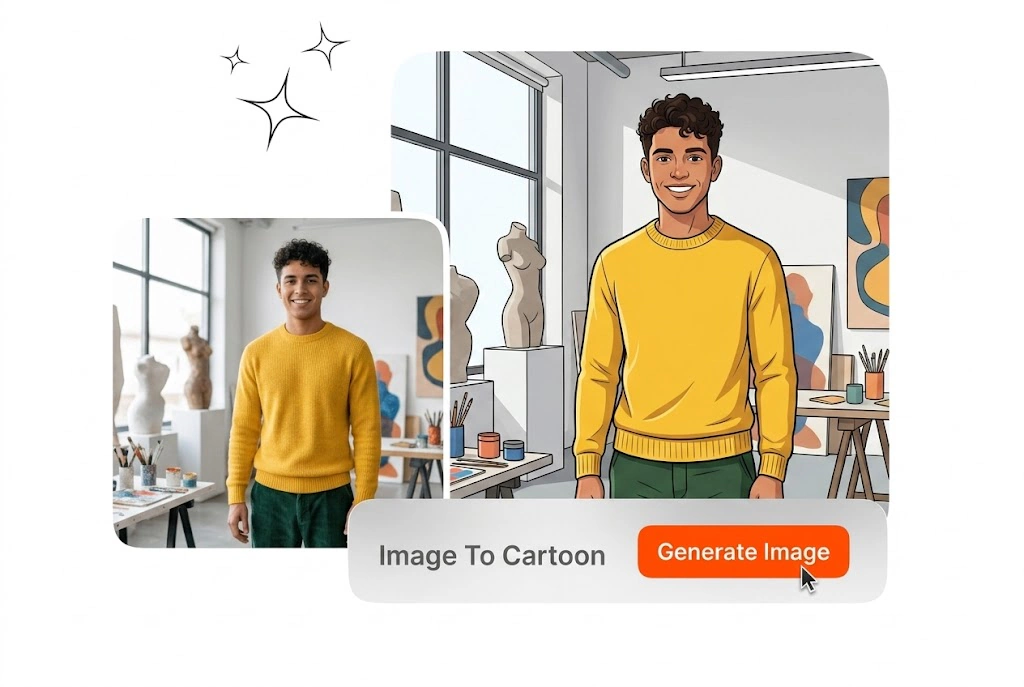
Social files need sharp edges and predictable names when teams share folders. AI cartoon generator exports keep filenames readable for handoff to designers. Image to Cartoon online free paths still support quick trials while you tune the look.

Image to Cartoon clean export file naming preview

Image to Cartoon FAQ

Yes, start with a well-lit photo and avoid heavy beauty filters before you upload. The model keeps spacing cues while simplifying skin texture into clean cartoon planes. If eyes look too soft, switch to a sharper preset and rerun once.

Image to Cartoon: Start Your First Conversion Today

Open Image to Cartoon, upload a clear photo, pick a preset, and export a stylized file. Perfect for avatars, ads, and community kits.

Create for Free