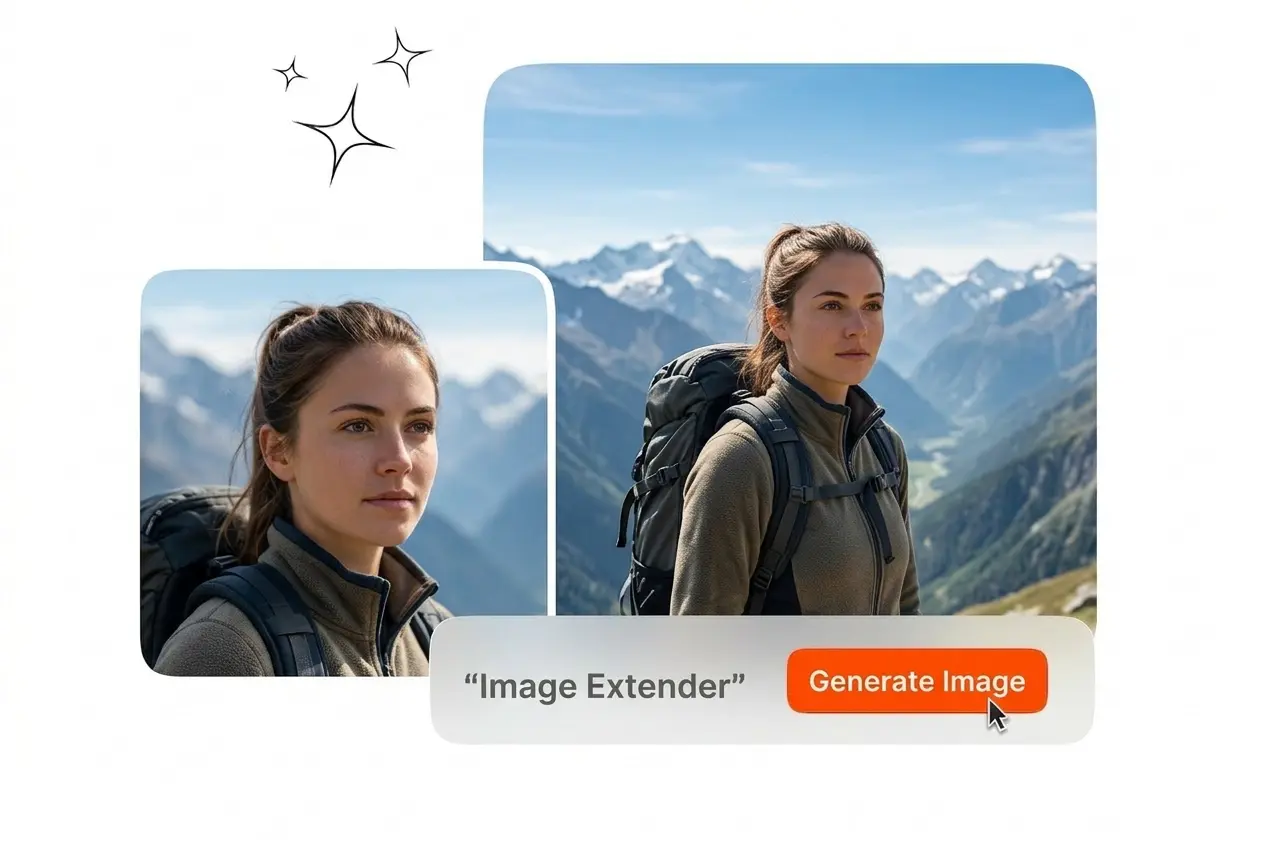
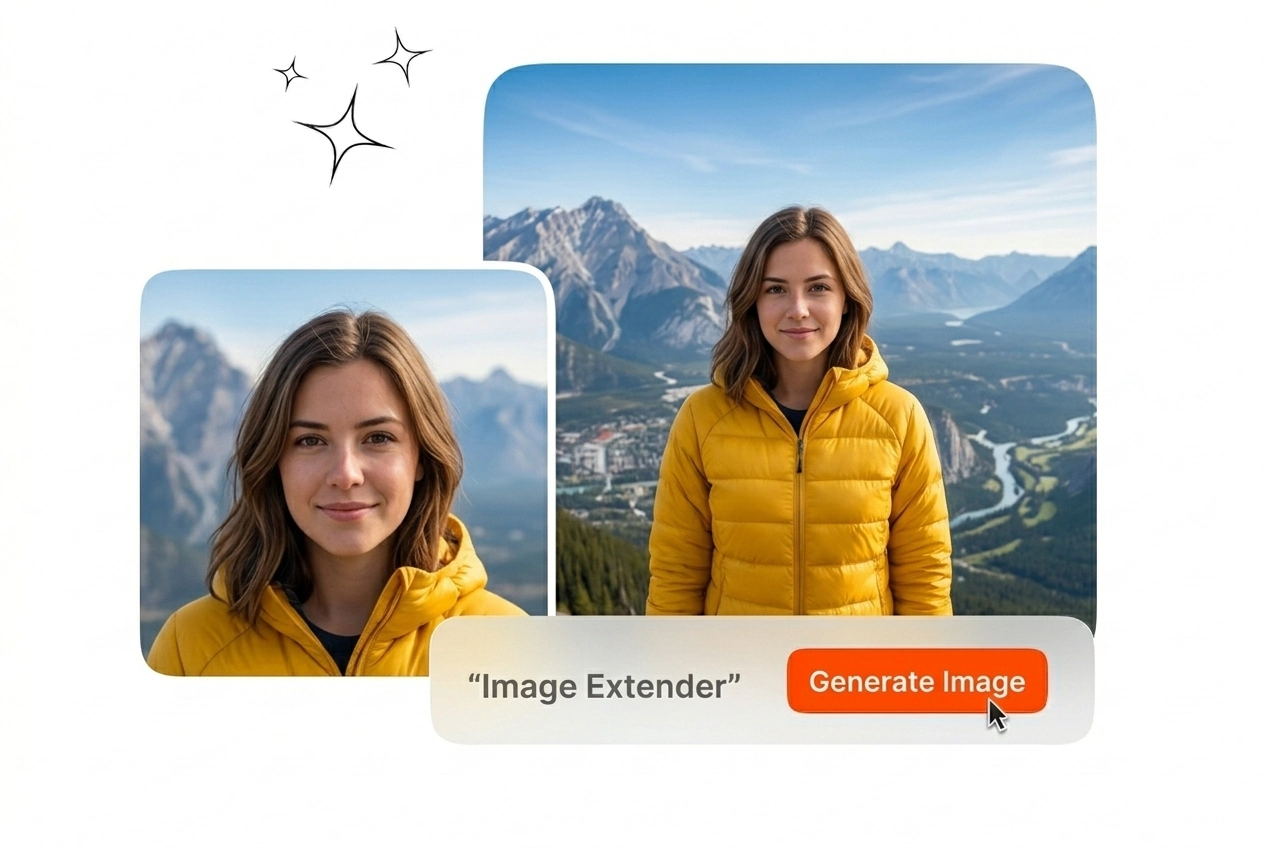

Free Image Extender

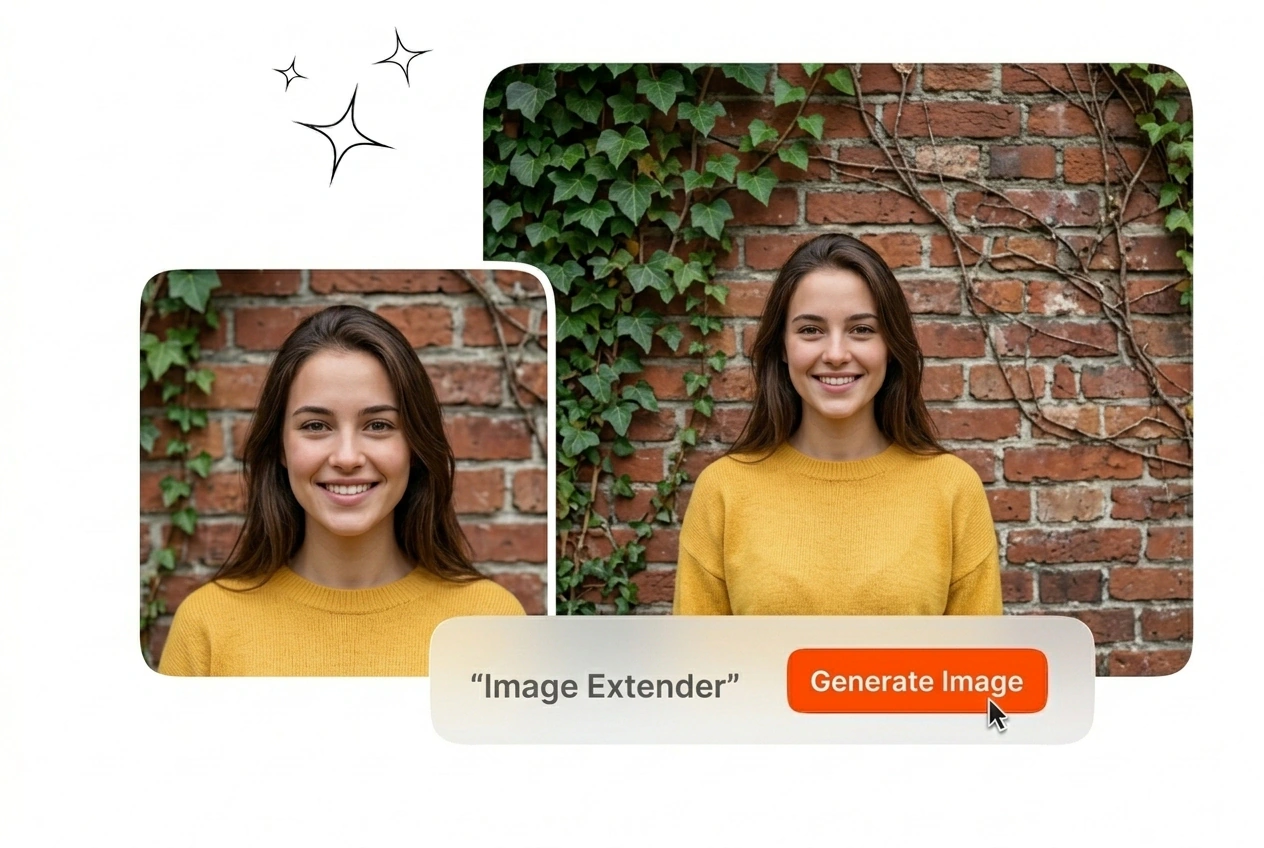
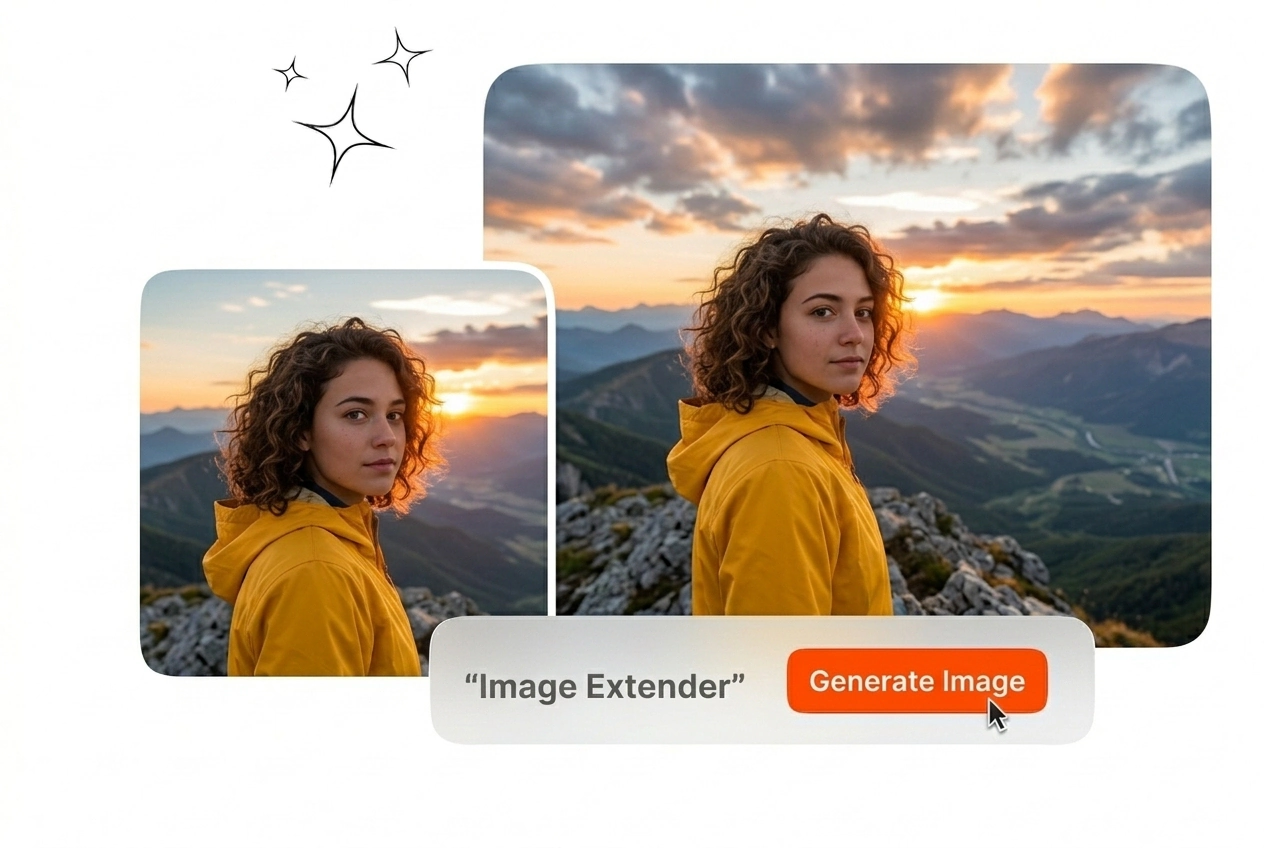
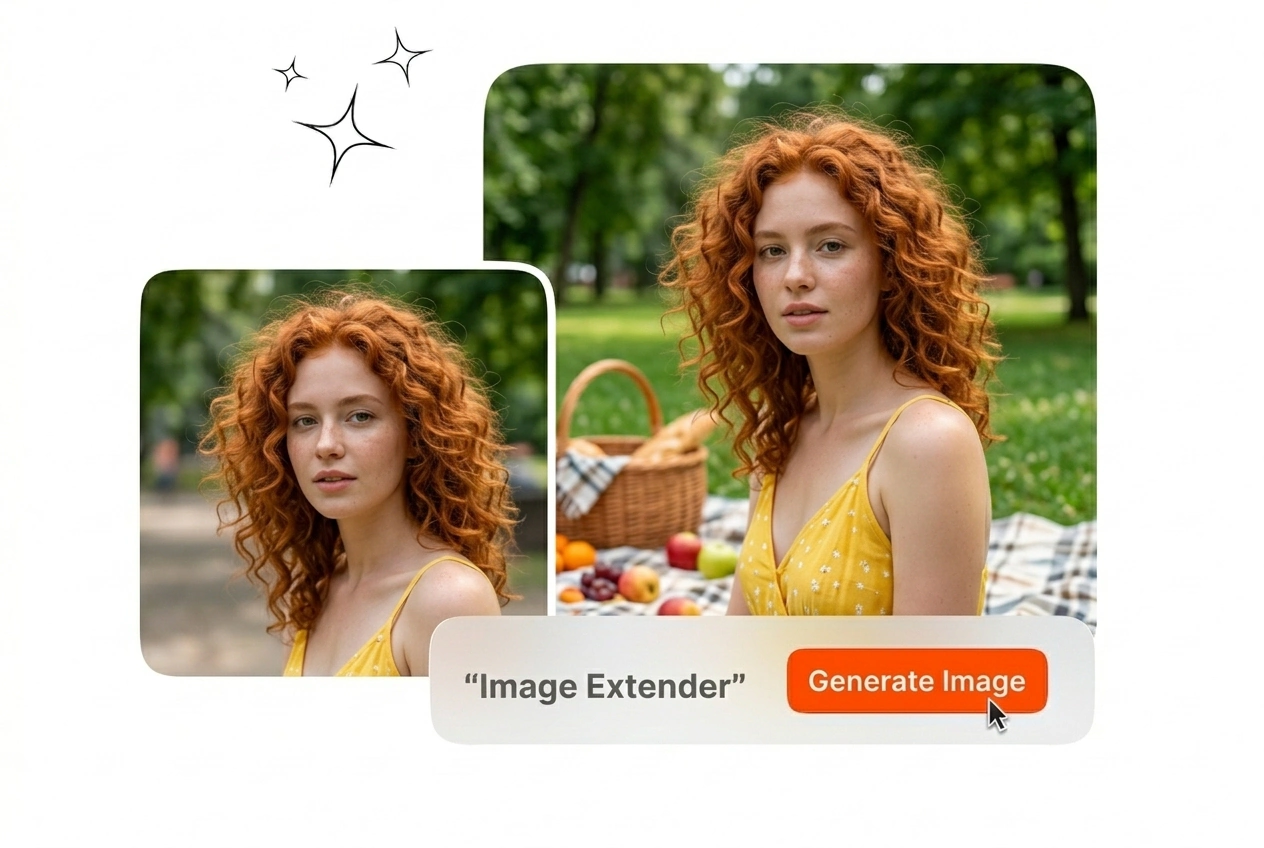
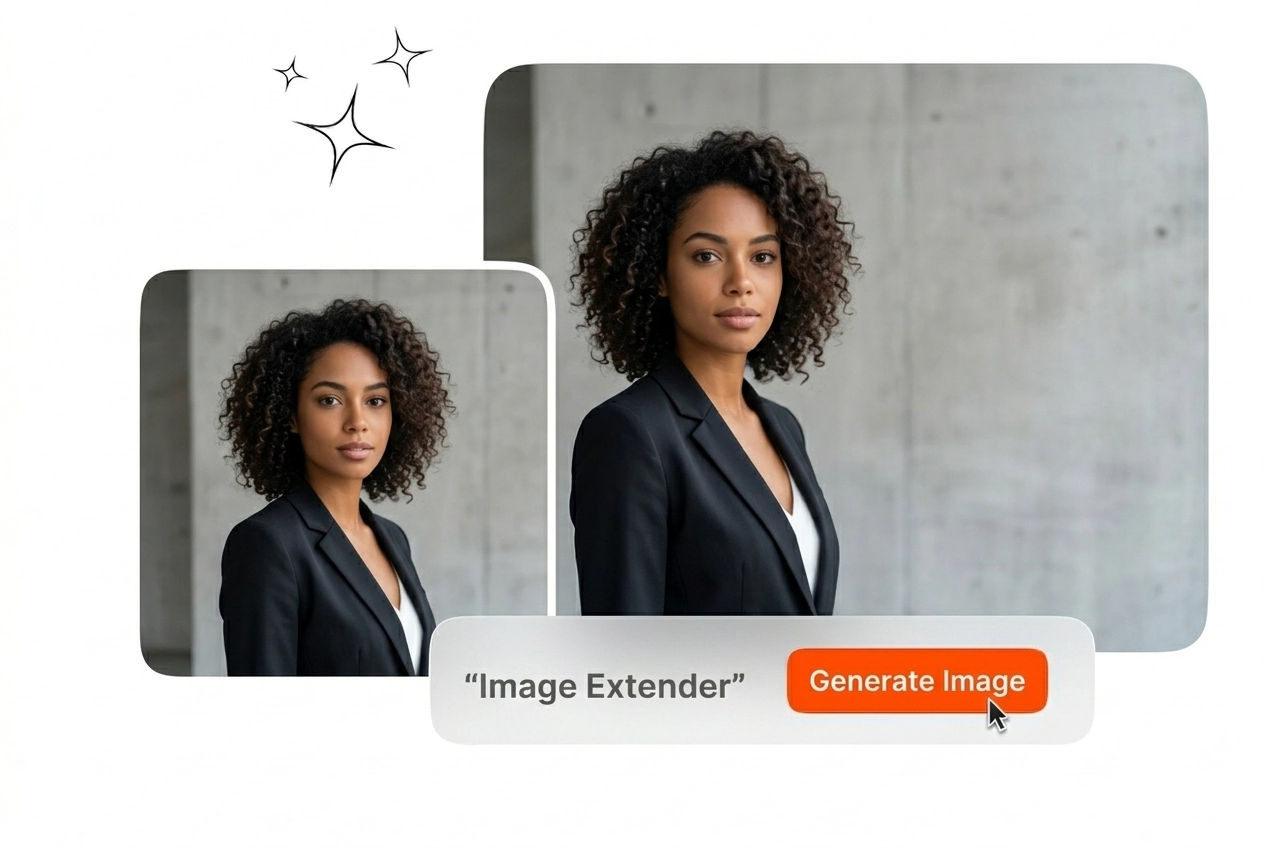
Expand image borders to fit new aspect ratios with ease. Upload clear reference frames to achieve the most accurate and seamless AI image extension results.

Banner preview

Image Extender for Professional Workflows

Upload your reference frame and specify the target ratio. The Image Extender generates matching pixels outside the original borders for your final output.

Image Extender Veme AI hero showcase interface
Image Extender for Production Teams

Different formats require different aspect ratios. Use the AI Image Extender to adapt your source files for multiple platforms without cropping essential details.

Marketer using Image Extender for ad layouts
Performance Marketing Teams

Ad campaigns require multiple aspect ratios for different platforms. You upload a vertical product photo and use the Image Extender to create a horizontal version. The final output provides extra background space for your text.
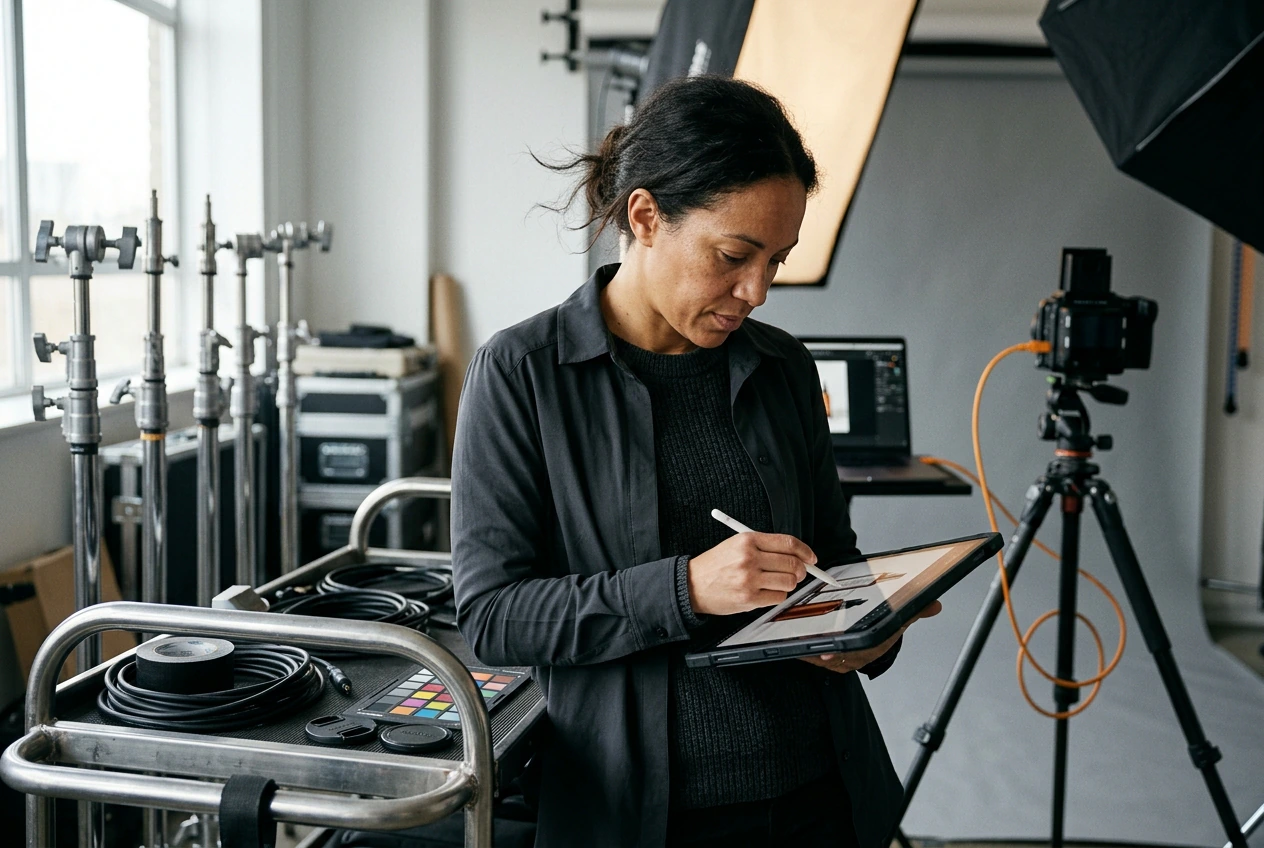

Photographer applying Image Extender to product shots
Commercial Product Photographers

Clients often request wider shots after the shoot ends. You input the original frame and let the Image Extender generate the missing background naturally. You deliver the required dimensions without scheduling another expensive studio session.

Designer using Image Extender for website banners
Visual Layout Designers

Website banners need wide images with empty space for copy. You upload a square asset and run the Image Extender to extend the edges. The tool matches the original lighting and texture for export.

How the Image Extender Works

Adapt your visual assets to any dimension in three steps. The AI Image Extender reads your original file and builds the surrounding context.

Step 1

Upload Reference Frame

Import your original static image into the workspace. Define the new canvas size and position your source file to guide the Image Extender process before generating the final output.

Step 2

Set Expansion Parameters

Type a text prompt to specify what should appear in the new areas. The Image Extender uses this input to match the existing lighting, perspective, and texture across the expanded background.

Step 3

Export the Output

Review the generated pixels outside your original borders. Save the final static file to your local drive or send it directly to your layout software for immediate publication and client review.

Core Image Extender Capabilities

Control the exact dimensions of your final export. The Image Extender AI workflow maintains visual consistency across the newly generated background areas.

Image Extender generating consistent textures and shadows

Consistent Texture Generation

The model analyzes your source file to replicate existing patterns and shadows. You use the Image Extender to fill empty canvas space without creating visible seams. The final export looks like a single unedited photograph.

Image Extender adapting aspect ratios for social

Custom Aspect Ratio Control

Social platforms require specific dimensions for optimal display. You input your target width and height to accurately expand photo background areas. This workflow eliminates the need to crop out important subjects from your original composition.

Image Extender completing missing details at edges

Contextual Detail Completion

Missing elements at the edge of your frame require manual painting in traditional software. You type a prompt and let the Image Extender AI build those missing details. The output provides a complete scene.

Image Extender creating text buffer for layouts

Text Buffer Generation

Marketing layouts need blank space for typography and logos. You apply the Image Extender to push the main subject to one side while generating usable clean background space. Your design team gets a ready-to-use asset immediately.

Image Extender Common Questions

Can I use the AI Image Extender free of charge?

Yes, you can test the AI Image Extender for free during your initial trial period. This applies to standard resolution exports with basic prompt inputs. Freelancers use this tier to evaluate the texture matching before upgrading.

Does the Image Extender distort the original subject?

No, the original pixels remain exactly as you uploaded them. The model only generates new content in the blank canvas space outside your source frame. This ensures your main subject retains its original proportions and sharpness.

What is the maximum output resolution?

You can export your expanded files up to 4K resolution. High-resolution outputs require clear source images and specific text prompts to guide the generation. Production teams rely on this quality for large digital banner placements.

Can I use this as a free online Image Extender?

Sure, the platform operates entirely in your browser with no desktop installation required. You need a stable internet connection to render the new pixels. This setup allows editors to process files from any workstation for daily production work.

How do I get exports without a watermark?

You receive an unwatermarked export when you subscribe to any of our paid tiers. The Image Extender free trial exports include a small logo in the corner. Professional users upgrade to ensure their final client deliverables remain clean.

Start Using the Image Extender

Upload your first reference frame and set your target dimensions. The Image Extender generates the missing background pixels for your final static export.