
Free Background Changer

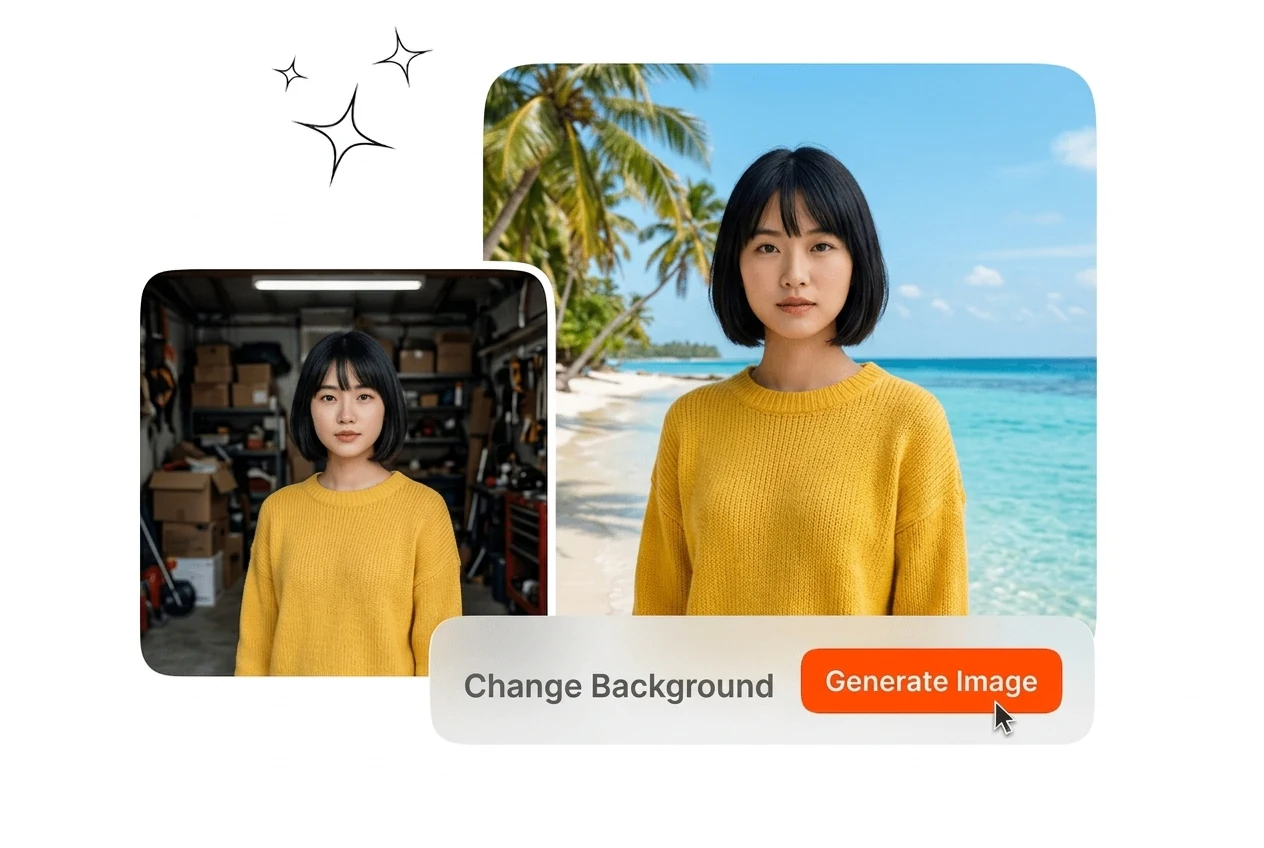
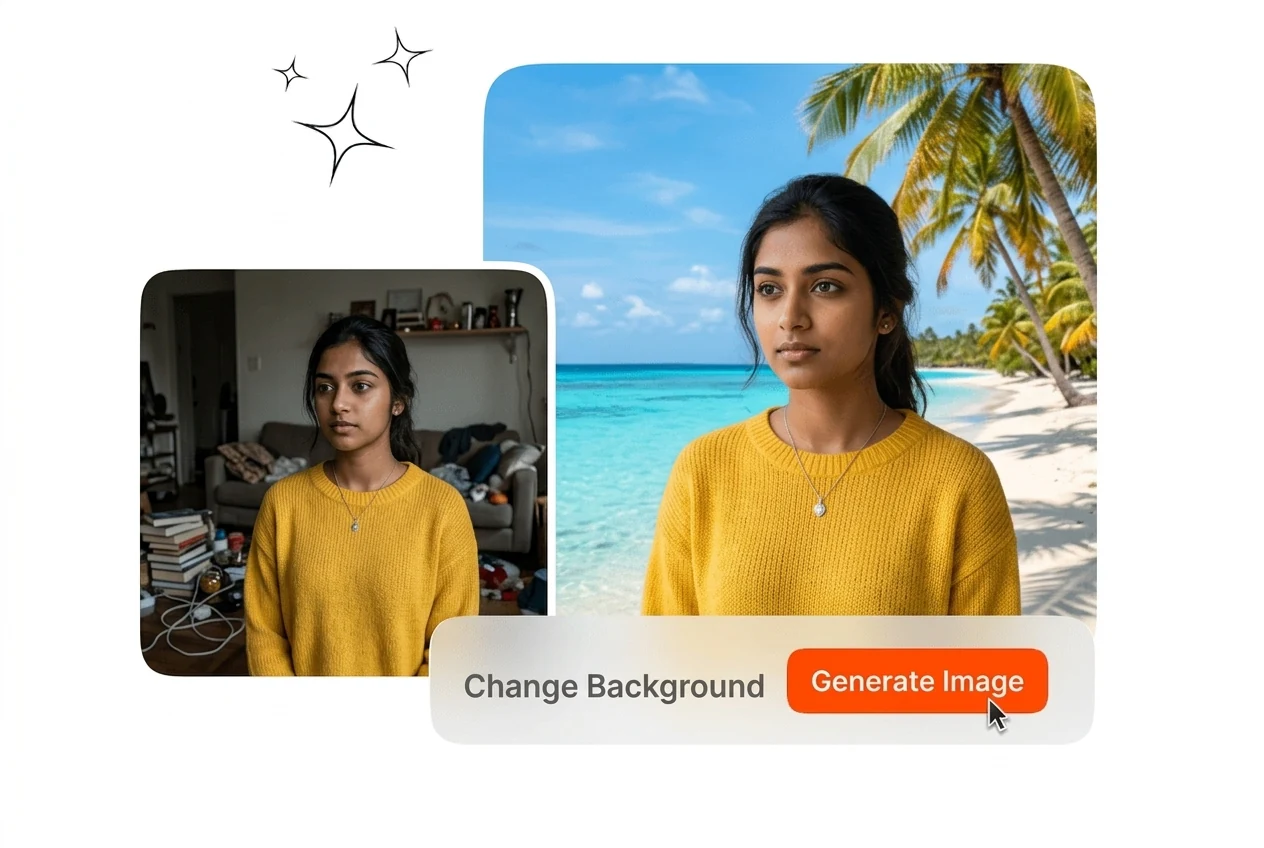
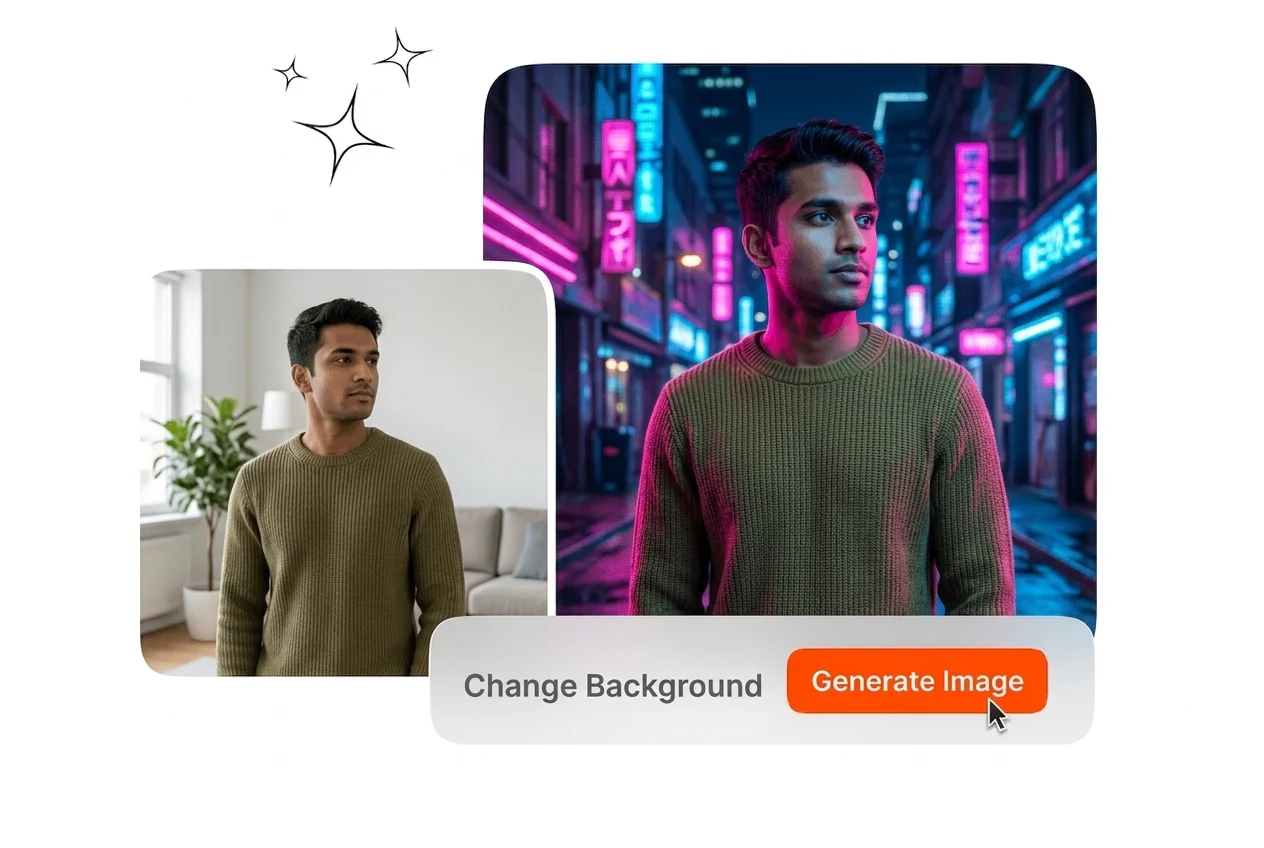
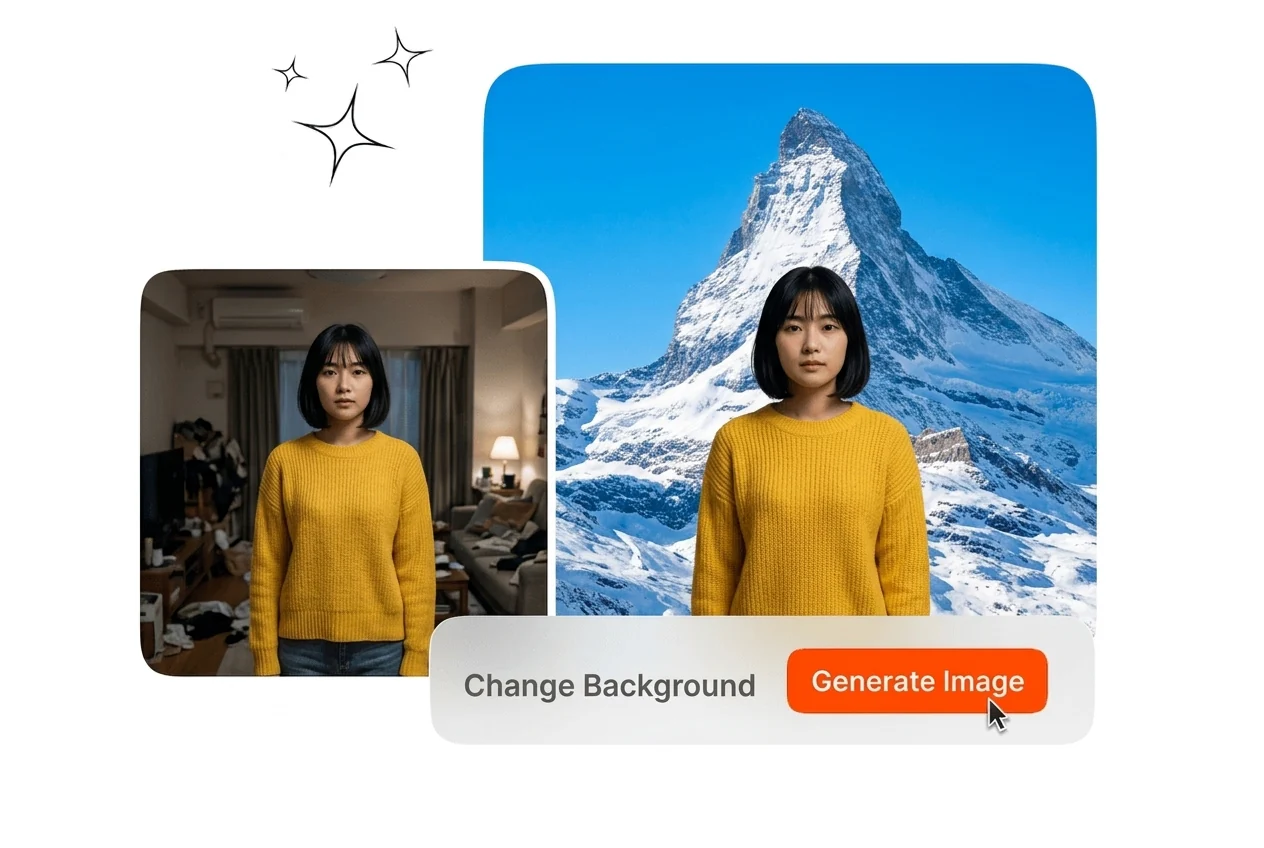
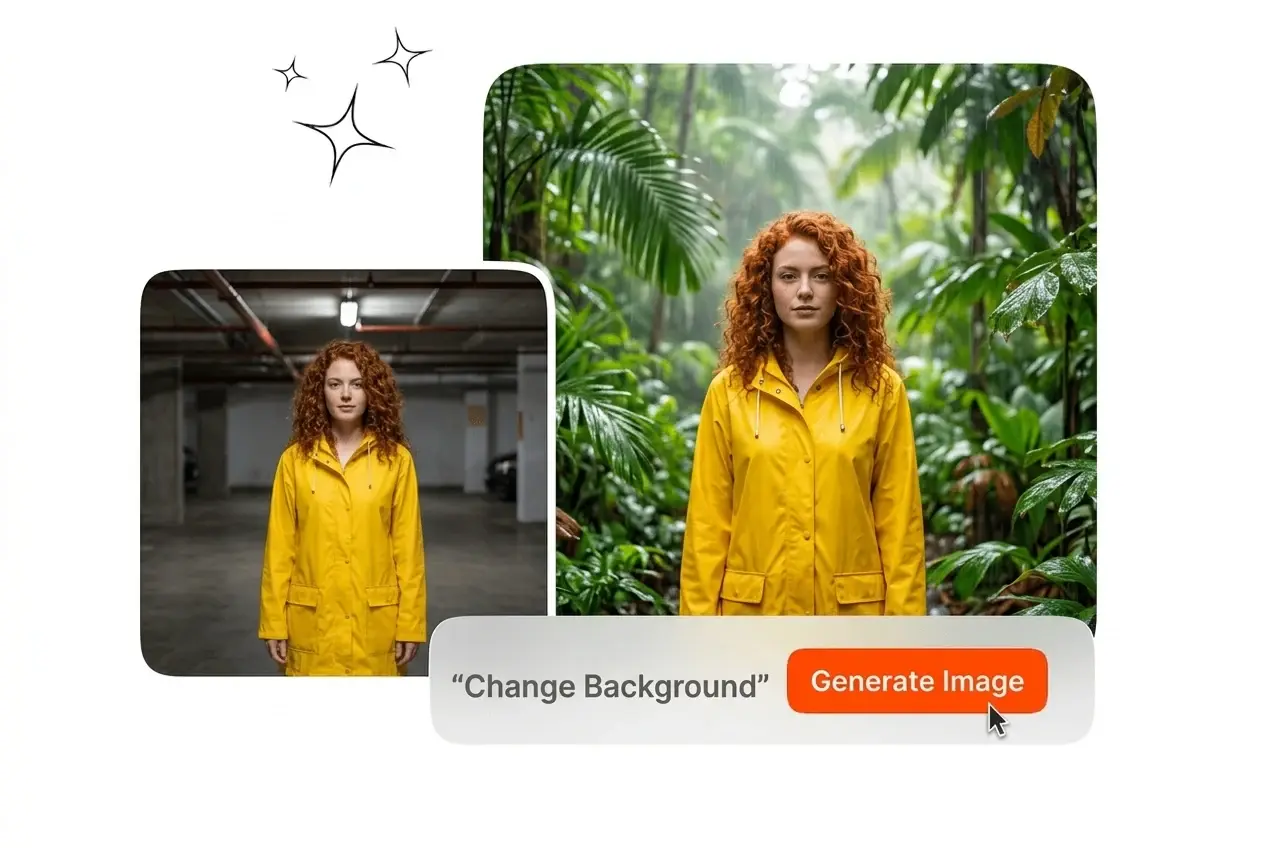
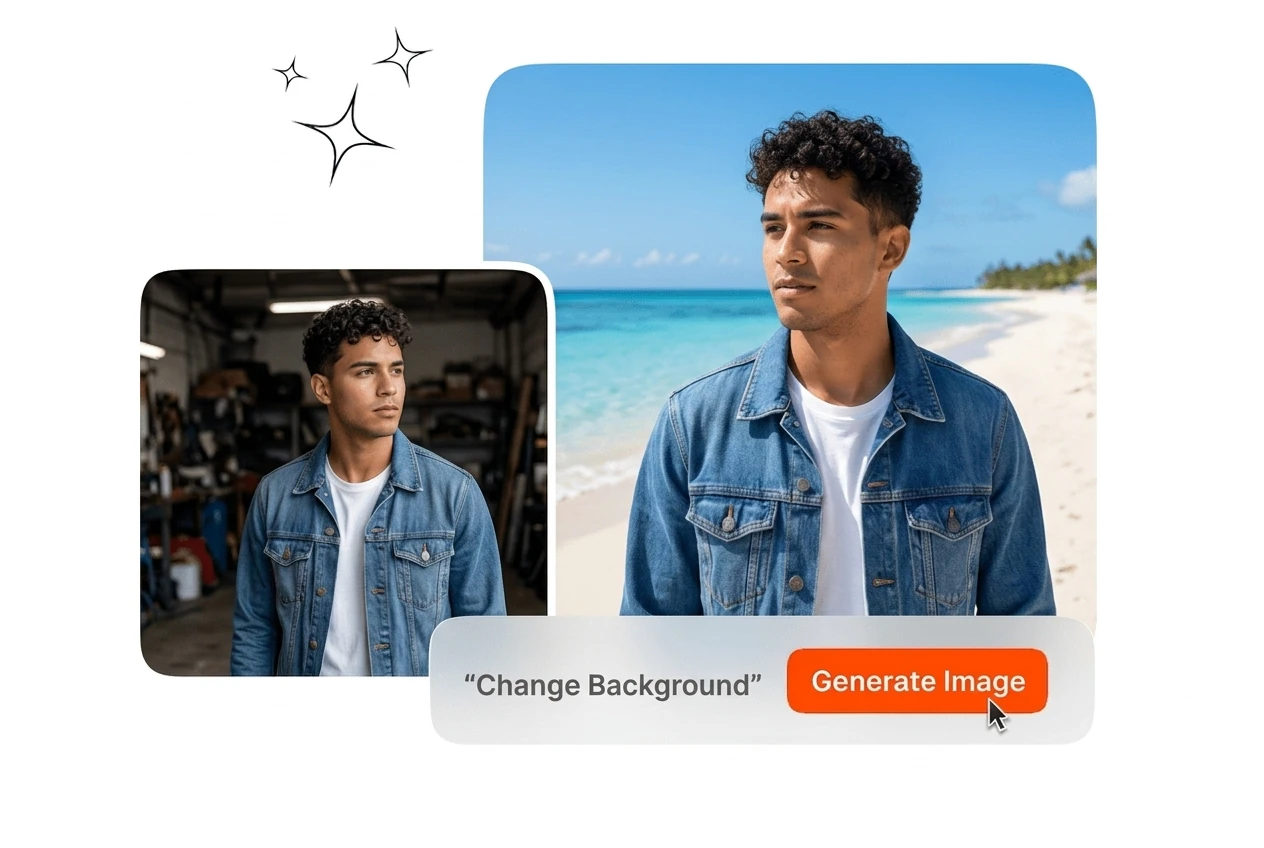
Swap backdrops from one upload with clear subject separation. This Background Changer favors sharp edges and matched light so the frame reads cohesive.

Banner preview

Background Changer Swaps Backdrops Fast

Upload a reference image and the editor isolates the subject, applies a solid or generated scene, and returns a print-ready file.

Built for These Background Changer Workflows

Three production contexts where replacing backdrops shapes listing quality, brand consistency, and retouching time on each deliverable. Teams rely on fast swaps without studio reshoots.

E-commerce operator using Background Changer for product

E-commerce Operators

You run marketplace listings where every SKU needs a white or branded backdrop. Upload product shots and this Background Changer workflow applies e-commerce background changes without manual masking. Export catalog-ready files that keep edges sharp and meet platform specs.


Brand design team applying Background Changer across assets

Brand Design Teams

Your team ships ad variants and must change the backgrounds of image batches under a single palette. Apply one preset style across the set so marketers see uniform backgrounds. Reviews move faster because light and color already match the campaign brief.

Portrait photographer using Background Changer for headshots

Portrait Photographers

Client selections often need a Background Changer during photo sessions for headshots with hair-level edge detail demands. This picture background editor reads strand details so you can pick frames, not mask paths. Deliver finals that pass print checks without late rework.

How the Background Changer Works

Three steps from upload to export. No masking layers. The photo Background Changer online handles edges, scene choice, and export presets in one flow.

Step 1

Upload Your Image

Select the file you want to edit from your device. The tool reads the subject outline and isolates it from the backdrop, including hair strands and semi-transparent objects without manual tracing or bezier paths.

Step 2

Set Your Background

Pick a solid color, preset look, or type a short scene description. The system builds the backdrop and matches color temperature so the subject avoids a flat pasted-on look against the new scene.

Step 3

Export the Result

Download the finished image at full resolution. Outputs fit e-commerce listings, social covers, and light print without resizing the subject or reopening layers elsewhere. One file meets upload rules for image Background Changer teams.

Background Changer Features That Matter

These Background Changer capabilities span isolation, described scenes, light alignment, and export fidelity for listings, social ads, and editorial layouts you ship daily.

Strand-Level Edge Detection

This Background Changer isolates hair, glass, and fabric edges without manual paths. Upload once and the system preserves strand detail for crisp white-back catalog work. Exports read like a single capture instead of a pasted layer.

Background Changer strand-level edge detection on hair

AI Scene Generation

Describe the scene and the workflow generates a matching backdrop from your text. You steer style from minimal studio sets to rich environmental scenes with simple scene controls. Changing backgrounds in photo reviews stays editorial without hunting for stock plates.

AI scene generation feature in Background Changer tool

Light and Color Matching

This Background Changer balances foreground light with the new scene so the blend reads naturally. It aligns color temperature and shadow direction to eliminate flat paste artifacts. Perfect photo Background Changer output stays believable on ads and editorials.

Background Changer light and color matching output comparison

High-Resolution Export

Exports retain source resolution through the edit for ads or print. The free Background Changer tier covers quick checks while paid paths unlock larger batches. Free online Background Changer previews show edge quality before you commit.

Background Changer high-resolution export settings screen

Background Changer Questions Answered

Upload your image, then pick a solid color, preset, or typed scene. The system isolates the subject and places the new backdrop behind it. You export without manual masking when contrast between subject and original backdrop is clear.

Open the Background Changer Now

Upload a file, pick solid or AI scene, export in one Background Changer pass. Photo background change online flows fast to the final file.

Create Free