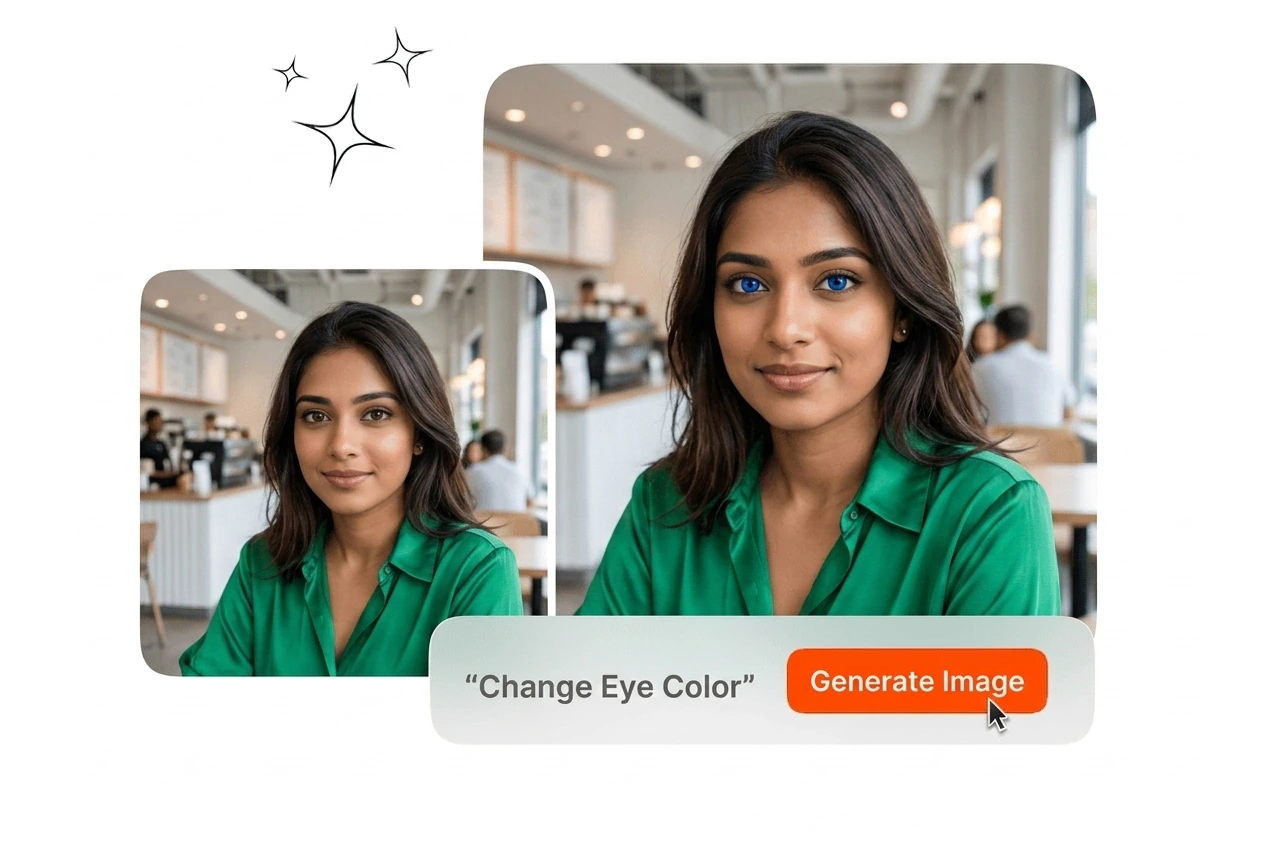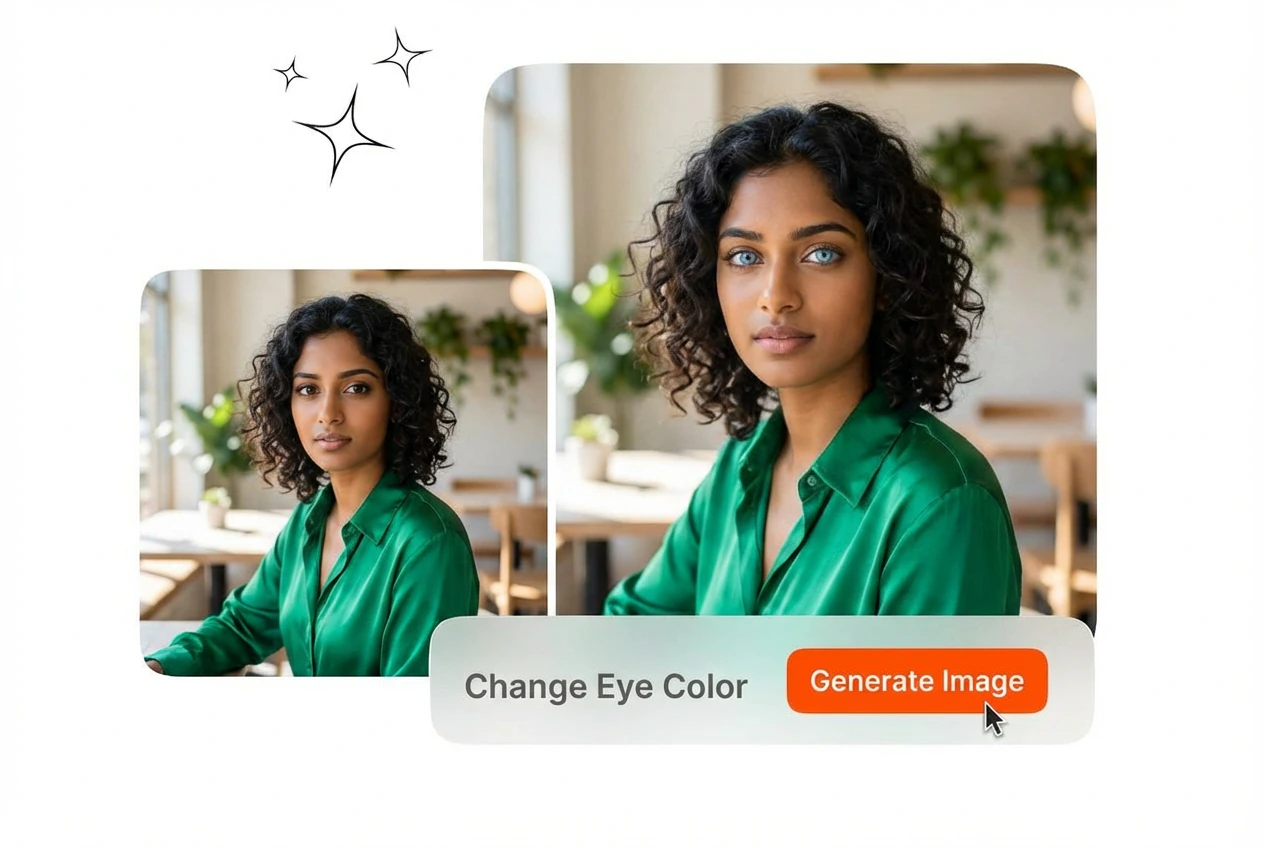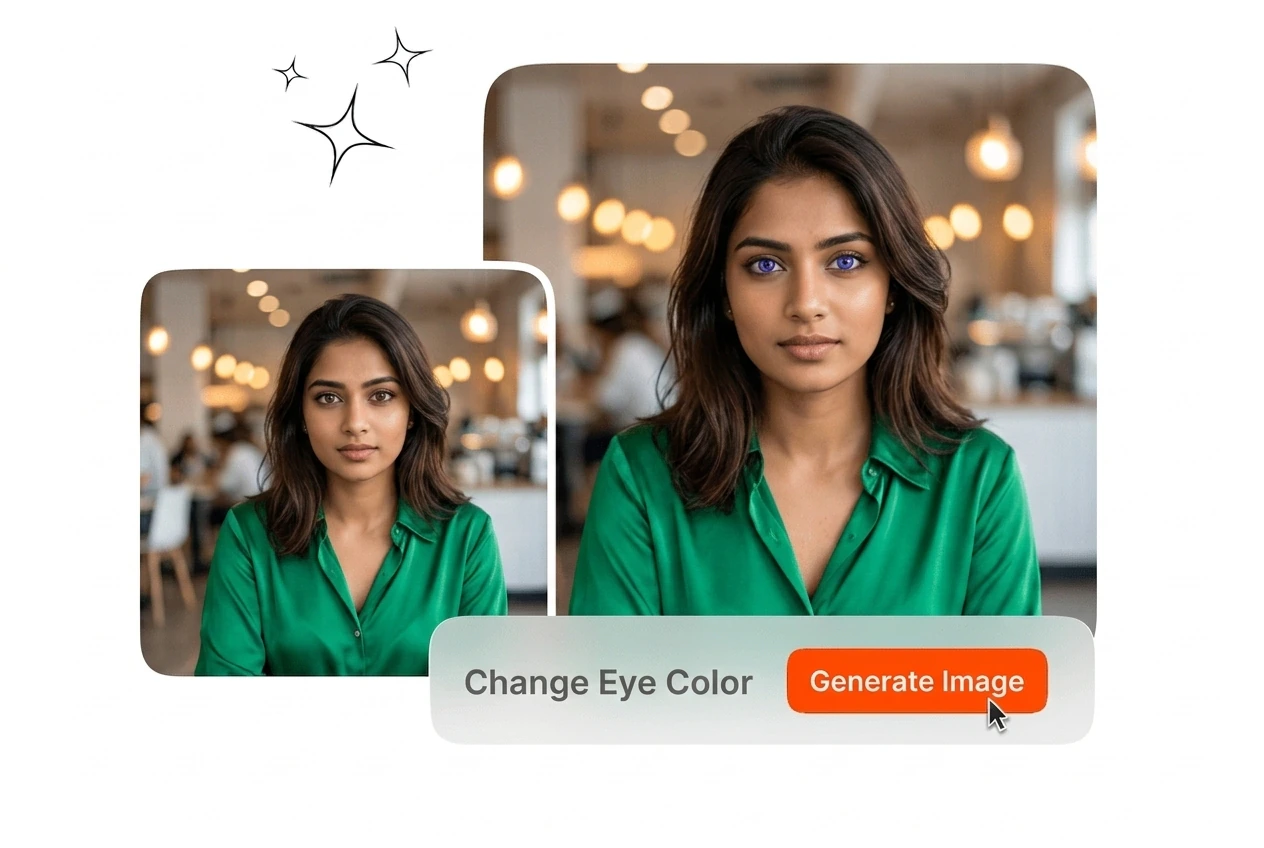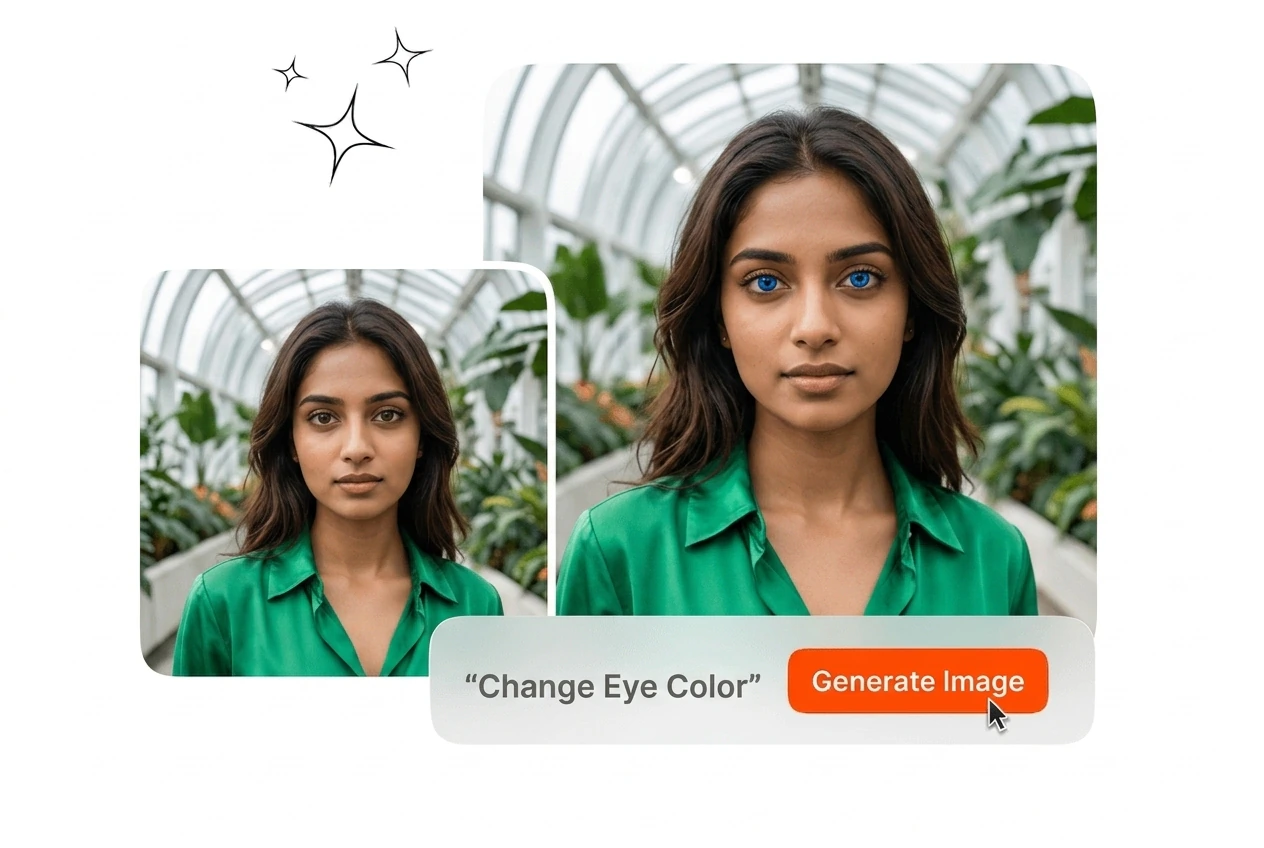
Free Change Eye Color

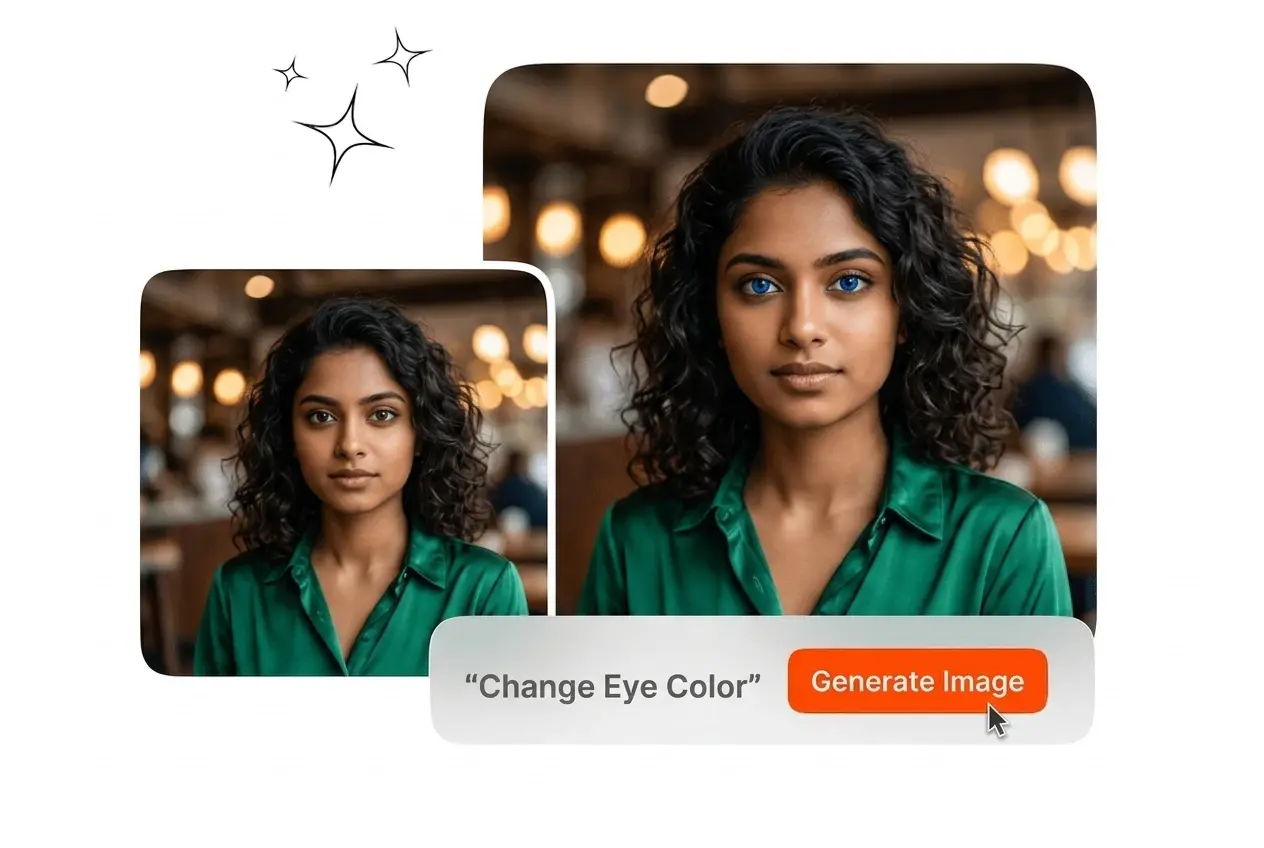
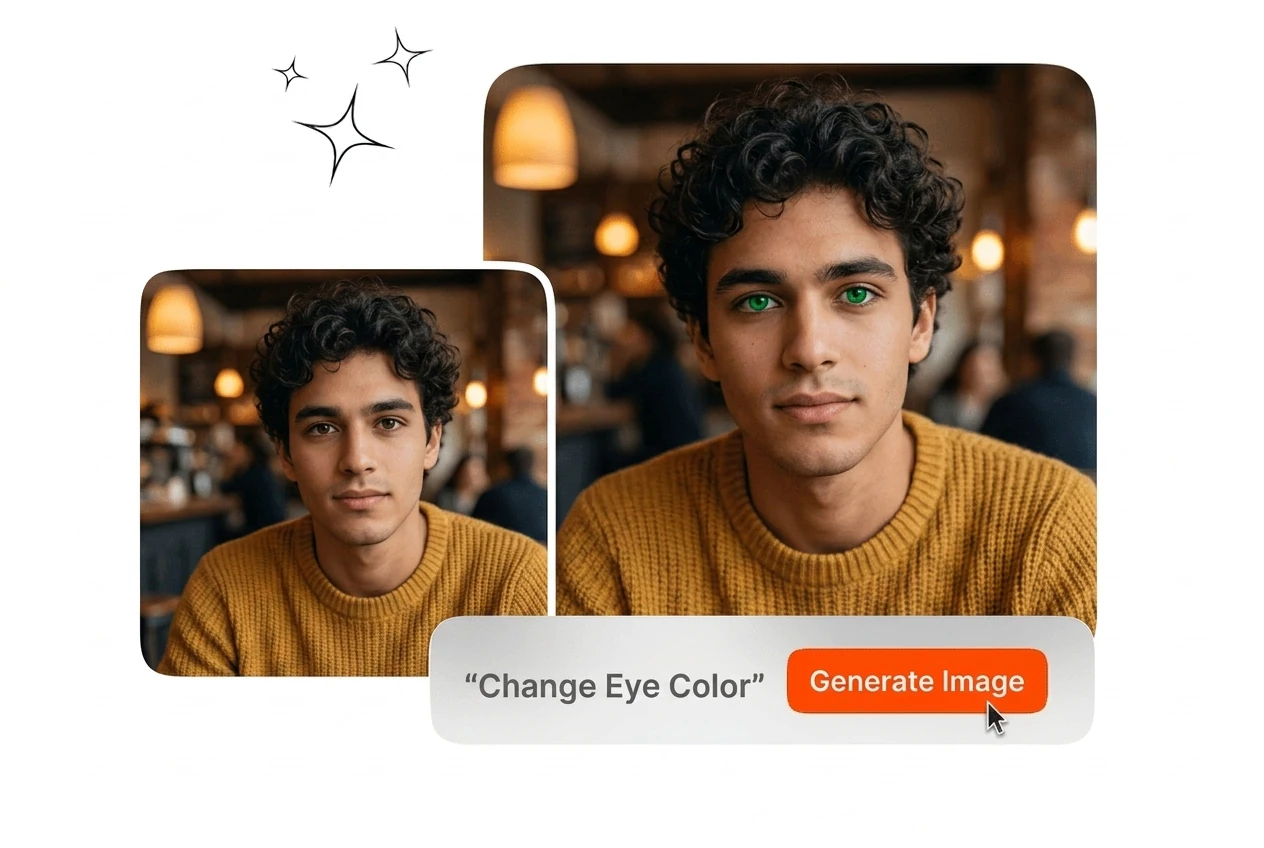
Use change eye color to create accurate iris edits from one portrait photo. Results stay natural for review, sharing, and final content delivery workflows.

Banner preview

Change Eye Color in Any Photo

Upload a portrait, select a shade, and get a clean export. Veme AI handles iris detection and color rendering so the result reads as natural, not edited. this tool improves output consistency. Change Eye Color delivers consistent output. Change Eye Color helps teams deliver faster.

Who Uses Change Eye Color

From beauty content to cosplay production, the eye color editor fits workflows where accuracy and output quality matter without manual retouching overhead. Change Eye Color keeps output consistent. Change Eye Color delivers consistent output. This tool supports repeatable output quality.

Beauty creator using Change Eye Color portrait tool

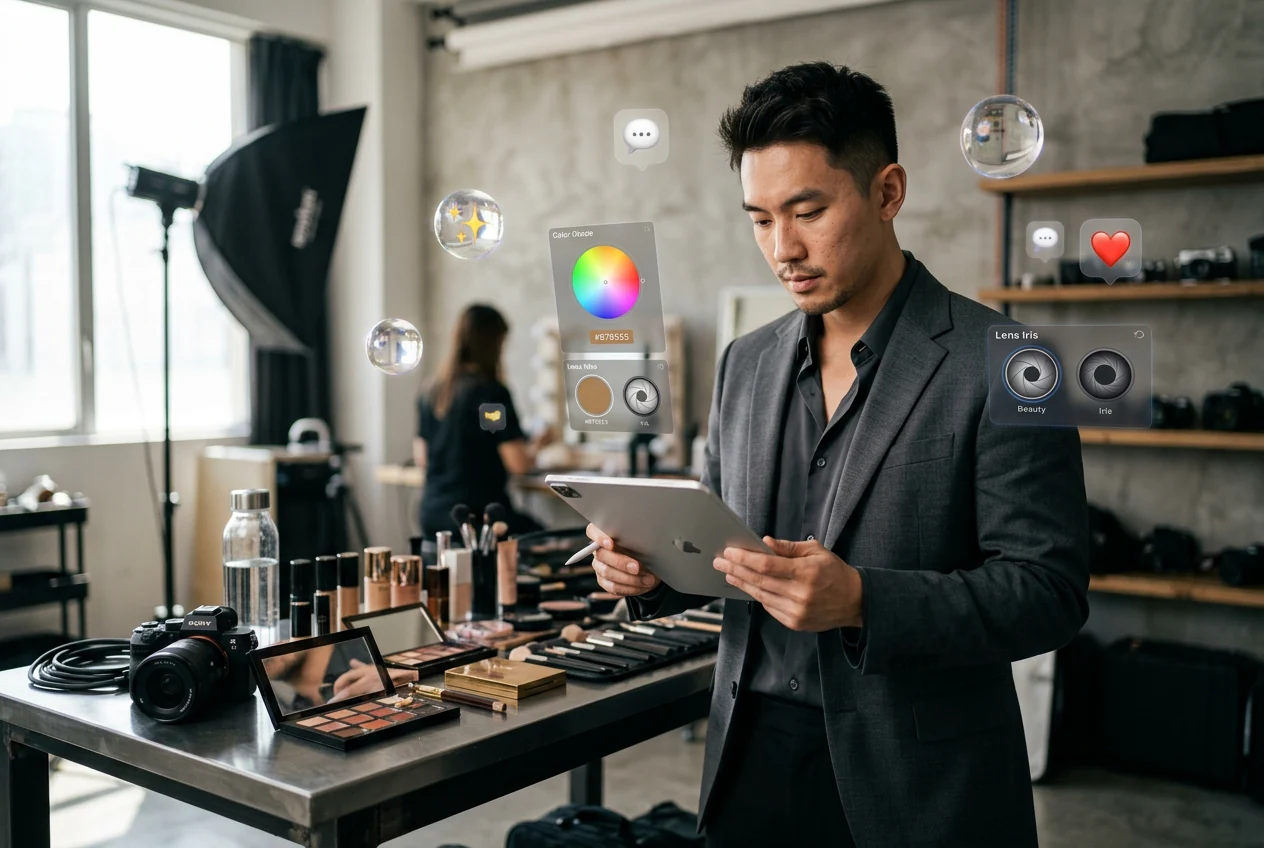
Beauty Content Creators

You post portrait content regularly and need to show color variation across looks. Manually retouching iris color in each frame costs time you do not have. Change eye color across multiple portrait exports and keep your feed visually consistent without reopening a single layer.
Cosplay photographer applying Change Eye Color effect

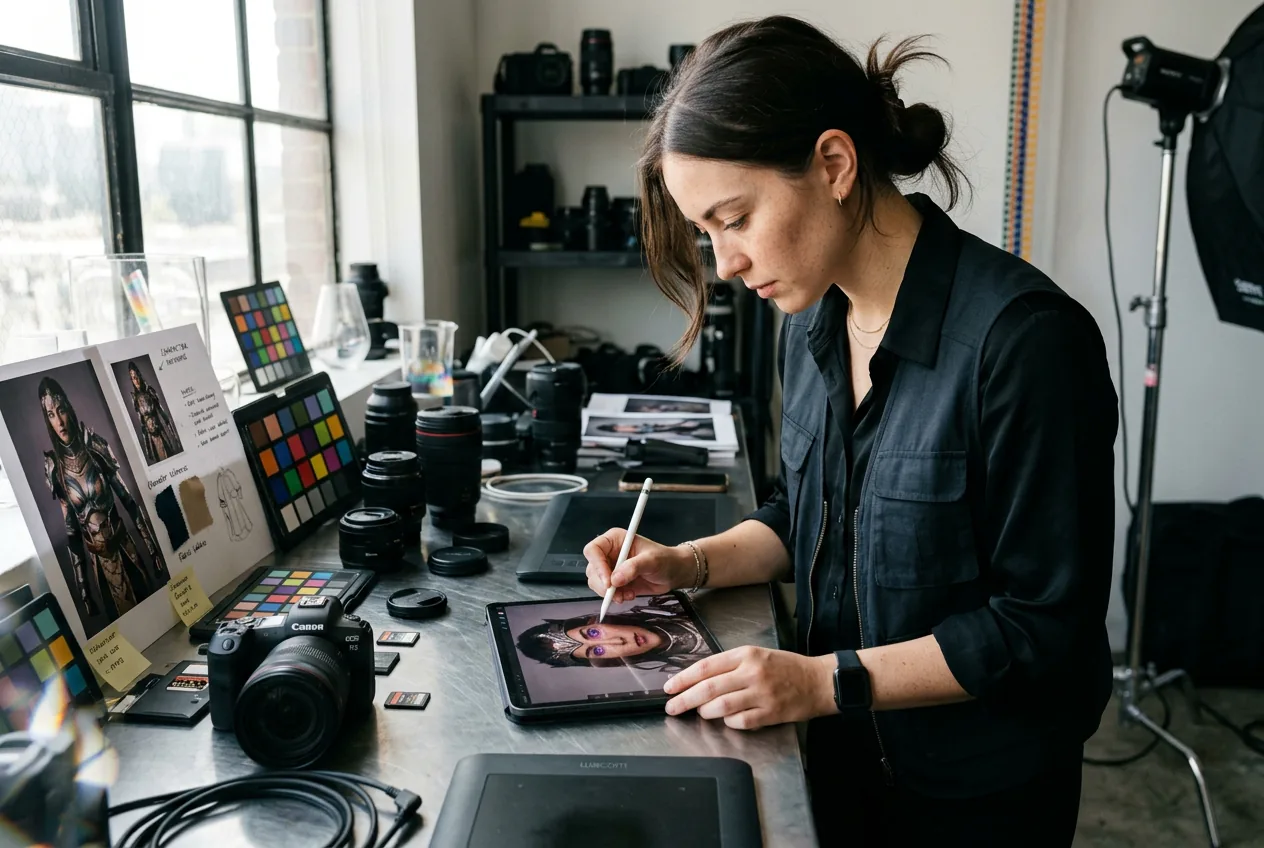
Cosplay Photographers

Character accuracy depends on matching specific iris colors, and not every shoot includes colored contacts. Use the eye color editor to apply amber, violet, or red tones directly to portrait exports, so the final image matches the character reference without reshooting.

Retailer previewing Change Eye Color for lens shoppers

Contact Lens Retailers

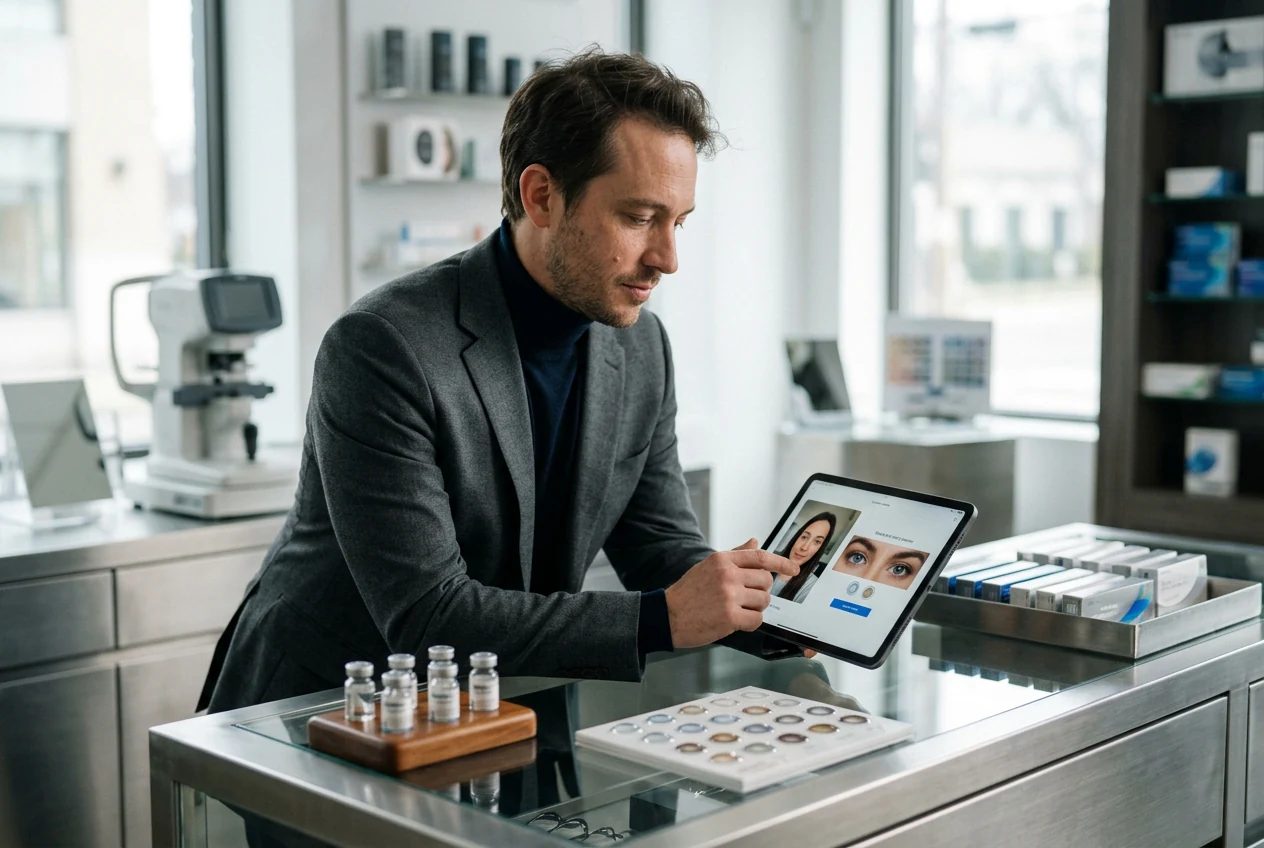
Customers want to see how a lens color reads on their own face before purchasing. Embed the AI eye color change tool into your try on flow so shoppers can preview blue, green, or hazel shades on an uploaded selfie and make a more confident buying decision.

How to Change Eye Color Online

Three steps from upload to export. No layer adjustments, no selection masks, no manual cleanup required. The AI locates the iris and applies the color directly. Change Eye Color improves output consistency. Change Eye Color delivers consistent output.

Step 1

Upload Your Portrait

Select a clear, forward facing portrait image from your device. Well lit photos with visible iris detail give the most accurate change eye color results and cleaner edge rendering around the iris.

Step 2

Select Your Color

Pick from nine shades including blue, green, hazel, amber, gray, brown, violet, red, and dark brown, or choose a creative fantasy option. The AI eye color change applies only to the iris region, leaving surrounding areas untouched.

Step 3

Export Your Result

Download the finished portrait at full resolution. The output preserves iris texture, highlight placement, and shadow detail, making the edit hold up in social media posts, portfolios, and print ready files.

Change Eye Color Features and Controls

Each feature addresses a specific point in the eye color change workflow, from iris isolation to output quality, so the result requires no manual correction after export.

One Step Color Switch

Upload your portrait and select a target shade to change eye color immediately, with no manual selection or masking required. The AI locates the iris automatically and applies the color in a single pass. The result is ready to export without any additional adjustment steps, saving the manual retouching time entirely Change Eye Color keeps quality stable.

One step Change Eye Color selection interface view

Texture Preserving Rendering

The color change retains the original iris texture, specular highlights, and shadow relationships so the edit reads as a natural variation rather than a flat color overlay. Skin tone relationships around the eye area remain intact. The output looks consistent whether the source image is a studio portrait or a natural light selfie Change Eye Color keeps quality stable.

Texture preserving Change Eye Color natural rendering result

Nine Color Presets

Choose from blue, green, hazel, amber, gray, brown, violet, red, and dark brown to edit color of eyes across a full spectrum of natural and creative looks. Each preset is calibrated for realistic iris rendering. The photo editor eye color changer also supports fantasy and cosplay tones for character or editorial work Change Eye Color keeps quality stable.

Change Eye Color nine color preset selection grid

Precise Iris Isolation

The AI eye color changer identifies the iris boundary accurately across varied lighting conditions and eye shapes, so only the intended region receives the color change. Adjacent skin, sclera, and lash areas are not affected. This makes the tool reliable for ai eye color change on portraits where manual selection would risk bleeding into surrounding pixels.

Change Eye Color precise iris isolation AI detection

Change Eye Color Questions

Yes, darker irises can be edited accurately when the portrait is clear and front facing. If lighting is balanced and eyes are unobstructed, color replacement stays more natural. This helps you preview realistic outcomes before publishing or client delivery.

Change Eye Color in Your Portrait

Upload a portrait, pick a shade, and export a clean result. No retouching experience required and no software to install before you start. this tool improves output consistency. Change Eye Color delivers consistent output.

Create Free