

Content Creators
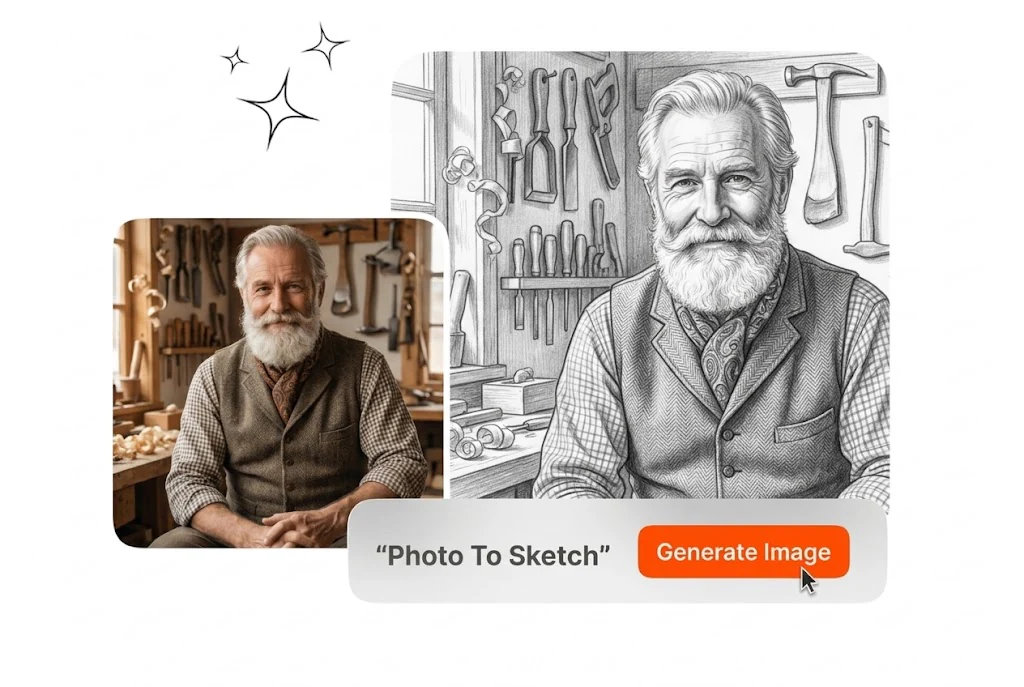
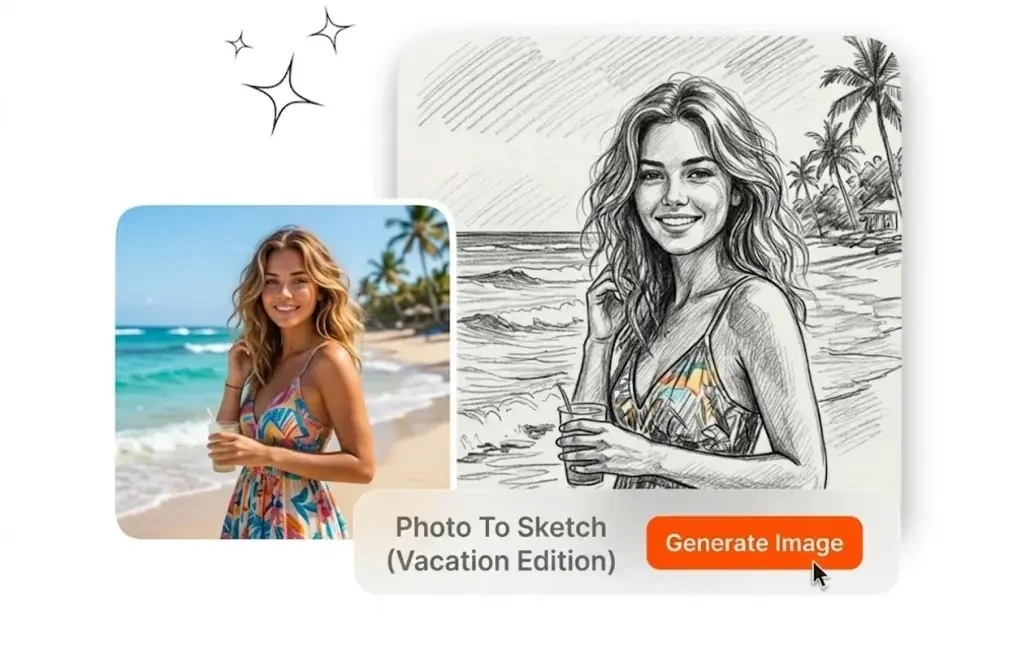
Creators use Photo to Drawing and Sketch Photos to refresh covers quickly. They run Sketch from Photo presets for each campaign. The Photo Sketch Maker workflow keeps style consistent across batches, channels, and seasonal launches.
Photo to Sketch turns one upload into clean line art in seconds. It keeps edges clear, supports style presets, and exports high-resolution results online.
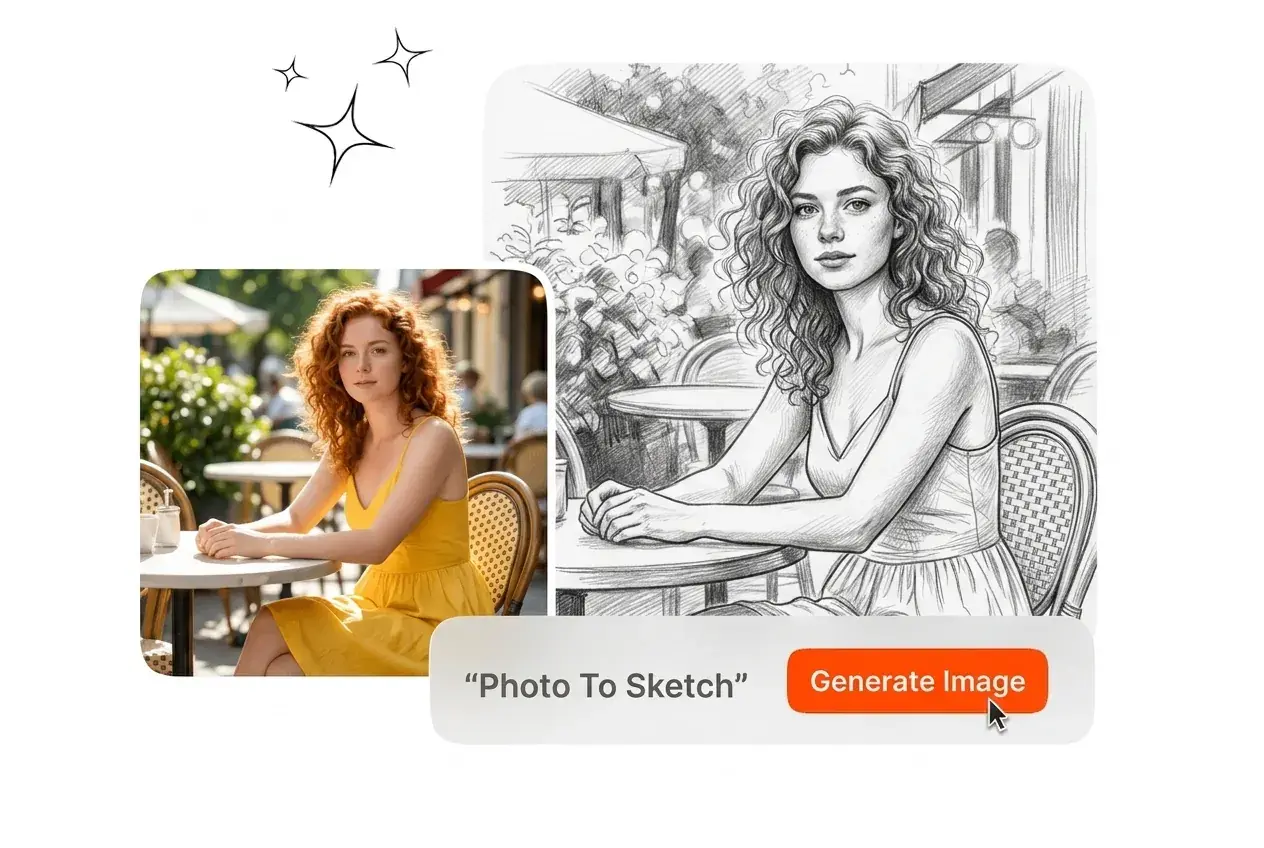
Photo to Sketch lets you upload one image, pick a style, and export a clean drawing in seconds with no manual retouching or design software.
Photo to Sketch supports creators, teachers, and marketers who need fast artistic visuals from normal photos while keeping control over style, detail, and export quality.
Creators use Photo to Drawing and Sketch Photos to refresh covers quickly. They run Sketch from Photo presets for each campaign. The Photo Sketch Maker workflow keeps style consistent across batches, channels, and seasonal launches.

Design teams rely on photo to pencil sketch and convert pictures to sketch during concept sprints. They keep drafts readable in meetings. The photo to sketch converter shortens review loops, supports client alignment, and cuts manual edits.
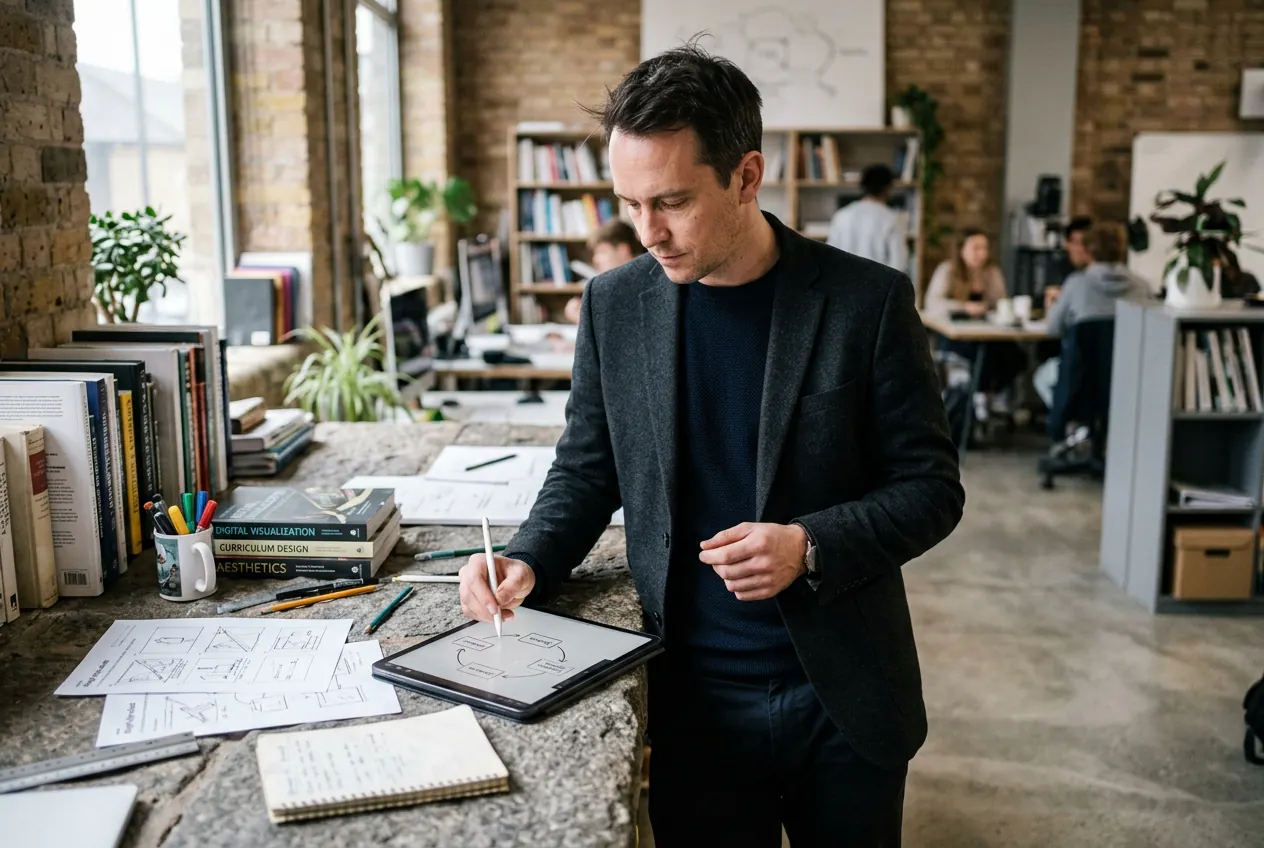
Teachers use change photo to sketch and photo to sketch ai for worksheets. They also apply image to Line Drawing to simplify diagrams. The convert photo to sketch online free flow works across classroom devices.
Photo to Sketch uses a clear three-step flow, turning any source photo into a polished sketch output quickly without software installs or manual drawing work.
Upload a portrait, product, or landscape with clear lighting and edges. Better source quality produces cleaner stroke separation. This also helps turn images into sketches with fewer artifacts and more consistent contours.
Choose from pencil, charcoal, or line-art presets based on final use. You can test Photo to Pencil Drawing or Photo to Line Art looks quickly. Then compare contrast, edge weight, and shading intensity before export.
Download the final image at high resolution for print or digital use. Teams often Transform Photo into Sketch assets for posters and slides. The export keeps facial structure, object outlines, and background hierarchy readable.
Photo to Sketch combines style flexibility, detail retention, and fast online processing so users can generate usable sketch visuals for creative work without extra tools.
Photo to Sketch includes AI Photo to Sketch and ai sketch generator modes for different outputs. You can switch preset depth in one click. This gives teams repeatable looks for campaigns, lessons, and product visuals.
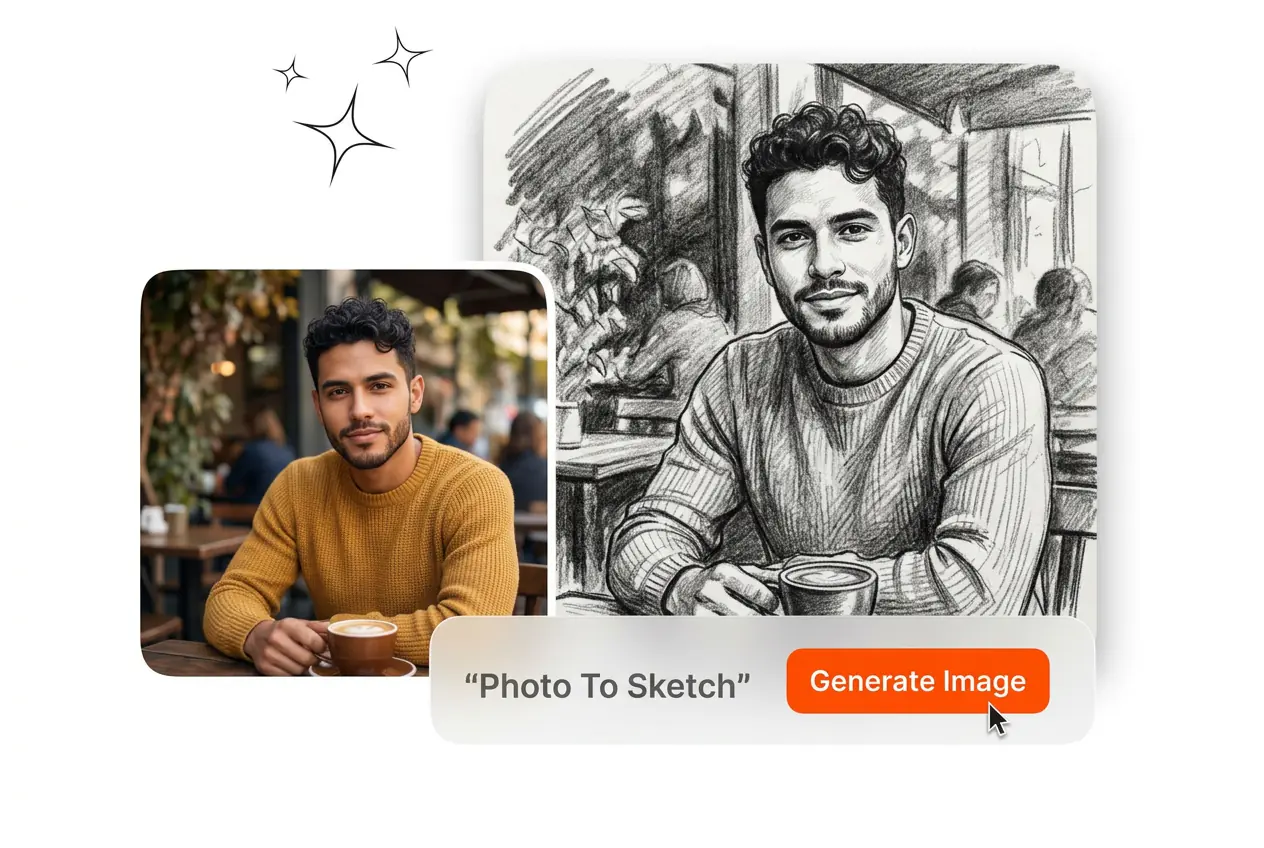
Photo to Sketch runs online without installation and supports quick turnaround. Teams can test alternatives before choosing finals. It is useful when speed matters for social posts, class handouts, campaign drafts, or rapid design mockups.
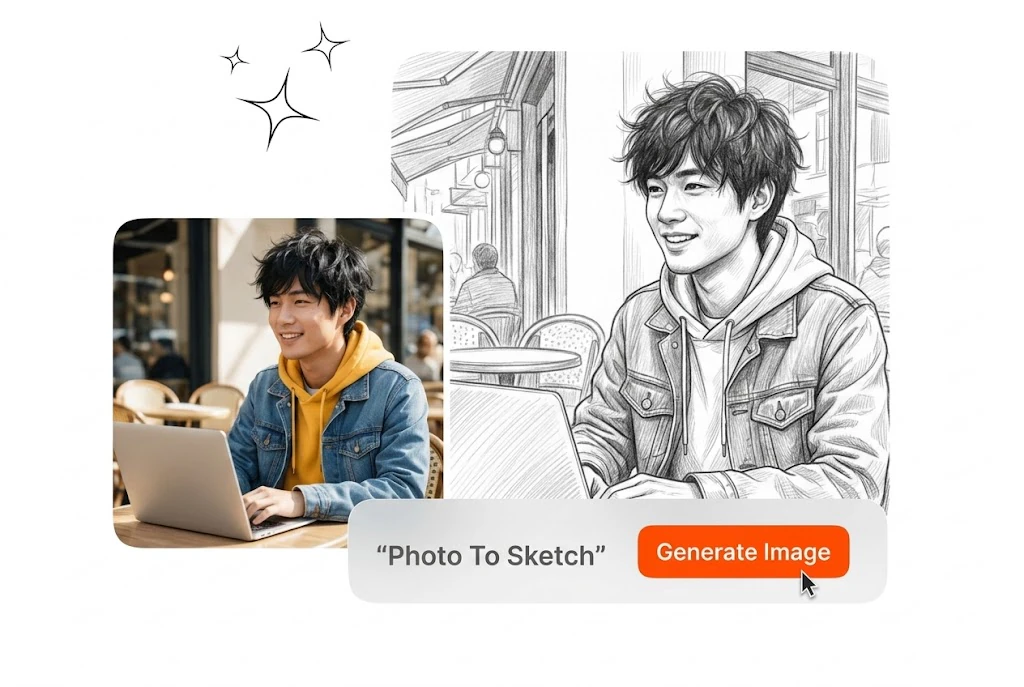
Photo to Sketch handles portraits, still life, products, and outdoor scenes in one interface. Results stay consistent across varied sources. This broad compatibility reduces tool switching, simplifies production pipelines, and improves team throughput under deadlines.
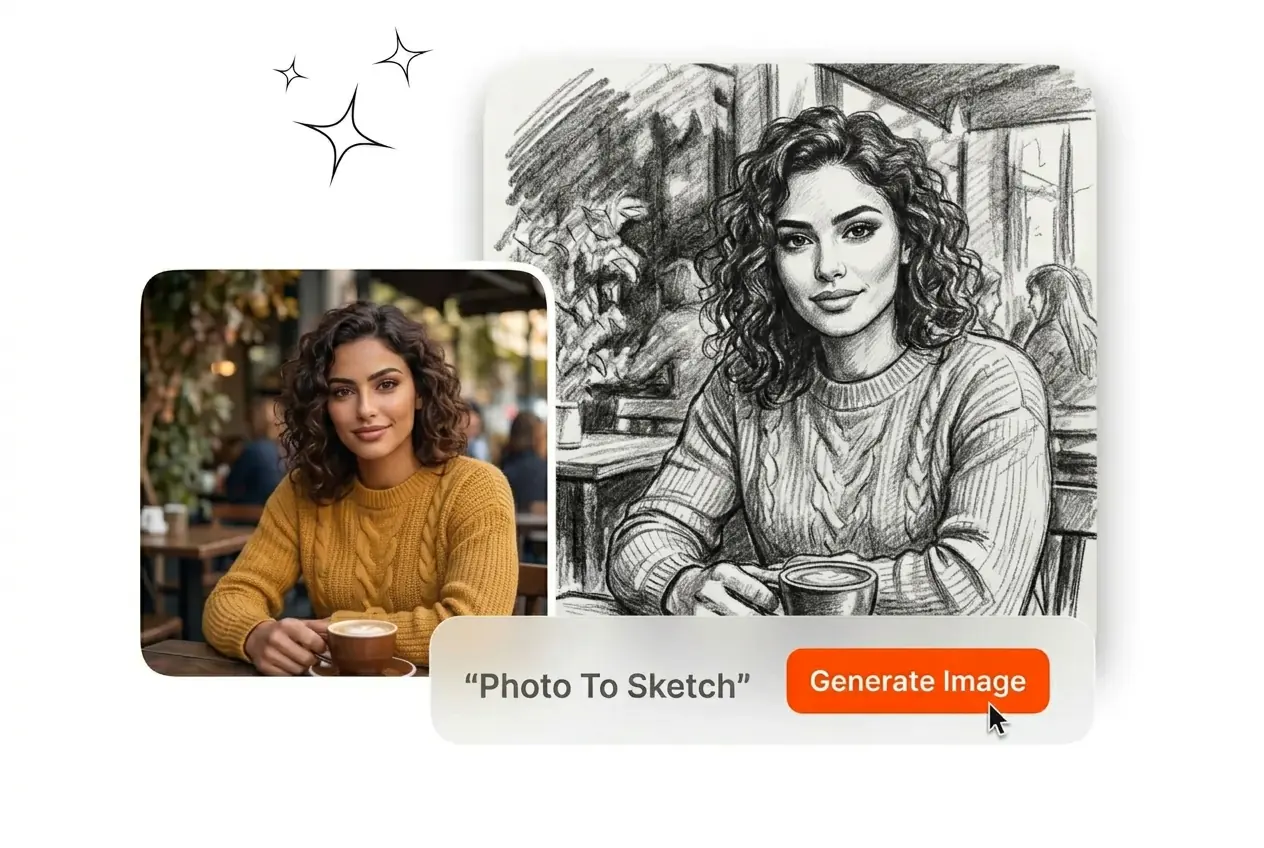
Use images with clear subject contrast, even lighting, and minimal compression artifacts. Sharp edges help the model separate outlines from texture noise. If a file looks soft, increase clarity first, then run conversion for stronger line definition.
Use Photo to Sketch to convert one image, choose a style, and download a clean high-resolution result for social posts, print pieces, and concept drafts.
Create Free