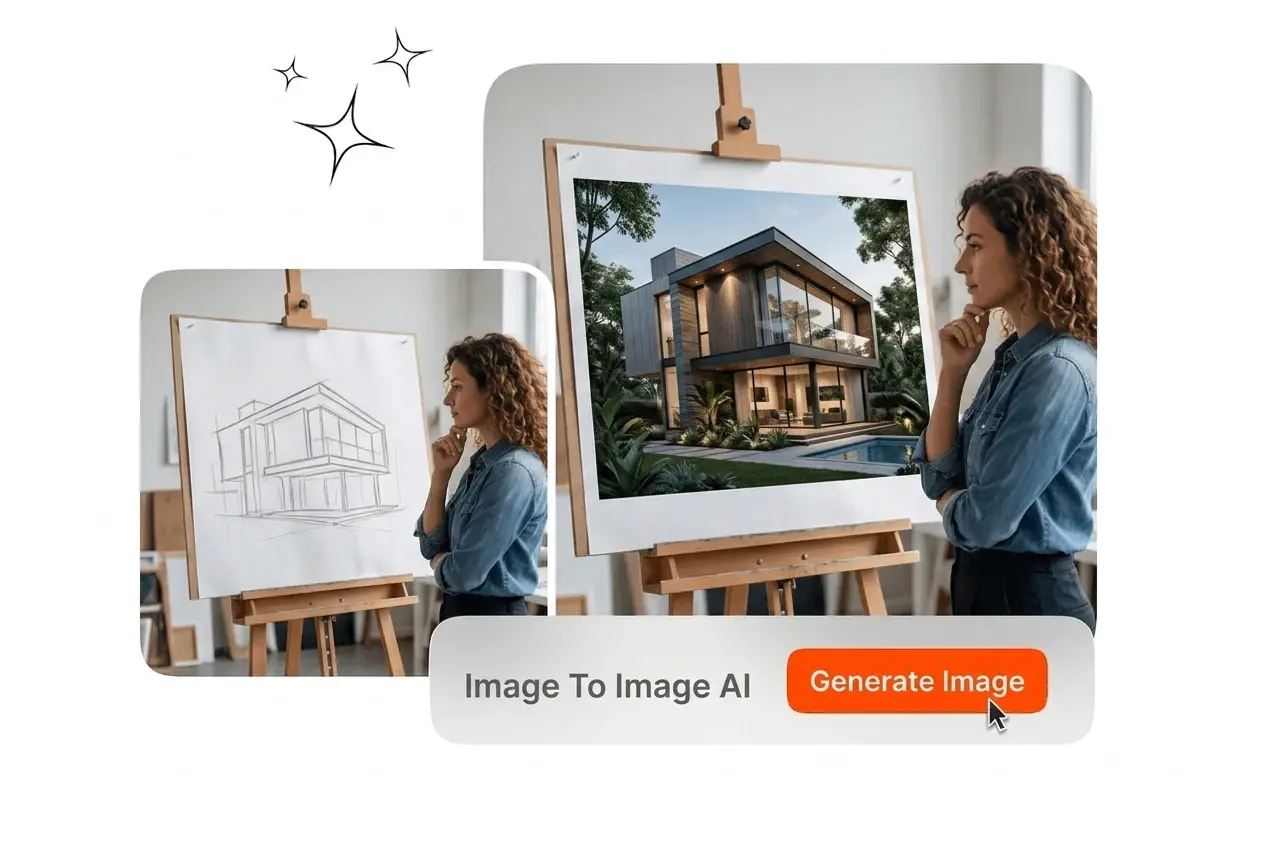
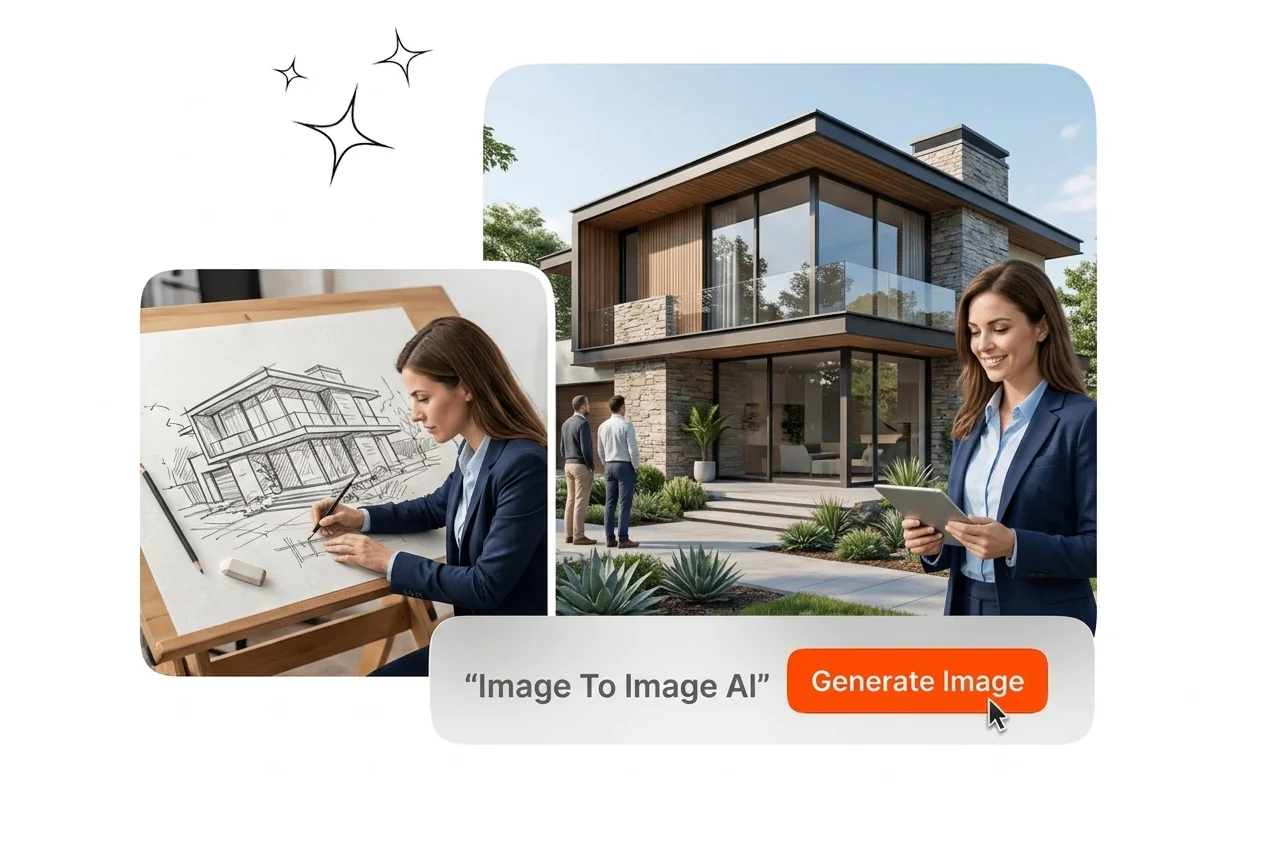
Free Image to Image AI

Use image to image ai to transform one source into controlled style variations. Results stay consistent for review, export, and campaign production workflows.

Banner preview

Image to Image AI Generator

Upload a reference image, select a style preset, and export a new image with the original composition intact. Veme AI handles the conversion. Image to Image AI improves output consistency. image to image ai delivers consistent output.

Who Uses Image to Image AI

Veme AI fits three specific professional contexts where image to image ai output has to match brand standards, client briefs, or publishing deadlines. image to image ai delivers consistent output.

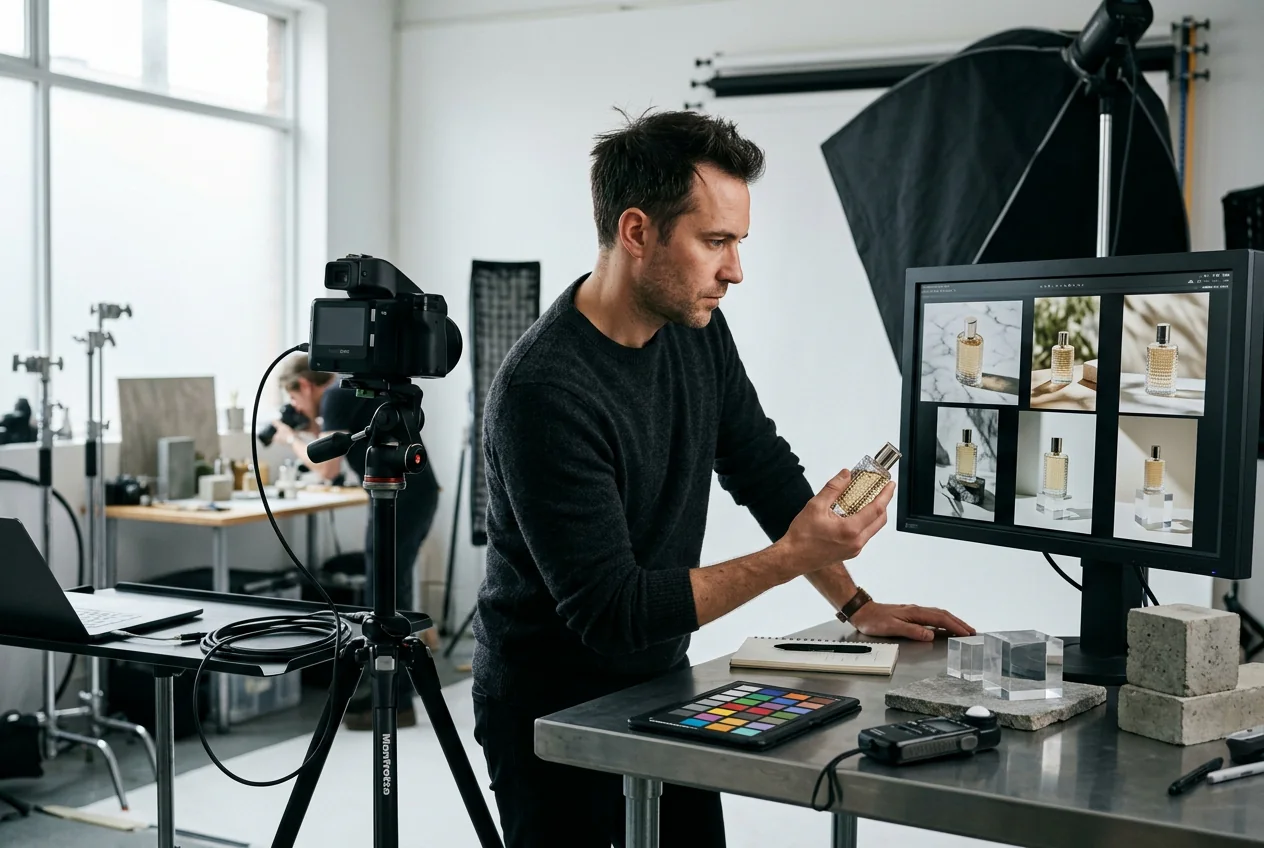
e commerce team using image to image ai

E commerce Teams

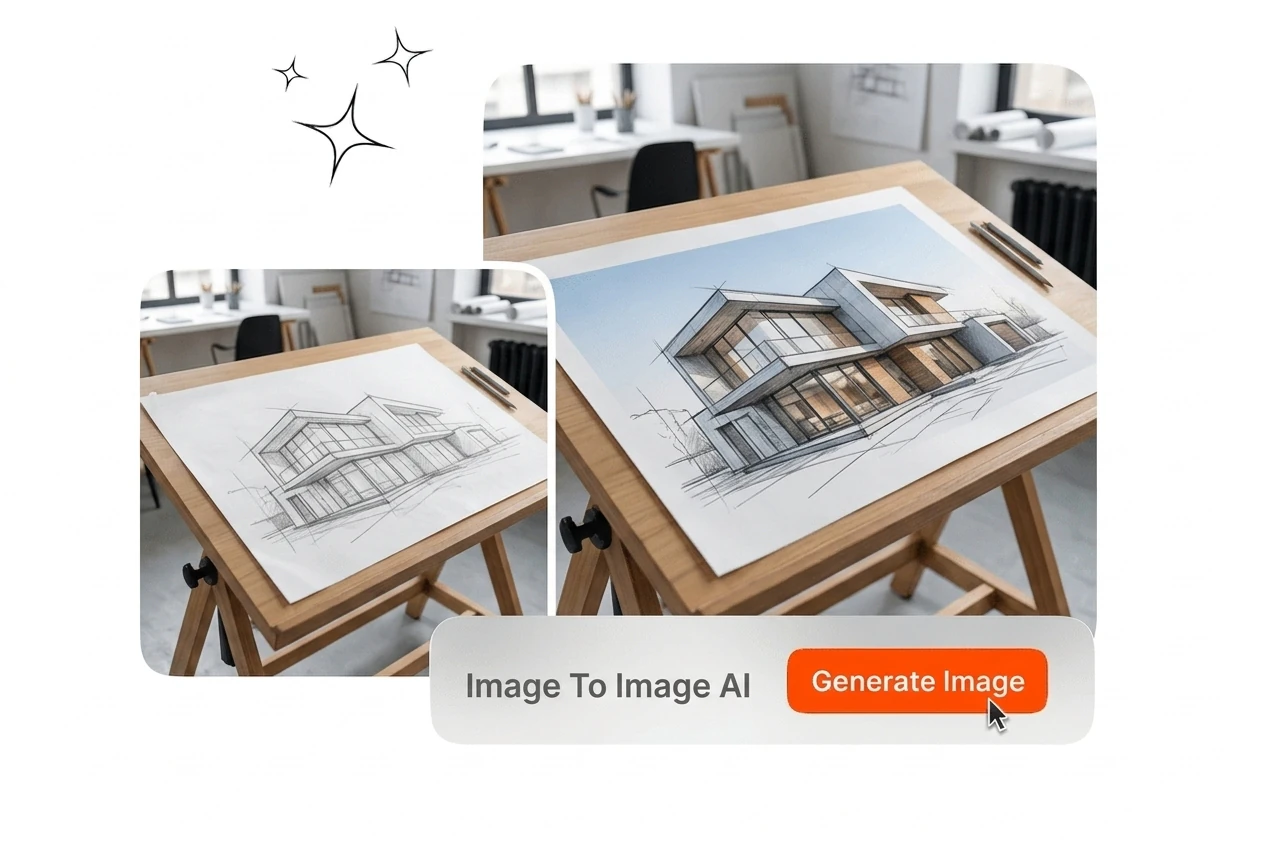
Product photography needs background replacements and scene variations without re shooting. Upload the original product image, select the target scene style, and export multiple ad ready variants. The AI image to image generator keeps the product structure intact across every output, so visual QA covers style differences rather than composition drift.
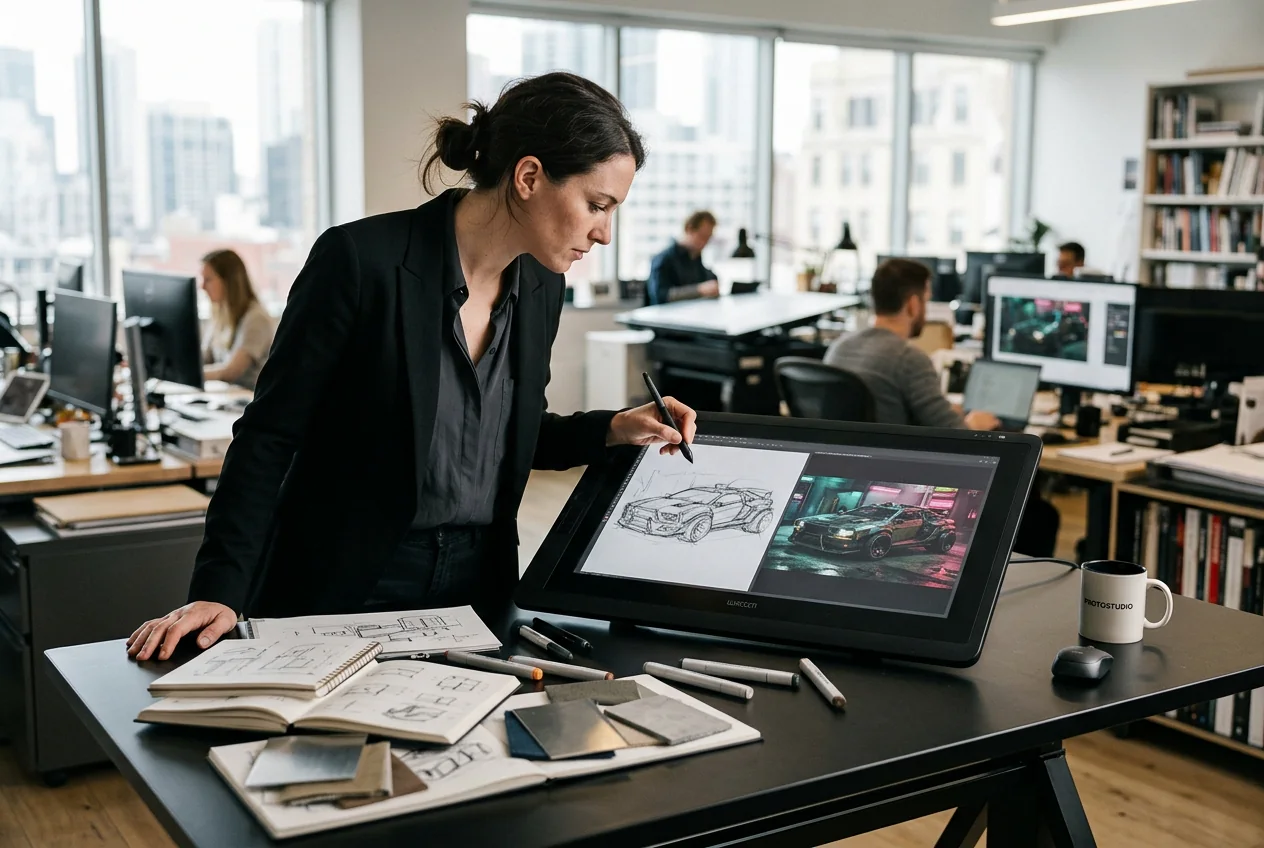
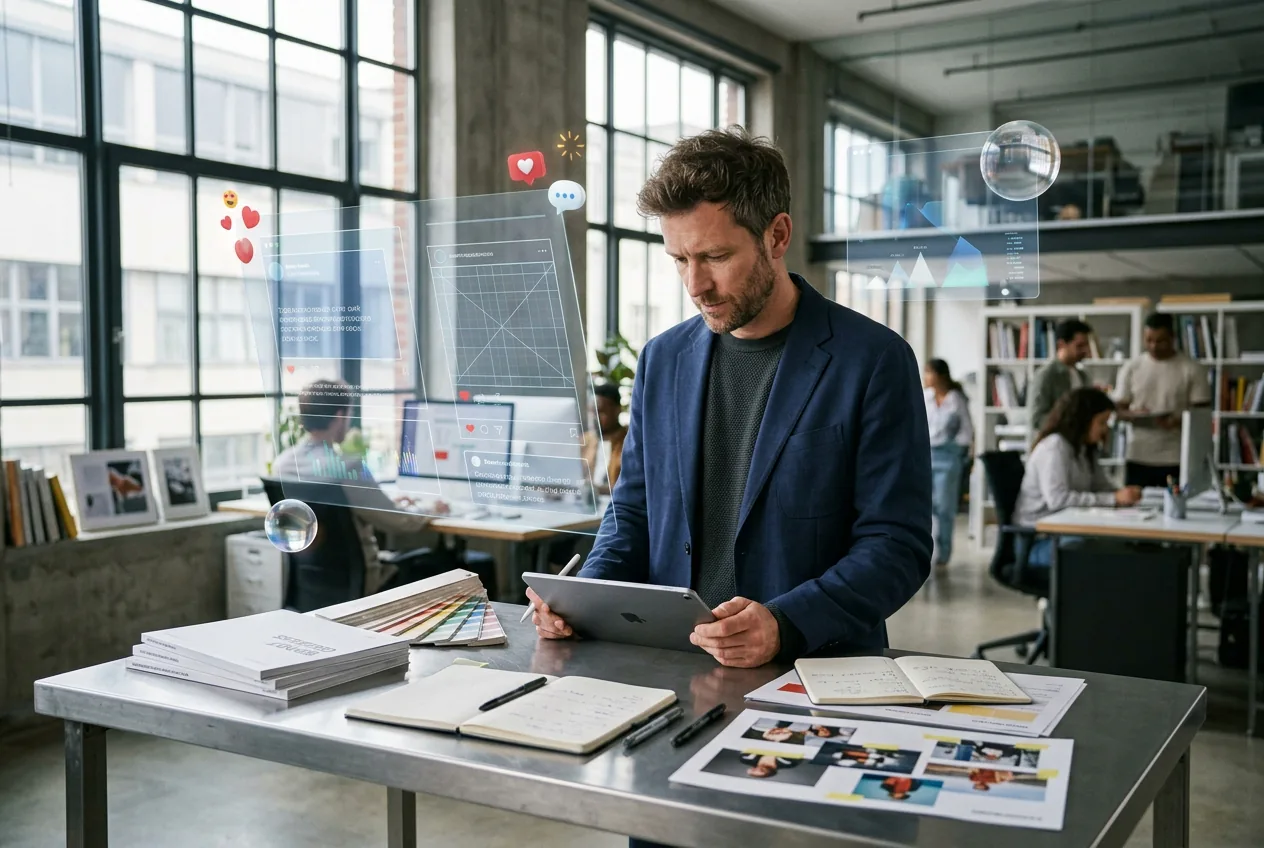
concept designer using image to image ai for

Concept Designers

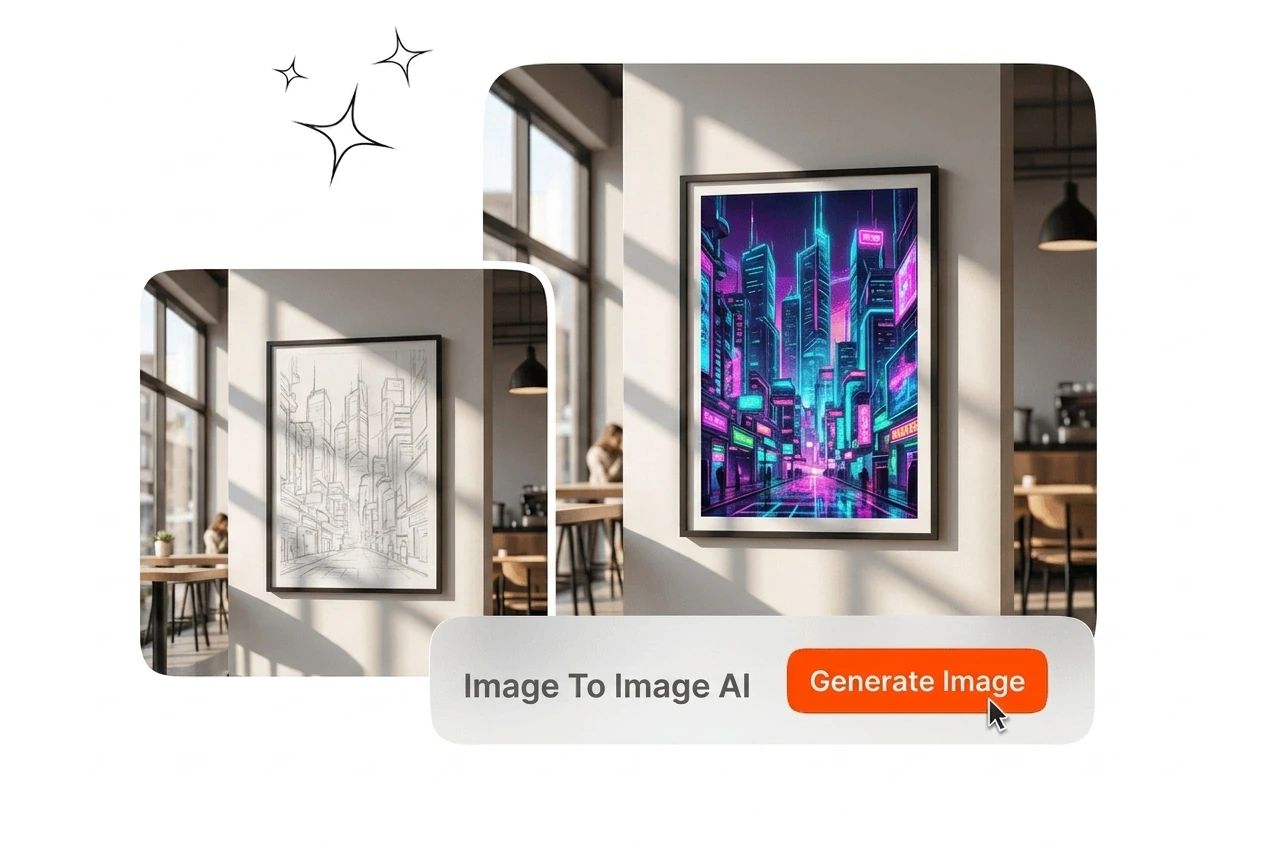
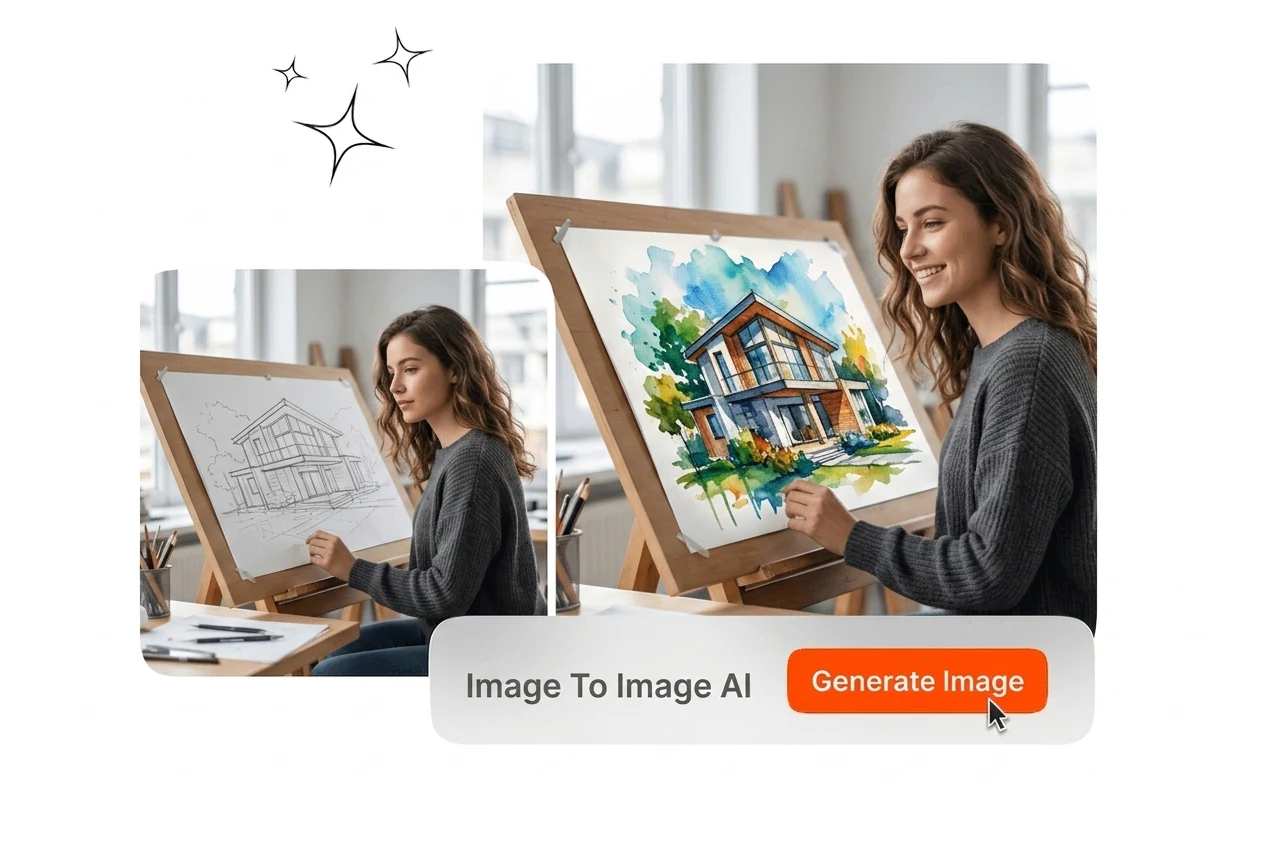
Early stage design work involves testing multiple visual directions from a single sketch or reference. Use image to image ai to convert a rough draft into anime, cyberpunk, or 3D illustration outputs without rebuilding the composition. Each variation preserves the original scene layout while the style shifts, which keeps client presentations grounded in the agreed concept.

brand manager using image to image ai for

Brand Managers

Maintaining visual consistency across campaign assets requires a repeatable process. Upload a brand reference image and generate new banner, social, and ad variations that share the same structural baseline. The AI image converter holds the composition fixed, so the output batch looks like it came from the same creative brief rather than separate shoots.

How Image to Image AI Works

Three steps cover the full workflow: upload a source image, set your style and adjustment parameters, and export the finished output at your target resolution. Image to Image AI improves output consistency. image to image ai delivers consistent output.

Step 1

Upload Source Image

Select your reference image, whether a photograph, product shot, digital illustration, or hand drawn sketch. Veme AI reads the structure, composition, and lighting relationships before any transformation begins, so the output retains the original framing.

Step 2

Set Style Parameters

Choose a style preset from the available library, including anime, Ghibli, cyberpunk, watercolor, oil painting, retro, surrealist, and 3D illustration. Adjust the transformation intensity to control how far the output departs from the source image structure.

Step 3

Export Your Output

Generate multiple image variations from the same source file and export at up to 4K resolution. Each output can be refined further using background replacement, element adjustment, or local detail editing before the final export.

Image to Image AI Key Features

Image to image ai covers practical conversion intents from photo restyling to structured variation output across campaign, ecommerce, and design workflows.

Structure Preserving Image Conversion

Veme AI reads the spatial layout of your source image and uses it as the generation reference, so the subject, framing, and depth relationships carry through to every output. Select the transformation intensity slider to move between a light style shift and a full visual rebuild. The result is a converted image that functions as a coherent variation rather than an unrelated scene, which makes the AI image to image generator useful for client facing work image to image ai keeps quality stable.

image to image ai structure preservation before after

Multi Style Preset Library

The preset library covers seven distinct styles: anime, Ghibli, retro, and 3D illustration. Pick a preset, apply it to your source image, and the image transformation runs without additional configuration. One source file can produce seven style variants in a single session, which compresses the time spent on creative exploration from hours to minutes image to image ai keeps quality stable.

image to image ai multi style preset selection

Text Directed Style Control

Alongside preset selection, you can supply written details to direct specific changes: swap the background scene, shift the color palette, adjust lighting direction, or modify surface materials. Veme AI applies those instructions to the generate image from image process without requiring you to rebuild the source composition. The output reflects both the structural reference and the specified modifications, keeping the two inputs in proportion image to image ai keeps quality stable.

image to image ai text directed style control

High Resolution AI Upscaling

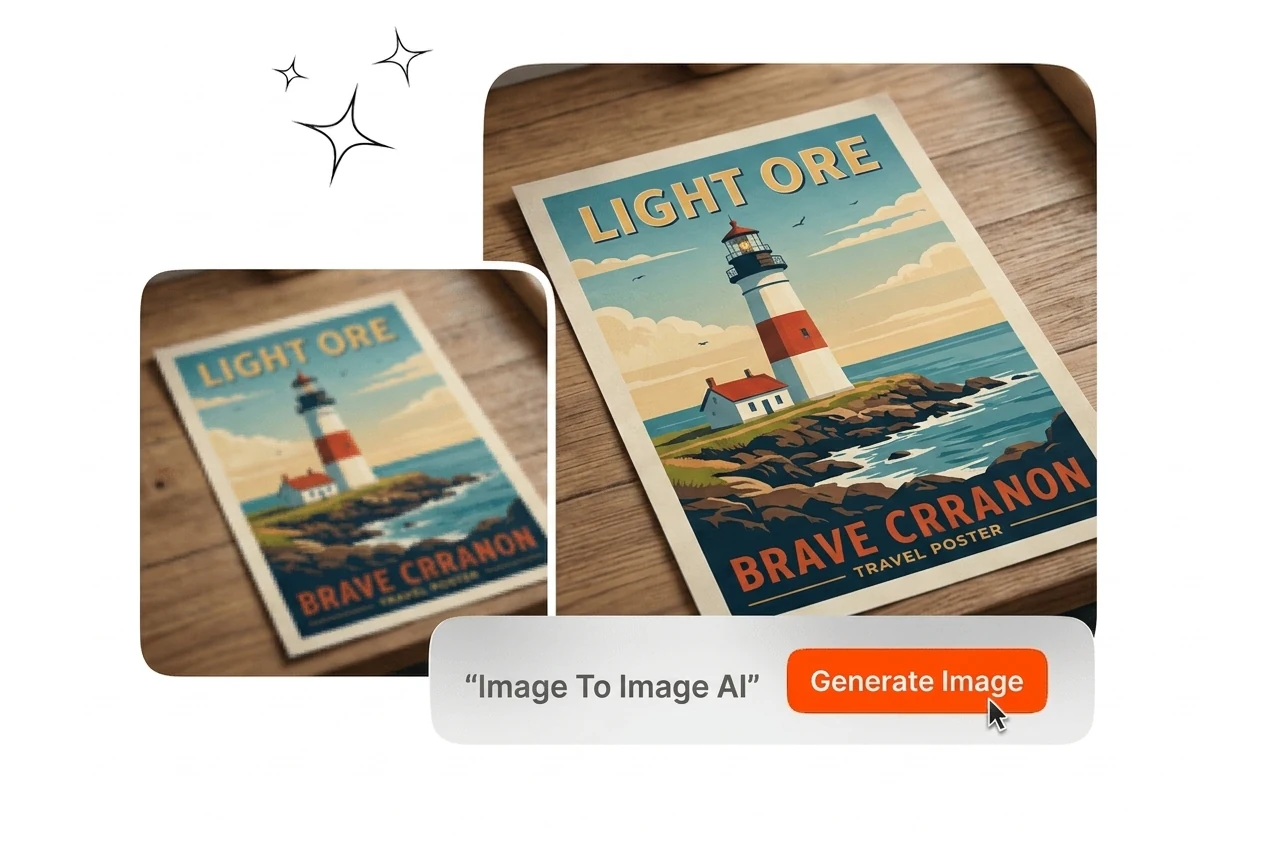
Export high resolution results up to 4K with clean detail and color stability. The output stays consistent across channels for design delivery. This also supports anime style output It keeps output detail stable for large format publishing.

image to image ai high resolution 4K upscaled

Image to Image AI Generator Questions

Clean, well lit source images with visible subjects work best for stable transformations. If the original has strong blur or heavy compression, detail retention can drop. This baseline quality check helps you get more reliable edits on the first run.

Start Your Image to Image AI

Upload a reference image, pick a style preset, and export your first variation. Veme AI handles the image to image ai conversion from source to finished output. image to image ai delivers consistent output.

Create Free