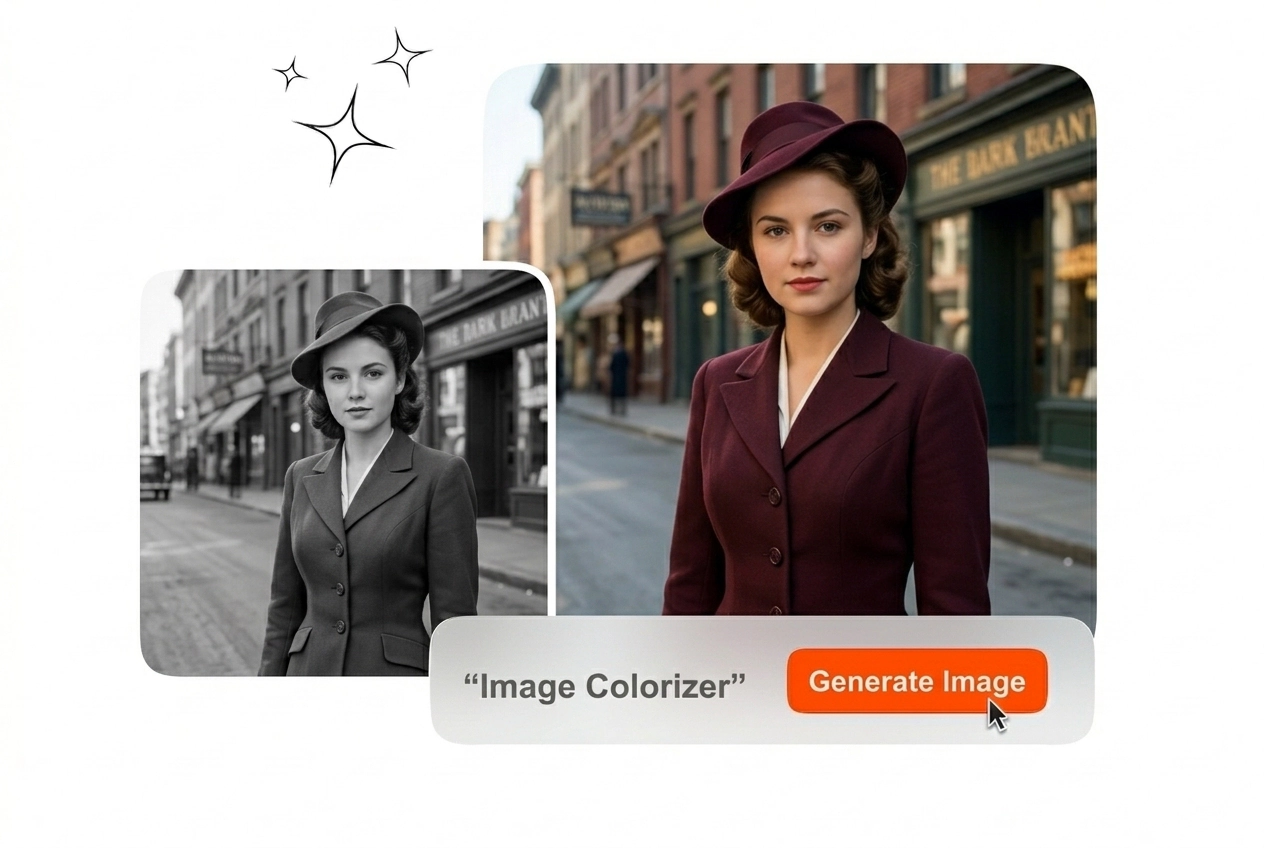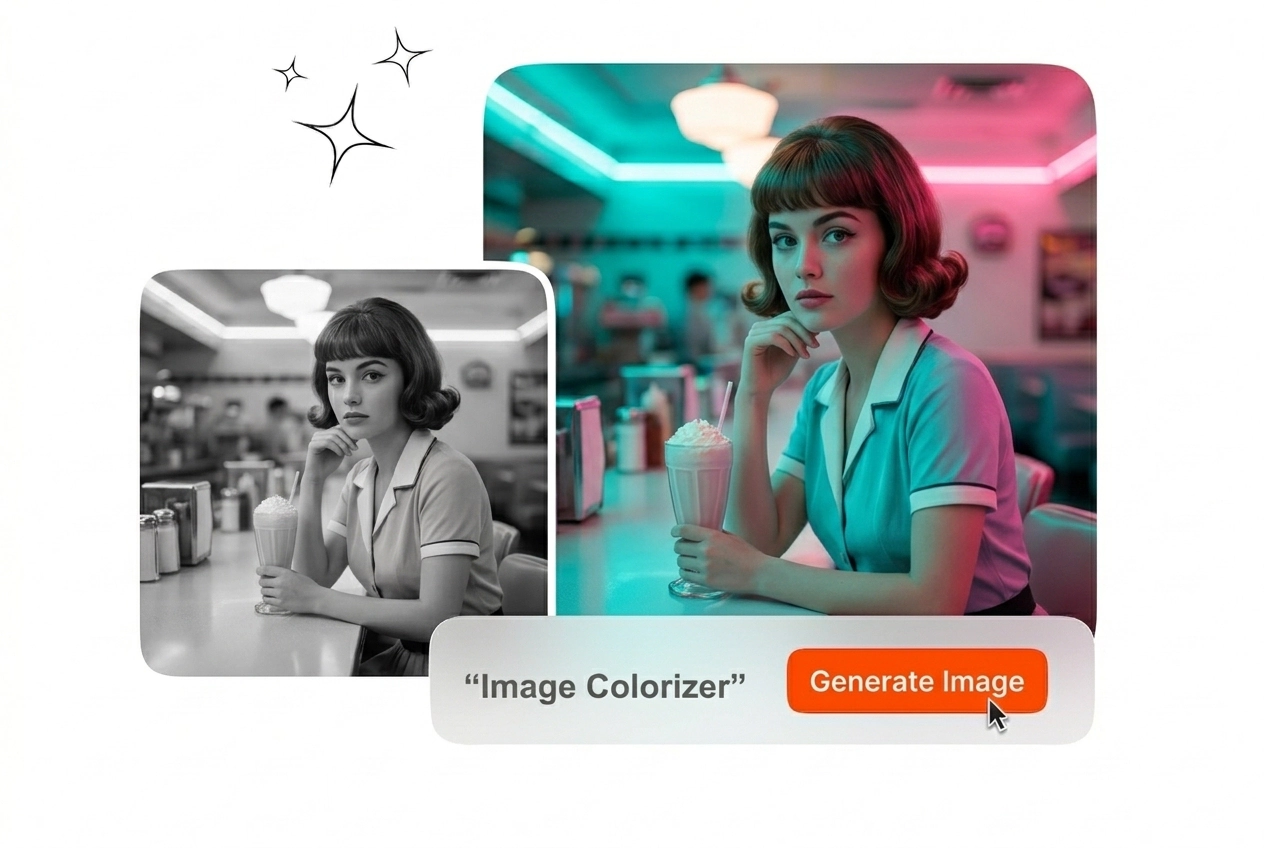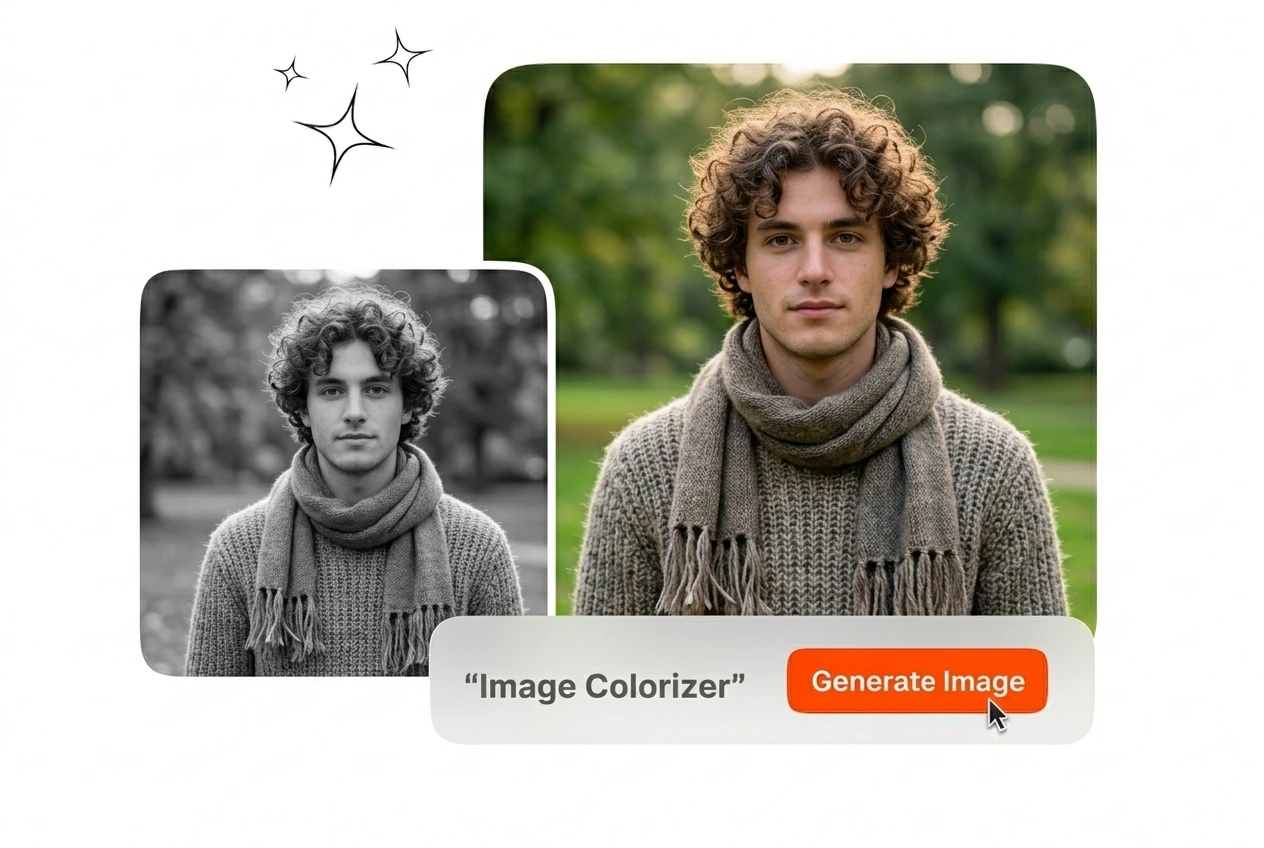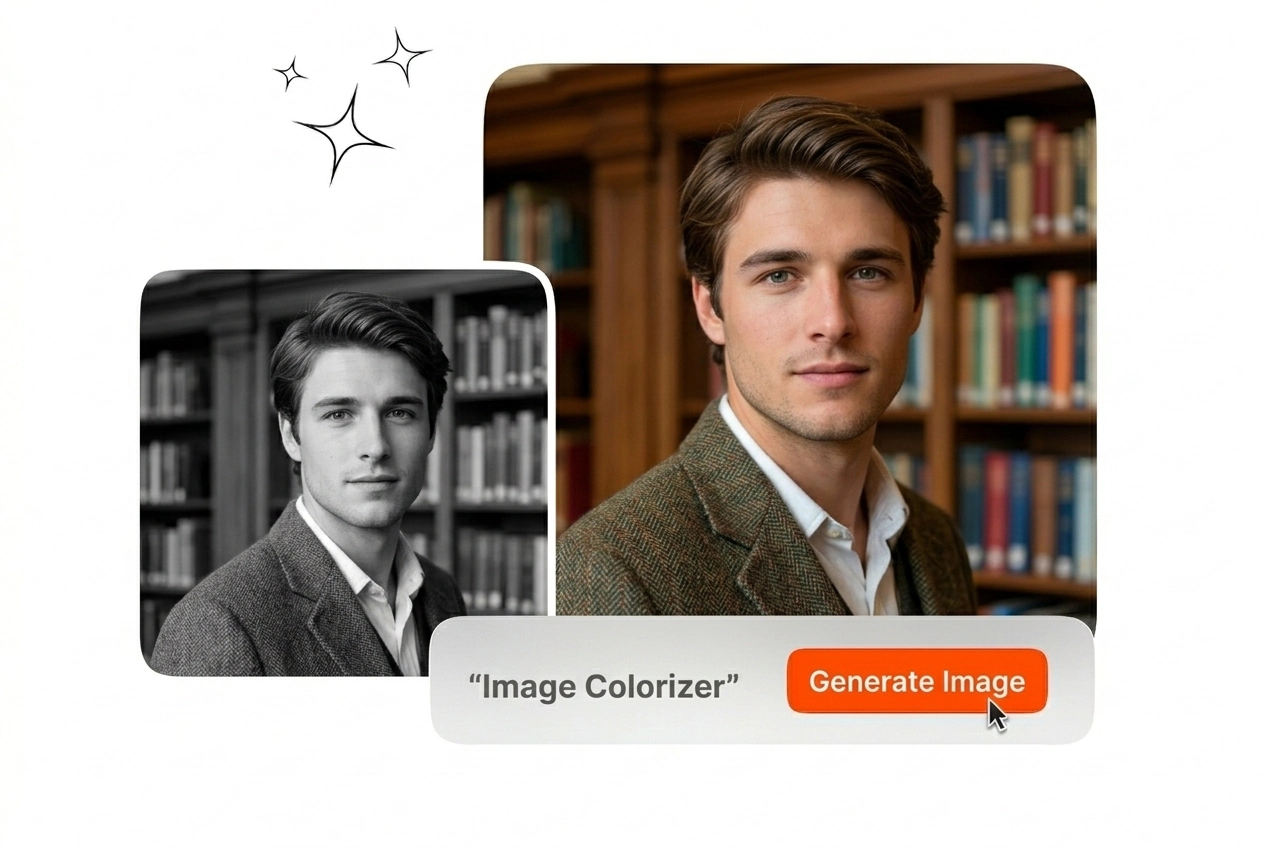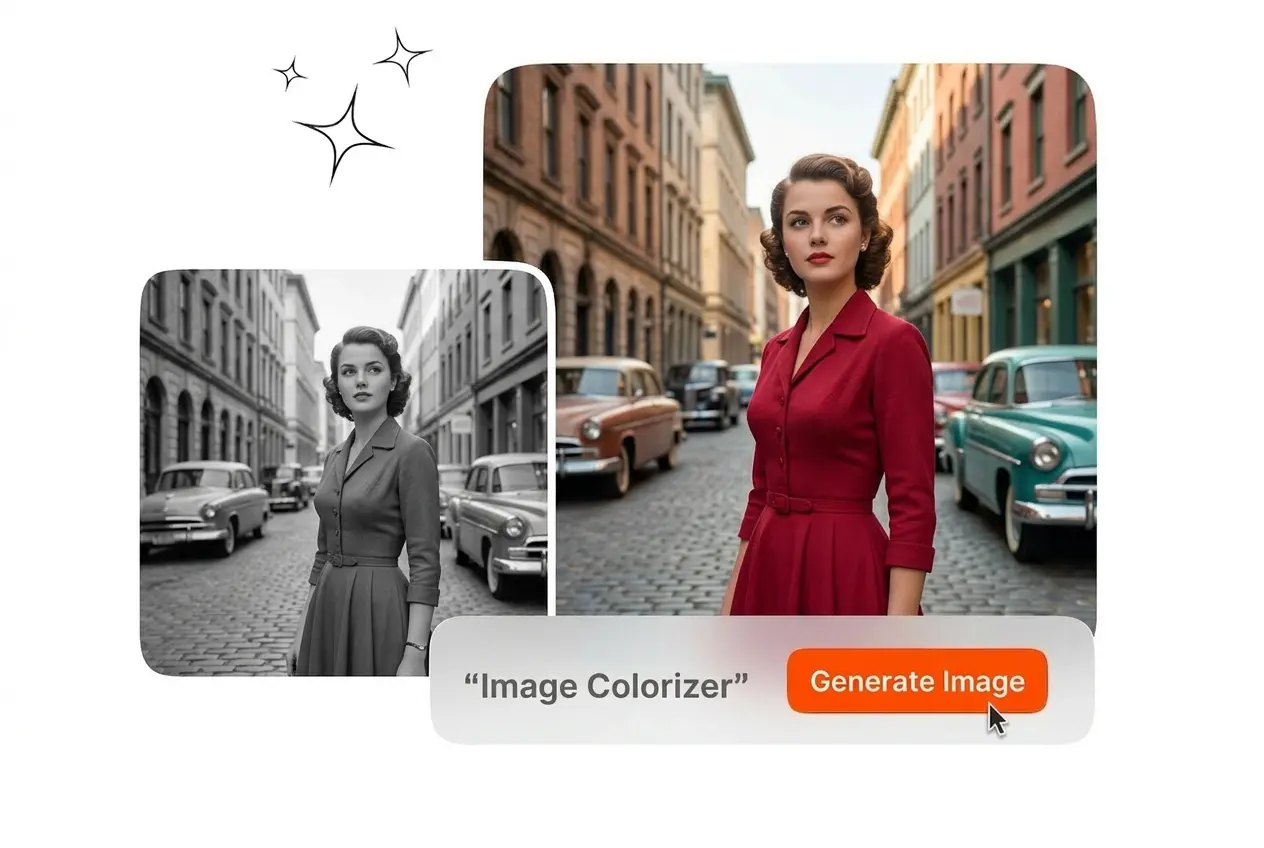
Free Image Colorizer

Processes your static uploads to restore natural hues across complex textures. High-resolution inputs yield the most accurate colorized photos upon export.

Banner preview

Precise AI Image Colorizer

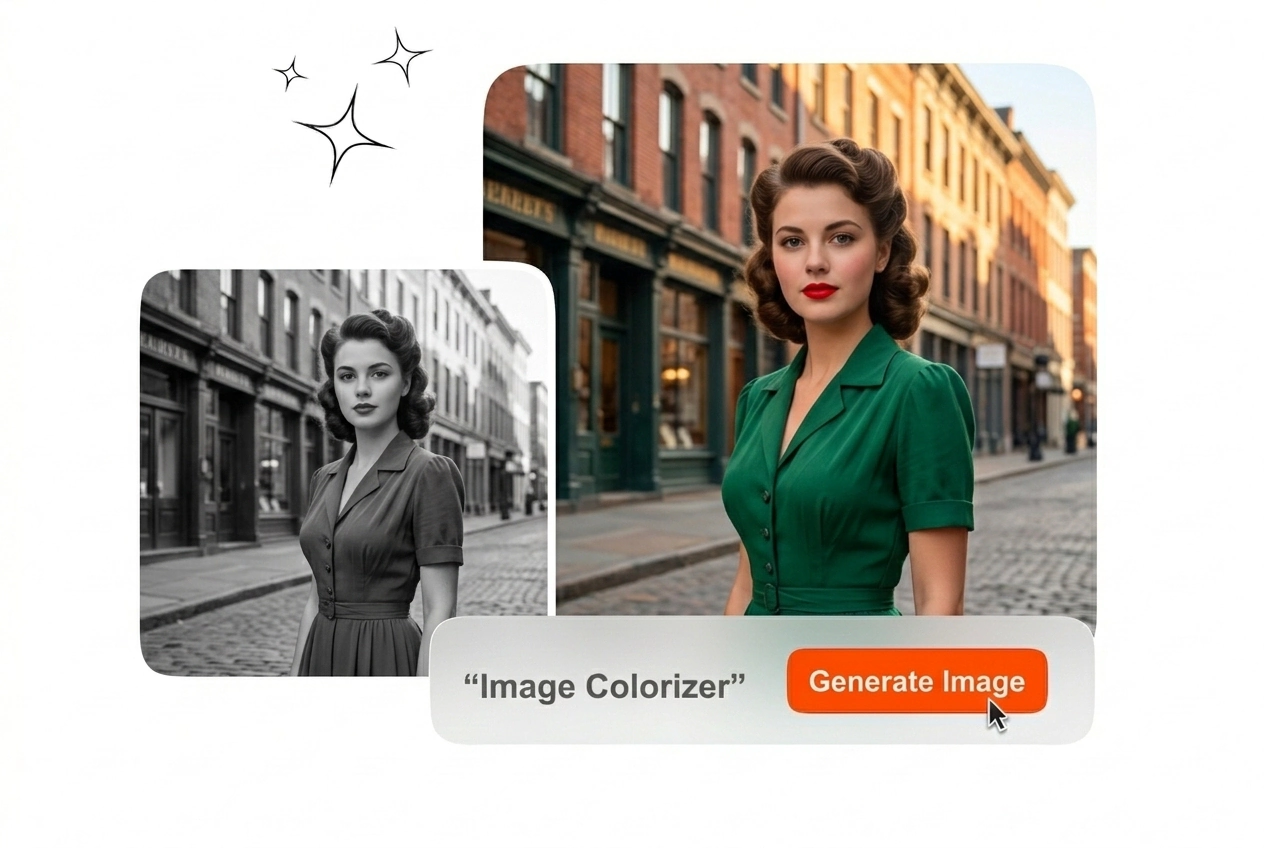
Upload a faded scan and export a naturally tinted file. This Image Colorizer online tool restores accurate tones to your archival or commercial assets.

Veme AI precise image colorizer hero showcase
Professional Image Colorizer Workflows

Different visual disciplines require specific color accuracy. Our AI Image Colorizer adapts to distinct professional requirements for consistent and reliable static file exports.

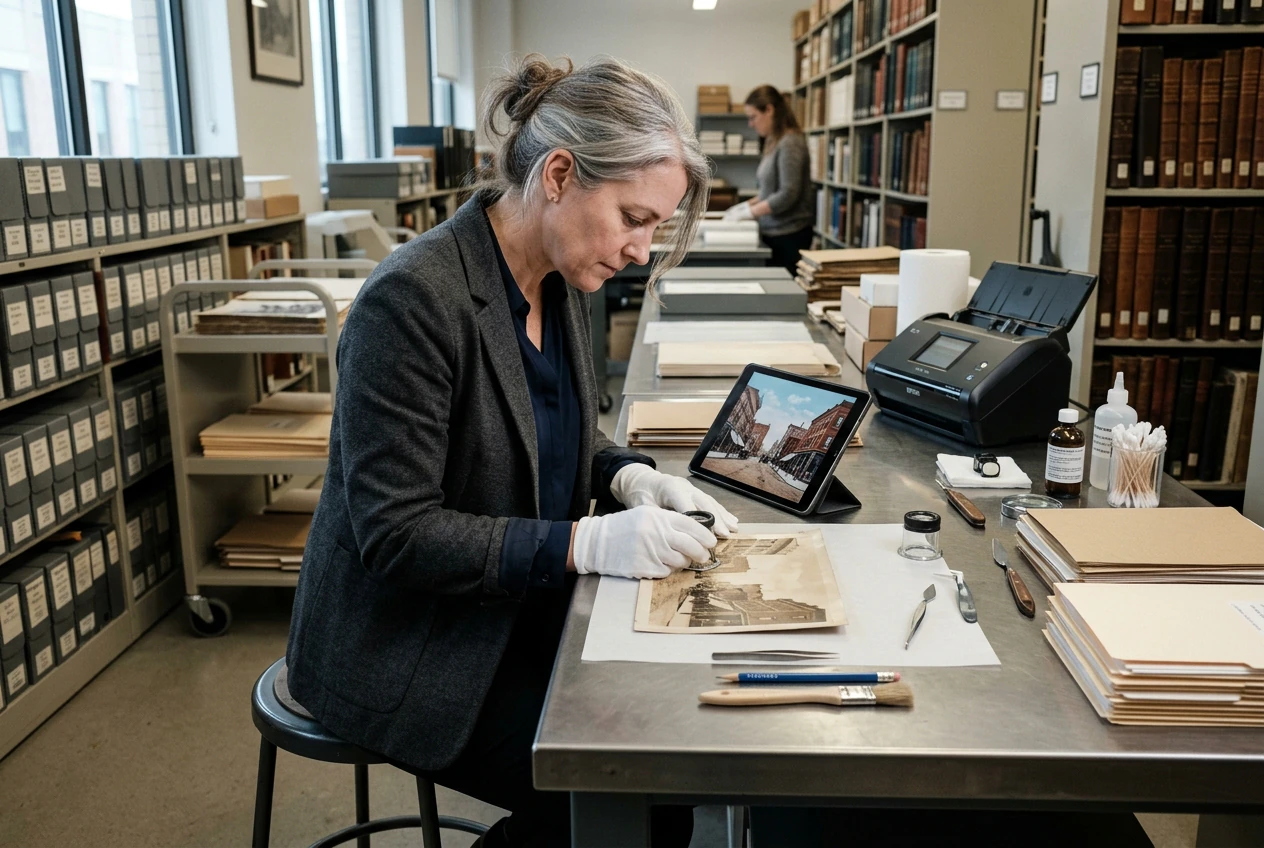
Archivist using image colorizer for historical scans
Archival Restoration Teams

Historical archives demand factual color representation. You upload a scanned document and the Image Colorizer applies era-appropriate hues to clothing and backgrounds. The final export preserves the original grain while adding realistic color depth.
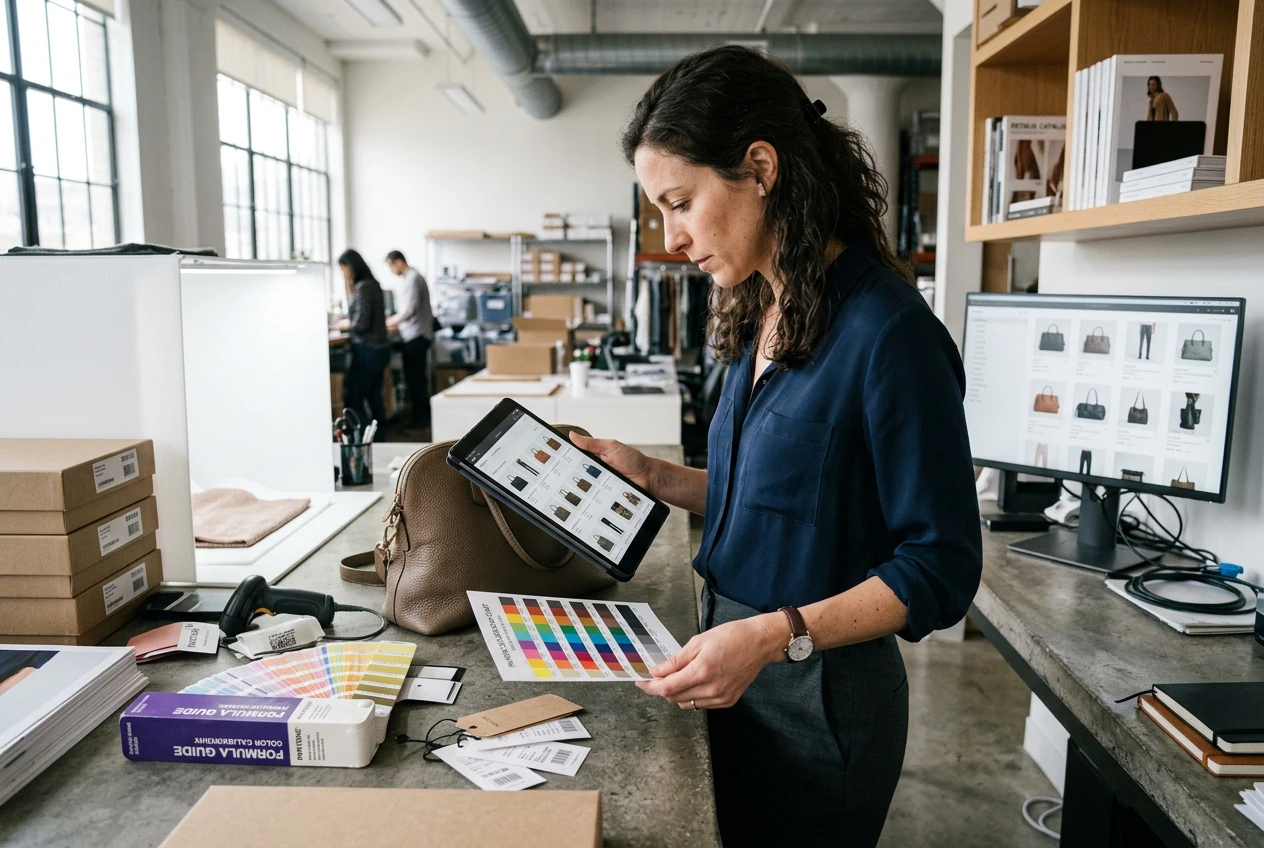
Retail manager applying image colorizer to products
Retail Catalog Managers

Product listings need uniform lighting and saturation across hundreds of SKUs. Use this black and white Image Colorizer to standardize your baseline product photography. Your team exports a cohesive visual catalog ready for immediate web deployment.

Illustrator testing palettes with ai image colorizer
Concept Art Illustrators

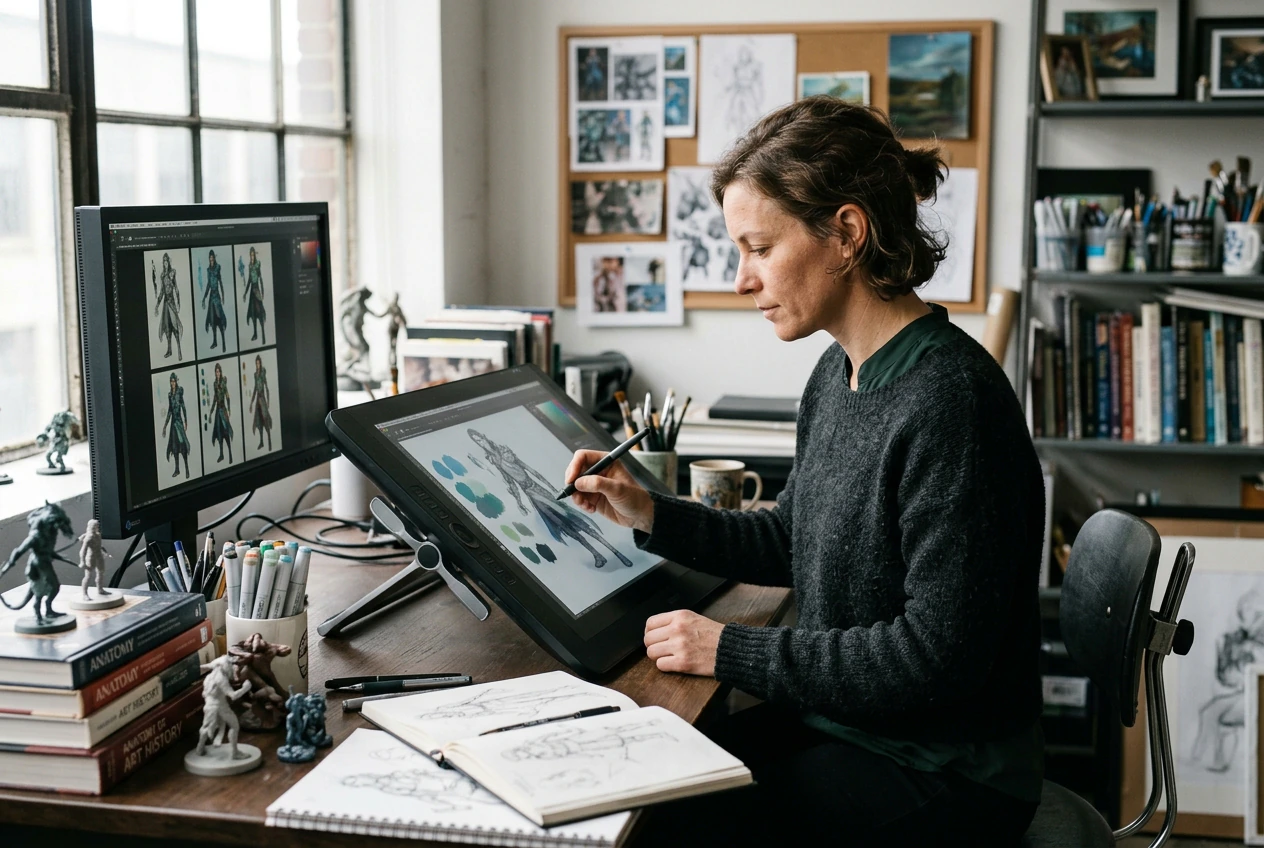
Grayscale sketches require rapid palette testing before final rendering. You input your line art and the system generates multiple colorized pictures based on your text prompts. Pick the best variation and export it for further refinement.

How the Image Colorizer Works

The process requires a static input file and an optional text prompt. The Image Colorizer handles the structural analysis and outputs a finished file.

Step 1

Upload Source File

Select your faded or grayscale static file and upload it directly to the workspace. The system reads the existing contrast levels to prepare the base layer for accurate color distribution.

Step 2

Define Color Parameters

Type a text prompt to guide the specific era or lighting style you need. The Image Colorizer maps natural skin tones and fabric textures according to your exact written instructions.

Step 3

Export Final Image

Review the generated result to ensure the edges and color transitions remain perfectly clean. Download the finished static file in your preferred format to use in your upcoming publishing workflow.

Core Image Colorizer Capabilities

Our Image Colorizer provides specific controls for texture mapping and tone consistency. You can recolor image files quickly without compromising the original structural integrity.

Image colorizer mapping natural tones to vegetation

Contextual Tone Inference

The system analyzes the structural context of your uploaded file to determine appropriate natural hues. It fills skies, vegetation, and skin tones with realistic values automatically. You export a balanced file that requires zero manual masking.

Text prompt controlling the image colorizer output

Preset Prompt Driven Style Control

Color and style are guided by carefully designed built-in prompts within the system. The Image Colorizer applies optimized era and lighting presets automatically during processing, without requiring manual input. This ensures consistent, high-quality results that align with the intended visual direction.

Image colorizer preserving sharp edges on fabric

Edge Texture Preservation

Complex details like hair and woven fabrics often suffer from color bleeding in standard tools. This dedicated Image Colorizer maintains sharp boundaries between distinct objects. Your exported file retains crisp lines alongside the newly added colors.

High resolution export from the image colorizer

High Resolution Static Export

Professional workflows demand files that hold up under close inspection or print reproduction. You can colorize pictures and download them in standard lossless formats. The resulting files integrate directly into your existing layout or publishing software.

Image Colorizer Common Questions

What file types does this Image Colorizer support?

Sure, you can upload standard static formats like JPG and PNG. For the most accurate results, ensure your original scan has distinct contrast levels. This helps the system map natural tones correctly for your final export.

Can this AI photo colorizer run as a free Image Colorizer?

Absolutely, this AI photo colorizer can be used as a free tool with basic features available. The system automatically applies optimized colorization presets, allowing you to generate natural and consistent results without manual adjustments.

How accurate is the AI colorization process?

The colorization process is designed to preserve natural tones and fine details. It performs best with clear contrast and higher resolution images, producing more precise and visually appealing results.

Will this best Image Colorizer handle black and white images to color, black and white photos to colour, and colorization online?

No problem, the system is designed to preserve sharp structural boundaries. As long as your source file is not heavily blurred, the colors remain contained. This ensures complex textures like hair and fabric look completely natural upon export.

How can I colorize photos online for free with the best Image Colorizer?

Yes, you can test the basic capabilities without an initial subscription. Free accounts have specific export resolution limits and daily processing caps. This allows you to verify tone accuracy and explore Image Colorizer workflows before committing.

Start Using the Image Colorizer

Upload your grayscale files and define your palette with a simple text prompt. Export accurate colorized photos ready for your next professional project.