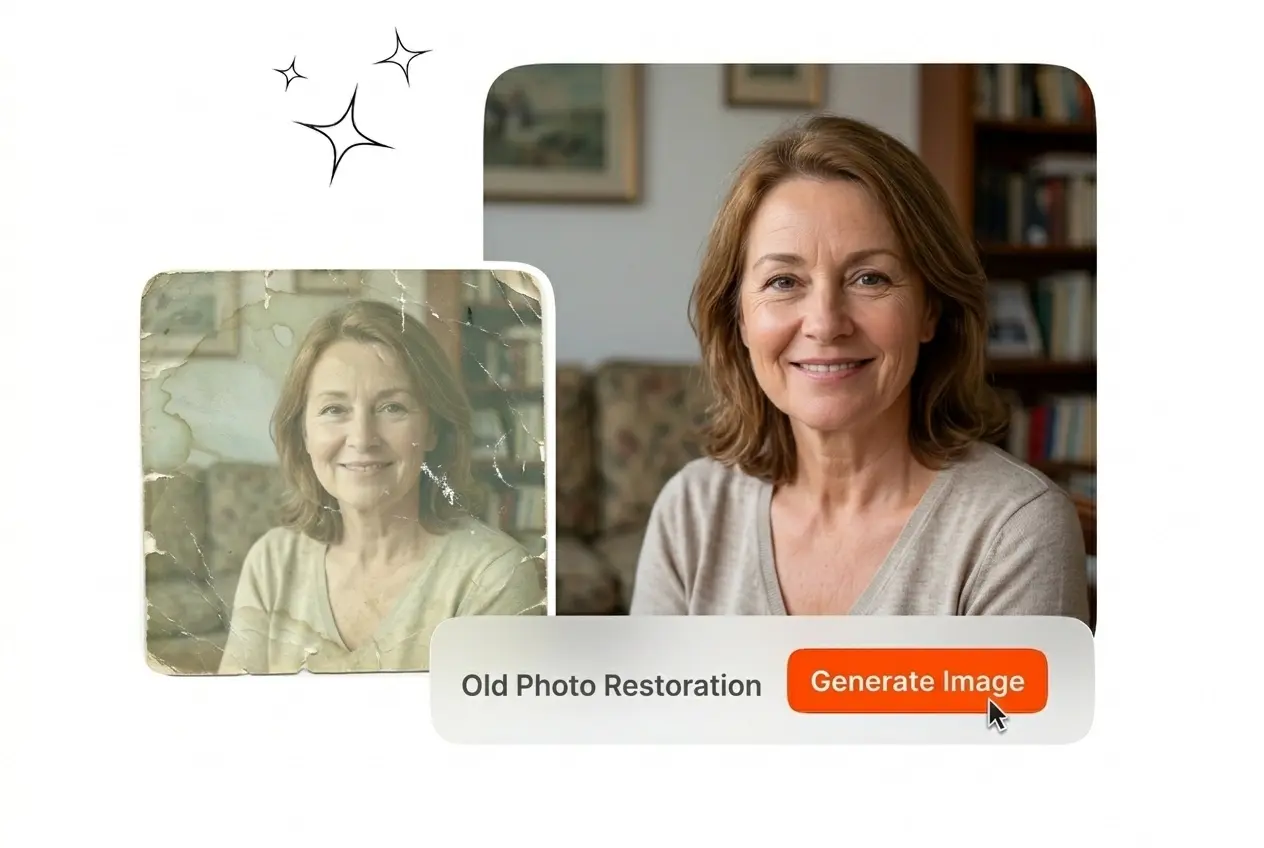
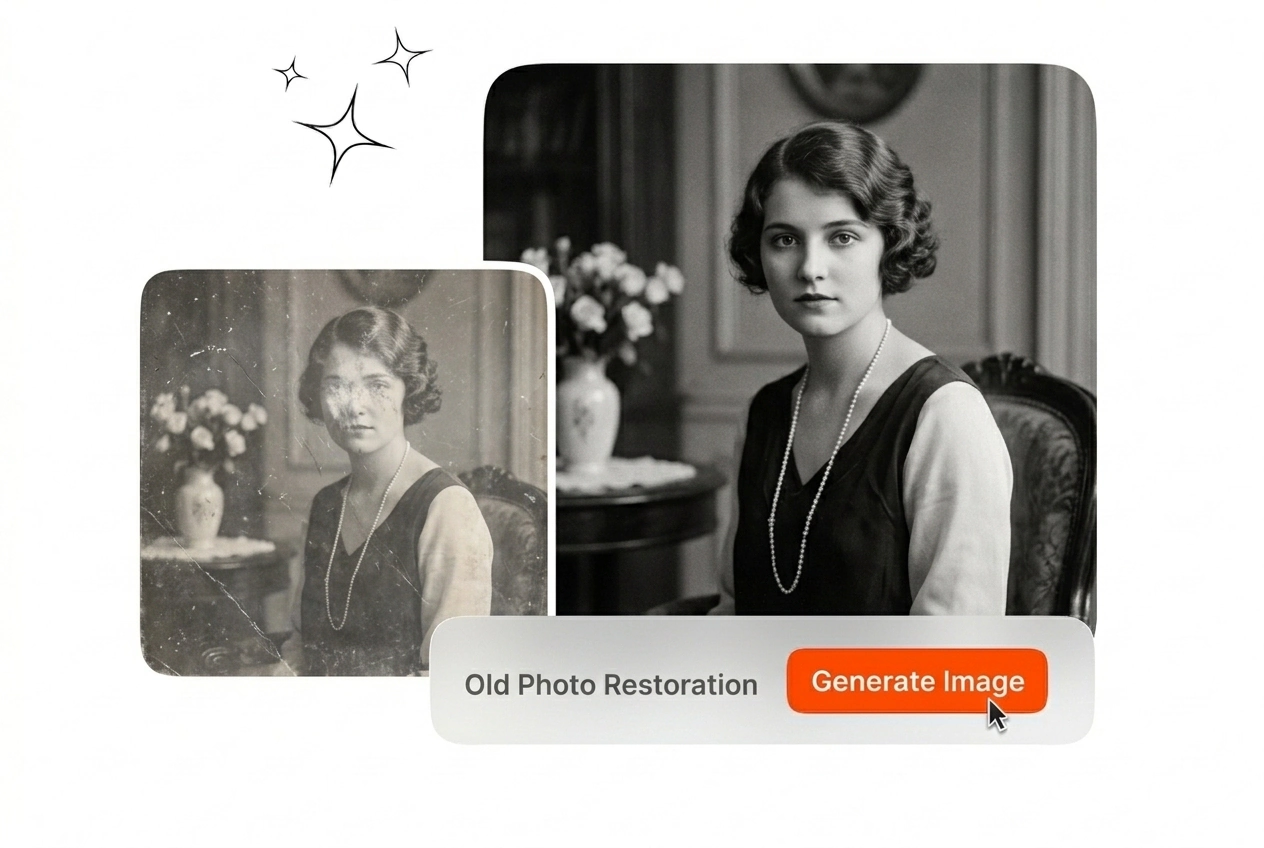
Free Old Photo Restoration

Execute precise old photo restoration with our dedicated tool. Upload your damaged scans to restore old photos and export clean static images.

Banner preview

Clean Old Photo Restoration

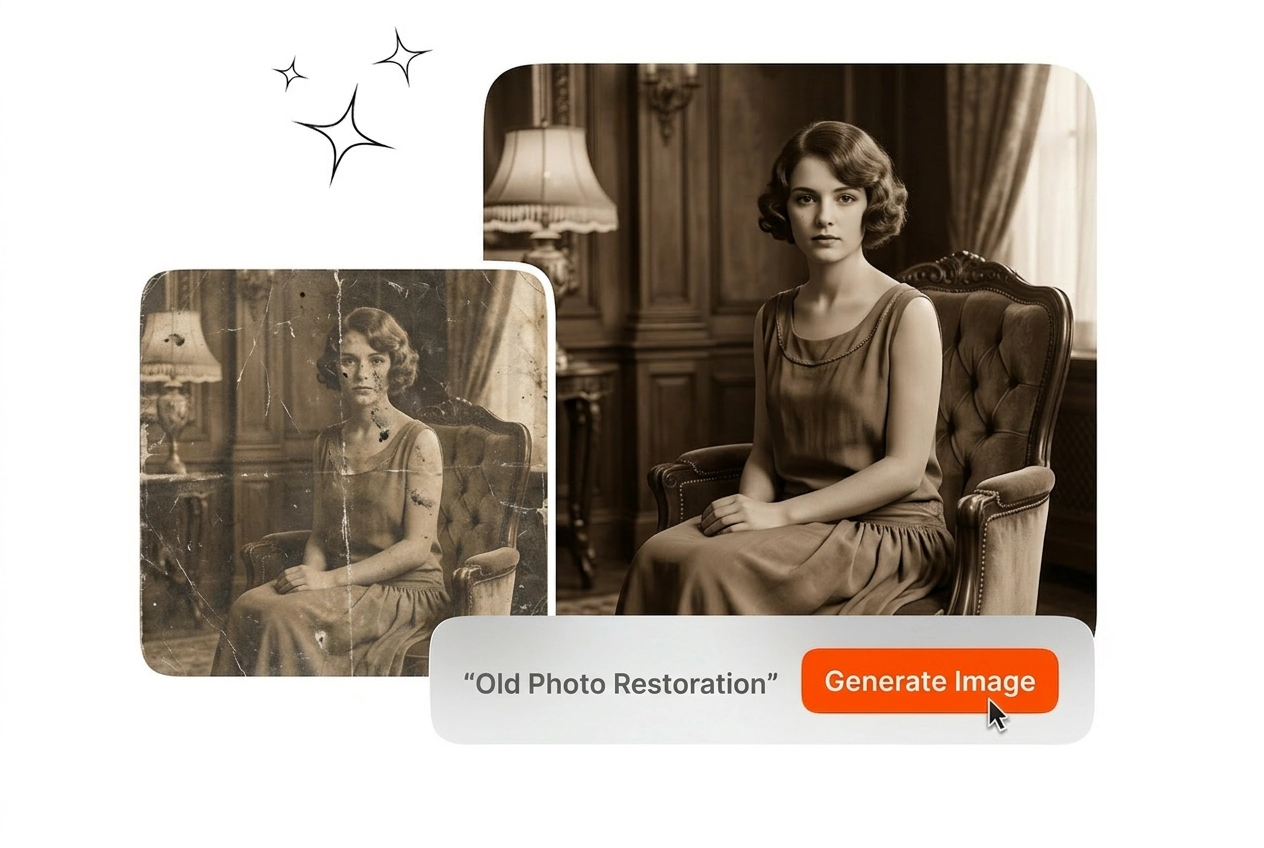
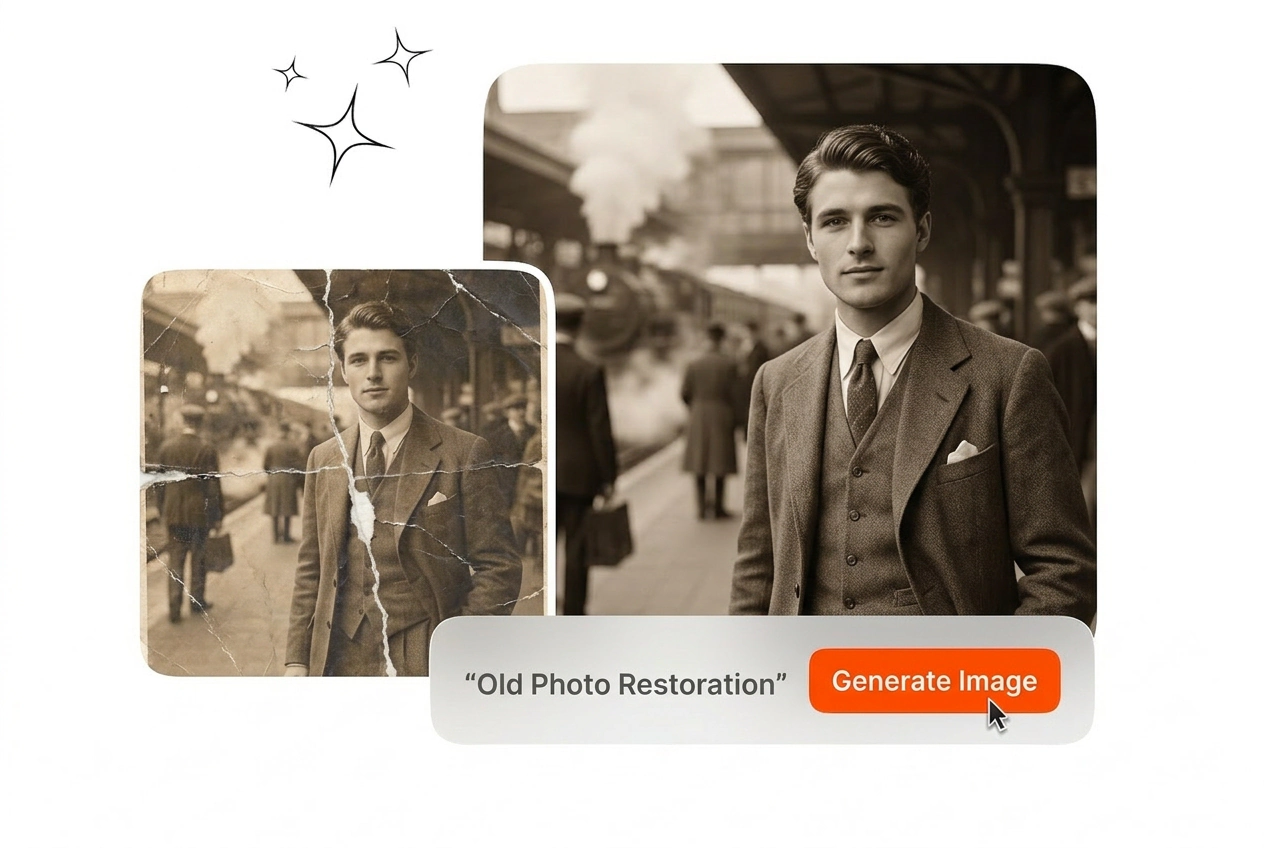
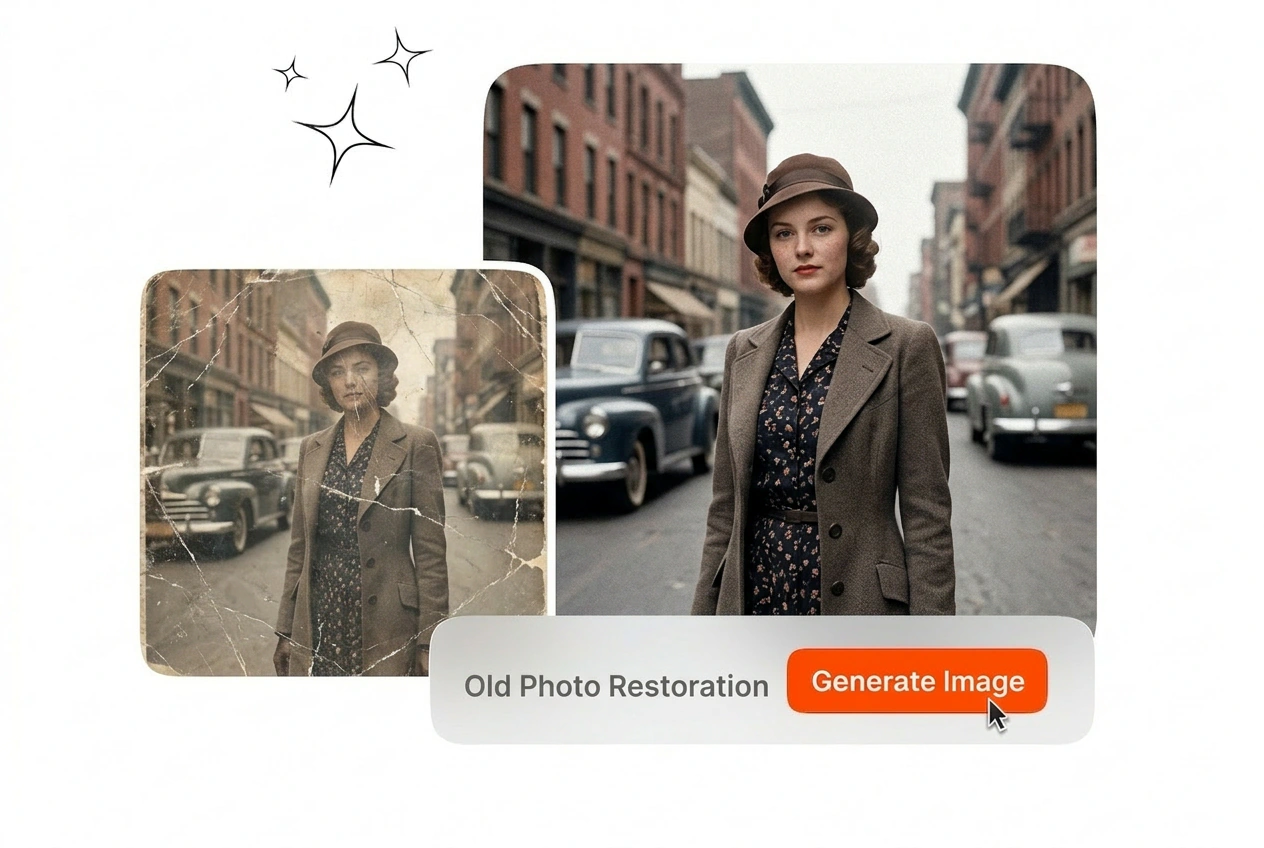
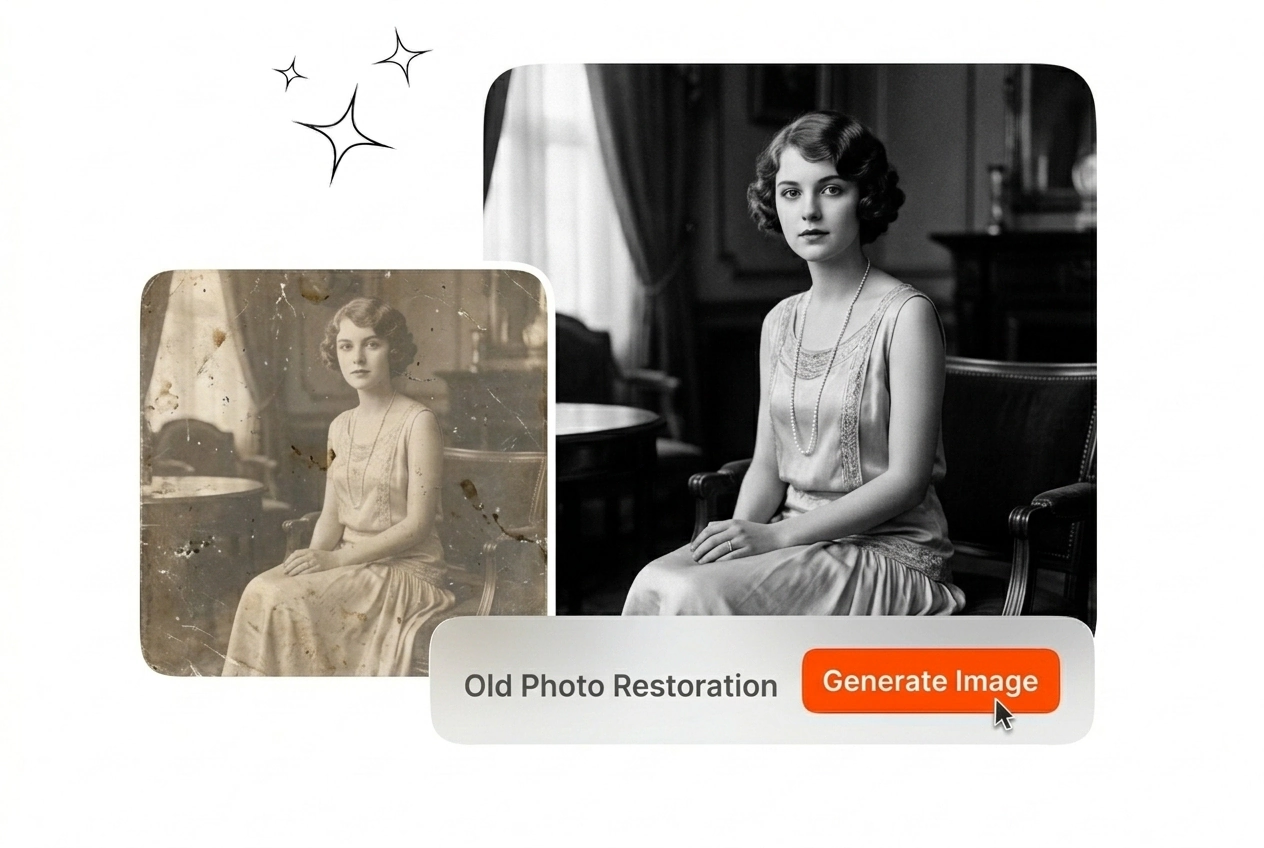
Upload your damaged scans and run our Old Photo Restoration model. Export clean static images with intact film grain and accurate historical textures.

Old Photo Restoration Veme AI hero showcase
Old Photo Restoration For Archivists

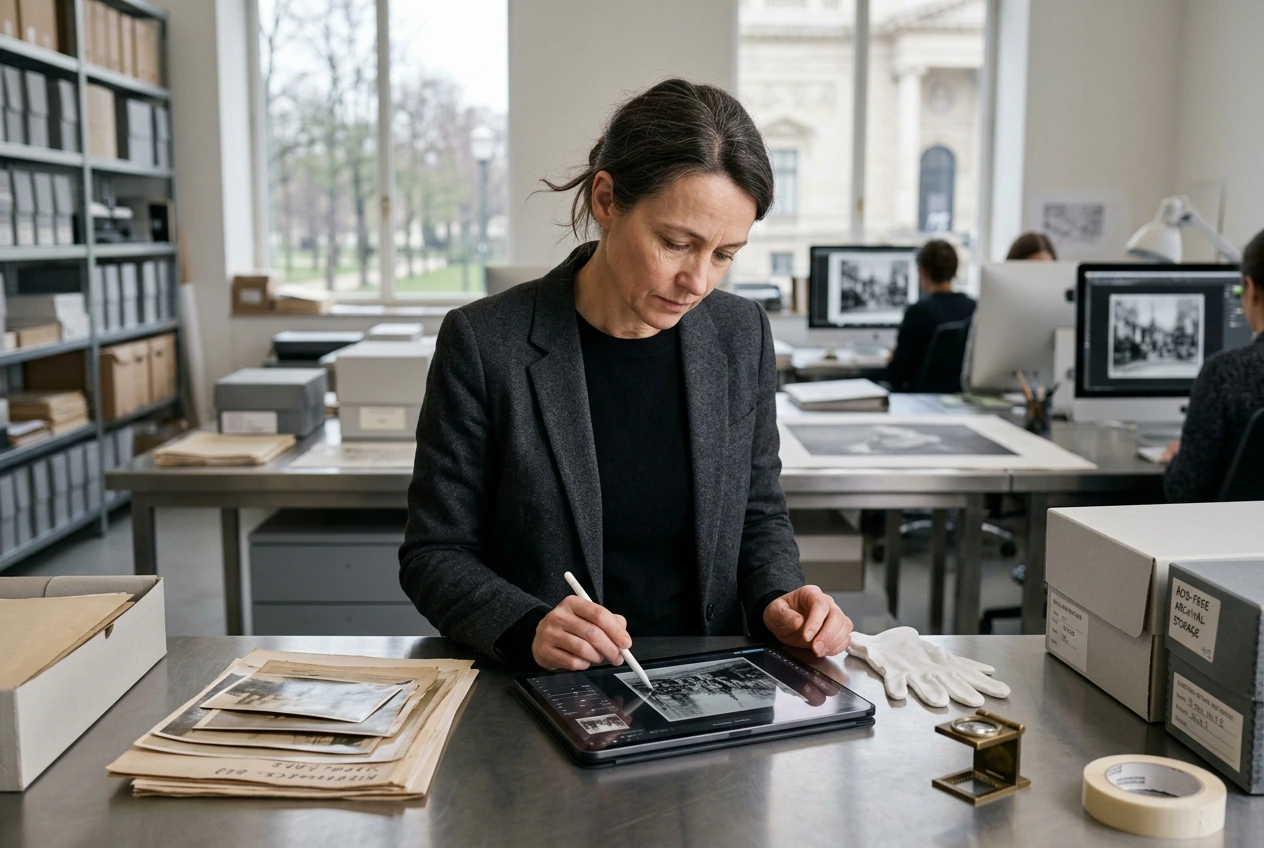
Professional teams use our Old Photo Restoration online workflow to process historical archives. Output consistent static images ready for museum displays or print.

Curator using Old Photo Restoration for archives
Museum Digitization Teams

Curators handle thousands of fragile historical documents. Veme AI provides reliable Old Photo Restoration for large institutional collections. Upload your raw scans, apply the repair parameters, and export high-resolution files suitable for public gallery exhibitions.
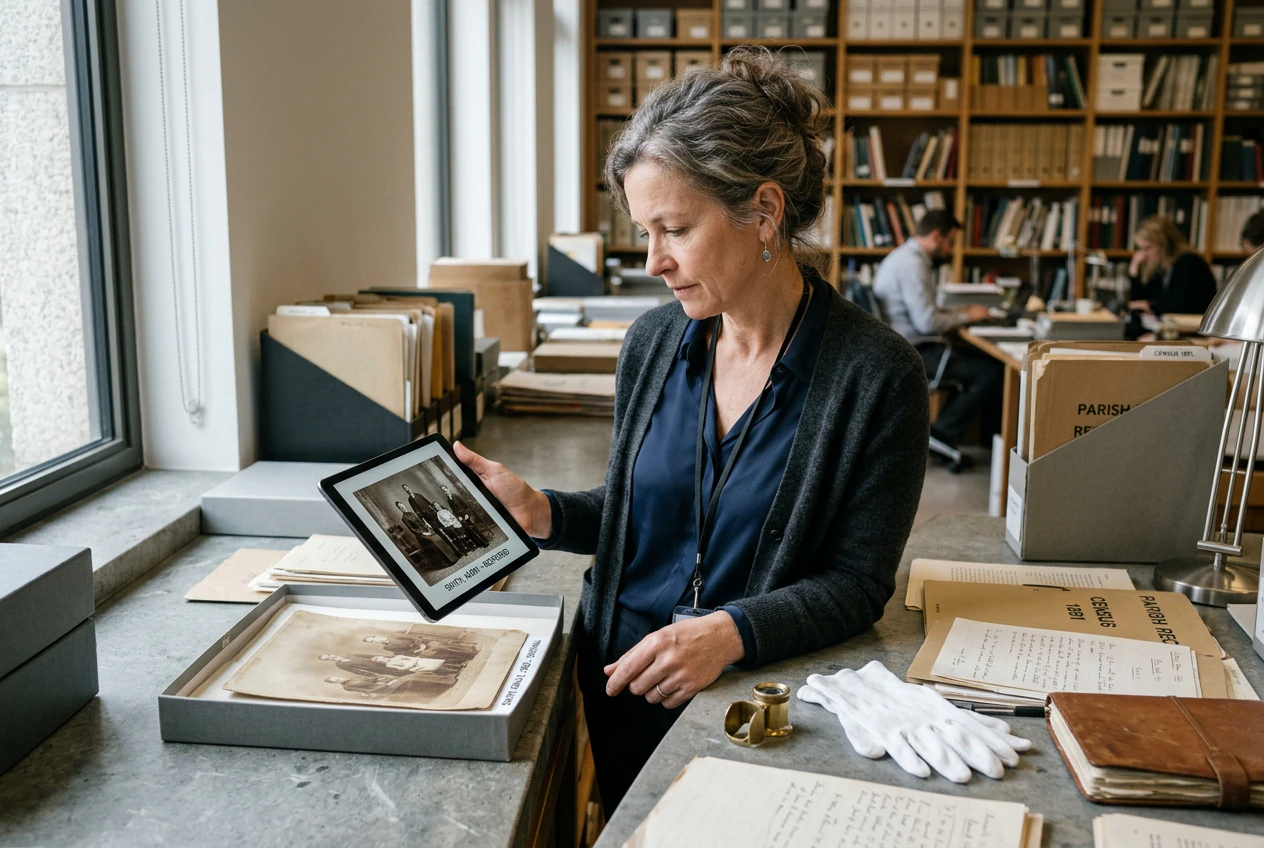

Researcher running Old Photo Restoration on portraits
Genealogy Researchers

Family historians require clear visuals to accurately document ancestry records. You can restore faded photos without losing the original facial structures. Input your reference image, adjust noise reduction settings, and save the repaired portrait file.

Designer applying Old Photo Restoration for merchandise
Print Merchandise Designers

Commercial designers require clean assets for vintage apparel prints. Veme AI handles complex torn photo repair to deliver production-ready graphics. Set your output resolution, process the damaged file, and send the clean image to production.

Execute Old Photo Restoration

Follow three direct steps to fix old photos. Upload your static reference file, configure the repair parameters, and export the final restored image.

Step 1

Upload Reference Image

Import your damaged static image directly into the workspace. The system analyzes the file to identify scratches, creases, and faded areas before applying any specific Old Photo Restoration AI processing steps.

Step 2

Define Repair Parameters

Set the exact level of grain retention you need using clear repair settings. This ensures your Old Photo Restoration maintains historical accuracy rather than producing an overly smoothed or artificial final result.

Step 3

Export Static Image

Review the repaired file directly in the main preview window. Click export to download the high-resolution static image, completing your Old Photo Restoration workflow in just a few short minutes.

Old Photo Restoration Capabilities

Control the repair process with precise parameters. Veme AI handles structural fixes and surface blemishes while preserving the original texture of your image.

Old Photo Restoration surface blemish removal preview

Surface Blemish Removal

The model targets isolated surface damage across your uploaded file. It performs accurate scratch removal photo processing without blurring adjacent details. Export a clean image that retains sharp edges and accurate contrast for your archive.

Old Photo Restoration structural continuity repair process

Structural Continuity Repair

Missing corners and deep creases disrupt the visual flow of historical documents. Veme AI reconstructs these gaps based on surrounding pixel data. You get a complete old photo restoration output ready for immediate digital publication.

Old Photo Restoration film grain preservation settings

Film Grain Preservation

Aggressive denoising often creates an artificial plastic look on vintage portraits. Our vintage photo restoration workflow allows you to lock the grain structure. The final export maintains the authentic historical texture of the original photograph.

Old Photo Restoration guided adjustment interface

Guided Adjustments

Standard filters apply uniform changes across the entire image canvas. Veme AI lets you use clear settings to guide specific ai photo restoration tasks. Define your requirements, process the file, and download the exact result.

Old Photo Restoration Questions

How can I perform Old Photo Restoration online without over-smoothing faces?

Use Old Photo Restoration with grain and texture preservation enabled so faces keep natural structure. Start from a high-resolution scan and avoid strong noise reduction settings that flatten skin and fabric. Preview the result and adjust settings until the image looks authentic, not airbrushed.

Can AI Old Photo Restoration handle scratch removal and torn photo repair?

Sure, the model can remove common scratches and repair many torn edges by rebuilding missing regions. For large tears or missing corners, you may need tighter settings or a second pass. This is useful for rescuing damaged scans for print and archive use.

What scans work best for Old Photo Restoration online workflows?

High-resolution scans with even lighting and minimal compression produce the most accurate results. Clean up dust and skew before uploading so the model focuses on scratches and fading, not scanning artifacts. If possible, scan in a lossless format, then export the restored image for sharing.

Is there a free Old Photo Restoration option, and what are the limits?

Yes, you can test Old Photo Restoration for free to evaluate repair quality on a few sample scans. Free usage may limit daily runs, queue priority, or maximum export resolution depending on the plan. Upgrade when you need higher volume, faster turnaround, or batch processing.

How do I keep film grain realistic during Old Photo Restoration?

Keep grain realistic by preserving film texture and avoiding aggressive denoise settings. A better scan gives the model more true grain to retain in midtones and shadows. Export at full resolution to avoid the grain turning into mushy compression.

Start Your Old Photo Restoration

Upload your damaged photos and configure the repair parameters. Export clean, restored images with authentic historical textures in just a few clicks.