
Free Image Translator

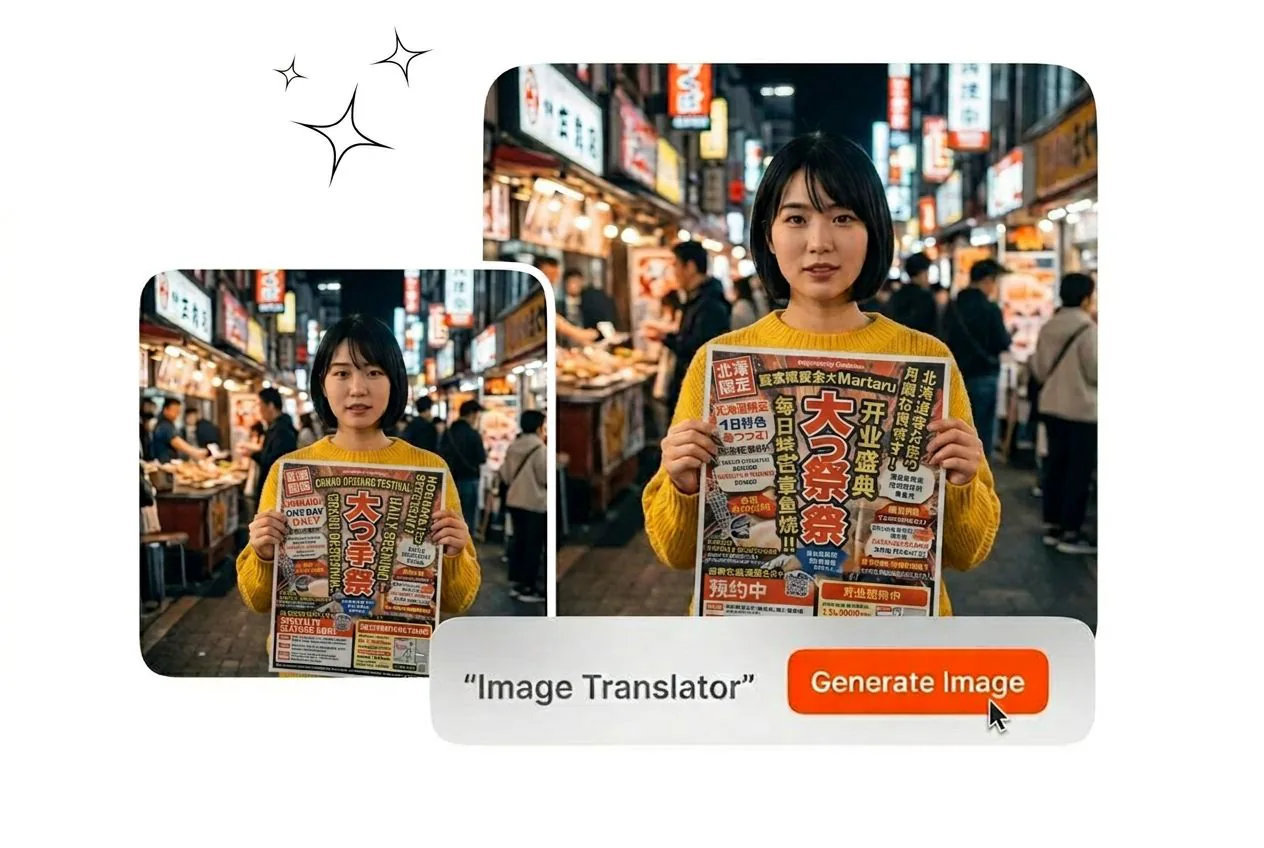
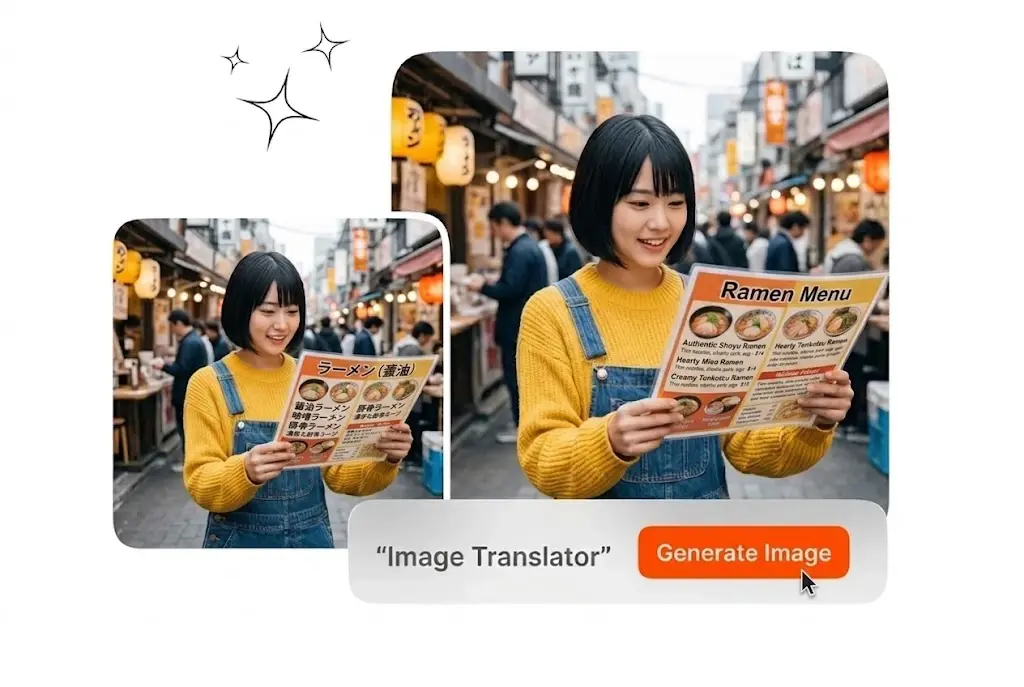
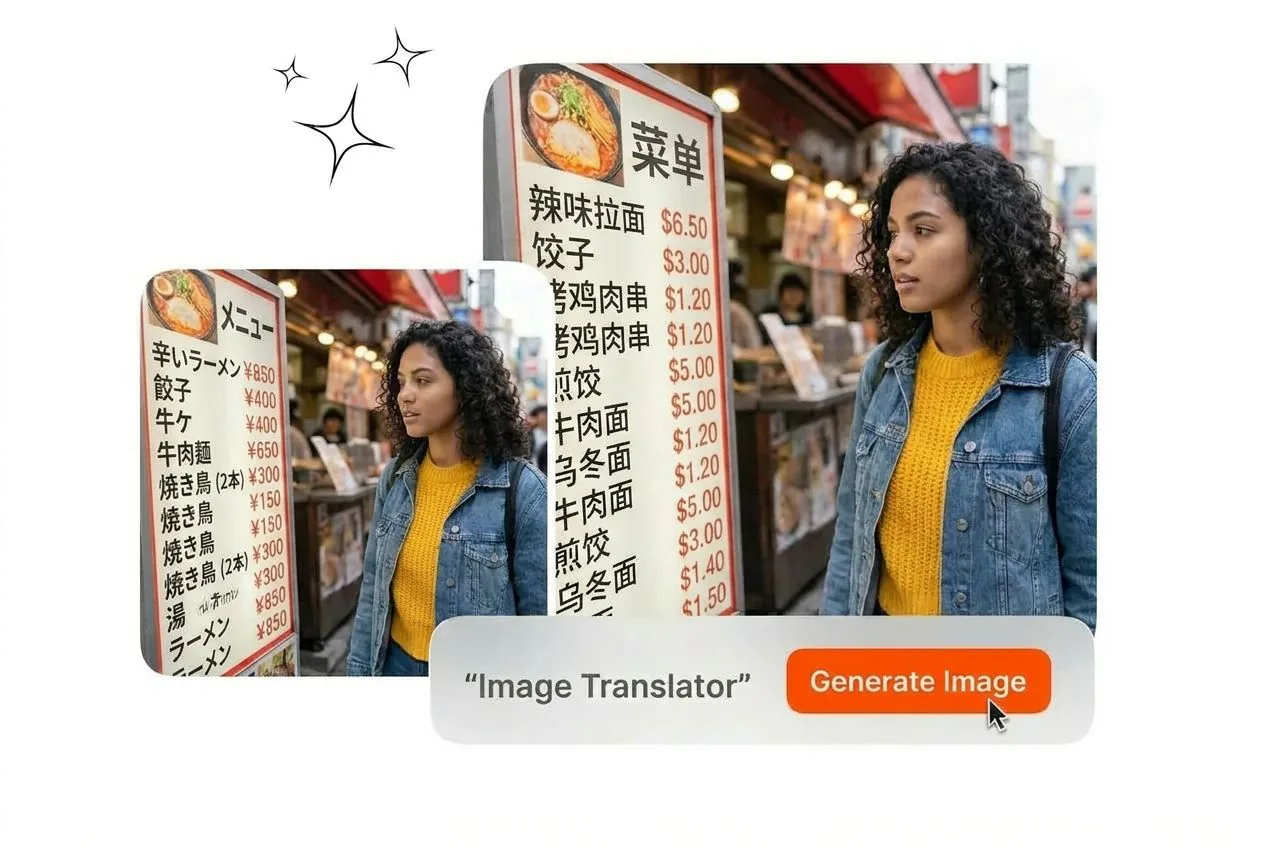
Upload your source file to the Image Translator and extract localized text instantly. Clear reference images yield the most accurate multi-language output results.

Banner preview

Translate Text with the Image Translator

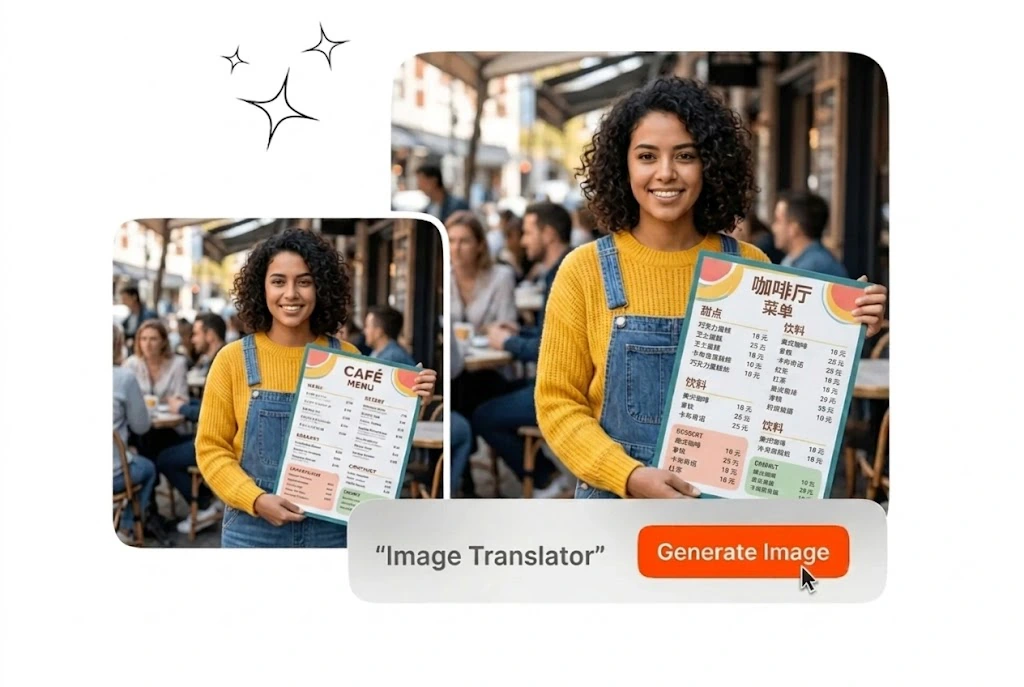
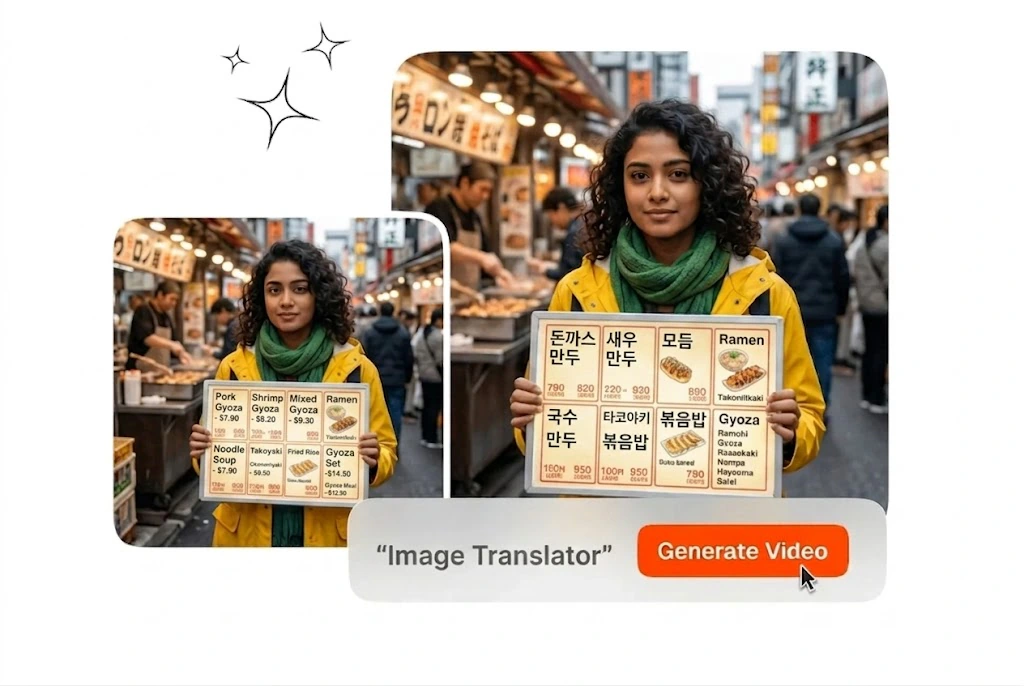
Upload a reference image and extract localized text instantly. This Image Translator preserves your original layout while delivering accurate multi-language output files.

Image Translator for Professional Workflows

Process foreign language documents and visual assets efficiently. The Image Translator handles diverse formats so you can export localized content without manual typing.

Retail manager using Image Translator for products

Global Retail Teams

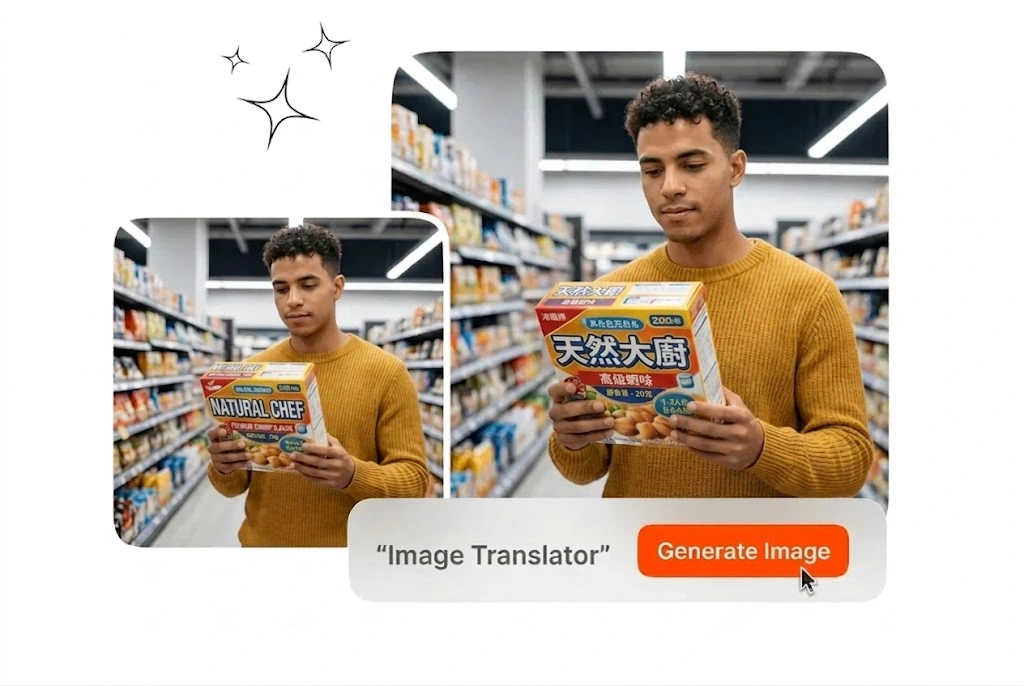
You manage product listings across international storefronts. Upload your packaging photos and let the Image Translator process text in image files instantly. Veme AI retains the original typography, allowing you to export localized marketing assets directly to your regional teams.


Specialist using Image Translator for manga panels

Localization Specialists

Client projects require fast turnaround on visual media. Use this manga image translator to process complex panels without rebuilding the layout. The tool reads the context, applies the correct idiom, and exports a clean final frame.

Researcher using Image Translator for scanned documents

Academic Researchers

Reviewing foreign archives often slows down your data collection. Upload scanned documents and translate language from image files directly. You get accurate text extraction that respects the original formatting, saving hours of manual transcription work.

How the Image Translator Works

Upload your source file, select the target language, and export the result. This Online Image Translator processes your visual assets in seconds.

Step 1

Upload Source File

Drag your screenshot or scanned document directly into the Image Translator workspace. The system accepts standard formats and prepares the visual data for immediate text extraction without requiring any manual configuration steps.

Step 2

Select Target Language

Choose your desired output language from the main settings menu. Veme AI analyzes the visual context and applies the appropriate translation while strictly maintaining the original tone and structural layout.

Step 3

Export the Result

Review the processed file and export it directly to your local drive. You receive a clean, localized asset that is fully ready for immediate distribution across all your professional channels.

Core Image Translator Capabilities

Maintain visual consistency while localizing your content. The Image Translator delivers precise text replacement without disrupting your original design elements.

Original Layout Retention

The Image Translator maps the exact position of your source text before replacing it. You translate image to english without losing the original font style or background color. The exported file looks identical to the source.

Image Translator retaining original layout and fonts

Contextual Text Processing

Literal translations often ruin the intended message of professional visual assets. This AI Image Text Translator reads the surrounding context to apply natural phrasing. Your final export communicates the correct meaning directly to your target audience.

AI Image Text Translator processing contextual meaning

Universal Format Support

Handling different file types usually requires multiple external conversion tools. Upload any standard Screenshot Translator format and process the text immediately. You save valuable time by keeping your entire localization workflow within a single reliable platform.

Screenshot Translator handling multiple file formats efficiently

High-Speed Processing

Manual transcription creates severe bottlenecks during large global localization campaigns. Use this OCR Translator and Image Translator to extract text from multiple visual assets rapidly. Your team receives consistent, accurate files ready for immediate client review.

OCR Translator extracting text from visual assets

Image Translator Common Questions

Sure, the system supports multiple languages including Chinese to English conversion. For optimal accuracy, ensure your source file has clear typography and high contrast. This allows professionals to localize Asian market assets quickly without manual transcription.

Start Using the Image Translator Today

Upload your visual assets and export localized files instantly. The Image Translator streamlines your workflow without requiring complex manual adjustments.

Create Free