Growth-Stage Solo Creators
Freelance content makers scaling to 100K+ followers. Save 5+ hours per week with free ai transition video generator versus manual CapCut editing.
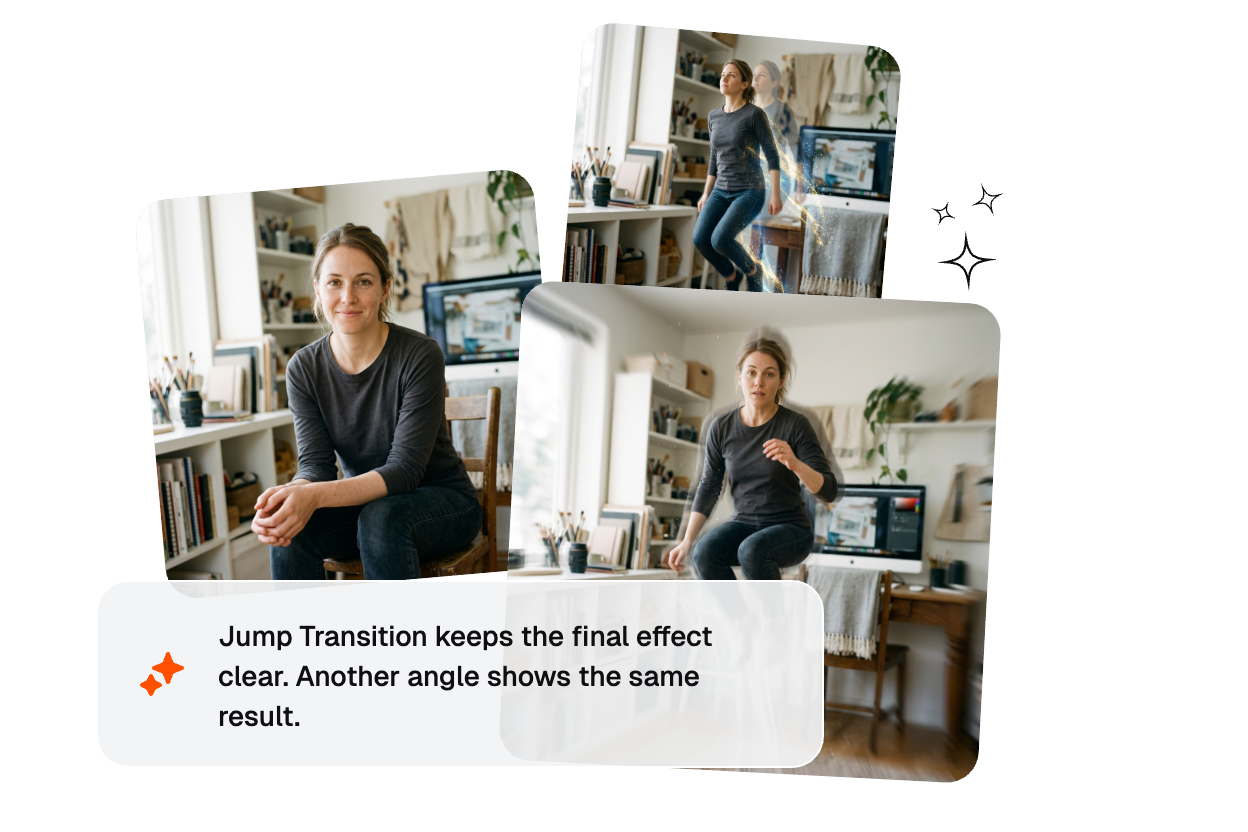
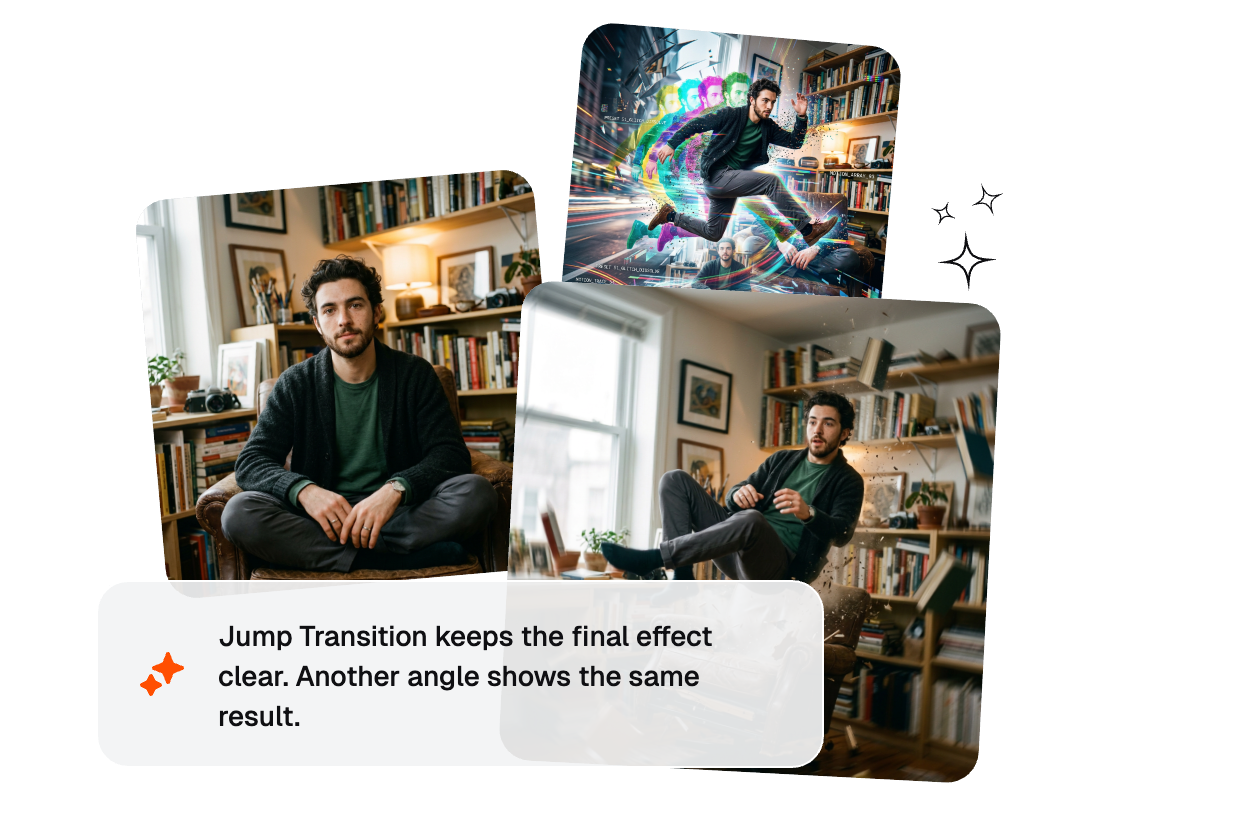
Bring your jump to life with the Jump Transition. Upload your images and watch your subject leap through space, landing seamlessly in the next scene with cinematic motion.
Generate professional effects for Instagram reels, TikTok, and YouTube shorts instantly. Veme AI powers seamless motion without manual editing.
From solo creators launching their first channel to agency teams, effects simplify video production and boost engagement rates.
Freelance content makers scaling to 100K+ followers. Save 5+ hours per week with free ai transition video generator versus manual CapCut editing.

Brand marketing squads managing Ig reel transitions and TikTok shops. Deploy consistent motion across product videos daily.
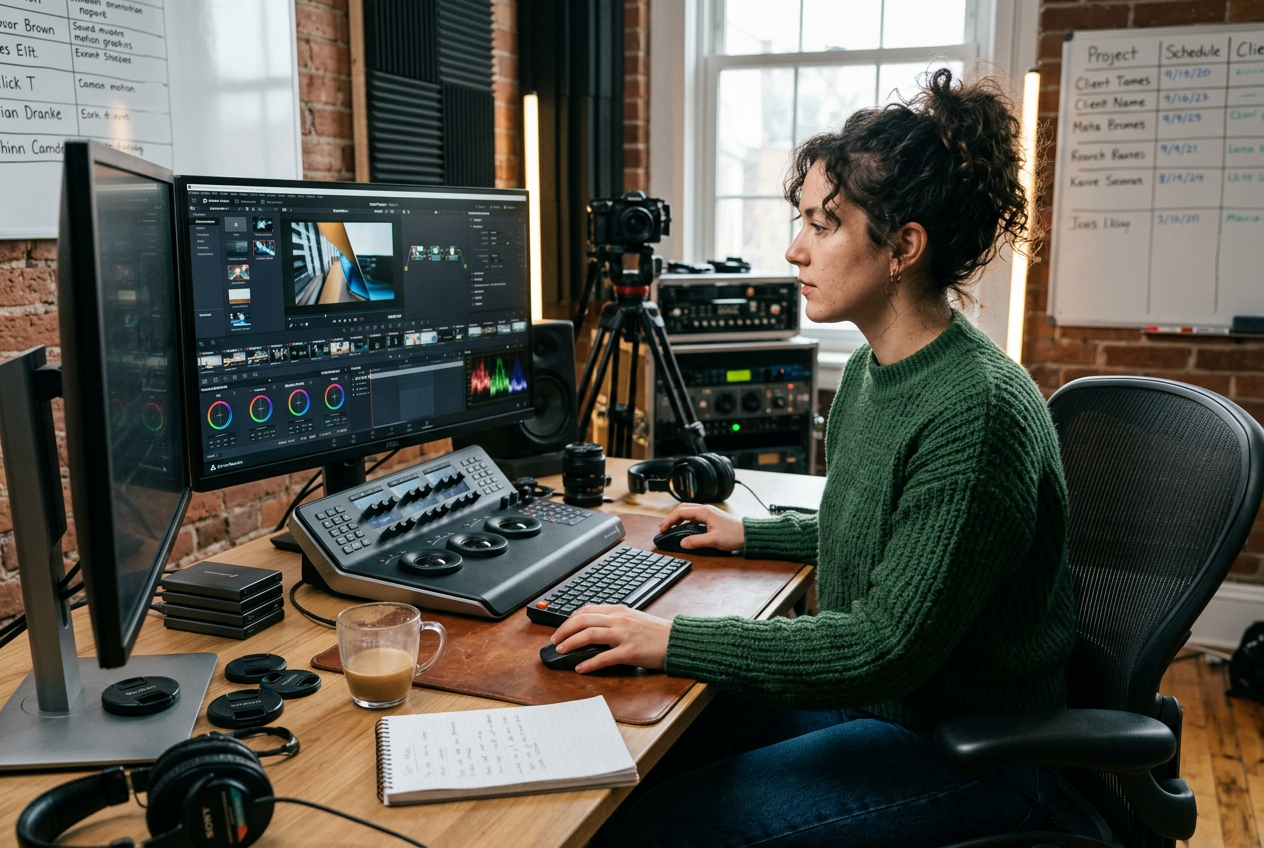
Small video agencies handling 5-20 client projects monthly. Deliver professional effects faster than custom motion design.
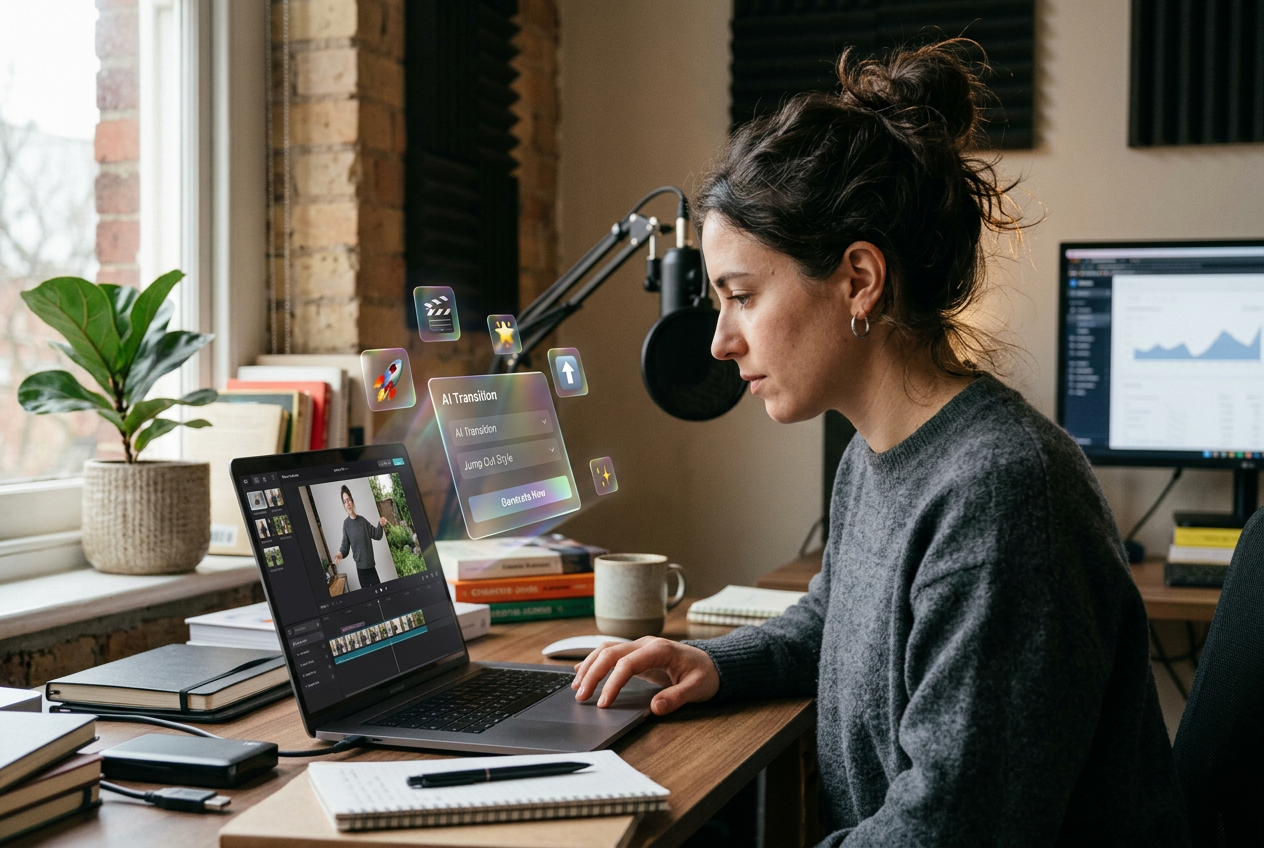
Upload your content, describe the motion you want, and let AI create production-ready effects for Instagram or TikTok.
Import video segments to your Veme AI dashboard. Supports all common formats for seamless preparation.
Input your motion preference or use an AI video transition prompt. Specify style, speed, and intensity for the effect.
AI generates your video in seconds. Export directly to CapCut, Instagram, or TikTok without watermarks, fully royalty-free.
Veme AI delivers professional-grade motion without expensive software. Experience the best AI jump transition technology for creating transition videos.
AI analyzes your clips to identify optimal transition points. Automatically aligns motion with scene changes and audio beats.
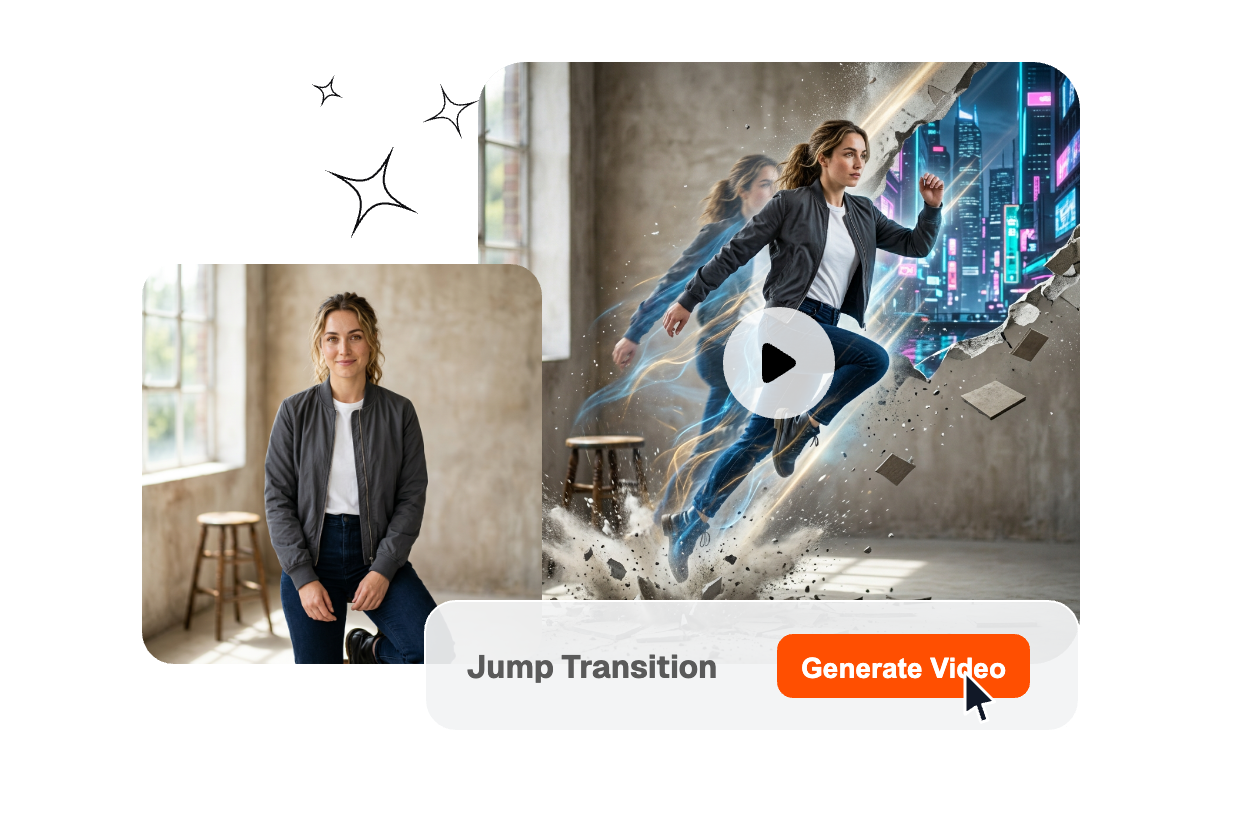
Process 10+ videos simultaneously with AI batch mode. Perfect for content calendars and jumping transition tutorial series creation.
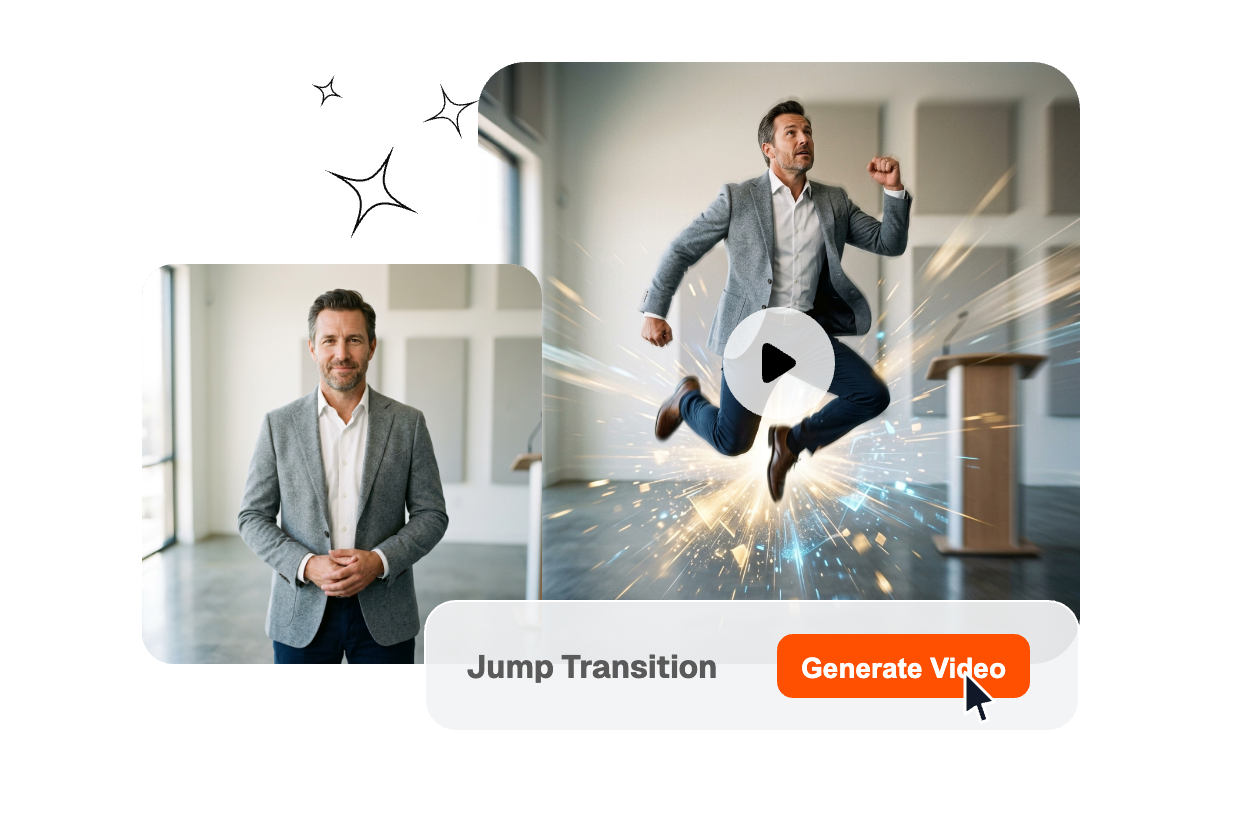
Upload two clips to Veme AI, select the effect, customize the motion style, and export. Share directly to TikTok or use CapCut for final edits. The entire process takes under 2 minutes.
Join thousands of creators using Veme AI to generate professional motion. Create your first free transition video—no credit card required.
ExploreReady to Create