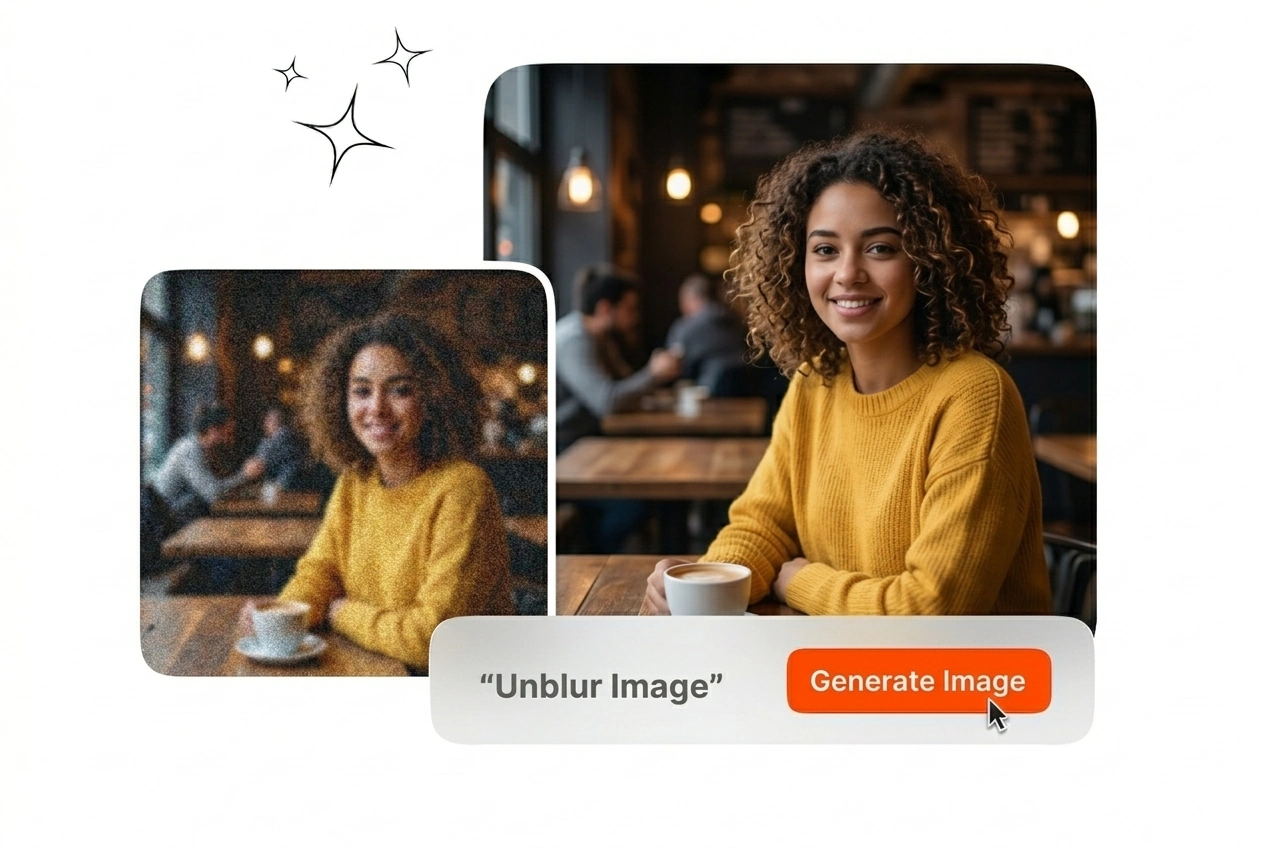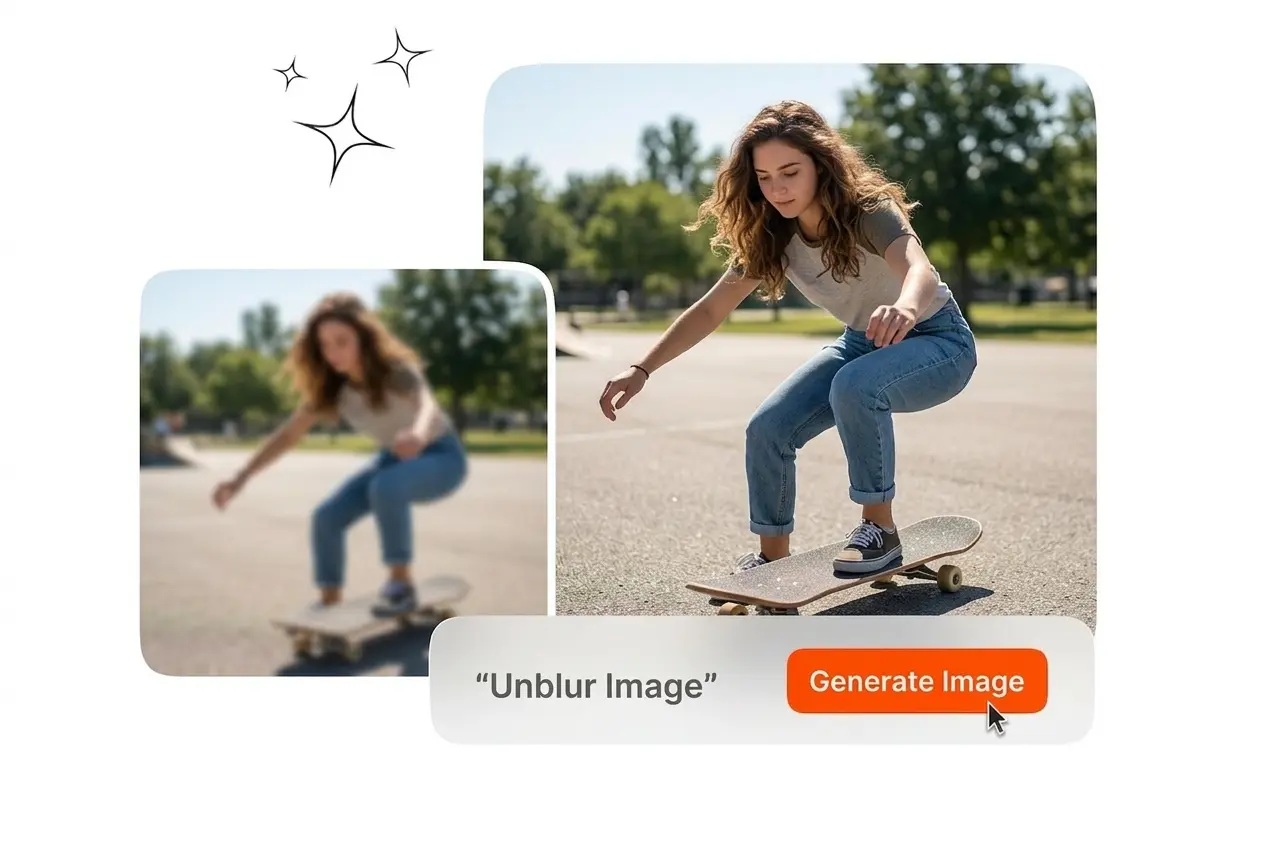
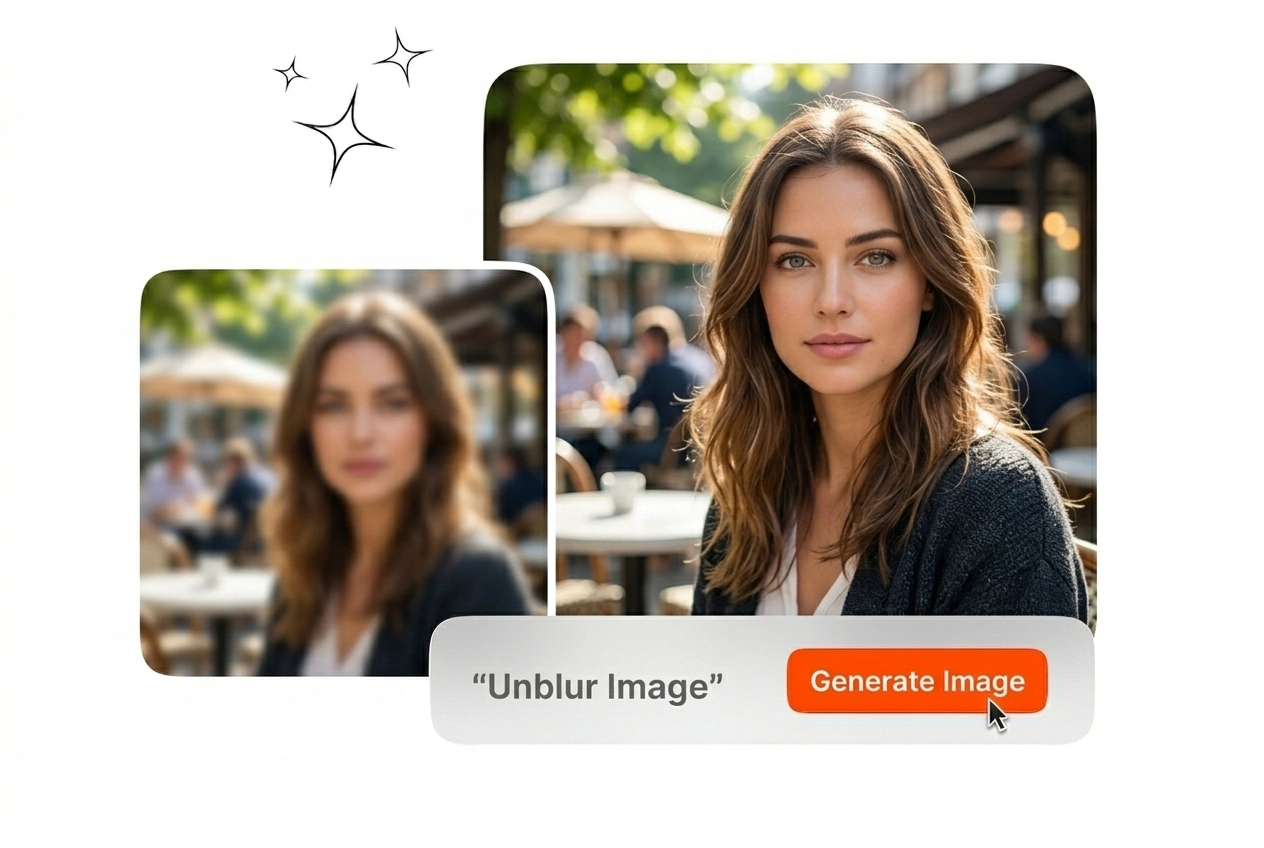

Unblur Image Free Online

Restore lost details and Unblur Image files directly in your browser. High-resolution exports require clear reference images and standard lighting conditions for optimal results.

Banner preview

Unblur Image Files for Professional Output

Upload your source file to Unblur Image assets instantly. Veme AI runs an AI unblur image workflow that reconstructs pixels and exports crisp ready to publish visuals.

Unblur Image Veme AI hero showcase interface
Unblur Image for Professional Workflows

Different industries require specific clarity standards. Unblur Image online AI tools help teams maintain visual consistency across diverse digital and print formats.

E-commerce manager using Unblur Image for products
E-commerce Managers

Product catalogs demand sharp visuals to drive conversions. You can use Unblur Image to recover texture details on low-light product shots. Export clean assets that meet strict marketplace resolution requirements without scheduling another costly reshoot.
Researcher using Unblur Image on historical archives
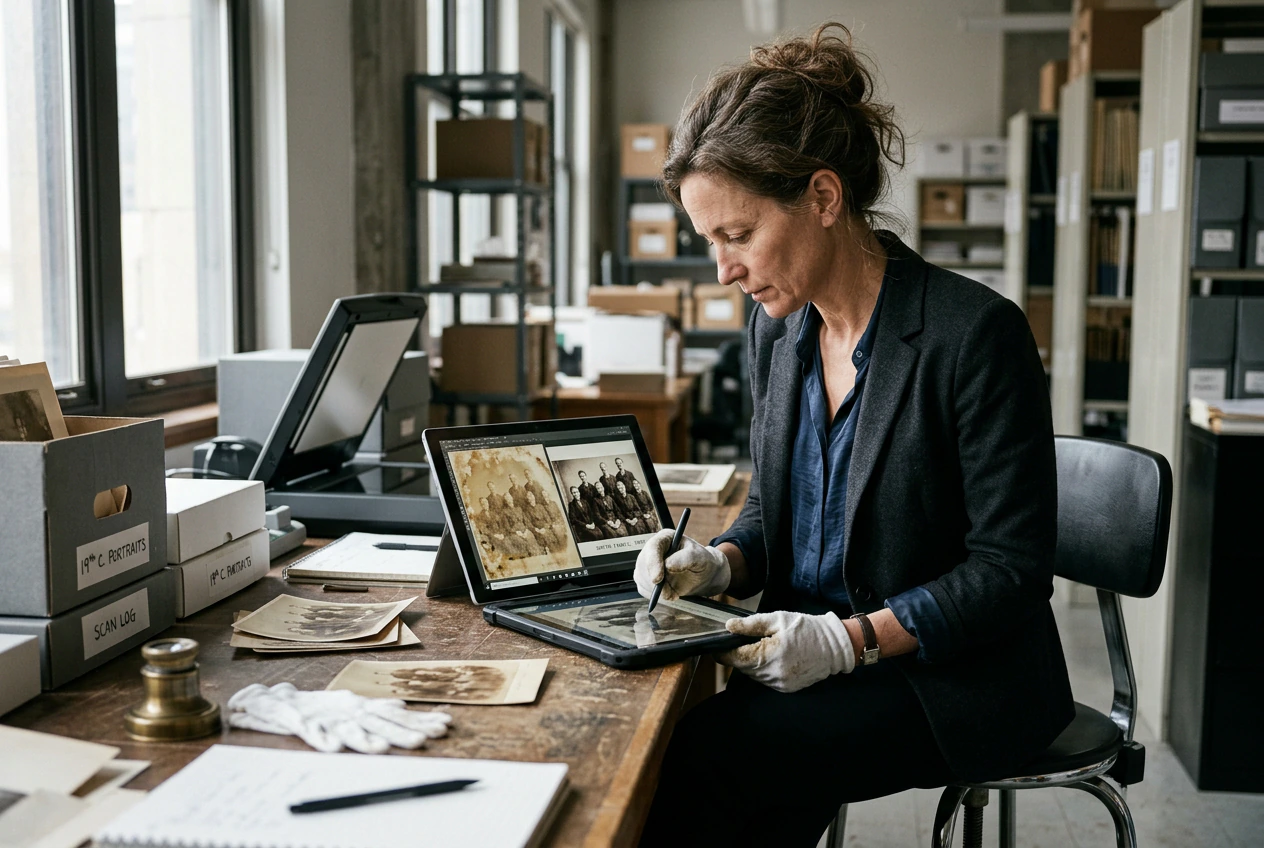
Archival Researchers

Historical documentation often involves degraded source materials. Use our Unblur Image features to reconstruct facial features and text in scanned historical photographs. Veme AI processes these delicate files while preserving the original historical context entirely.

Print designer using Unblur Image for posters
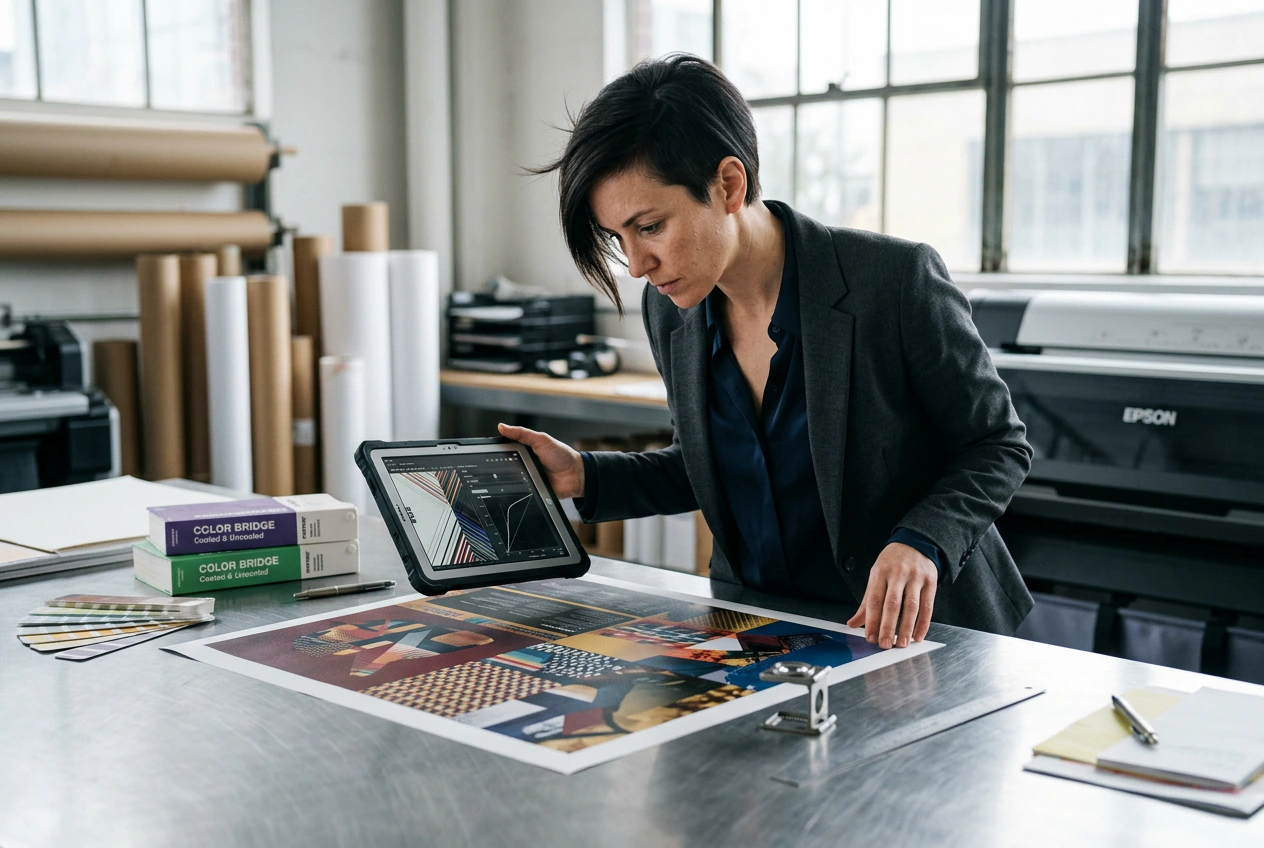
Print Designers

Large format printing exposes every pixel flaw. Use Unblur Image to fix blurry pictures before sending files to the press. Veme AI rebuilds edge contrast and removes compression artifacts, ensuring your final physical output matches the digital proof exactly.

How to Unblur Image Files

Follow a straightforward process to Unblur Image files. Veme AI handles the technical reconstruction while you control the final export settings.

Step 1

Upload Source File

Select your degraded photograph and upload it to the workspace. Veme AI analyzes the specific blur type and prepares the file for targeted pixel reconstruction without requiring manual parameter adjustments.

Step 2

Apply Clarity Fix

Initiate the restoration process to Unblur Image online. The system rebuilds missing textures, sharpens soft edges, and reduces background noise simultaneously to produce a highly balanced, completely natural-looking final visual result.

Step 3

Export High Resolution

Review the restored details directly in the preview window. Download your corrected file in standard formats, fully ready for immediate integration into your broader design workflow or direct social media distribution.

Core Unblur Image Capabilities

Veme AI provides a dependable blur image fix path for soft files. Address motion blur, compression artifacts, and focus issues with predictable, professional-grade output.

Unblur Image pixel detail recovery interface view

Pixel Detail Recovery

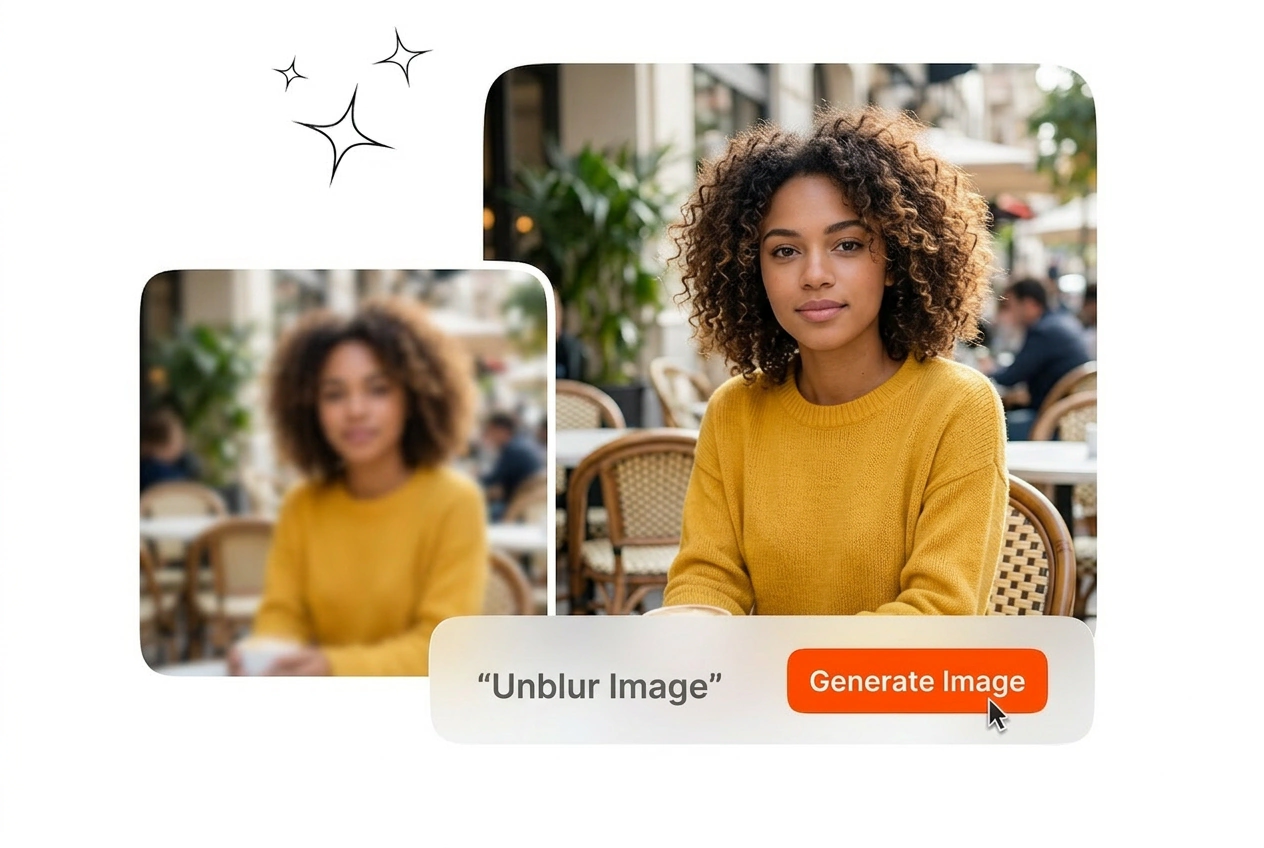
Standard sharpening filters create harsh halos around objects. Veme AI maps structure for an Unblur Image AI Free pass without plastic edges. Unblur Image reconstructs missing textures naturally, delivering output that looks like a steady handheld capture.

Unblur Image text readability restoration before after

Text Readability Restoration

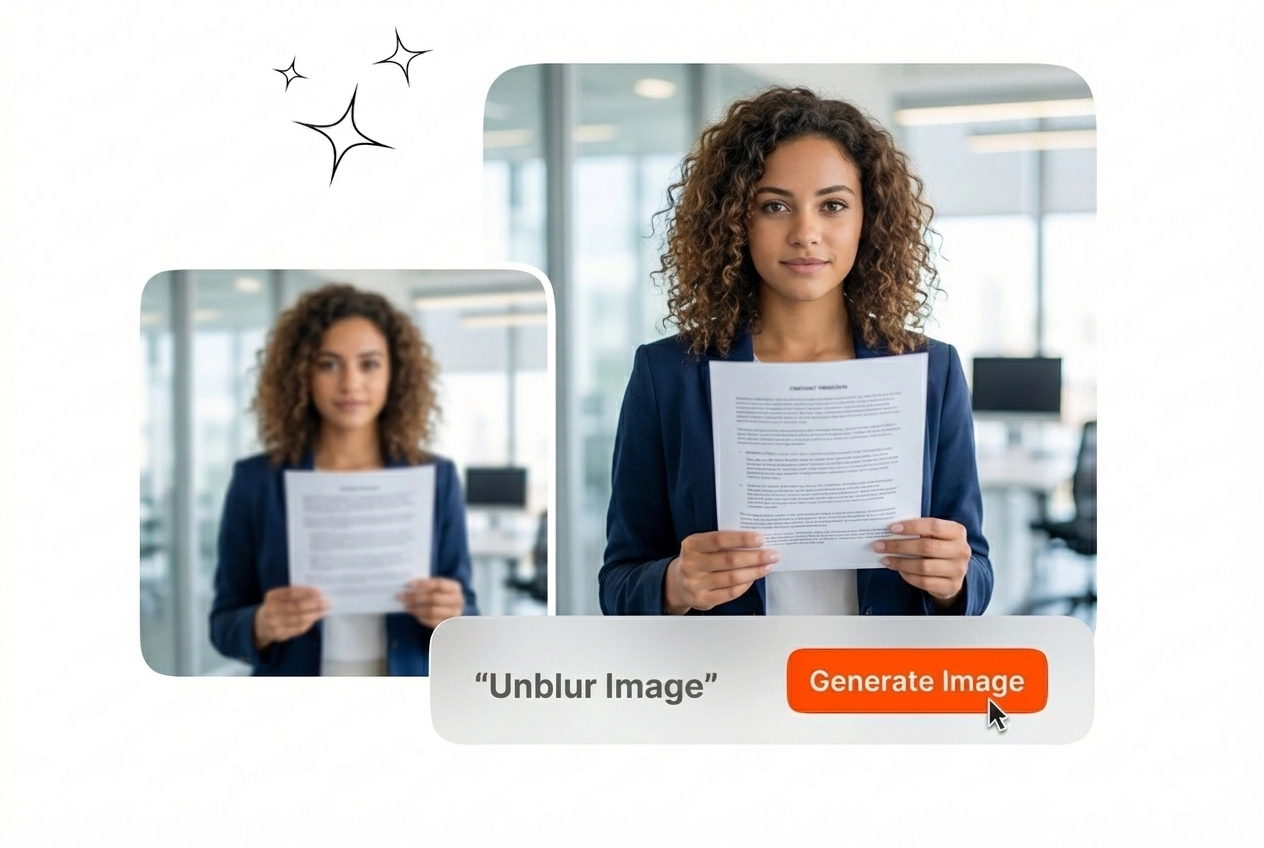
Scanned documents and screenshots often suffer from compression degradation. You can Unblur pictures online free to restore crisp typography edges. The system isolates letterforms from background noise, making previously illegible text completely readable for professional use.

Unblur Image portrait feature enhancement tool display

Portrait Feature Enhancement

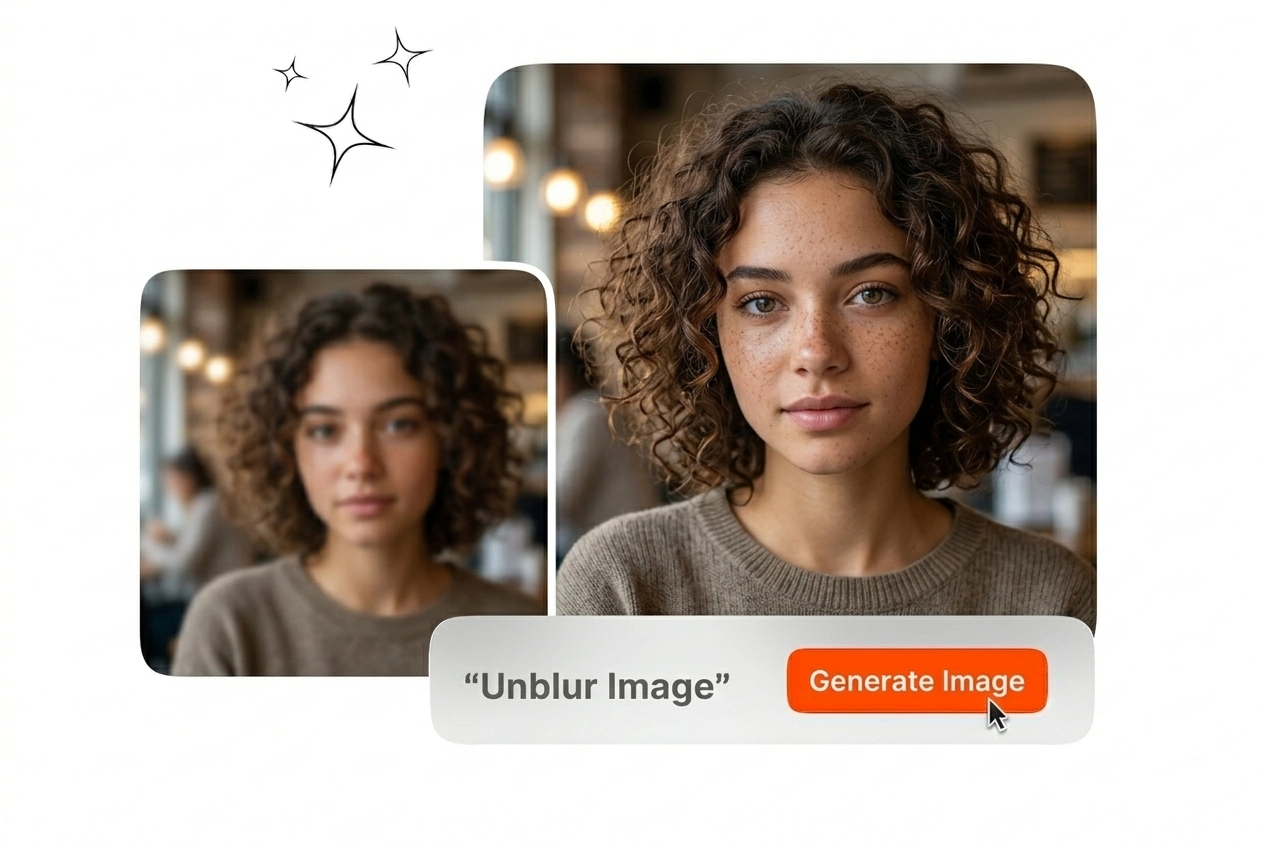
Soft focus ruins otherwise usable portrait photography. Fix photo blur around critical facial features like eyes and hair without altering the subject's identity. Export a polished, natural portrait suitable for corporate directories or editorial publication layouts.

Unblur Image integrated noise reduction settings panel

Integrated Noise Reduction

Increasing clarity often amplifies unwanted digital grain. Veme AI reduces noise during an Unblur Image AI Video still export or a static frame grab. The dual pass keeps motion clips sharp without introducing distracting blotchy static.

Unblur Image Common Questions

Exactly how to Unblur Image using Veme AI?

Upload your file, select the clarity restoration tool, and let the system process the pixels. This Unblur Image tool works best on moderately degraded files rather than completely unrecognizable shapes. You get a sharp, usable asset ready for immediate download.

Can you explain how to Unblur Image with heavy motion blur?

Yes, the system analyzes directional motion paths to realign shifted pixels. Extreme motion blur may still leave minor artifacts depending on the original shutter speed. This feature saves photographers from discarding otherwise perfectly timed action shots.

Is there a batch process for how to Unblur Image efficiently?

Currently, you process files individually to ensure the highest quality reconstruction per file. Batch processing is planned for future updates to handle large folders. This individual approach guarantees optimal clarity for your most critical visual assets.

Does the platform let me Unblur Image free of watermarks?

Absolutely, standard exports do not include any intrusive platform watermarks. High-resolution upscaling may require a specific subscription tier depending on your usage volume. This ensures professional designers can integrate the output directly into client deliverables immediately.

What file formats does the Unblur Image tool accept?

You can upload standard JPEG, PNG, and WEBP formats for clarity restoration. RAW files must be converted to one of these formats before you Unblur Image. This covers the vast majority of standard web and digital print workflows entirely.

Unblur Image Files Fast

Stop discarding soft photographs. Process degraded assets today and export crisp, professional visuals that meet your strict project quality requirements.