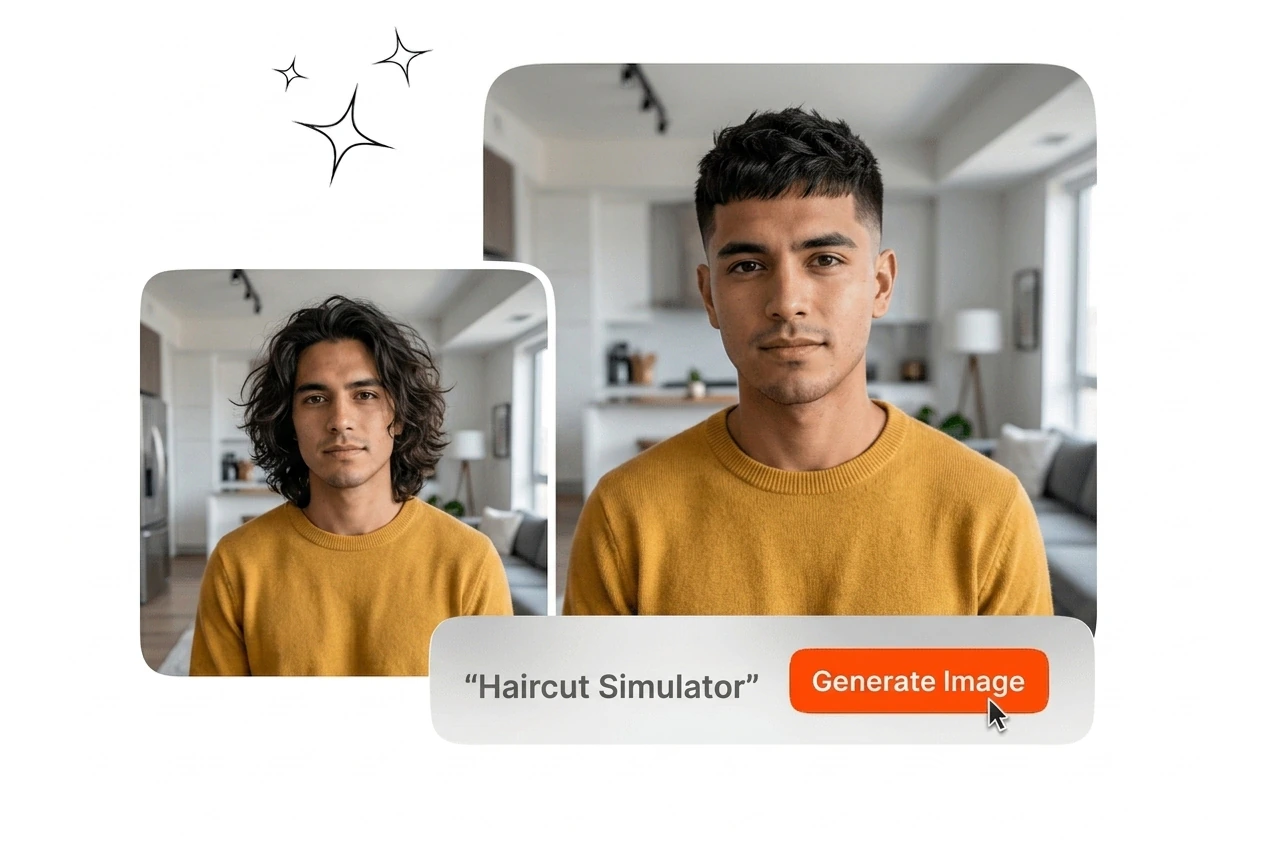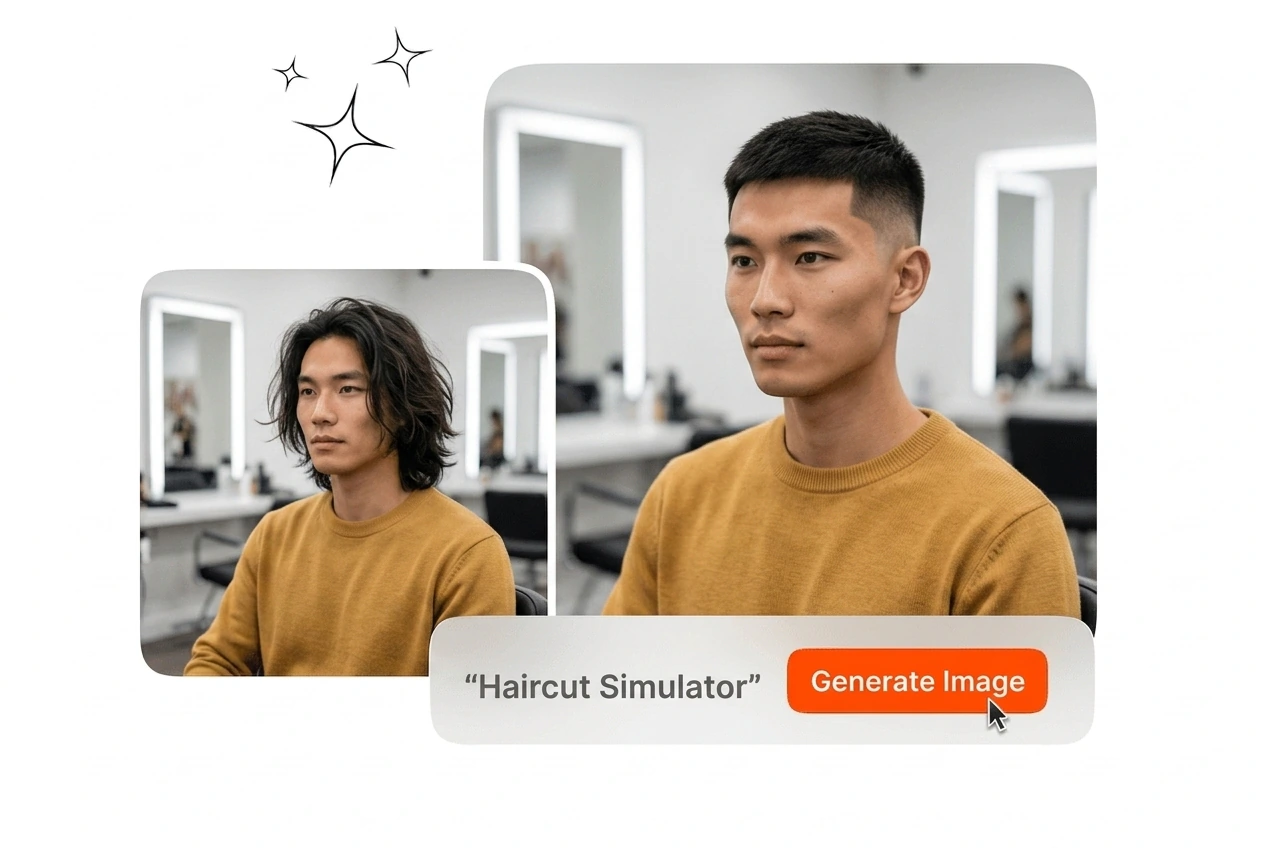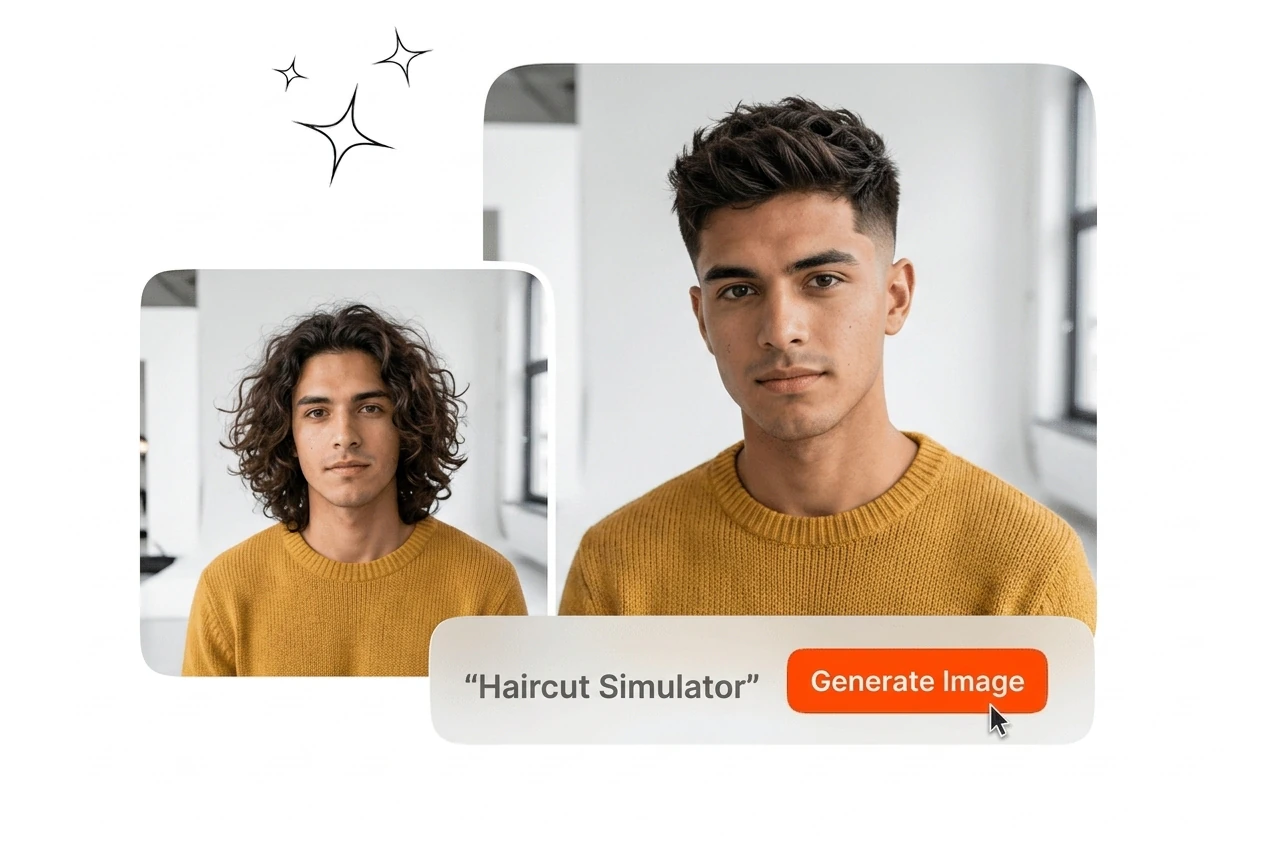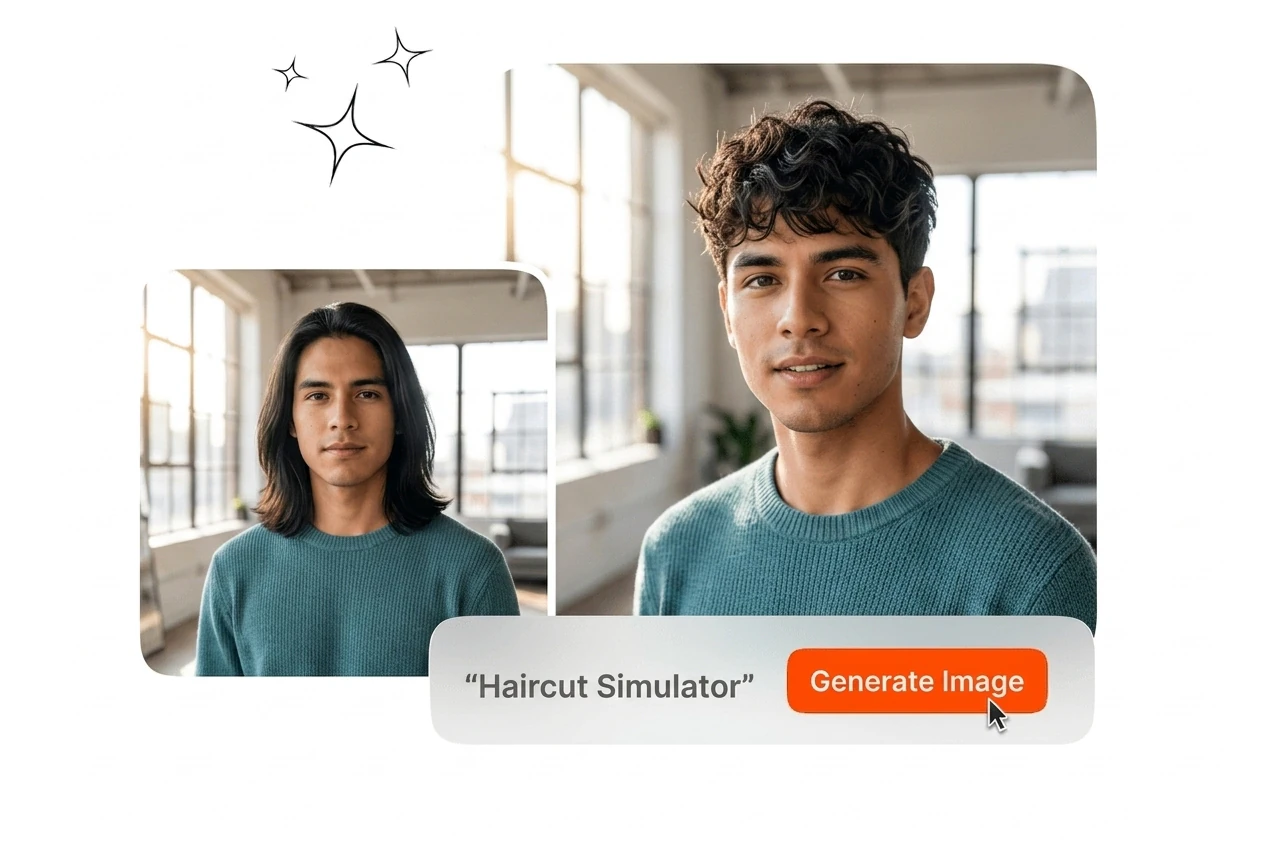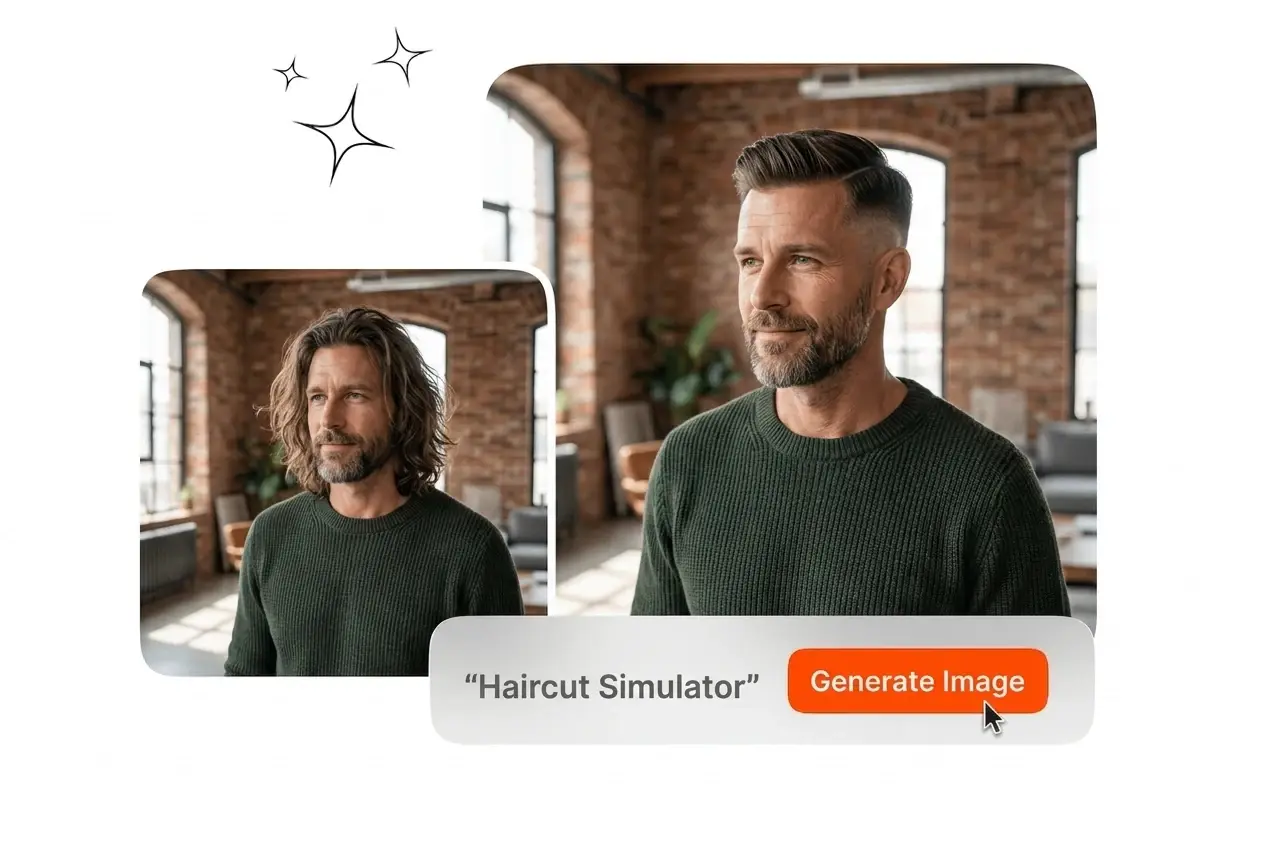
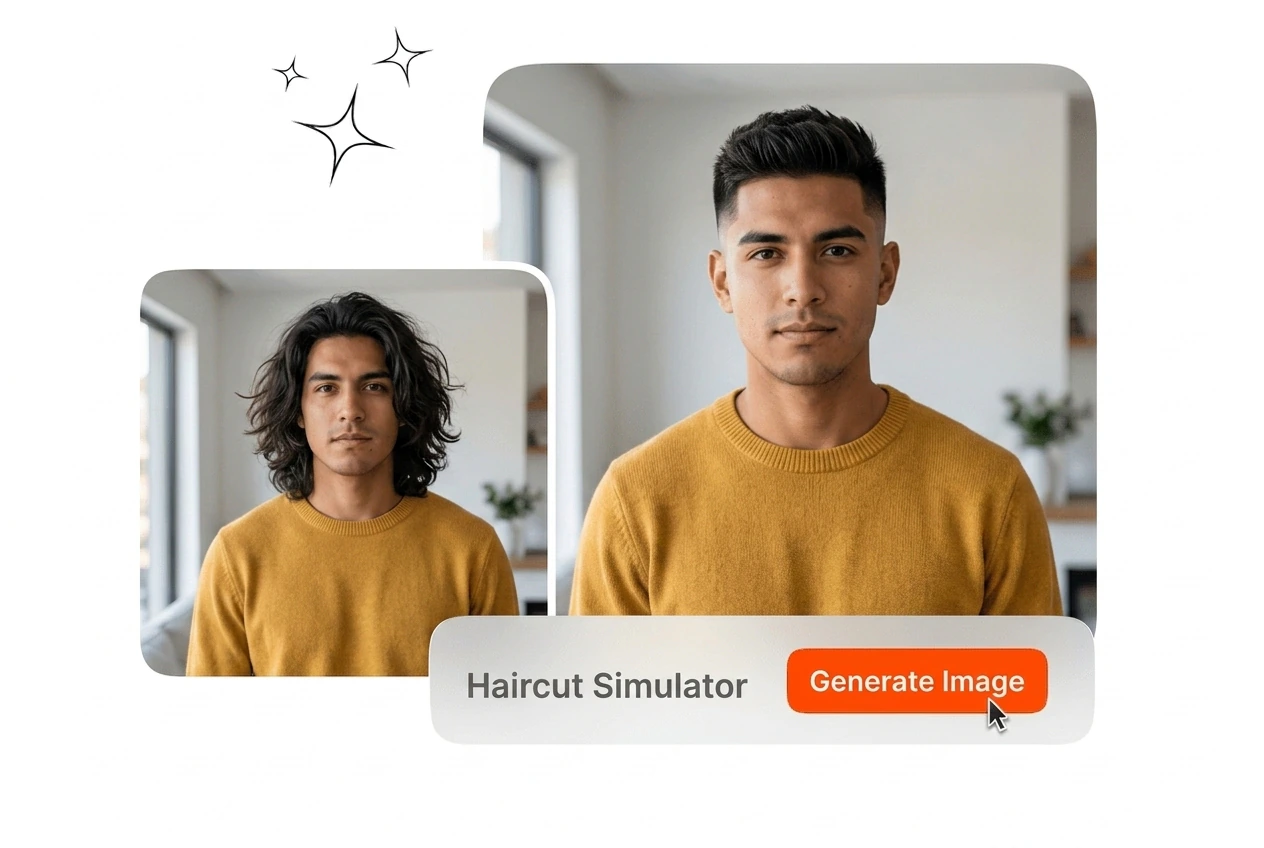
Free Haircut Simulator

Haircut Simulator generates realistic hairstyle previews from a single uploaded photo. Results vary with image lighting quality and face visibility.

Banner preview

Haircut Simulator for Confident Style Decisions

Upload a photo and preview dozens of hairstyles on your face. The Haircut Simulator outputs a styled image in seconds, no appointment needed.

Haircut Simulator for Every Use Case

The Haircut Simulator fits three distinct workflows: personal decision-making, professional salon consultation, and social content creation at scale.

Salon professional using Haircut Simulator client consultation

Salon Professionals

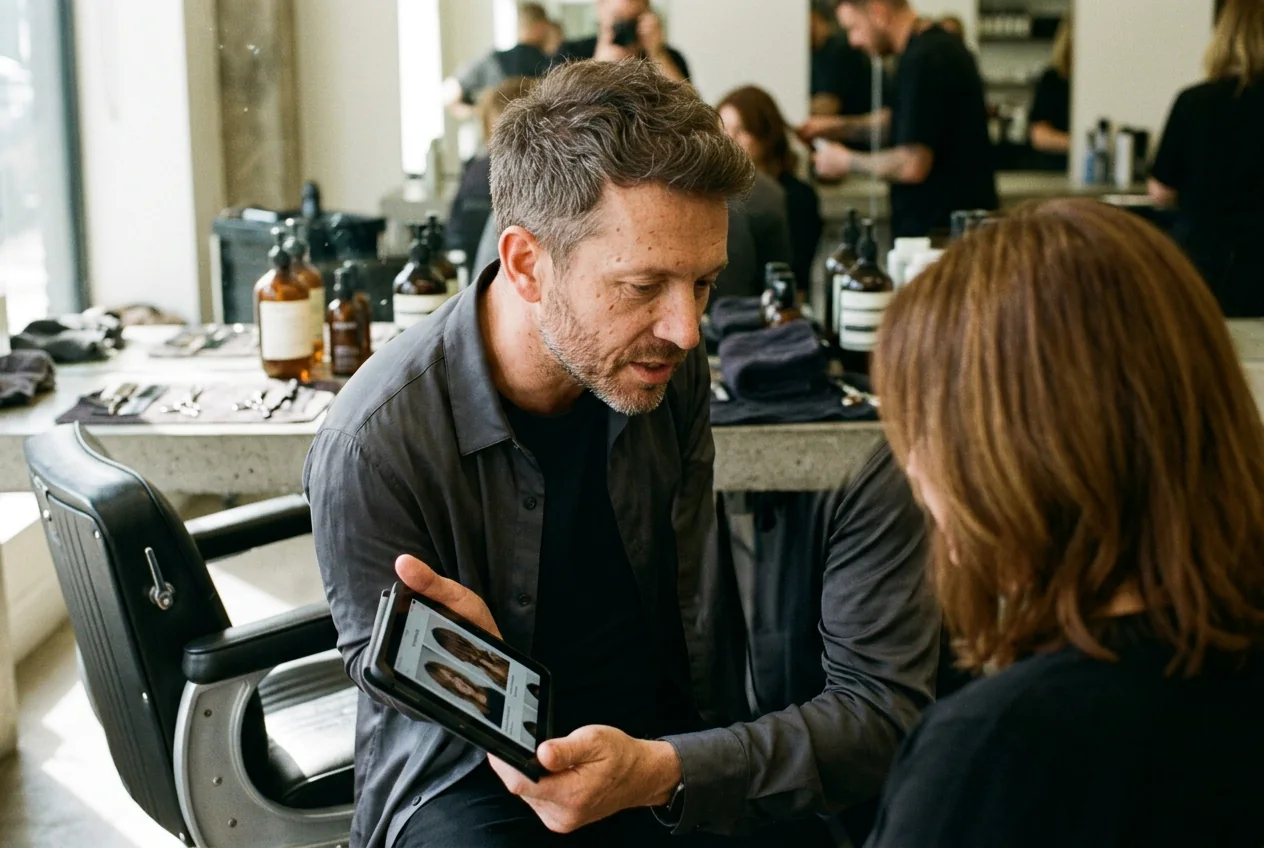
During a client consultation, you can use the Haircut Simulator to display multiple hairstyle options directly on the client's photo. That removes the guesswork from verbal descriptions. Clients leave the chair with a clear visual reference, and chair time spent on miscommunication drops noticeably. This is the practical case for a hairstyle photo editor in a professional setting.


Person using Haircut Simulator to try on hairstyles

Personal Style Planners

You are considering a pixie cut or beach waves but are not ready to commit. The Haircut Simulator lets you try on hairstyles virtually and compare results side by side on your own photo. Upload once, select styles, and review outputs before you book. It is a direct way to change your hairstyle online without risk.

Content creator using Haircut Simulator hairstyle trend post

Content Creators

Hairstyle trend content, before and after comparisons, and inspiration boards all require realistic visual examples. The Haircut Simulator generates those outputs from a single reference image, covering short, long, curly, and dreadlock styles. Creators can test hairstyles online and publish finished assets without a separate photo shoot or editing session.

How the Haircut Simulator Works

The Haircut Simulator runs in three steps. Upload a photo, select a hairstyle, and download the output. No software installation required.

Step 1

Upload Your Photo

Select a clear, forward facing photo and upload it to the Haircut Simulator. The AI reads facial landmarks and hair boundaries from the image to prepare the scene for style placement.

Step 2

Select a Style

Browse the style library and pick from short, long, straight, curly, beach wave, pixie cut, or dreadlock options. This is where you try haircuts virtually across different lengths and textures.

Step 3

Export the Result

The Haircut Simulator renders the styled image and makes it available for download. Use the output for a salon consultation, a social post, or a professional headshot comparison.

Haircut Simulator Features That Deliver Results

Four core capabilities define the Haircut Simulator: fast preview output, face fit accuracy, a broad style library, and flexible length and texture control.

Single Upload Style Preview

The Haircut Simulator generates a styled output from one uploaded photo, so you can try haircuts across multiple looks without reshooting. Select a style, and the output renders in seconds. This is the core loop for anyone who wants to try hair online before making a real decision, whether for personal use or salon review.

Haircut Simulator single photo multiple style preview output

Face Fit Rendering Accuracy

The AI Hairstyle Changer reads facial landmark positions, including jawline, forehead, and ear placement, before applying any style. The new hair sits at the correct scale and angle relative to your face. Outputs from the Virtual Hairstyle Try On feature look like a natural photo rather than a layered composite, which matters for client facing or professional headshot use.

Haircut Simulator face fit AI hairstyle rendering accuracy

Multi Style Library Access

The Haircut Changer includes short, long, straight, curly, beach wave, pixie cut, and dreadlock options. Each style in the hairstyle generator is a discrete preset you select from the library. You can run the same photo through several options and compare exports side by side, which makes this the best free ai hairstyle generator for style exploration before an appointment.

Haircut Simulator multi style library hairstyle generator options

Length and Texture Control

Beyond preset styles, the Hairstyle Simulator lets you adjust length, curl degree, and hair texture settings to test variations that fall between standard options. Select the parameters, and the output reflects those specifics. This makes it straightforward to change your hair style online when an off the-shelf preset does not match the exact look you.....

Haircut Simulator length texture control hairstyle adjustment settings

Haircut Simulator Questions Answered

Yes. try on haircuts online free is supported in this workflow. In most cases, yes, you can access the this tool and try on hairstyles virtually without a full account registration. Free access typically covers a set number of preview exports per session.

Try the Haircut Simulator Free Today

Upload a photo, pick a style, and download your Haircut Simulator output. See how different cuts fit your face before your next appointment.

Create Free