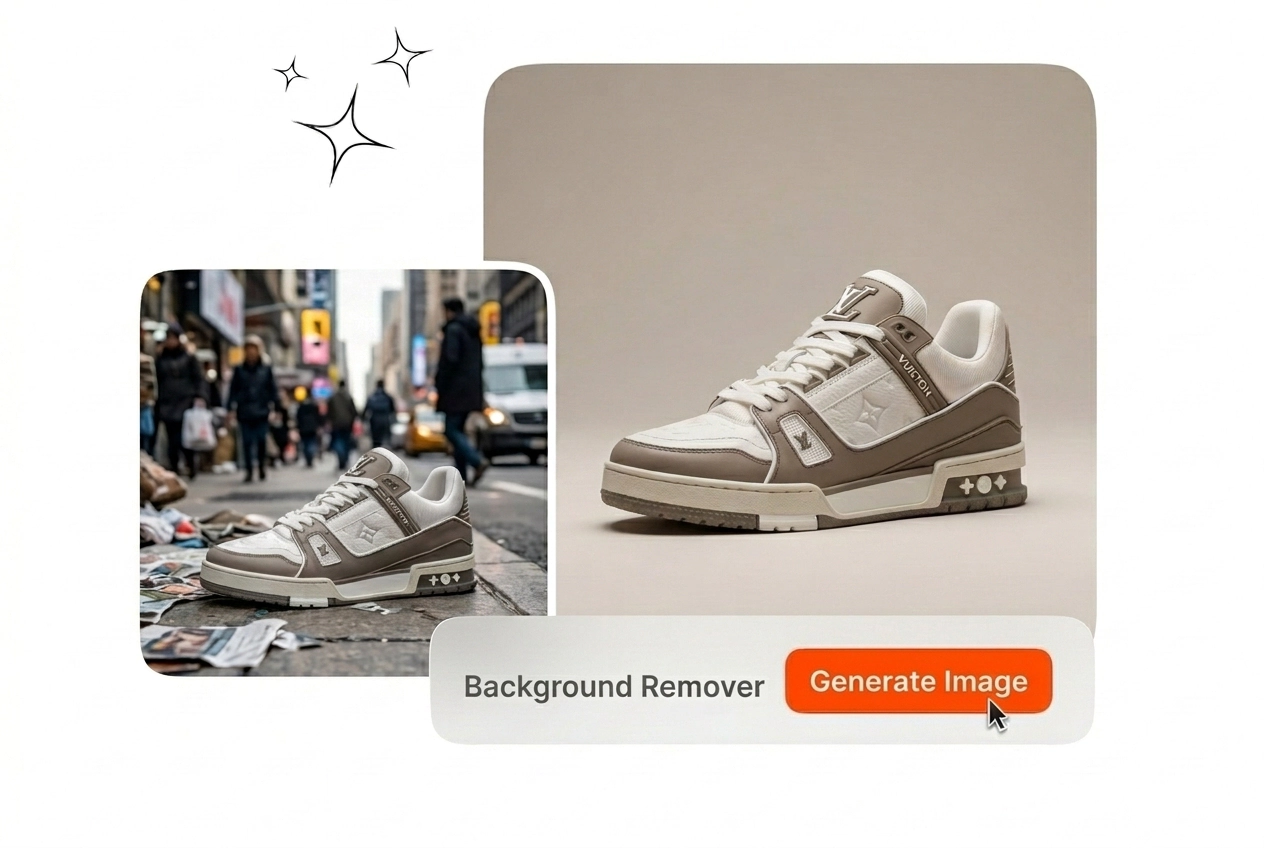


DTC Merchandise Leads
You refresh PDP galleries weekly and each SKU expects a neutral or alpha plate. A cutout flow keeps schedules honest. Export PNGs, sync the PIM, and advance without midnight mask rebuilds that stall every launch calendar.
Use the AI Background Remover to isolate your subject with clean, instant precision. Upload your image and watch the background disappear in seconds, leaving a crisp cutout ready for any new scene or design.
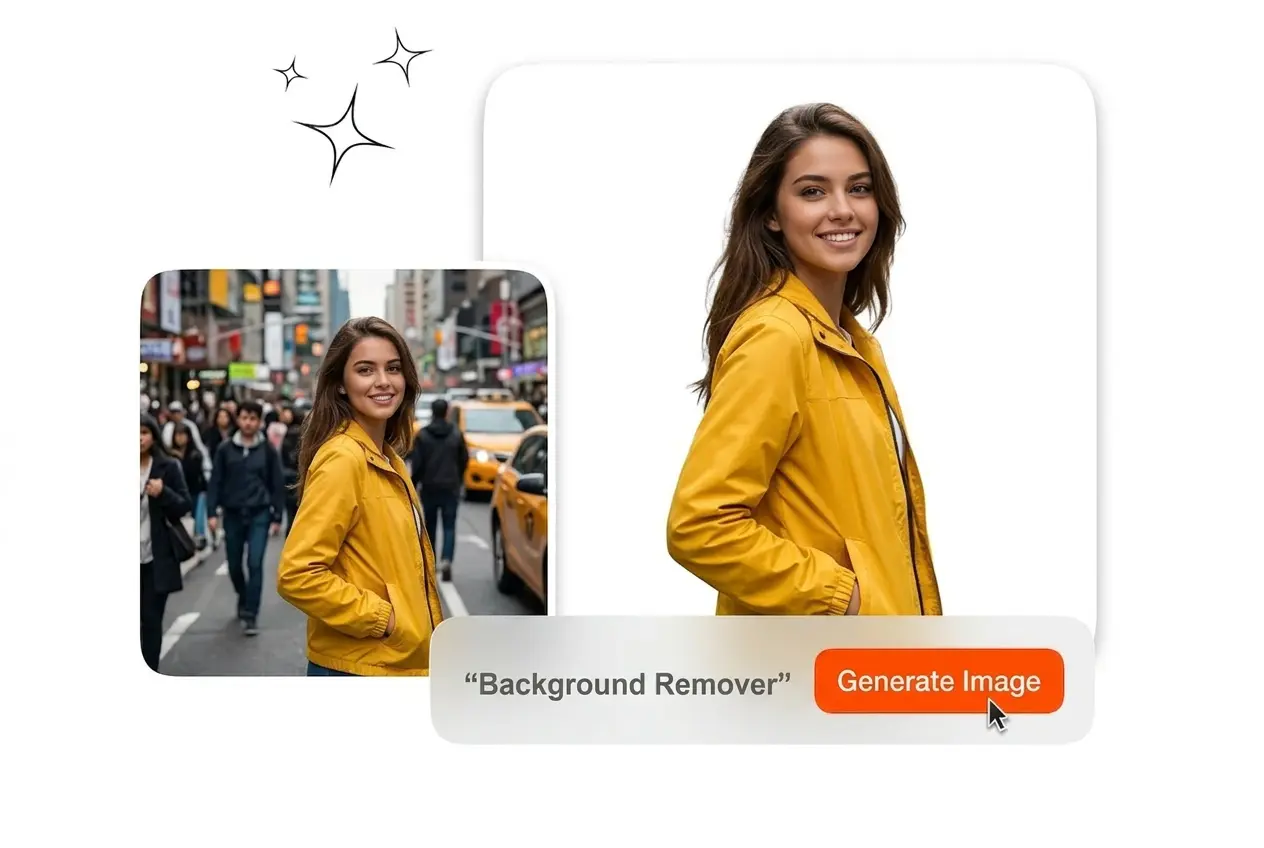
Veme AI clears busy backdrops behind catalog shots. Upload a still, refine hair edges, then download a transparent PNG for PDP tiles or social use.
DTC merchants, portrait studios, and ad designers need crisp cutouts. They strip messy plates, route PNGs downstream, and skip overnight pen work.
You refresh PDP galleries weekly and each SKU expects a neutral or alpha plate. A cutout flow keeps schedules honest. Export PNGs, sync the PIM, and advance without midnight mask rebuilds that stall every launch calendar.
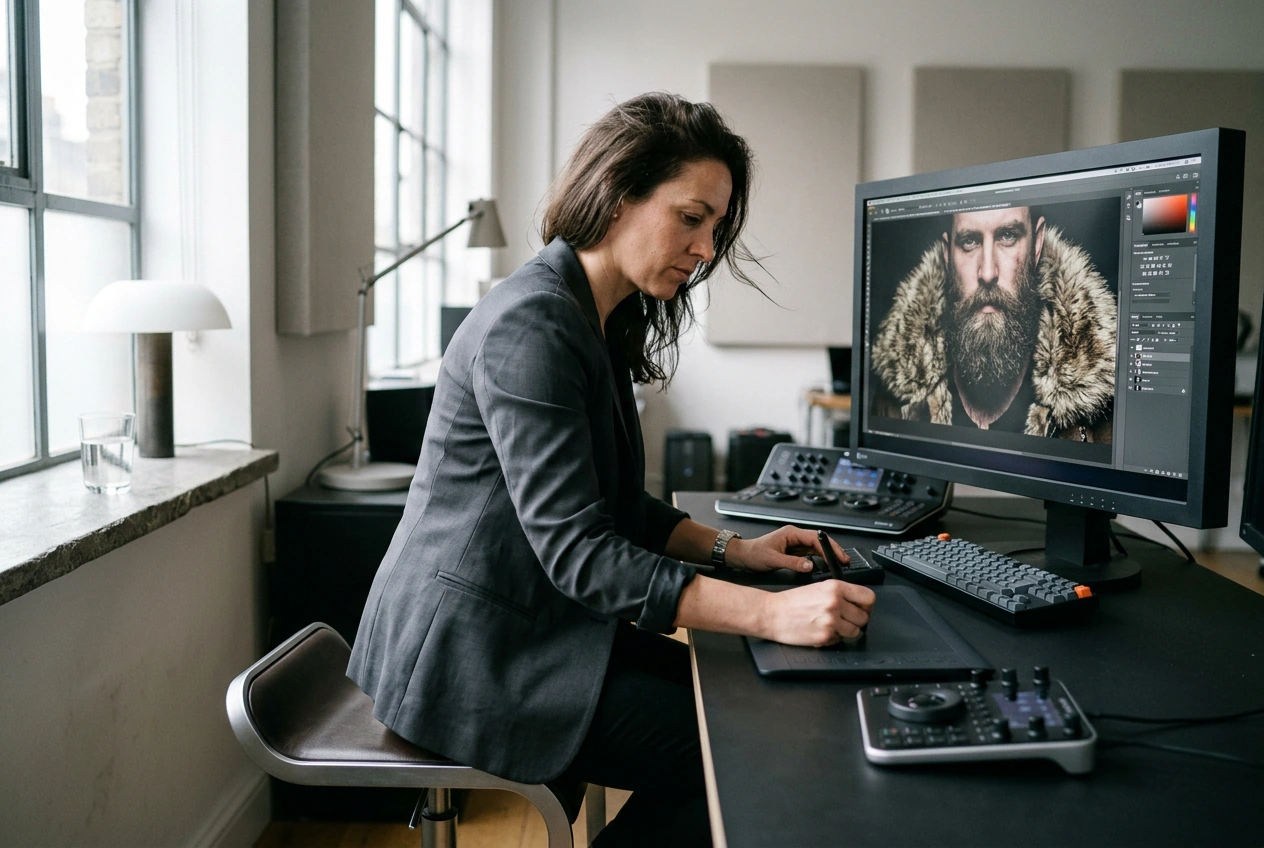
Clients inspect hairlines, beards, and jacket fur before invoices clear. Manual tracing burns hours better spent on color correction cycles. This path preserves fine strands so you approve masks, export PNGs, and return the same afternoon.
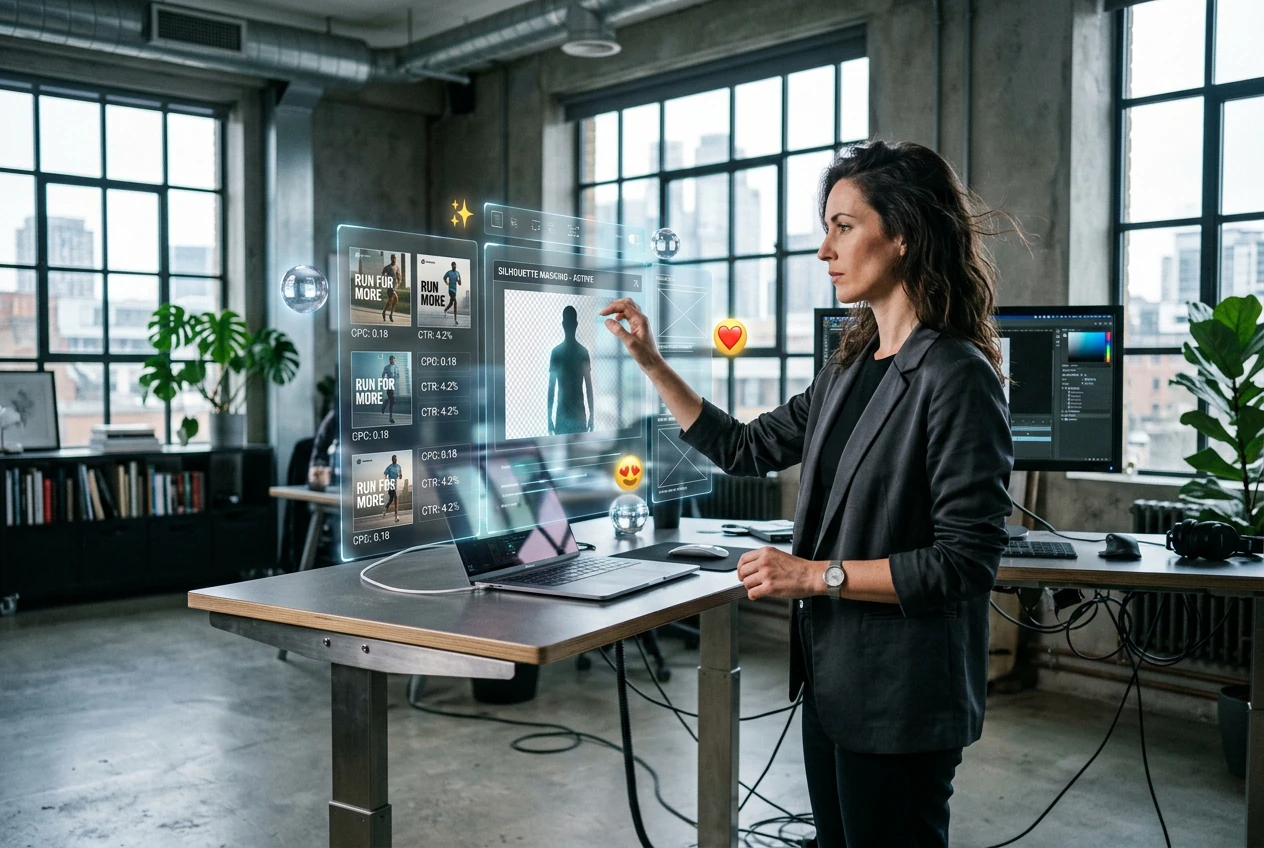
You test thumbnails all morning and each variant needs a crisp silhouette. Paste fresh plates behind talent without another shoot day. Stay efficient while you learn how to remove background from picture files inside Background Remover pilots without color drift.
Load a still, let Veme AI isolate the subject, and inspect the mask. Export PNG transparency or flat color before teammates publish fresh listings.
Drop a JPEG or PNG from your shoot into Veme AI. The workspace keeps stills only and skips video so GPUs focus on segmentation. Name files so editors trace cutouts through QA without hunting folders.
Compare preview modes on hair, glass, and woven edges before locking the mask. Feather locally where matte fabric meets chrome glare. Those tweaks stop merchants from rejecting PDP tiles when halos slip past the pass.
Download alpha PNG for composites or pick hex fills when retailers ban transparency on uploads. Attach notes so teammates use the Background Remover on free sandbox exports inside the DAM without reopening Friday sessions you already closed.
Veme AI keeps cutout workspaces tight for Background Remover QA. Audit masks, select exports, and hand off final plates to merchants without opening heavy photo editors for every SKU.
The model flawlessly separates translucent strands from apparel so flyaways never vanish into gray voids. Easily soften zones where reflections confuse matte detectors on jackets. Directors accept the results as polished photo cutout output on the first proof, eliminating the need for weekend rescues.
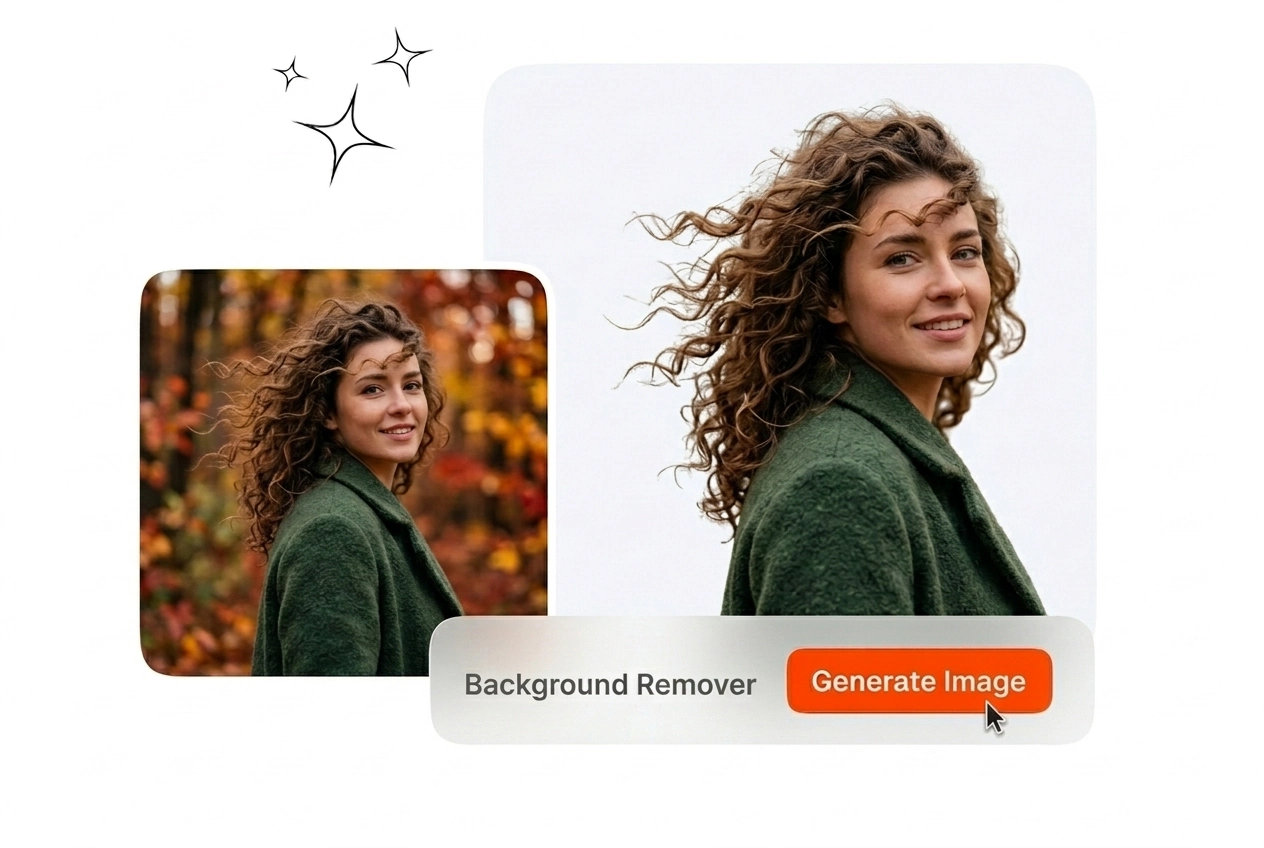
Choose alpha transparency when artists composite logos, decals, or social frames across channels. File sizes remain CMS-friendly while outlines stay crisp on intricate jewelry. Merchants can file the PNG beside every Background Remover milestone without causing any project delays.
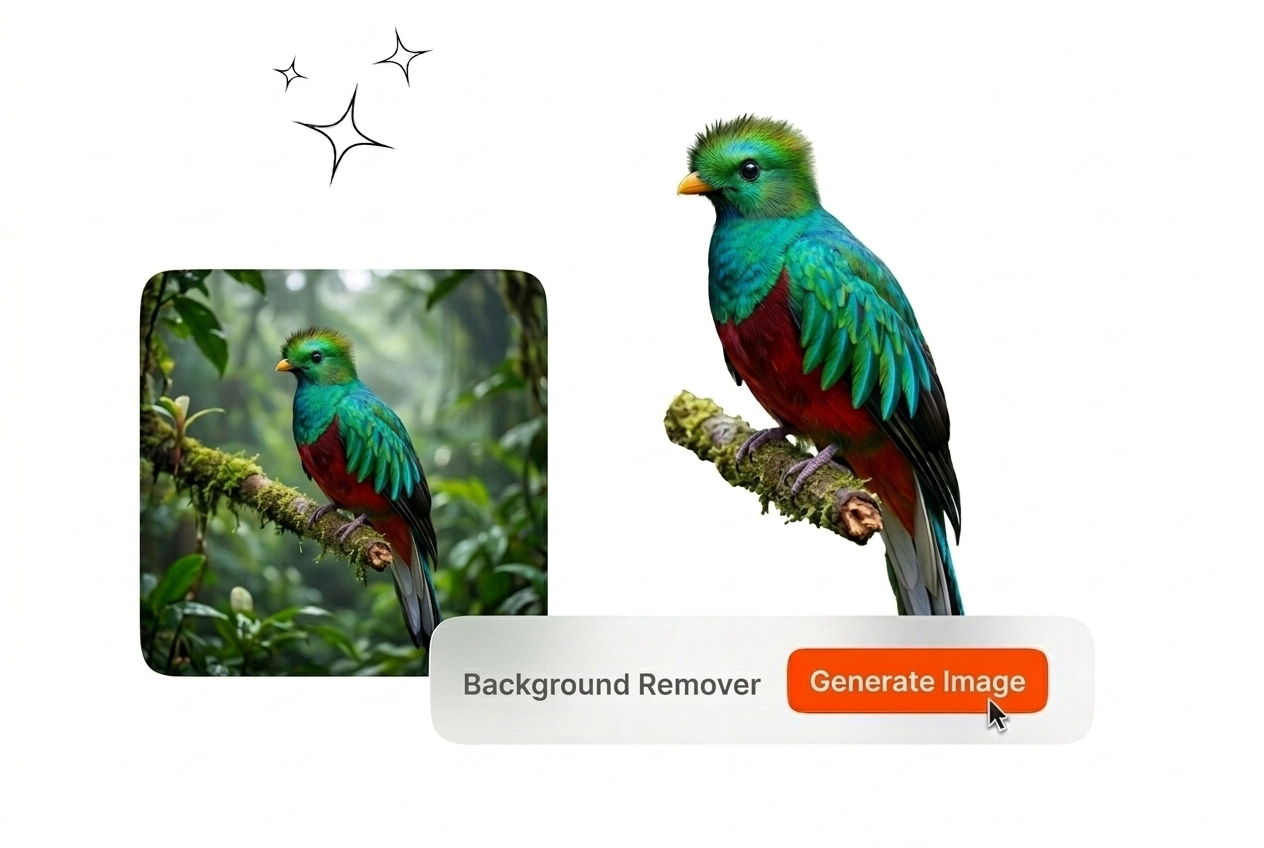
Apply retailer hex color fills when platform policies forbid translucency on the image tiles you ship tonight. Lock the color field so SKU art perfectly matches brand guidelines without surprise rejects. Operators skip tedious rebuilds even when channels pivot to pure white specs before strict Background Remover deadlines.
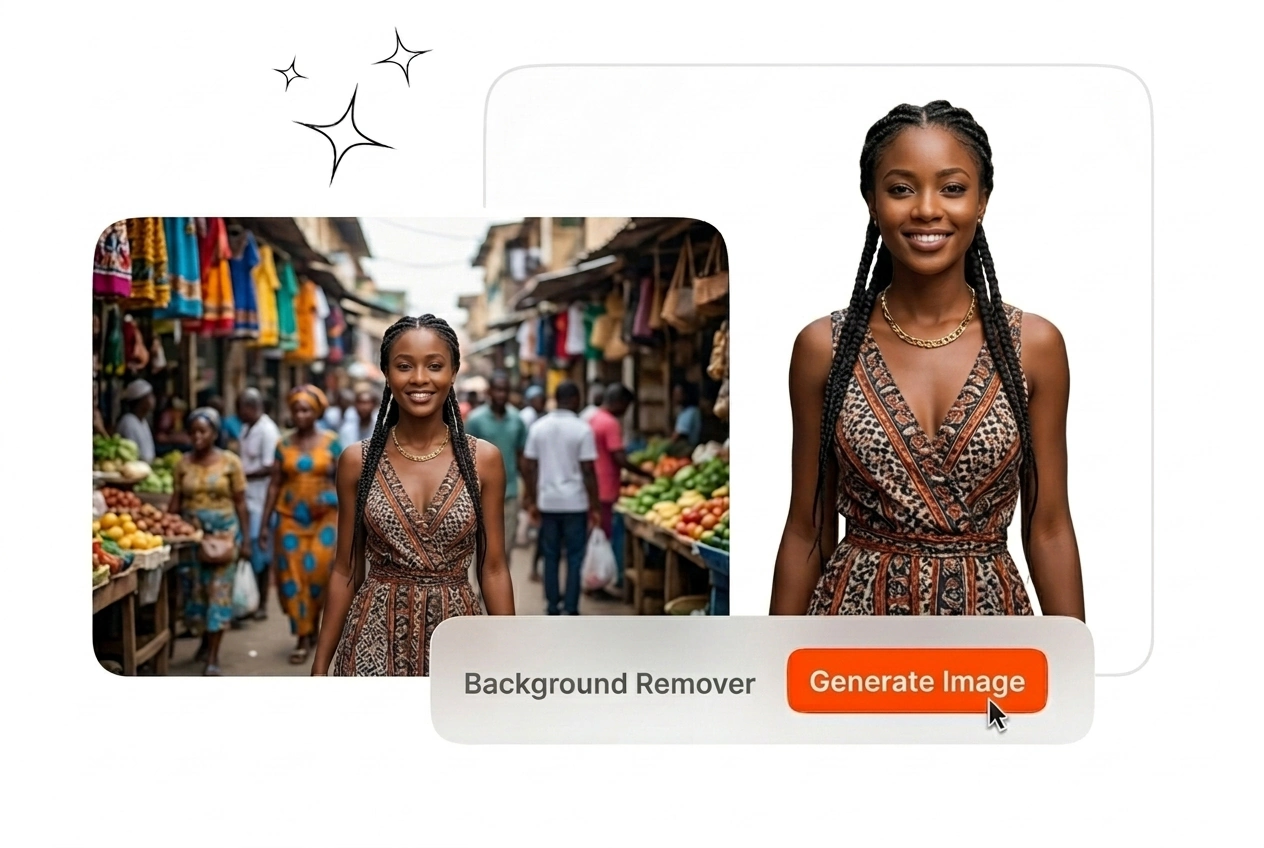
Stack stills from a single shoot and approve masks before exporting the entire SKU row on schedule. Notes ride with filenames so your team seamlessly tracks approved cutouts. Boost productivity by logging completed tiles per hour instead of losing afternoons to slow online Background Remover tools.
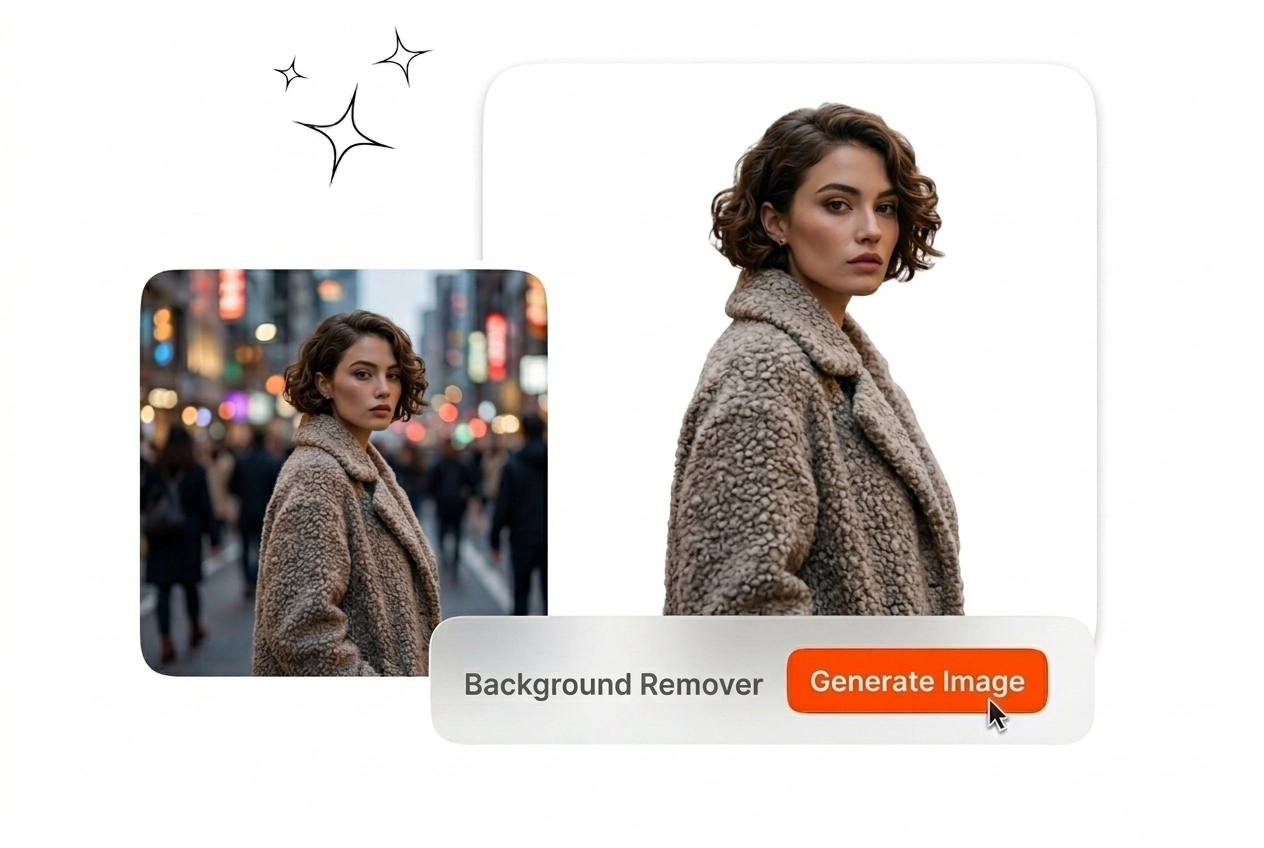
Yes, Veme AI handles product plates, showroom cars, and headshot stills you own. Upload the frame, verify the mask, and export PNG or flat fills that satisfy free Background Remover checks merchants run before deadlines land without burning your Background Remover budget slack.
Open Veme AI, load the next still, and ship PNG or flat plates before review. Skip the license shuffle your ops team no longer needs.
Create for Free