Free AI Photo Generator

This ai photo generator lets you create images from text or reference uploads across multiple styles and resolutions. Results export at your chosen aspect ratio.

Banner preview

AI Photo Generator for Precise Visual Output

Veme AI generates images from your text or reference uploads. Pick a style, set the aspect ratio, and export a file ready for commercial use.

Who Uses This AI Photo Generator

Veme AI fits three distinct production contexts: high frequency content operations, in house brand teams, and independent designers running ai photo generator free trial ideation work.

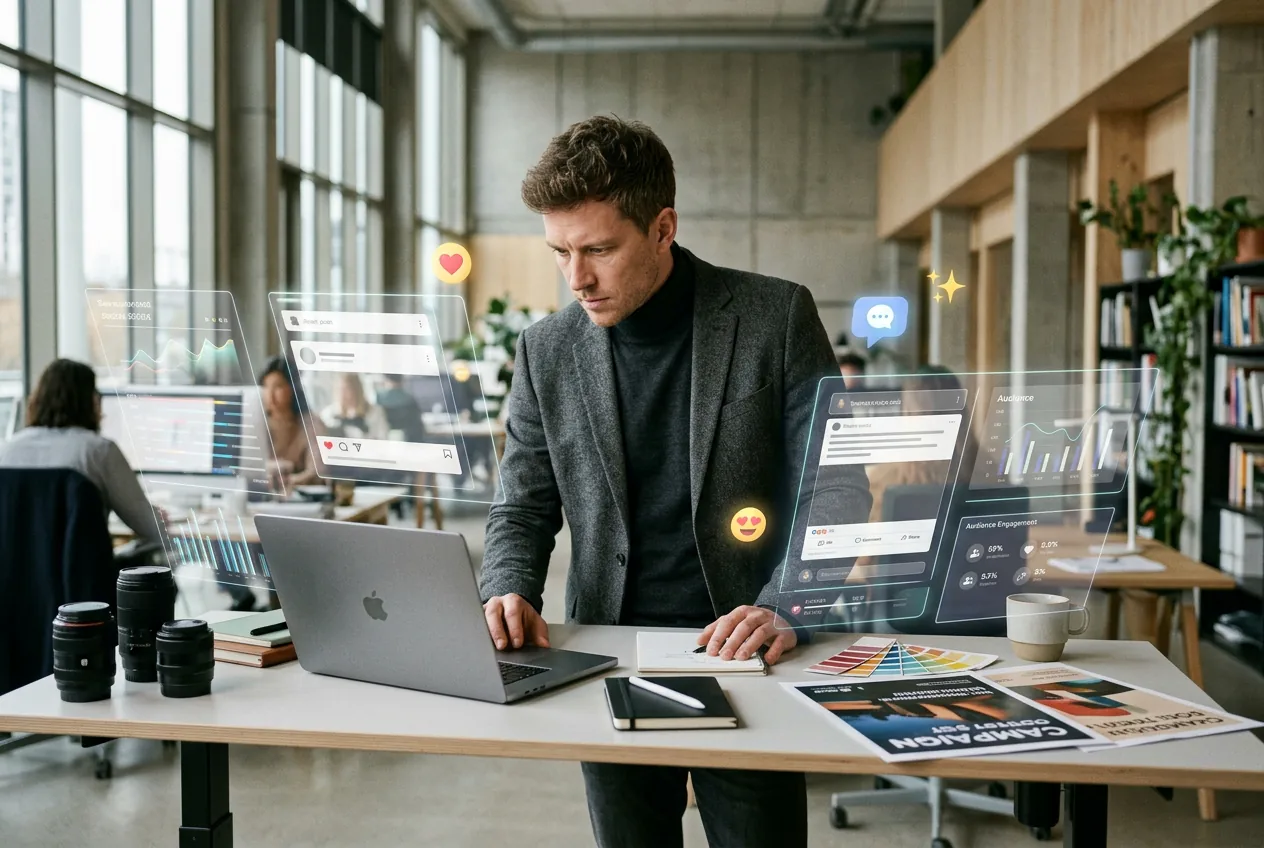
Growth marketer using ai photo generator for ad

Growth Marketers

A growth marketer running A/B tests on ad creative needs ten image variants in an afternoon, not a three day design queue. The ai photo generator produces batch consistent outputs from a single reference image, keeping color, composition, and style aligned across every asset delivered to the media buyer.
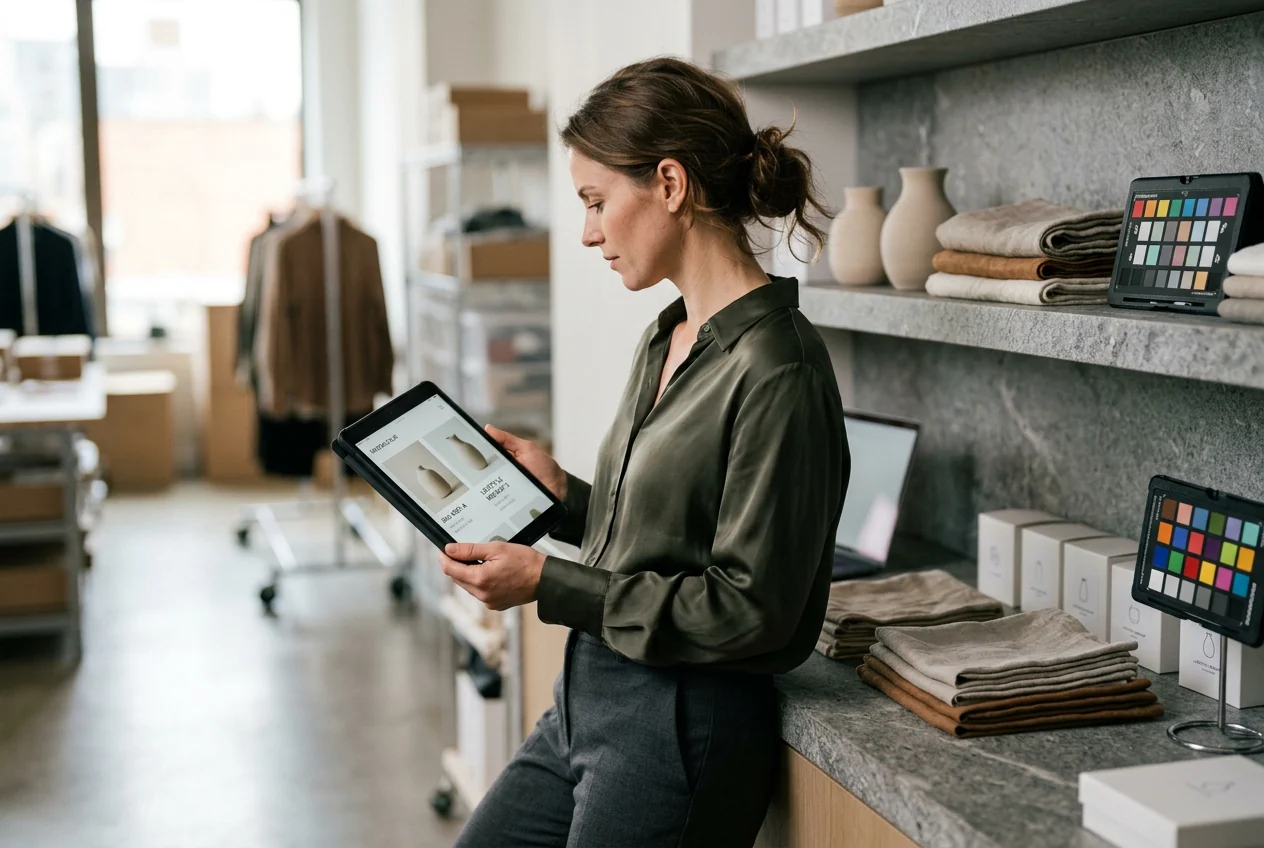
E-commerce seller generating product photos with ai photo

E-commerce Sellers

An e-commerce operator listing ten SKUs needs lifestyle scenes and mockup visuals without a photo shoot budget. The ai photo generator creates product in-context images at the correct aspect ratio for marketplace listings, reducing the gap between product launch and first published visual.

Graphic designer exploring styles with ai photo generator

Graphic Designers

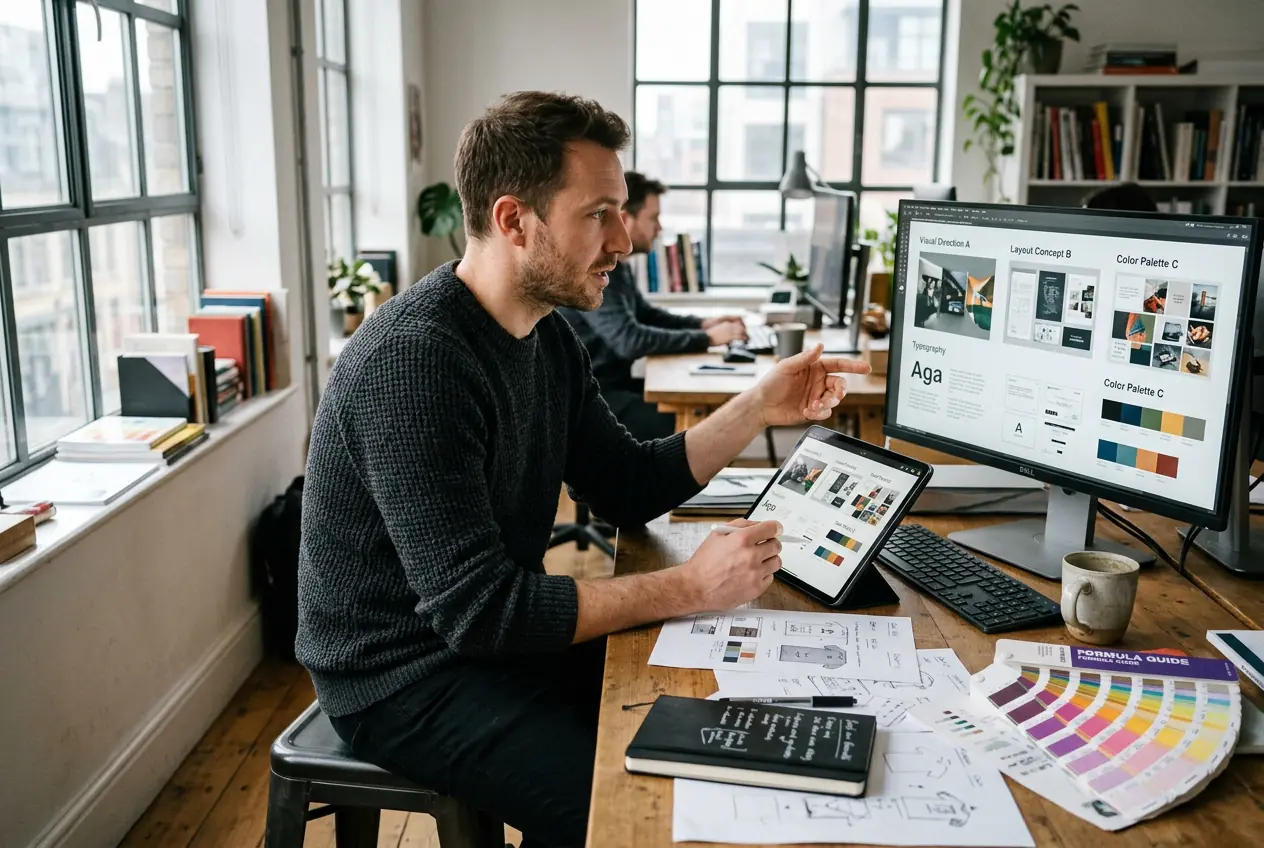
A designer presenting three visual directions to a client in one sitting needs fast concept images, not finished files. The ai photo generator outputs style specific references for mood boards, layout sketches, and color direction proposals, covering the ideation stage without pulling hours from execution work.

How the AI Photo Generator Works

The workflow runs in three steps. Provide your details or a reference image, select your style and output dimensions, then export the finished file.

Step 1

Set Your Details

Describe the scene you need or upload a reference image to anchor the composition and color direction. The ai photo generator reads both inputs and uses whichever you provide to frame the initial generation.

Step 2

Choose Style

Select from available visual styles, including photorealistic, illustration, 3D, and oil painting modes. Set the output aspect ratio to match your target format before rendering, so each draft stays aligned with delivery requirements.

Step 3

Export Your Image

Download the finished file at full resolution. The output is sized for your chosen format and cleared for commercial use, so it moves directly into your campaign, listing, or client deck.

AI Photo Generator Features Built for Consistency

Four capabilities define how Veme AI handles image generation: flexible input modes, resolution fidelity, style range, format matched export dimensions, Transform Text to image consistency, and free online photo collage generator compatibility.

Dual Input Generation

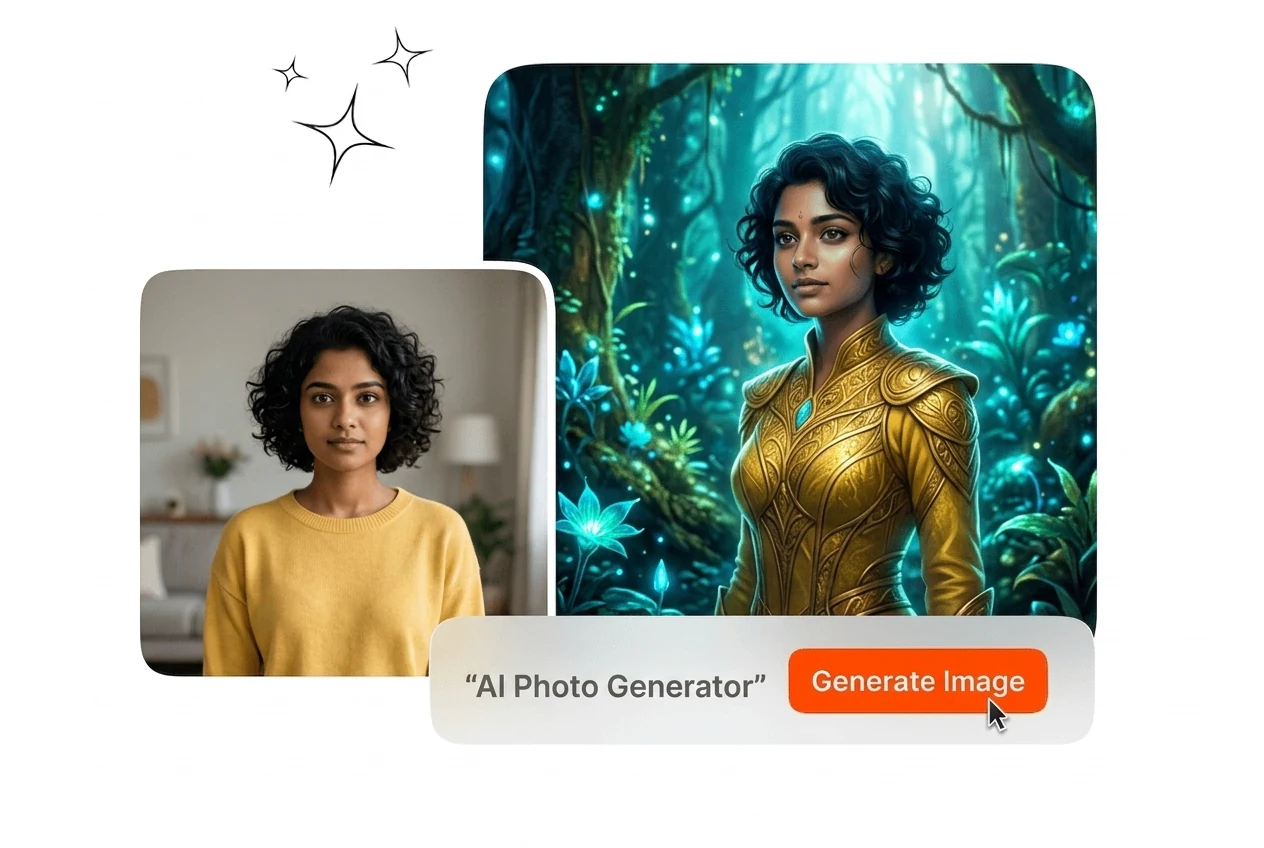
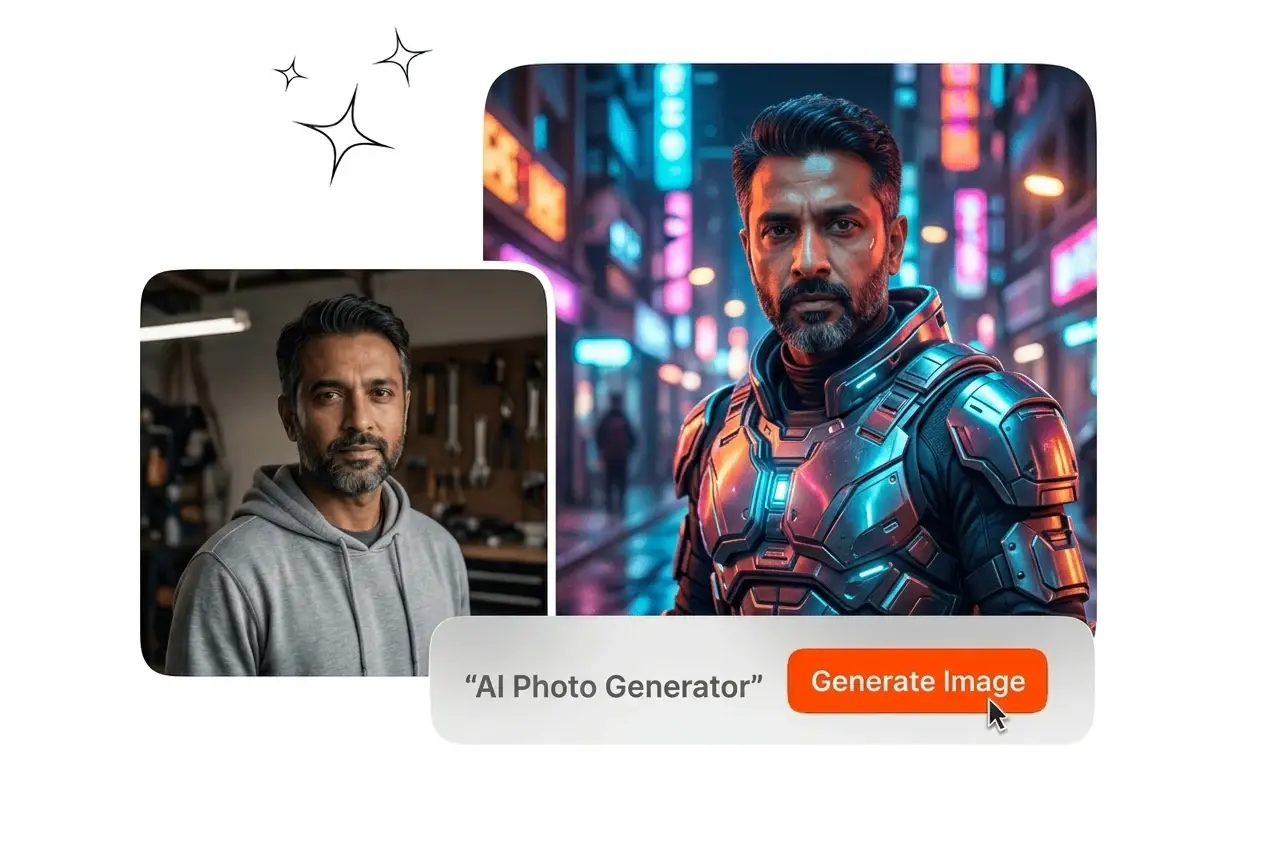
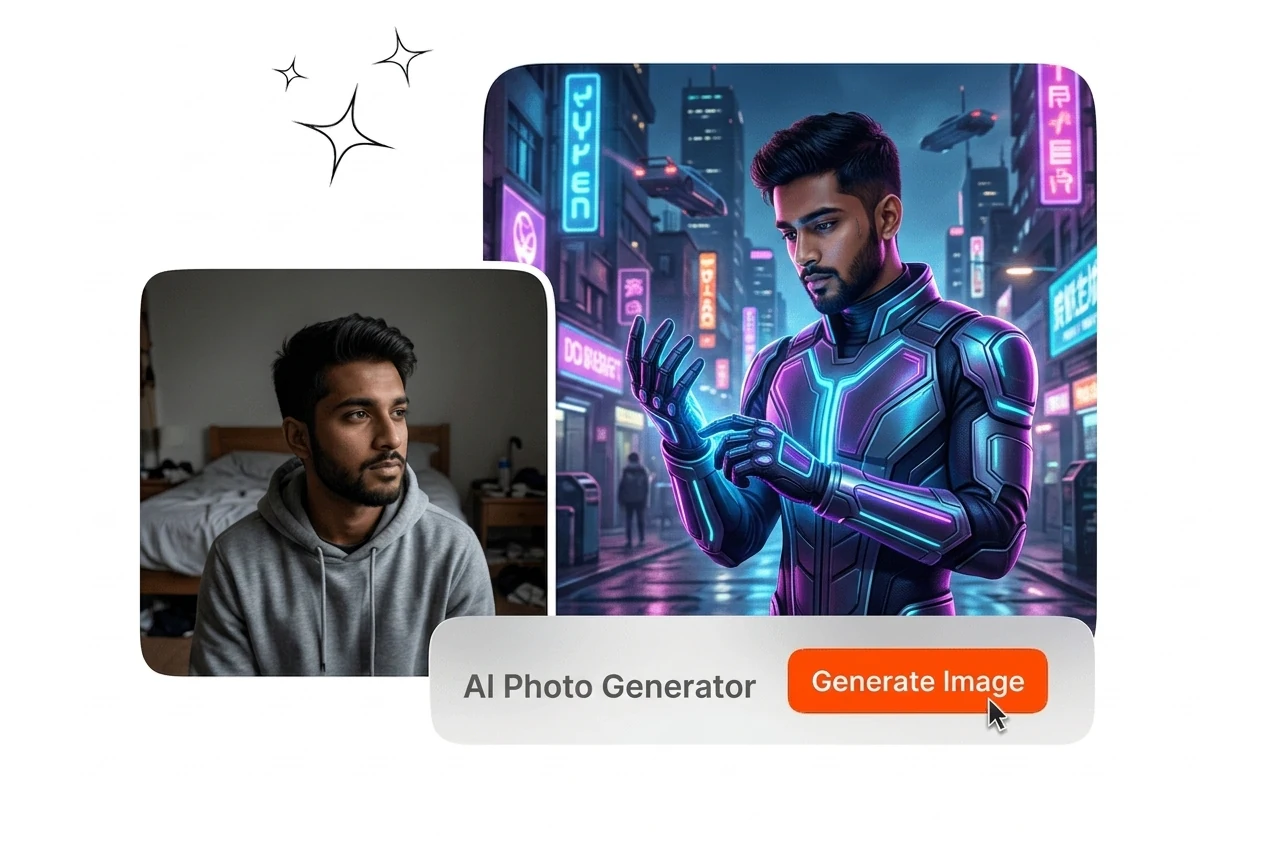
The ai photo generator accepts your written description, a reference image, or both together. When you upload a reference, Veme reads the composition, color, and mood, then generates new images that stay anchored to that visual direction. You get from scratch creation and reference guided variants from the same tool, without switching workflows between projects.

ai photo generator dual input text and reference

High Resolution Output

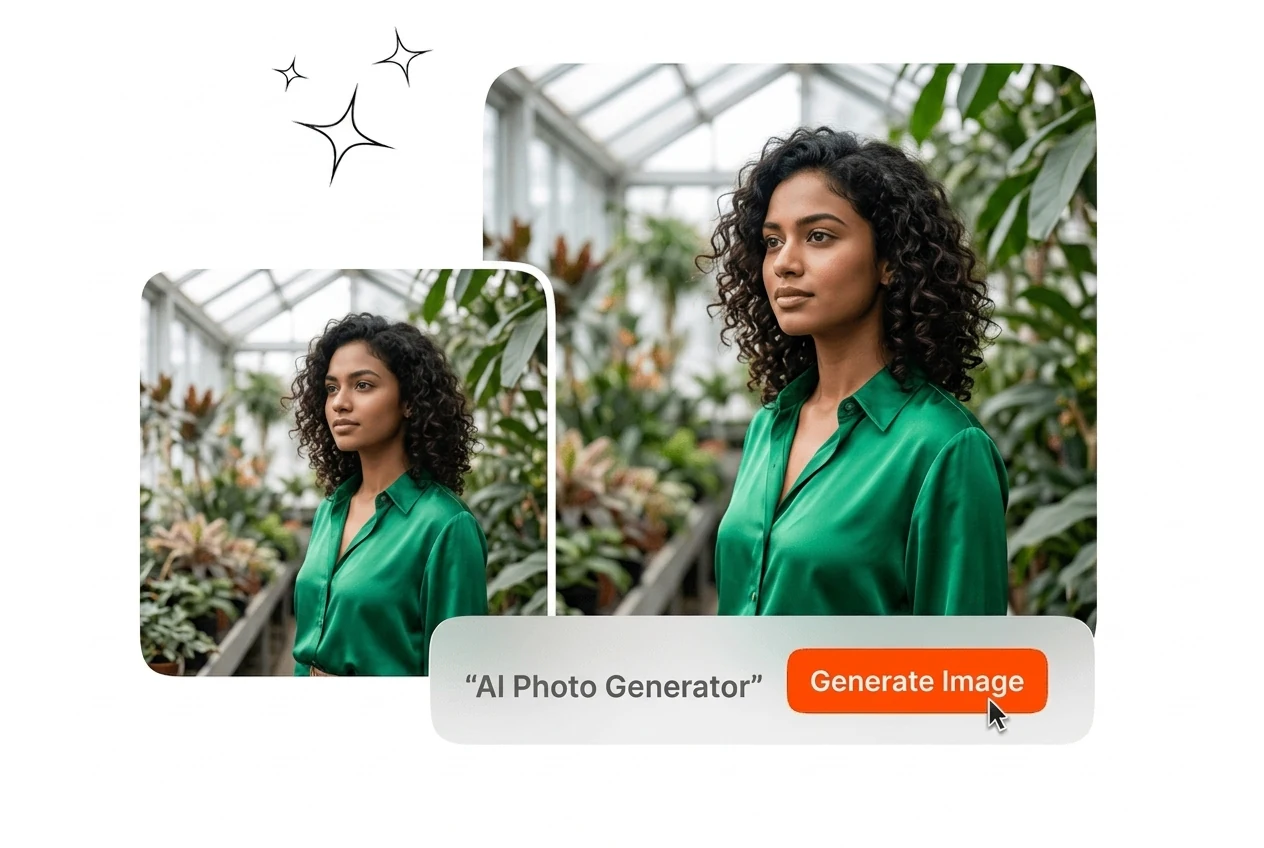
Every image this ai photo generator produces renders at high resolution with sharp detail across fine textures, edges, and tonal gradations. Upload quality source details or a clear reference image to get the strongest result. The output files are sized for digital publishing, marketing display, and print without a separate upscaling step.

ai photo generator high resolution detail output sample

Multi Style Selection

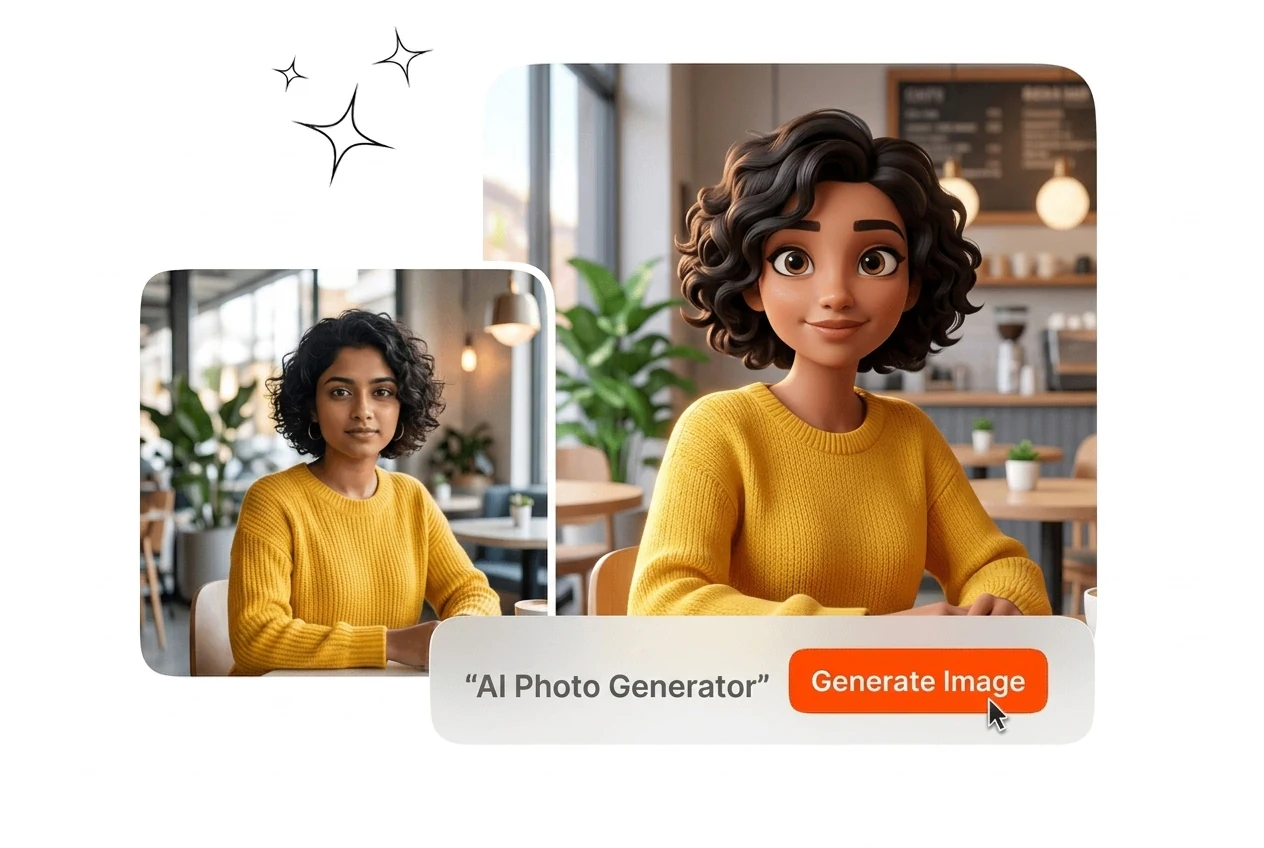
The ai photo generator covers photorealistic, illustration, abstract, flat design, oil painting, anime, surreal, 3D, and classical art styles from one interface. Select the target style before generating, and the model applies it consistently across all outputs in that session. Switching style between rounds takes one click, not a new tool or preset rebuild.

ai photo generator multi style selection panel comparison

Format Matched Dimensions

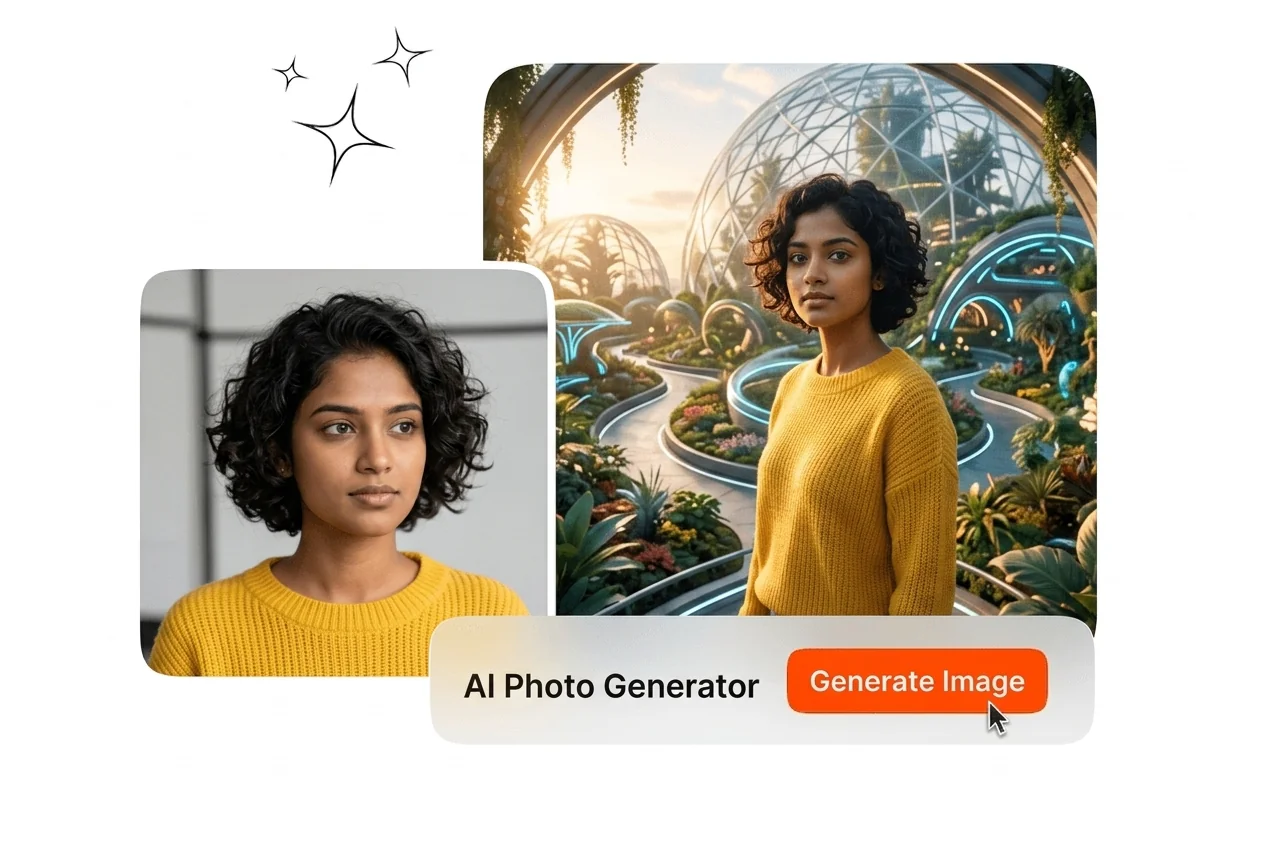
Set the output aspect ratio before rendering so the finished image fits your target format without post export cropping. The ai photo generator supports ratios for social posts, banner ads, landing page visuals, and print layouts. Cubism and Impressionism style variants can keep the same layout plan while adapting the visual direction.

ai photo generator format matched dimensions preview

AI Photo Generator Questions Answered

Yes, this ai photo generator supports reference guided composition control. If your source image is clear, photo generator ai output keeps framing and tone more stable across versions. This helps teams make ai photos quickly while keeping visual consistency for campaign review.

Generate Your First AI Photo Now

Upload a reference image or describe your scene. The tool exports a high resolution, format ready file in minutes for campaigns.

Create Free