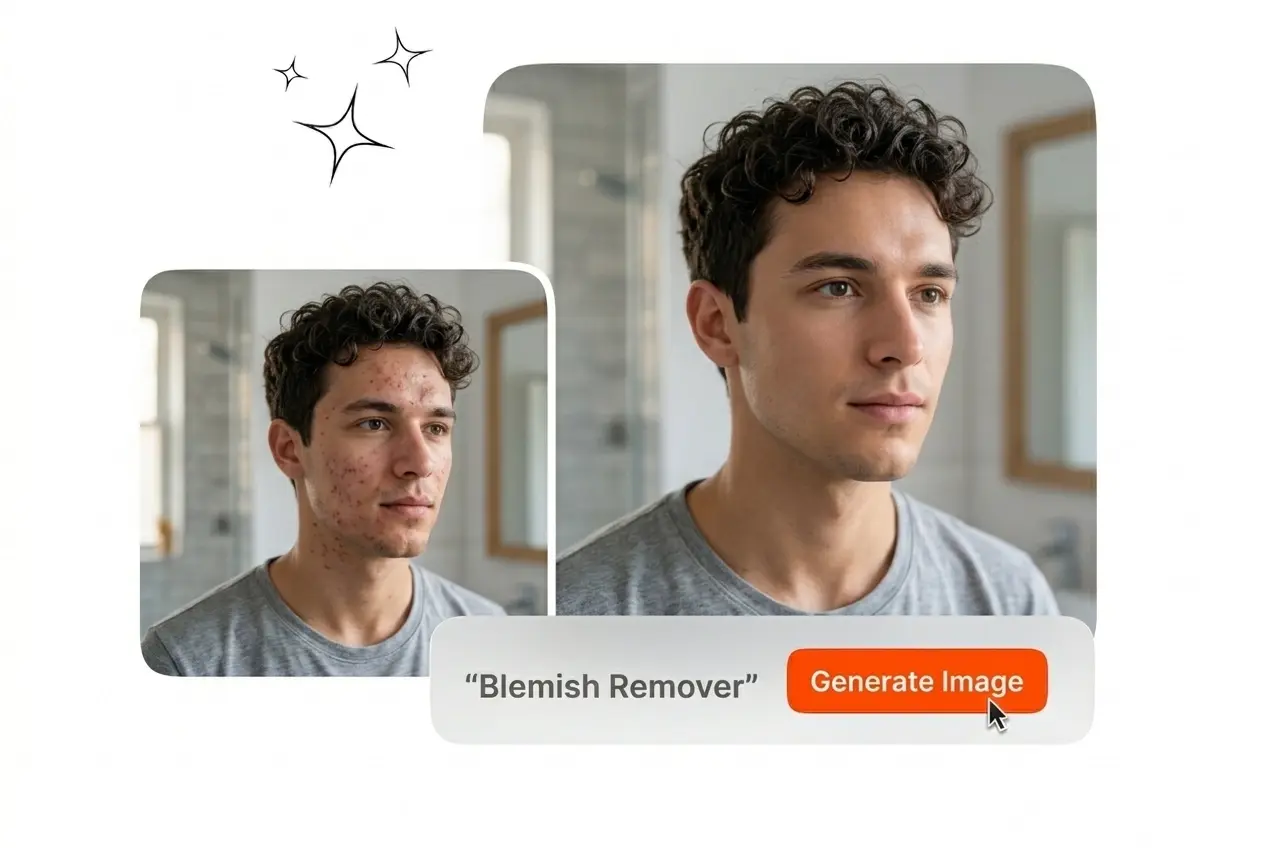
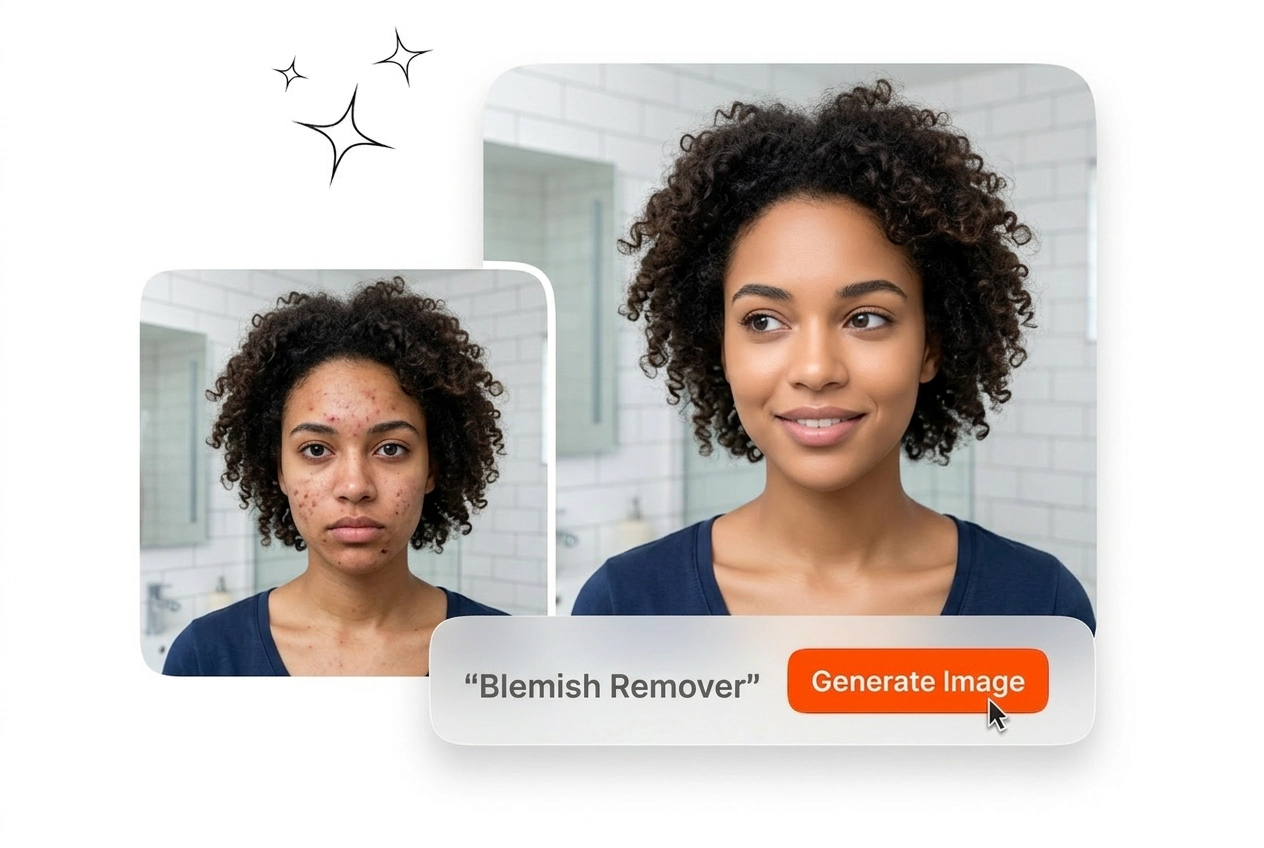

Free Blemish Remover

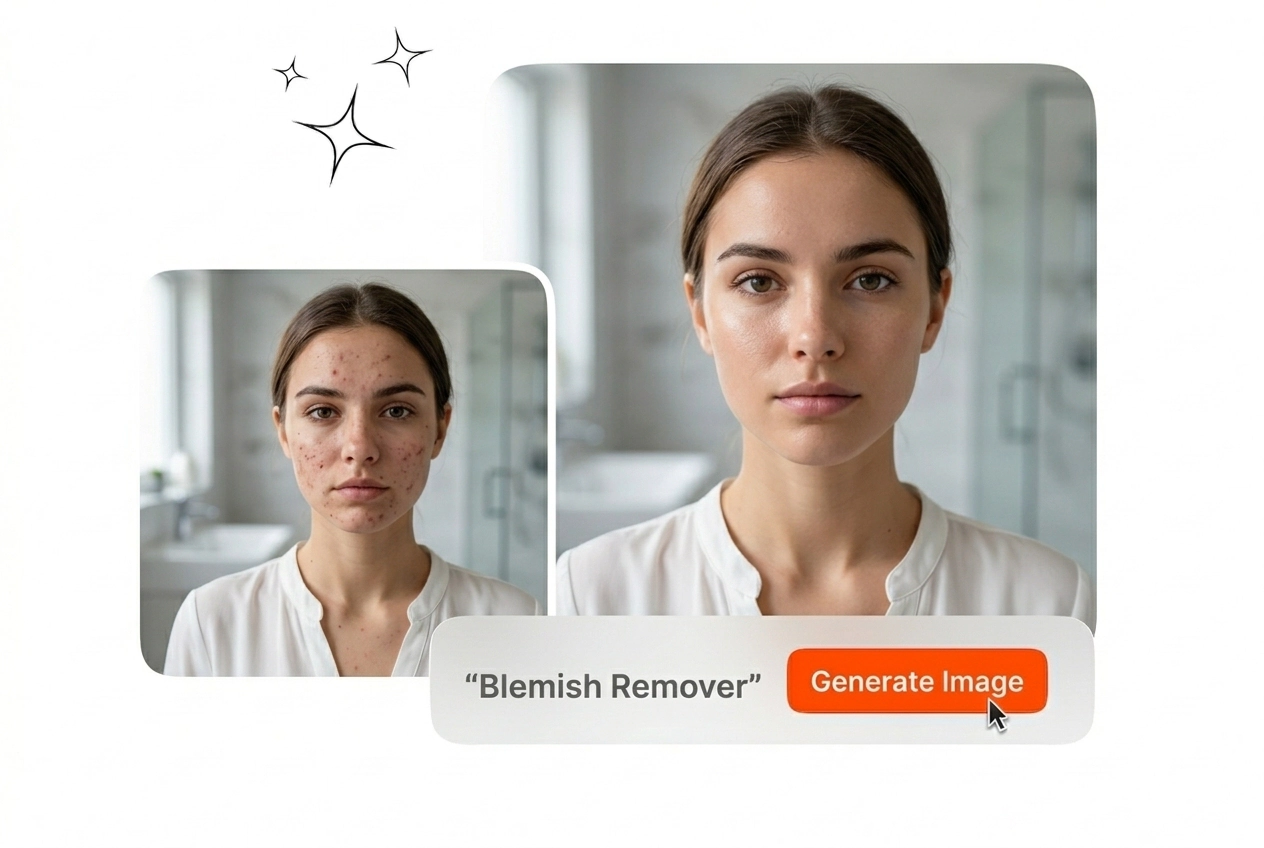
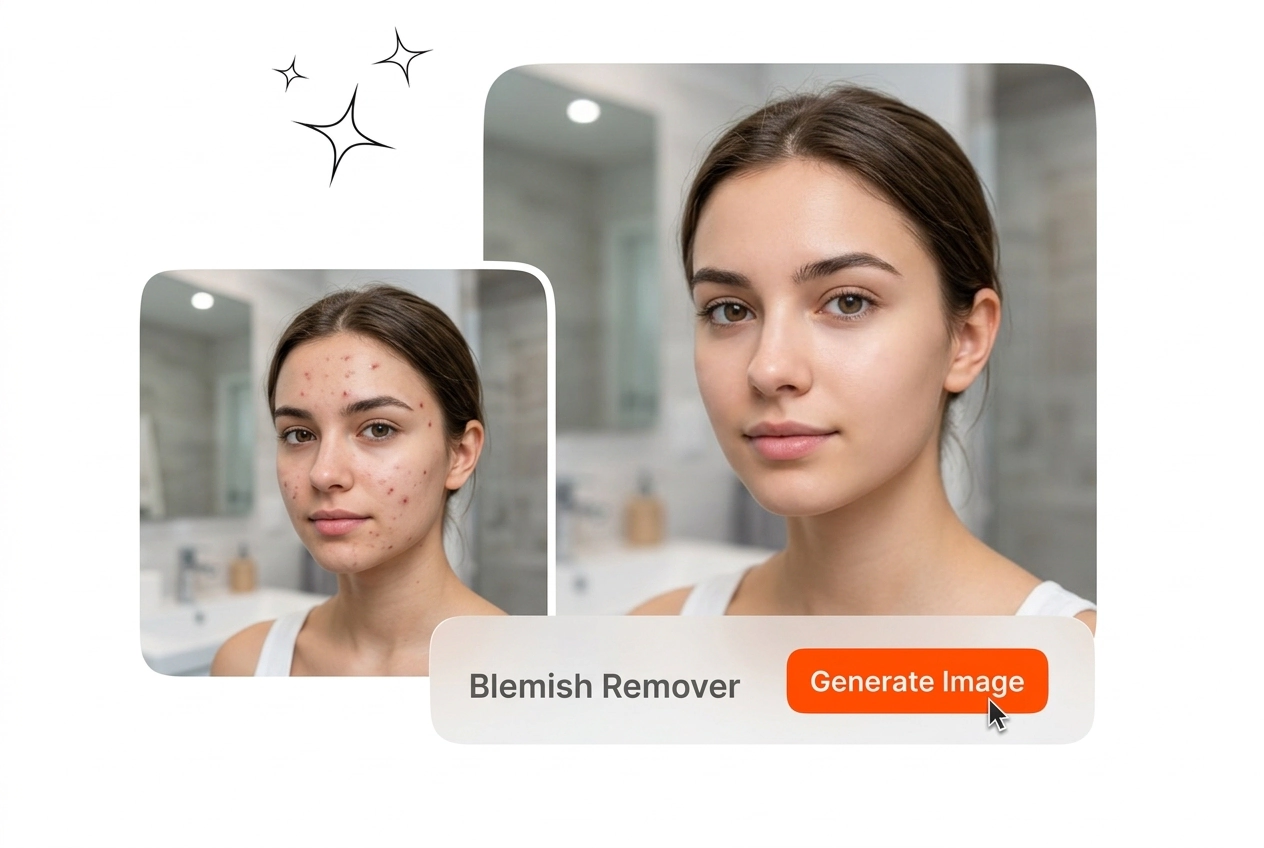
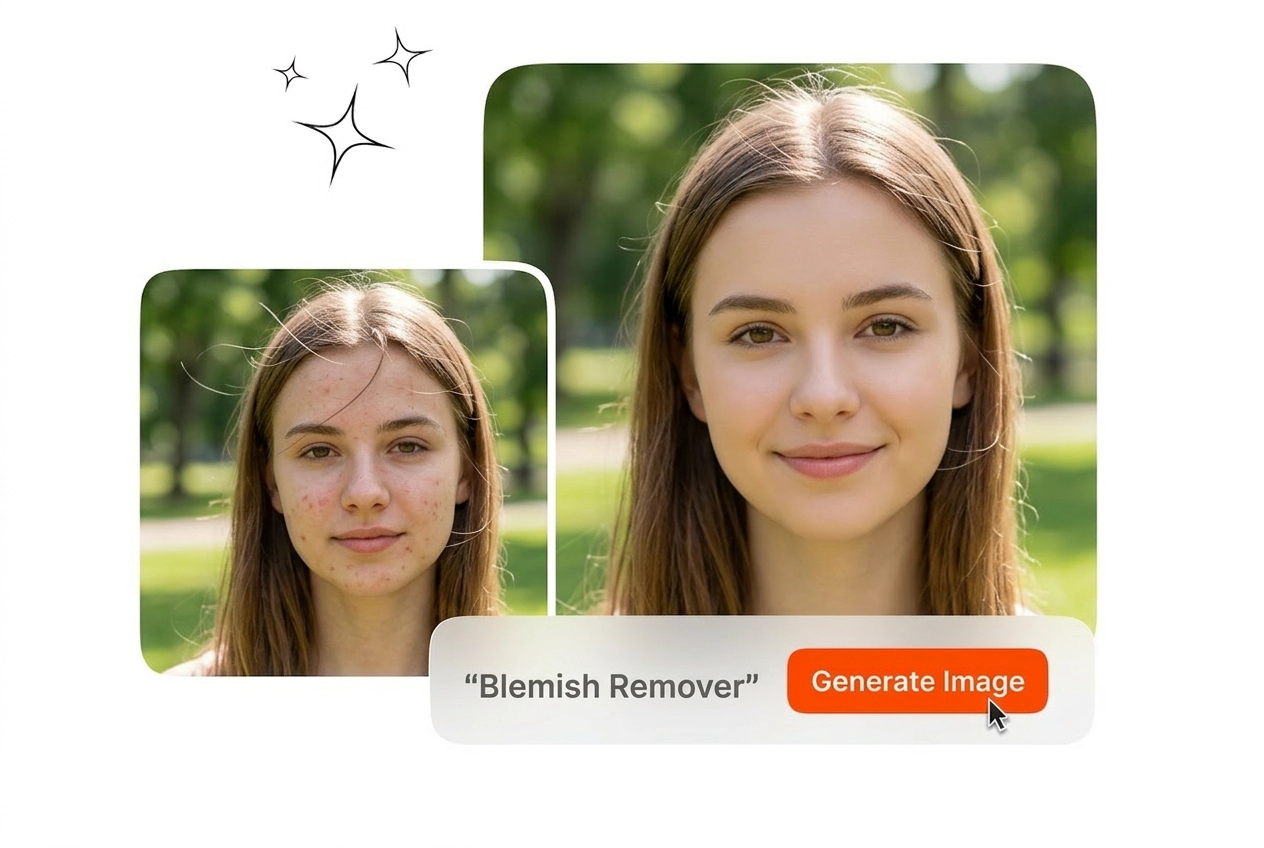
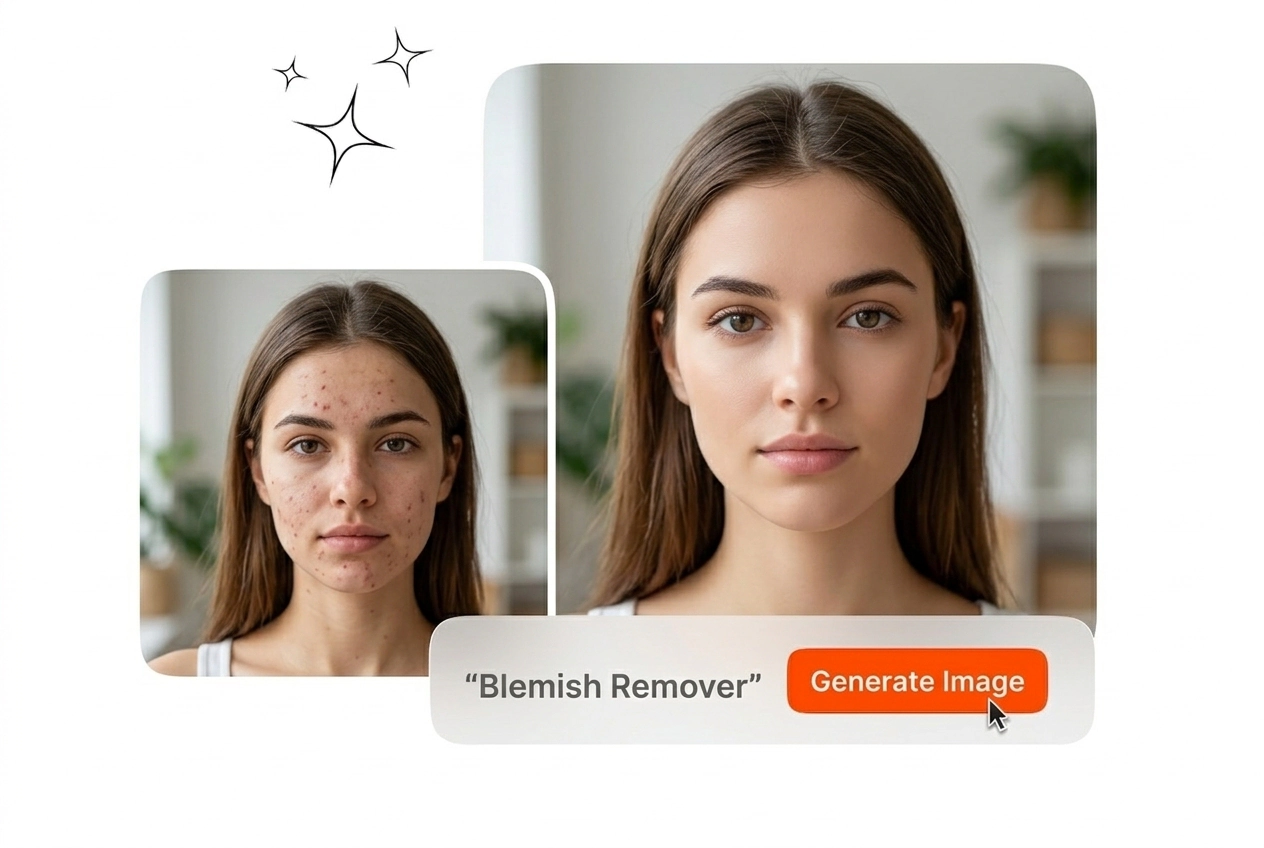
This Blemish Remover removes spots and stray hairs from your images in seconds, and delivers high resolution results when the input lighting is clear and well defined.

Banner preview

Professional Blemish Remover for Clean Image Exports

Upload your reference image to the Blemish Remover to clear spots instantly. Export a clean, high resolution portrait ready for your commercial campaign.

Blemish Remover Workflows for Professional Teams

Different roles require consistent output without manual retouching. Review how specific industries apply this Blemish Remover to clean up their daily image exports.

Ecommerce editor using Blemish Remover on catalog

Ecommerce Catalog Editors

Product shoots often reveal dust or minor skin imperfections under harsh studio lighting. You apply the skin Blemish Remover to batch process catalog assets quickly. Every export maintains the original skin texture for accurate product representation.

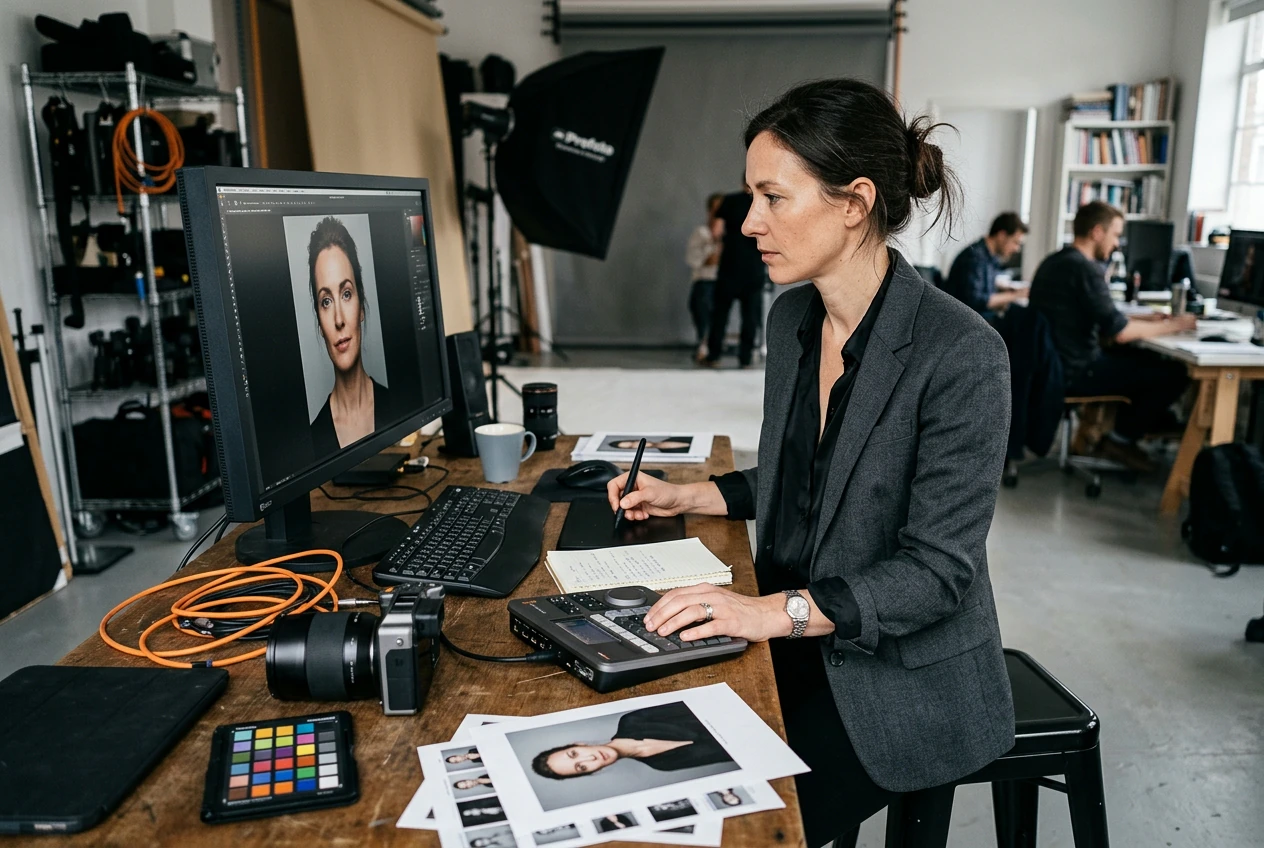
Marketer applying Blemish Remover to beauty portrait

Beauty Brand Marketers

Campaign visuals demand clear focus on the cosmetic product without distracting stray hairs. You run the face Blemish Remover to clean up promotional portraits. The final output retains natural pores to meet modern advertising standards.

Photographer using Blemish Remover on corporate headshot

Corporate Headshot Photographers

Client galleries require fast turnaround times for large company rosters. You use this tool to remove skin imperfections from executive portraits before delivery. The automated process saves hours of manual brush work per client gallery.

How to Use the Blemish Remover

Follow these exact steps to run the Blemish Remover on your reference images. The process requires minimal input to generate a polished export.

Step 1

Upload Reference Image

Select your portrait and upload it into the workspace. Ensure the subject is well lit so the system can accurately identify spots, acne, or stray hairs across the entire frame.

Step 2

Apply the Effect

Click the tool to retouch blemishes automatically across the selected area. The system blends surrounding pixels to maintain natural skin texture without creating a flat or artificial appearance on the subject.

Step 3

Export Final Output

Review the cleaned portrait in your timeline and confirm the details. Export the final image at your target resolution, ready for immediate use in your commercial or social media campaigns.

Core Blemish Remover Capabilities

Review the specific technical functions available in the Blemish Remover workspace. Each feature targets a distinct cleanup task to finalize your image exports.

Automated Spot Clearance

The Blemish Remover identifies and removes acne, dark spots, and minor distractions from your uploaded reference image. It replaces the targeted area with matching surrounding pixels. You get a clean portrait export in seconds without manual masking.

Blemish Remover clearing spots from reference image

Natural Texture Retention

Flat skin looks artificial in professional campaigns. This tool preserves original pores and lighting gradients while you remove blemishes from photo assets. The final render looks like an untouched photograph rather than a heavily edited graphic.

Blemish Remover retaining natural skin texture details

Stray Hair Removal

Flyaway hairs ruin the clean silhouette of a studio portrait. You select the interference area and the system erases the stray strands instantly. The background rebuilds perfectly to match the original studio backdrop or outdoor environment.

Blemish Remover erasing stray hairs from portrait

Uncompressed HD Export

Commercial workflows require pristine file quality for print and digital distribution. You run the photo blemish remover online and export the result without watermarks. The output file maintains the exact resolution of your original reference image.

Blemish Remover exporting uncompressed HD portrait file

Blemish Remover Common Questions

Use light, targeted cleanup and avoid aggressive smoothing that flattens highlights. Start from a well-lit, high-resolution photo so pores and natural gradients remain visible. Preview at 100% before export and remove only isolated spots, not overall skin texture.

Start Using the Blemish Remover

Upload your reference image to the Blemish Remover today to clean up spots. Export your final polished portrait directly from the workspace.

Create Free