Free Tattoo Simulator

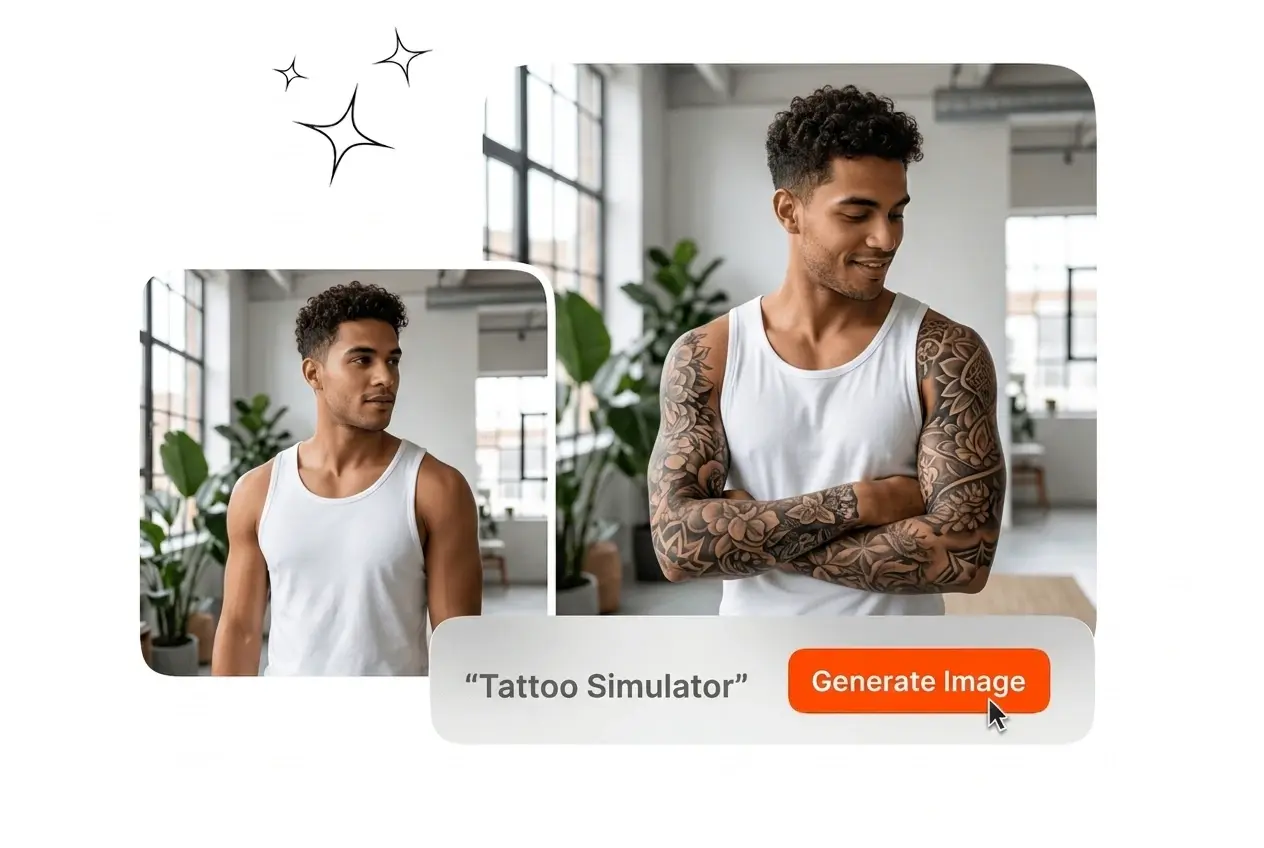
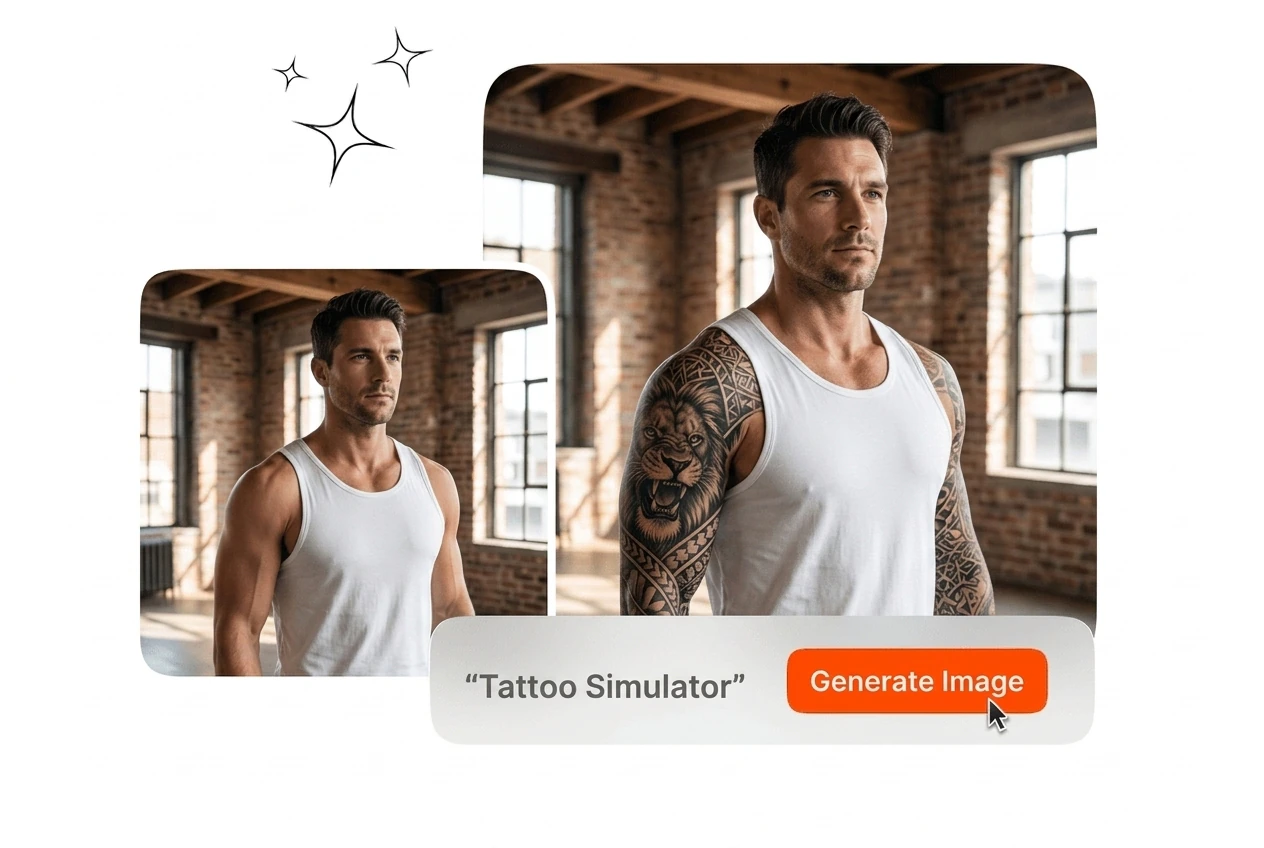
Upload a photo to preview ink placement with this Tattoo Simulator. Clear lighting and high-resolution source files yield the most accurate skin mapping results.

Banner preview

Professional AI Tattoo Simulator

Upload your photo and reference design for a Virtual Tattoo Try On. Veme AI maps the artwork to your skin contours for export.

Tattoo Simulator For Visual Planning

Test designs on different body parts with the Tattoo Simulator before committing. Export clear reference images to align expectations during the consultation phase.

Studio artist using Tattoo Simulator for clients

Studio Tattoo Artists

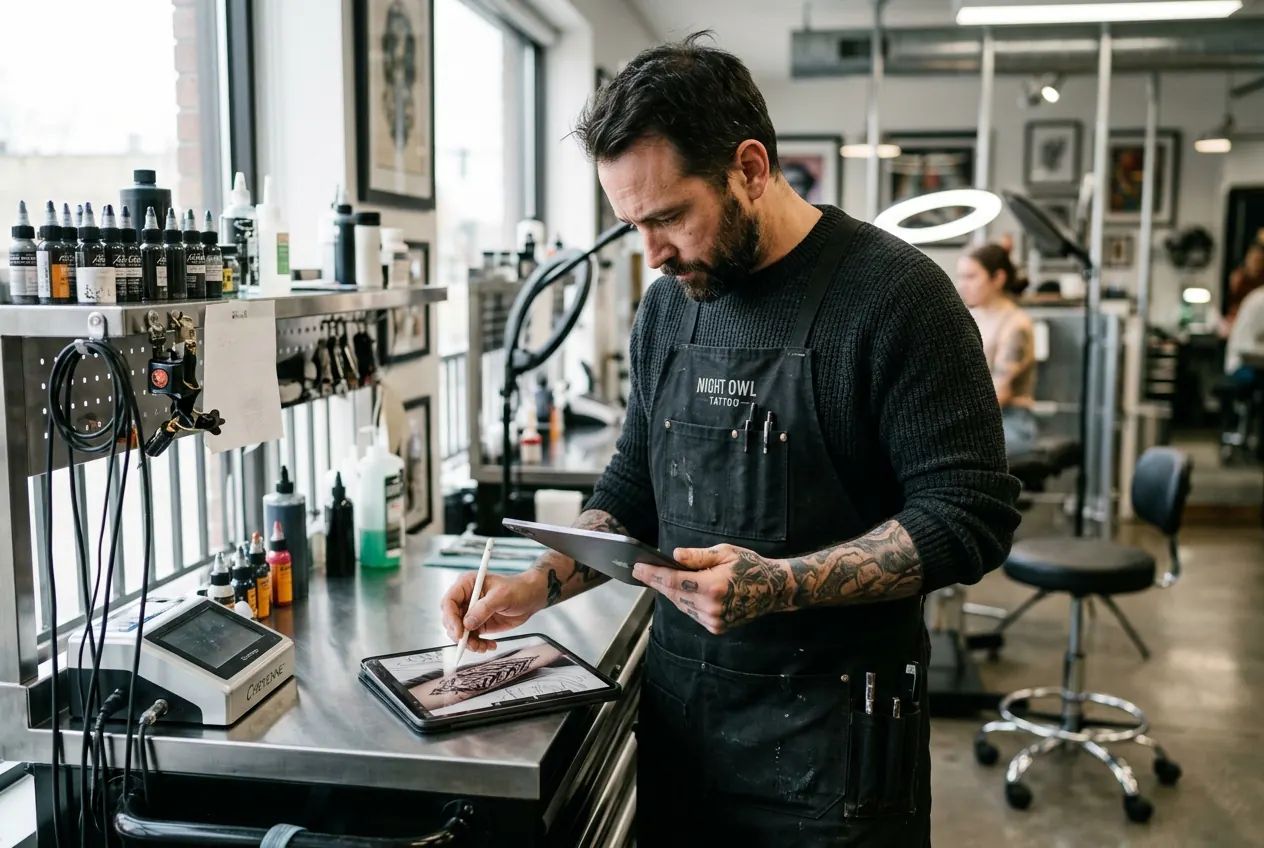
Clients often struggle to visualize placement during consultations. Use the Tattoo Simulator to overlay their chosen design onto a photo of their arm or back. Export the mockup to confirm sizing and angle before preparing the stencil.

Client testing placement with the Tattoo Simulator

First Time Clients

Permanent ink carries high decision risk. Use this photo tattoo simulator to run a tattoo try on for your collarbone or wrist. Adjust the opacity and scale to see exactly how the artwork fits your body before booking.

Stylist using Tattoo Simulator for cosplay mockup

Cosplay Event Stylists

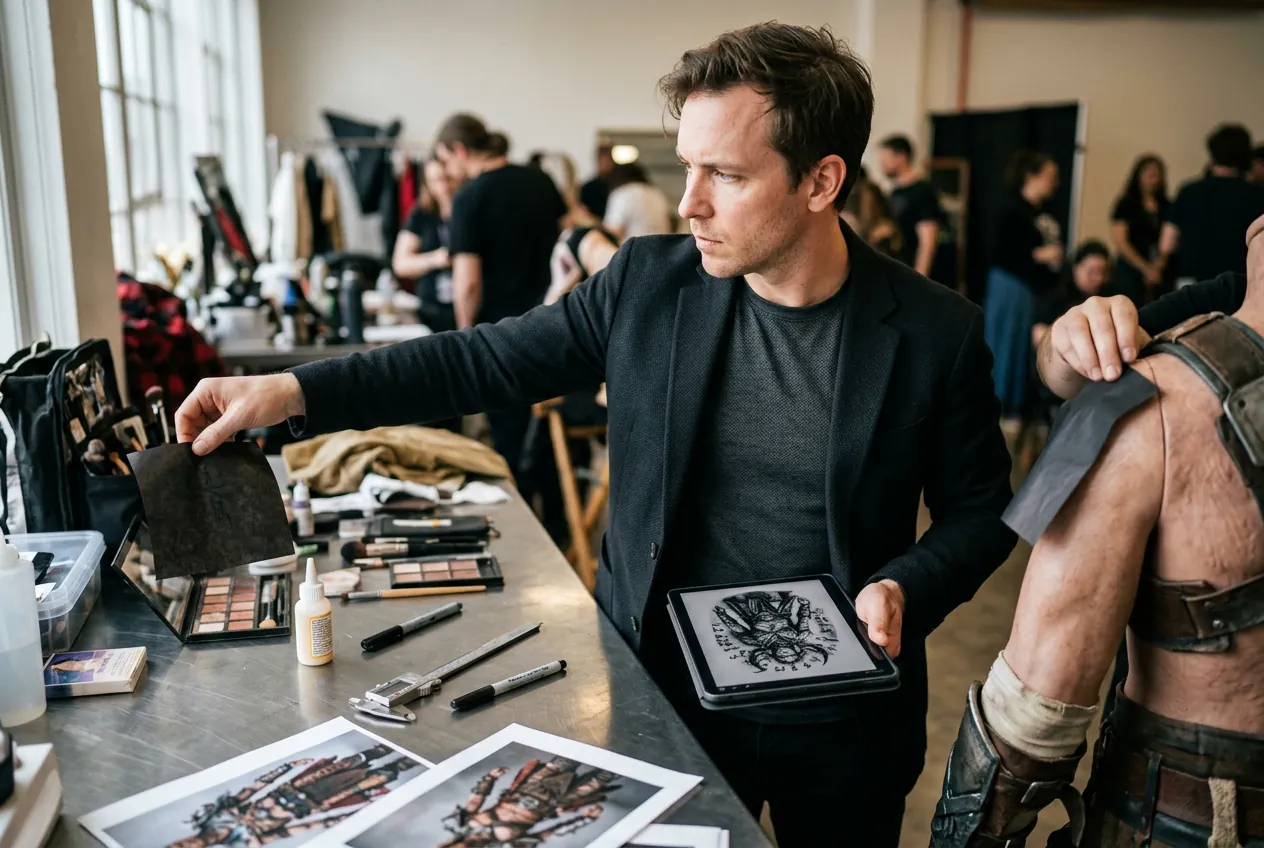
Character accuracy requires specific ink placement for events and photoshoots. Generate a realistic Tattoo Mockup to plan temporary application. Test different sizes and angles on the skin to ensure the final look matches your reference material.

Tattoo Simulator Generation Workflow

Upload your source file and input your design details into the Tattoo Simulator. Veme AI processes the image and outputs a realistic mapped preview.

Step 1

Upload Source Photo

Select a clear photo of the target body part. Ensure the skin area is well-lit and free of heavy shadows to help the ai Tattoo Simulator map the contours accurately.

Step 2

Input Design Details

Provide a reference image or type your design requirements. Specify the style, such as realism or blackwork, so the ai tattoo generator can match your exact visual preference for the final render.

Step 3

Adjust And Export

Scale the artwork and adjust the angle to fit the placement area. Export the final image to share with your artist or keep as a reference for your upcoming session.

Precision Tattoo Simulator Controls

Control placement, scale, and style with exact parameters. Veme AI delivers a realistic render that respects skin texture and body contours for accurate planning.

Instant Body Placement

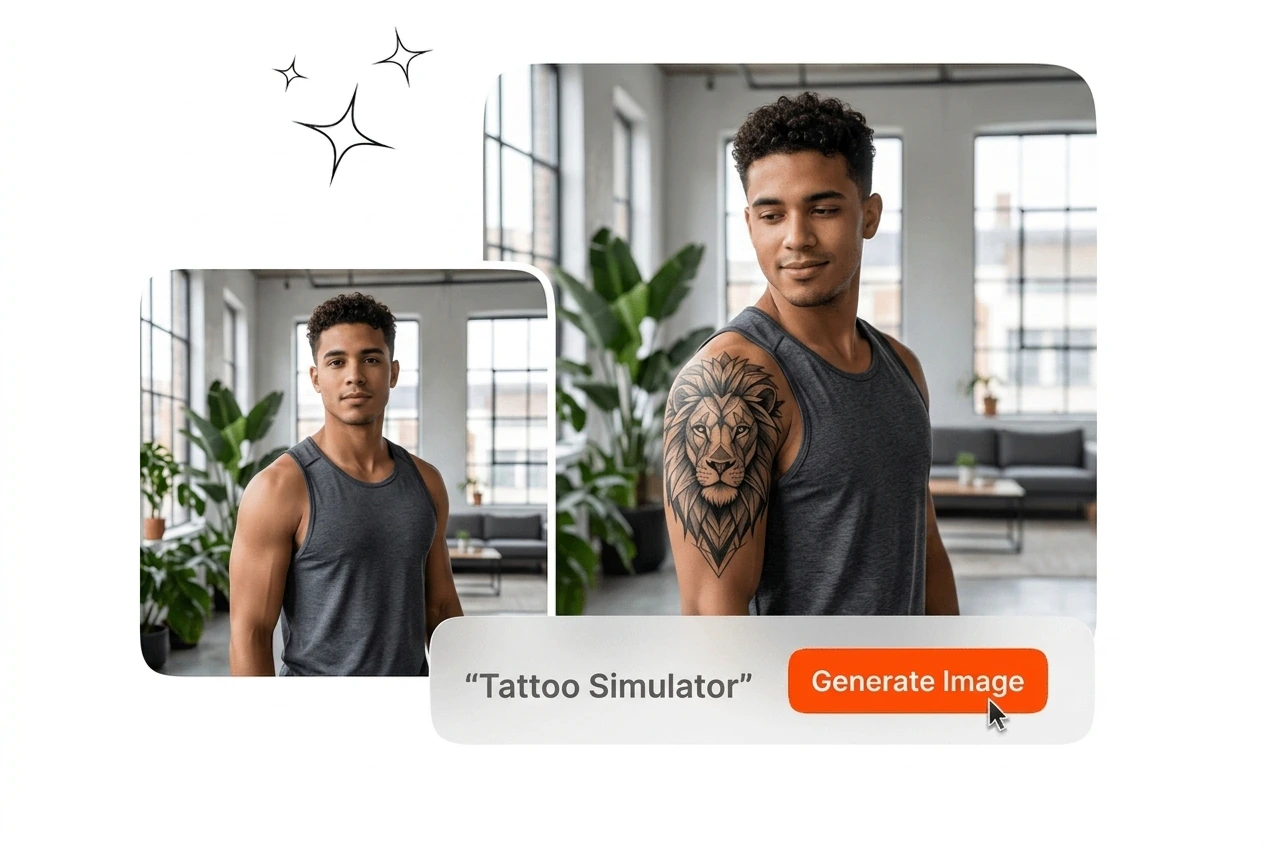
Upload a photo and mark the target area in the Tattoo Simulator to simulate tattoo placement instantly. The tool maps the design directly onto the skin surface. You get a realistic preview without needing complex photo editing software.

Instant body placement using the Tattoo Simulator

Custom Design Generation

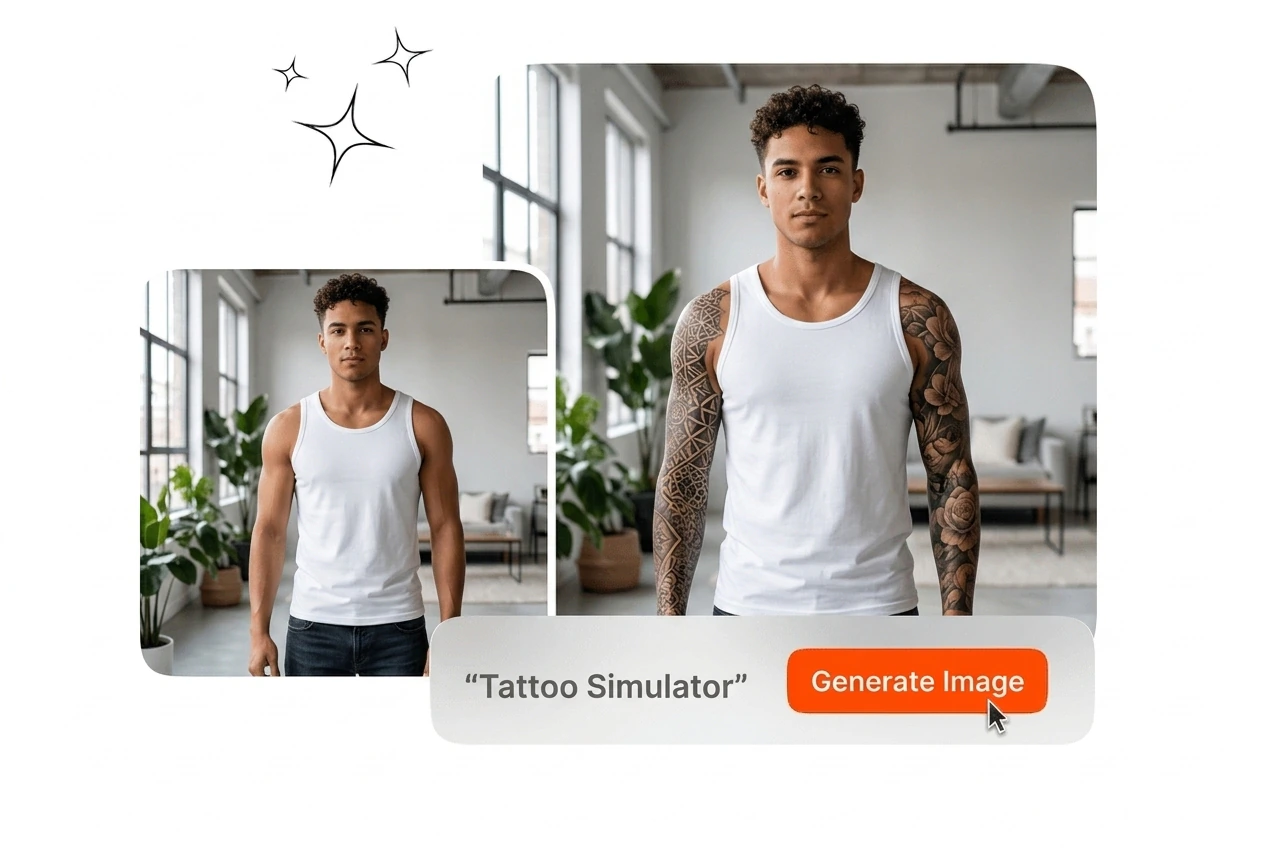
Upload your own artwork or enter text details to create new concepts. Test different creative directions like floral or tribal styles. The system outputs a clean design ready for your virtual tattoo simulator workflow and final export.

Custom design generation in the Tattoo Simulator

Multi Area Placement Testing

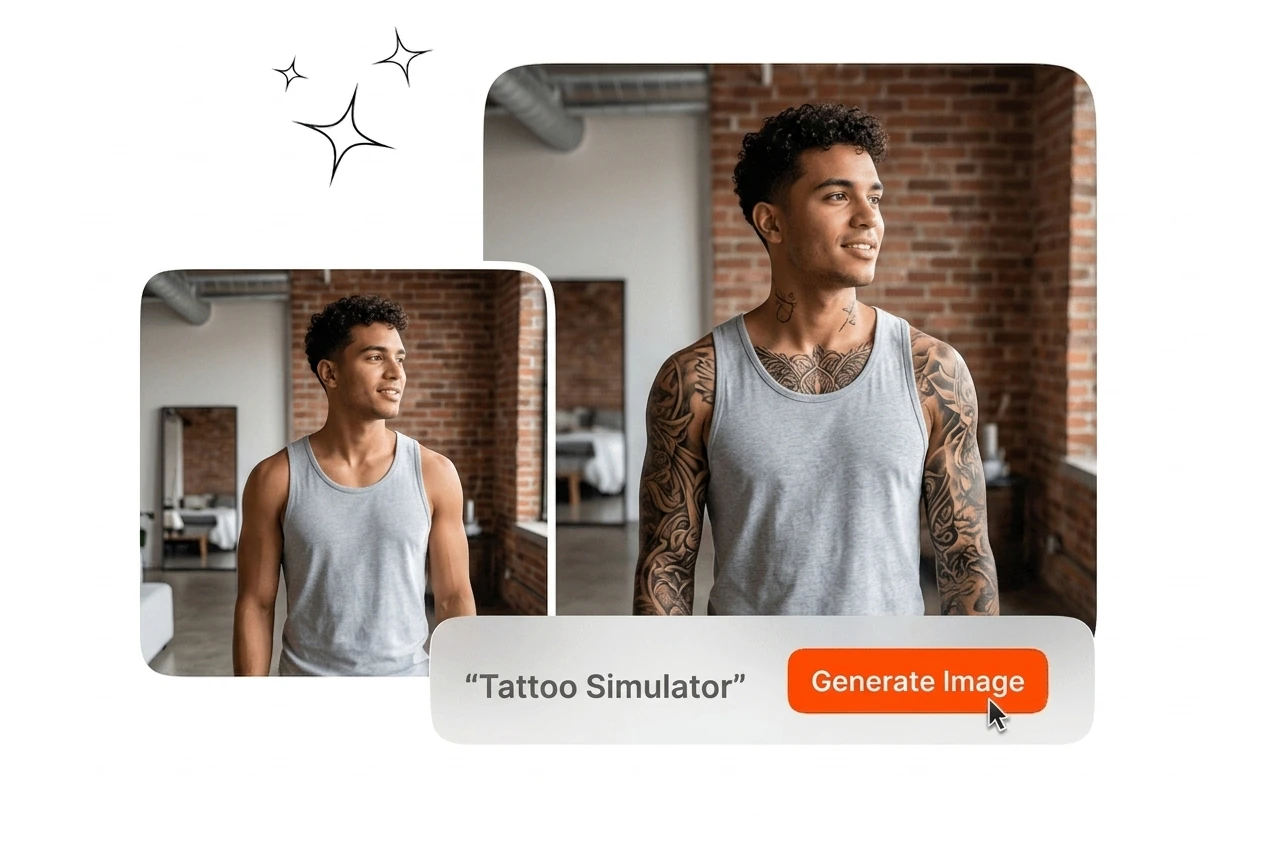
Test your ink on different body parts to find the right fit. Apply the design to the neck, back, wrist, or ribs. This tattoo placement simulator helps you compare locations side by side before making a decision.

Multi-area testing with the Tattoo Simulator tool

Realistic Skin Mapping

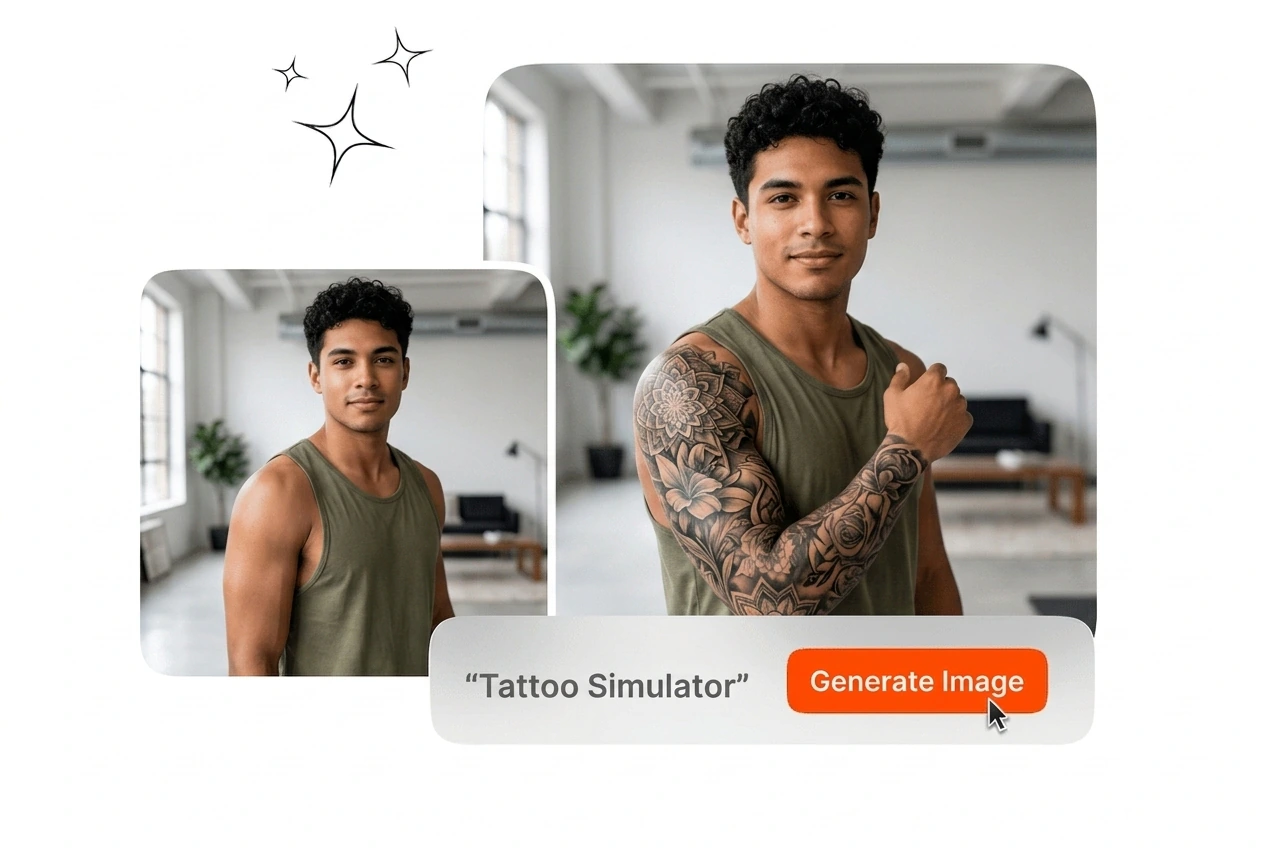
Adjust the size and angle to match your body proportions perfectly. The 3d tattoo simulator reads skin tone and texture to blend the ink naturally. Export a high-resolution image that looks like a real healed piece.

Realistic skin mapping via the Tattoo Simulator

Tattoo Simulator Common Questions

Absolutely, you can upload your own photos to tattoo my photo directly. For the best results, use images with clear lighting and visible skin. This allows you to see exactly how the ink fits your specific body shape.

Start Your Tattoo Simulator Workflow

Upload your reference image and target photo to generate a realistic preview. Export your final placement mockup in minutes without complex editing.

Create Free