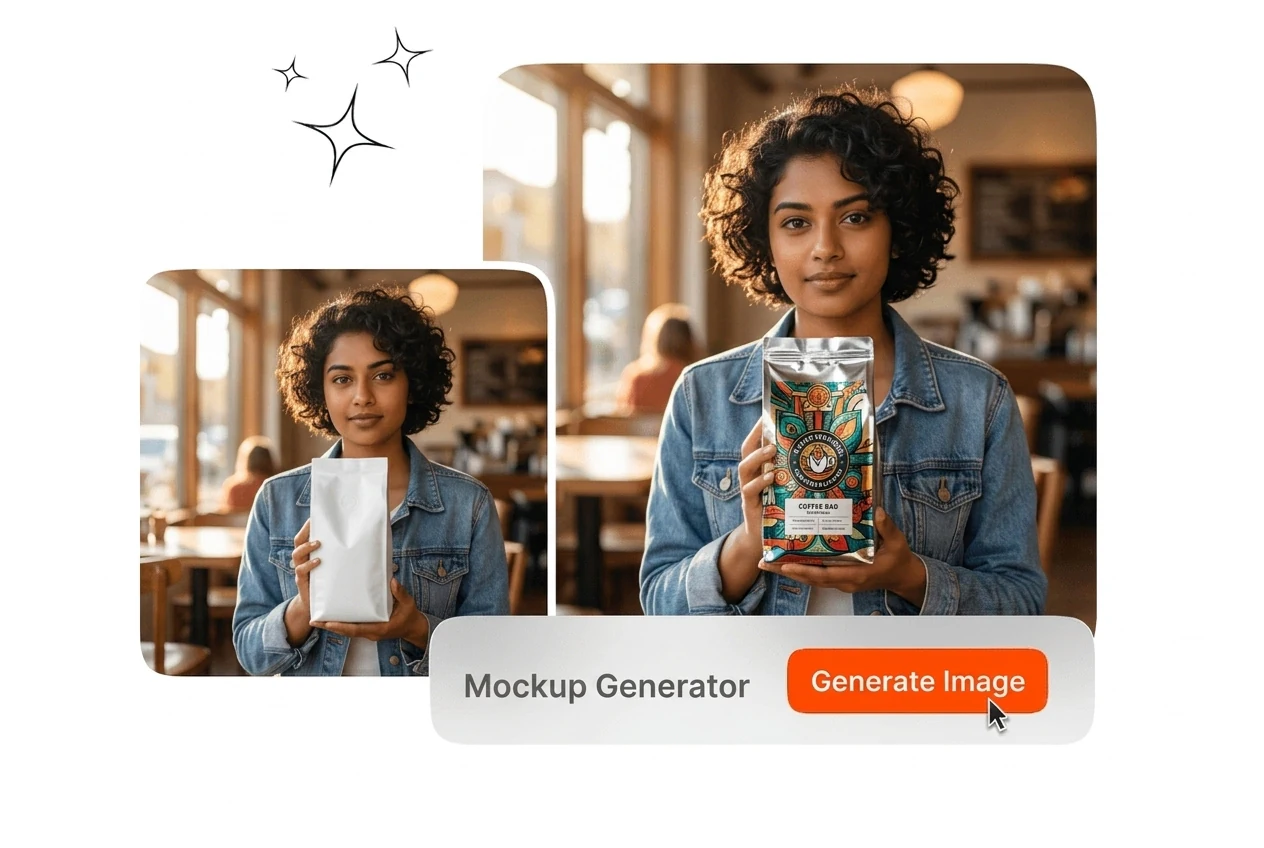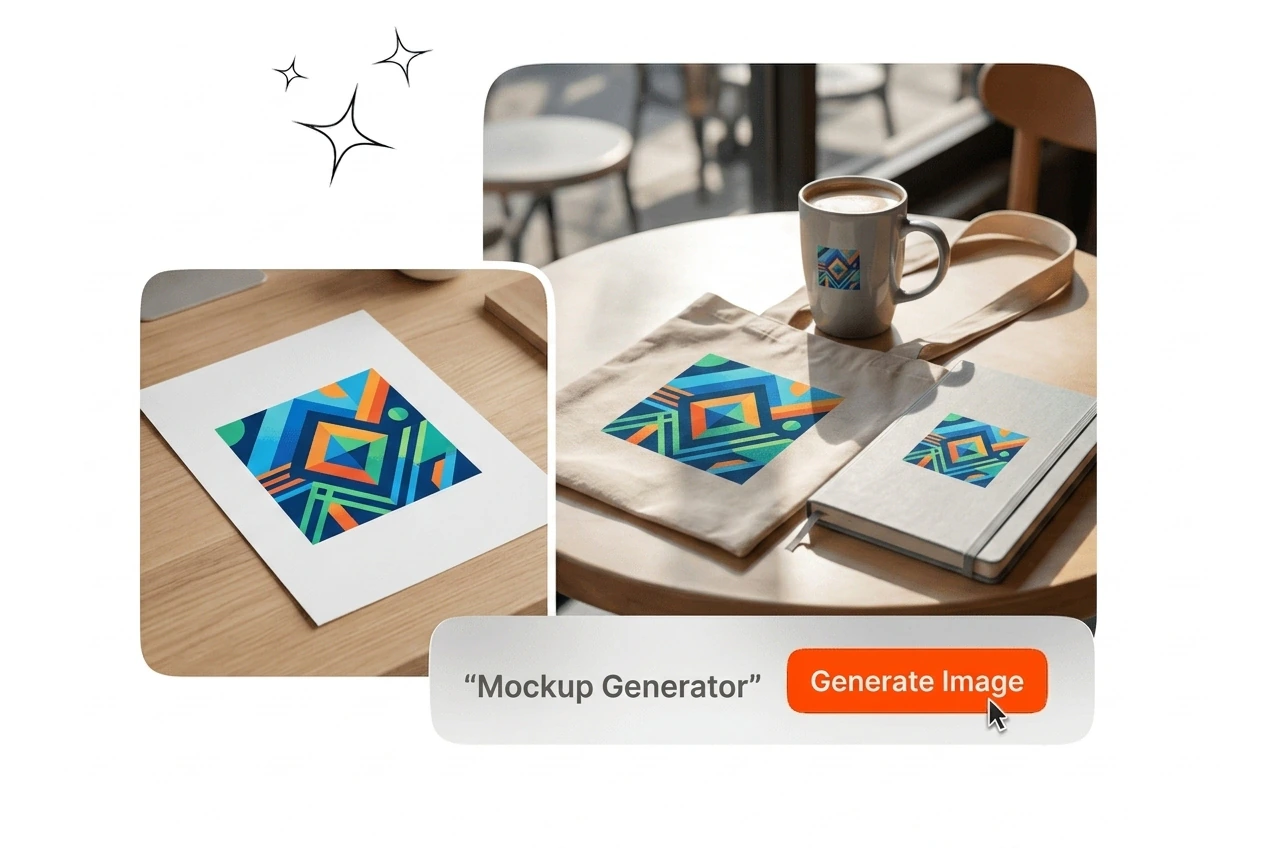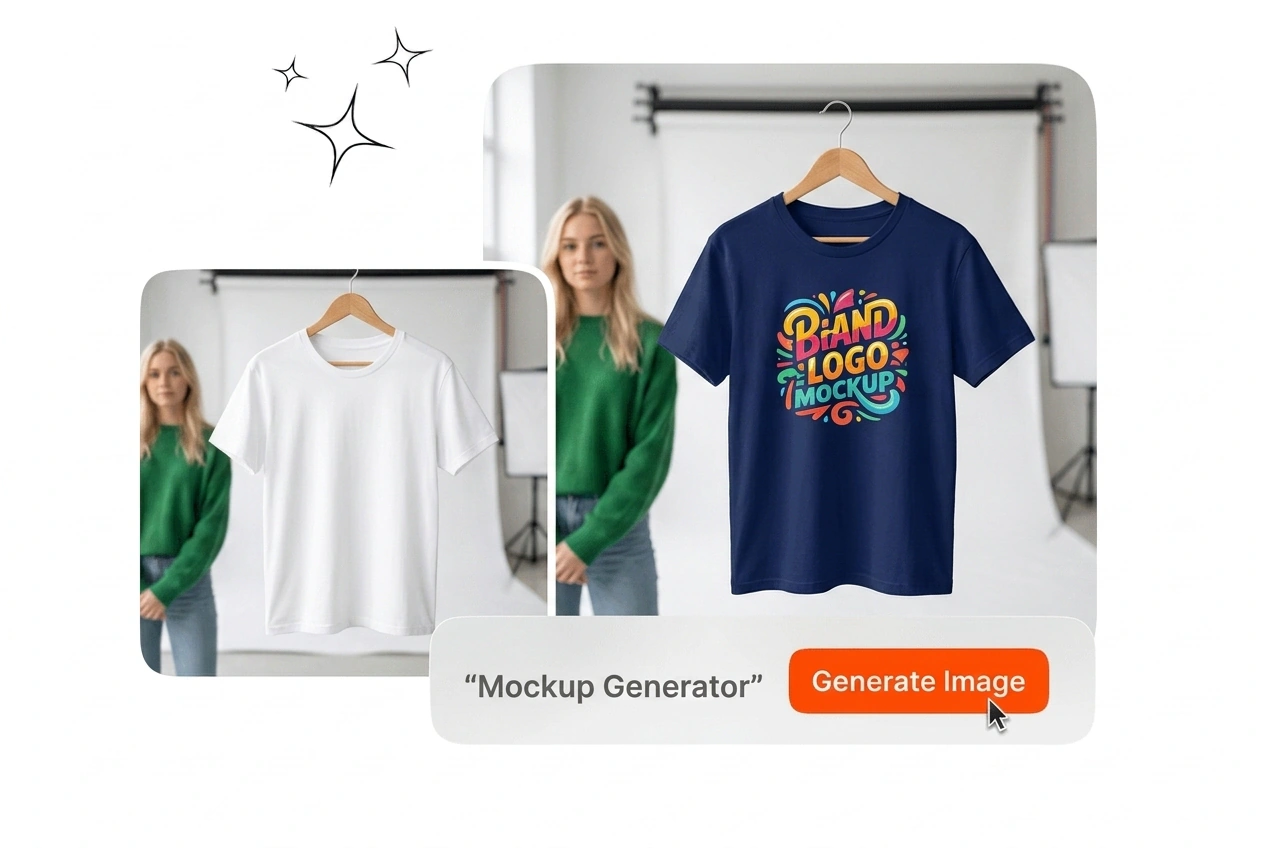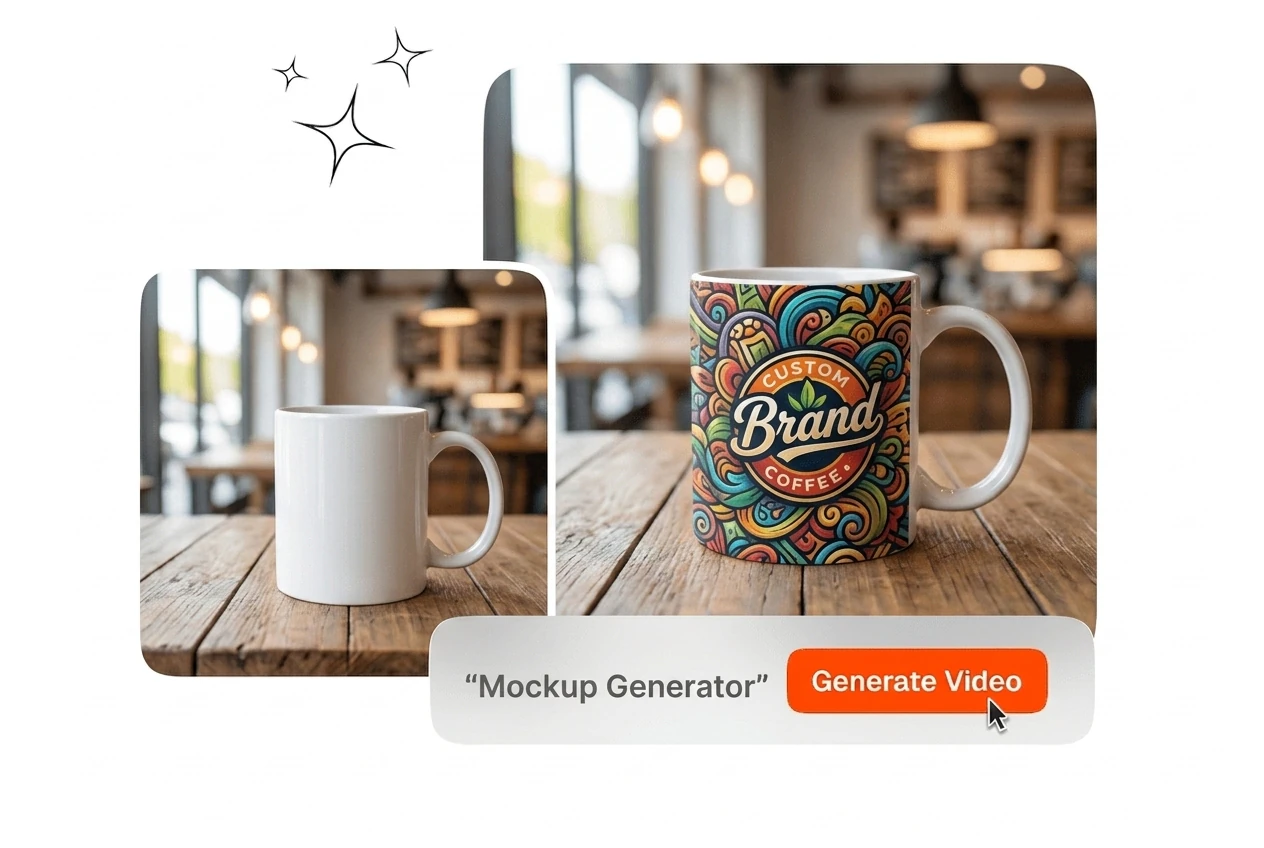
Free Mockup Generator

This Mockup Generator page lets you create product and packaging mockups from reference images without a photo shoot. Output quality depends on source image resolution and scene selection.

Banner preview

Mockup Generator for Product Visuals

Generate design mockups for apparel, packaging, posters, and devices. Upload a reference image, select a scene, and export a print-ready or screen-ready file.

Who Uses This Mockup Generator

This tool fits three distinct workflows: rapid e-commerce listing production, brand proposal preparation, and independent product design testing across multiple variants.

E-commerce seller using AI Mockup Generator tool

E-commerce Sellers

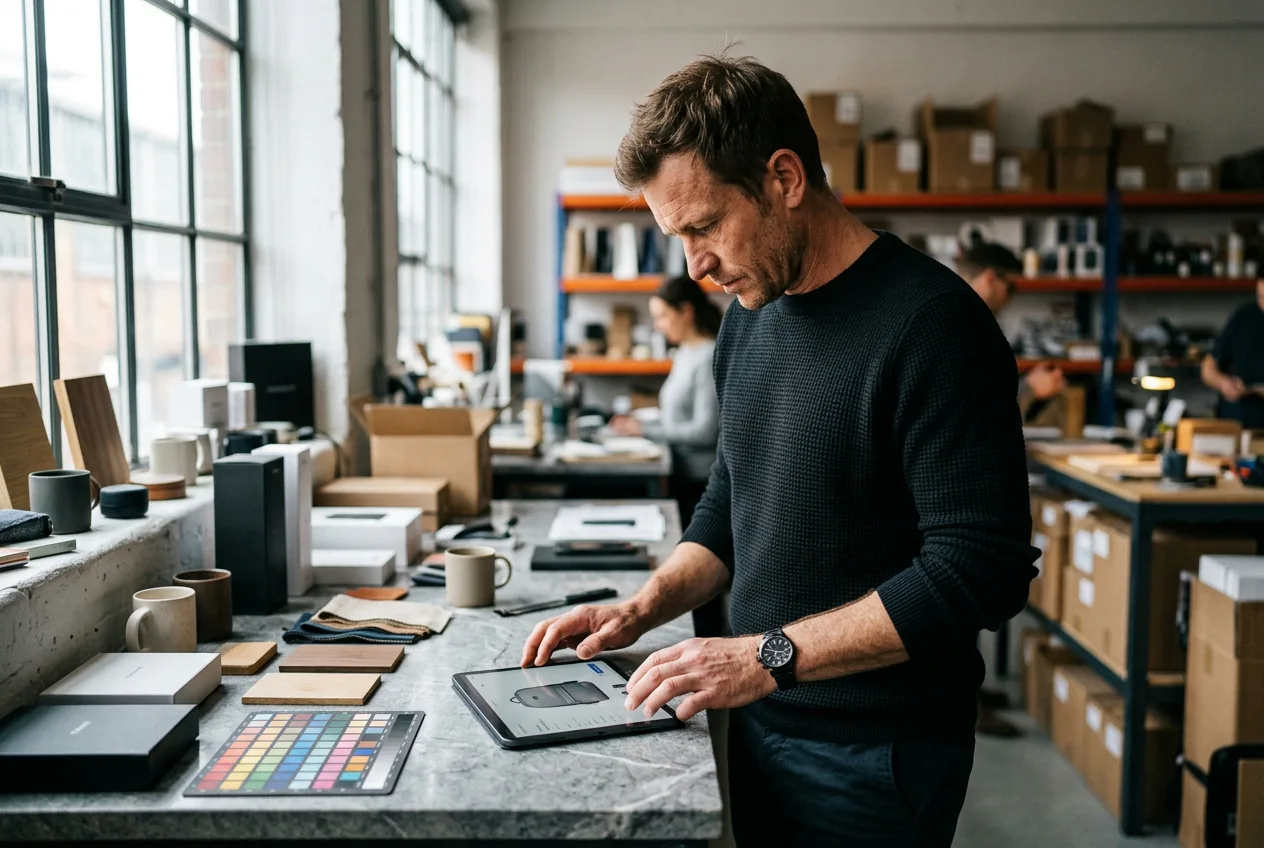
You list new SKUs weekly and need product visuals before inventory arrives. Upload your artwork, pick a product scene, and export a clean listing image at 2000px without booking a studio shoot. The AI mockup generator handles shadow, angle, and surface reflection automatically.
Brand designer creating mockups with Mockup Generator

Brand Designers

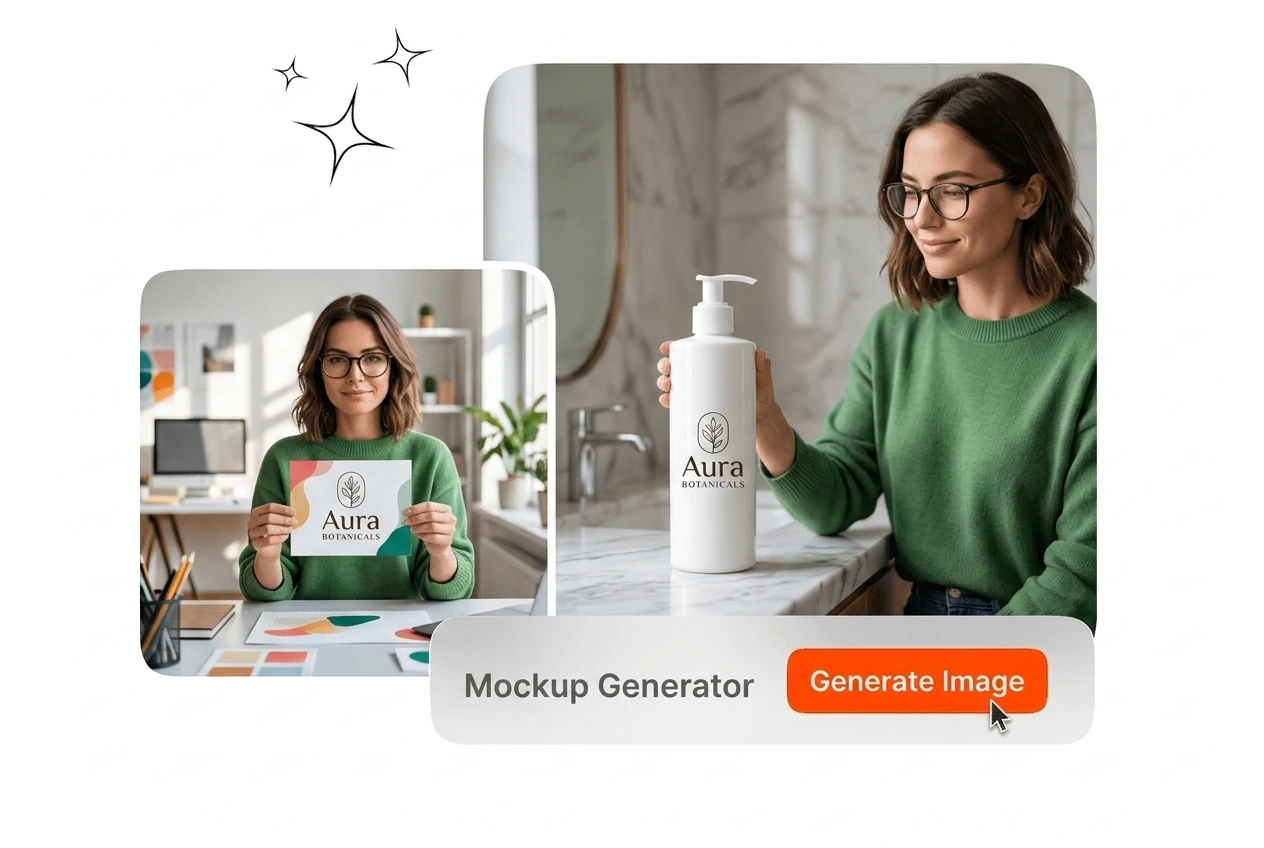
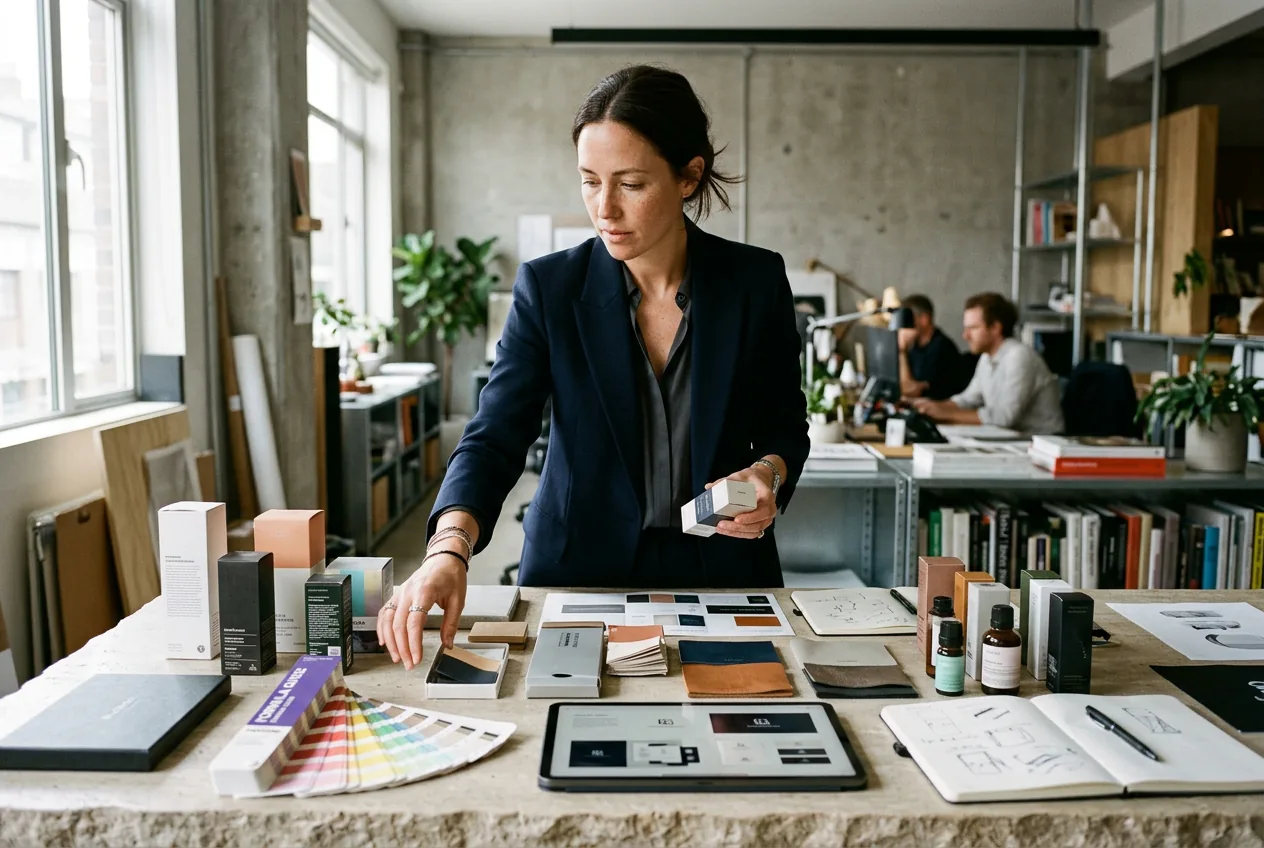
Client proposals require showing packaging or merch across multiple colorways before production. Generate mockups in distinct scenes, keep the brand mark consistent across every frame, and hand off a PDF deck that reads like finished photography. No retouching round required.

Print operator using t-shirt mockup generator workflow

Print-on-Demand Operators

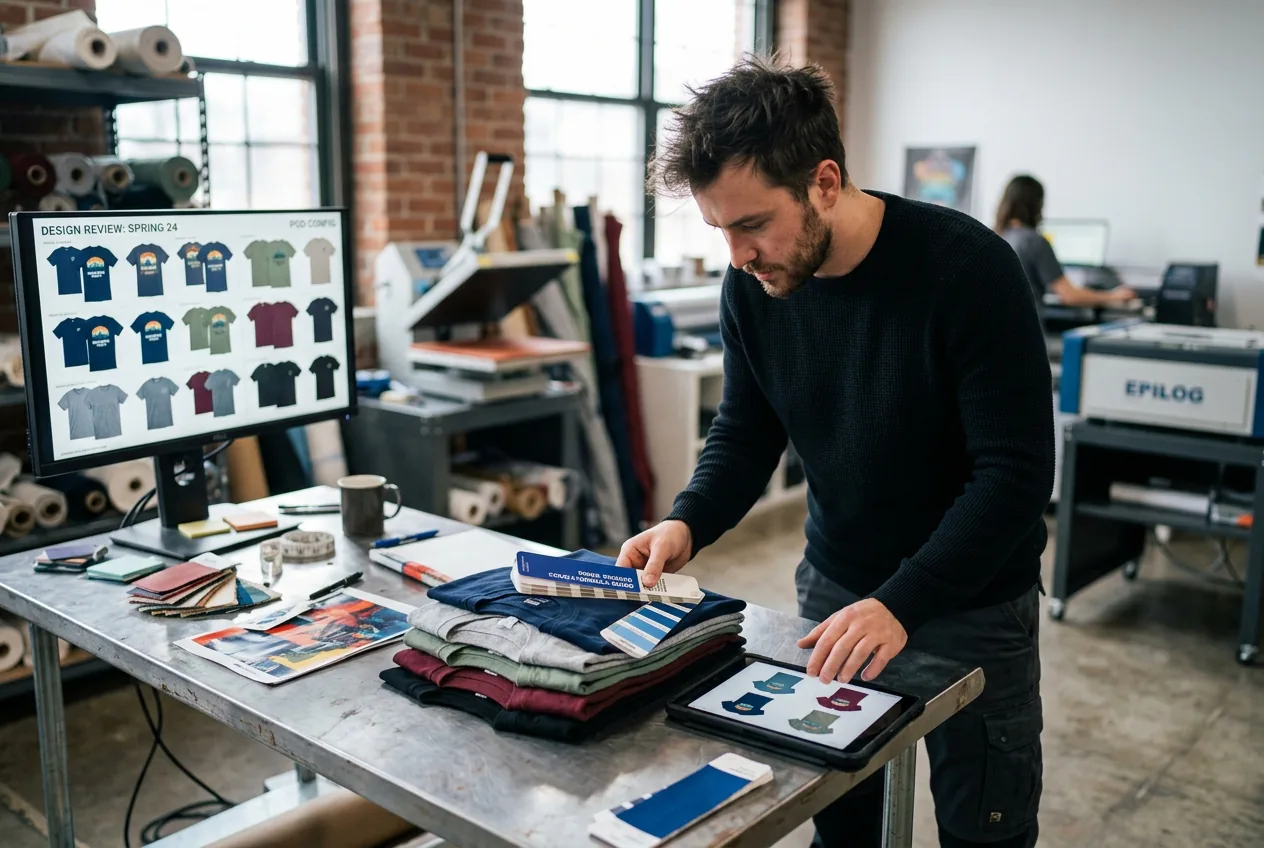
You run a catalog of fifty or more designs and need a t-shirt mockup generator output that scales. Apply one design across multiple garment colors and backgrounds in a single session, then export each variant ready for your storefront or ad creative rotation.

How the Mockup Generator Works

Three steps take you from a flat design file to a finished product mockup. No design software installation required and no studio coordination needed before you export.

Step 1

Upload Your Design

Add your flat artwork or logo file as the source image. The system reads the edges and color profile of your design and maps it to the selected product surface, preserving your exact color values.

Step 2

Select Scene and Style

Choose a product type, background environment, and lighting preset from the scene library. Options cover apparel, packaging, devices, posters, and stationery across studio and lifestyle settings.

Step 3

Export High-Res Output

Export your finished mockup at your target resolution. Files are ready for e-commerce listings, client presentations, social media assets, or print preview without additional post-processing.

Mockup Generator Features That Deliver

Each capability below maps to a specific workflow problem: cutting studio costs, keeping brand visuals consistent, scaling variant output, and producing files that go directly to market.

AI Surface Mapping

The AI mockup generator fits your artwork to curved, folded, or textured surfaces automatically, calculating shadow depth, highlight placement, and perspective warp from the scene geometry. You adjust position with a drag handle. The output reads as photographed, not composited, which matters for e-commerce conversion and client sign-off.

AI surface mapping in product mockup generator tool

Multi-Scene Batch Output

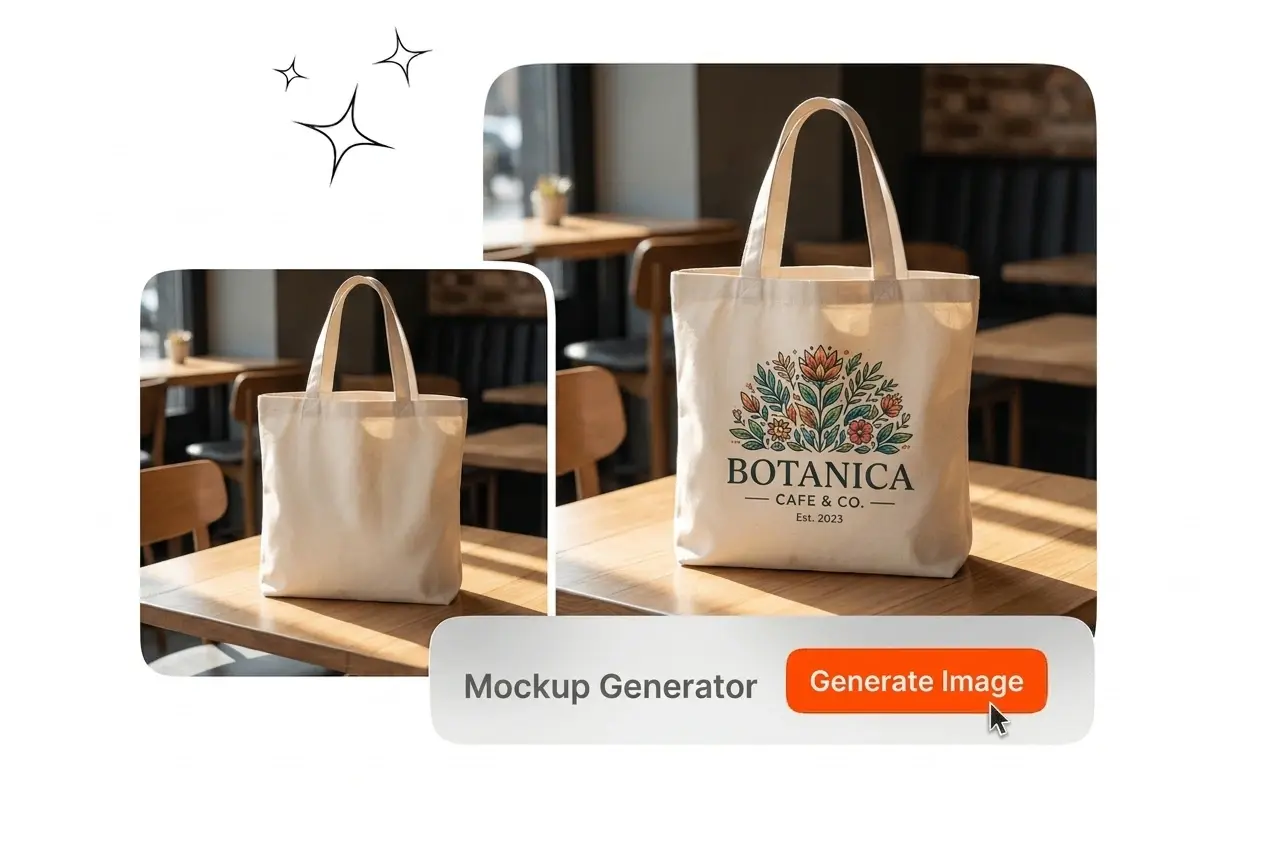
Apply one design to a set of scenes in a single run. This is the core workflow for a product mockup generator or logo mockup generator where you need the same asset across phone, tote, and poster formats at once. Every export carries consistent color treatment, so the set looks coordinated without manual correction between files.

Batch scene output in logo mockup generator view

Variant Color Switching

Switch garment color, background tone, or surface material without re-uploading your design file. The ai clothing mockup generator and ai packaging mockup generator modes both support this, letting you generate a full colorway range from one source file. Each variant exports as a separate high-res image ready for your listing grid.

Color variant switching in clothing mockup generator panel

Direct Export Formats

Export finished mockups as high-resolution PNG or JPG, sized for web, print, or ad placements. The 3d mockup generator output includes transparent background options for design mockups that need to sit on branded slide decks or custom landing pages without visible fringing or edge artifacts.

High-res export panel in 3d mockup generator interface

Mockup Generator Questions Answered

No software installation is required. Everything runs in the browser, so you upload your design file, configure the scene, and export without leaving the tab. This applies to all product types, from apparel to packaging, making it practical for teams without a dedicated design stack.

Generate Your First Mockup Now

Upload a design file, pick a scene, and export a finished product mockup in minutes. No studio, no retouching, and no additional software required.

Create Free