Free Hair Color Try On

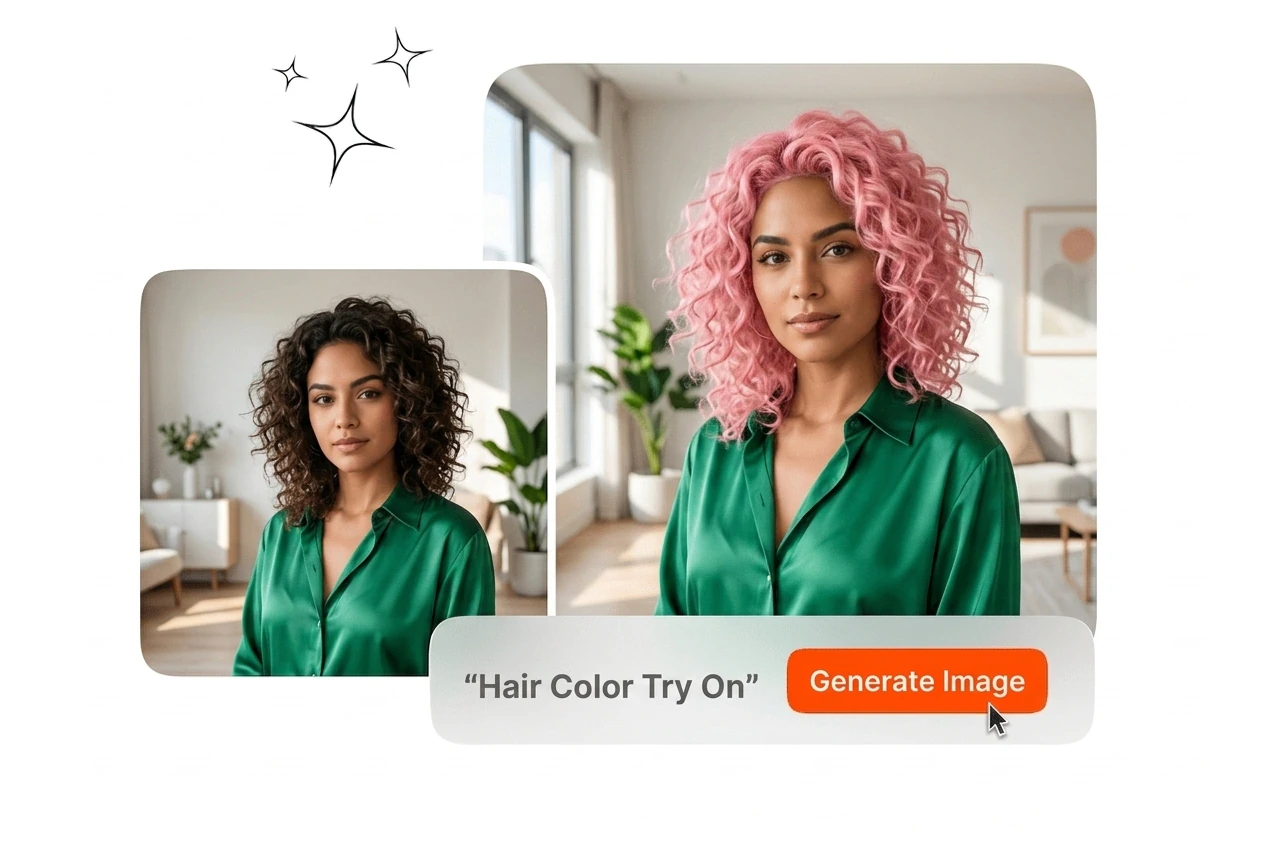
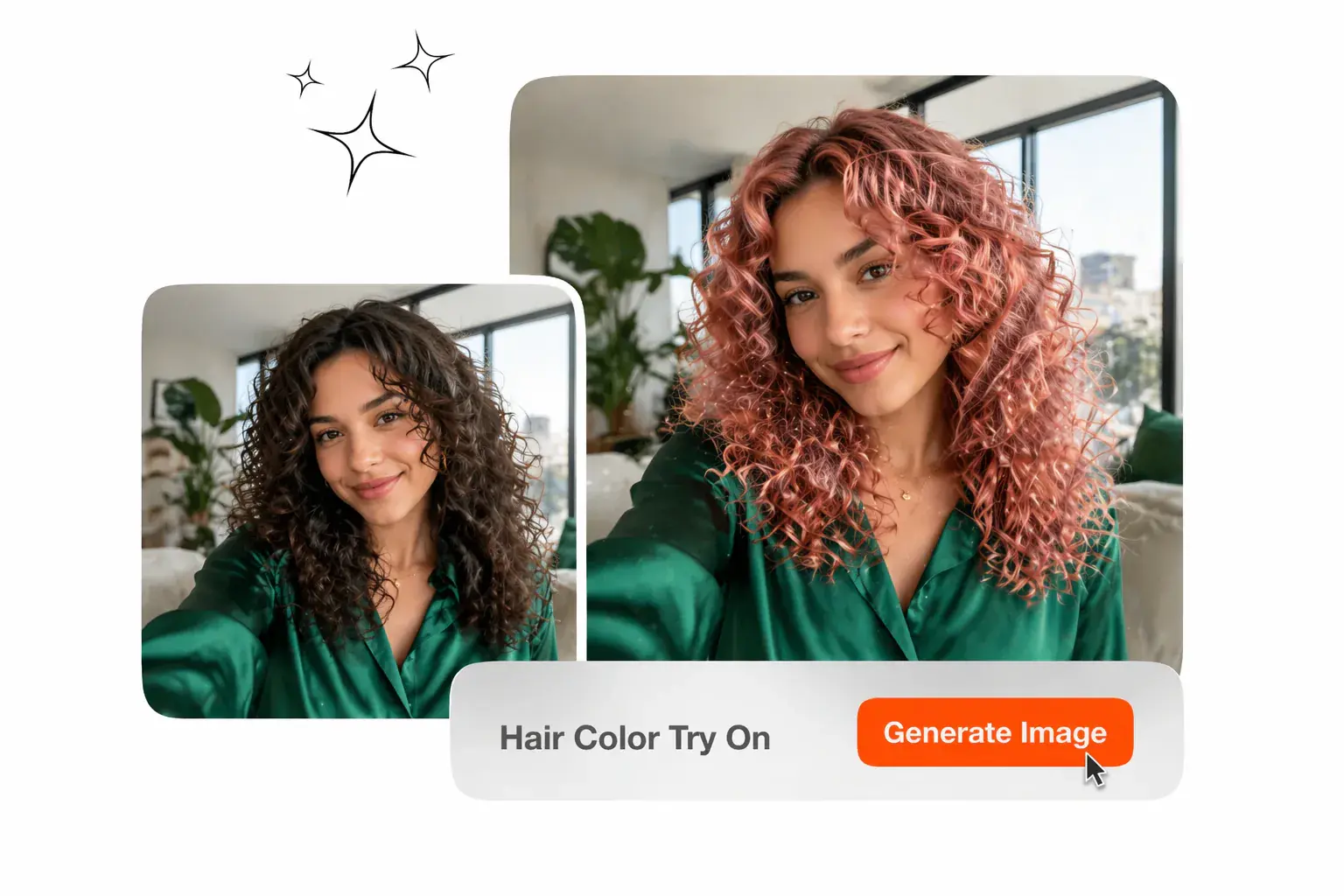
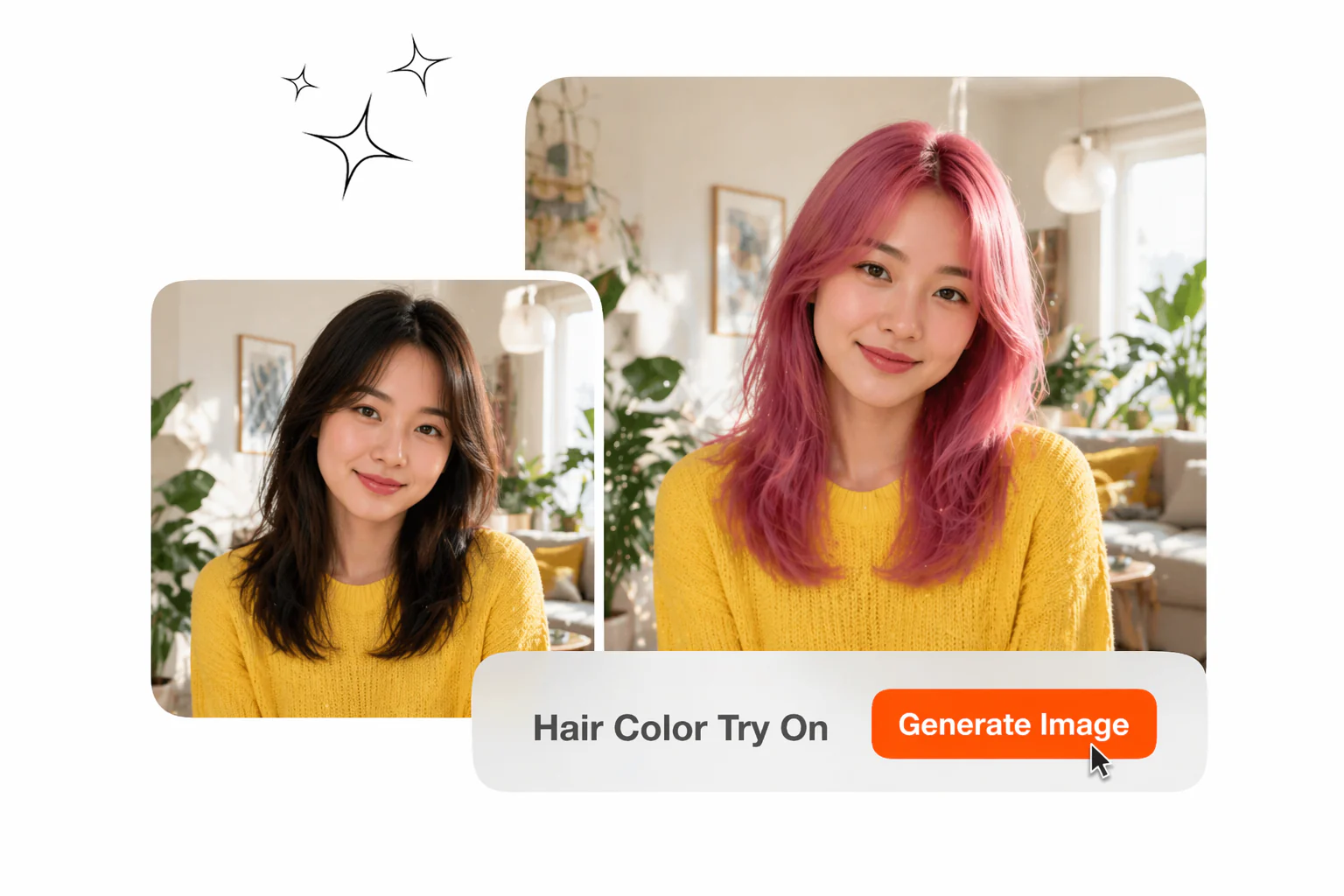
Hair color try on lets you upload a photo and preview any shade in seconds. Results respect hair texture and lighting, so output looks natural.

Banner preview

Hair Color Try On with AI

Upload your photo, select a shade, and get a hair color try on result that accounts for your texture, lighting, and existing tone.

Who Uses Hair Color Try On

Veme AI virtual color preview fits three distinct professional contexts: personal styling decisions, salon client consultations, and beauty content production.

salon consultant using hair color try on for

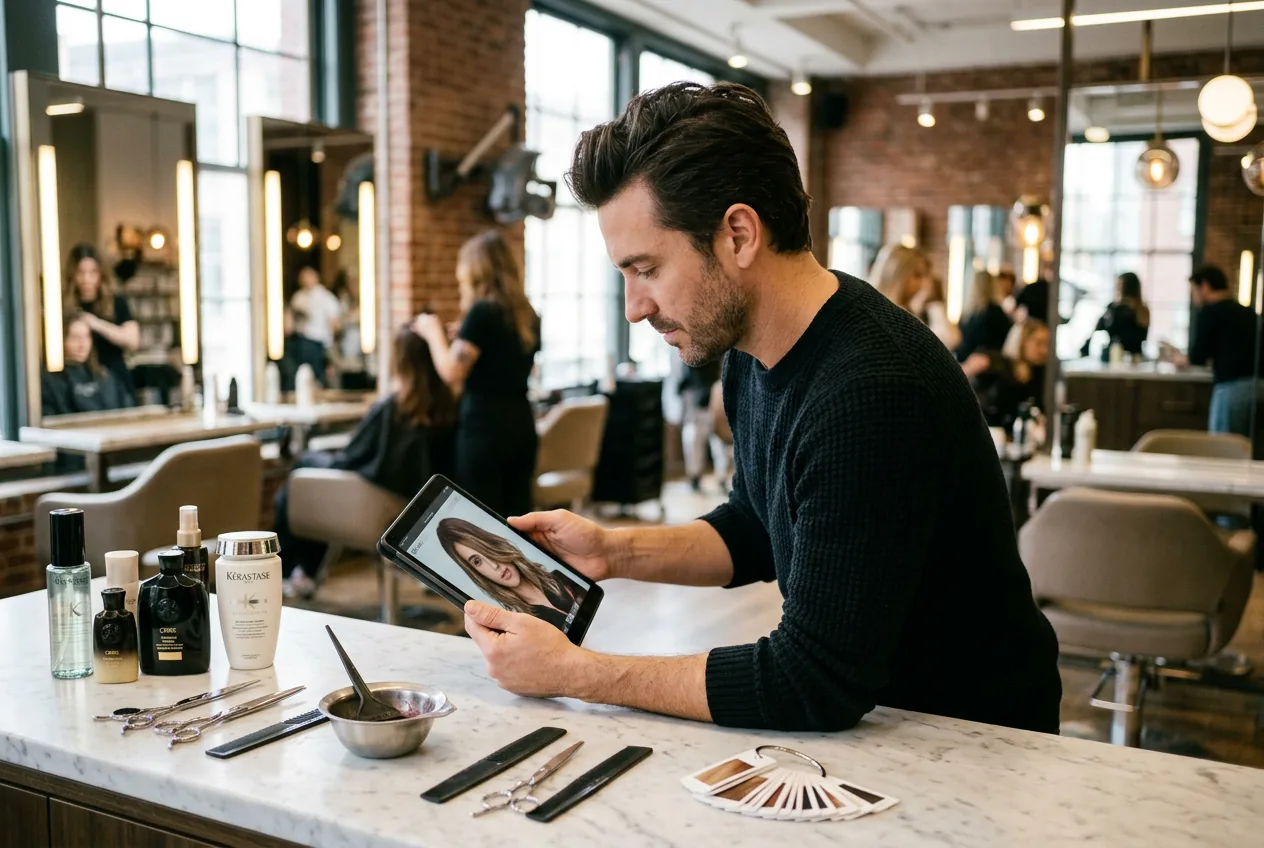
Salon Consultants

Before a client sits in the chair, you can run a virtual preview using their uploaded photo and show results across multiple shades in one session. This replaces printed swatch cards with a hair color tester that reflects their actual hair. Clients make faster decisions and arrive with clearer expectations.
beauty creator hair color try on content production

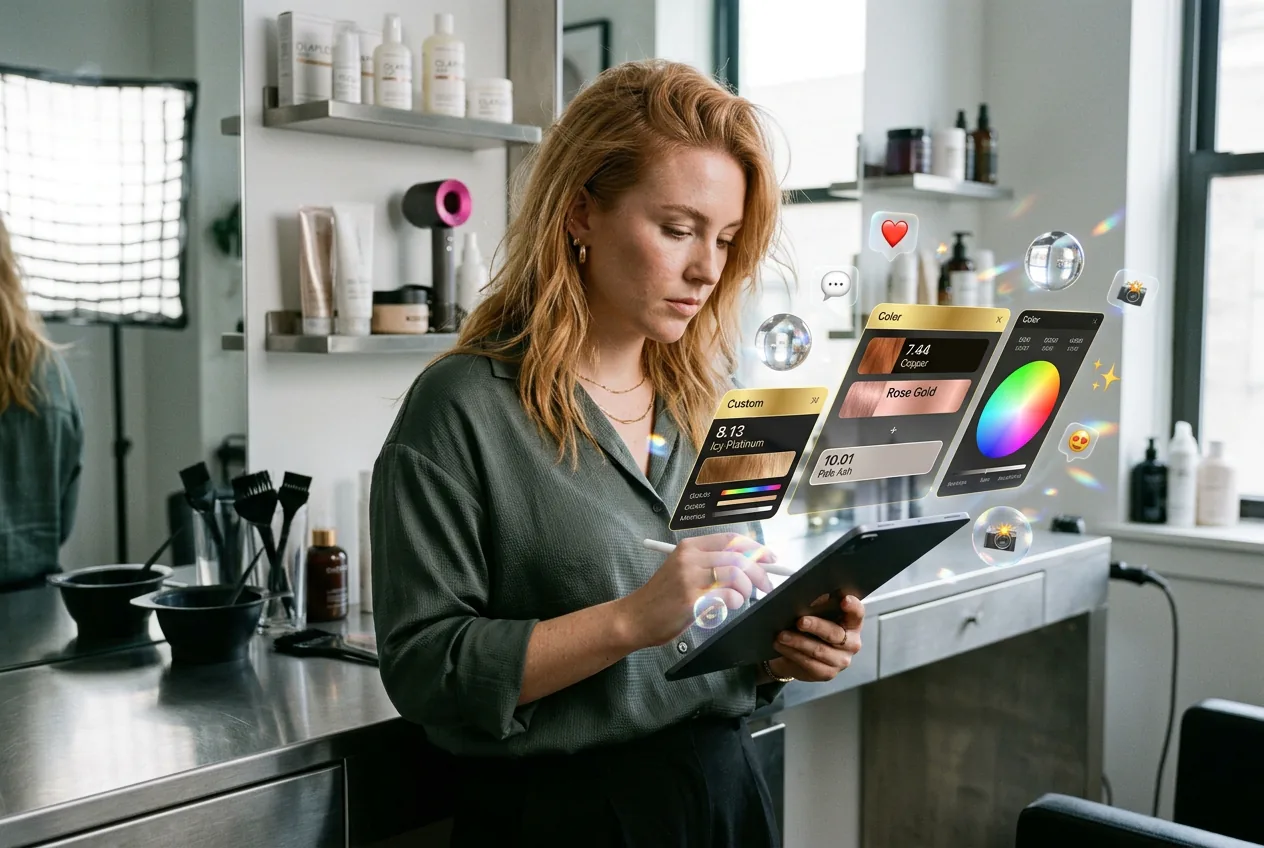
Beauty Creators

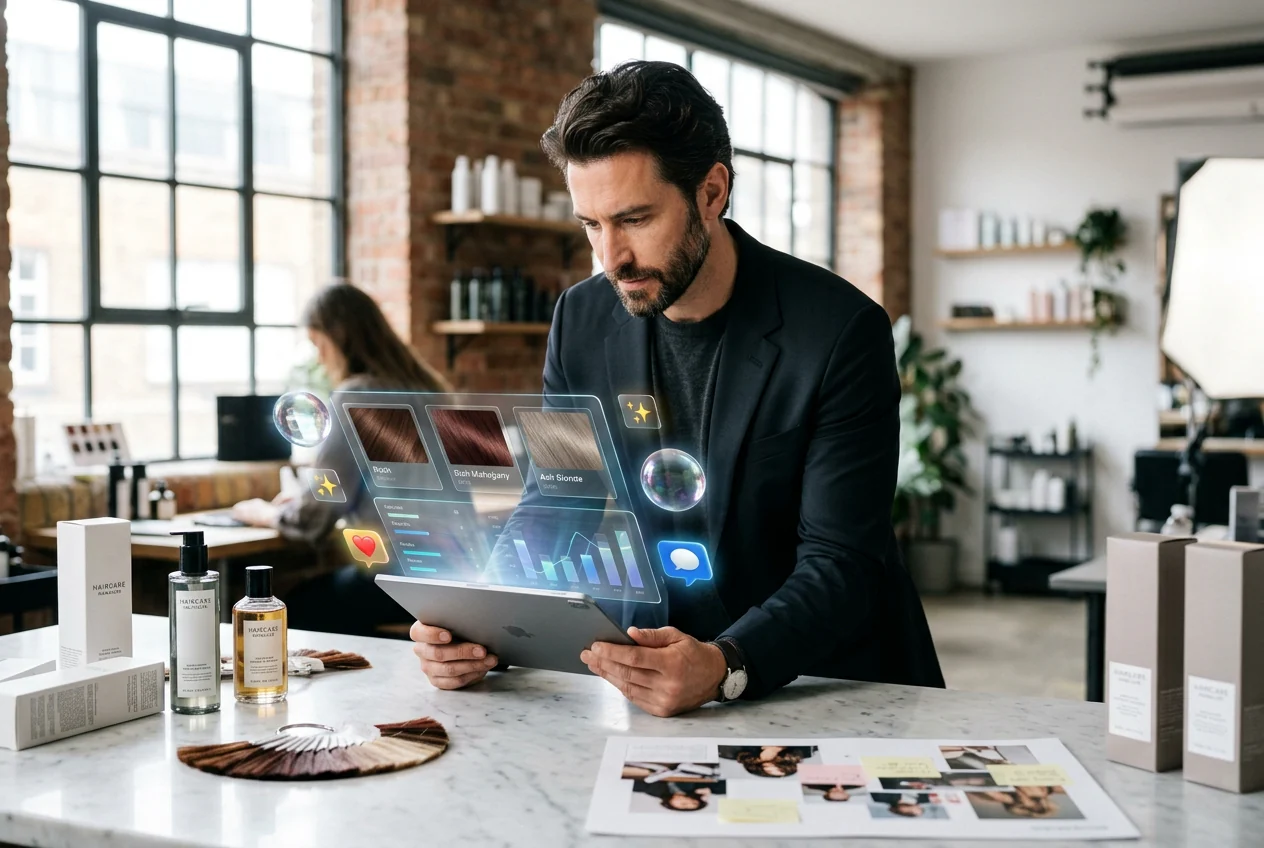
You shoot hair dye and styling content weekly and need a hair color editor that produces social ready output without a full photoshoot. Upload a reference image, select from black, gold, strawberry blonde, or custom shades, and export the result for your feed or reel. Each output is consistent enough to use in a before and-after comparison post.

brand team hair color try on campaign asset

Haircare Brand Teams

Marketing teams managing product lines use Veme AI to generate shade preview visuals for campaigns without booking a model for every variant. Select the target color, upload the reference image, and produce a clean output for each SKU. This cuts per asset production time and keeps shade representation consistent across campaign materials.

How Hair Color Try On Works

The Veme AI workflow runs in three steps. No manual masking, no layer adjustments, and no post export color correction is required.

Step 1

Upload Your Photo

Upload a clear front facing photo as your source image. Veme AI reads hair texture, light direction, and shadow distribution from the image before any color is applied, so recoloring follows your original structure.

Step 2

Select Your Shade

Pick from preset shades including black, brown, gold, white, strawberry blonde, and highlights. You can also describe a custom color using specific details to generate a more personalized result, so the preview matches your target tone before export.

Step 3

Export Your Result

Veme AI generates the hair color try on output with texture and lighting preserved. Download the finished image for personal review, client presentation, or direct use in a post or campaign.

Hair Color Try On Features

Each feature in Veme AI is built around specific output quality, so the result you download is usable without extra editing.

One Click Color Swap

Select a shade and Veme AI applies it to your uploaded photo in seconds, with no manual selection tools or layer editing required. The hair color try on result is generated automatically from your source image. Output is ready to download immediately after processing completes.

one click hair color try on instant result

Texture Aware Rendering

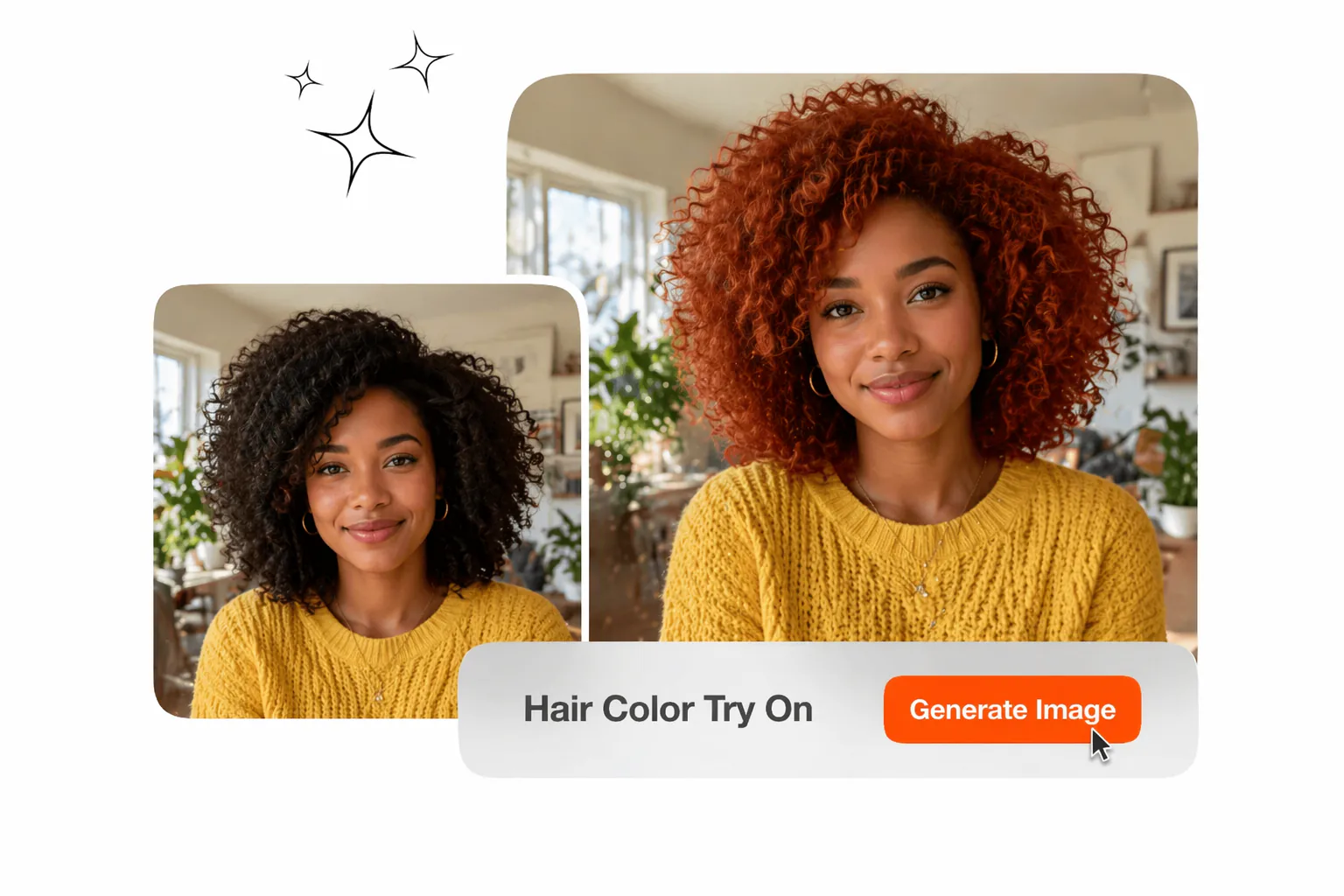
Veme AI maps new color onto your hair by reading existing texture gradients, light angles, and shadow depth from the source image. The hair color try on output reflects how that shade would actually appear on your hair type, rather than sitting as a flat color layer on top. This hair color try on keeps fine strands, curls, and layers defined.

texture aware hair color try on natural rendering

Full Shade Range

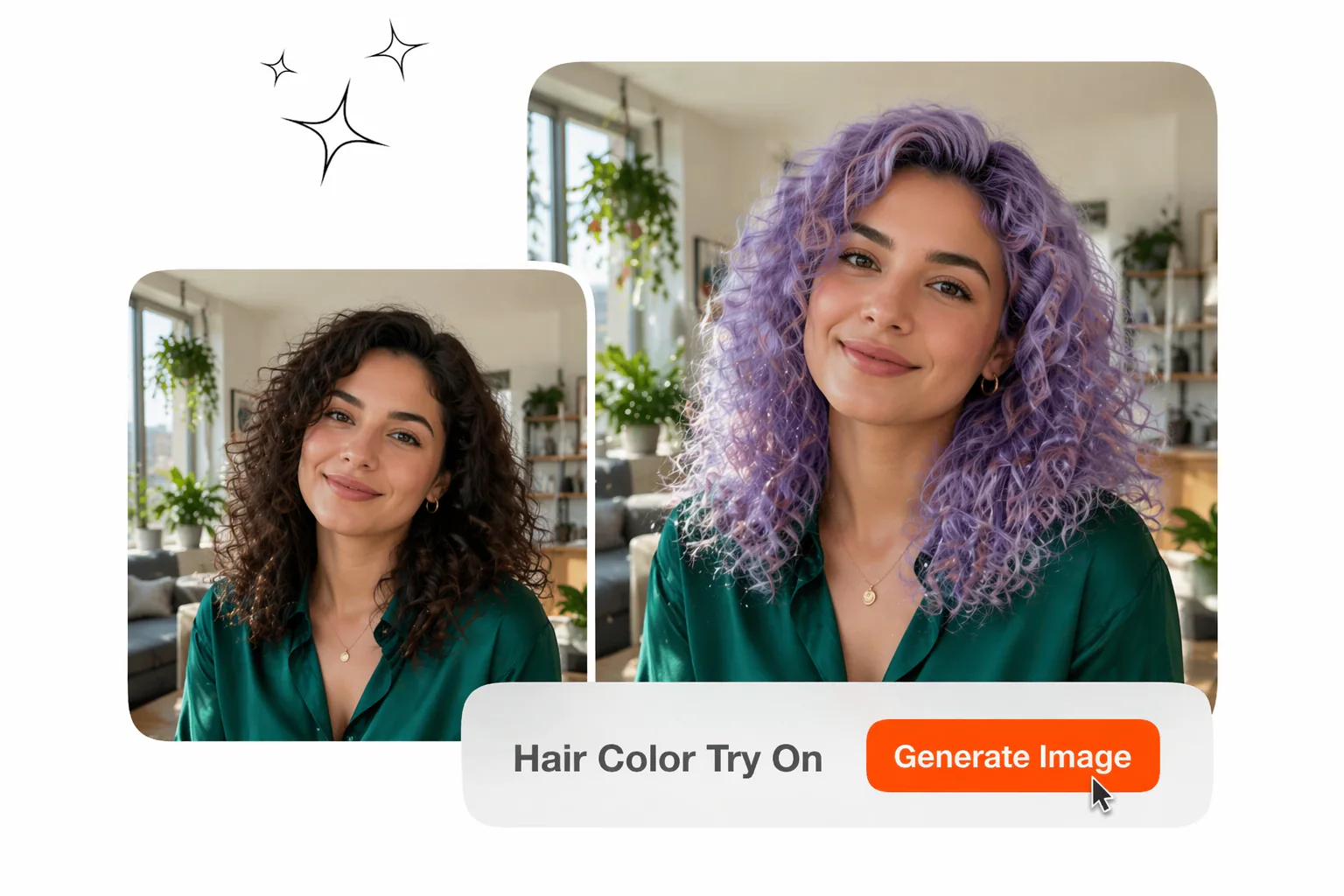
The preset library covers black, brown, gold, white, strawberry blonde, and highlight or balayage styles. For shades outside the preset range, add specific color details and Veme generates the corresponding hair color try on result. This hair color try on makes the online hair color changer suitable for testing niche or fashion colors before a dye appointment.

custom shade selection hair color try on color

Detail Enhancement Options

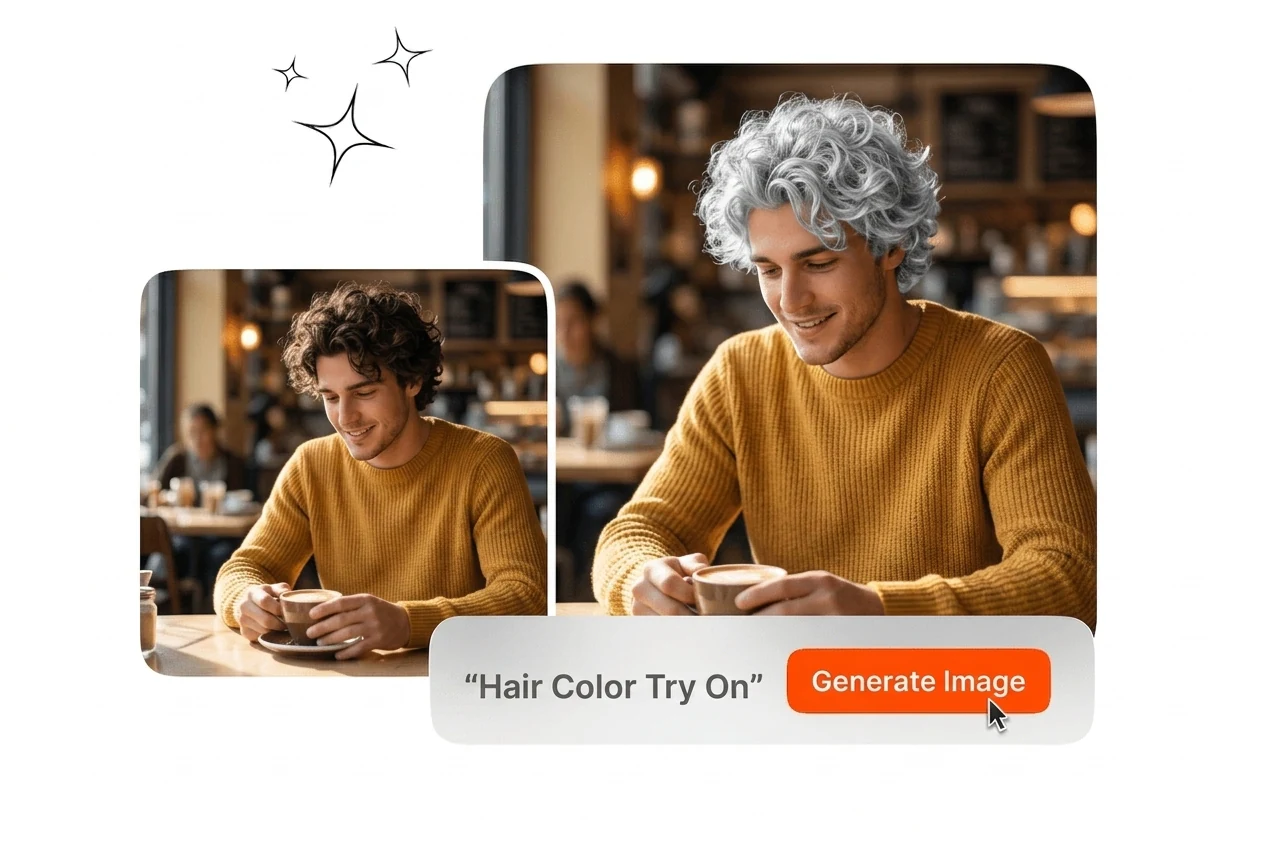
Beyond shade changes, Veme AI supports hairline fill, crown volume adjustment, grey to-dark conversion preview, and stray hair cleanup as part of the hair color try on output. Each option applies to the same source image without requiring a separate upload or re run. The final export reflects the selected combination of color and detail settings.

detail enhancement hair color try on hairline fill

Hair Color Try On Questions

Yes, Hair Color Generator output can look accurate on curls and textured strands. If your source photo has motion blur or harsh shadows, strand detail may soften. This helps hair color filter and try on hair color checks feel realistic before booking.

Try Hair Color Try On Free

Upload a photo and run your first hair color try on in under a minute. No manual editing, no color correction afterward, no salon visit required.

Create Free