
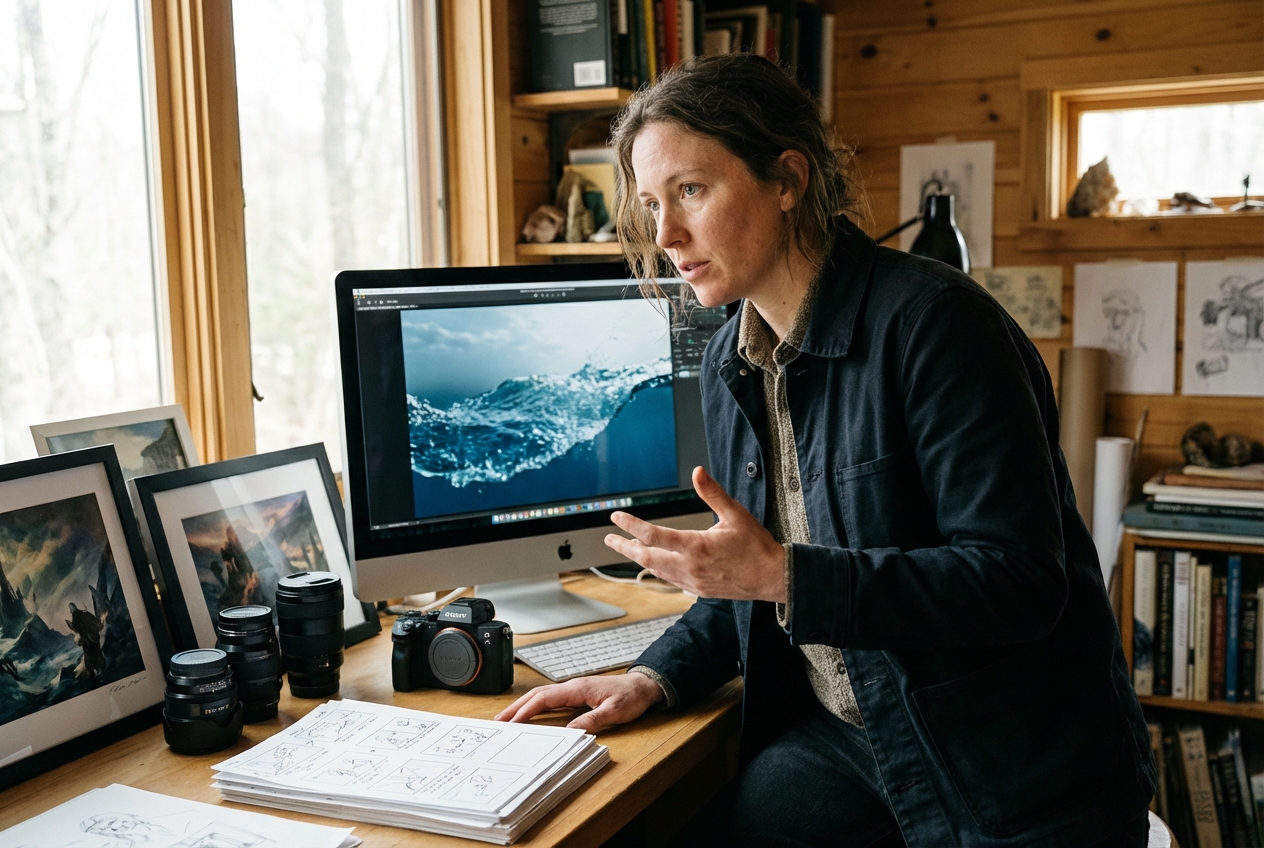
Fantasy Filmmakers
Fantasy filmmakers can use this surge to open reels, reveal characters, or jump into a new setting with one wave. The result feels quick to shoot and polished enough for daily posting rhythms.
Use the Water Bending Effect to transform a character into a powerful wave of water. Upload your frames and watch the figure surge forward like a rising tide before reforming into a flowing human shape.
Turn prompts and optional frames into a Water Bending clip where the subject becomes a rushing wave and reforms into a human shape. Veme AI keeps creation fast with precise wave control.
This Water Bending workflow fits creators who want cinematic scene changes without heavy masking or cleanup.
Fantasy filmmakers can use this surge to open reels, reveal characters, or jump into a new setting with one wave. The result feels quick to shoot and polished enough for daily posting rhythms.
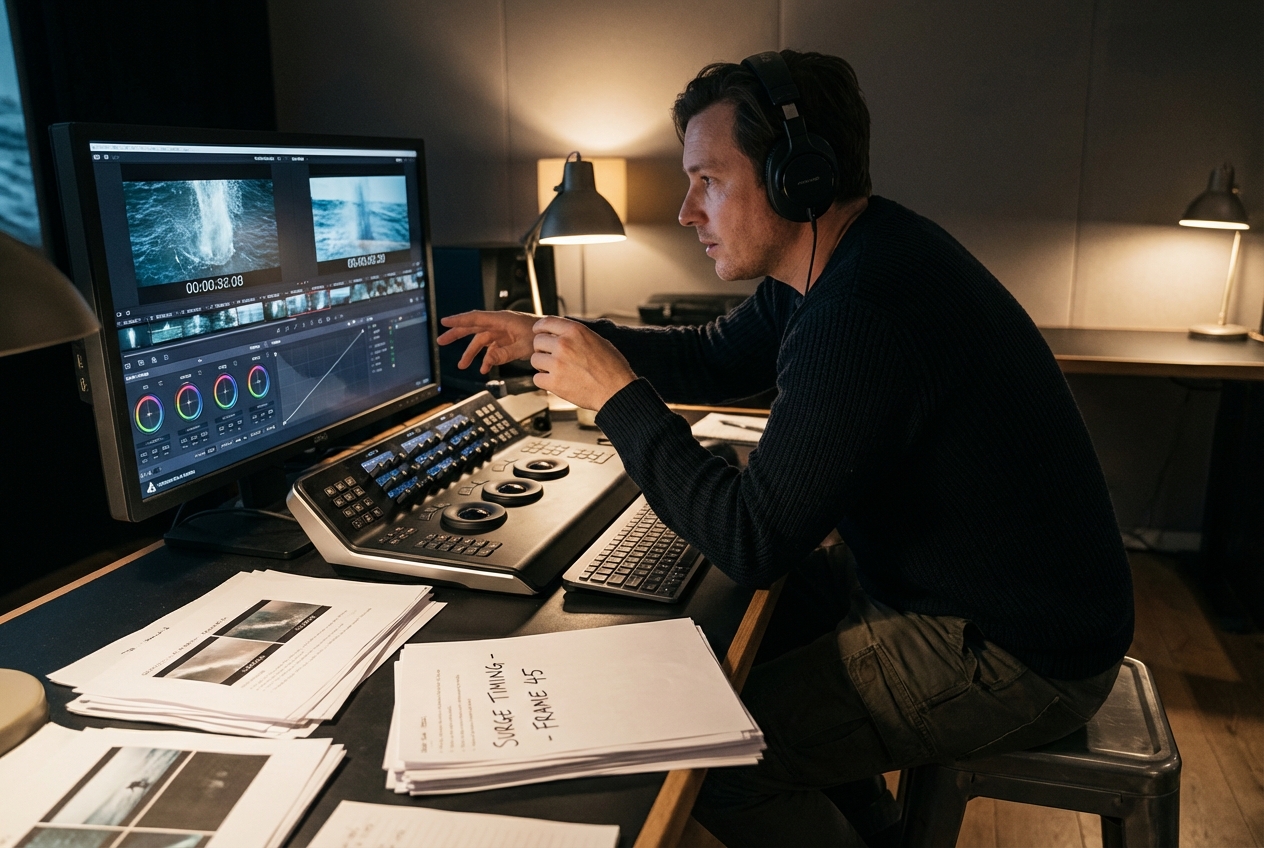
Brand storytellers get a cleaner surge workflow without turning revision rounds into frame-by-frame cleanup. They can test prompt changes, timing, and frame guidance while keeping wave behavior easier to repeat.
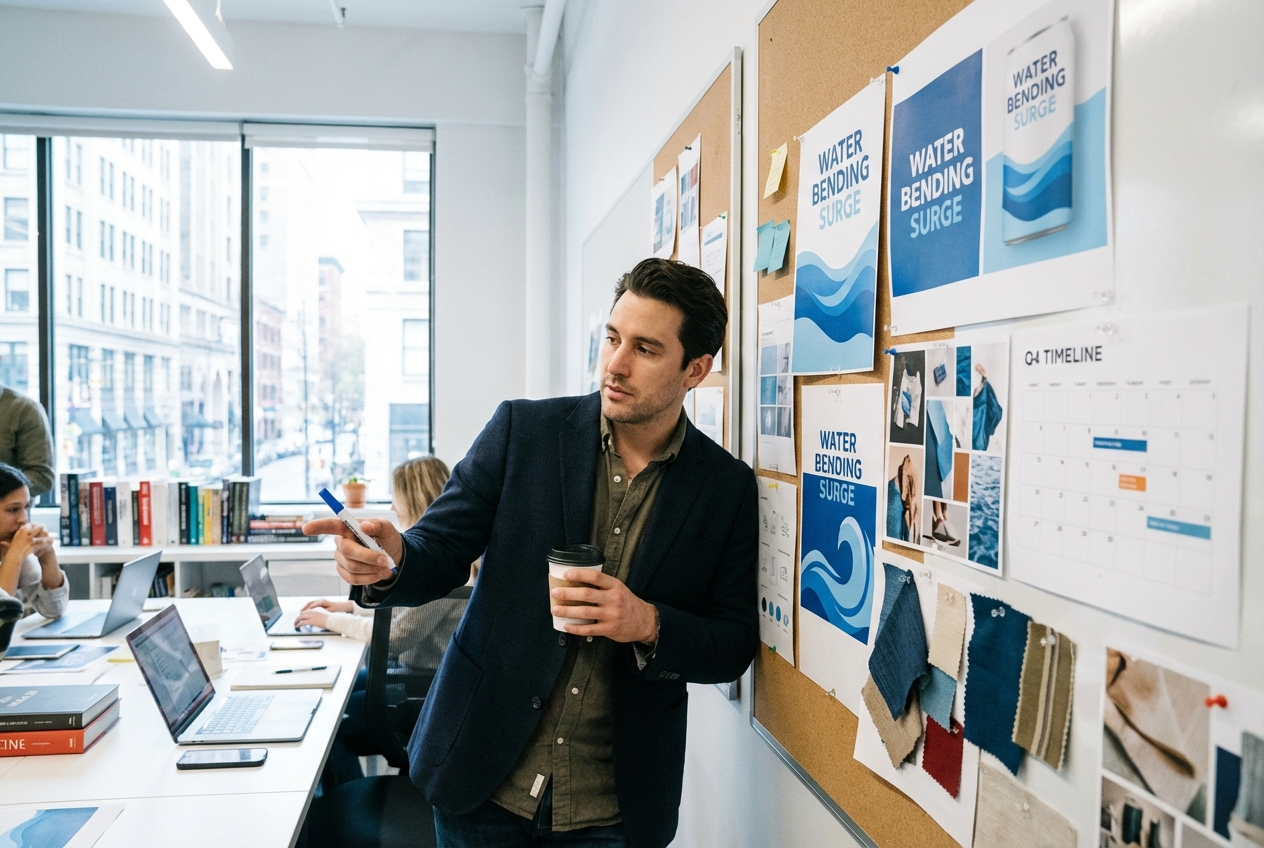
Agency creatives can carry one surge language across launch cuts, creator briefs, and campaign variants with less drift. That makes approvals faster when several people need the same Water Bending behavior in each edit.
The Water Bending workflow is fast for testing and structured for repeatable results. Choose frames, describe the wave path, and set render controls.
Upload a start frame, an end frame, or both when the surge needs a precise landing point. Frame guidance helps the wave stay attached to the subject instead of feeling random or detached.
Describe the wave path, surge speed, and reform timing so the Water Bending reads clearly on screen. Strong prompt detail makes the effect easier to steer across mood, pace, and wave style.
Choose model, duration, and quality settings that match where the final clip will be published. That keeps test renders quick while still leaving room for cleaner finals once the direction is approved.
These controls keep Water Bending output flexible for experiments and stable for delivery. They simplify surge timing, reform accuracy, and repeatable motion.
You can guide the Water Bending with only a start frame, only an end frame, or both. That gives the surge enough structure for exact reforms while still allowing prompt-driven variation in the wave movement.
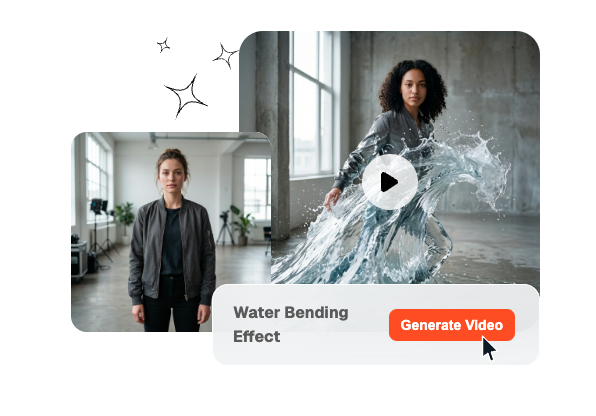
The Water Bending responds to prompt details like wave speed, surge direction, and reform timing. That lets creators shape the motion directly instead of settling for one fixed Water Bending preset.
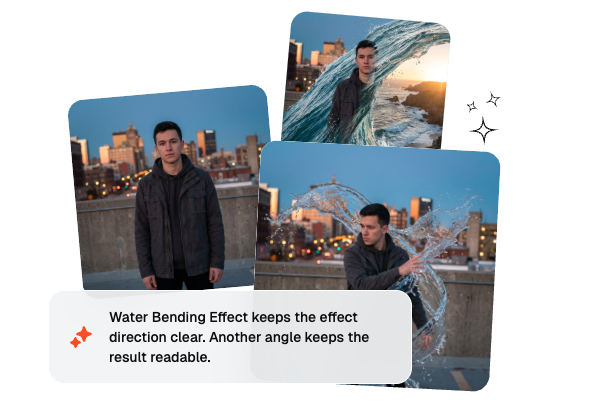
Model, duration, and quality settings let each surge edit match the publishing goal more closely. Teams can move from quick tests to cleaner finals without rebuilding the same Water Bending idea from scratch.
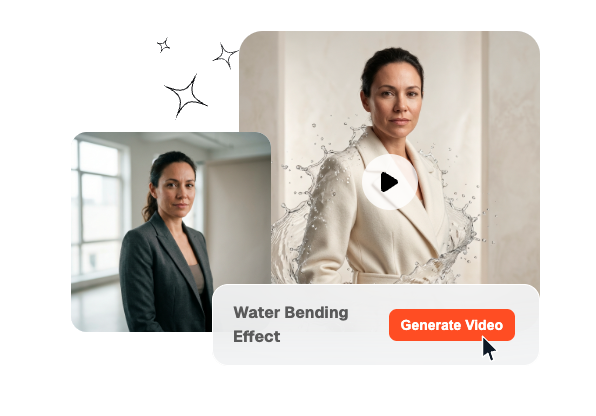
Veme AI keeps the Water Bending workflow light enough for fast comparisons across prompts, frames, and surge timing. That helps creators review more options sooner and keep workflow moving without extra cleanup overhead.
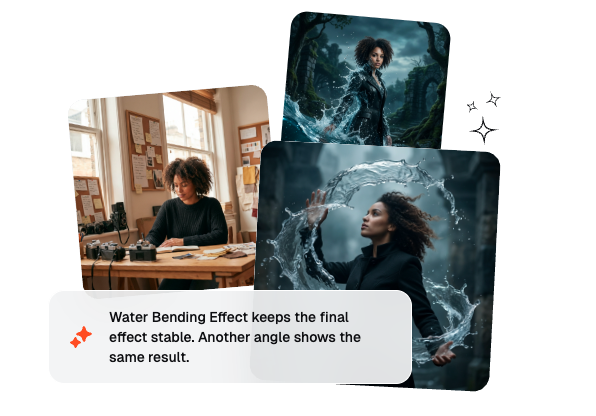
A Water Bending Effect turns the subject into a clear surge that rushes forward like a tide, then reforms into a fluid human shape. The move feels more cinematic than a plain wipe because the wave belongs inside the shot. It works best when the surge path and reform timing stay easy to read.
Create a wave-based scene change with faster setup, cleaner control, and repeatable creator workflow from one place.
Start CreatingFast • Controlled