Image Upscaler

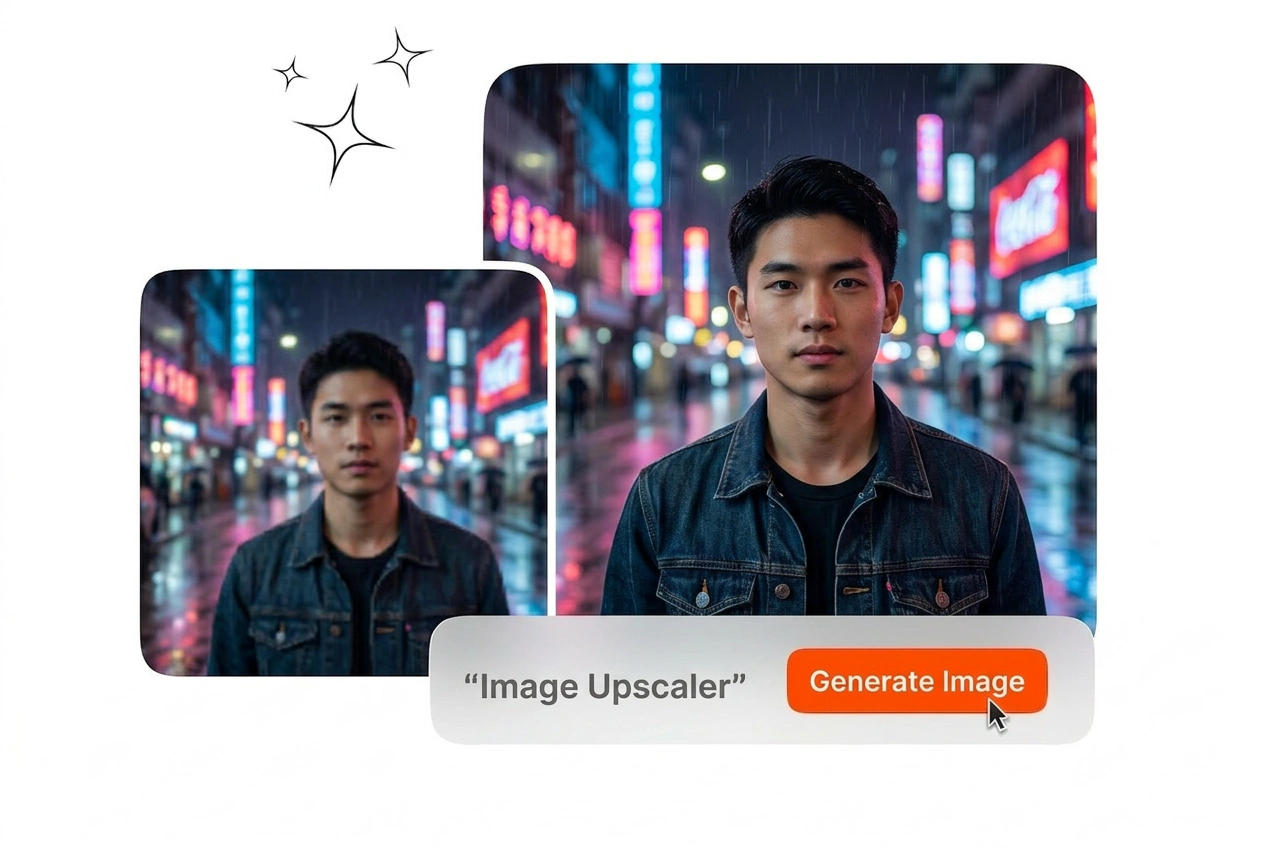
Upload an image to enhance resolution and preserve the natural look of edges and textures with our AI image upscaler.

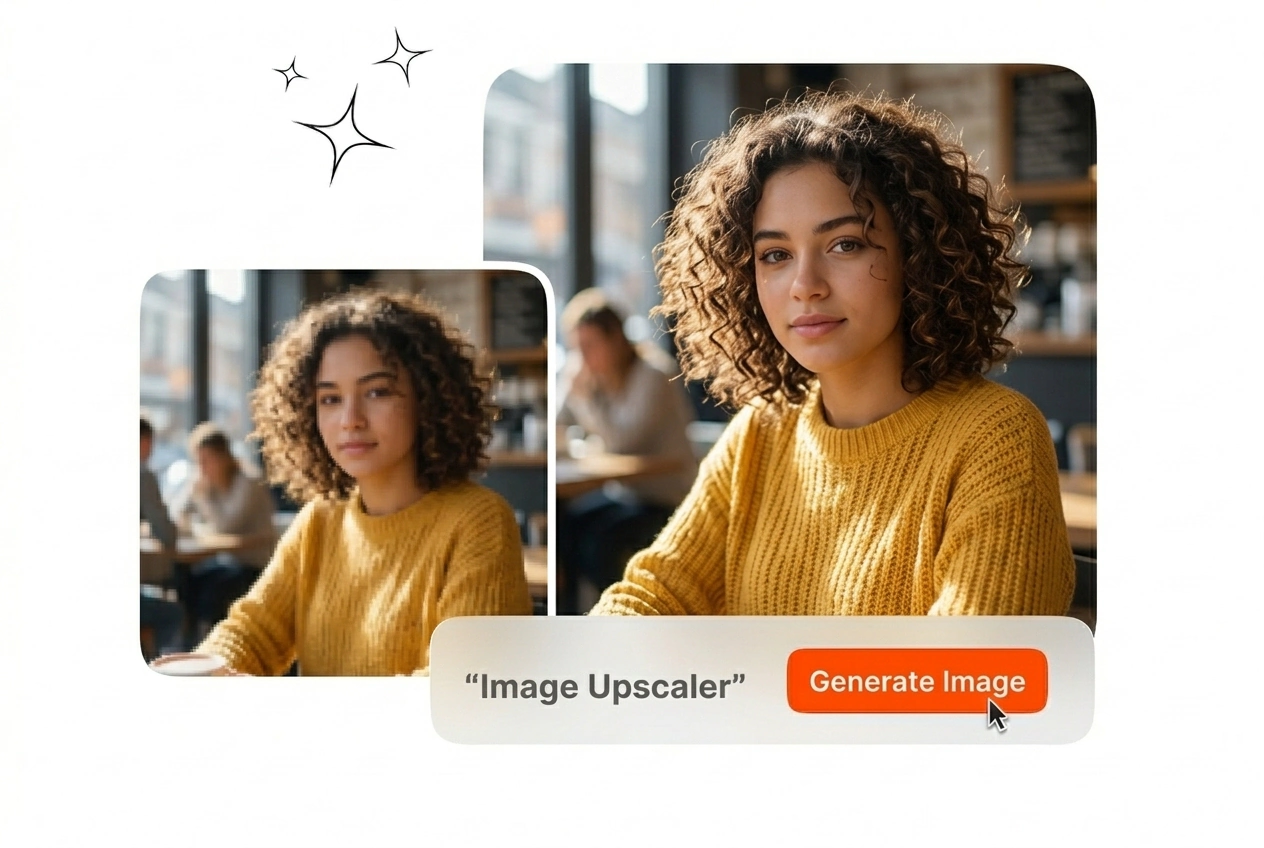
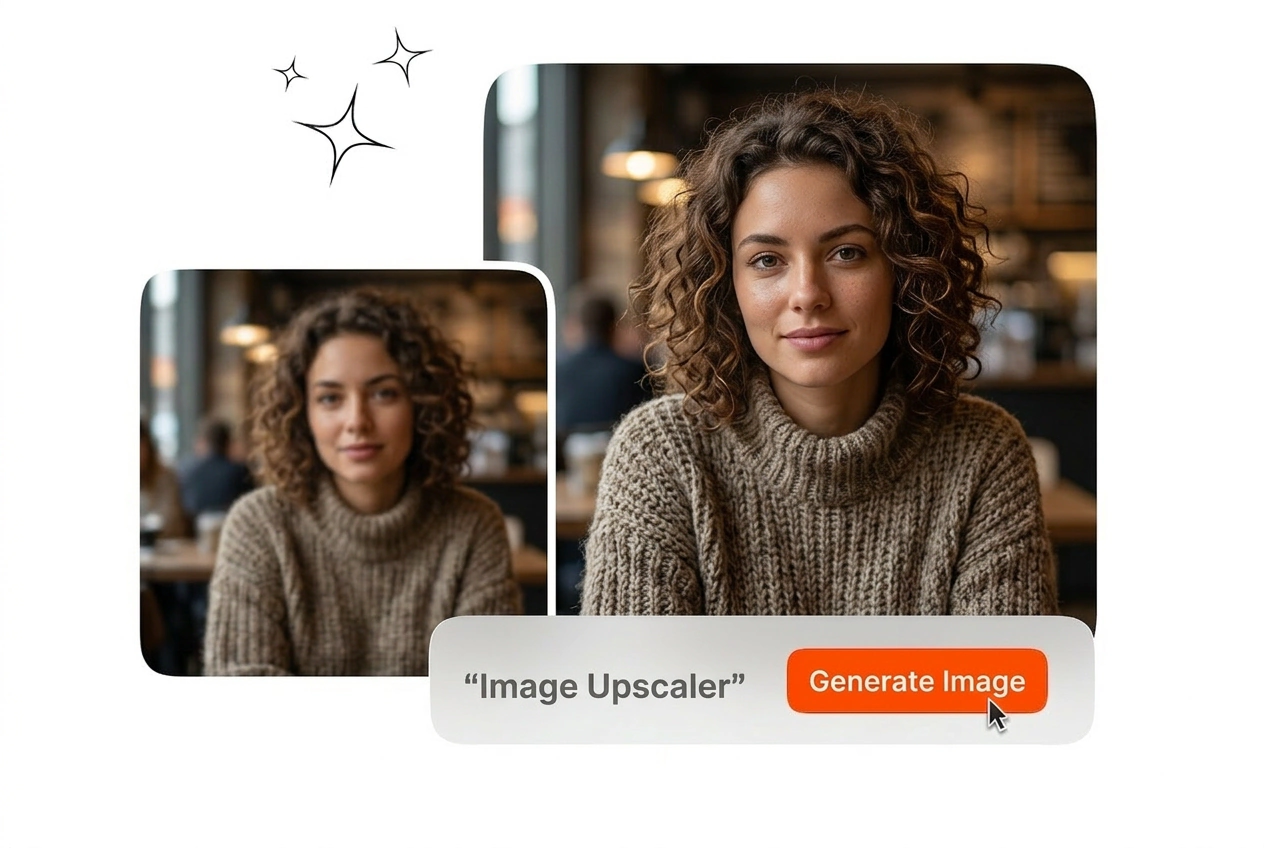
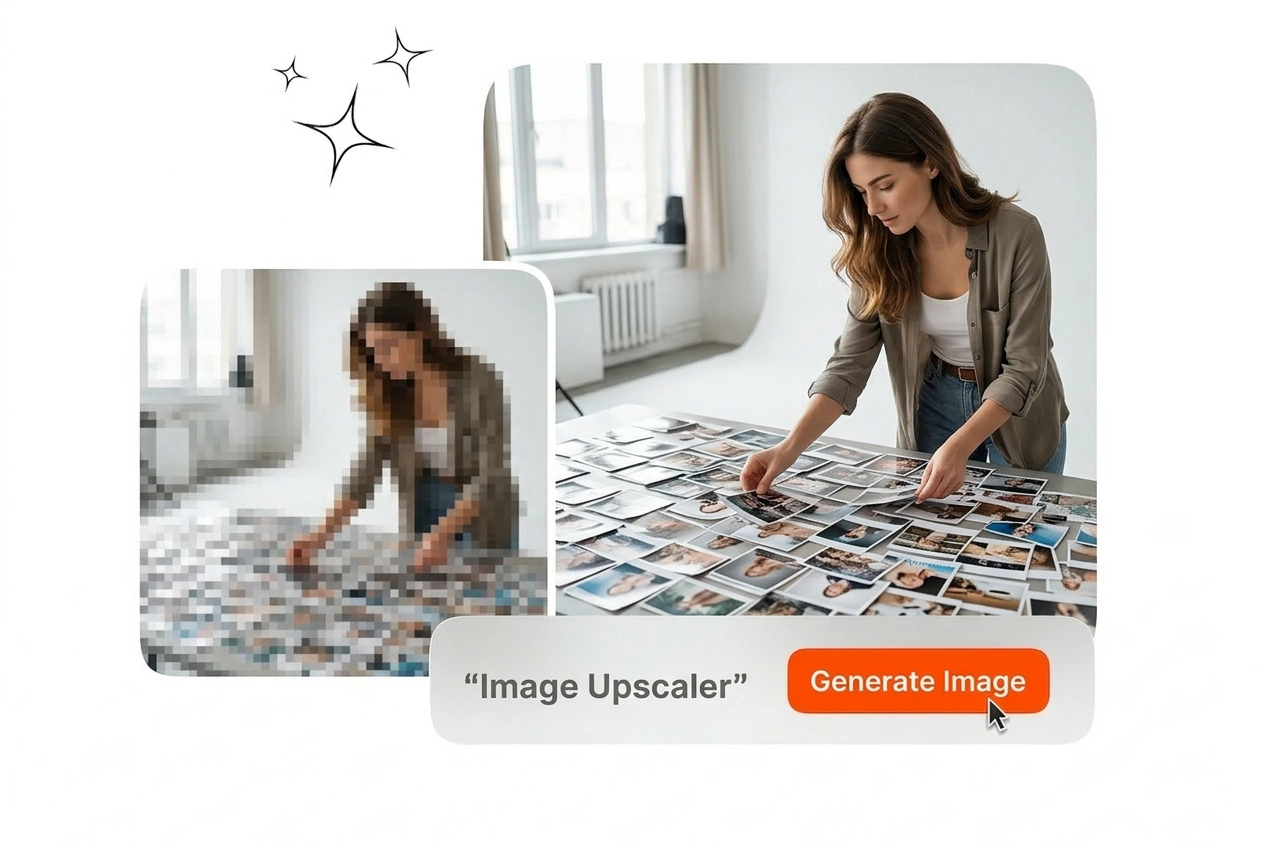
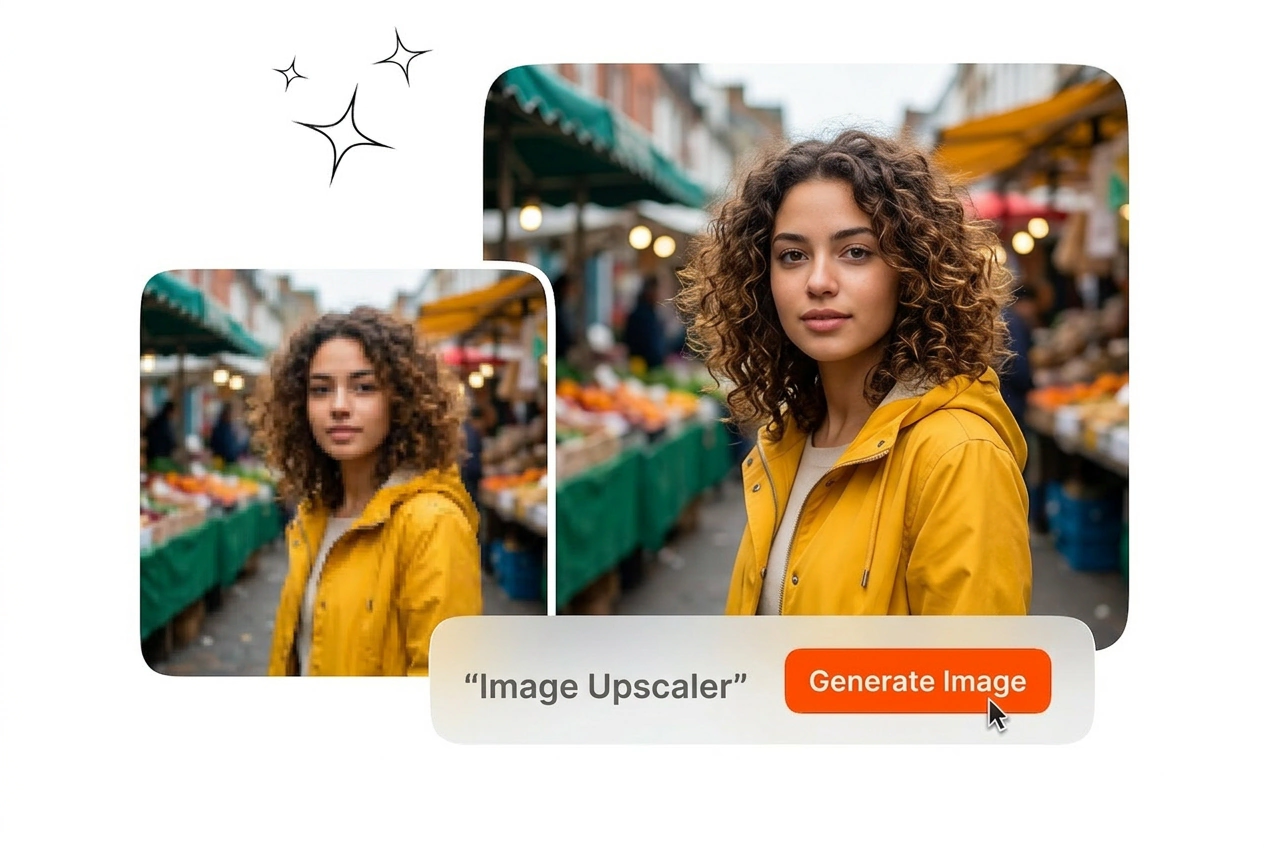
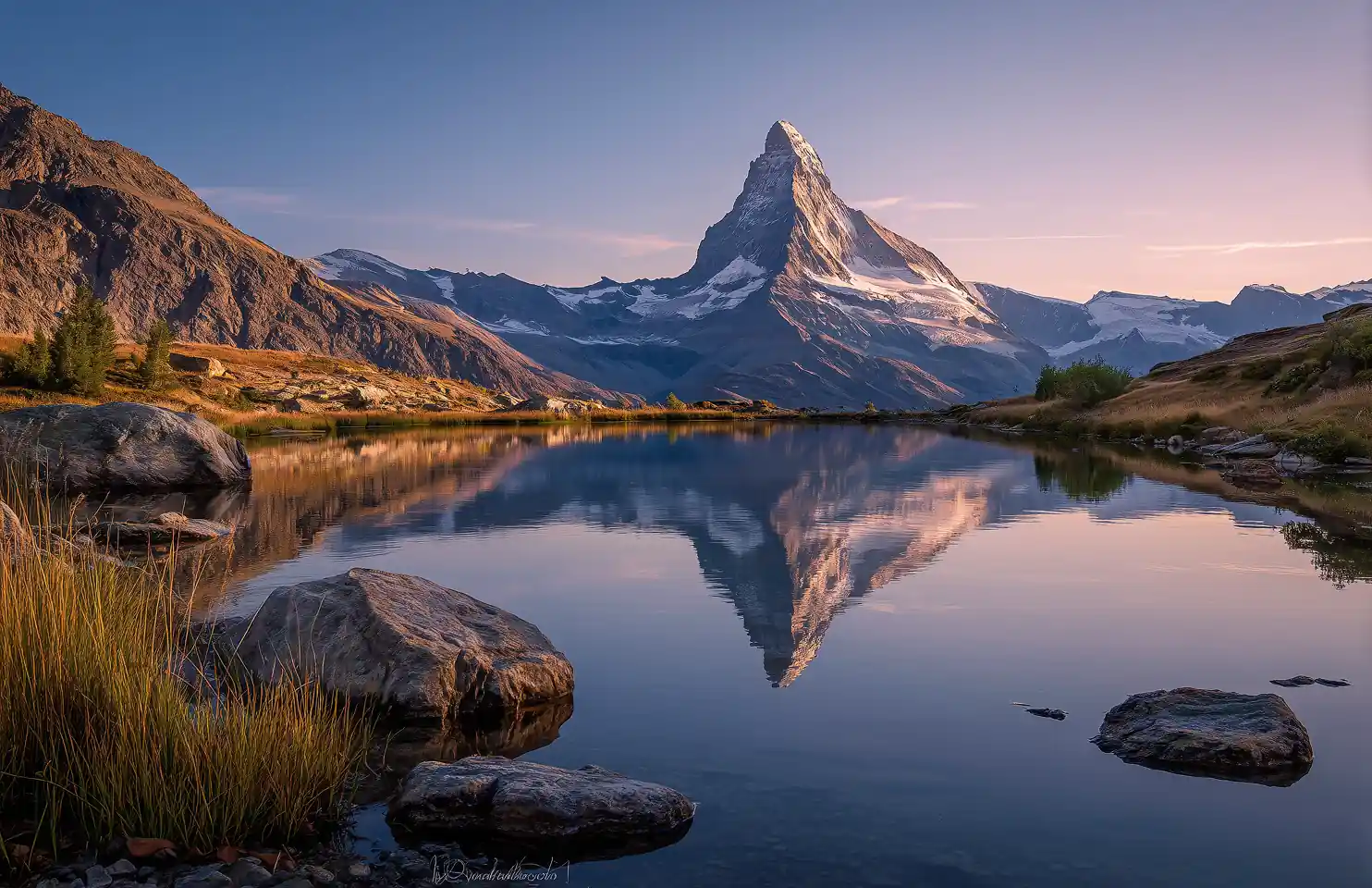
Upscaled
Before
Before
Upscaled

Upload your image

Supports JPG, PNG, WEBP, or GIF

up to 10MB

Processing usually takes 15-60 seconds.

Image Upscaler for Clear Results

This Image Upscaler enlarges photos up to 4x, sharpens details, and improves clarity for web, print, and marketplace assets without heavy manual retouching.

Image Upscaler for Every Workflow

Teams use this tool when low-resolution assets block publishing, printing, or listings. Image Upscaler upgrades clarity quickly so outputs stay consistent across channels and deadlines.

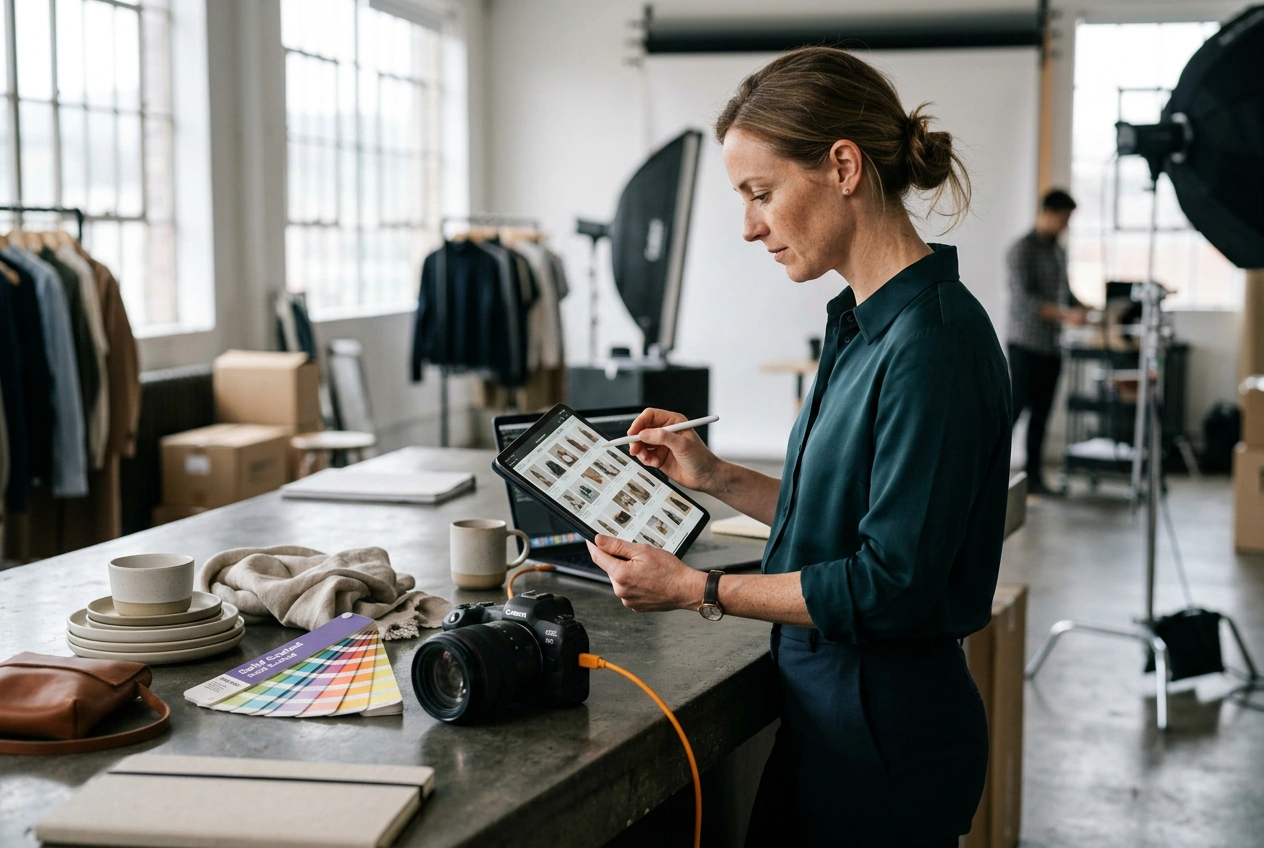
E-commerce team using Image Upscaler for products

E-Commerce Teams

Product photos from suppliers often arrive small or compressed. Teams use this workflow to upscale picture assets, hit listing resolution targets, and keep details sharp. Batch export helps catalogs move faster without repetitive manual corrections per item.
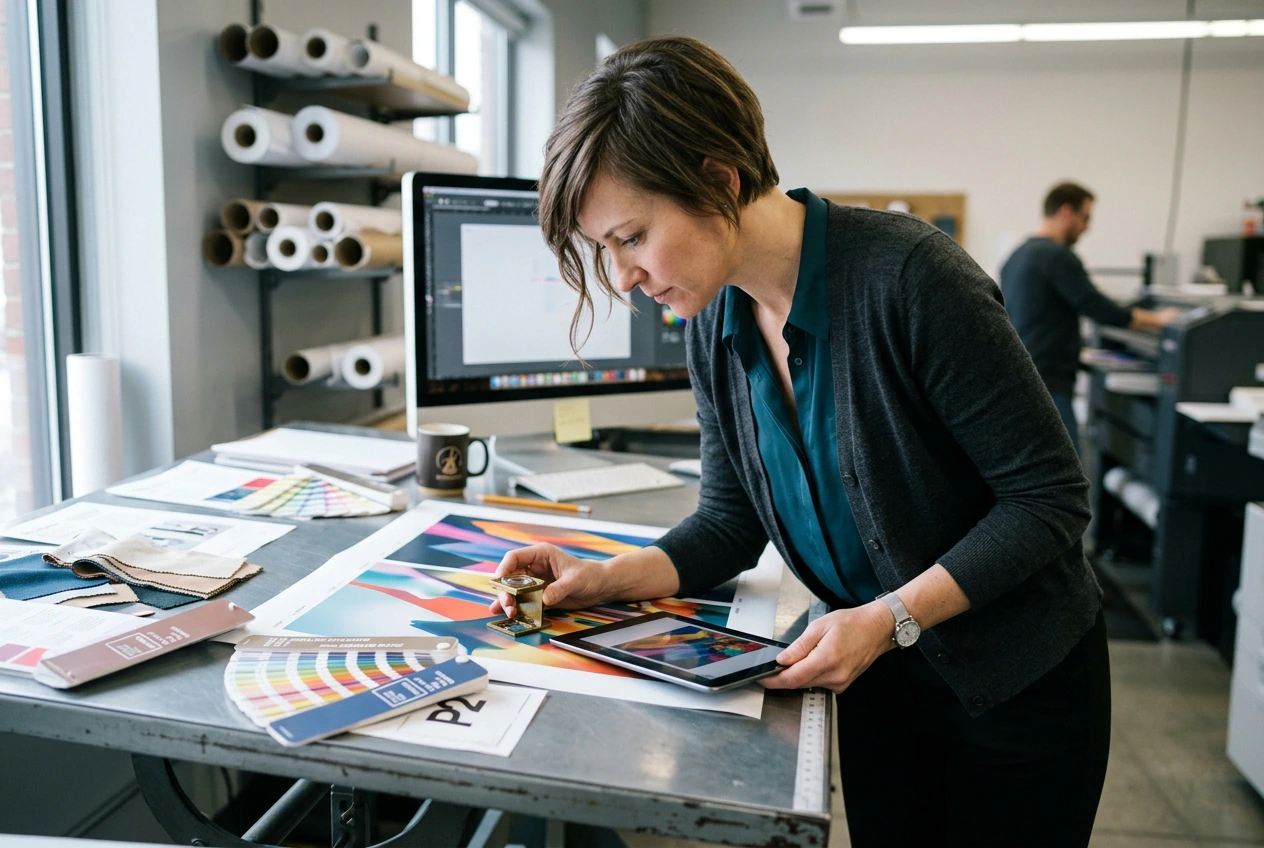
Print designer using Image Upscaler for banners

Print Designers

Print layouts need clean edges at larger sizes. Designers use this workflow as a photo enlarger and upscale photo online option before prepress checks. This avoids extra sharpening passes while keeping textural detail stable on posters and banners.

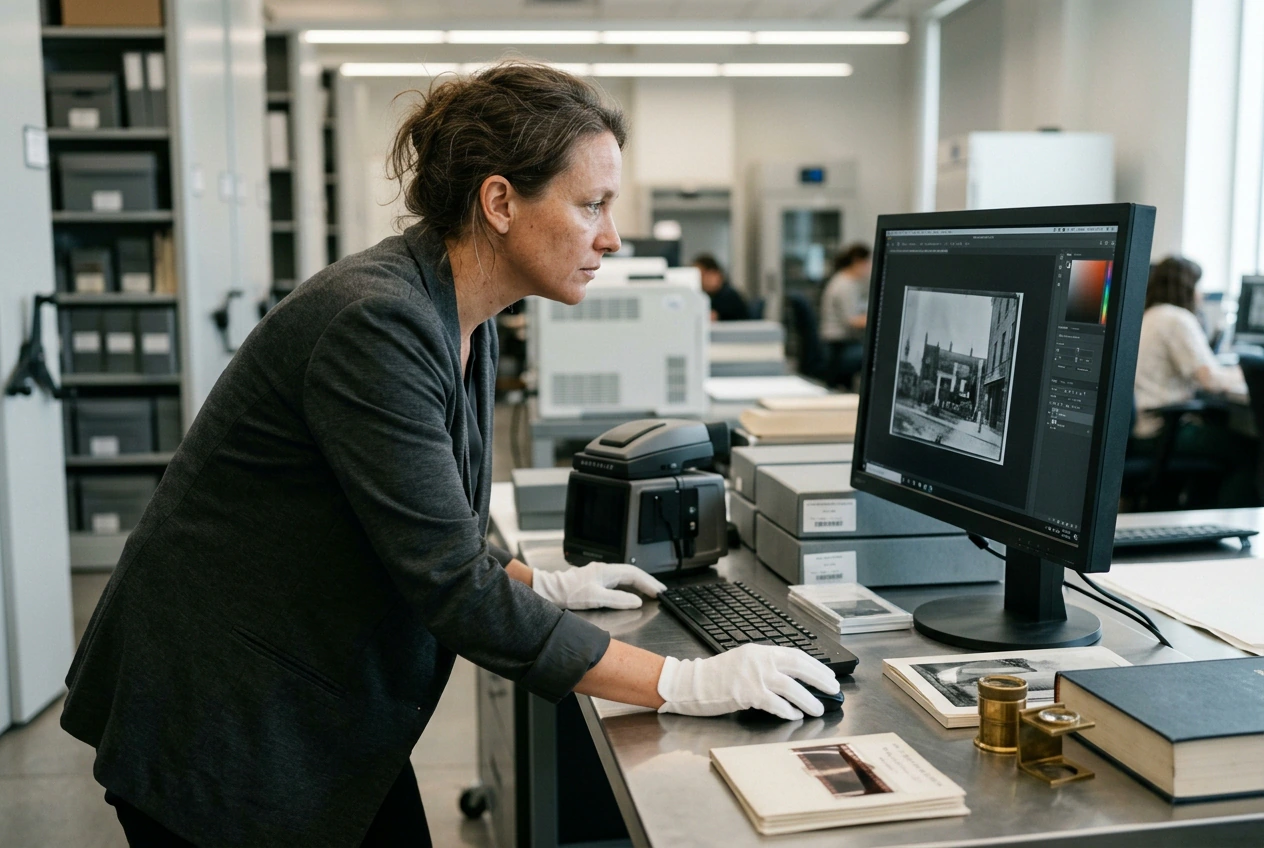
Archivist using Image Upscaler on scanned photos

Archivists

Scanned archive files rarely meet modern quality standards. Teams run this workflow with ai photo enhancer settings to recover detail and reduce softness. Watermark-free exports support documentation, museum updates, and commercial reuse with consistent output quality.

How the Image Upscaler Works

This workflow turns low-resolution files into clear outputs in three steps. You choose scale, review targets, and export results quickly without installing software.

Step 1

Upload Your Image

Upload JPG, PNG, or WebP files from product shoots, scans, or social assets. The tool reads original dimensions immediately so you can plan upscale image online output before processing begins.

Step 2

Set Scale Factor

Choose 2x or 4x scale, then preview expected dimensions. This online image upscaler helps match output goals for marketplace listings, print banners, or social crops while preserving natural textures and edge separation.

Step 3

Export Clean Output

Export final files without watermark and move them into production directly. Use these outputs for ecommerce pages, ad creatives, or print kits where clear detail and consistent sizing matter across channels.

Image Upscaler Features That Deliver

Each feature maps to a practical outcome: clearer edges, stronger texture retention, faster batch processing, and export-ready files for commercial delivery.

AI Detail Reconstruction

This tool analyzes local pixel structure and rebuilds fine details at higher target sizes. The ai image upscaler process reduces blur and jagged edges. Teams use it to enlarge image without losing quality for listings, banners, and product zoom views.

Image Upscaler AI detail reconstruction preview

Natural Texture Retention

Image Upscaler keeps surface texture and edge transitions natural during scaling. Instead of over-smoothing, it preserves realistic grain and contours. This helps photo upscaler results look usable in editorial, packaging, and portfolio work where authenticity matters.

Image Upscaler natural texture retention comparison

High-Volume Batch Scaling

Run free image upscaler jobs for JPG, PNG, and WebP files in one queue. Teams can upscale any photo to any size with predictable quality. This improves throughput for seasonal catalog refreshes, archive migration, and agency delivery deadlines.

Image Upscaler batch queue for mixed formats

Commercial-Ready Exports

This tool delivers watermark-free files for ecommerce, ads, and print materials. Use upscale image quality settings or Convert image to 4K resolution targets when needed. Teams get clean outputs faster, and Image Upscaler reduces manual corrections before publication.

Image Upscaler commercial export quality output

Image Upscaler Questions Answered

Sure, you can start with the free tier for lighter daily workloads. Paid plans mainly unlock higher volume and faster batch processing speed. Many users begin with free image upscaler access, then upgrade only after validating output quality on real projects.

Start with Image Upscaler Now

Upload a file, pick 2x or 4x scale, and export a clean result in minutes. This workflow helps publish sharper visuals faster with Image Upscaler.

Create Free