Free Age Filter

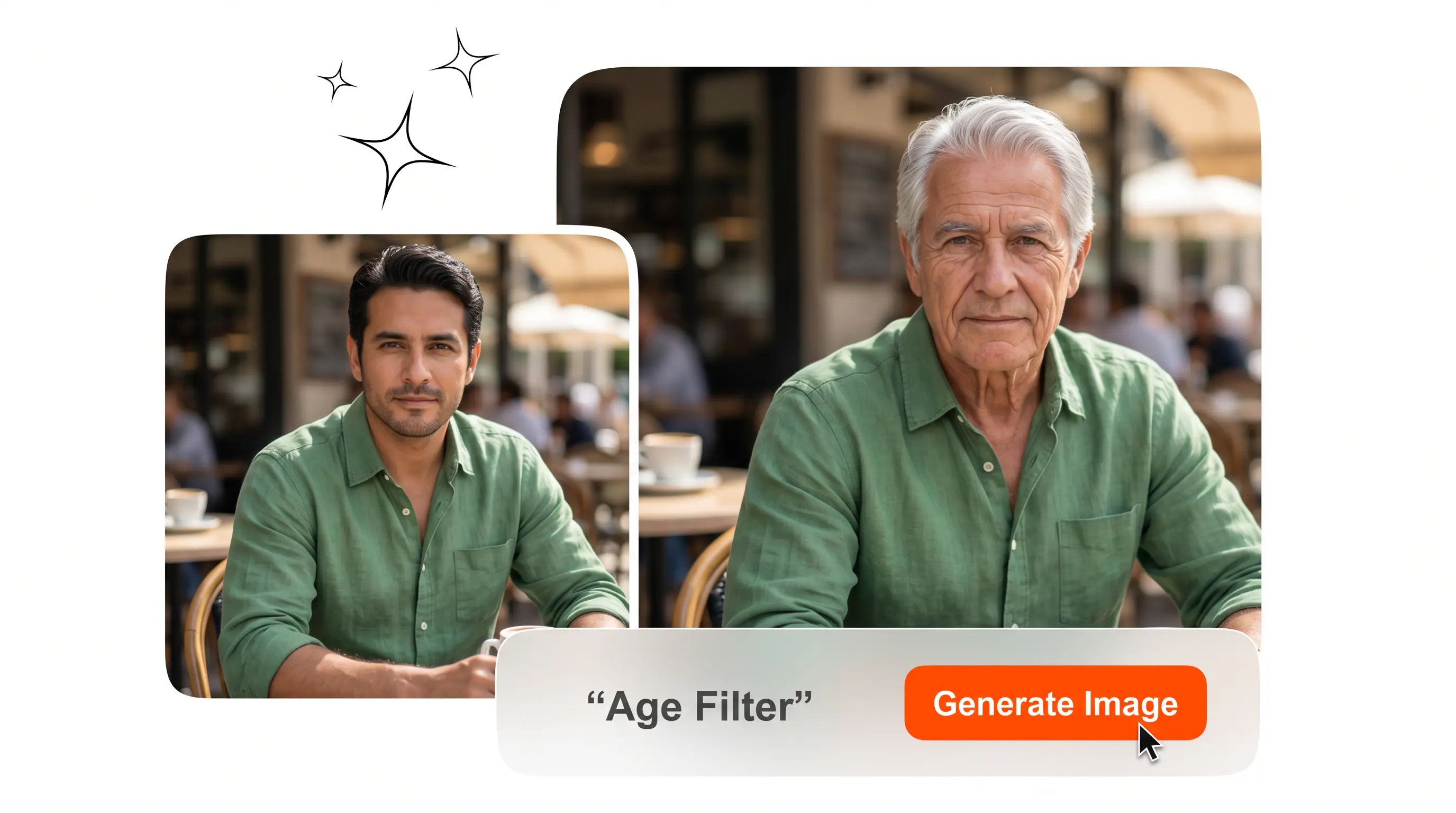
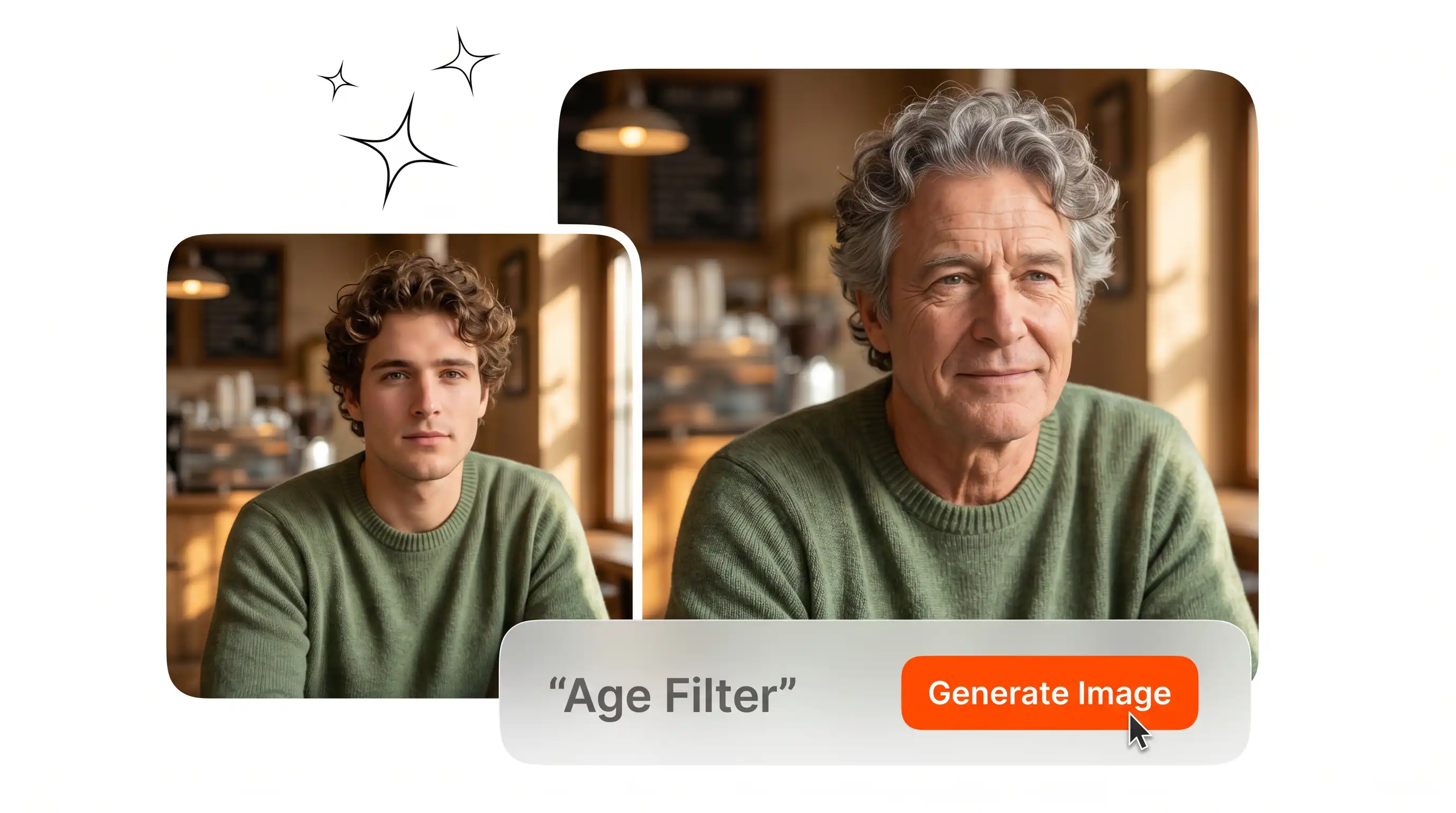
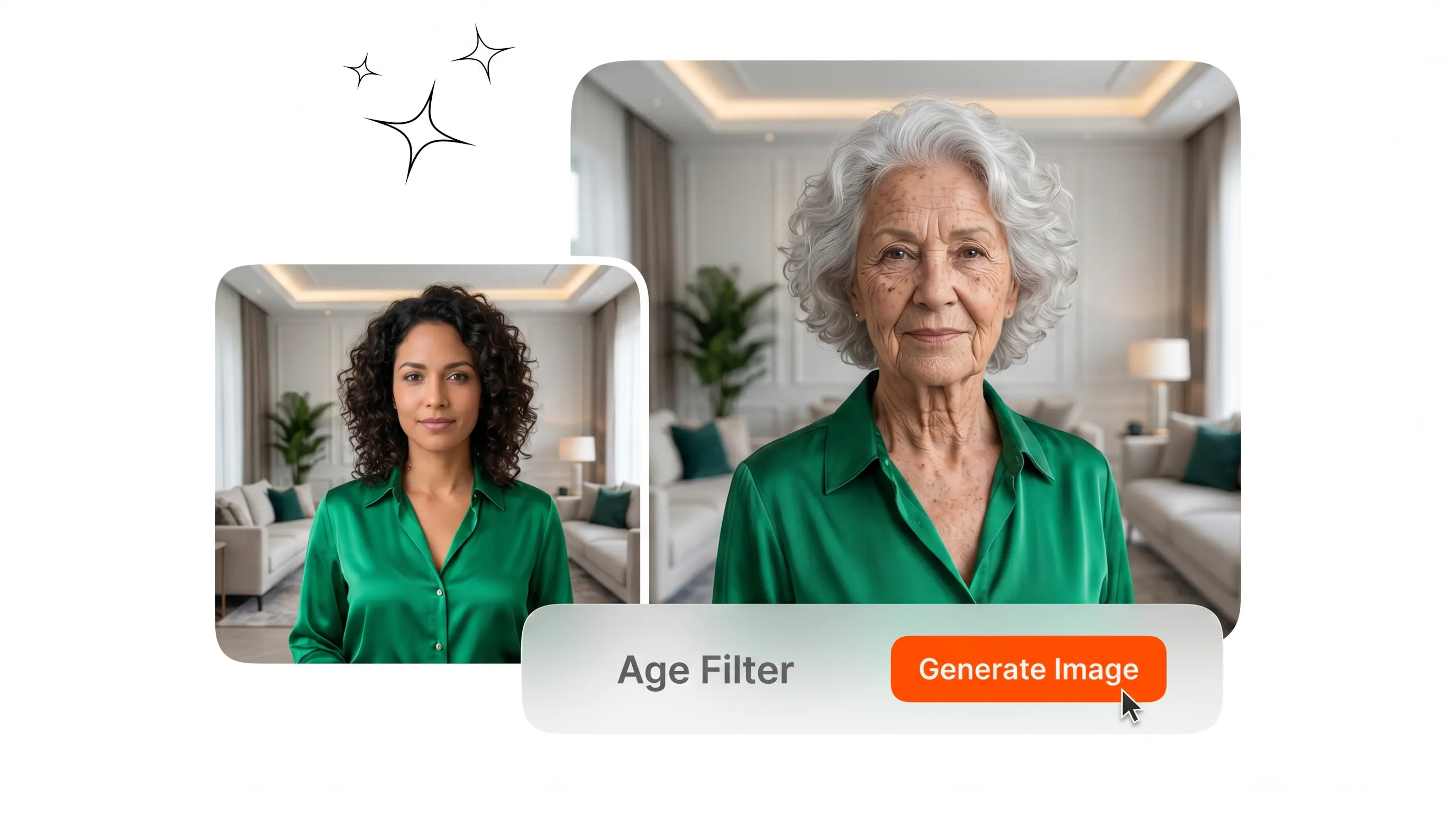
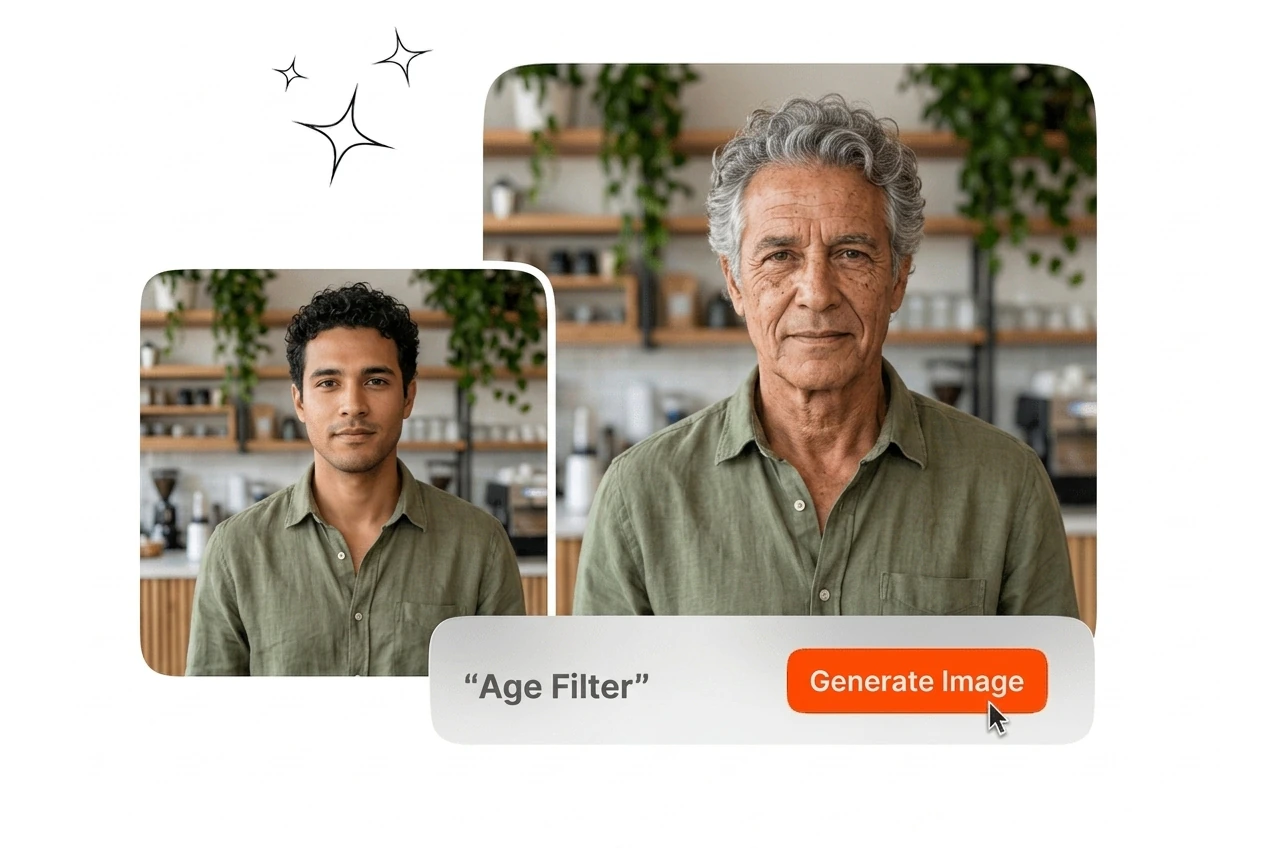
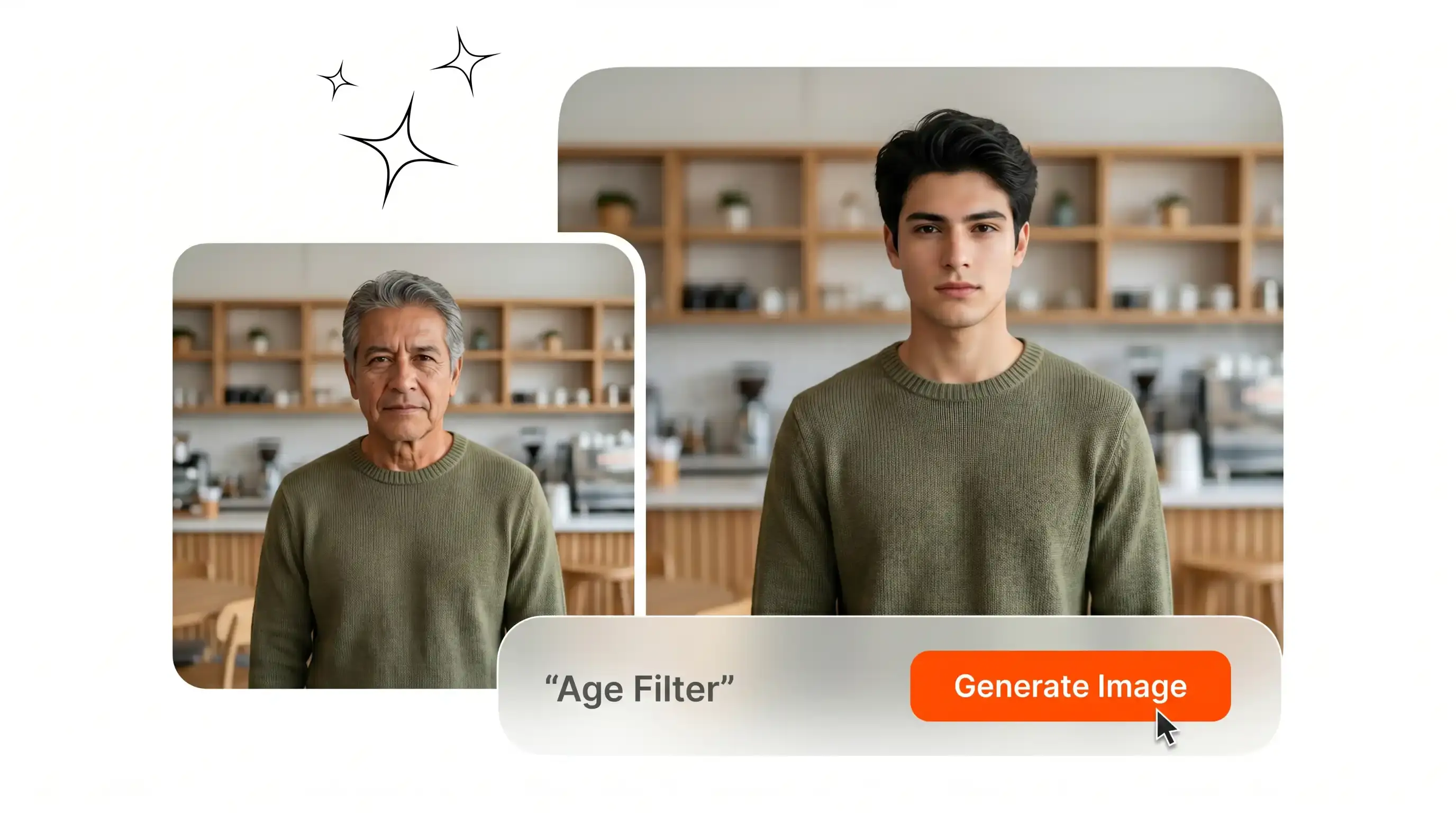
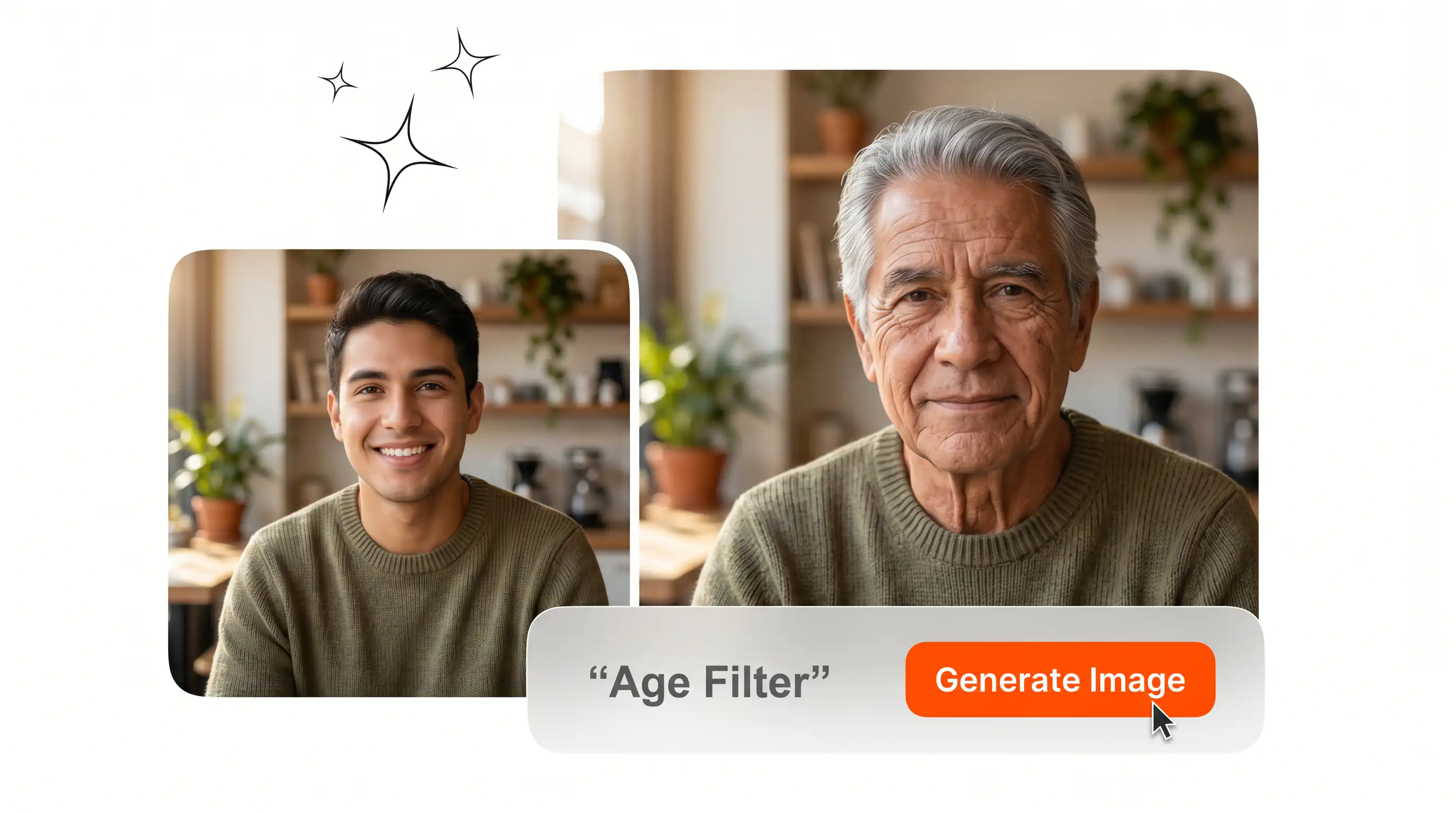
Age Filter on Veme AI generates older or younger face images from a single uploaded photo. Best results come from well lit, front facing portrait shots.

Banner preview

Age Filter for Realistic Face Aging

Upload a portrait photo and apply the Age Filter to generate an older or younger version of any face. Output is high resolution and ready to download.

Who Uses This Age Filter

Social creators, content strategists, and personal users each bring a distinct workflow to the Age Filter. The tool fits each without adjustment.

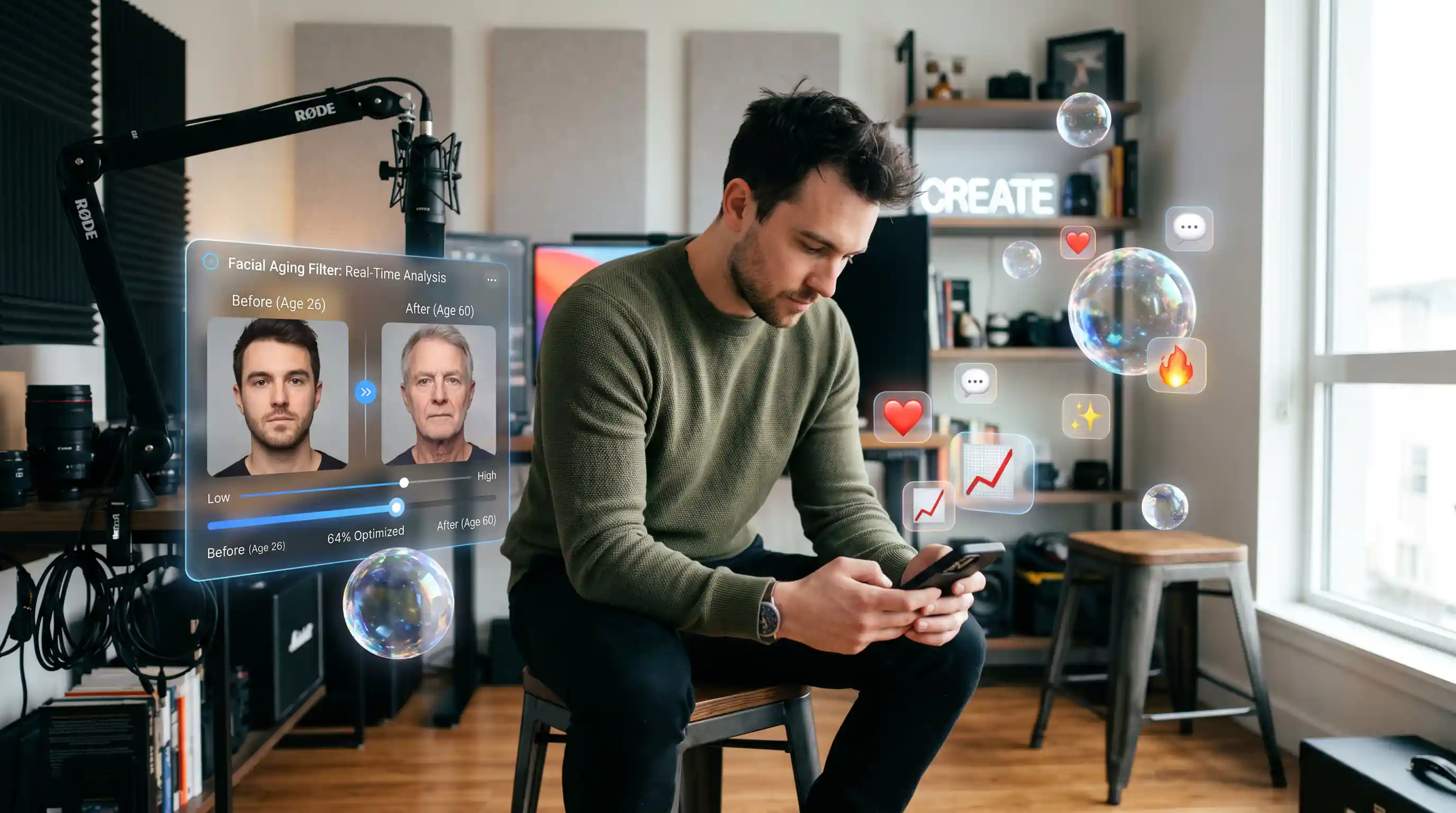
Creator using Age Filter for social post

Social Content Creators

Creators posting daily on TikTok or Instagram Reels use the Age Filter to generate shareable before and after face aging content. Upload a photo, select the age stage, and the output is ready for a post in under a minute. No design software required.

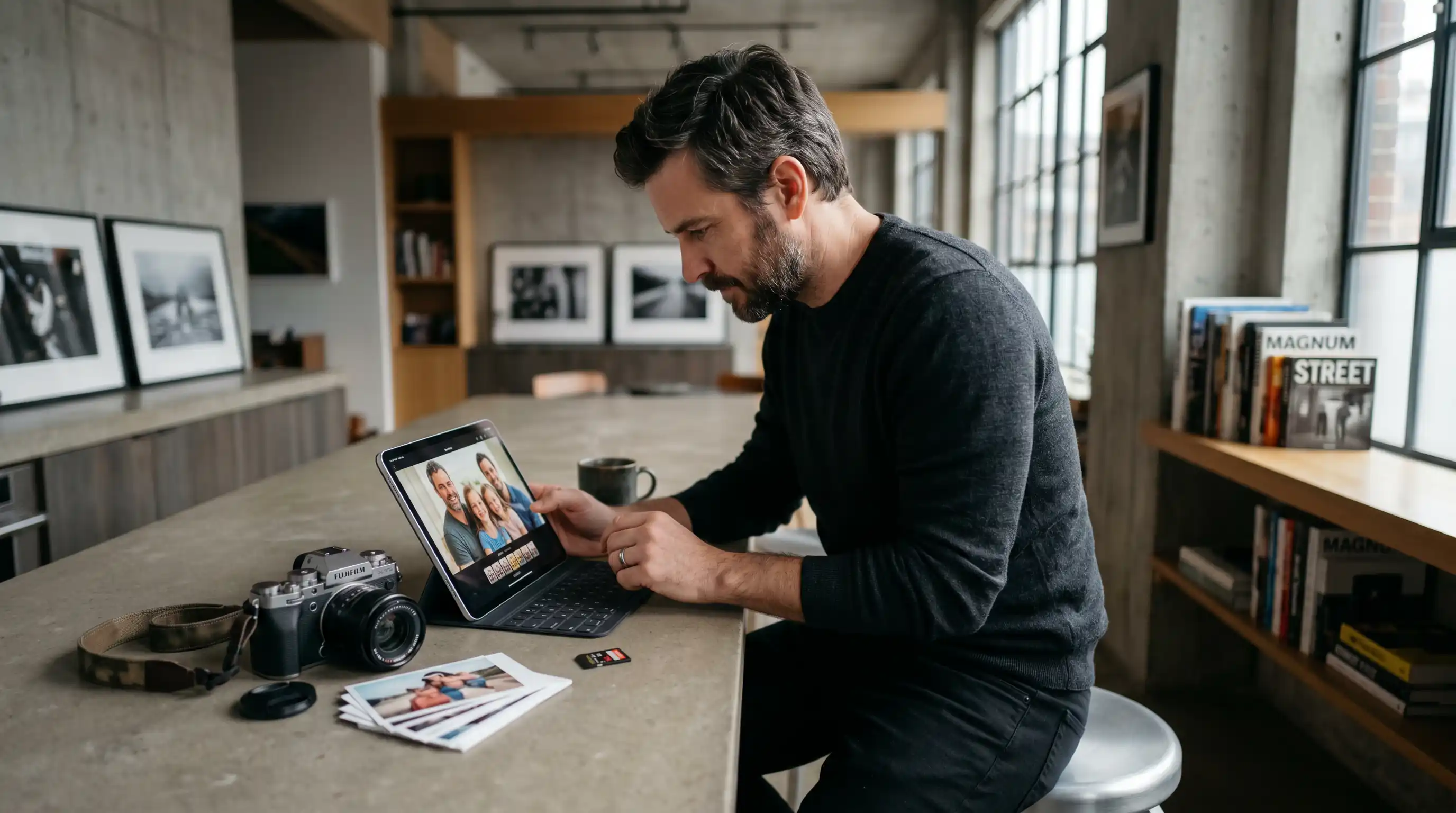
Brand team applying Age Filter to campaign assets

Brand Storytellers

In house content teams use the Face Age Changer to visualize how a brand character or spokesperson might look across different life stages. The aging filter online free output keeps visual style consistent across campaign assets without manual retouching or freelance illustration costs.

Personal user previewing Age Filter face result

Hobby Photographers

Personal users exploring the free ai age filter want to see themselves older or younger without installing software. Upload a clear portrait, choose the age direction, and download the result. This is the age my child photo free online use case that drives most casual visits.

How the Age Filter Works

Three steps take a portrait photo to a finished age filtered image. No accounts needed for a first result, and no design background is required.

Step 1

Upload Your Photo

Select a clear, front facing portrait from your device. The Age Filter reads facial geometry, skin texture, and hair detail from the source image to build an accurate age model before generating output.

Step 2

Set Age Direction

Choose older or younger, then pick the target age range. The ai aging filter adjusts wrinkle density, hair tone, and skin smoothness according to the selected stage, not a generic overlay.

Step 3

Download the Result

The age filter online free output renders at high resolution in seconds. Download the file directly from the browser and use it for social posts, creative projects, or personal previews without further editing.

Age Filter Capabilities at a Glance

Four distinct capabilities define how the Age Filter handles face aging. Each one addresses a specific gap that simpler overlay tools leave behind.

One Click Age Switch

Upload a photo and the Age Filter generates an aged or rejuvenated result without multi step configuration. The output appears in seconds. This is what separates the free ai age progression app experience from manual retouching workflows that take hours per image.

Age Filter one click age switch result preview

Texture Accurate Aging

The ai aging filter reads facial structure, skin texture, and hair condition from the uploaded image before making any change. Wrinkles, skin tone shift, and hair greying follow the face's actual geometry. The result reads as a real photograph, not a filter layer placed on top.

Age Filter skin texture accuracy comparison detail

Bidirectional Age Range

The old age filter supports both aging and rejuvenation directions across multiple age stages. Select a future self preview or restore a younger appearance from the same source photo. The face ager online output covers the full range from young adult to senior without swapping tools.

Age Filter bidirectional aging and rejuvenation output

High Resolution Export

Every Age Filter result exports at high resolution, ready for social sharing or creative use without reprocessing. The free aging filter output downloads directly from the browser, making it practical for the age progression filter use case where final image quality matters for audience engagement.

Age Filter high resolution export download ready output

Age Filter Questions Answered

Yes. The Age Filter runs in the browser and gives first time users a quick result without mandatory registration. If you need higher resolution export or saved history, sign in and upgrade later. Most users testing an old age filter online free workflow can start.

Run Your First Age Filter Now

Upload a portrait and generate an aged or younger face in seconds. The Age Filter is ready in your browser with no software to install.

Create Free