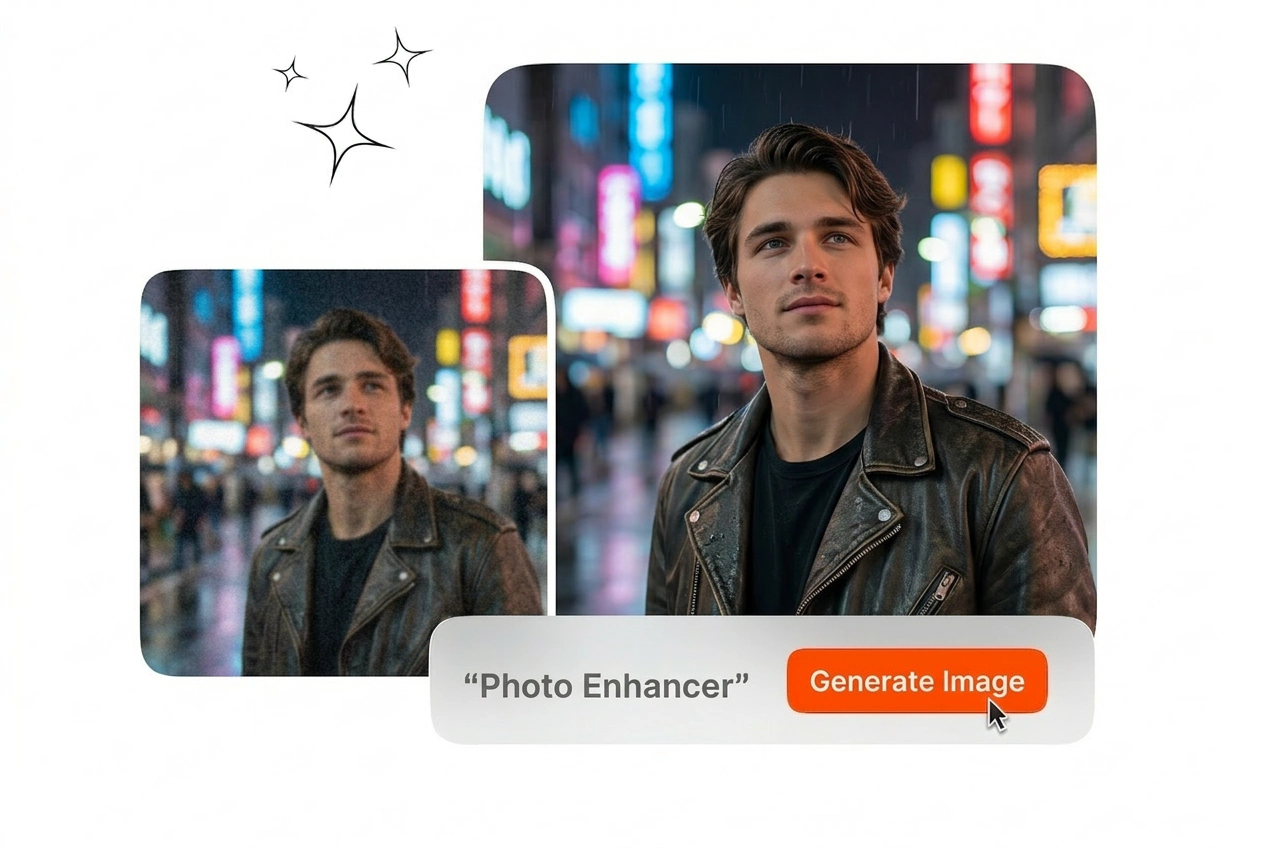


E-commerce Product Teams
Your catalog needs uniform clarity across hundreds of product shots. Veme AI acts as a Photo Enhancer to remove compression artifacts from vendor files. You get crisp textures and accurate colors ready for your storefront.
Use this Photo Enhancer to fix blurry photos and improve image quality. Upload your reference image and export a clean high resolution file.
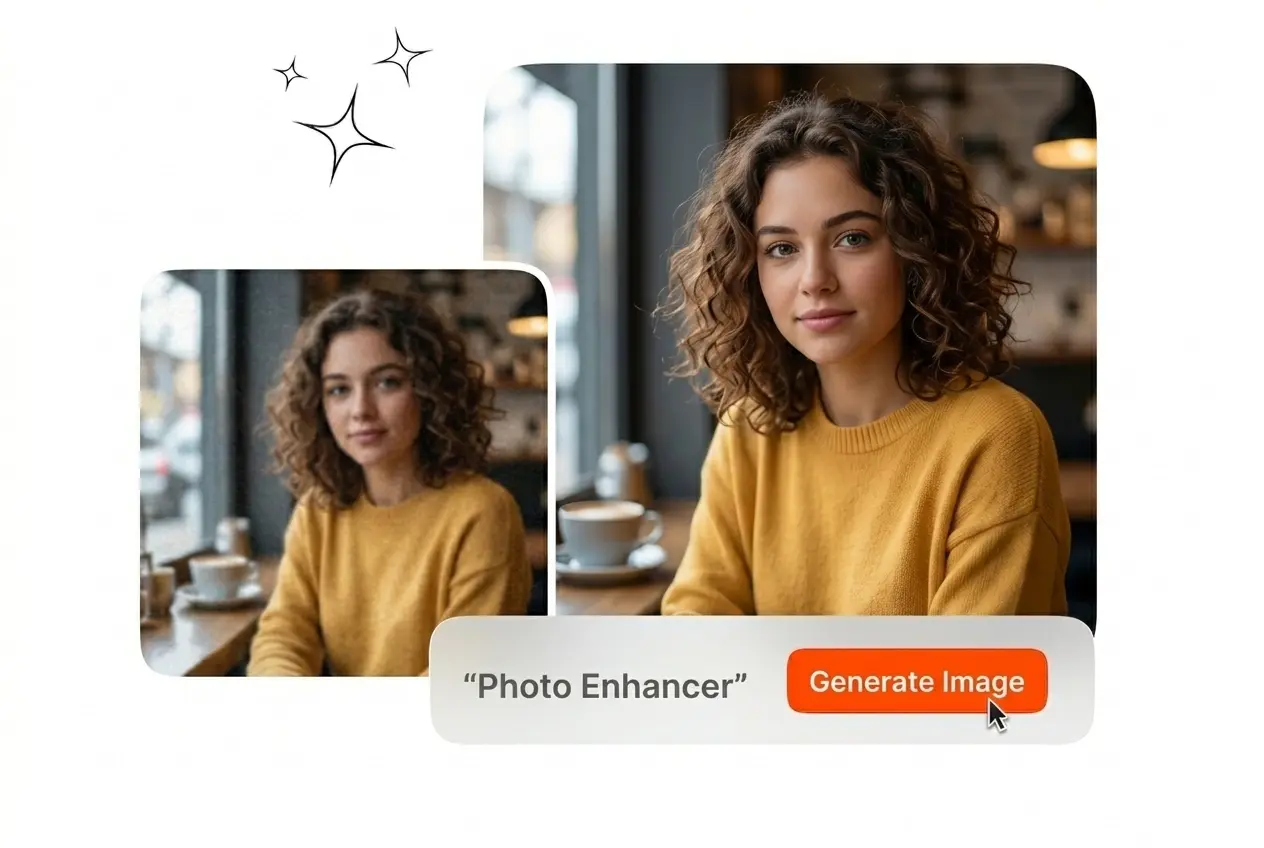
Upload your reference image and apply the AI Photo Enhancer. Veme AI restores details, corrects colors, and exports a clean file in seconds.
Different roles require specific output standards. This Photo Enhancer online tool delivers consistent resolution upgrades for print, digital campaigns, and archival projects.
Your catalog needs uniform clarity across hundreds of product shots. Veme AI acts as a Photo Enhancer to remove compression artifacts from vendor files. You get crisp textures and accurate colors ready for your storefront.
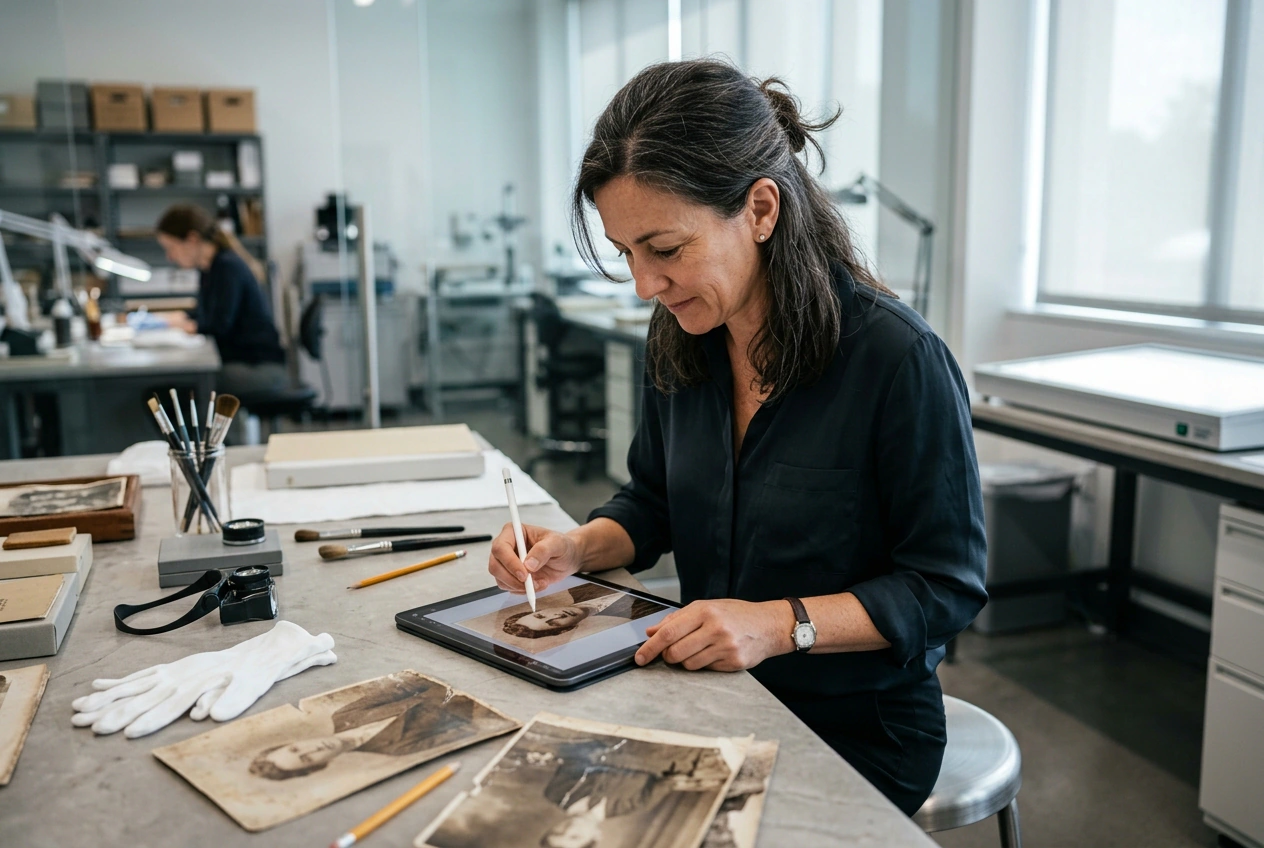
Historical scans often suffer from heavy grain and faded contrast. Run your files through this Photo Enhancer to rebuild lost facial details and textures. The output preserves the original character while removing distracting visual noise.

Low resolution drafts limit your final print options. Use the AI Photo Enhancer to multiply your canvas dimensions without losing edge sharpness. Export a high fidelity file that meets commercial printing requirements every single time.
Follow these steps to improve photo quality and prepare your assets for publishing. The process requires no complex manual masking or layer adjustments.
Import your source file directly into the Photo Enhancer workspace. Veme AI accepts standard formats and immediately analyzes the raw pixel data to identify specific areas needing clarity, noise reduction, or color correction.
Select your target resolution and apply specific manual tweaks like brightness, saturation, or contrast. The system processes these exact parameters to enhance image quality online without introducing any unwanted artificial artifacts.
Review the processed output in the main preview window. Once the result meets your standards, export the high resolution asset directly to your local drive for immediate use in your professional projects.
Veme AI provides precise control over your final output. Fix blurry photos, recover lost textures, and scale dimensions while maintaining strict visual consistency.
Out of focus shots often ruin otherwise perfect compositions. Veme AI sharpens soft edges and restores overall image clarity with a single command. You save hours of manual masking and export a completely usable file immediately.
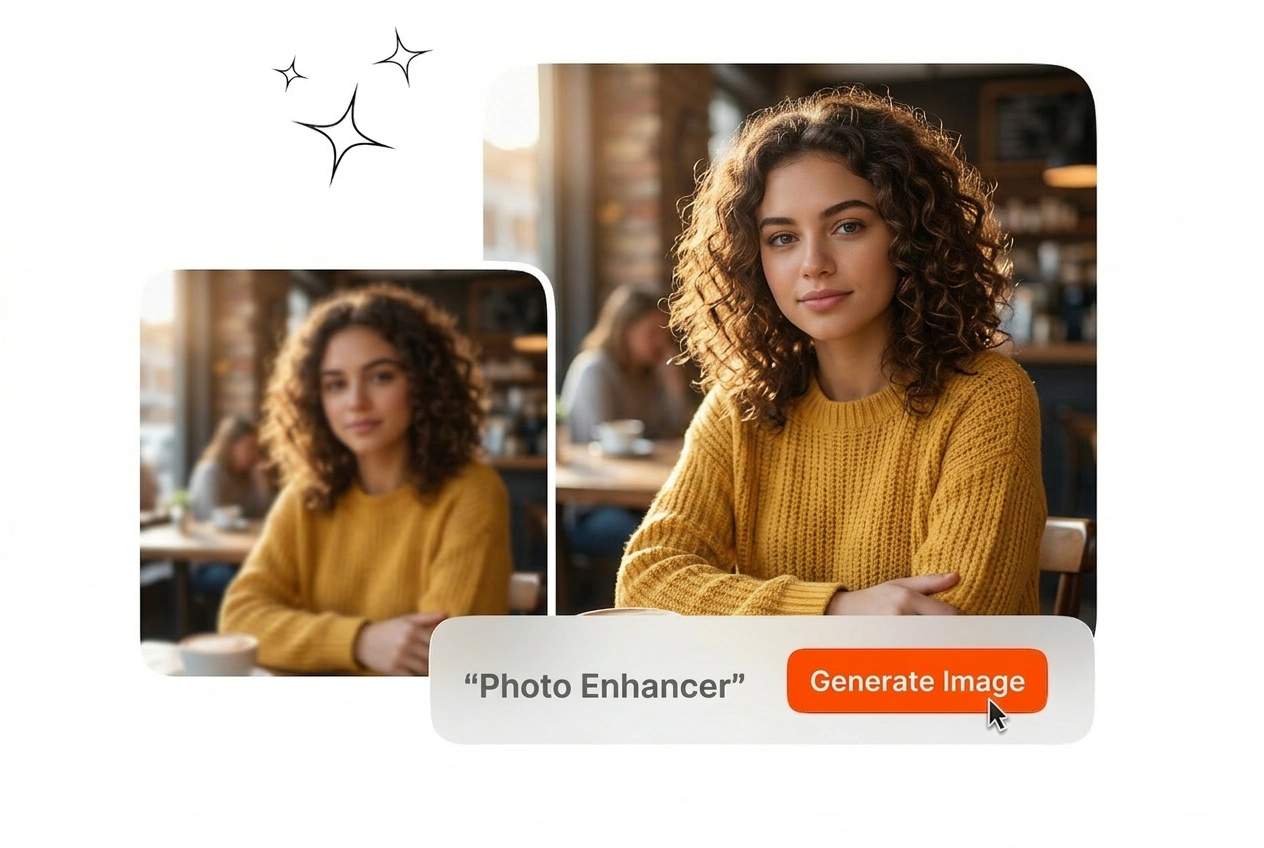
Low resolution inputs severely limit your available distribution channels. This feature multiplies the base pixel count without creating jagged borders or unnatural smoothing. The resulting export looks completely natural even when printed on large physical formats.
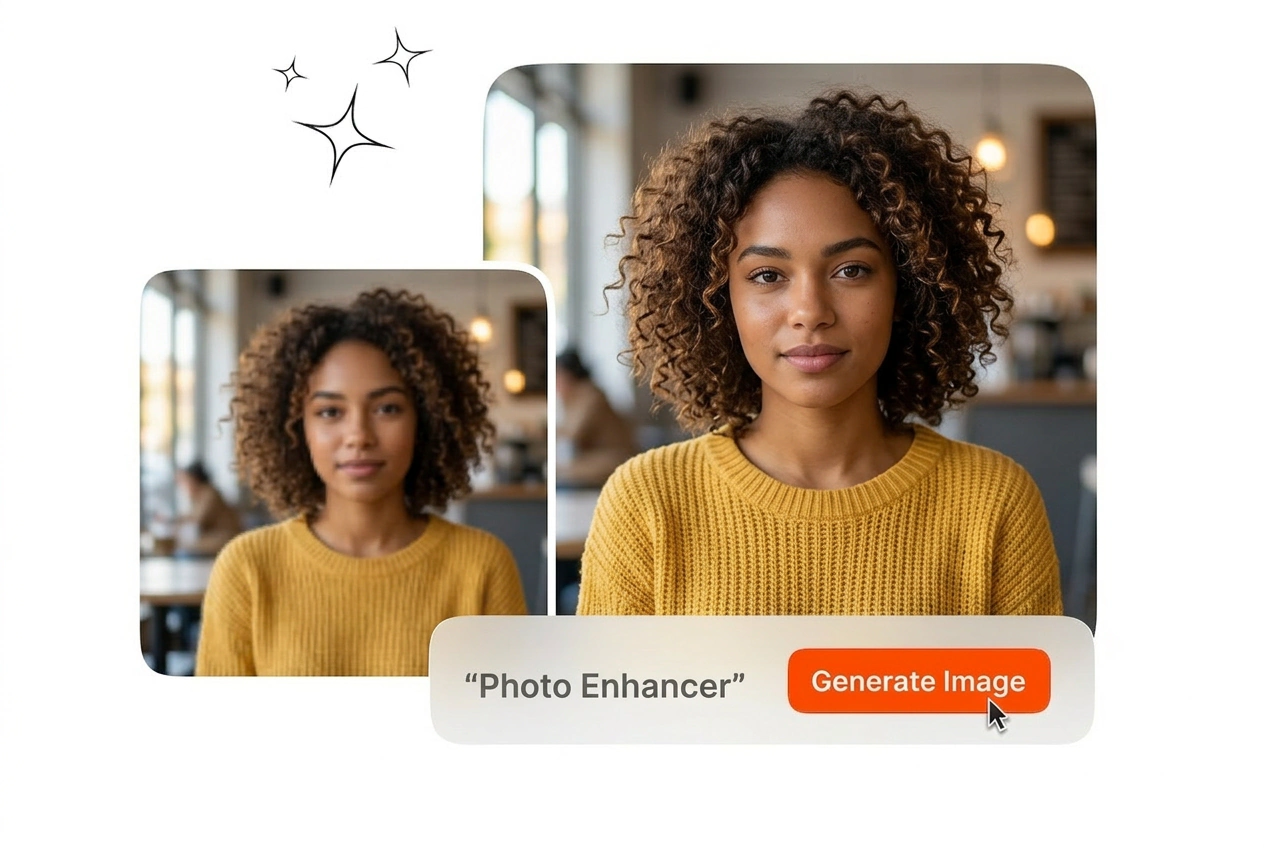
Low light environments introduce heavy grain that degrades visual quality. Veme AI analyzes the noise pattern and removes it while preserving underlying textures. Use this for photo restoration tasks to clean up archival assets efficiently.
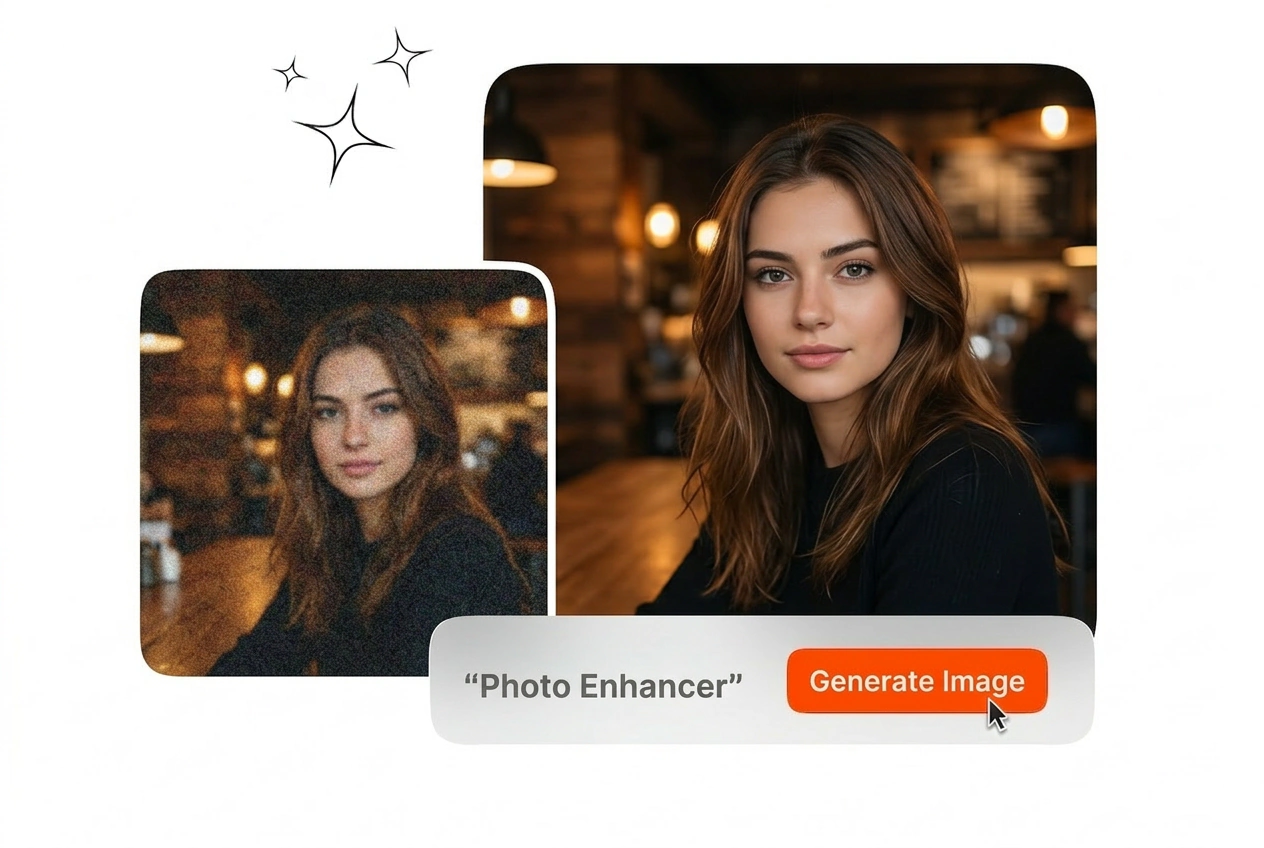
Automated processing does not always perfectly match your specific creative intent. This Photo Enhancer includes dedicated sliders for brightness, contrast, and saturation to fine-tune the result. You maintain total control over the final color grade before exporting.
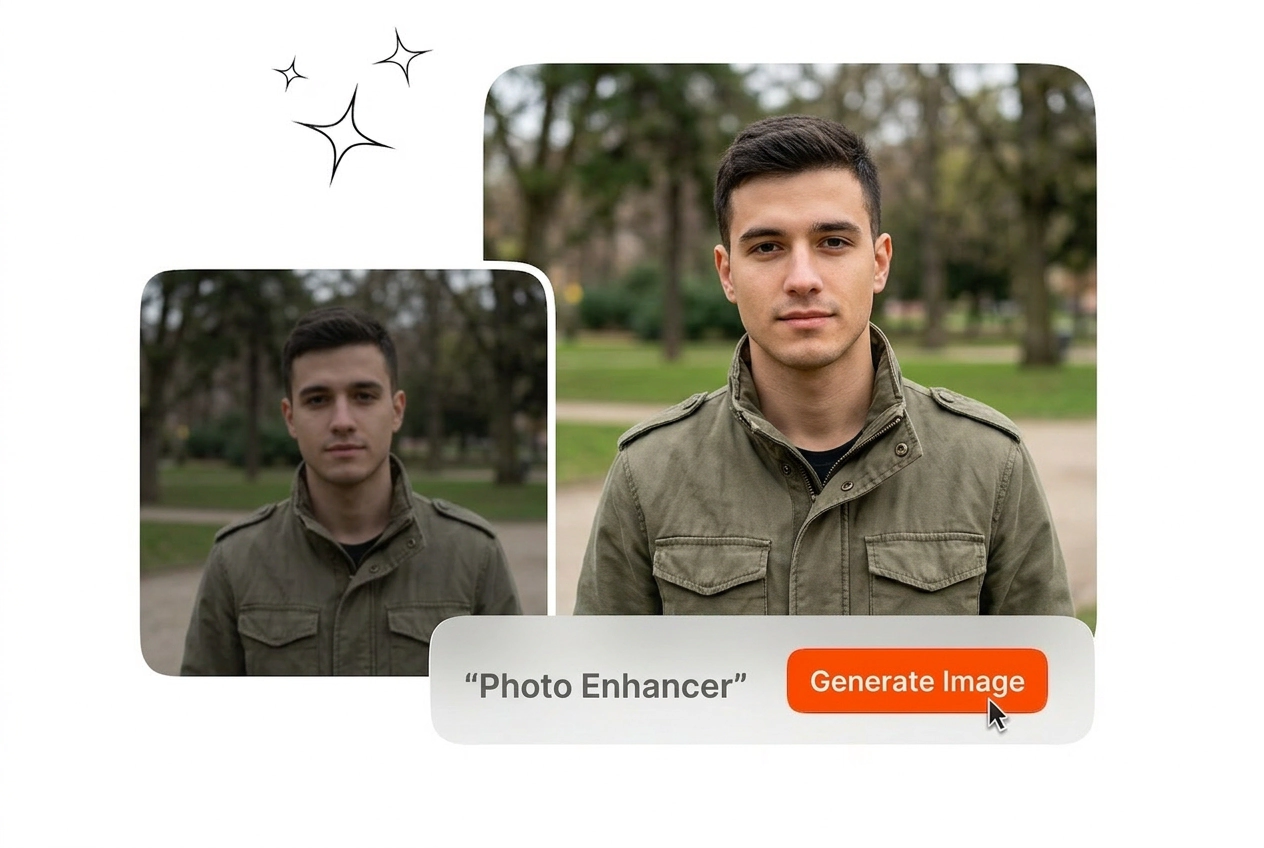
Start with a clean, minimally compressed file and apply small, controlled adjustments. The tool restores clarity and reduces noise, but a heavily degraded source will still limit detail. Preview changes and export the most natural high resolution result for your use case.
Upload your reference image and set your Photo Enhancer parameters. Export clean, high resolution files that meet your professional standards without the manual effort.
Create Free