Dance Instructors
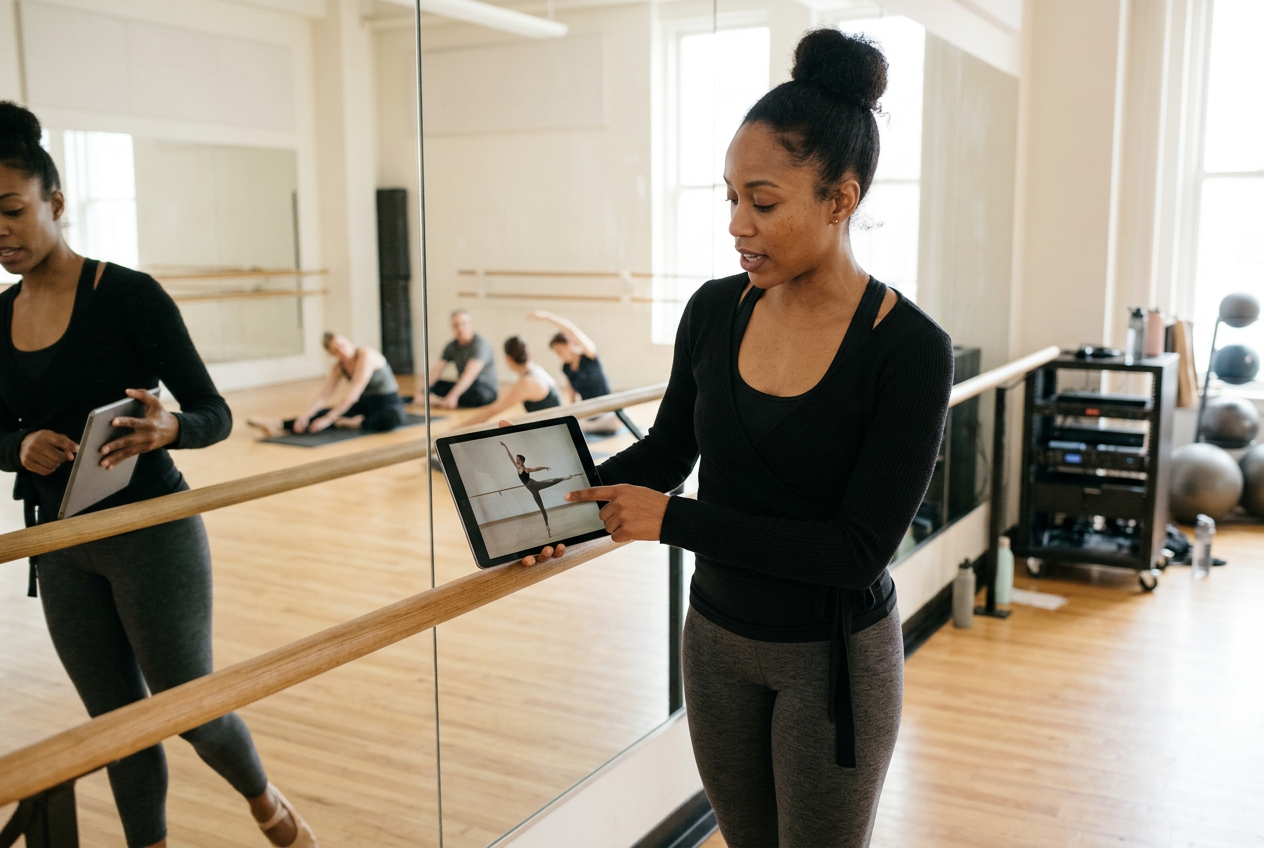
Dance instructors can use this to demo moves for online classes or social tips. The result feels quick to produce and polished enough for daily posting and learner reference.
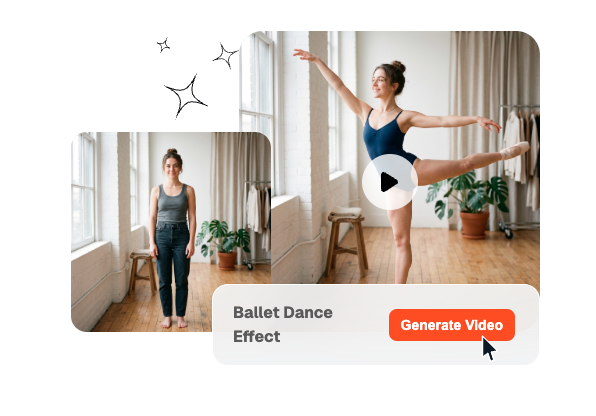
Use the Ballet Dance Effect to bring a photo to life with elegant ballet movements. Upload an image and generate a smooth dance animation that feels light, graceful, and expressive.
Upload a photo and AI detects pose to generate smooth ballet motion. Add optional start or end frames, set duration and quality, then get a Ballet Dance Effect clip.
This ballet workflow fits creators who need a dance clip without choreography shoots or manual keyframing. It works best when speed, consistency, and repeatable output matter at once.
Dance instructors can use this to demo moves for online classes or social tips. The result feels quick to produce and polished enough for daily posting and learner reference.
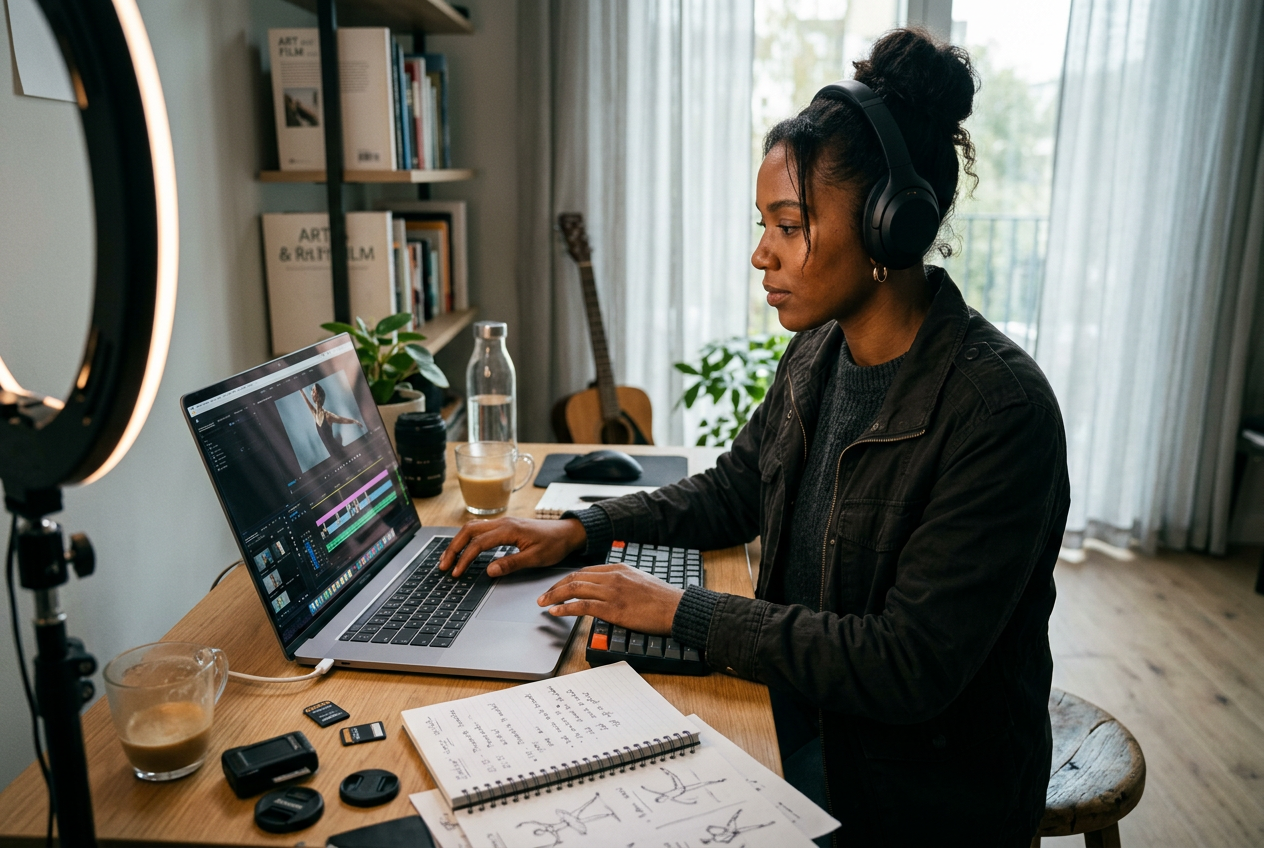
Content creators get a cleaner ballet workflow without turning revisions into frame-by-frame edits. They can test prompt changes and timing while keeping motion easier to repeat.
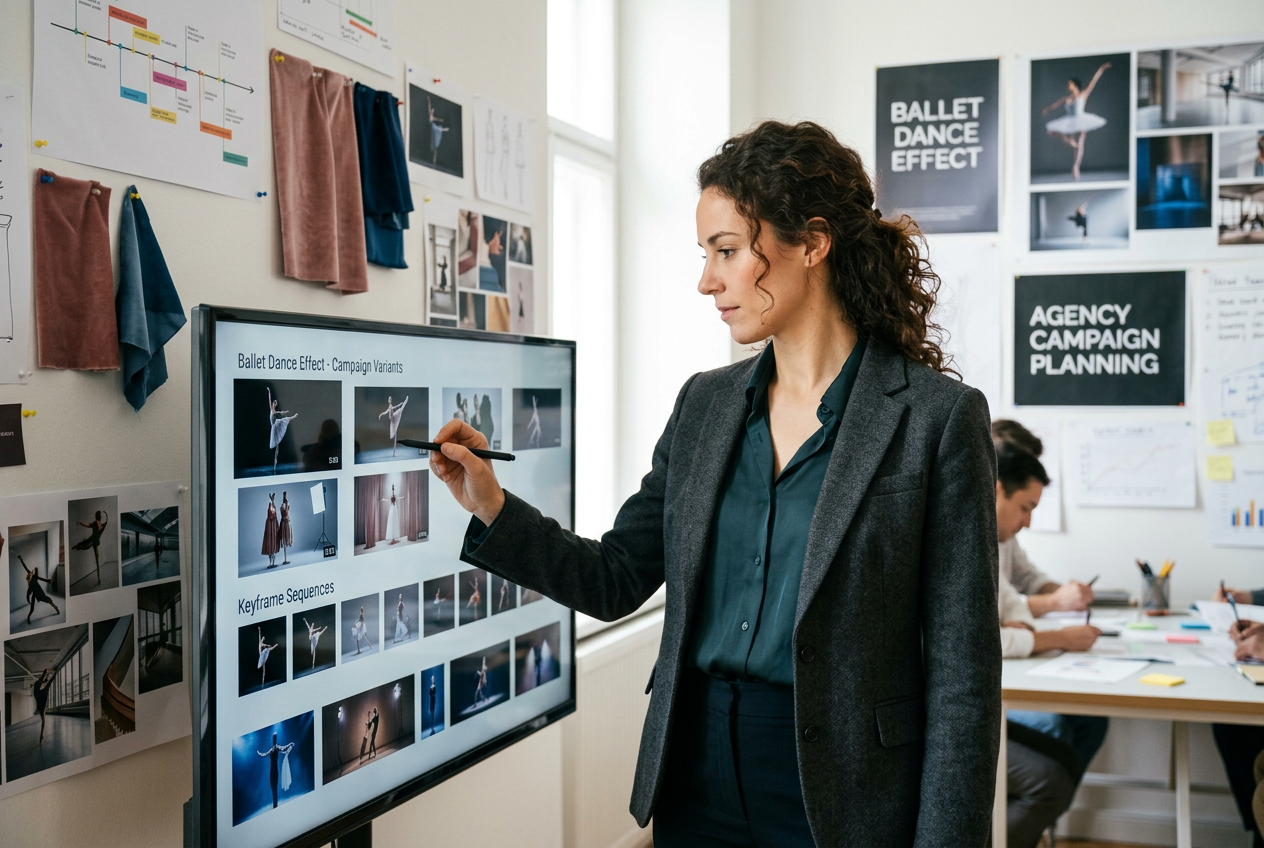
Social teams can carry one ballet style across launch cuts and campaign variants with less drift. That makes approvals faster when several people need the same ballet style in each edit.
The ballet workflow stays short enough for fast tests but structured enough for repeatable output. You upload a photo, add optional frames, and set output controls before the model builds motion.
Upload a single photo with a clear pose. AI detects body position to drive the ballet motion. Add an optional end frame when the clip needs a precise landing pose.
Describe the ballet style, speed, and timing so the effect reads clearly on screen. Strong prompt detail makes the motion easier to steer across mood and pace.
Choose model and quality settings that match where the clip will be published. That keeps test renders quick while leaving room for cleaner finals once the direction is approved.
These controls keep ballet output flexible while testing and dependable for delivery. Creators can guide motion and poses without adding extra steps.
You can guide the effect with only a start frame, only an end frame, or both. That gives the motion enough structure for exact landings while allowing prompt-driven variation.
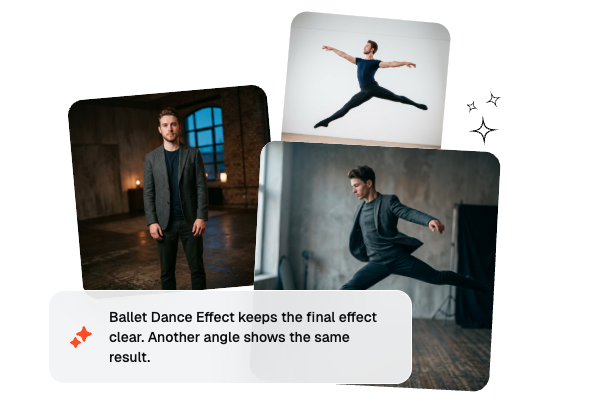
The Ballet Dance Effect adapts each clip to different publishing goals. Teams can move from quick tests to polished finals without rebuilding the idea. This keeps the workflow fast and consistent.
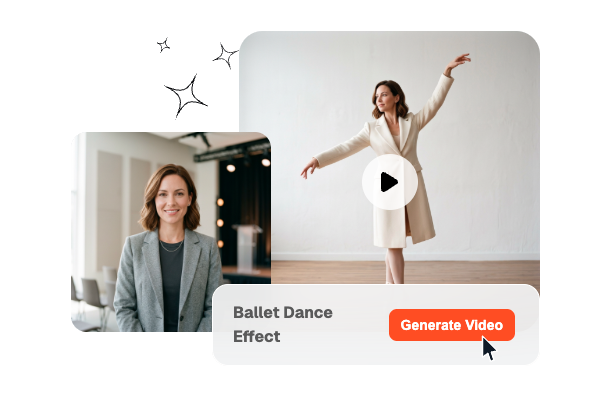
Veme AI keeps the ballet workflow light enough for fast comparisons across prompts and frames. That helps creators review more options sooner without extra cleanup overhead.
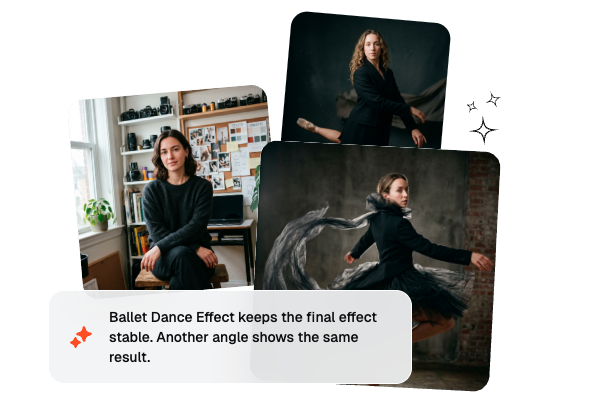
A Ballet Dance Effect turns a single photo into a fluid ballet motion clip. AI detects pose and generates smooth dance movement. It works best when the motion path and timing stay easy to read. You can try a free Ballet Dance Effect or AI transition free trial to test it.
Create a dance based clip with faster setup, cleaner control, and repeatable creator workflow from one place.
Start CreatingFast • Controlled