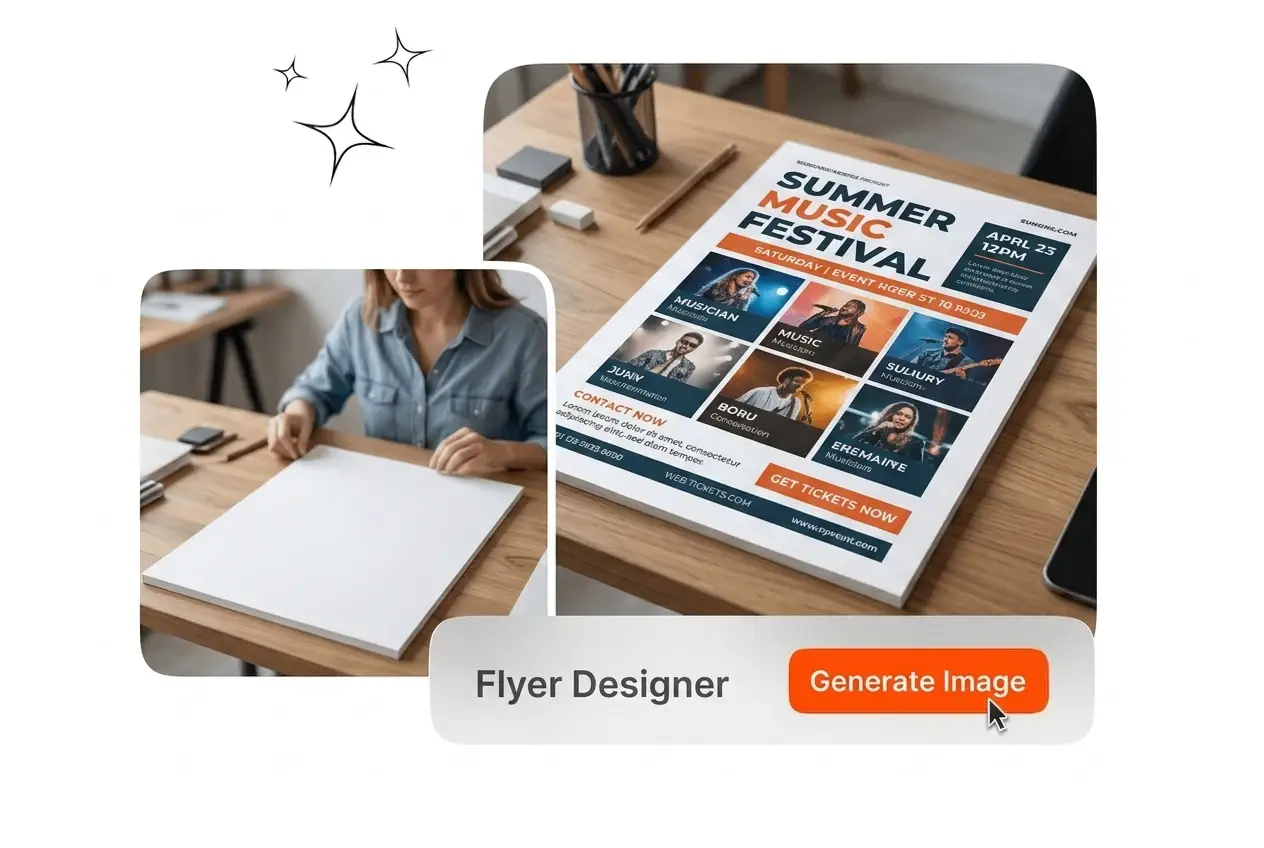
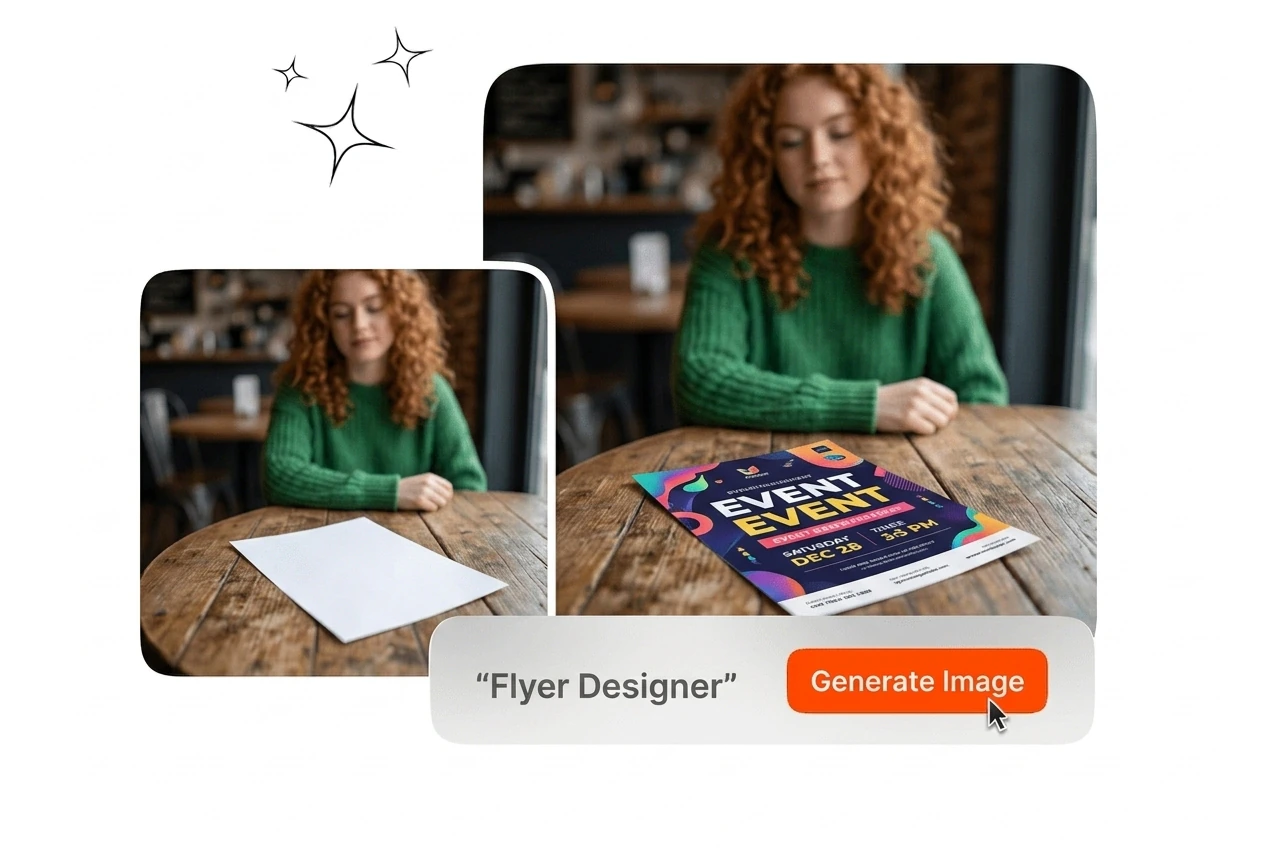

Free Flyer Designer

Flyer designer on Veme AI generates complete layout drafts from your brand details and style settings. Output quality improves when you supply clear color direction and specific event information.

Banner preview

Flyer Designer Built for Fast Output

Veme AI is a flyer designer that generates layout drafts from your brand details and style settings, ready to export for print or social media.

Who Uses This Flyer Designer

Veme AI flyer designer fits teams and individuals who need polished output on a fixed schedule, without a dedicated graphic design resource on hand.

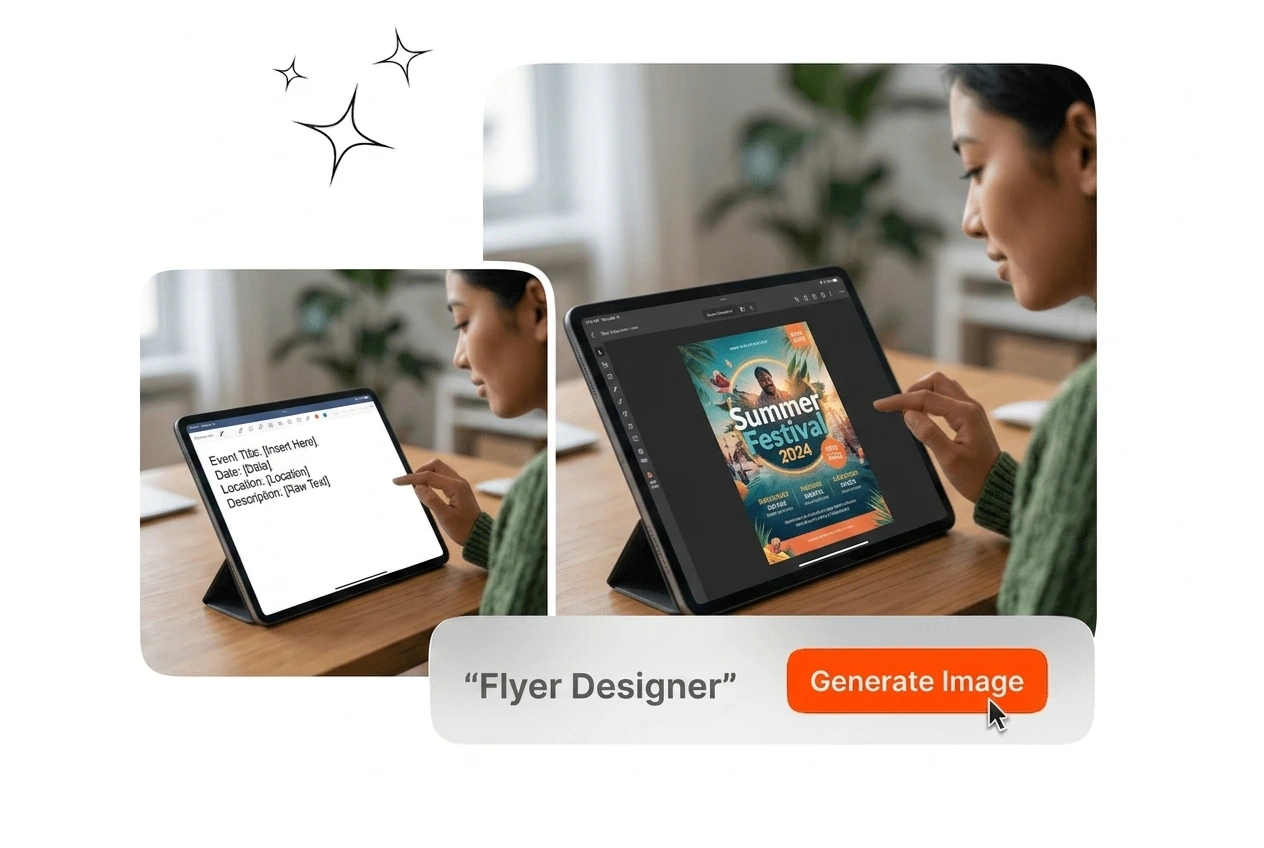
Marketing coordinator using Flyer designer tool

Marketing Coordinators

You manage promotional materials across campaigns and rarely have a designer on standby. The flyer designer generates on-brand drafts from your event details and color settings, so you spend time reviewing instead of building from scratch. Batch output keeps visual style consistent across every distribution channel.


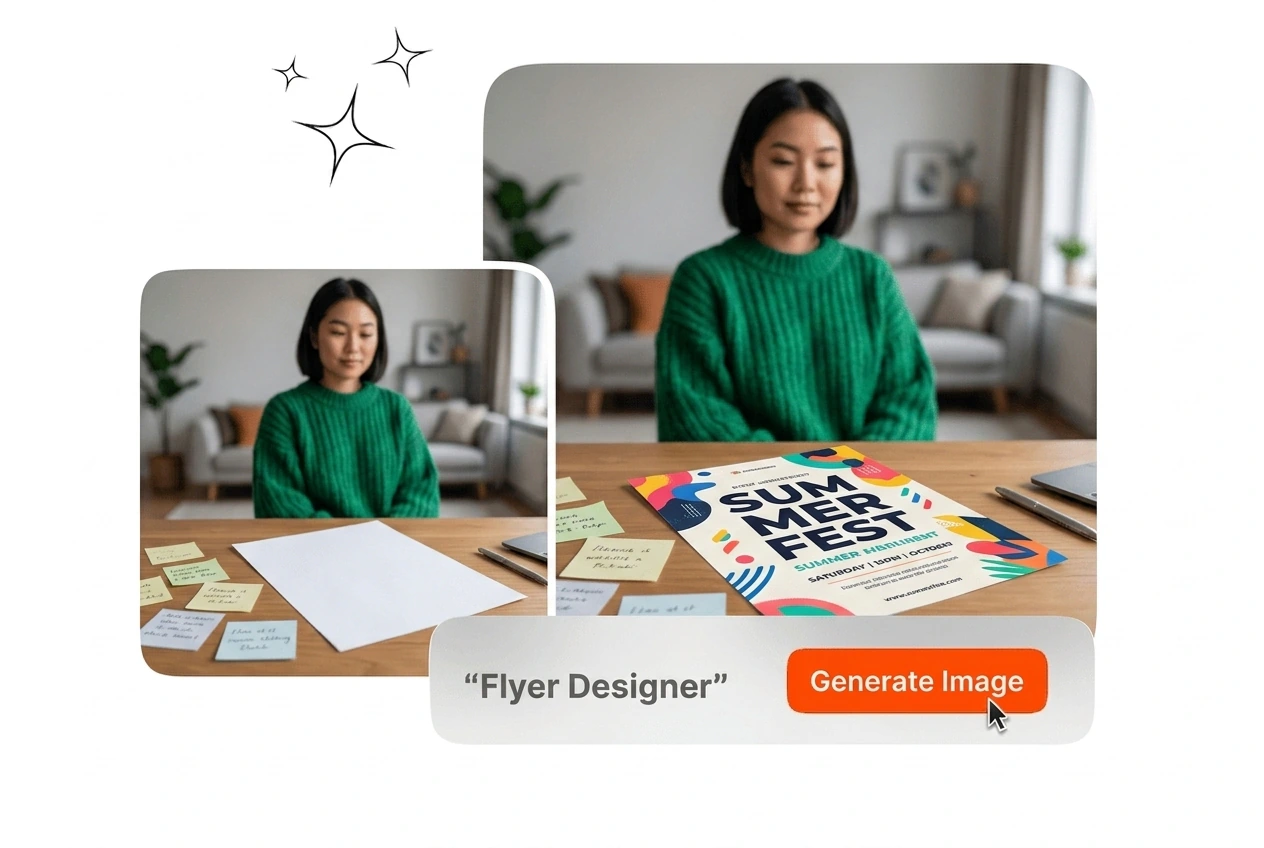
Real estate agent reviewing Flyer designer output

Real Estate Agents

Property listings need a clean, professional flyer ready before an open house date. The flyer designer produces listing layouts with your supplied images and property details already positioned correctly. You adjust the font and color, then export a print-ready file without opening a separate design application.

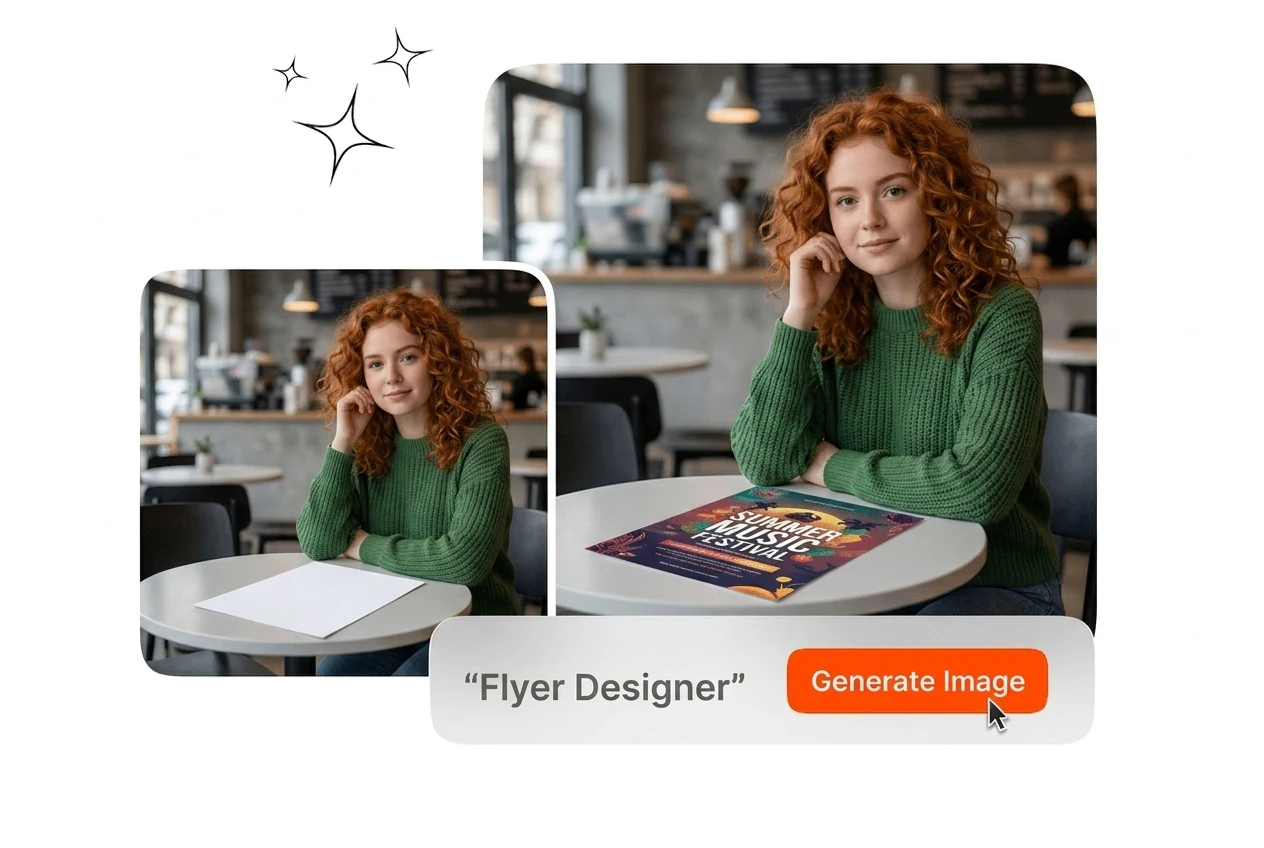
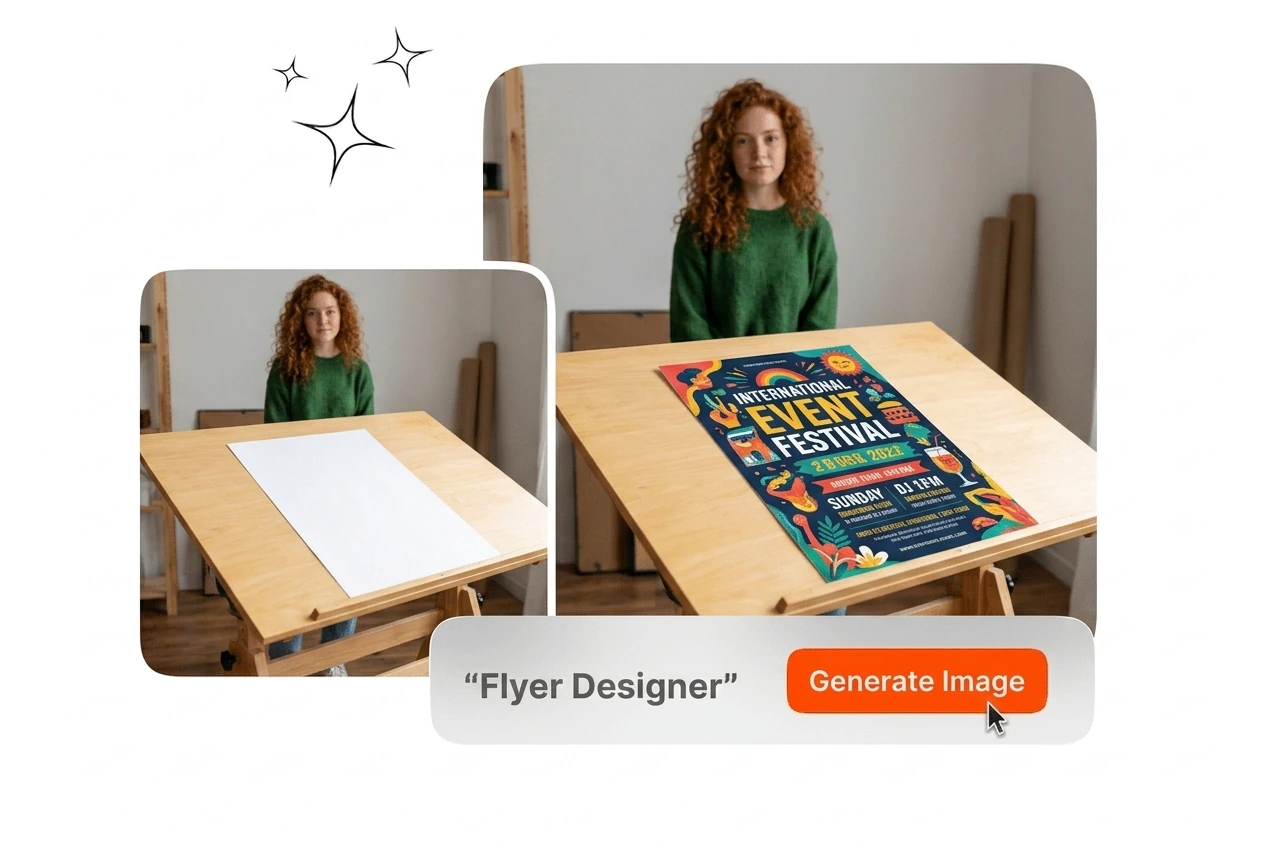
Event organizer creating Flyer designer social post

Event Organizers

Campus events, club nights, and band shows need a party flyer maker that moves as fast as the planning does. Supply your event name, date, and reference image, and the flyer designer outputs a formatted design with title hierarchy and layout already set. The result goes directly to social or print.

How the Flyer Designer Works

The flyer designer runs in three steps. Supply your details, select a style, and export the finished layout in your target format.

Step 1

Supply Your Details

Enter your business name, event theme, and any brand color direction. You can also upload a reference image to anchor the visual style. The flyer designer uses this information to generate the initial layout draft.

Step 2

Select Style and Template

Browse the available free flyer design templates and pick the one that fits your format. Filter by style category to match the output to your business flyer maker needs or event type quickly.

Step 3

Edit and Export

Adjust fonts, colors, layout, and imagery in the editor. When the design matches your requirements, export the finished flyer at your target resolution for print distribution or social media posting.

Flyer Designer Core Capabilities

Each feature maps to a specific stage of the flyer design workflow, from generating the first draft to exporting a consistent final file across multiple formats.

One Click Draft Generation

The flyer designer generates a complete layout draft from your supplied brand name, event description, and style settings. No blank canvas, no manual placement. The output includes a composed title, subtitle, and visual arrangement ready for your review and edits. This is how the AI flyer generator removes the setup cost from every new project.

Flyer designer one-click draft generation preview

Details-to-Design Output

Enter your brand information and event theme, and the flyer designer produces a structured layout with headline hierarchy and composition already resolved. This is the text to flyer design AI workflow: your specifics go in, a formatted design comes out. Editing starts from a complete draft, not a blank grid.

Flyer designer text-to-design AI output result

Template Library Access

The free flyer design templates library covers business promotion, club flyer formats, band flyer layouts, poster maker presets, and more. Select a style category, and the matching templates load immediately. Each template is built for a specific use case, so you are not adapting a generic layout to fit a specialized need.

Flyer designer template library style selection

Editable Layout Controls

After the flyer designer generates the draft, open the editor to adjust fonts, colors, imagery, and layout structure. Change the color grade to match your brand palette or reposition elements to fit your print dimensions. The finished export reflects your adjustments without requiring you to regenerate the entire design from the beginning.

Flyer designer editable layout color and font controls

Flyer Designer Common Questions

In most cases, yes, you can access the free flyer maker and generate an initial draft before committing to a plan. Full export at higher resolutions and access to the complete free flyer design templates library may require a registered account. This gives you enough to evaluate the flyer designer output quality before deciding on a paid tier.

Create Your First Flyer Design

The flyer designer is ready when you are. Supply your details, pick a style, and export a finished layout without a blank-canvas starting point.

Create Free