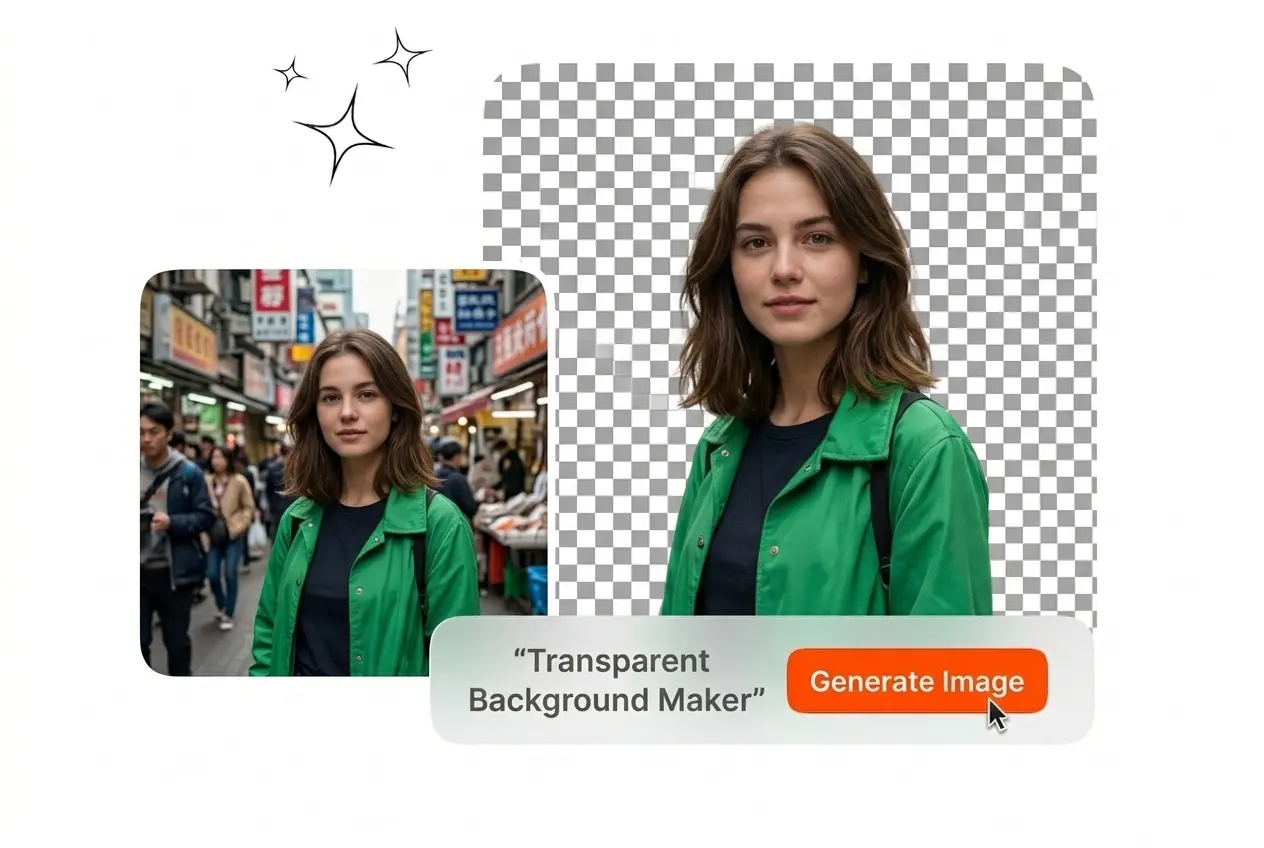
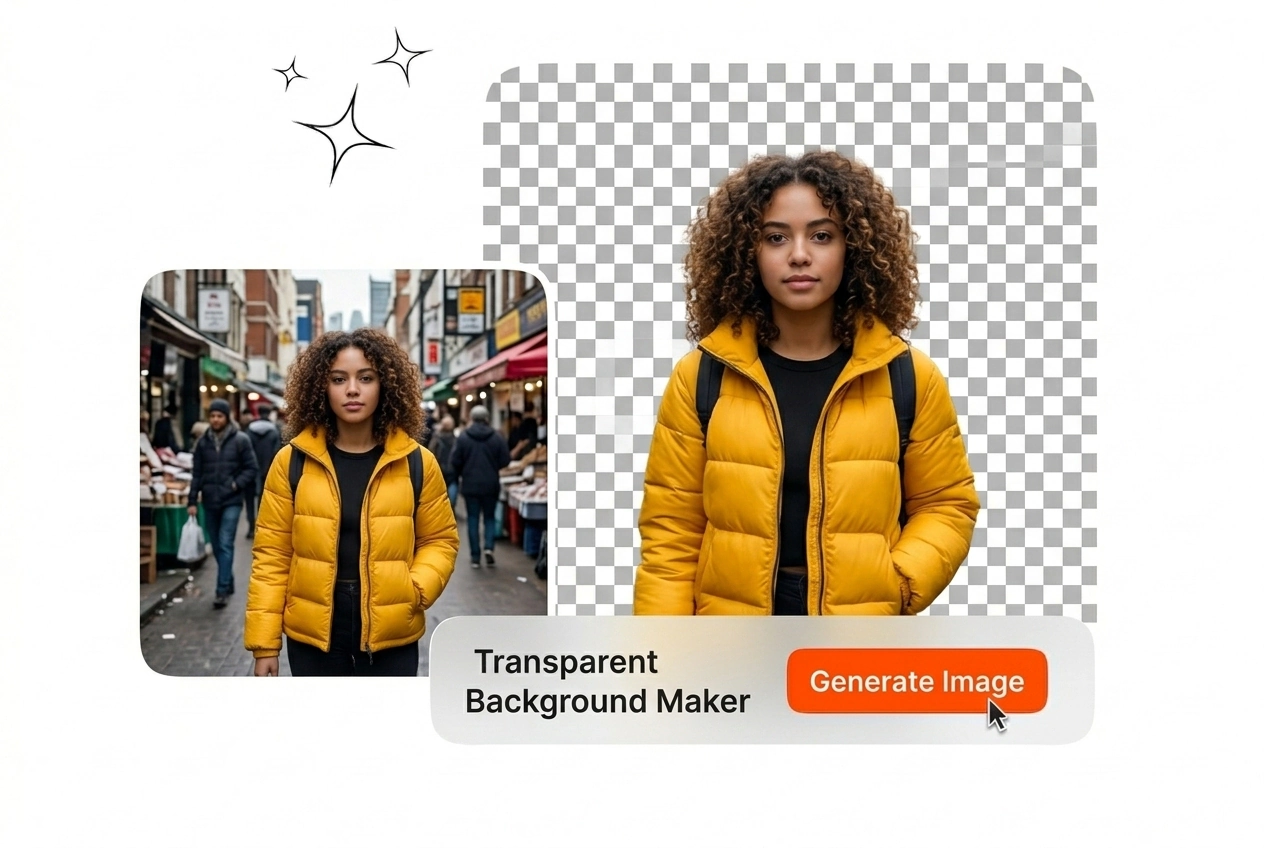

Free Transparent Background Maker
Veme AI provides a precise transparent background maker for professional image editing. Best results require clear subject contrast and high resolution reference images.

Online Transparent Background Maker Tool
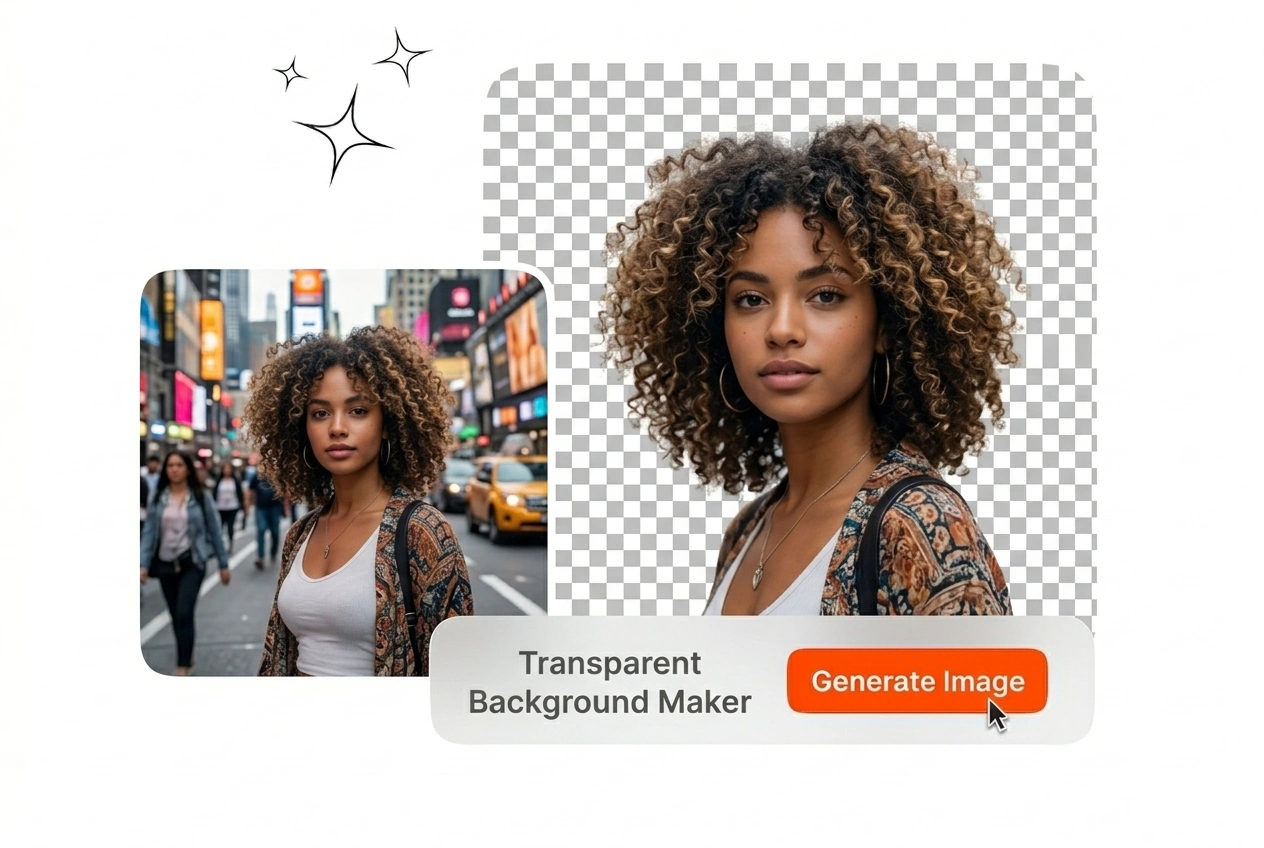
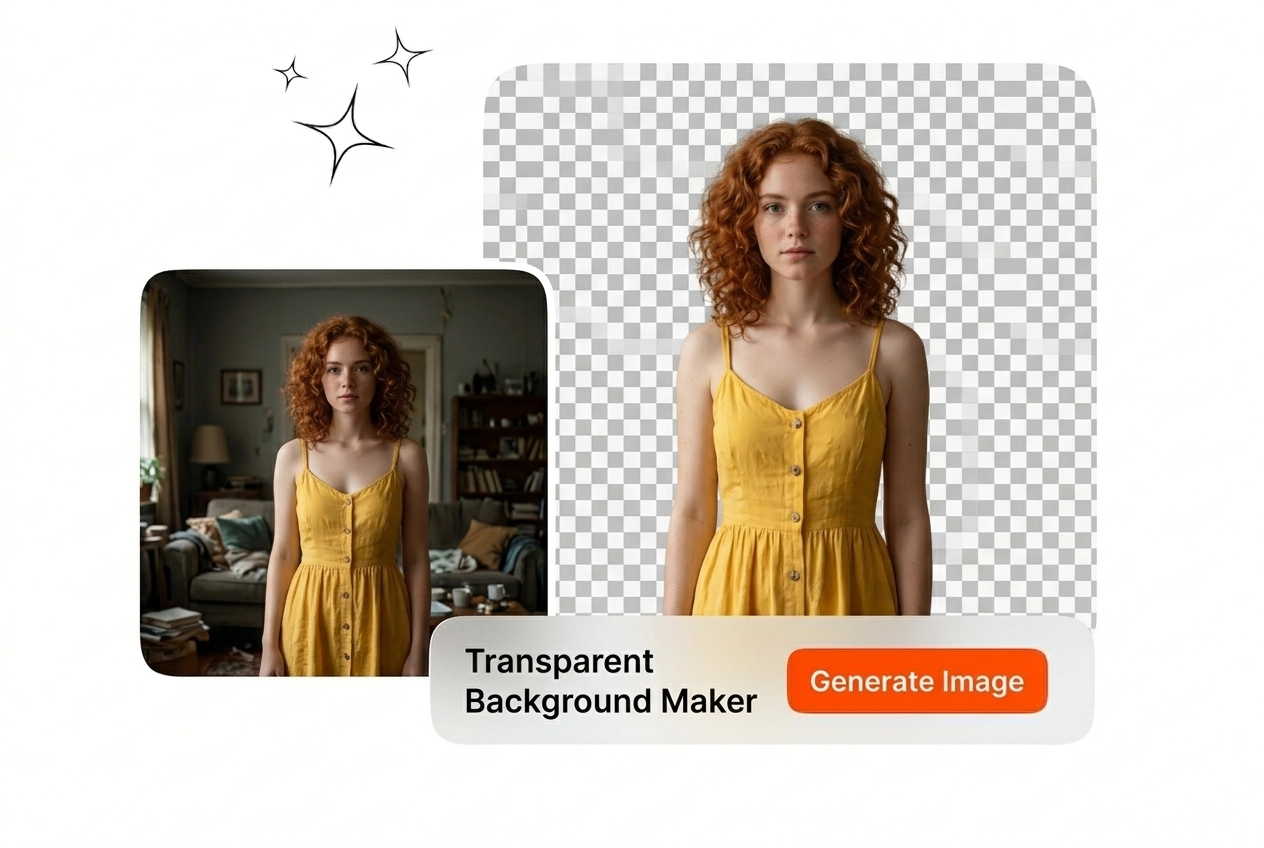
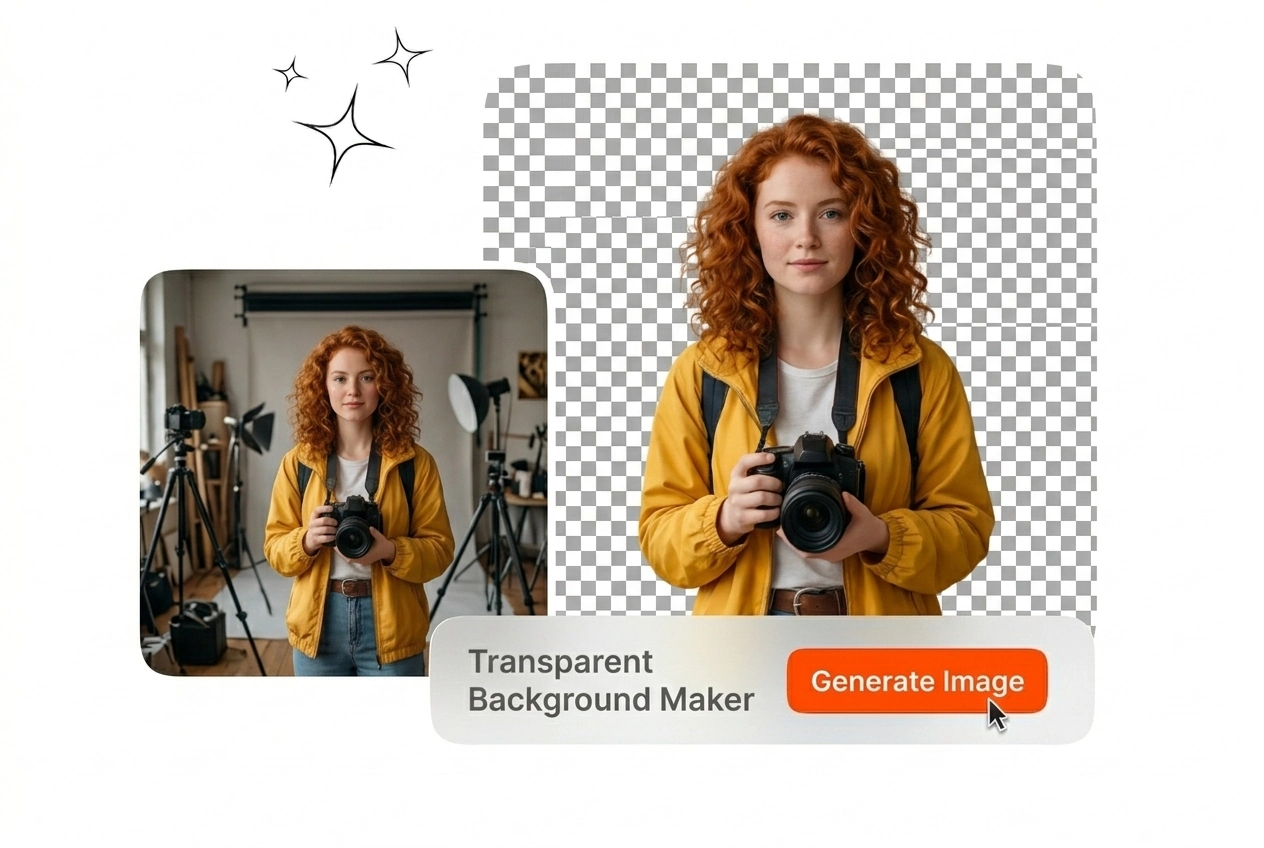
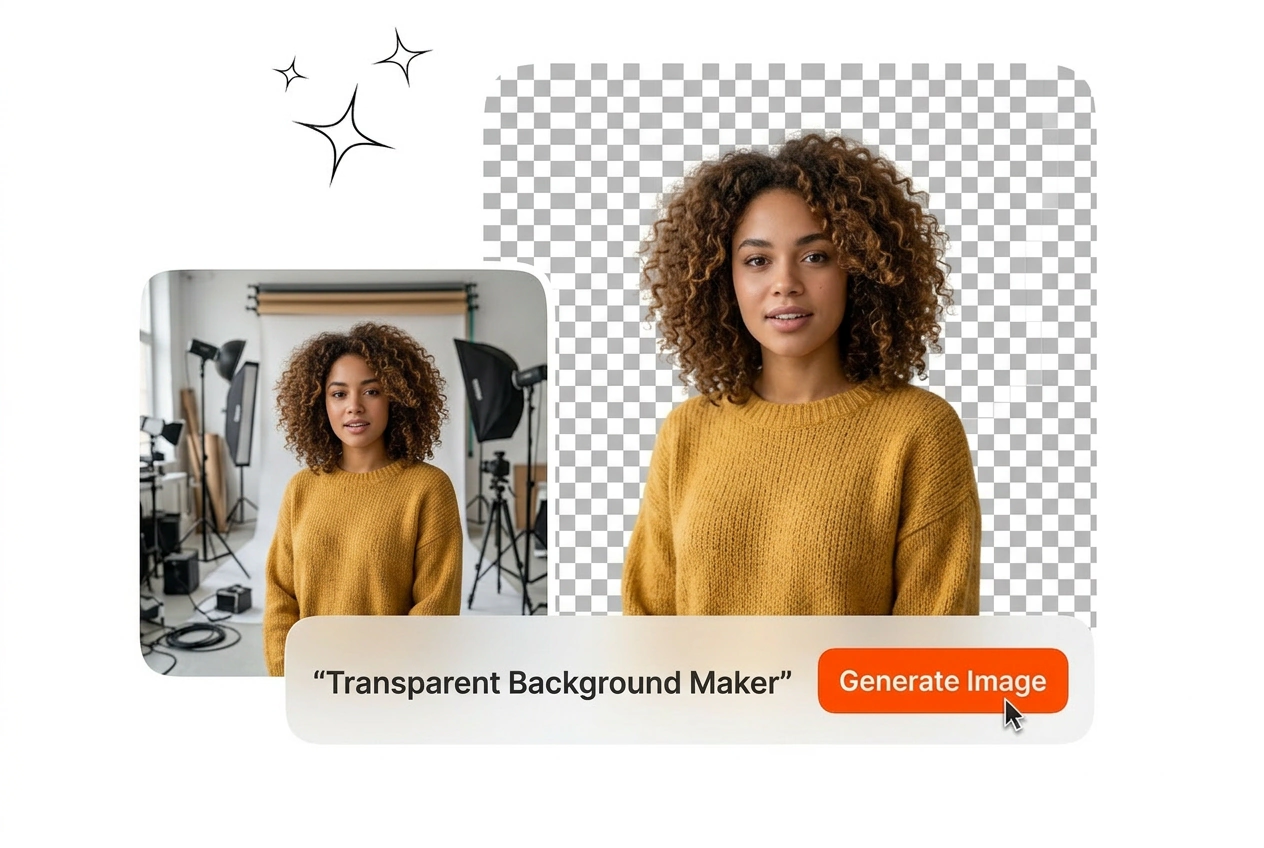
Upload a reference image and extract the subject instantly. Our transparent background maker delivers clean edges for your professional design workflow.

Different industries require exact subject isolation for daily production. This transparent background maker integrates directly into your existing visual asset pipeline.

Product catalogs demand pure white or transparent backdrops. You upload the raw product photo and export a clean transparent background PNG. This transparent background generator processes batches quickly to keep your online storefront visually consistent.

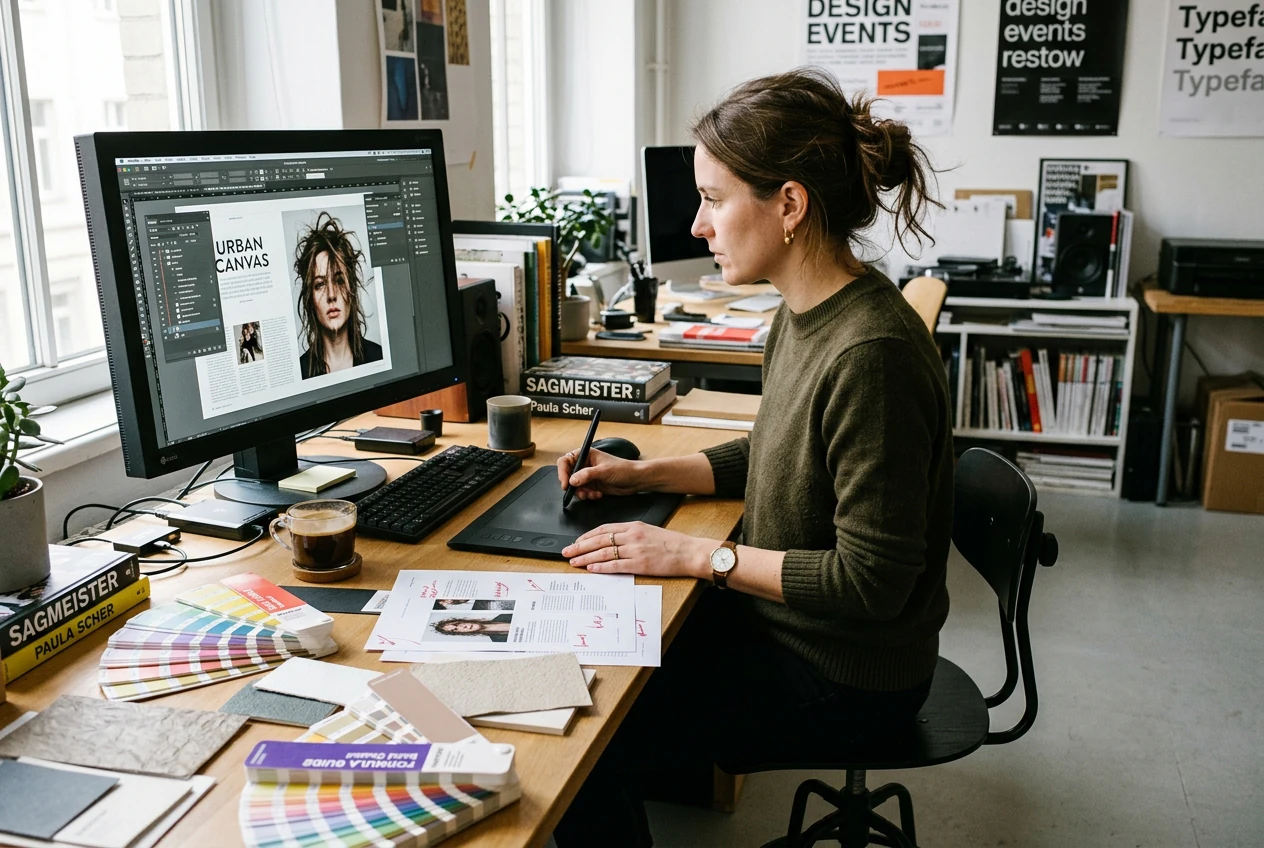
Ad creatives require flexible assets for multiple layout variations. You use the background eraser to isolate models and products. The final output drops perfectly into your photo transparent background maker for fast campaign iteration and deployment.

Client projects often supply messy source files. You make background transparent instantly without tedious manual pen tool tracing. The AI transparent background maker handles complex hair details so you can focus on the actual layout.
Use The Transparent Background Maker
The process requires zero manual masking or technical setup. Follow these exact steps to erase background from photo assets efficiently.
Step 1
Upload Reference Image
Select your source file and load it into the workspace. The transparent background maker accepts standard formats like JPG and WEBP. The system prepares the file for immediate subject detection.
Step 2
Process The Cutout
The engine identifies the primary subject and separates it from the environment. You review the clean edges around complex areas like hair or fine jewelry. The background becomes completely invisible.
Step 3
Export Your Asset
Save the isolated subject to your local drive. You download a high resolution file ready for immediate use. The transparent background remover ensures the final image integrates into any layout.
Transparent Background Maker Capabilities
Control your image output with precise subject isolation tools. The transparent background maker handles complex edge detection for professional grade results.

Pixel Perfect Edge Detection
The system maps intricate boundaries around your primary subject. You process images with fine details like fur or wireframes without losing structural integrity. The transparent background maker delivers sharp cutouts that require zero manual touchups.

Instant Background Replacement
Isolate your subject and swap the environment in one continuous workflow. You apply a solid color or upload a new setting. This transparent background generator outputs ready to publish assets for your daily content schedule.

High Resolution File Export
Maintain original image quality after the extraction process fully completes. You export the final asset as a crisp transparent background PNG. The output retains full clarity for large format printing and premium digital display requirements.
Transparent Background Maker FAQ
How do you make a transparent background on a picture?
You upload your reference image directly into the workspace. The AI detects the main subject and removes the surrounding environment automatically. Designers use this workflow to isolate products quickly without spending hours on manual tracing.
Does the tool handle complex details like hair?
Yes, the engine processes fine details including hair and transparent objects. You need high contrast between the subject and the original backdrop for optimal results. This ensures portrait photos look natural when placed over new environments.
What file formats can I export?
You can download your final cutout as a PNG or WEBP file. These formats preserve the alpha channel required for invisibility. Marketing teams rely on these specific file types to build layered compositions in other software.
Is this a free transparent background maker?
We offer a basic tier to test the extraction quality. Free accounts process standard resolution images with a daily limit. Professional users upgrade to access batch processing and full resolution downloads for commercial client work.
Can I process multiple images at once?
Batch processing isn’t available yet, but we’re actively working on it and it will be released soon. It’s part of our upcoming updates and will allow you to upload a folder of product shots and process them efficiently, saving e-commerce teams hours of repetitive work during large catalog updates.
Upload your first reference image and isolate the subject instantly. Export clean professional cutouts for your next design project today.