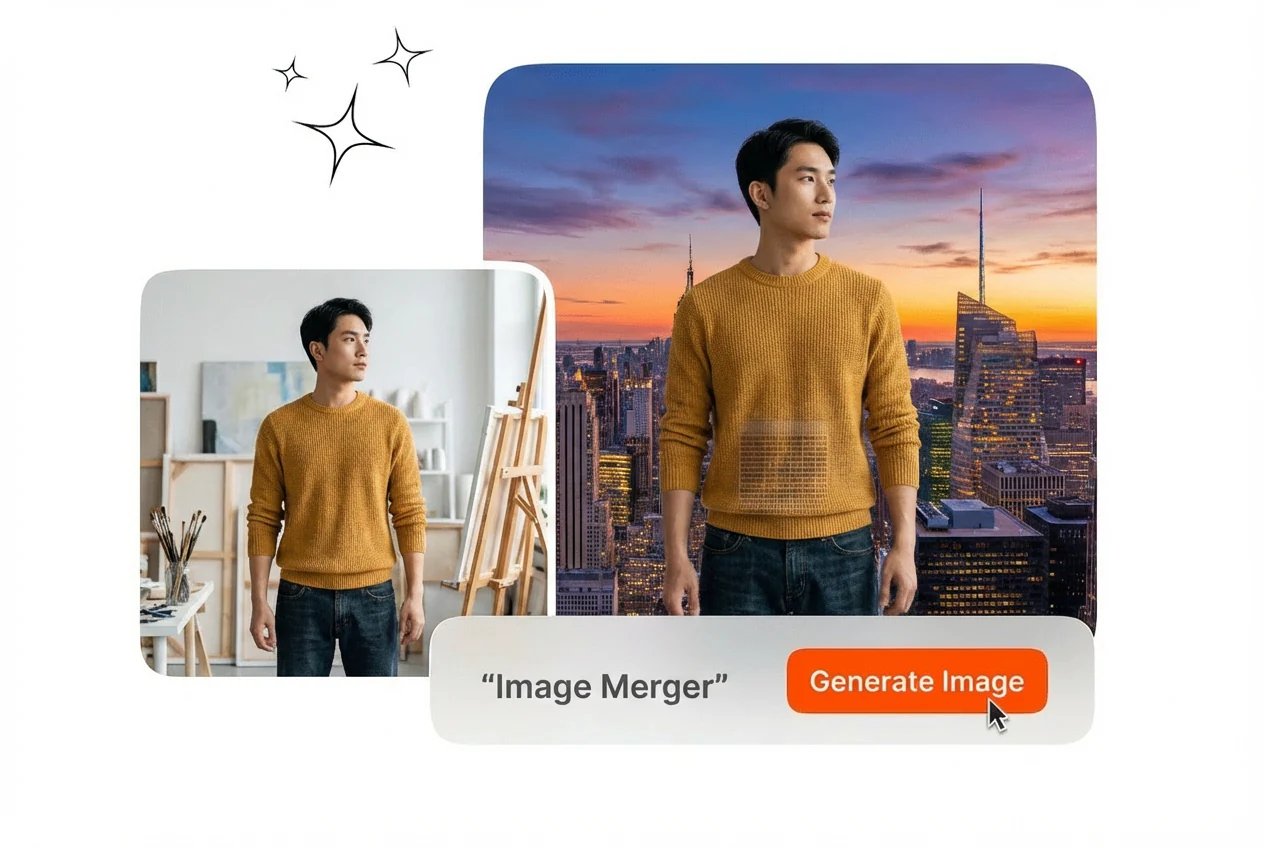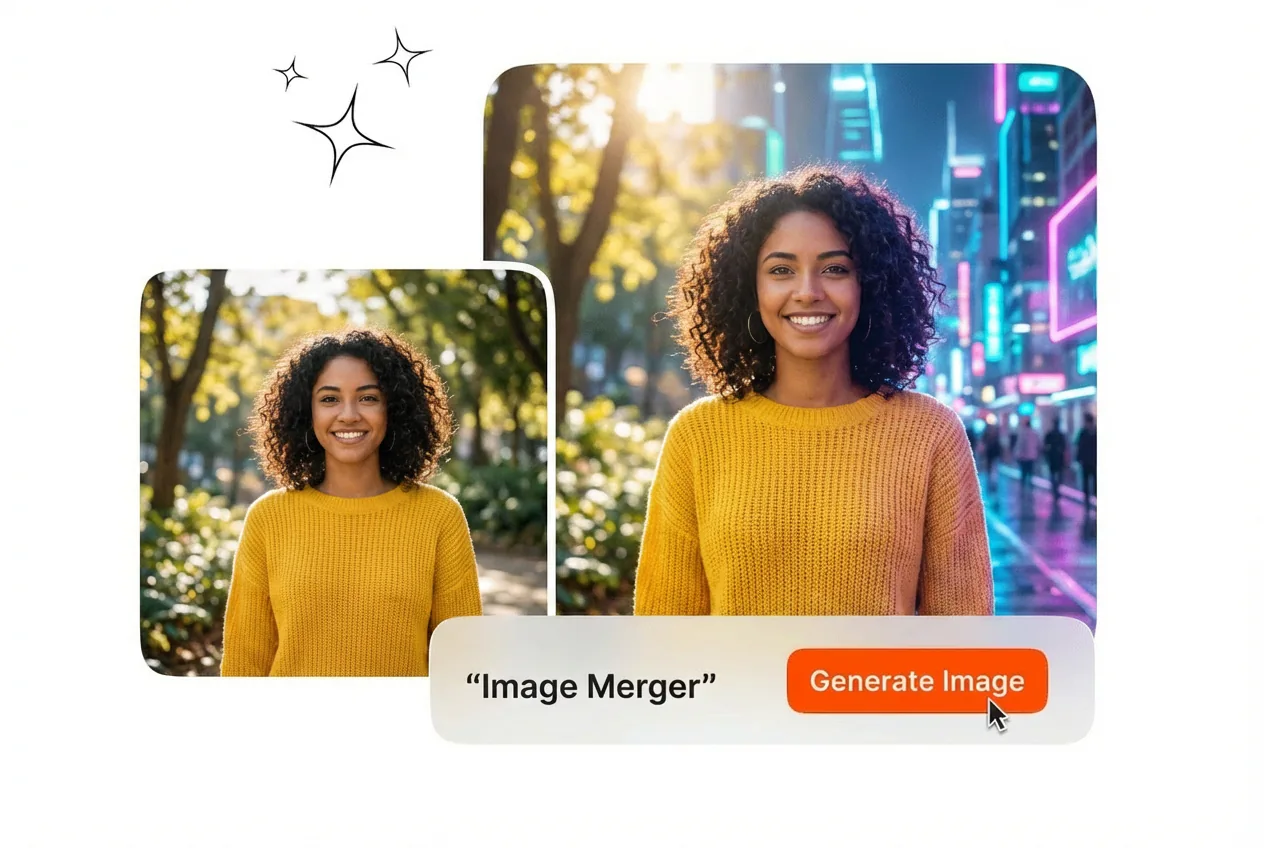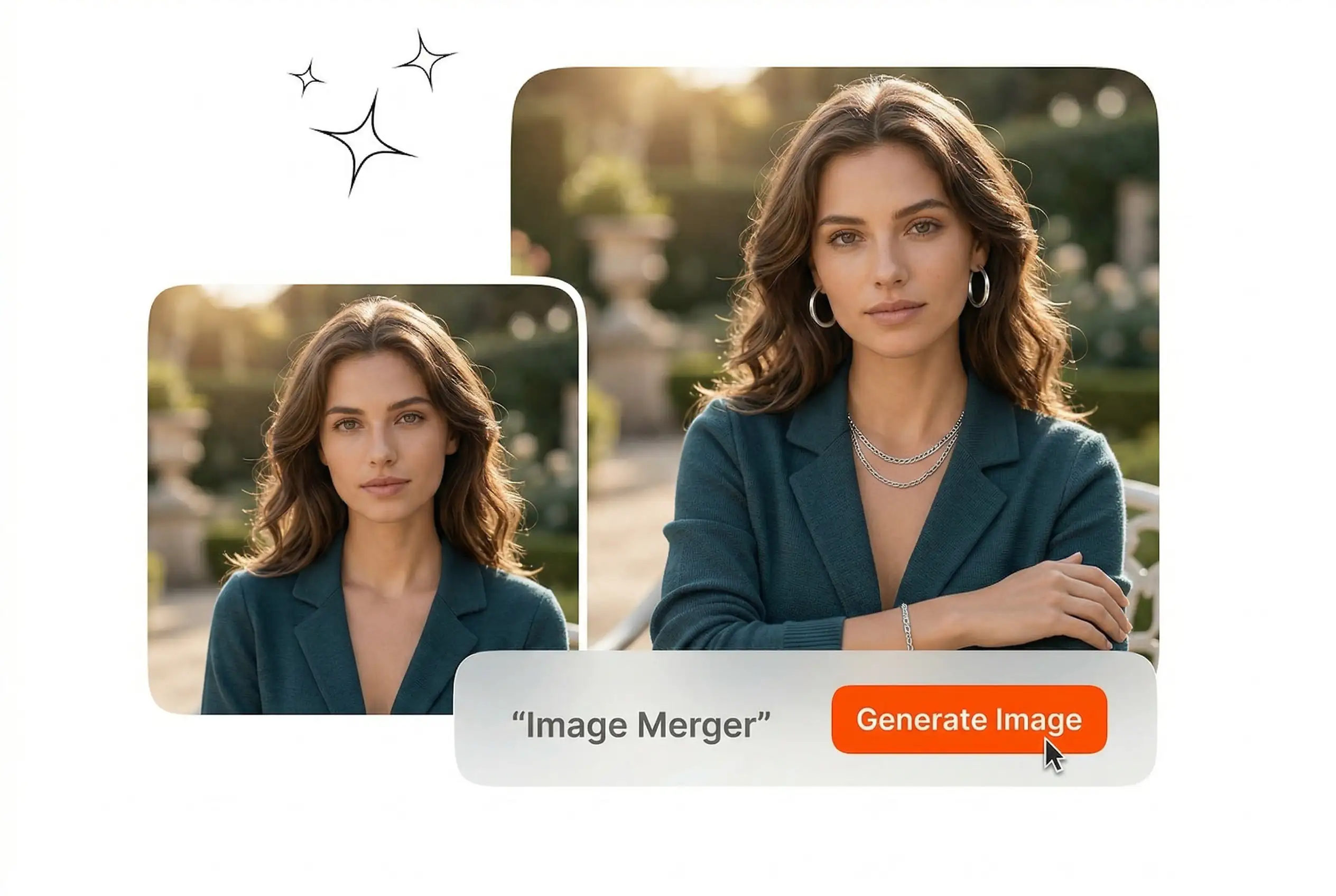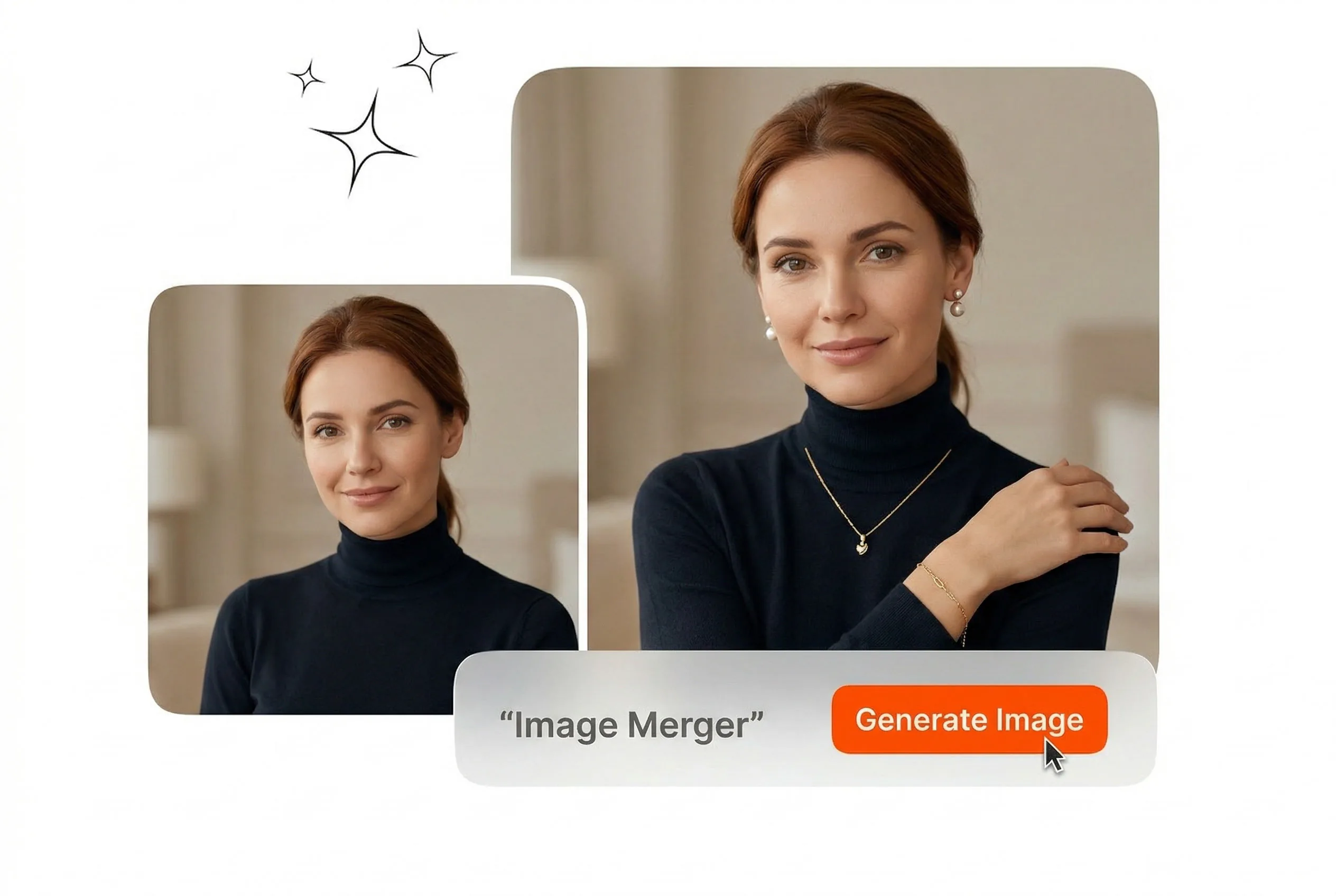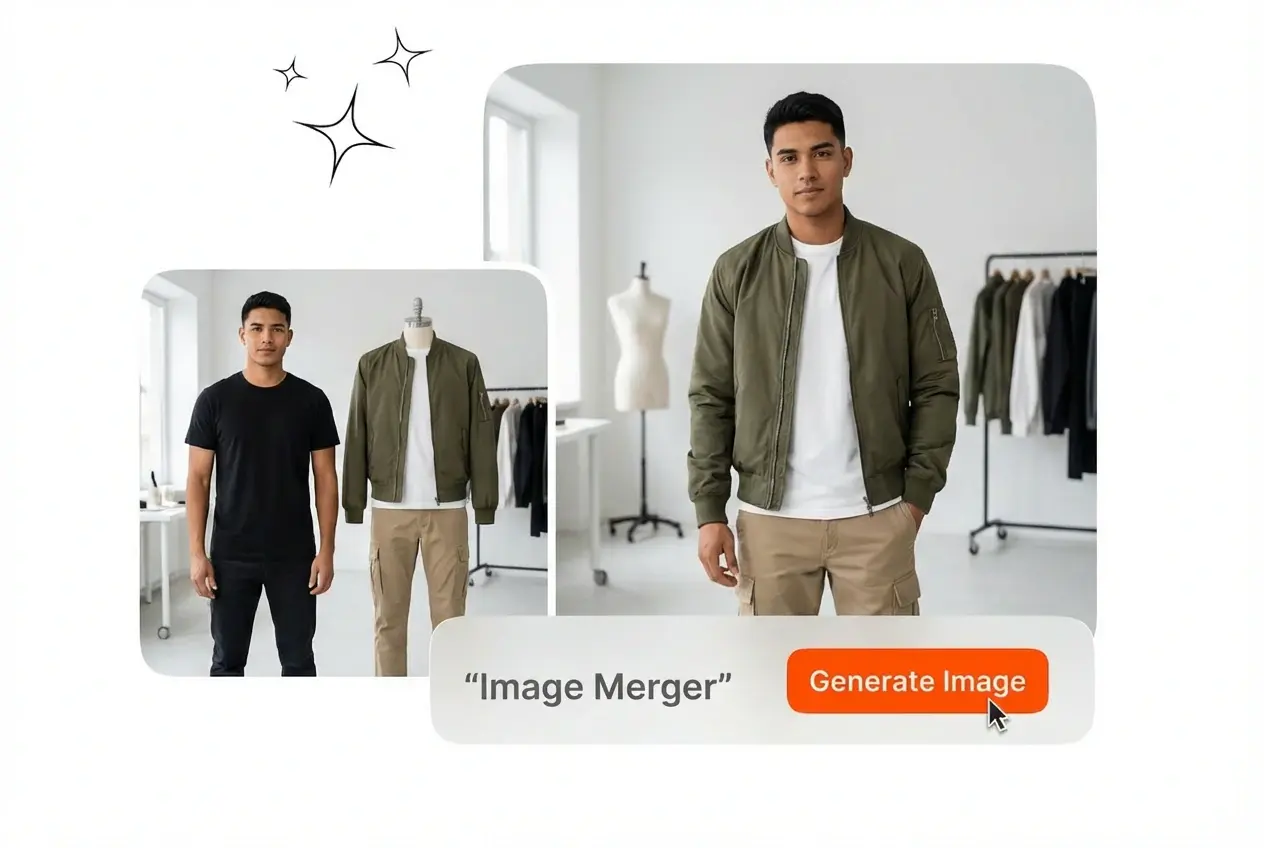
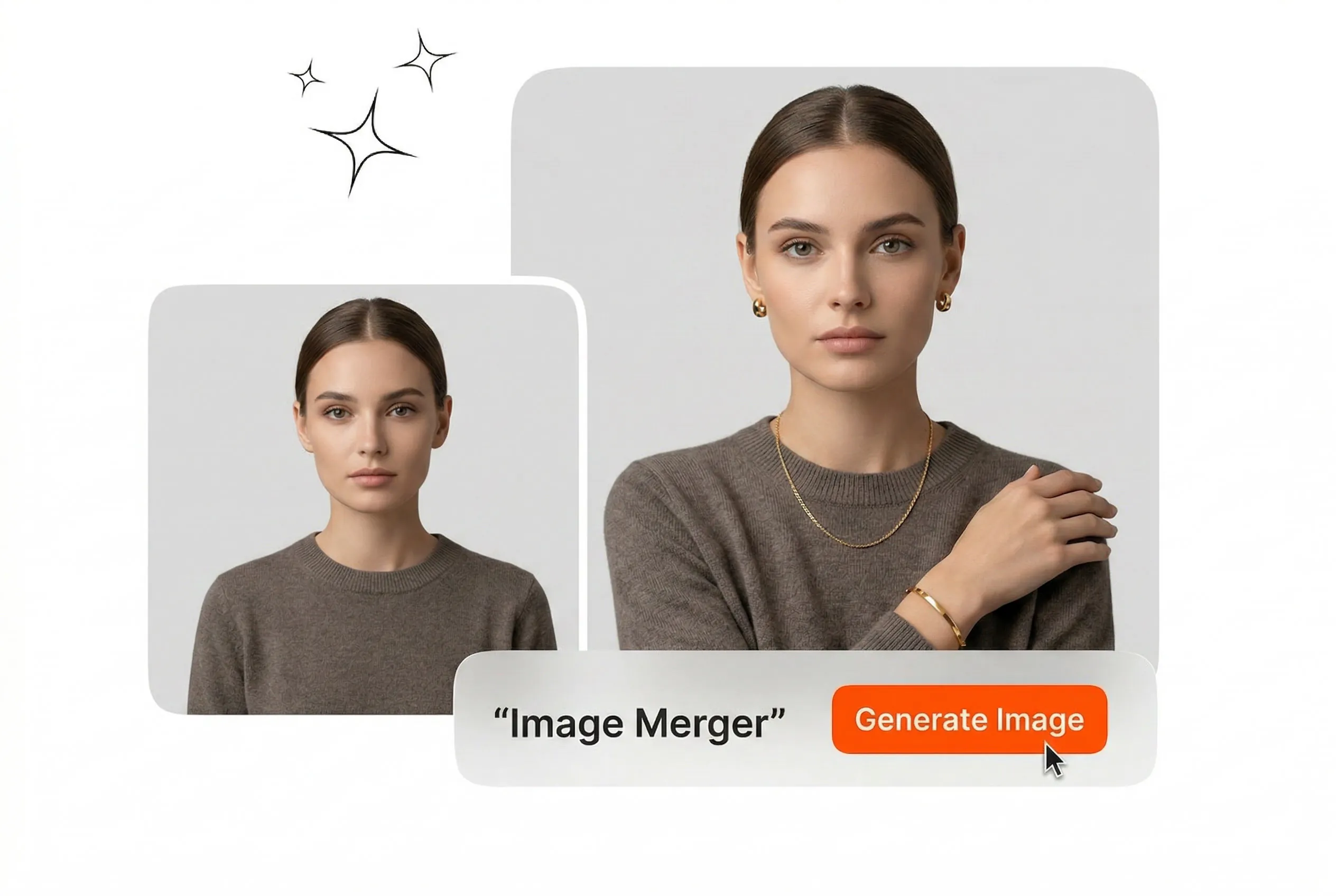

Free Image Merger

This online Image Merger aligns multiple pictures into a single cohesive layout. You must upload clear reference images to achieve the best blending results.

Banner preview

Clean Image Merger for Professional Layouts

Upload your source files and let the Image Merger align them perfectly. Export a unified visual ready for your next campaign or presentation.

Image Merger Workflows for Professional Teams

Different roles require specific visual outputs. This Image Merger handles layout adjustments automatically so you can focus on reviewing the final combined asset.

Ecommerce manager using Image Merger for products

Ecommerce Store Managers

Product listings need clear comparison graphics to drive sales. You upload multiple product angles and the tool aligns them into one frame. Export a clean photo joiner asset from the Image Merger that fits your storefront requirements exactly.
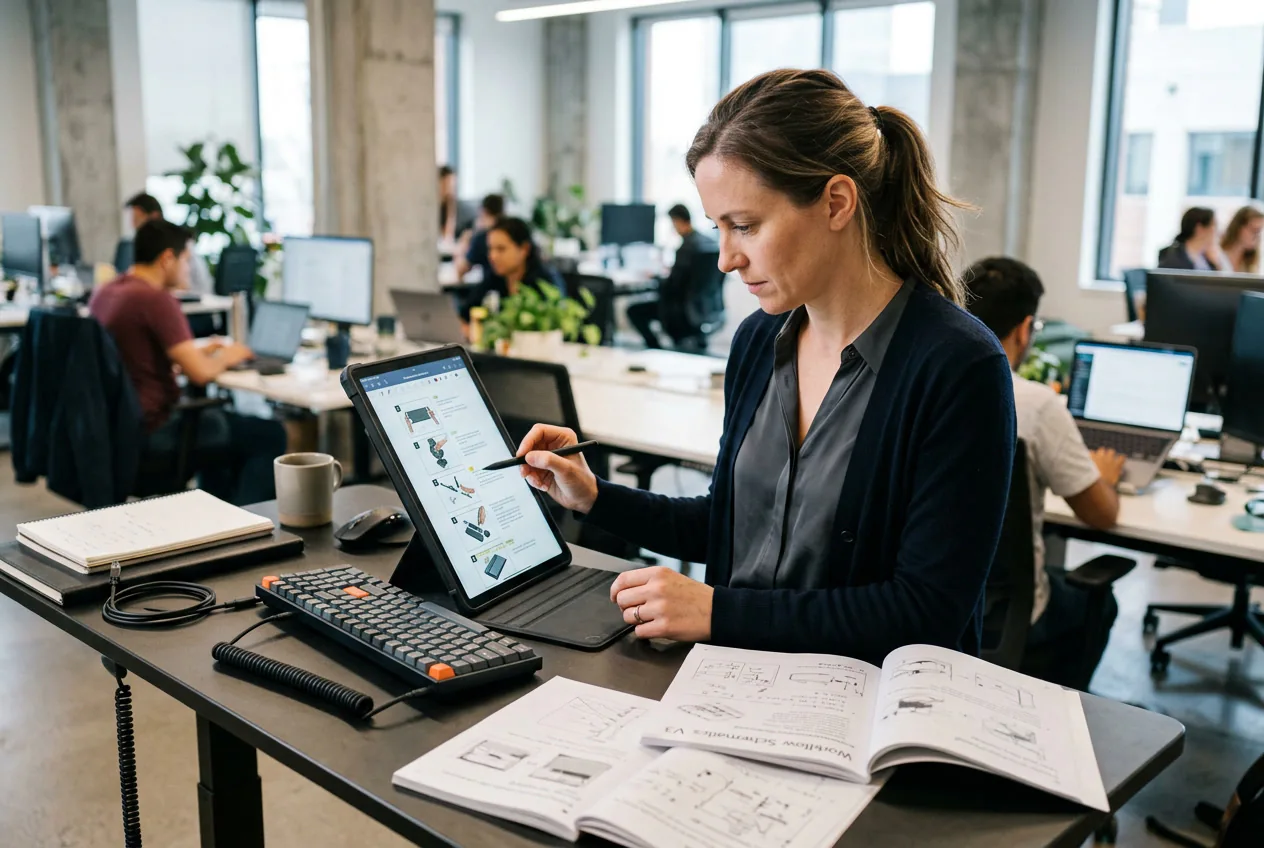

Technical writer building guides with Image Merger

Technical Documentation Writers

Step-by-step guides require sequential visuals to explain complex workflows. Merge images into a single vertical layout to keep your instructions clear. Your readers get a unified visual guide without scrolling through dozens of separate file attachments.

Marketing team creating ads via Image Merger

Digital Marketing Teams

Ad campaigns demand rapid testing of different visual combinations. Combine images to create split-screen ads or promotional banners quickly. The AI Image Merger handles the edge blending so your team ships more ad variants per week.

How the Image Merger Works

Follow these precise steps to combine your visual assets. The Image Merger processes your files and delivers a clean layout ready for immediate use.

Step 1

Upload Source Files

Select the individual pictures you need to combine and upload them to the workspace. The system accepts standard formats and prepares them for the layout engine without requiring manual resizing.

Step 2

Select Layout Style

Choose a horizontal or vertical arrangement based on your specific project requirements. The Image Merger automatically adjusts the spacing and alignment to ensure a professional look across the entire final canvas.

Step 3

Export Final Asset

Review the merged result in the preview window to verify the exact alignment. Click export to download the finished file directly to your local device for immediate publishing or internal team review.

Core Capabilities of the Image Merger

Control your visual output with precise layout tools. The Image Merger handles the technical alignment so you can export clean assets faster.

Automated Layout Adjustment

Manual cropping wastes valuable production time. This tool automatically scales and aligns your uploads to fit the chosen grid structure perfectly. You get a balanced composition ready for export without touching a single adjustment slider.

Image Merger automated layout adjustment grid view

Intelligent Edge Blending

Hard edges between pictures often look unprofessional in final marketing materials. The system analyzes lighting and color to smooth the transitions between adjacent frames. Merge Photos with natural continuity to maintain your brand quality standards.

Image Merger intelligent edge blending visual result

Flexible Directional Stitching

Different platforms require specific aspect ratios for optimal viewing. You can join two images horizontally for desktop banners or stack them vertically for mobile feeds. Set the direction once and export the exact format needed.

Image Merger flexible directional stitching interface options

High-Resolution Asset Export

Blurry outputs ruin the impact of your carefully selected visuals. The engine preserves the original pixel density of your source files during the combination process. Download crisp assets that look sharp on any modern display.

Image Merger high resolution asset export quality

Common Questions About the Image Merger

Upload your two source files into the workspace and select your preferred layout direction. The system aligns them automatically based on their dimensions. You can then review the preview and export the final combined file directly to your computer.

Start Using the Image Merger Today

Combine your visual assets into clean layouts without manual editing. Upload your files now and export professional results in just a few clicks.

Create Free