



Video Style Transfer
Restyle Your Clip In Minutes
veme runs video style transfer that restyles any clip into anime, Pixar, clay, or cinematic looks while the original motion and timing stay intact.

Video Style Transfer
Restyle Your Clip In Minutes
veme runs video style transfer that restyles any clip into anime, Pixar, clay, or cinematic looks while the original motion and timing stay intact.
Video Style Transfer Output Examples
Finished looks that video style transfer produces from one source clip and a chosen style.

Pop Art Music Cut
Restyle a performance clip into a flat Pop art look with bold blocks of color. The change video style controls hold the beat and the dance timing while the palette shifts. Export a music cut that reads as a designed piece, not a quick filter.

Pixel Art Game Teaser
Turn a gameplay capture into a pixel art teaser with a retro grade. The video style transfer keeps the on screen action sharp while the render drops to a clean pixel grid. Export a short teaser that fits a release announcement.
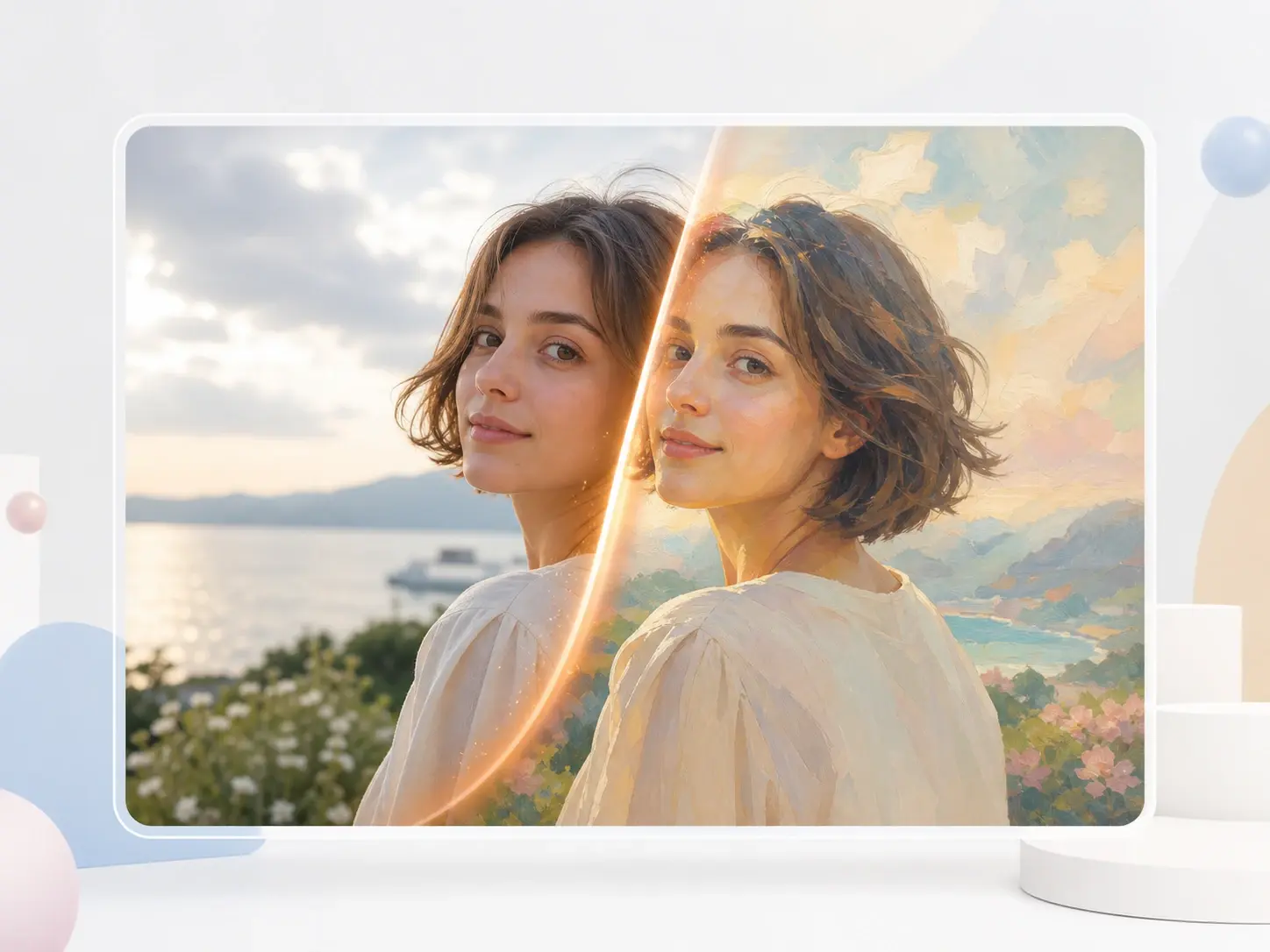
Dreamy Art Portrait
Restyle a portrait clip into a soft, dreamy art look with painted light. The AI Video Style Transfer keeps the face and detail readable while the texture turns to a hand painted feel. Export a portrait cut that holds the original expression.
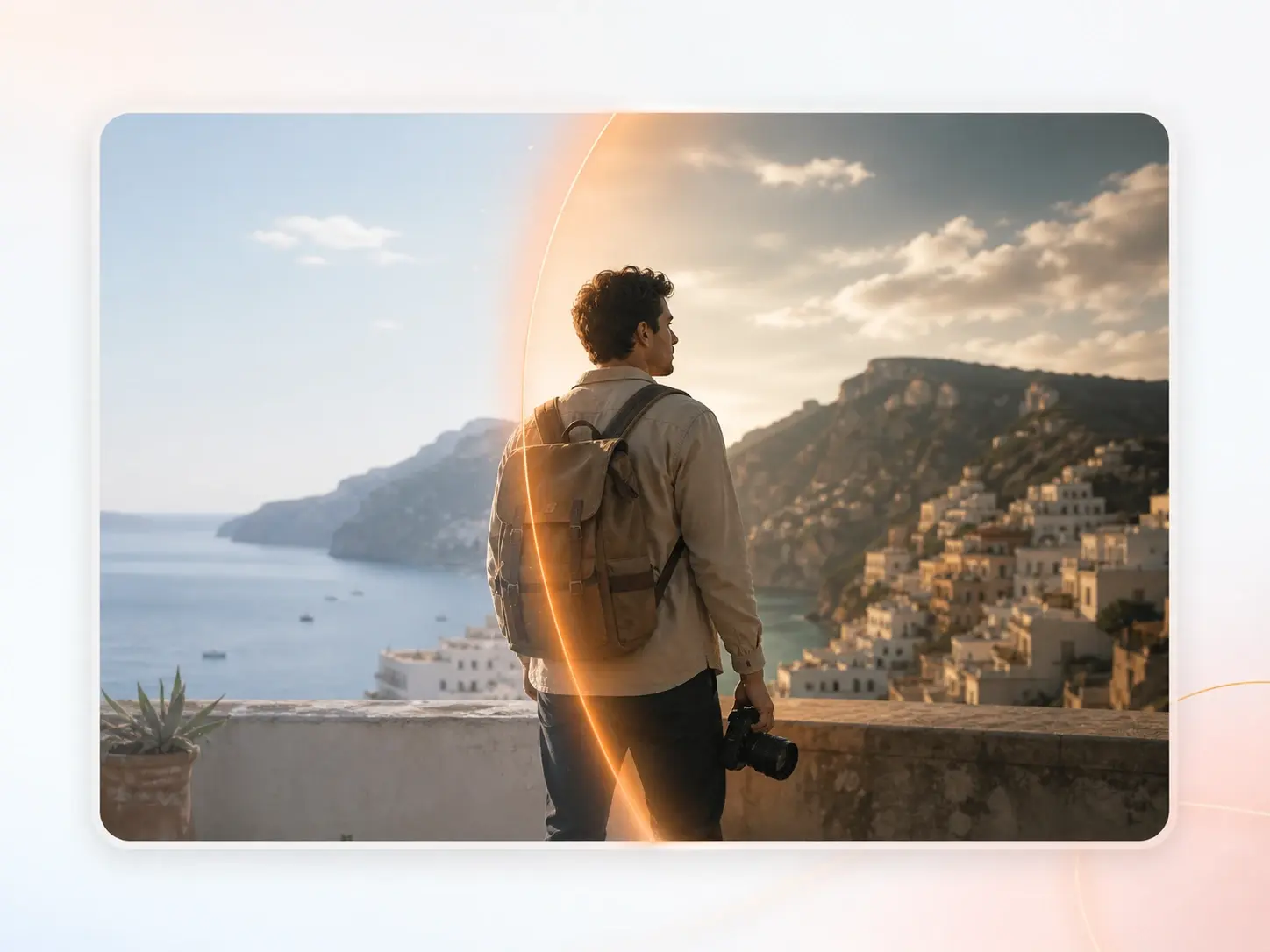
Cinematic Travel Edit
Give a travel clip a cinematic grade with deep contrast and a filmic color curve. The video restyle holds camera motion and pacing while the grade lands across every shot. Export a travel cut that reads like a directed short.
Manual Grade vs Video Style Transfer
Three tasks show how video style transfer replaces a slow manual restyle pass.
Rotoscope Restyle vs Video Style Transfer
A hand drawn anime restyle once meant rotoscoping every frame for days. With video style transfer you pick the anime preset, set the strength, and the line work holds across the cut without frame by frame work.
Color Suite vs Video Style Transfer
A stylized grade in a color suite needs node trees and a trained colorist. The AI Video Style Transfer pulls color, texture, and mood from a reference image and carries the look across every shot in one pass.
Render Farm vs Video Style Transfer
A clay or Pixar render once required a full 3D pipeline and a render farm. With video style transfer you upload the source clip, choose the style, and export the stylized cut while the original motion stays intact.
Video Style Transfer Questions

Restyle Your Clip In Minutes
Open video style transfer in veme, upload a clip, pick a style, and export a restyled cut while the original motion stays in place.