




background remover
Get A Clean Transparent Cutout
veme is a background remover that lifts the subject from any photo and exports a clean transparent PNG ready to drop into a product page or design.

background remover
Get A Clean Transparent Cutout
veme is a background remover that lifts the subject from any photo and exports a clean transparent PNG ready to drop into a product page or design.
What The Background Remover Does
The parts of the background remover that decide how clean your cutout looks.

One Click Cutout
The background remover finds the subject and lifts it without any manual outline. Upload the photo and the cut happens in the browser. You get a clean separation without opening Photoshop or learning a masking workflow.

Fine Edge Detail
Hair, fur, and thin product edges keep their shape through the cut. The tool reads the boundary between subject and backdrop instead of guessing a rough box. Your exported subject holds detail that a quick crop would lose.
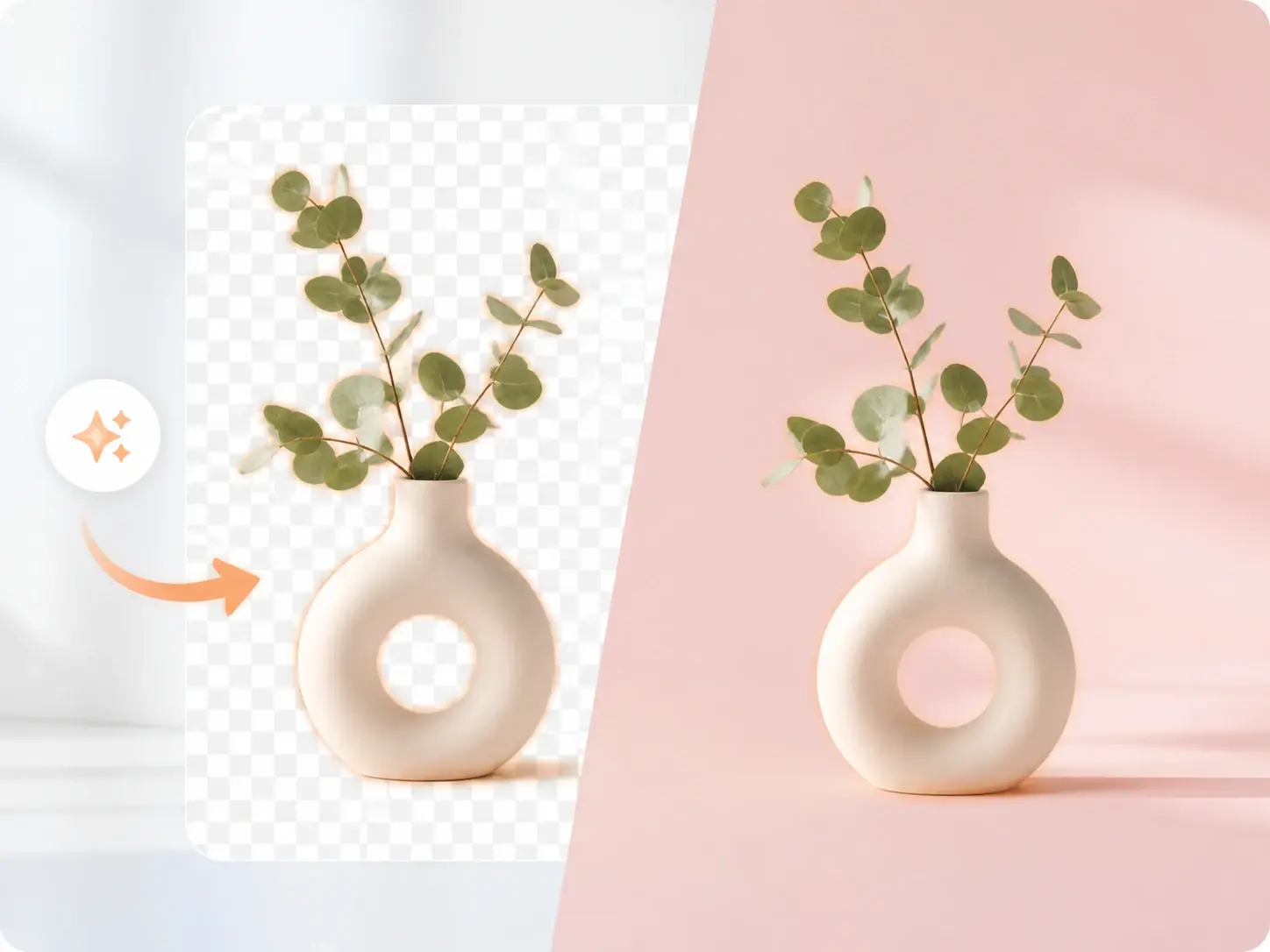
Transparent PNG Output
Every export saves as a transparent PNG with the backdrop fully gone. Place the subject over white, a brand color, or a busy layout and the edges still read clean. The file is ready to use as a design asset, not just a flat image.

Mobile Browser Ready
Open the background remover in a phone browser and process a photo you just shot. Upload from the camera roll and pull a clean cutout on the same screen. The transparent file downloads straight to the device for your next post.
Manual Masking vs Background Remover
Three tasks show how the background remover replaces slow manual cutout work.
Hand Tracing vs Background Remover
Tracing a subject with a lasso tool eats minutes per image and still leaves jagged edges. The background remover reads the subject and lifts it in one pass, so the boundary stays clean without a steady hand.
Photoshop Setup vs Background Remover
A masking workflow in Photoshop means layers, refine edge, and a learning curve. The background remover runs in the browser after you sign in, so a non designer gets a transparent PNG without that setup.
Plain Crop vs Background Remover
A rectangular crop keeps the backdrop and only trims the frame. The background remover removes the background itself, so the subject sits on transparent ground and drops into any layout.
Background Remover Questions

Get A Clean Transparent Cutout
Open the background remover in veme, upload a photo, and export a transparent PNG ready to drop into your listing, slide, or brand graphic.