


Voiceover Generator
Turn A Script Into Narration
veme is a Voiceover Generator that turns a script into a clear, natural narration track with controlled tone, pacing, and export ready audio for video.

Voiceover Generator
Turn A Script Into Narration
veme is a Voiceover Generator that turns a script into a clear, natural narration track with controlled tone, pacing, and export ready audio for video.
What The Voiceover Generator Does
Core capabilities of the Voiceover Generator, from script input to a clean narration track.
Script To Speech
The Voiceover Generator reads your typed script and renders it as a clear narration track in seconds. Paste the text, pick a voice, and start the render with no microphone in the room. Your output lands as a clean audio file ready to drop onto a timeline.
Try It Now
Natural Tone Control
This text to voiceover engine shapes pauses, rhythm, and emotion so the read sounds human, not flat. Mark the emphasis points and set the pace inside the editor. The result carries the intonation of a real narrator across the full take.
Try It Now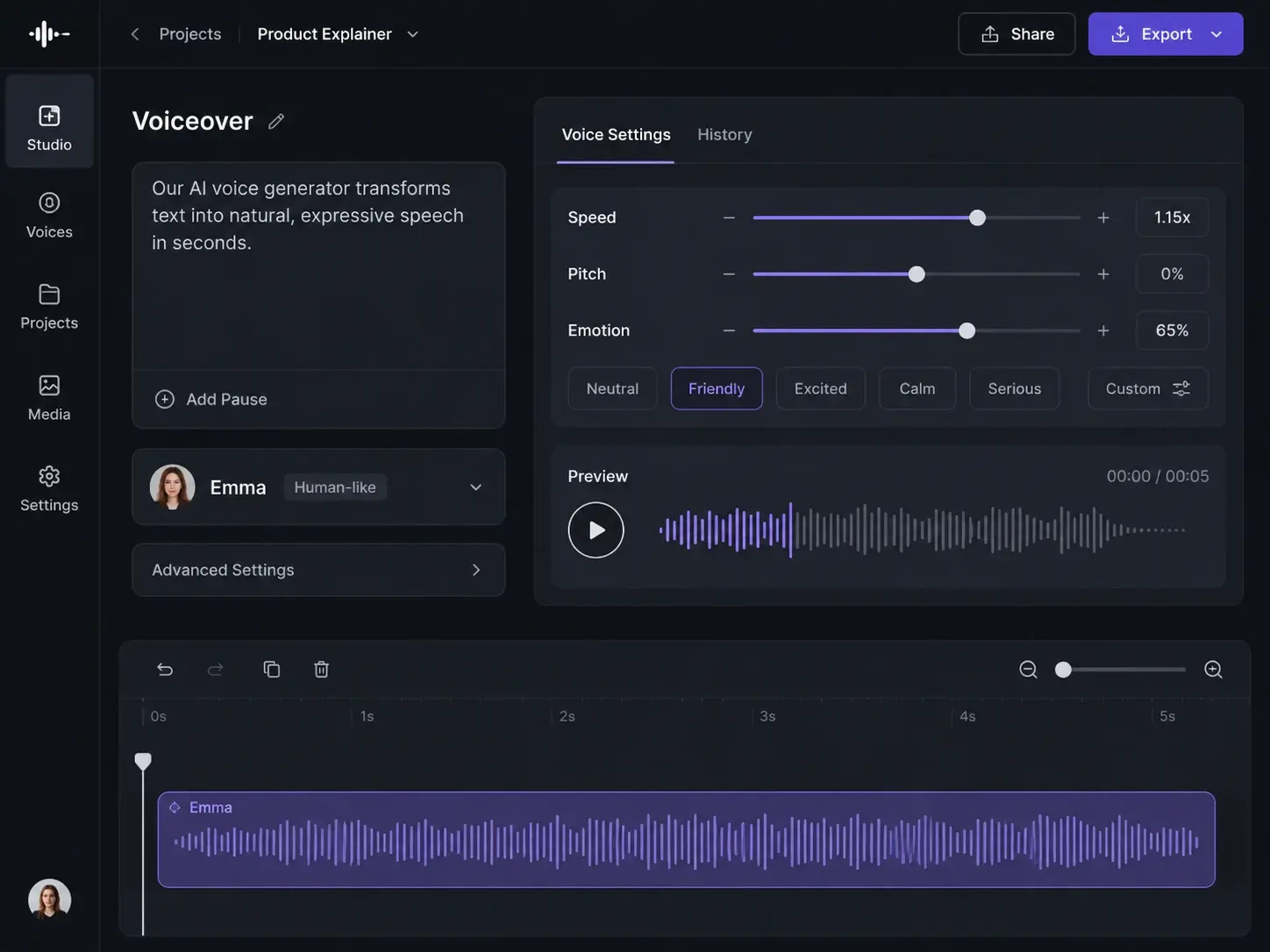
Multi Voice Library
The ai voiceover generator gives you corporate narration, friendly explainer, social read, tutorial, and ad voices in one place. Browse the library and audition each option before you commit. Pick the voice that matches the clip and keep the same delivery across every cut.
Try It Now
Voice Clone Profiles
The Voiceover Generator builds a custom profile from a short sample so the narration matches your own voice. Train the profile once, then reuse it on every script in the project. Your brand keeps one consistent voice across tutorials, ads, and social cuts.
Try It Now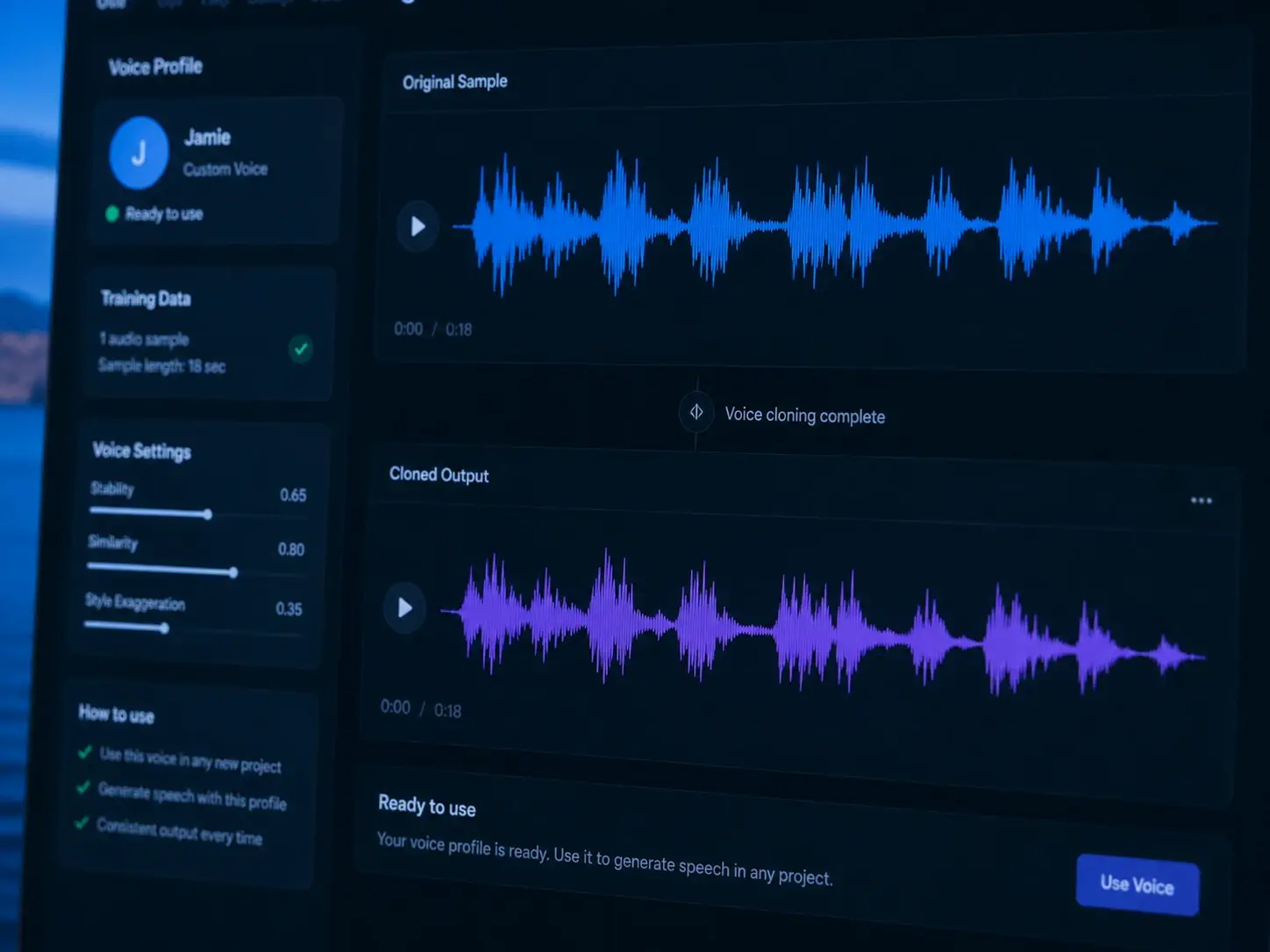
Voiceover Generator Use Cases
Concrete jobs where the Voiceover Generator turns a script into narration that ships.
Social Short Narration
Drop a hook script into the Voiceover Generator and get a punchy social read in one pass. Set a quick, upbeat pace and export the track straight to your edit. The clip carries a confident voice without a booth or a reshoot.
Brand Ad Voiceover
Write the ad copy and let the Voiceover Generator deliver a measured, premium read for the spot. Choose the ad voice, set the emphasis, and add voiceover to video in the same session. The final track holds the brand tone across every placement.
Tutorial And Explainer
Turn a long tutorial script into a steady explainer track with the Voiceover Generator. Pick the friendly voice, mark the pauses between steps, and render the whole narration at once. Learners follow a clear, even read from the first step to the last.
Voiceover Generator Questions

Turn A Script Into Narration
Open the Voiceover Generator in veme, paste your script, pick a voice, and export a clean narration track ready for your timeline.