

AI Audio Generator
The VEME AI audio generator turns a written prompt, a script, or a short voice recording into finished sound for videos, podcasts and ads. Pick what you want to make, a song, a narration, a cloned voice or a changed voice, and each job opens its own focused tool.
Generation uses credits. Sign in and check the cost shown in the tool before running it; account offers and plan details are shown on the pricing page.

Which AI audio tool fits your input?
Most people arrive at an AI audio generator with one thing in hand. Match it to the right tool below instead of reading every feature list.
| You have | Use this tool | You get back |
|---|---|---|
| A mood, genre or a few lines of lyrics | Create Music | An original song or an instrumental track, with an optional title |
| A written script | Create Voice-over | Spoken narration in the voice you pick, with speed and volume set by you |
| No idea which voice to use yet | Voice Library | A searchable set of voices sorted by style, such as narration, documentary or anime |
| A clean recording of your own voice | Voice Clone | A saved voice you can reuse for new scripts |
| An existing voice recording | Voice Changer | The same lines spoken in a different target voice |
Fast AI Audio Tools for Viral Hooks, Reels, and TikTok Audio
Create punchy background music, meme soundbites, and enthusiastic voiceovers in seconds. Keep viewers glued with high-energy audio tuned for viral algorithms.

AI Music Generation
Generate complete music from mood, genre, rhythm, and a creative use case.

AI Voiceovers
Create natural multilingual narration for video, podcasts, courses, and product content.
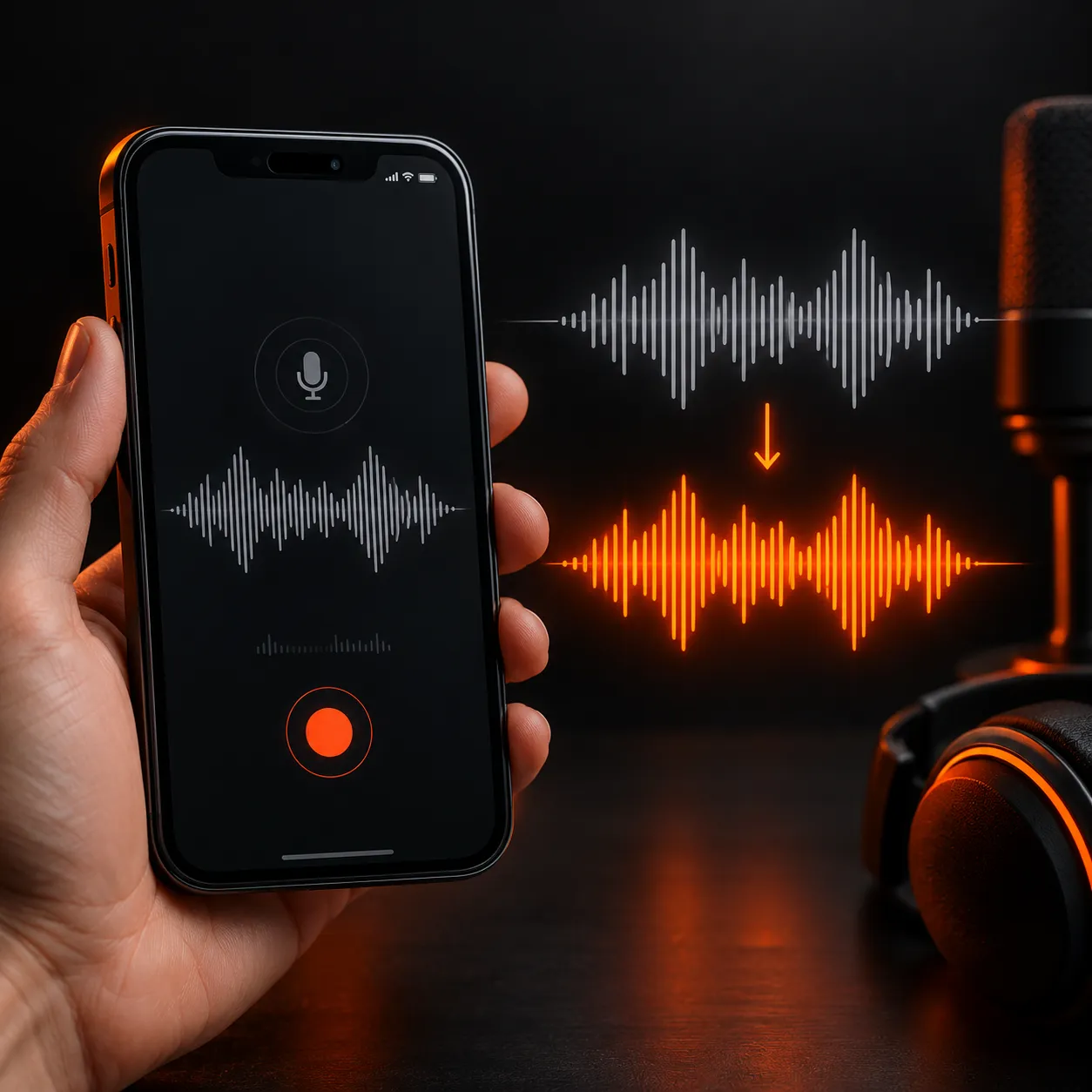
Voice Cloning
Create a reusable voice identity from reference audio for consistent content delivery.
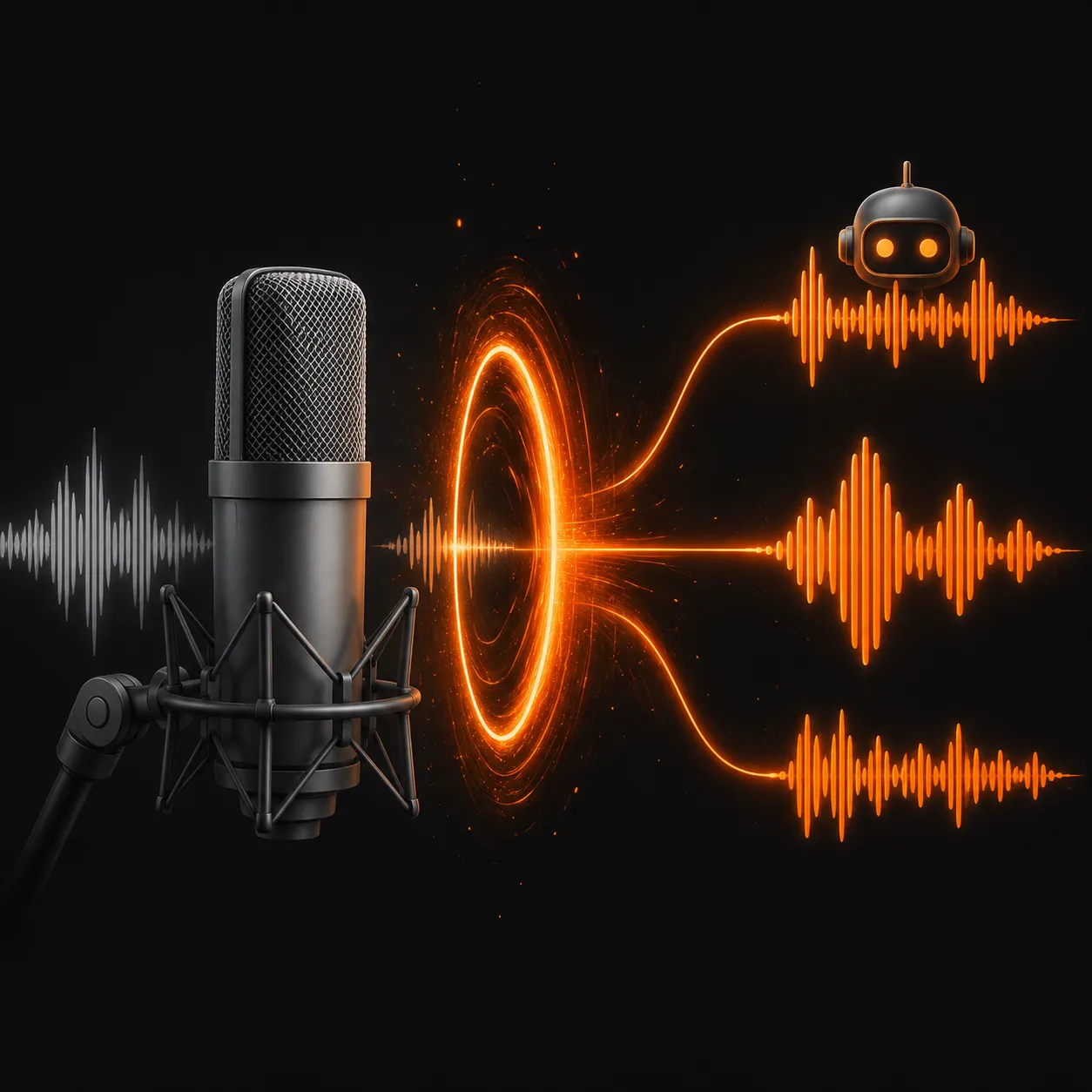
Voice Changing
Change vocal character and performance for character, narrative, and creative audio.
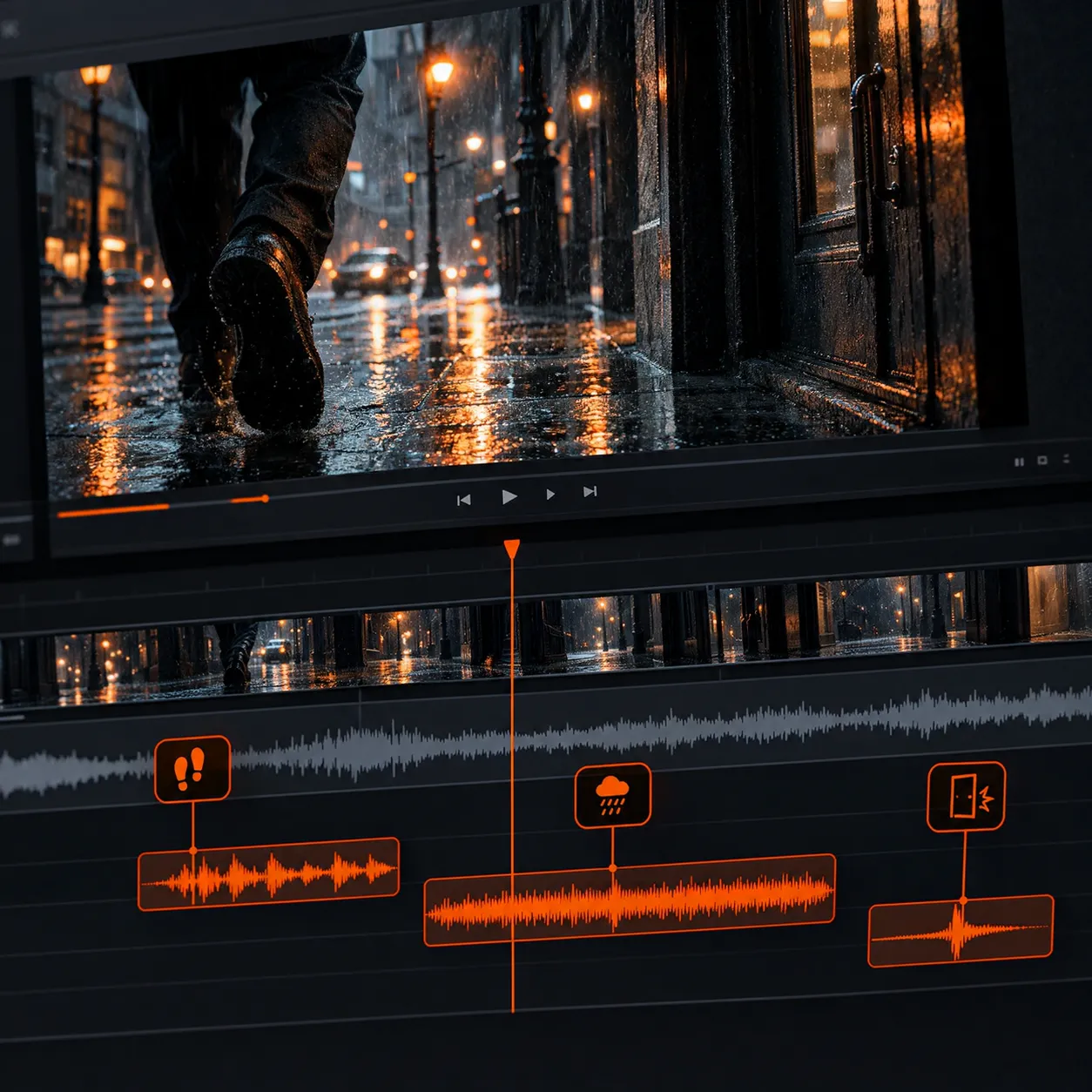
AI Sound Effects
Generate ambience, foley, and scene-aware sound detail for video storytelling.
The VEME audio page lists ACE-Step, Spark TTS and CosyVoice 2 among the models behind these tools. Not sure which voice to use? Browse the Voice Library first.
From text or a sample to finished AI audio
Choose the job
Open the audio hub and pick the tool that matches your input: music from a prompt, narration from a script, or a new voice from a recording.
Add your input and settings
Type the prompt or script, or upload the clip. Then adjust what that tool offers, such as instrumental mode for music or speed and expressiveness for a voiceover.
Generate, listen and reuse
Run the AI audio generator, play the result in the browser, and try again with a tweaked prompt if the mood or pacing is off.
See cost in the tool
These are the questions people ask most about any AI audio generator. Here is what VEME states today, and where you should check the details yourself.
Free to start, not free forever
Generation uses credits. Sign in and check the cost shown in the tool before running it; account offers and plan details are shown on the pricing page.
Check your plan for downloads
Downloading results is listed as a plan feature on the Pricing page. If you need files on your computer, confirm your plan includes it before a big project.
Common audio formats
VEME describes its audio output as common formats such as MP3 and WAV. An uploaded file in an unsupported format may be converted to MP3 first.
Read the license terms
The music tool describes its tracks as ready for commercial use, and the voiceover tool asks you to check the terms for your plan. Only clone or change voices you have permission to use.
Where creators use AI-generated audio
A 30-second product reel
A small candle brand, Ember and Oak, needs an upbeat lo-fi bed under a 30-second reel. Create Music builds an instrumental track from a one-line mood prompt, and Create Voice-over adds a quick spoken hook at the start.
A missing intro line
The host of a weekly show, Night Shift Notes, recorded the episode but forgot the sponsor read. With a voice cloned from an earlier clean sample, the editor types the line and drops it in without booking another session.
Twelve lessons, one narrator
An online tutor turns twelve lesson scripts into narration with the same library voice, keeping speed and loudness consistent so the course sounds like a single recording.
AI audio generator questions
Is the VEME AI audio generator free?
Generation uses credits. Sign in and check the cost shown in the tool before running it; account offers and plan details are shown on the pricing page.
What can I make with an AI audio generator on VEME?
Four kinds of sound: original songs or instrumentals from a prompt or your own lyrics, spoken voiceovers from a script, a reusable clone of your voice from a short sample, and a changed voice from an existing recording. Sound effects for footage live in the separate Add Sound Effect video tool.
How long does a voice clone sample need to be?
The Voice Clone tool asks for a clear audio sample of at least 10 seconds, uploaded or recorded in the browser. A quiet room and steady speech give the model a cleaner voice to learn, and the finished voice appears under My Voices in Create Voice-over.
Can I use the generated music and voiceovers commercially?
VEME presents its music tool as ready for commercial use, while the voiceover tool says usage depends on your plan's terms. Read the Terms and your plan details before publishing paid work, and never clone or imitate a voice you do not have the right to use.
Which languages does the voiceover tool support?
VEME says its voiceovers can be generated in multiple languages, and the Voice Library lets you filter voices by style. A full list of languages and accents is not published on the audio page, so test a short line in your target language first.
Do I need any audio software or a microphone?
No studio setup is required for music or voiceovers, because you only type text into the browser. You need a recording only for Voice Clone, which can capture one through your browser, or for Voice Changer, which works on an audio file you upload.
Make your first track or voiceover
Generation uses credits. Sign in and check the cost shown in the tool before running it; account offers and plan details are shown on the pricing page.