

AI Video Generator
VEME is an AI video generator that turns a written prompt, a pair of start and end frames, or a reference image into a short video clip. Pick a model such as Seedance, Kling or Wan, set the length, and get a clip you can keep editing in the same workspace.
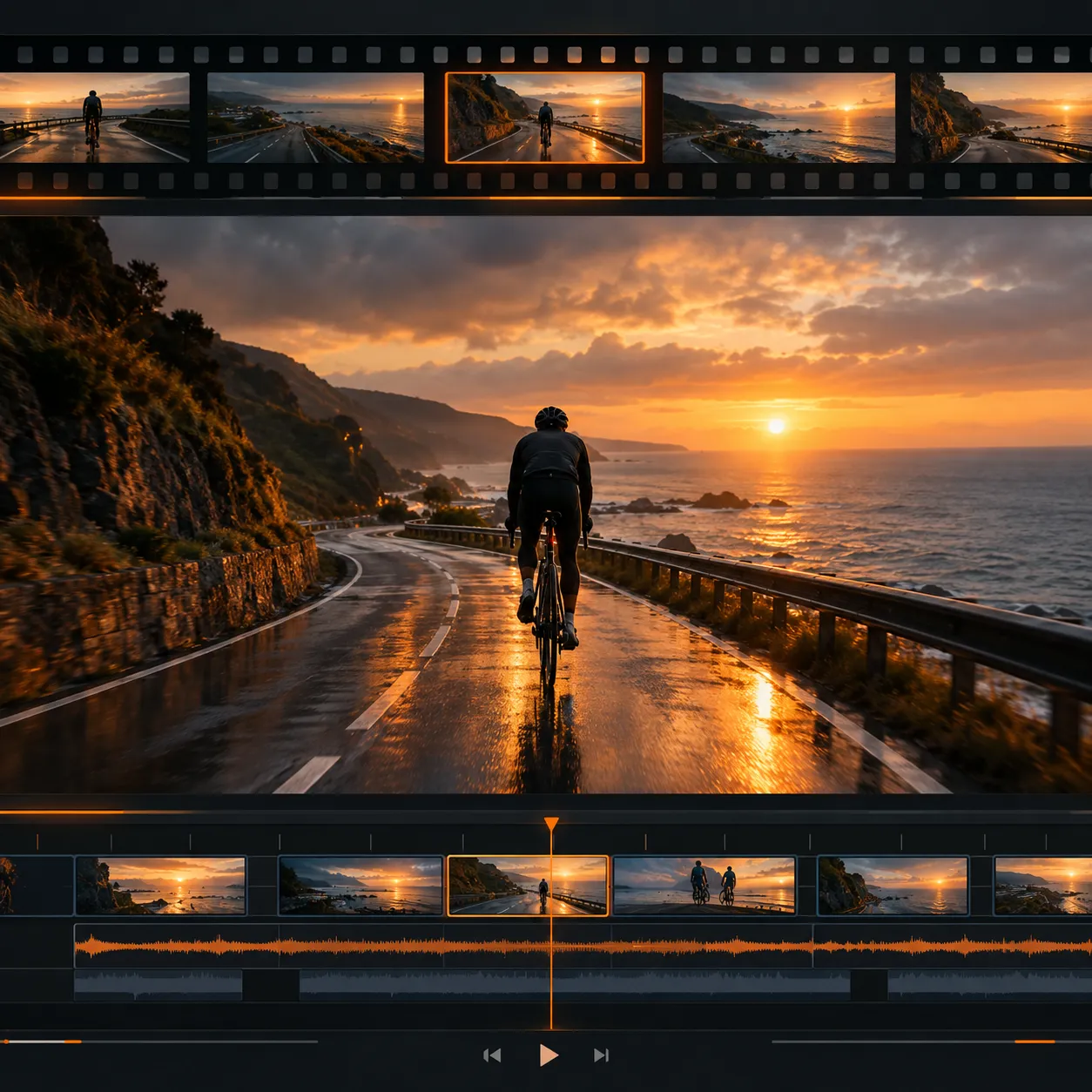
Three ways to start an AI video
Most people searching for an AI video generator already have something in hand: an idea, a photo, or a character they want to keep consistent. Choose the input that matches what you have.
 Text prompt
Start from a text prompt
Describe the subject, setting, light and camera move in plain words, for example a lantern drifting over a foggy lake at night. Good prompts name one subject, one action and one mood, which keeps the motion readable in a short clip.
Open Text With Reference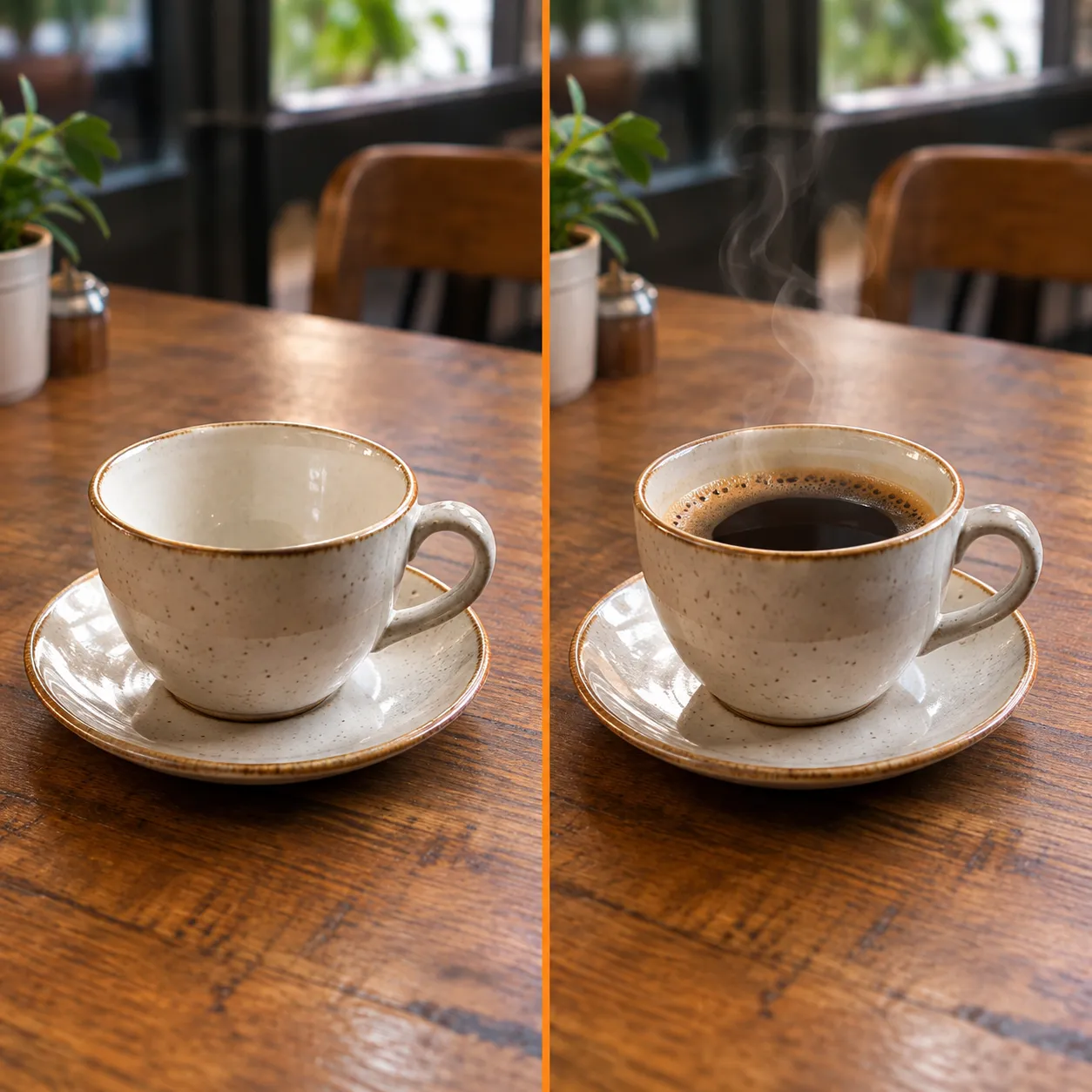 Start / end
Lock the start and end frames
Upload the first frame and the last frame you want, such as an empty cup and the same cup full of coffee. Models with Start/End support fill in the motion between them, so the clip begins and lands exactly where you planned.
Open Frame to Video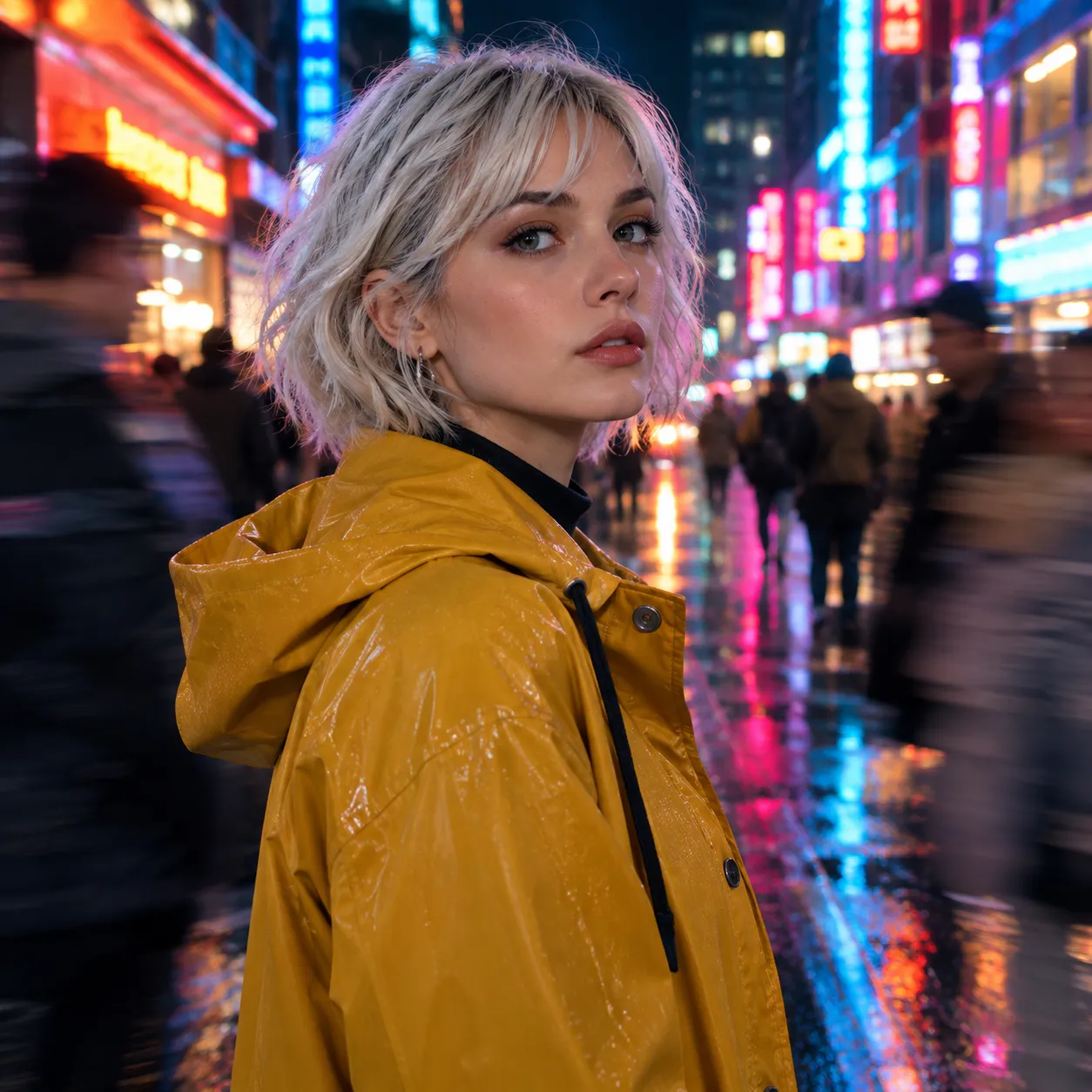 Reference
Guide it with a reference image
Add a character or product reference so the look stays steady across shots, like a silver-haired lead in a mustard raincoat. Reference-led models keep faces, outfits and colors closer to your source than a prompt alone.
Try a referenceGenerate Videos with Leading AI Models
Choose from top AI video models to turn text, images, and visual references into high-quality videos.
Seedance 2.5 New
ByteDanceCinematic physics, fluid dynamics, and high-fidelity synchronized native sound.
Seedance 2.0 Fast
ByteDanceCinematic videos with audio & multi-shots directing control.
Kling 3.0 Omni New
KuaishouEnhanced multimodal references for precise creative control and storyboard directing.
Kling 3.0
KuaishouEnhanced audio, consistency & multi-shots sequencing.
Gemini Omni Flash
GoogleConversational video generation by Google with rapid iteration.
Wan 2.7
AlibabaCinematic videos with audio & start/end frame control, locking character identity.
Minimax H3
MiniMaxExpressive character acting, natural body interaction, and cinematic atmosphere.
Seedance 2.0
ByteDanceReliable reference-led video generation with coherent motion and practical audio support.
Model availability and ranges can change. Check the model picker in the video creator for the current list before you plan a project.
How the AI video generator works
Three steps take you from an idea to a finished clip. Each run uses credits, and download options depend on your VEME plan.
Pick your input and model
Open the video creator, choose text, start and end frames or a reference, then select a model whose length and resolution fit the platform you are posting to.
Write the prompt and settings
Describe the subject, action, setting and camera movement. Set the duration and aspect ratio, and turn on audio when the model supports native sound for the scene.
Generate, review and refine
Watch the result, adjust one detail at a time in the prompt, and run it again. When a take works, download it or send it to an editing tool to polish it further.
Smart AI Video Tools Built for Viral Creators, Reels, and Shorts
Turn trending concepts, product stills, and memes into scroll-stopping short-form videos. Add high-speed motion, expressive beat matching, and instant formats ready for TikTok and Instagram.
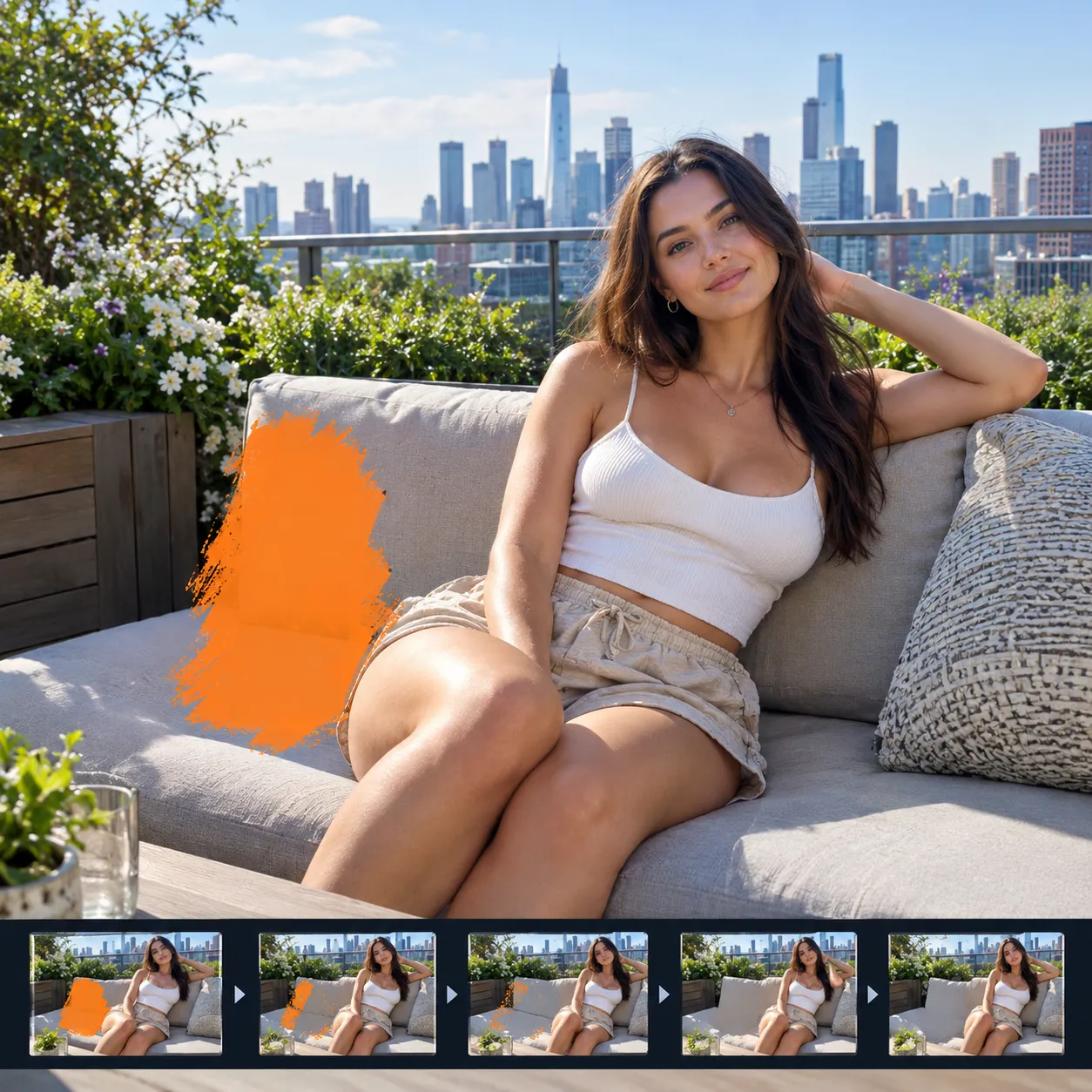
Edit & Inpaint Video
Brush over targeted areas to remove unwanted objects or replace subjects.
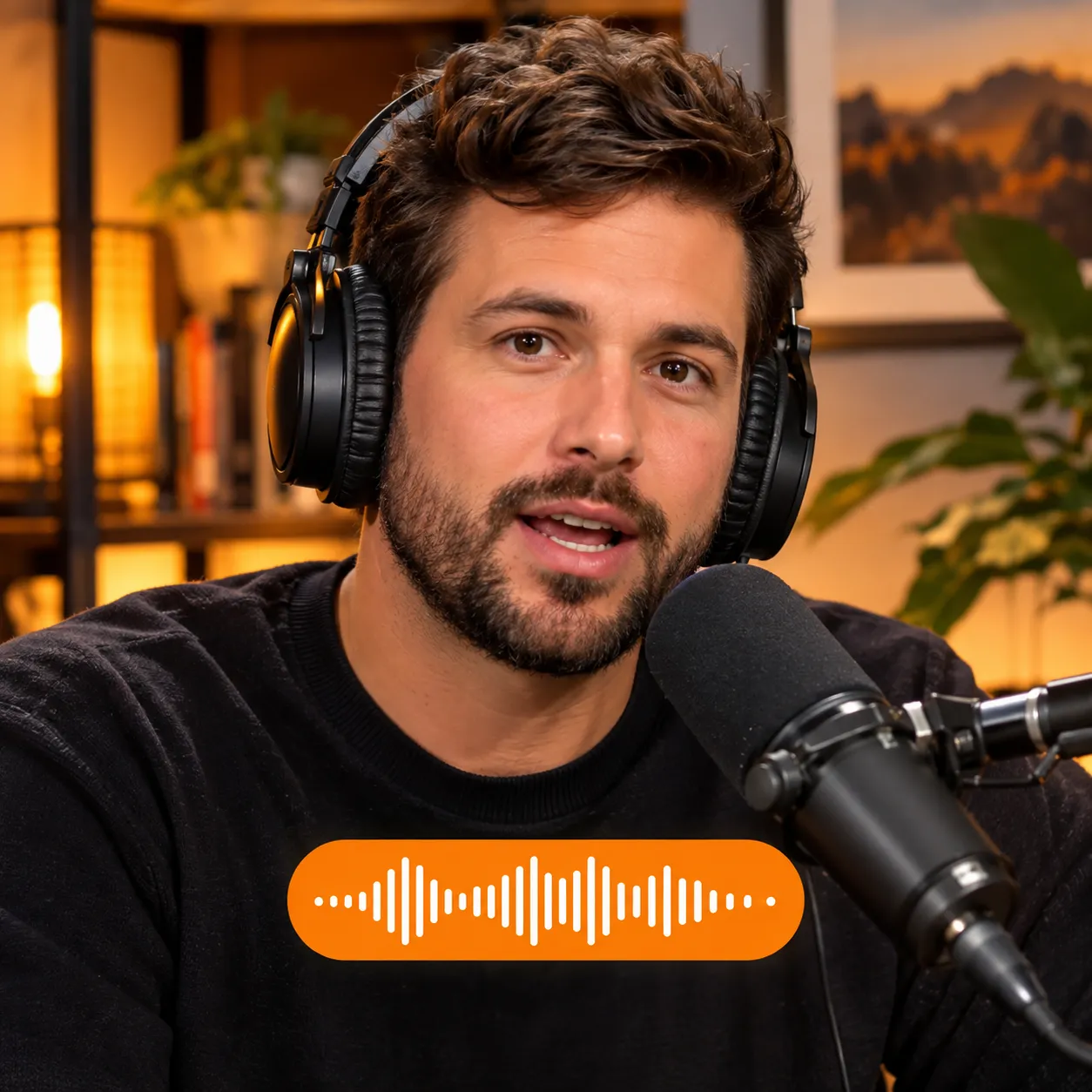
AI Lip-Sync
Synchronize realistic lip and mouth motion to any multilingual audio.
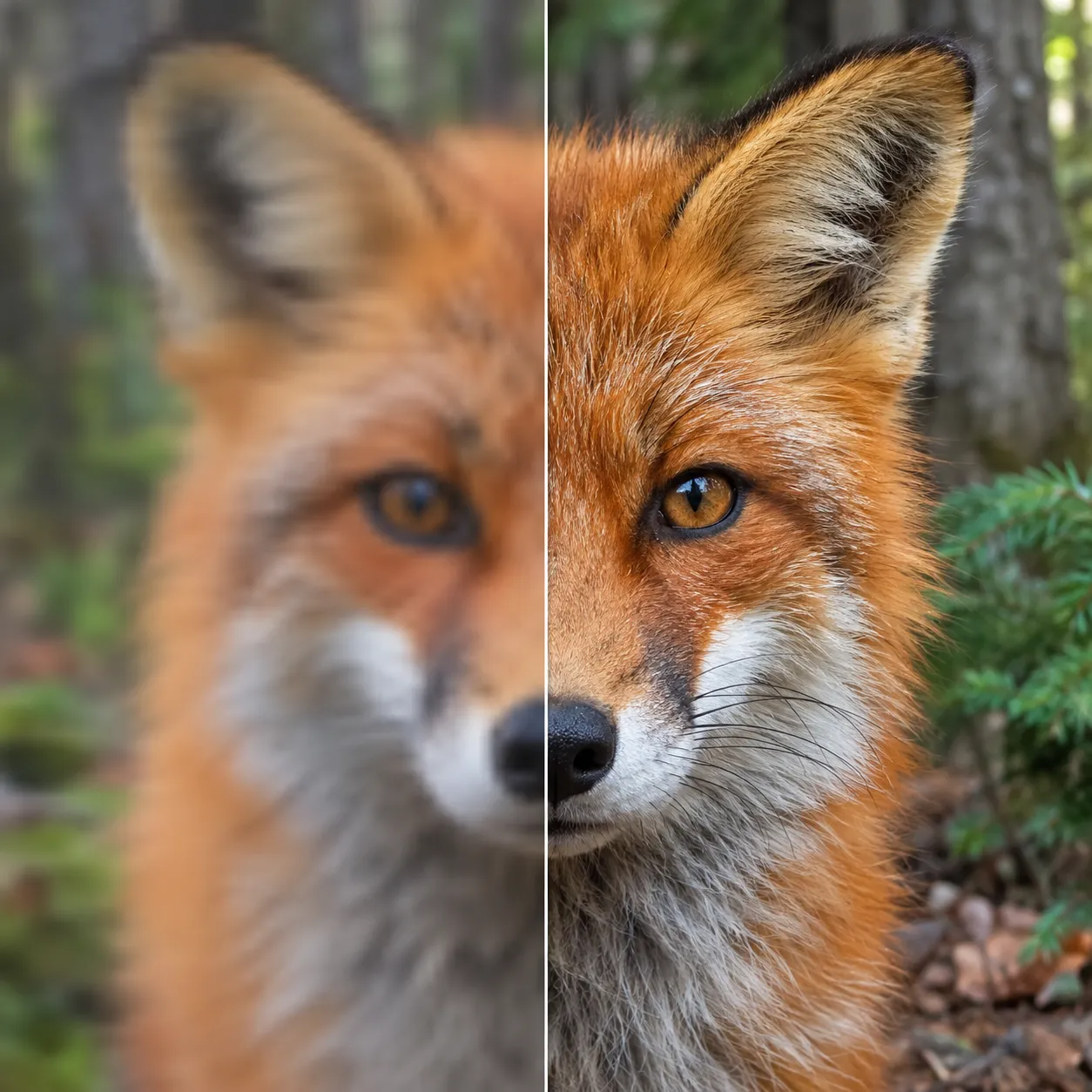
Video Upscale (4K)
Restore crisp textures, fabric details, and facial features up to 4K.
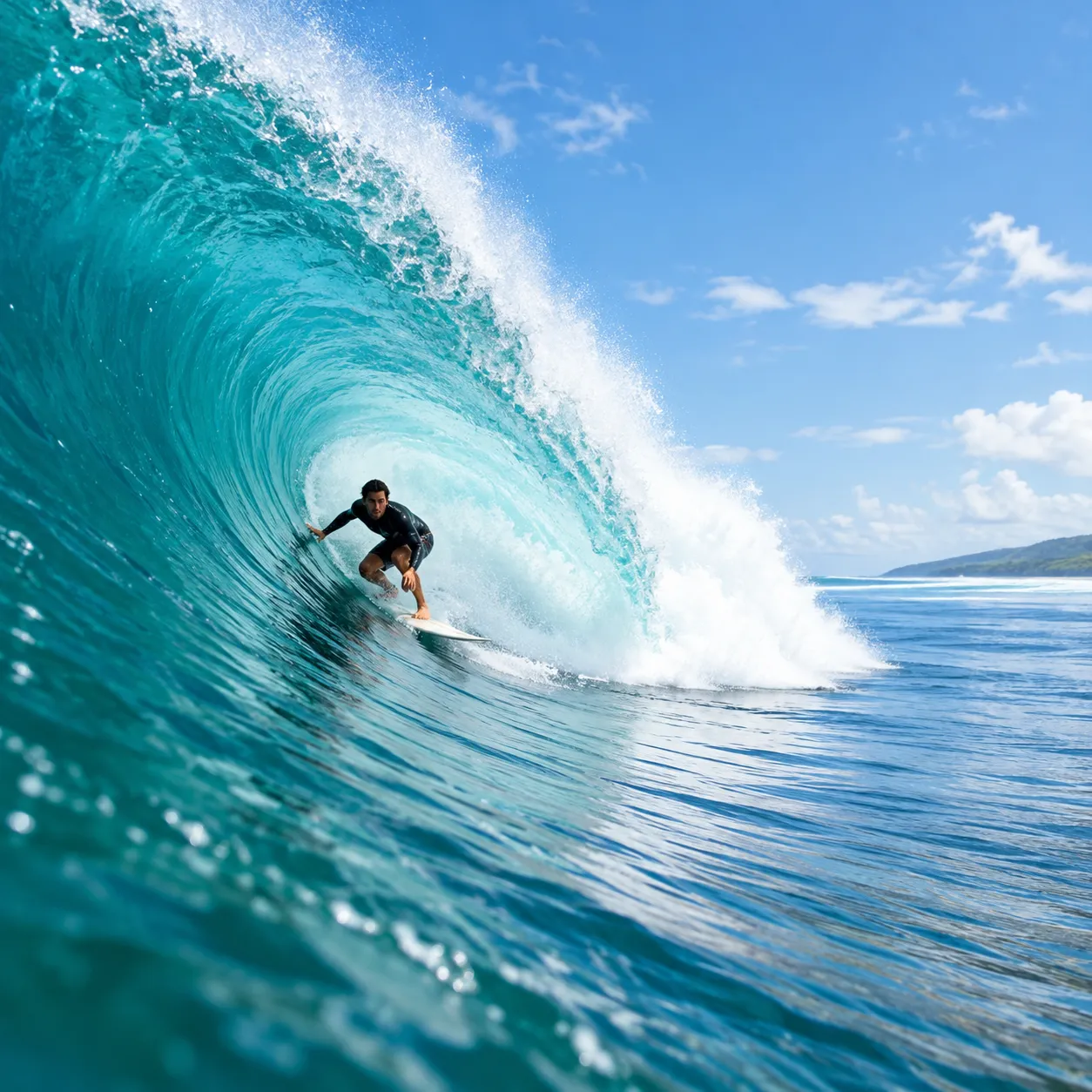
Extend Video Sequence
Smoothly lengthen scene duration while maintaining consistency.
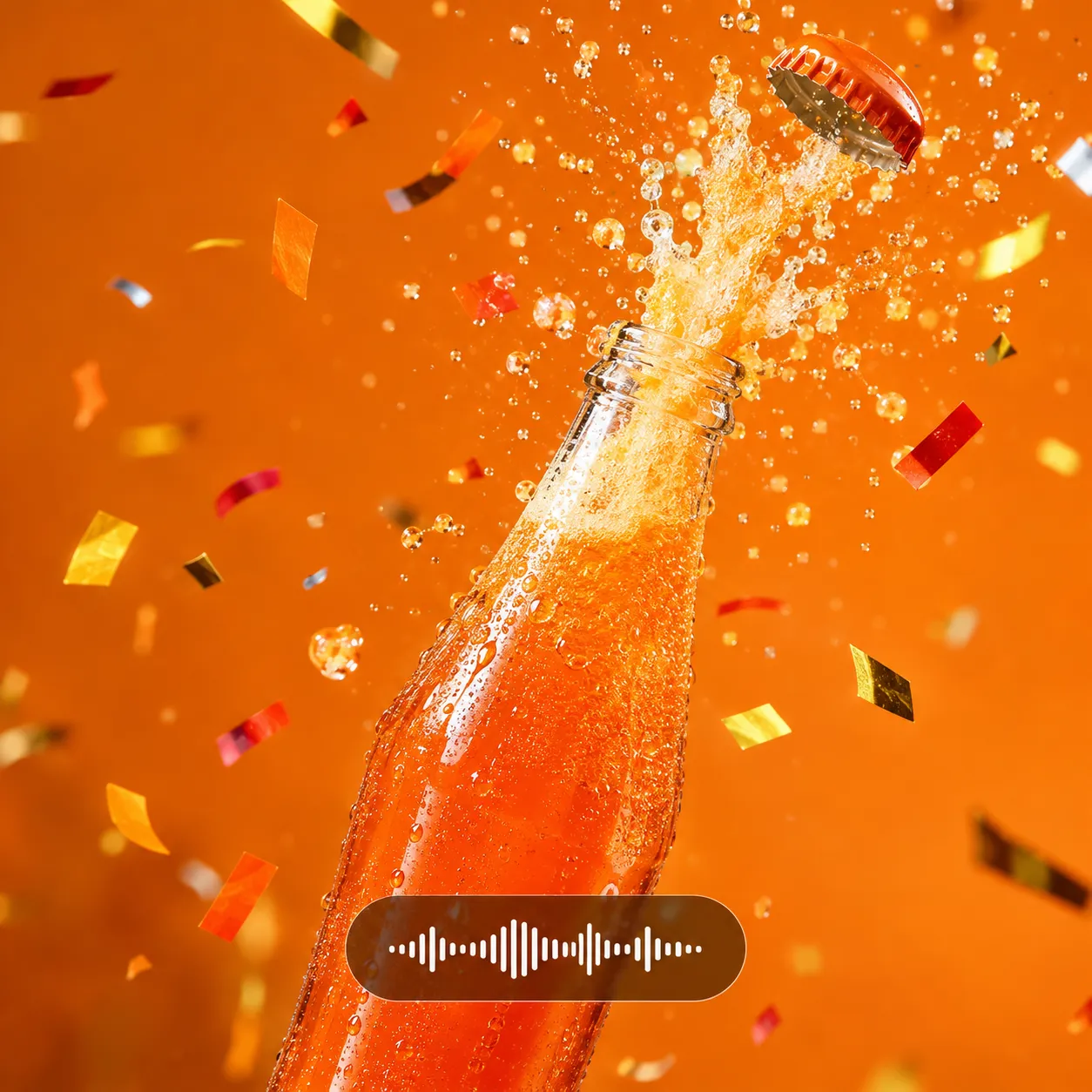
Add Sound Effects
Generate contextual foley, ambient audio, and background scores.

Restyle Video
Transform aesthetics into anime, cyberpunk, or painterly moods.
Who uses an AI video creator like this
Short-form teams use it to test more ideas than a camera crew could shoot in a week.
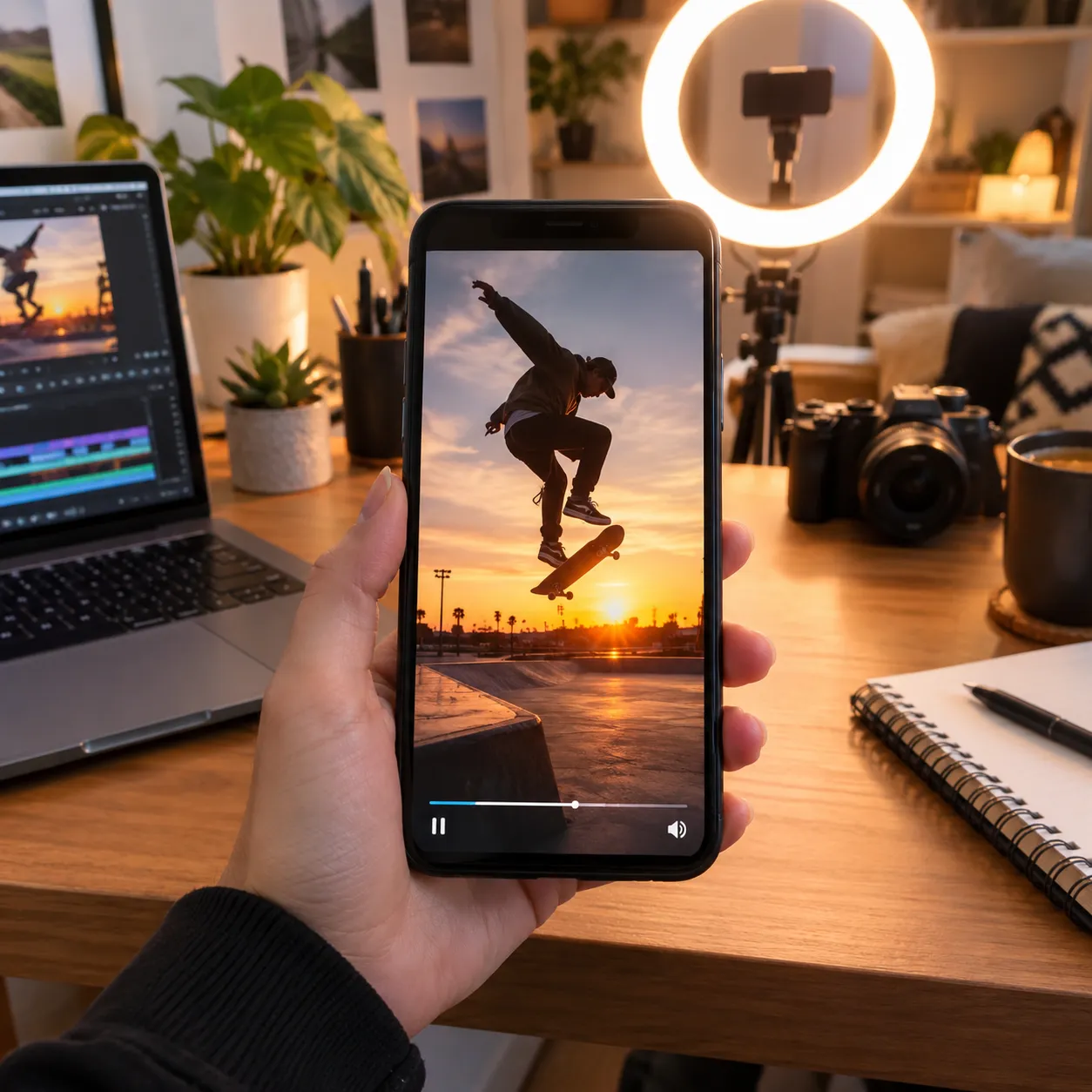
Content creators
Produce daily Shorts, Reels and TikToks without a shoot. A creator can turn one idea, like a sunset skateboard trick, into several vertical takes and post the strongest.

E-commerce marketers
Make product showcase clips and ad hooks on demand. A fictional fragrance label, Lumen and Ash, could test five splash-shot openings before paying for a studio day.

Social media managers
Keep several brand feeds supplied with fresh, on-trend clips. Plan a week of posts across accounts, then generate the gaps instead of reusing the same stock footage.
What to know before you generate
Clear limits save credits. Here is what the AI video generator does today and where you should plan around it.
- Clips are short. A single generation runs from 3 to 30 seconds depending on the model. For longer pieces, chain several clips or use Extend Video, and expect to edit them together.
- Generation uses credits. Sign in and check the cost shown in the tool before running it; account offers and plan details are shown on the pricing page.
- Resolution depends on the model. Seedance options top out at 720p, Wan 2.7 reaches 1080p, and Gemini Omni Flash and Minimax H3 list up to 4K.
- Not every model has sound. Native audio is listed for Seedance and Kling models. For others, add a track later with Add Sound Effect.
AI video generator FAQ
Is the VEME AI video generator free to use?
Generation uses credits. Sign in and check the cost shown in the tool before running it; account offers and plan details are shown on the pricing page.
How long can an AI-generated video be?
A single generation is a short clip. On the models VEME lists today, lengths range from 3 seconds up to 30 seconds with Seedance 2.5. To build something longer, generate scenes one at a time, lengthen them with Extend Video, and cut them together.
Can I make a video from a photo instead of text?
Yes. You can upload start and end frames or a reference image instead of writing everything in a prompt. The photo guides the look of the subject, while your prompt describes the motion and camera, which helps keep characters and products consistent.
Which model should I pick for my first clip?
Pick by the output you need. Seedance 2.5 offers the longest clips with native sound, Wan 2.7 gives 1080p with start and end control, and Minimax H3 or Gemini Omni Flash suit sharper output up to 4K. Run the same prompt on two models and compare.
Are AI video generator results ready for YouTube and social posts?
Many clips can go straight into Shorts, Reels or TikTok once you set a vertical aspect ratio. For YouTube videos, treat each clip as a scene: generate several, add sound and edits with the other VEME video tools, and assemble them before publishing.
What makes a good prompt for AI video?
Name one subject, one action and one setting, then add lighting and a camera move such as a slow push-in or a drone pass. Keep it to a few clear sentences. If the motion looks wrong, change one detail and run the prompt again rather than rewriting everything.
Make your first clip today
Pick a model, describe the scene, and see what the AI video generator makes of it.
Start creating