


Voice Changer
Convert One Recording Into A Character
veme is a voice changer that reshapes pitch, tone, and character while keeping the original emotion, timing, and pauses intact for clean audio export.
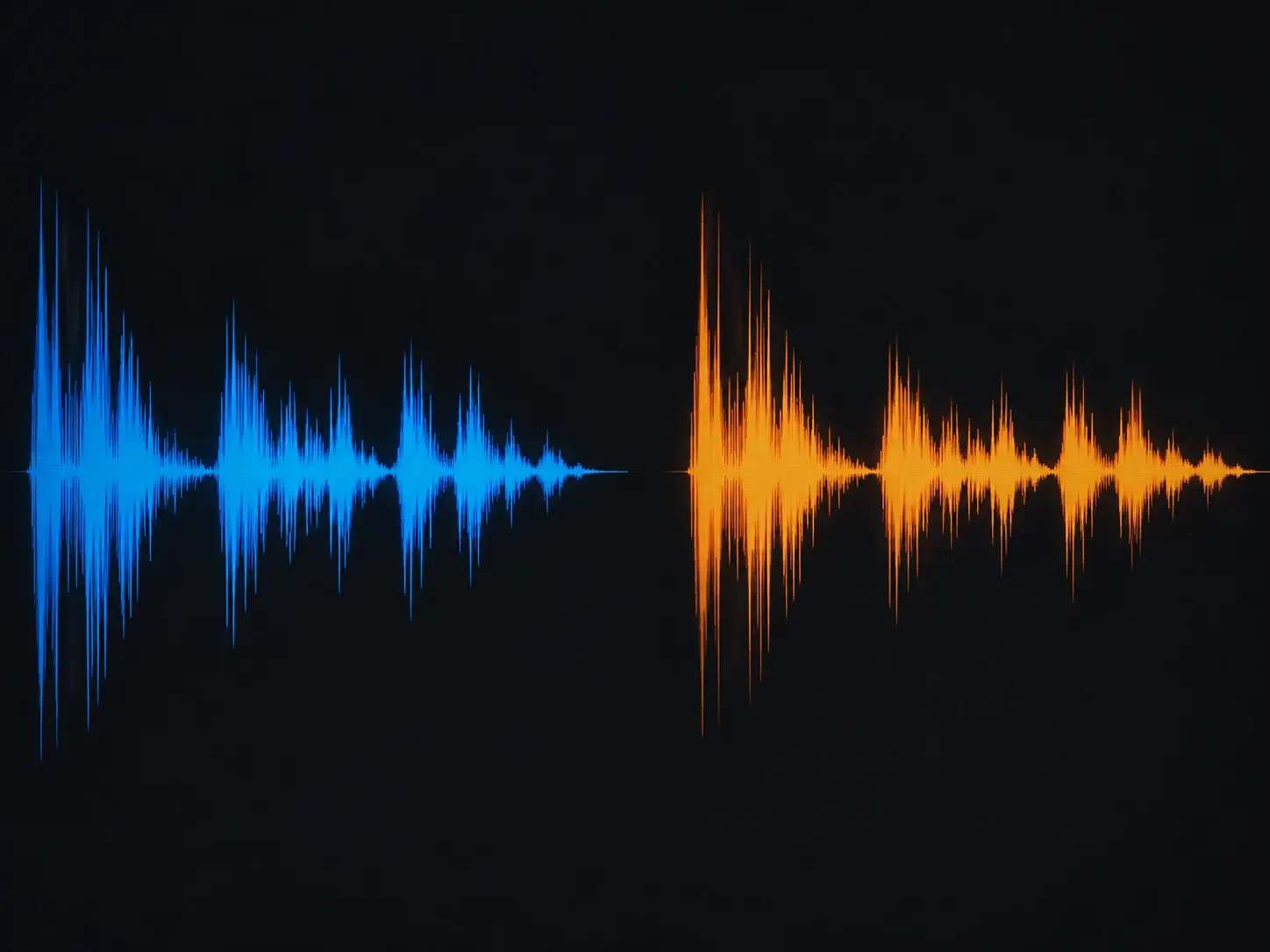
Voice Changer
Convert One Recording Into A Character
veme is a voice changer that reshapes pitch, tone, and character while keeping the original emotion, timing, and pauses intact for clean audio export.
Voice Changer Features That Matter
Capabilities that keep a converted voice natural while you control every character detail.
Emotion Locked Convert
The tool rebuilds the character while it keeps your original emotion, rhythm, and pauses in place. Set the target voice and the tool maps your expression onto it line by line. The exported take still sounds performed, not flattened or robotic.
Try It Now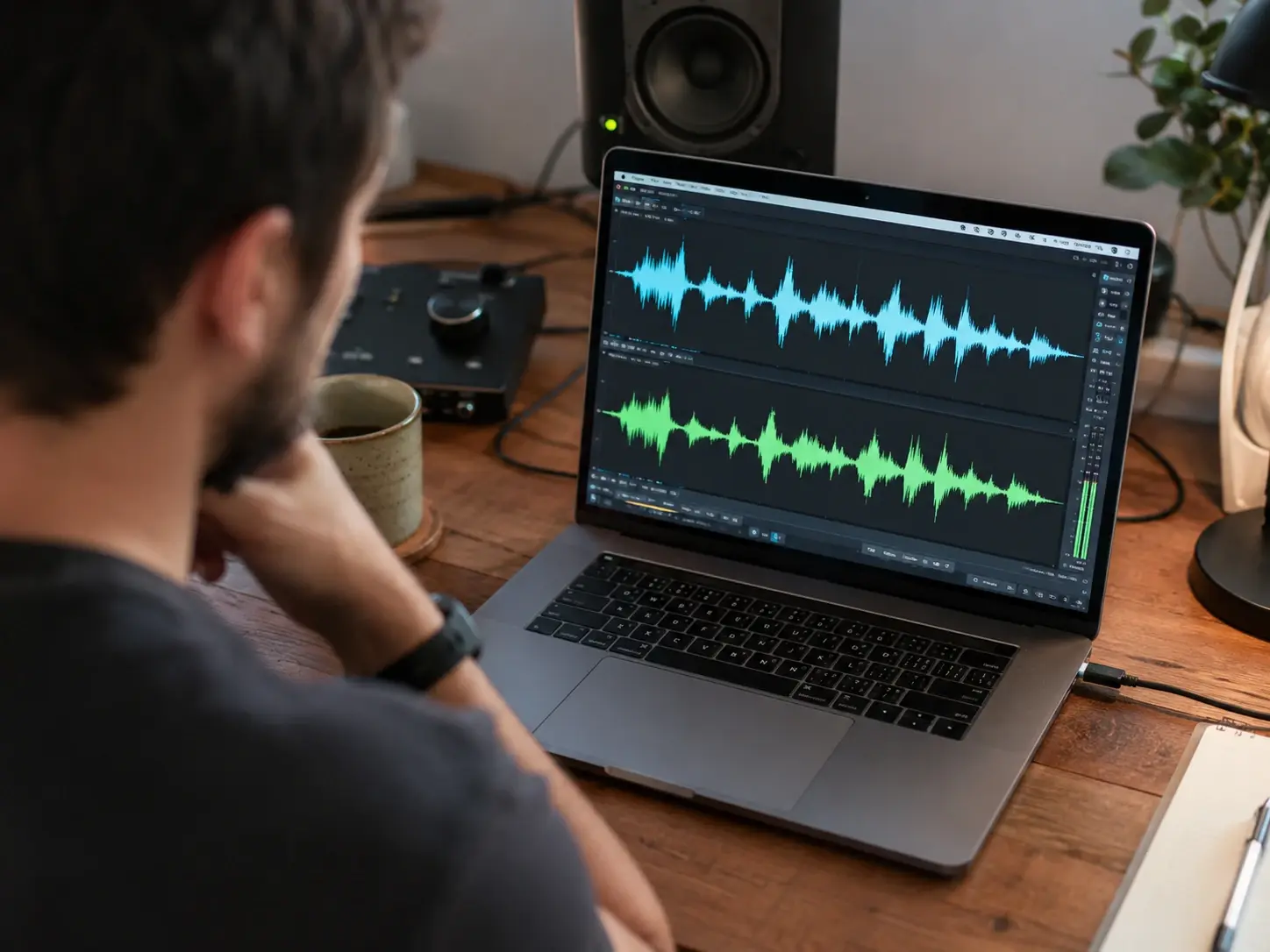
Character Voice Library
Pick from male, female, child, elderly, robot, and anime character presets in one panel. This voice changer applies the chosen persona and you fine tune it until the read fits. Each export holds the same character across a long script.
Try It Now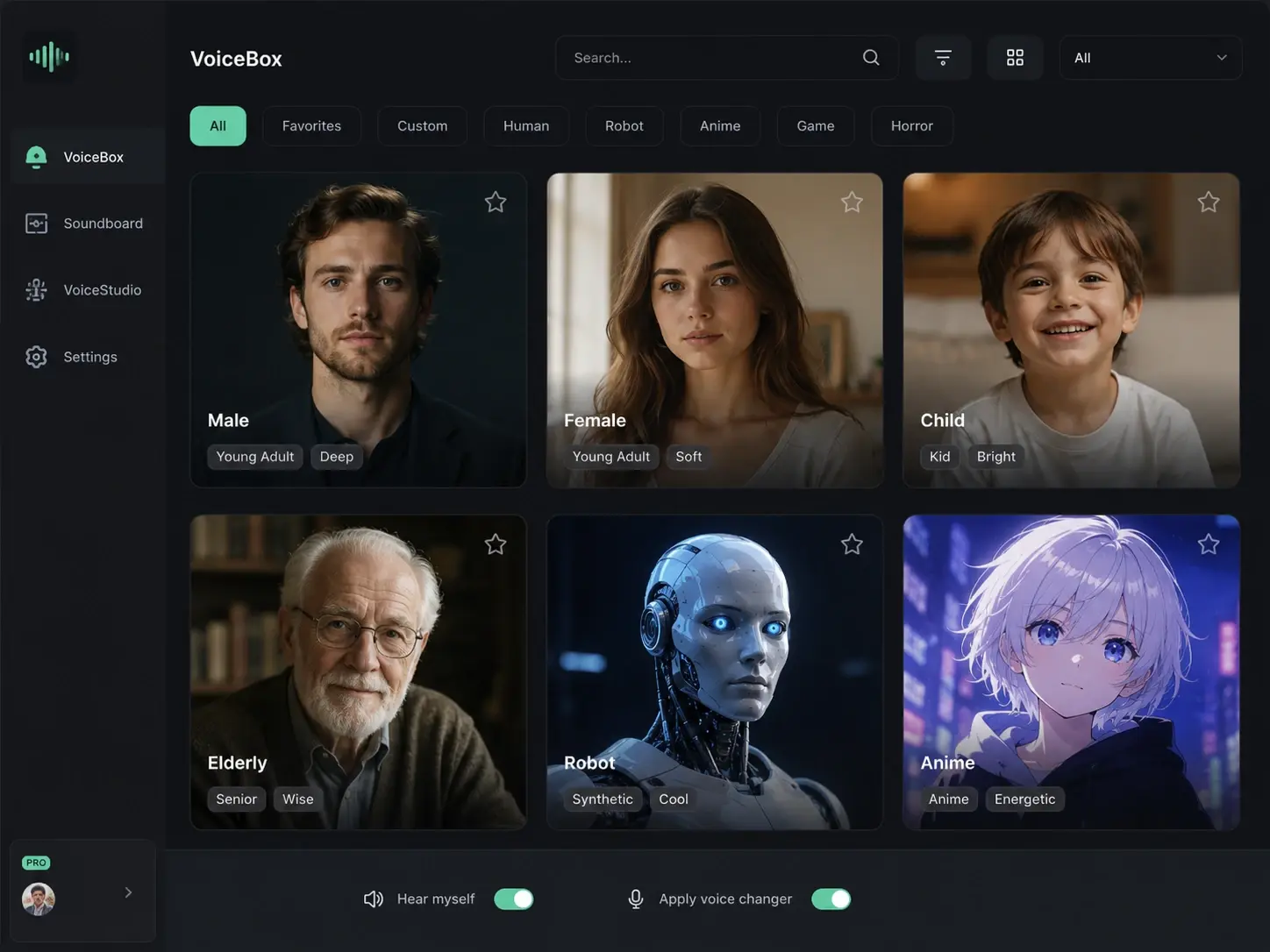
Pitch And Tone Control
Dial pitch, tone, emotion, and speed as independent sliders inside the workspace. The tool applies each change to the converted line so you shape the exact delivery. Preview the result and lock the settings before you render the final track.
Try It Now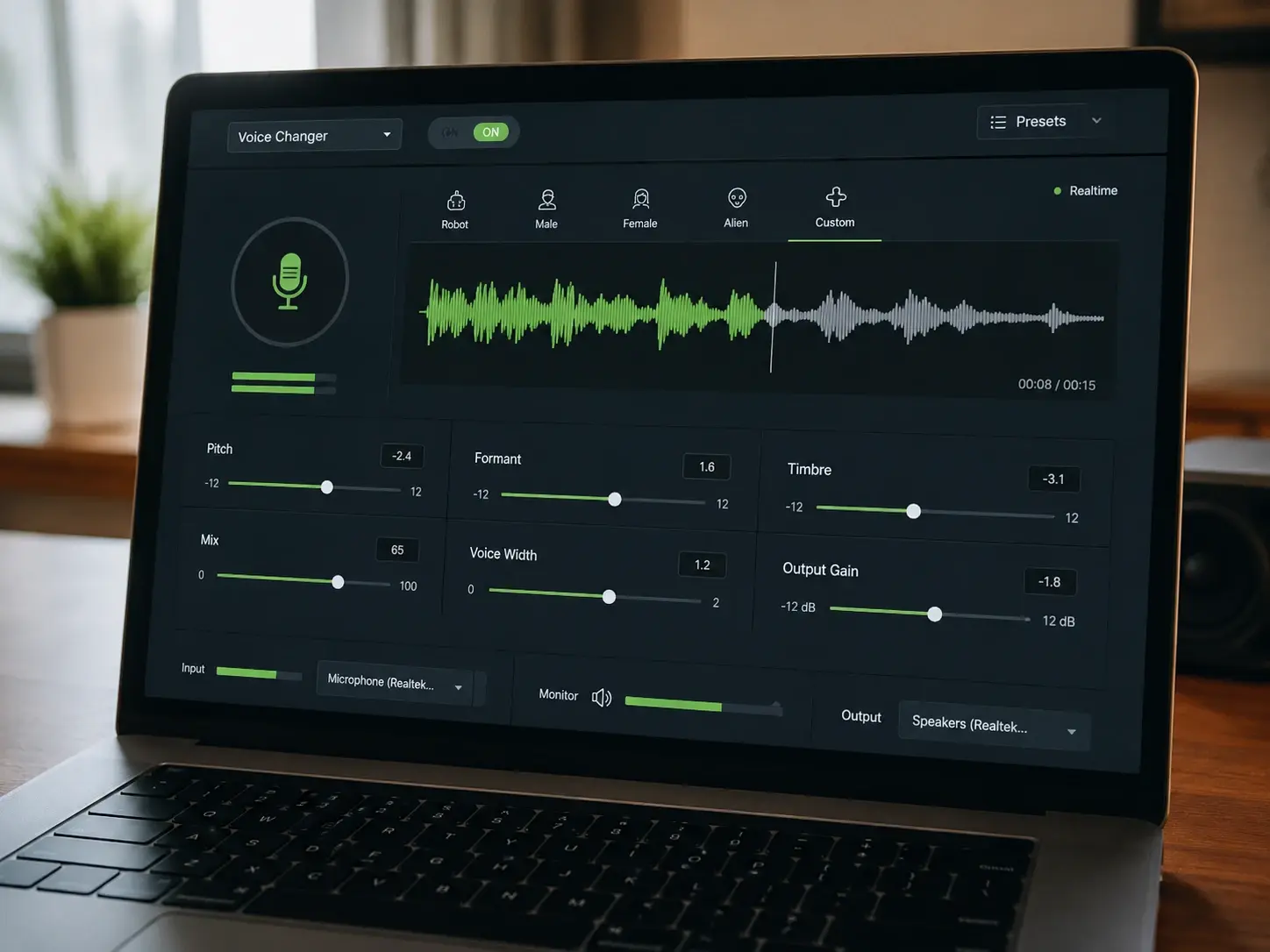
Audio And Video Support
Process a standalone recording or the voice track sitting inside a video clip. This ai voice changer keeps lip timing aligned so the converted line lands on the same frames. Export clean audio or a finished video without a separate sync pass.
Try It Now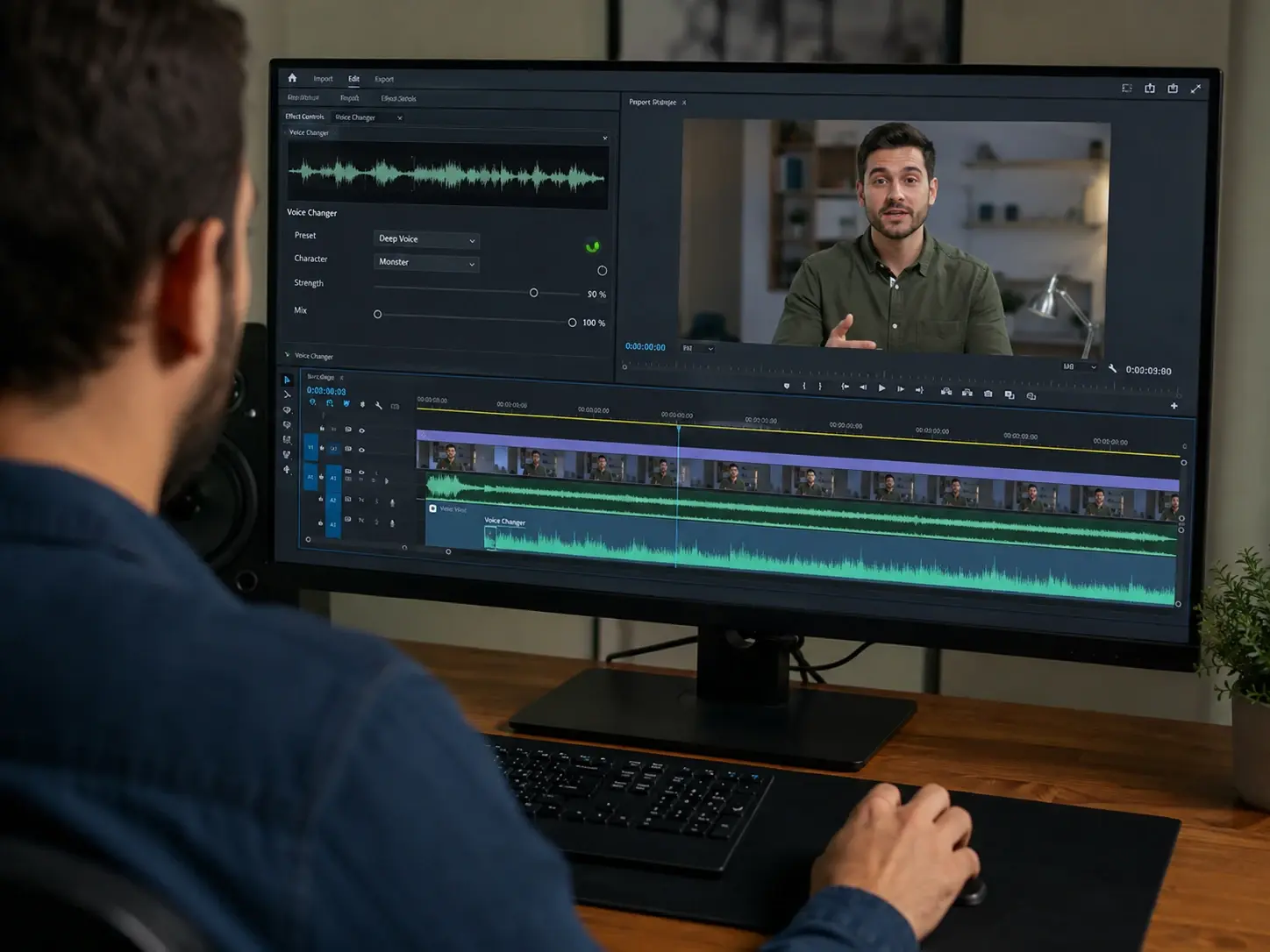
How The Voice Changer Works
Three steps from a recorded clip to a converted voice that still sounds natural.
Upload Or Record
Start by uploading an audio file or recording a line straight into the workspace. The voice changer reads your speech and maps the original pitch, emotion, and pauses. Both standalone audio and the voice track inside a video clip are supported. Review the source before you move on.
Pick A Voice Character
Choose a target from male, female, child, elderly, robot, or anime character voices. Set pitch, tone, emotion, and speed so the result fits the scene you need. The voice changer holds your original timing and expression while it rebuilds the character. Confirm the settings and let the tool render the take.
Preview And Export
Listen to the converted line in the preview player and check tone, pace, and emotion. The voice changer lets you adjust one parameter or regenerate a single phrase without redoing the whole clip. When the result sounds right, export the audio or the full video track at your target quality.
Voice Changer Questions Answered

Convert One Recording Into A Character
Open the voice changer in veme, upload a clip, set the pitch and character, and export a converted voice that keeps your original emotion in place.