


image upscaler
Upload a soft photo and the image upscaler returns a clean high resolution file.
veme is an image upscaler that runs in the browser on desktop and mobile. Upload a JPG or PNG, preview the result, and sign in to download the sharp version at 2x or 4x. Detail returns, edges hold, and noise drops without the mosaic blur of older enlargers.
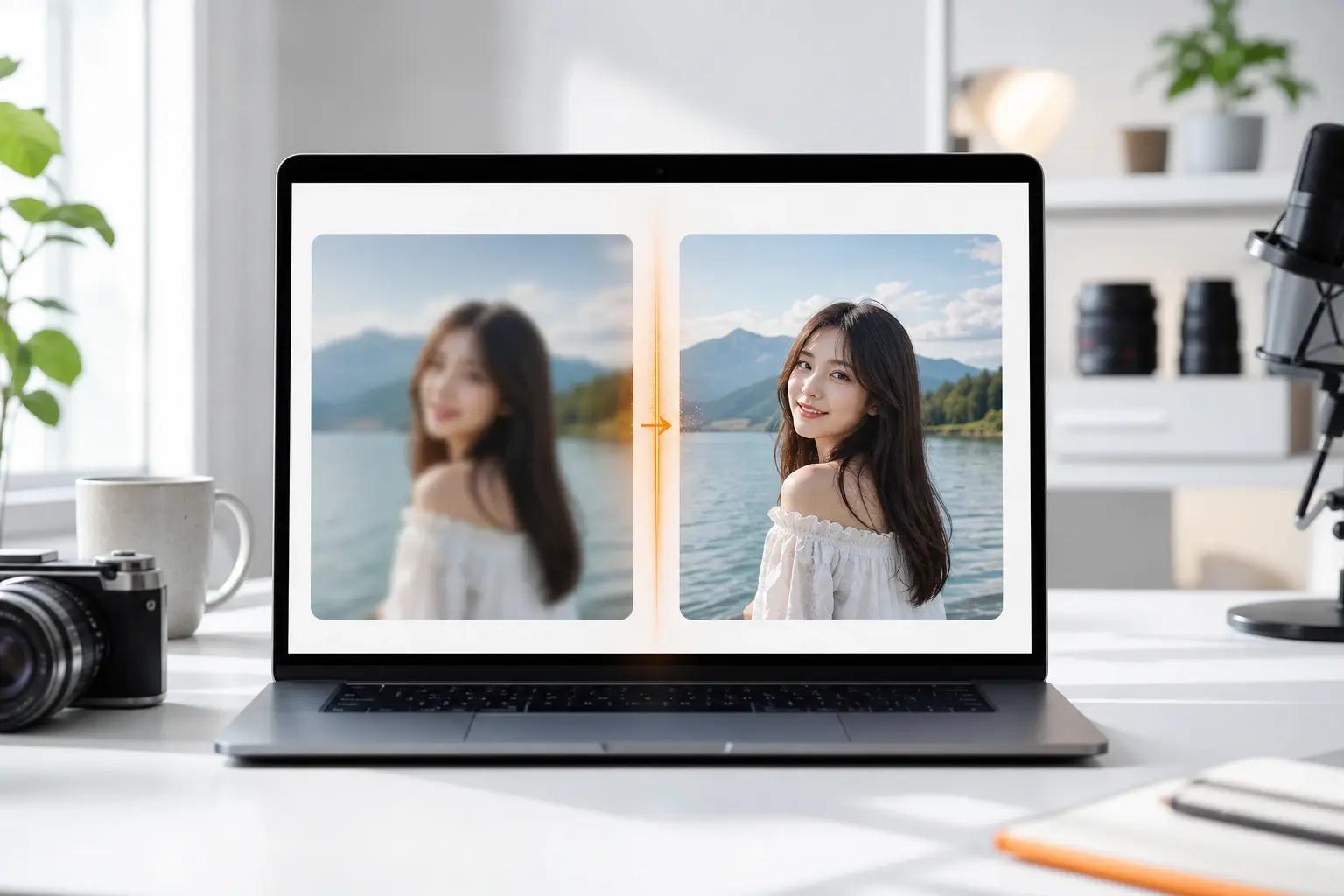
image upscaler
Upload a soft photo and the image upscaler returns a clean high resolution file.
veme is an image upscaler that runs in the browser on desktop and mobile. Upload a JPG or PNG, preview the result, and sign in to download the sharp version at 2x or 4x. Detail returns, edges hold, and noise drops without the mosaic blur of older enlargers.
What The Image Upscaler Does
Each capability targets one outcome: a higher resolution file that still looks like a real photo.
Detail Recovery
The image upscaler reads each region and rebuilds texture that compression stripped away. Upload a blurry shot and the model sharpens edges while it lifts the resolution. Your output keeps grain and surface detail instead of flat plastic patches.
Try It Now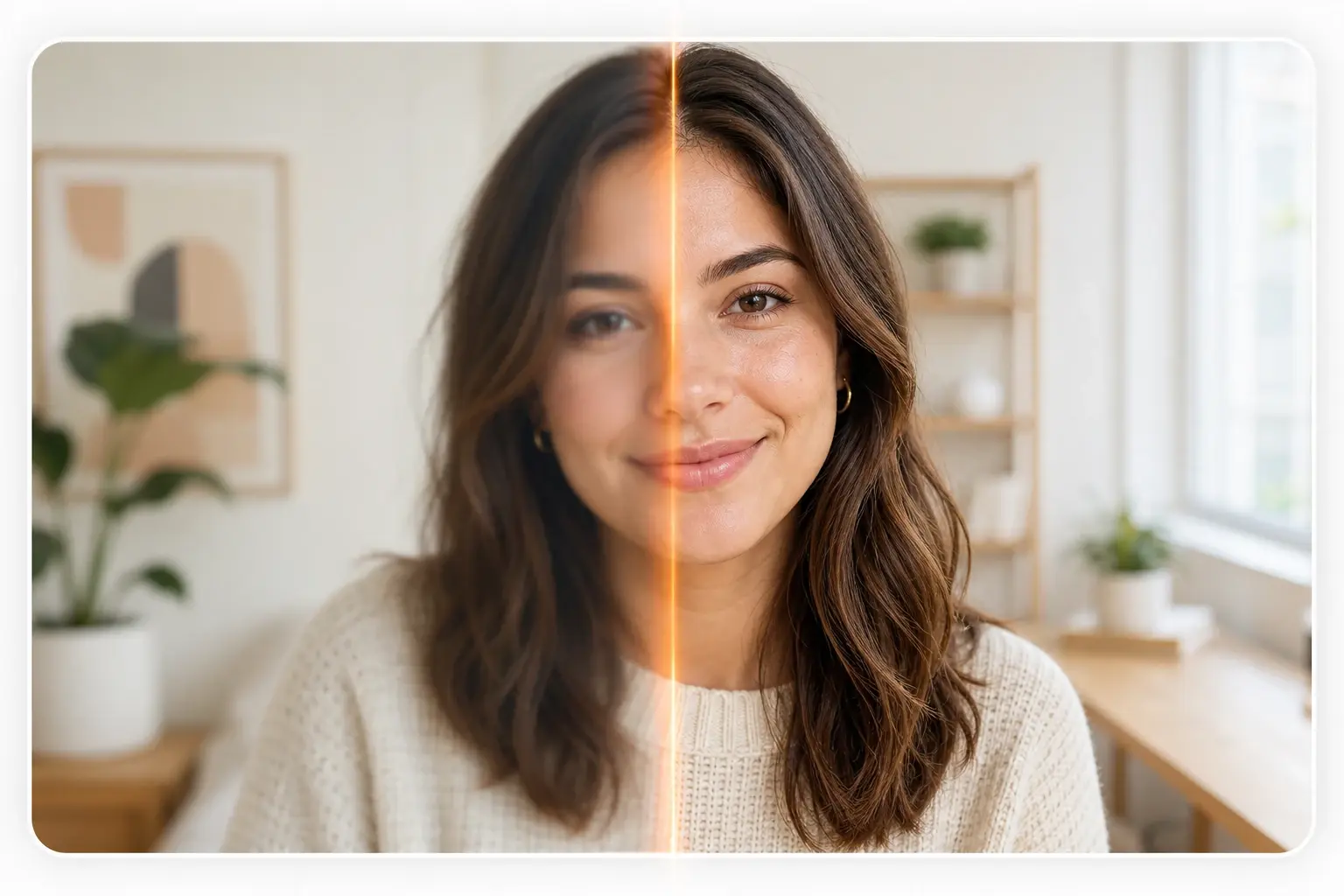
2x And 4x Scaling
Pick 2x for a quick lift or 4x to reach 4K from a small source. The ai image upscaler enlarges the frame and fills new pixels with matched detail. You preview both sizes before you commit, then export the one your project needs.
Try It Now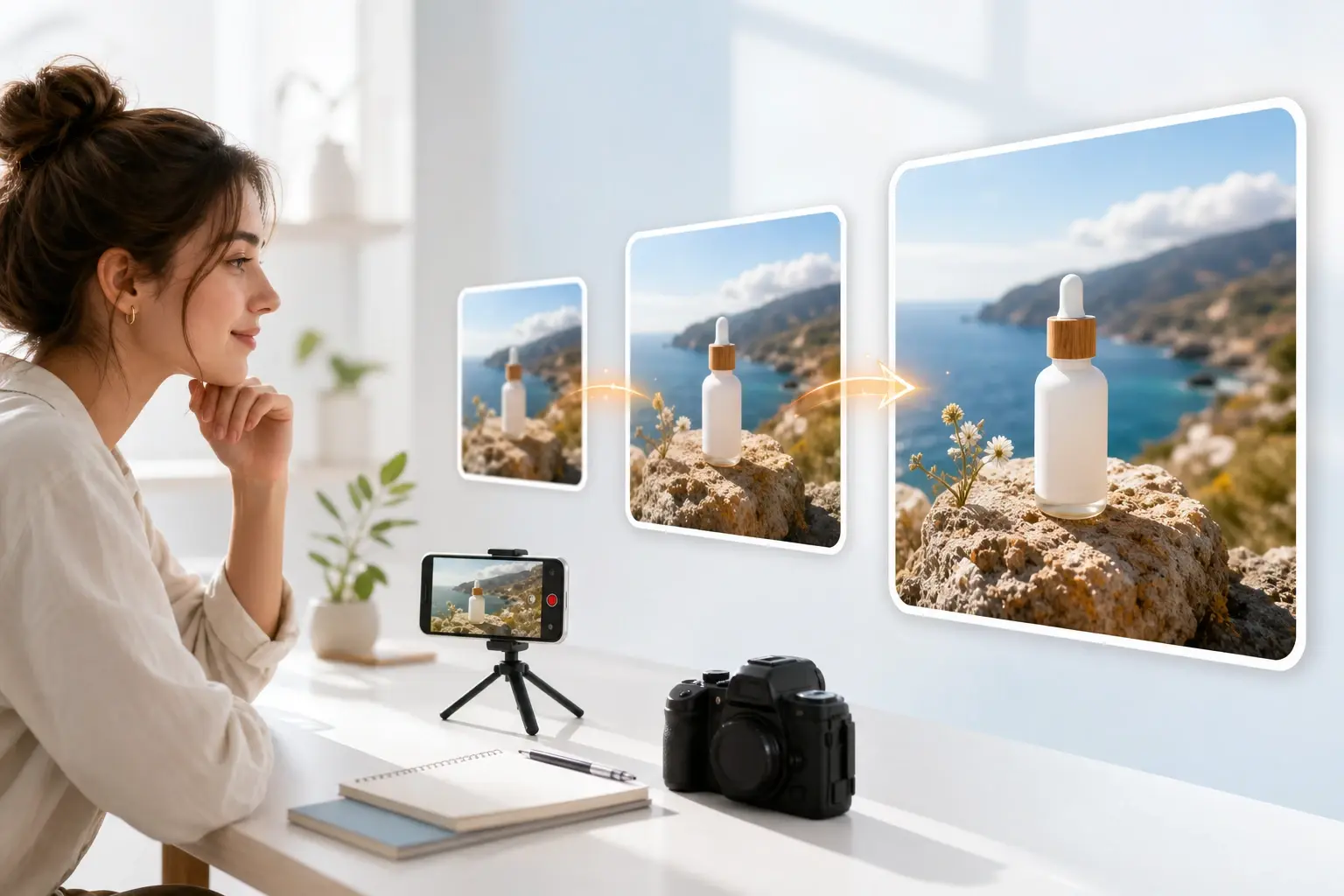
Noise And Artifact Cleanup
Old phone shots and saved social images carry grain, banding, and JPG blocks. This photo upscaler smooths that noise while it protects the lines that matter. The cleaned file reads clean at full size, not soft or smeared across the frame.
Try It Now
Browser Based Workflow
The tool processes in the cloud, so nothing installs and no storage fills on your phone. Open the page, drop your file, and the work runs on desktop or mobile web. Sign in when the preview looks right to pull the high resolution copy.
Try It Now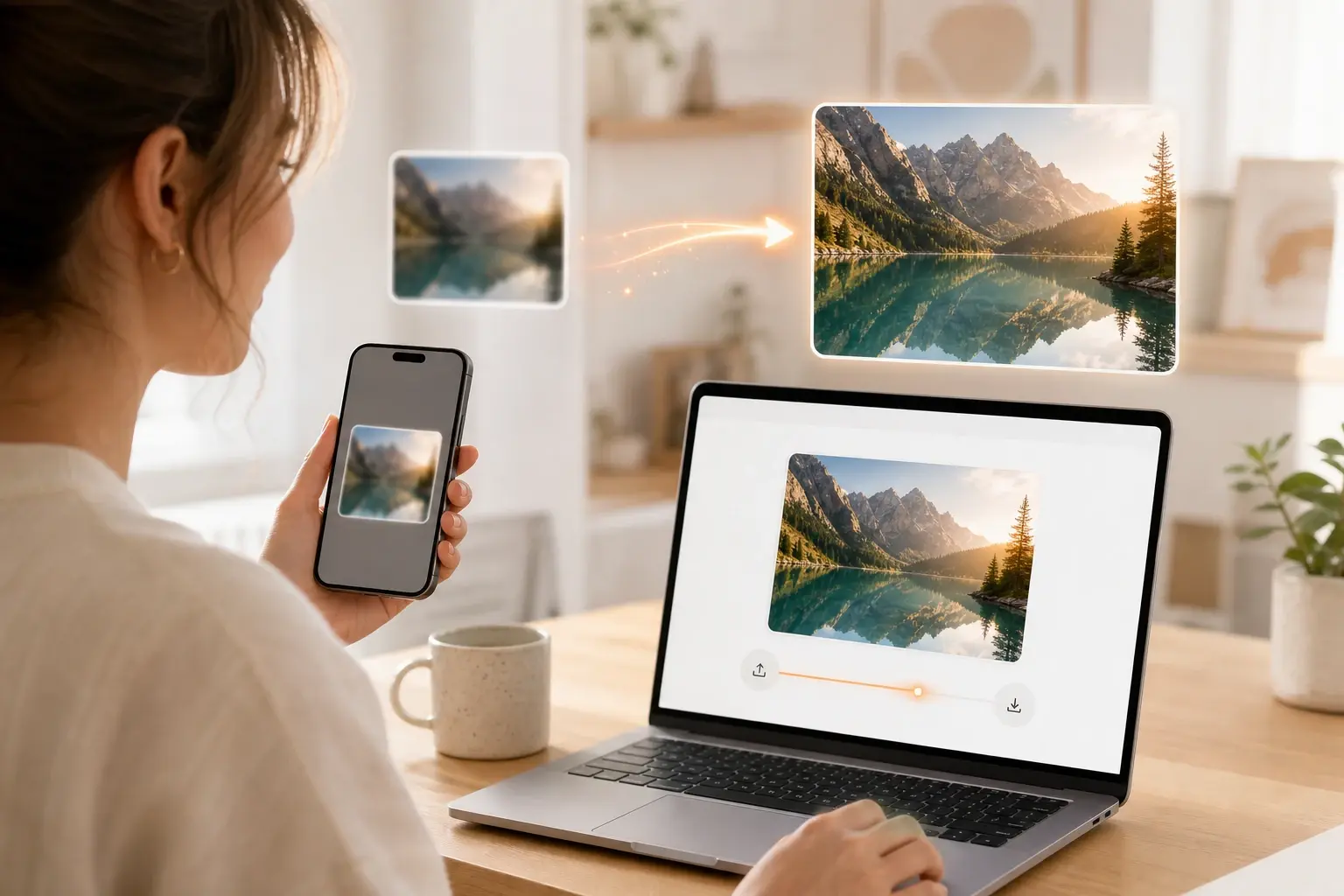
Jobs The Image Upscaler Handles
Concrete files people fix before they publish, print, or present.
Ecommerce Listing Photos
Turn a low resolution supplier shot into a crisp listing image that holds up on a product page. The image upscaler increases image resolution and keeps the label text legible. Export a clean photo that raises the look of your store.
Restored Old Photos
Scan a faded print or pull a soft picture from an old phone and bring the detail back. The photo upscaler enlarges the frame and recovers faces, hair, and edges. You get a high resolution keepsake worth printing or sharing.
Print And Poster Assets
Take a small logo or illustration to the size a poster or pull up banner needs. The 4k image upscaler enlarges the art without the jagged edges that wreck a print. Hand the file to your printer at the resolution the job requires.
Image Upscaler Questions

Sharpen Your Photo In Browser
Open the image upscaler in veme, upload a JPG or PNG, preview the result, and sign in to download the high resolution file at 2x or 4x.