



AI Image Editor
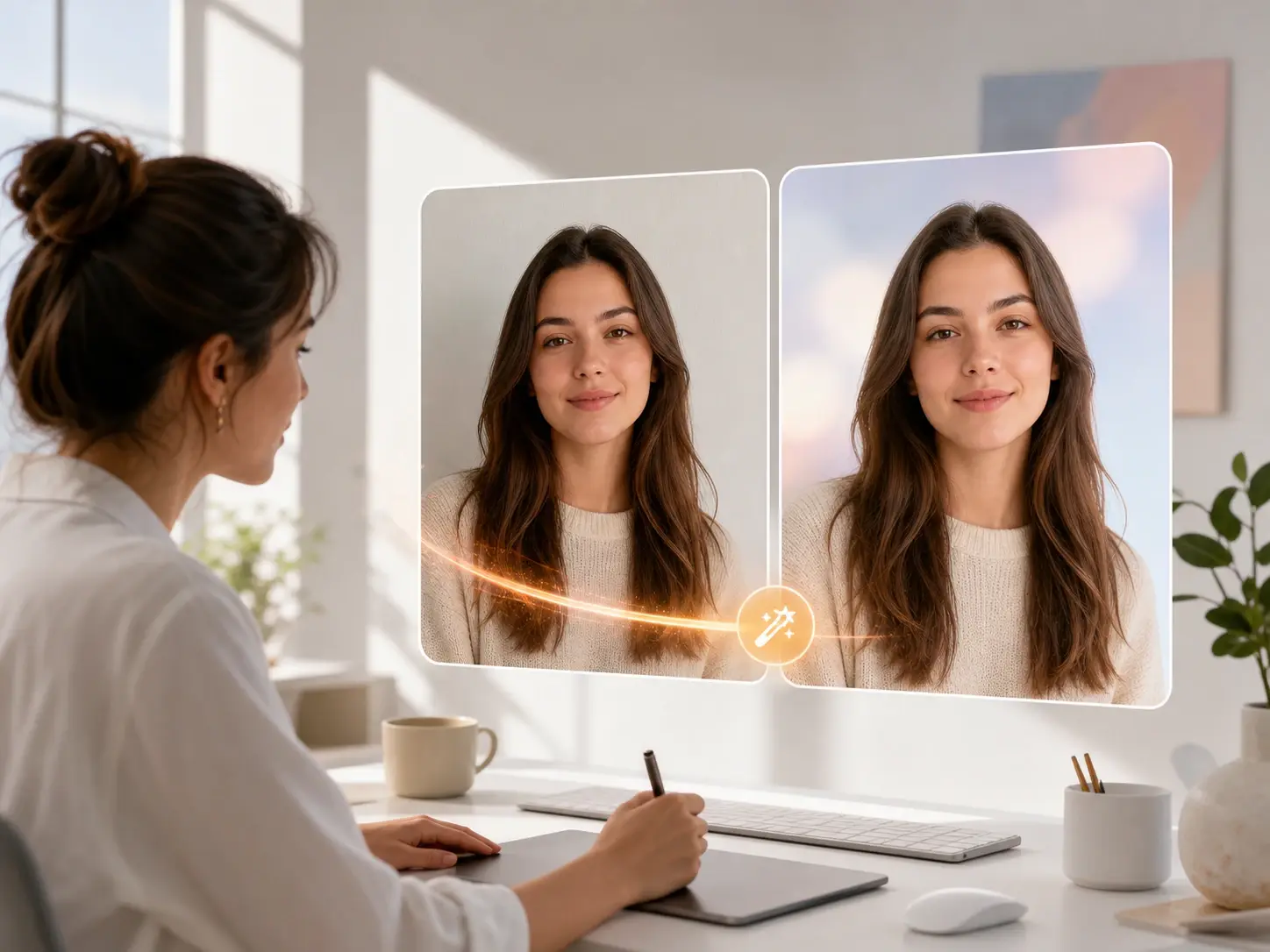
Type what to change and the AI image editor edits the photo for you.
veme is an AI image editor that reads a plain prompt and rewrites the part of the photo you name. Swap a background, remove an object, change a hairstyle, or rework the color. The face and lighting stay intact, and the file exports at high resolution ready to publish.
AI Image Editor
Type what to change and the AI image editor edits the photo for you.
veme is an AI image editor that reads a plain prompt and rewrites the part of the photo you name. Swap a background, remove an object, change a hairstyle, or rework the color. The face and lighting stay intact, and the file exports at high resolution ready to publish.
AI Image Editor Use Cases
Concrete jobs where the AI image editor turns a rough photo into a finished, on brand frame.
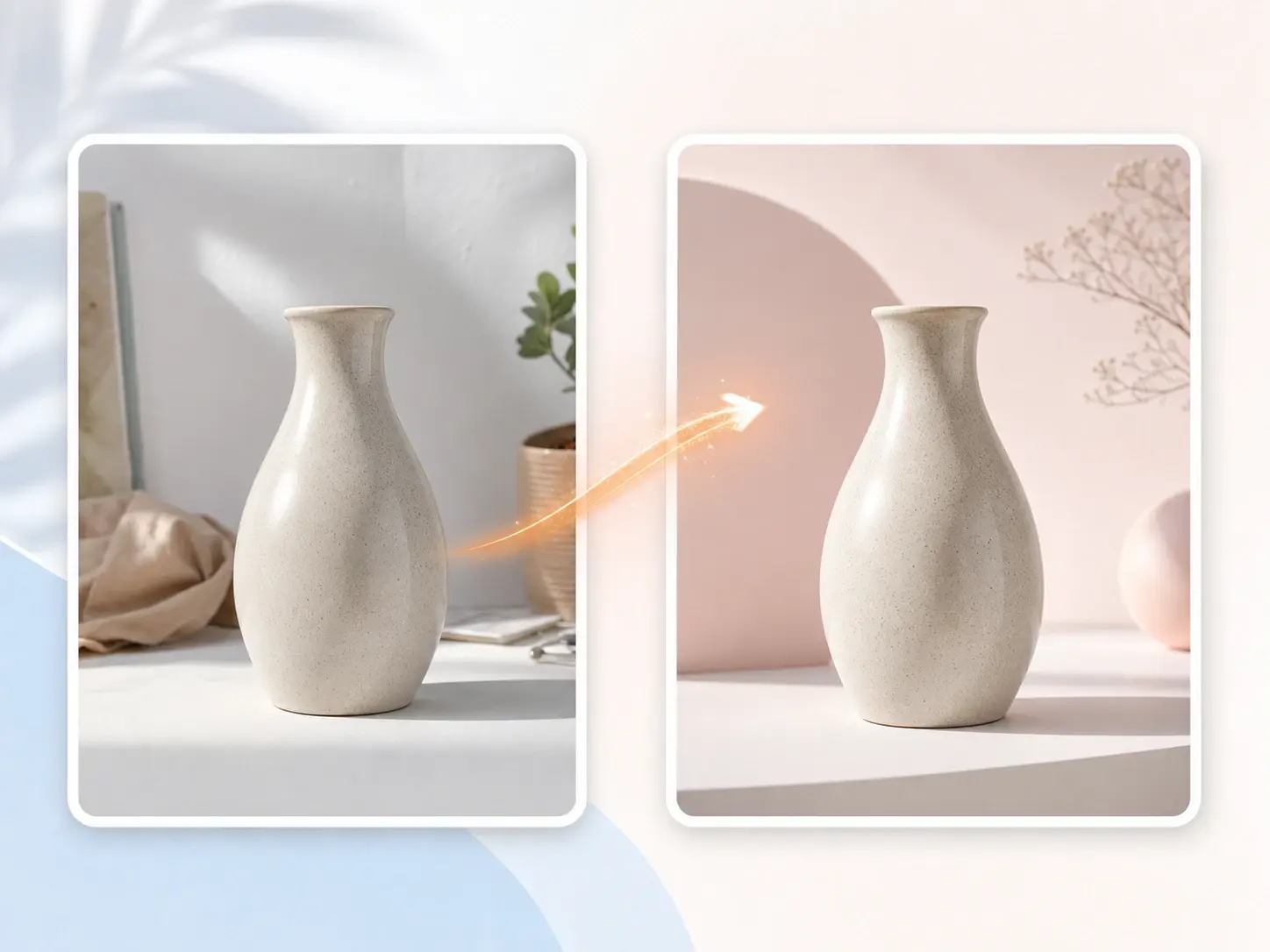
Background Removal And Swap
Name the new scene and the AI image editor cuts the subject out and drops it onto a clean backdrop. The remove background pass keeps the edges sharp and the shadow believable. Export a product or portrait frame that fits your brand scene.
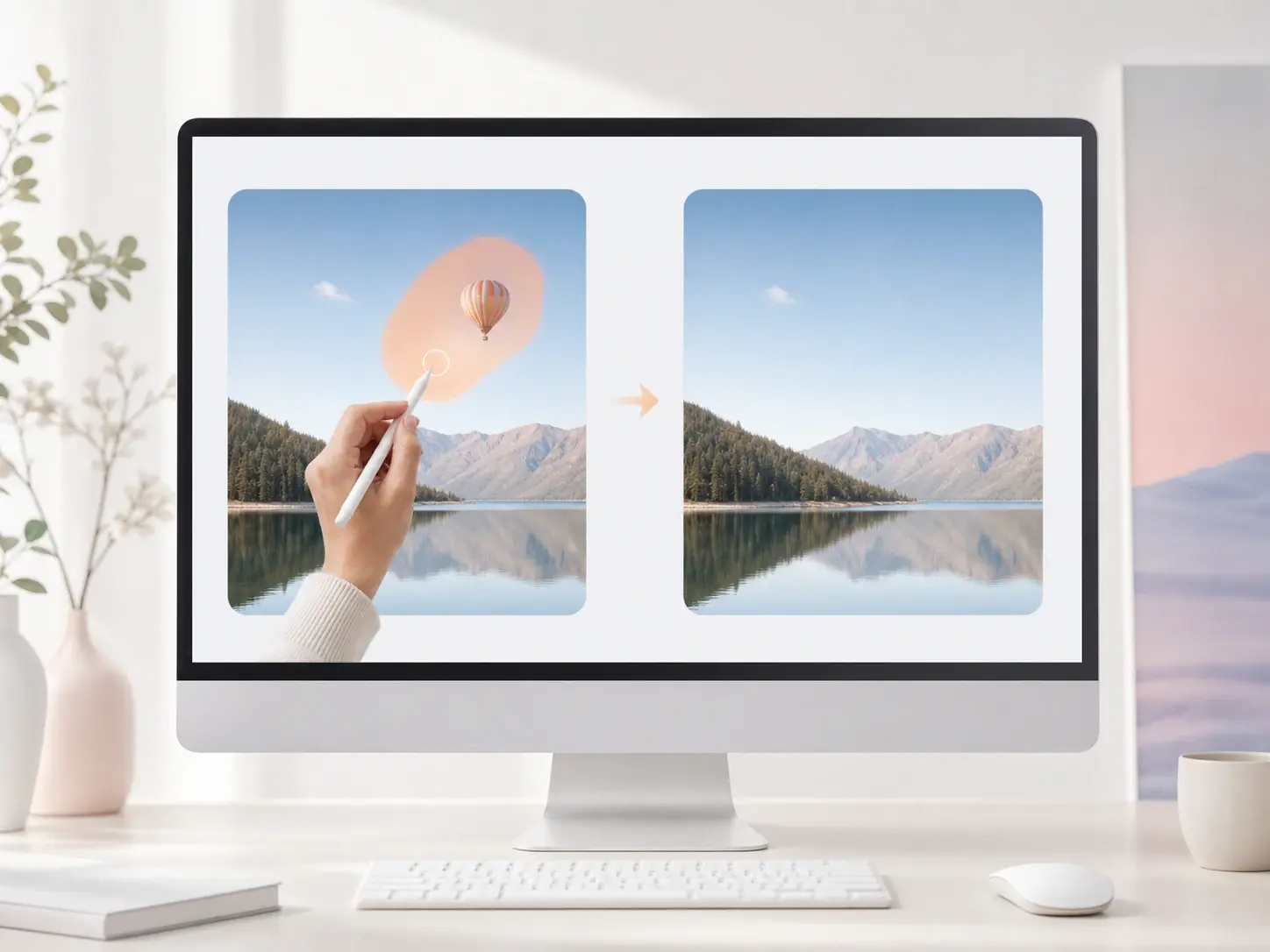
Local Object Edits
Brush over one region and tell the AI image editor what to change in that spot. Replace an object, fix a small flaw, or recolor a jacket while the rest of the frame stays untouched. The edit blends into the original light and texture.

Upscale And Restore
Feed a soft or aging photo and the AI image editor sharpens detail as it runs upscale image up to 4K. Grain drops, edges firm up, and faded color comes back without a plastic finish. Export a poster ready file from a low resolution source.
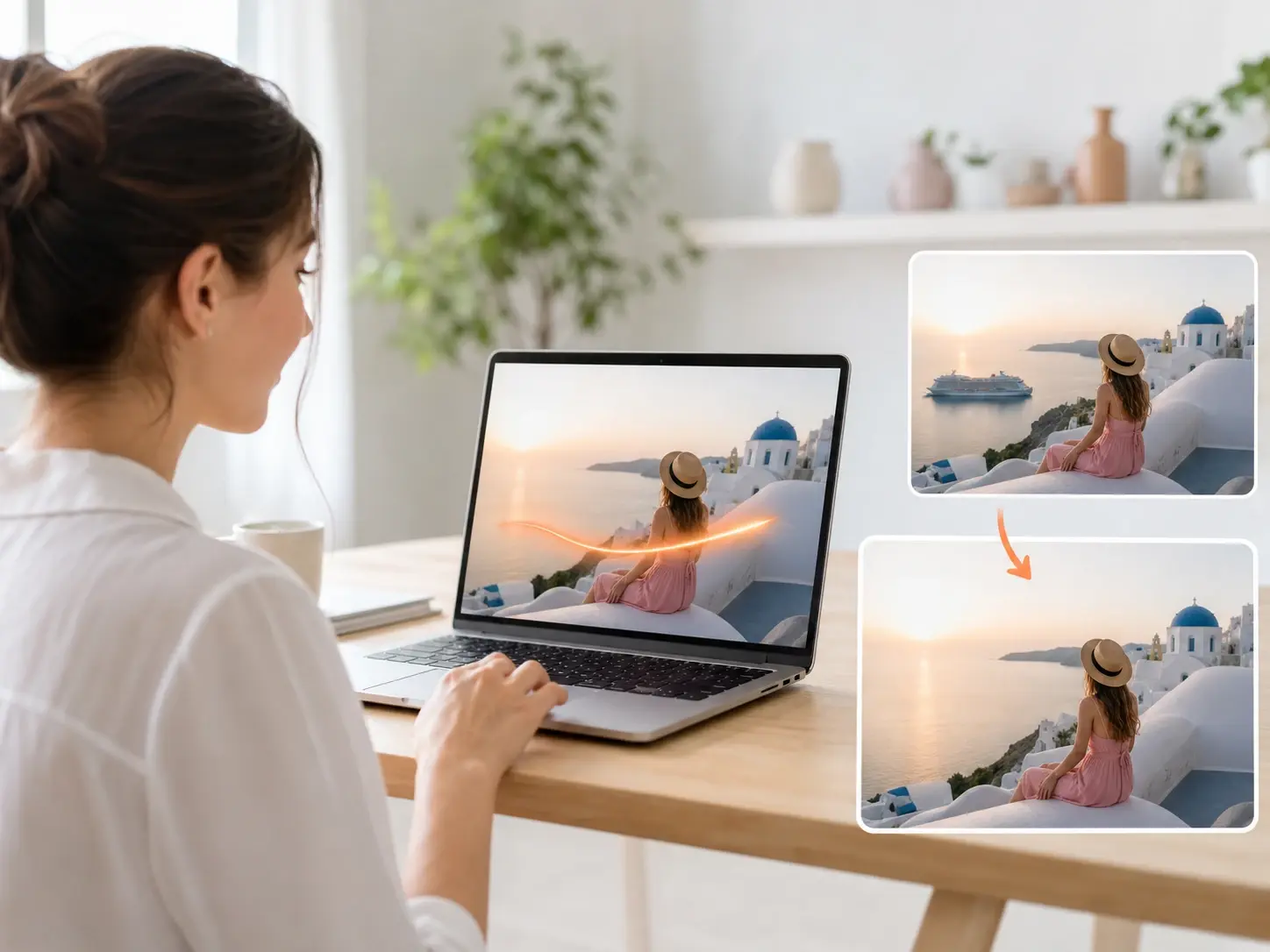
Prompt To New Image
Start with no source at all and let the text to image ai draft a fresh frame from your words. Keep editing in the same workflow until the scene matches your brief. The AI image editor carries the file from concept to finished export.
AI Image Editor vs Manual Retouch
How the AI image editor compares with a layer by layer edit in legacy software.
Prompt Edit vs Masking
A manual edit means selecting, masking, and feathering every region by hand. The AI image editor reads a plain prompt and applies the change to the named area in one pass. You review the result instead of building each selection from scratch.
One Tool vs Many Apps
An old workflow chains a cut out app, a retoucher, and a separate upscaler. This AI image editor runs remove background, retouch, and enhance image inside one screen. The file never leaves the project between steps.
Consistent Face vs Redraw
Heavy manual edits drift the face and break identity across a series. The AI image editor keeps the same features when you change a pose, outfit, or background. A character reads as one person across every frame in the set.
AI Image Editor Questions
Edit Your Photo With A Prompt
Open the AI image editor in veme, type the change you want, and export a clean high resolution file with the face and lighting kept intact.