


AI Music Generator
Turn a clip into an original soundtrack.
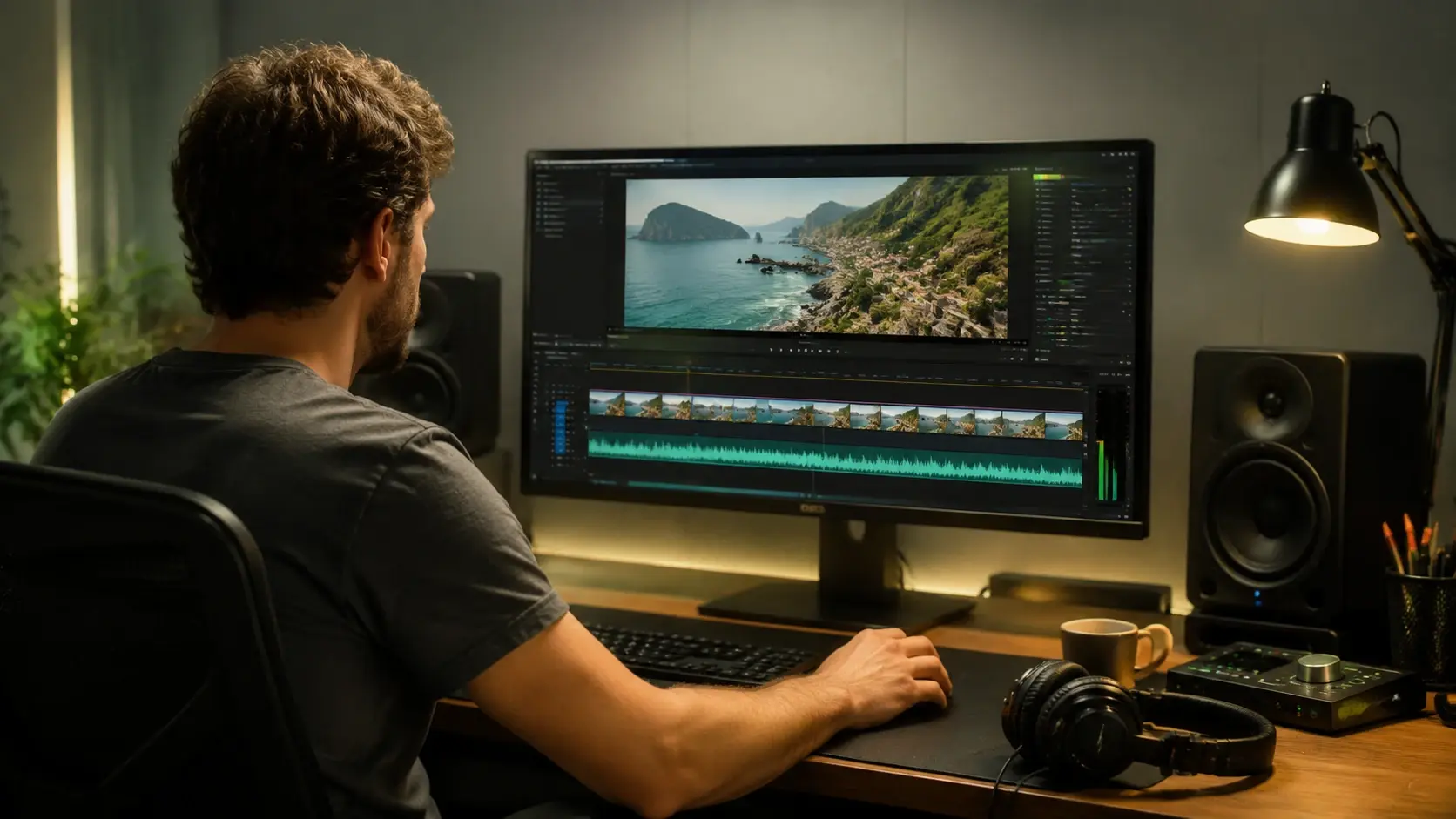
veme reads your footage, locks the mood and pace, and scores a matching track. The AI music generator analyzes the story in each frame and builds an original soundtrack that fits the tone of your video. Choose a style, set the length, preview the result, then export a clip with sound already in place.
AI Music Generator
Turn a clip into an original soundtrack.
veme reads your footage, locks the mood and pace, and scores a matching track. The AI music generator analyzes the story in each frame and builds an original soundtrack that fits the tone of your video. Choose a style, set the length, preview the result, then export a clip with sound already in place.
AI Music Generator Capabilities
What the AI music generator does once your footage is in.
Video Aware Scoring
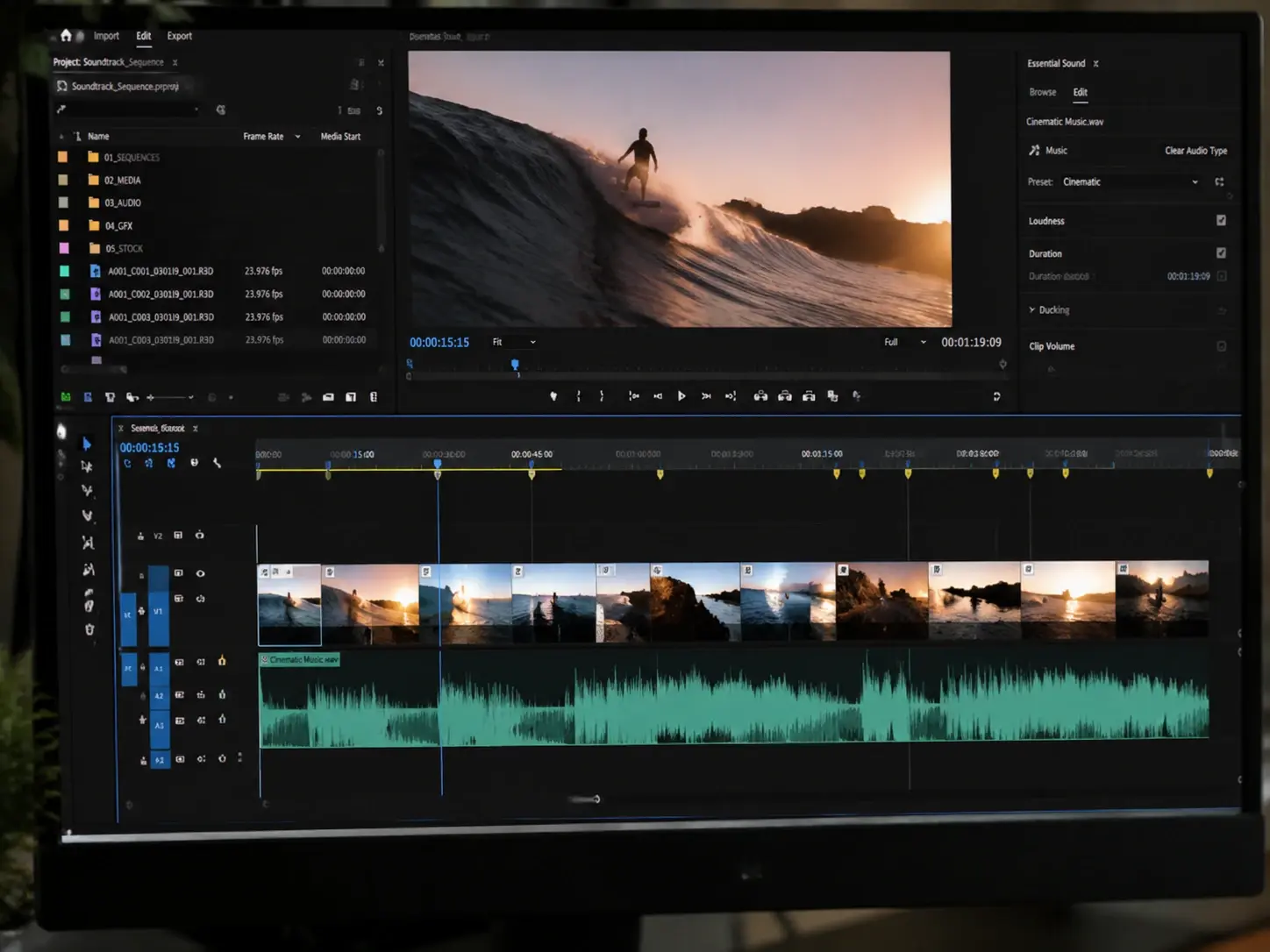
veme analyzes the story, mood, and rhythm of your footage frame by frame. The AI music generator reads those cues and writes an original track that follows the scene instead of a fixed loop. Your export carries music that tracks the pace of the cut.
Style Control
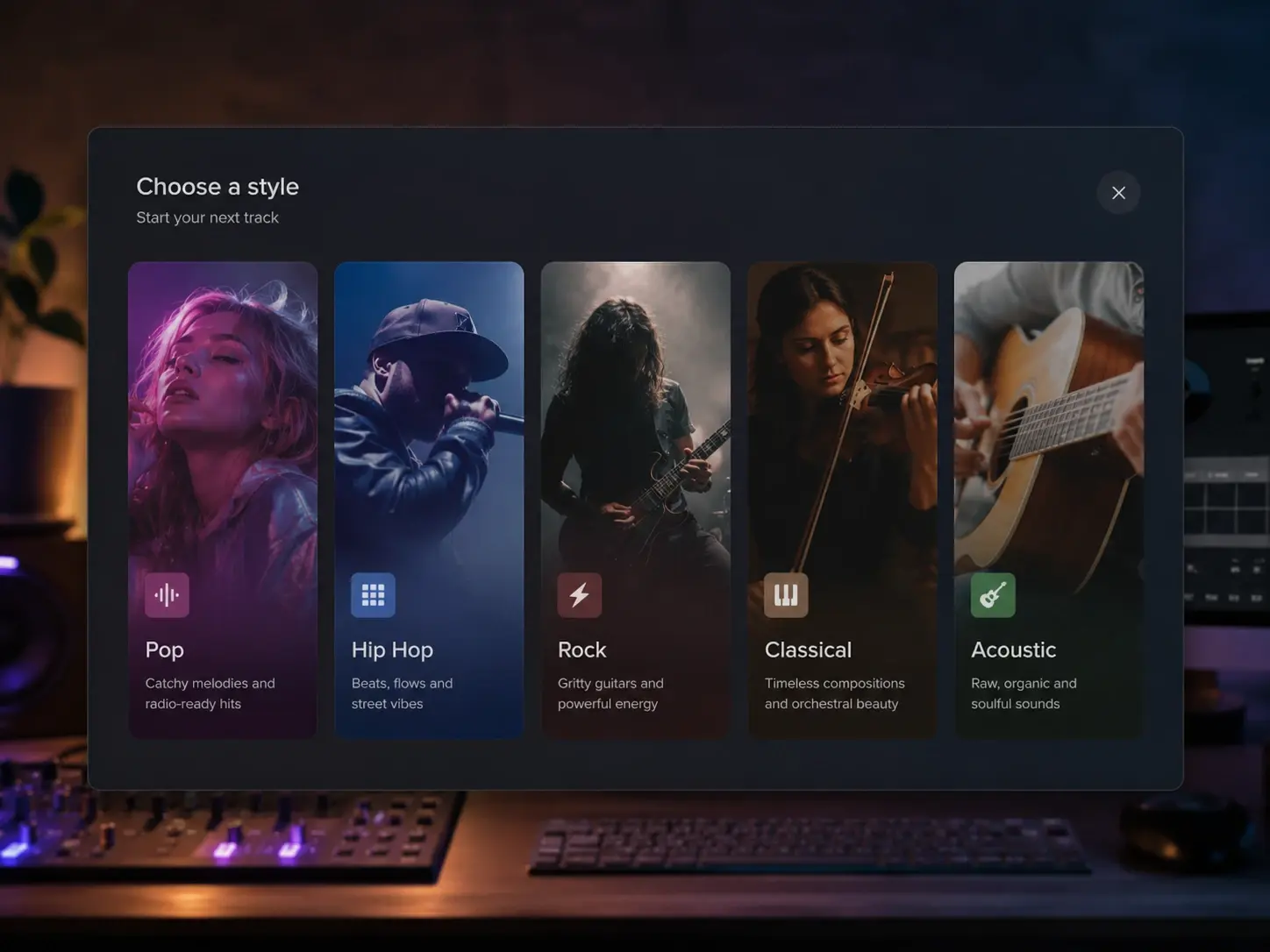
Generate across Pop, Hip Hop, Rock, Classical, Acoustic, R and B, and more. Pick the style that suits the content, then refine the prompt to steer the feel. The output is an original score shaped to your brief, not a one tap preset.
Custom Length
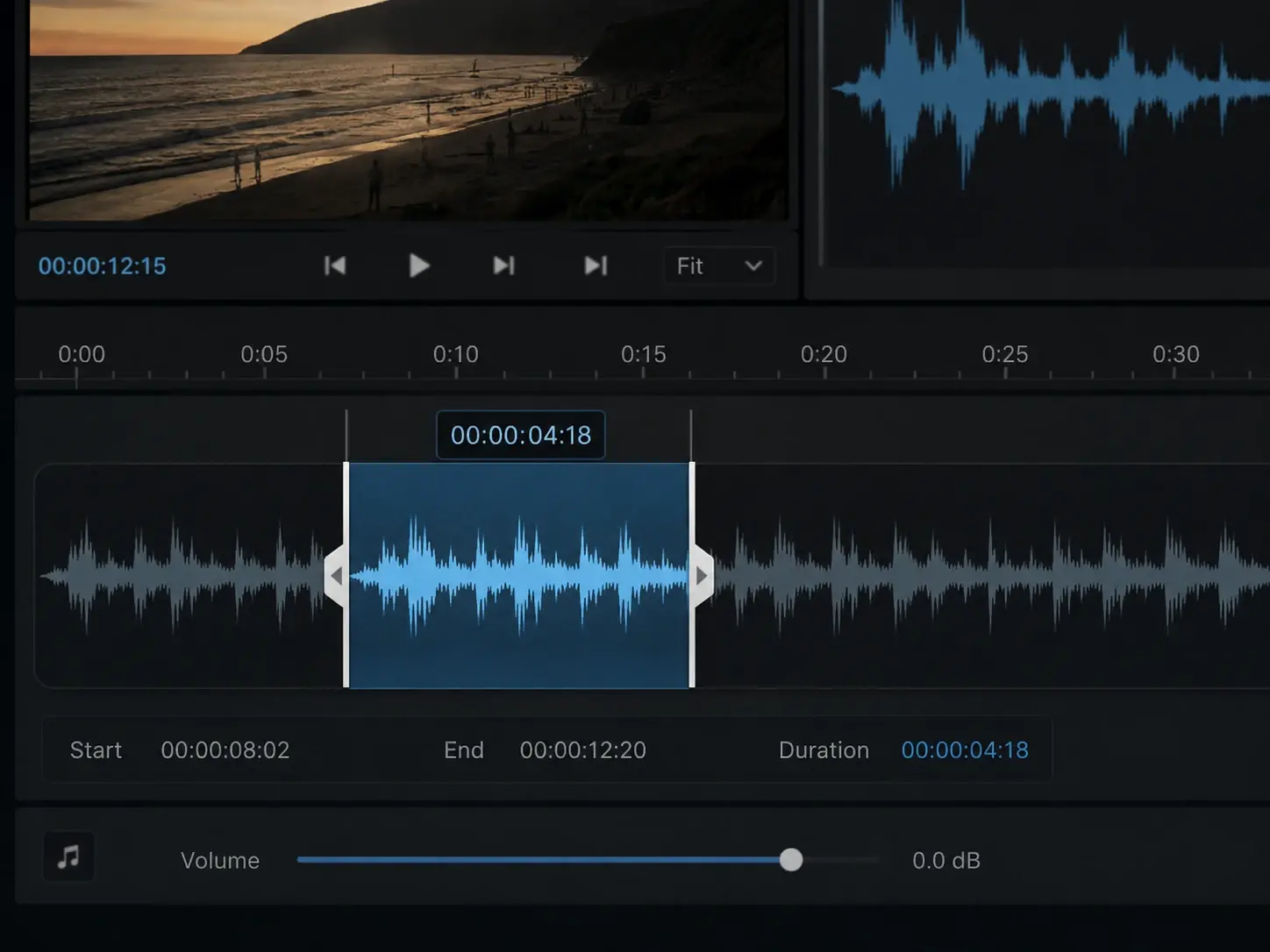
Set the track length to match the runtime of your clip. The AI music generator builds music that fits the structure of the footage, so you skip manual looping and re cutting. Export a score that lines up with the video from the first frame to the last.
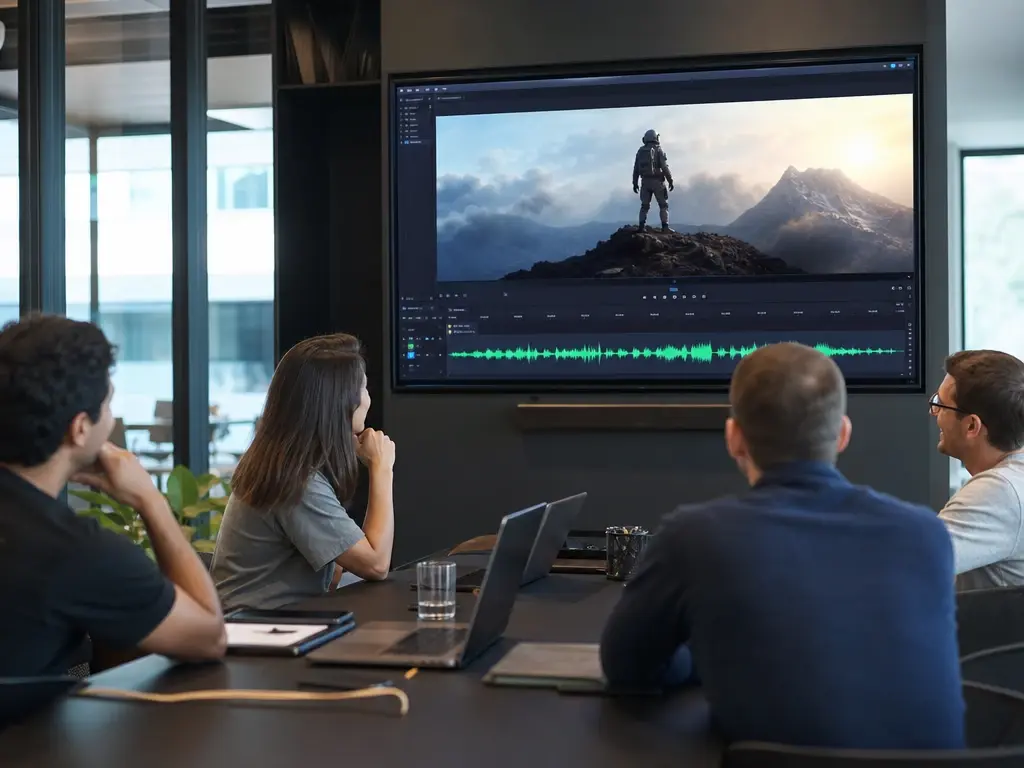
Commercial Use Ready
Generate original tracks suited to brand videos, social posts, and published content. The score is yours to use across projects, which lowers the friction of license checks and content flags. Hand off a finished clip with music cleared for the publish queue.
How The AI Music Generator Works
Three steps from raw footage to a scored clip.
Upload Your Video
Start by uploading the video clip you want scored. The AI music generator reads the scene, the pacing, and the emotional tone of each frame. It then suggests a music prompt that fits the mood, so you have a direction before you write a single word. Review the suggestion and adjust it if the read is off.
Pick A Style
Choose from styles like Pop, Electronic, Lofi, Cinematic, Jazz, or Orchestral. The AI music generator scores the track to match the story in your footage, not a generic stock loop. Set the length so the music lines up with your cut, then confirm the brief and let the render run.
Preview And Export
Listen to the generated track against your video in the preview player. The AI music generator lets you refine the prompt, swap the style, or adjust the parameters until the score matches the emotion of the scene. When the result fits, export a clip with the original soundtrack already mixed in at your target length.
AI Music Generator Questions

Score Your Next Video Now
Open the AI music generator in veme, upload a clip, pick a style, and export a video with an original soundtrack already mixed in.