

Lip Sync
Match Mouth Motion To Audio
veme is a lip sync tool that matches mouth motion to any voiceover, dub, or song and turns a still photo into a talking avatar at export resolution.
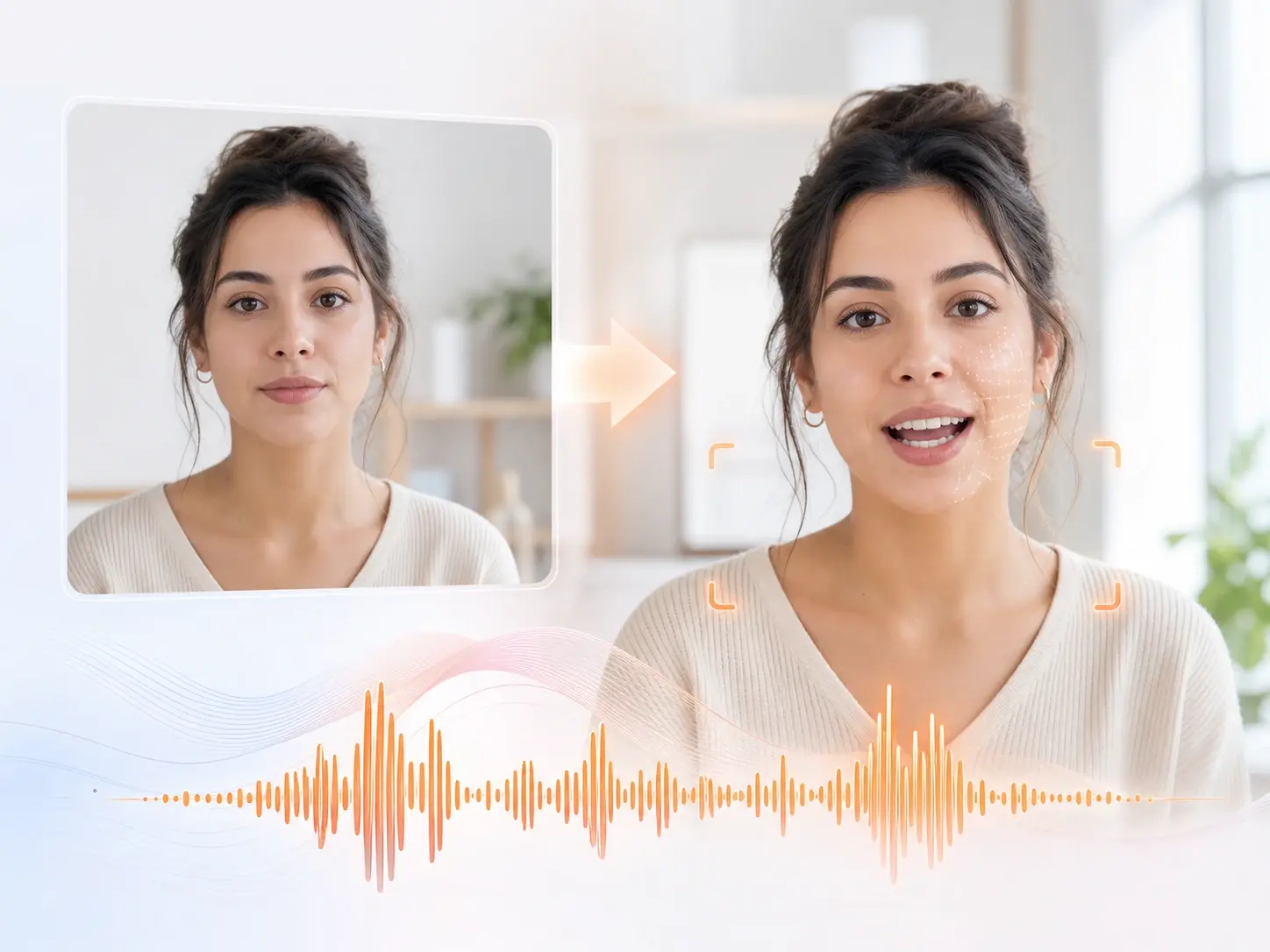
Lip Sync
Match Mouth Motion To Audio
veme is a lip sync tool that matches mouth motion to any voiceover, dub, or song and turns a still photo into a talking avatar at export resolution.
Made With The Lip Sync Tool
Four concrete results that show what the lip sync tool produces from a photo or clip and a track.
Multilingual Dub Match
Take one talking video and run it through three language dubs in a row. The lip sync video keeps the mouth aligned to each new track so every cut reads native. The export ships at target resolution for a wide regional release.
Try It Now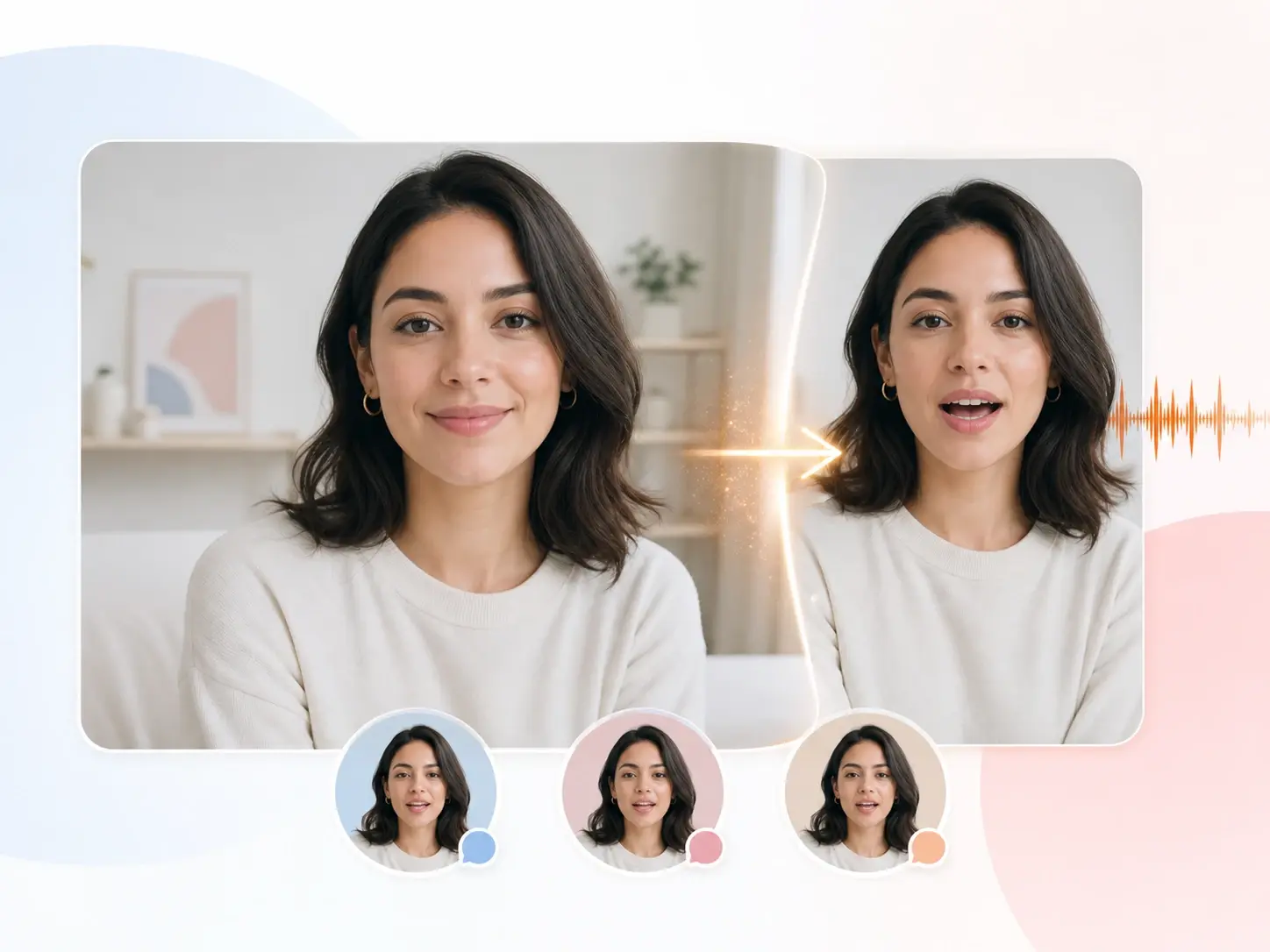
Singing Avatar From A Photo
Turn a single portrait into an avatar that sings a full chorus. The lip sync animation maps each lyric to a mouth shape and keeps the face sharp. Export a music clip that feels performed, not pasted together.
Try It Now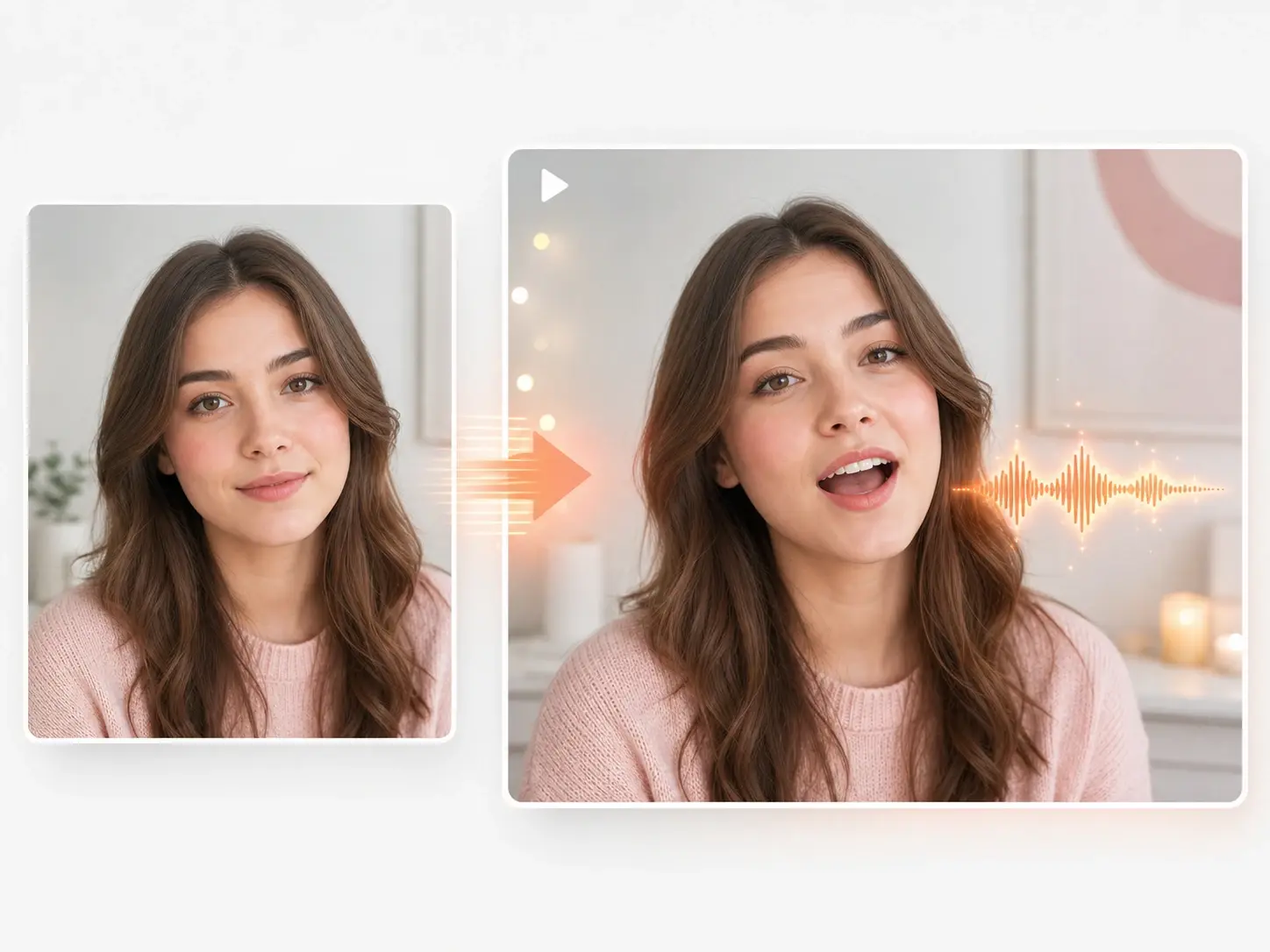
Brand Spokesperson Clip
Build a branded host who delivers this week's announcement on camera. The engine drives the mouth from a recorded voiceover and holds the brand look. Hand off a spokesperson clip without booking a studio shoot.
Try It Now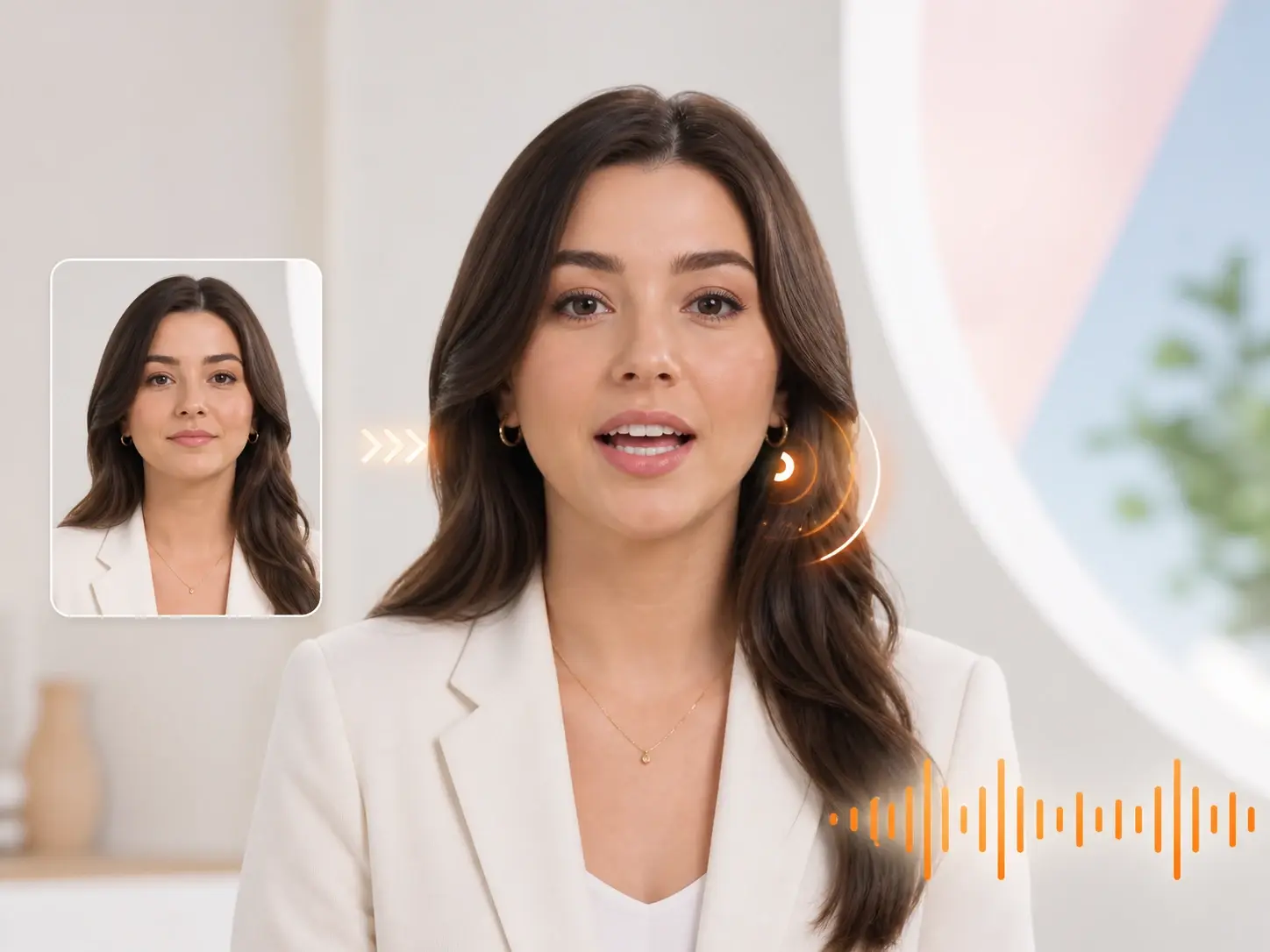
Animated Pet Narrator
Give a pet photo a voice and let it narrate a short story. The lip sync animation moves the mouth on an animal subject while the detail stays clean. The export reads like a hand animated cut for a social feed.
Try It Now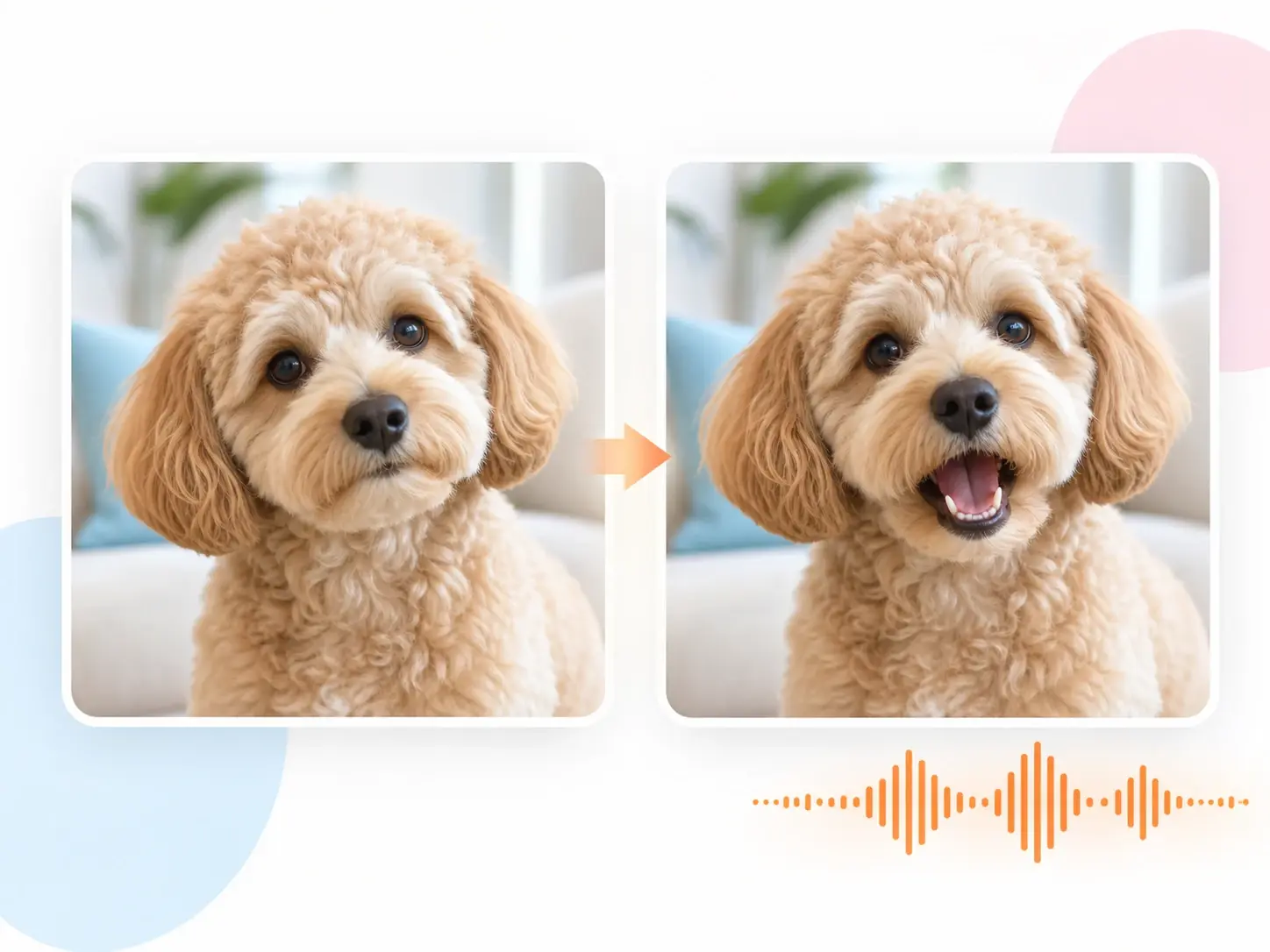
Lip Sync Tool Versus Manual Work
How the lip sync tool changes the job against frame by frame mouth animation.
Frame Work Versus Audio Match
Manual mouth animation means posing each phoneme across the timeline by hand. The lip sync tool reads the audio and times the mouth for you. The engine turns a day of keyframing into one render pass.
One Language Versus Many
A hand keyed mouth locks the clip to a single recorded track. The tool matches the same face to a new dub on demand. Swap the audio and the mouth realigns for the next language without a redo.
Static Photo Versus Talking Head
A still portrait stays silent in a slideshow without extra software. The engine turns that photo into a talking head from any voice file. The result reads as a recorded speaker rather than a flat image.
Lip Sync Tool Questions

Match Mouth Motion To Audio
Open the lip sync tool in veme, upload a face and a track, and export a talking clip with mouth motion already matched to the audio.