

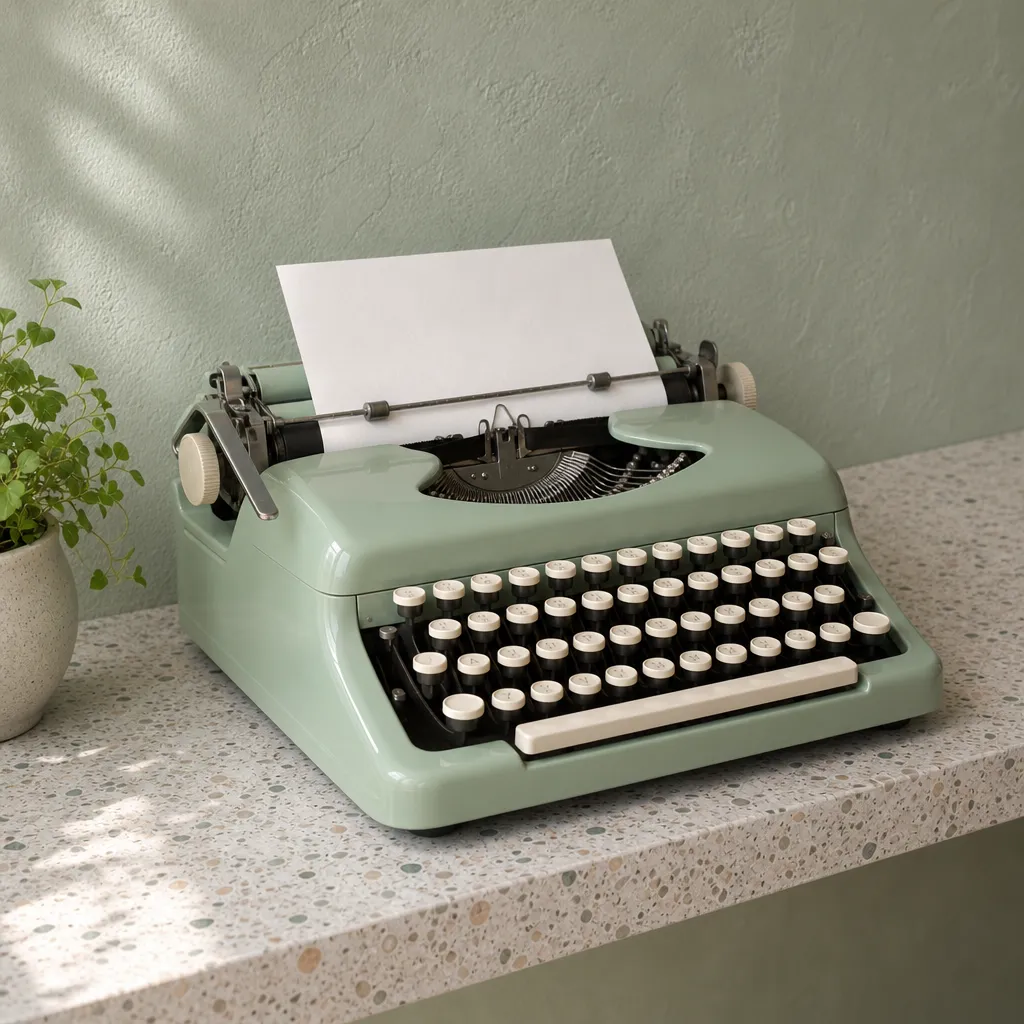
 Left 45°
Change Photo Perspective with AI
To change photo perspective, you normally need a second shoot from a new spot. VEME's Camera Angle Control does it from the photo you already have: upload one image, move the virtual camera around the subject, and get a new view of the same scene, such as a side angle, a view from above or the back of a character.
- One image in JPEG, PNG or WEBP
- A new angle set with the rotation sliders or draggable camera preview
- Lens type to frame the new viewoptional
Each generation uses credits. Sign in to generate, and check the cost shown on the action button before you run it.
Four ways to change photo perspective from one image
Each pair below starts from a single original image. The second image is the same subject after moving the camera, with no new shoot.
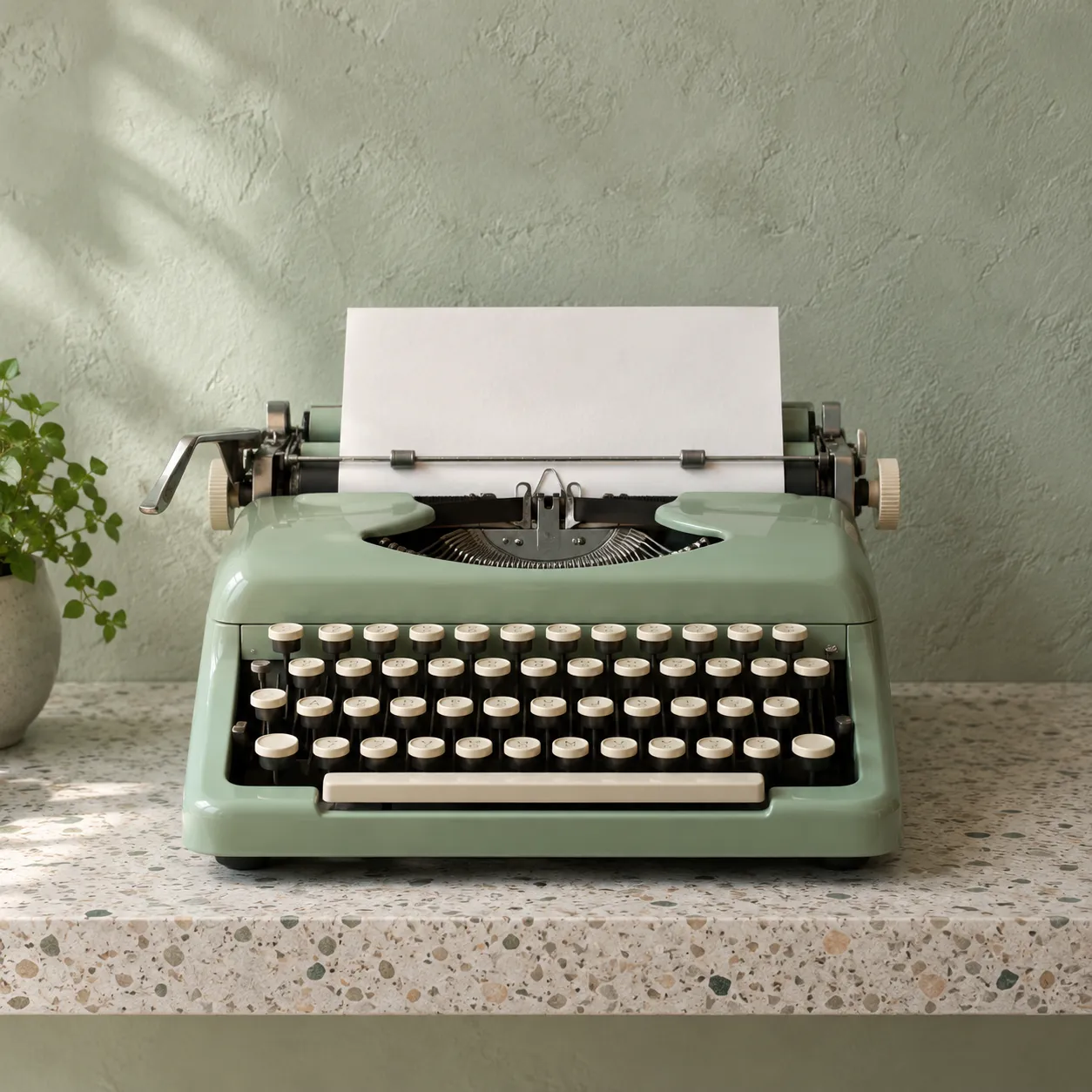 Original
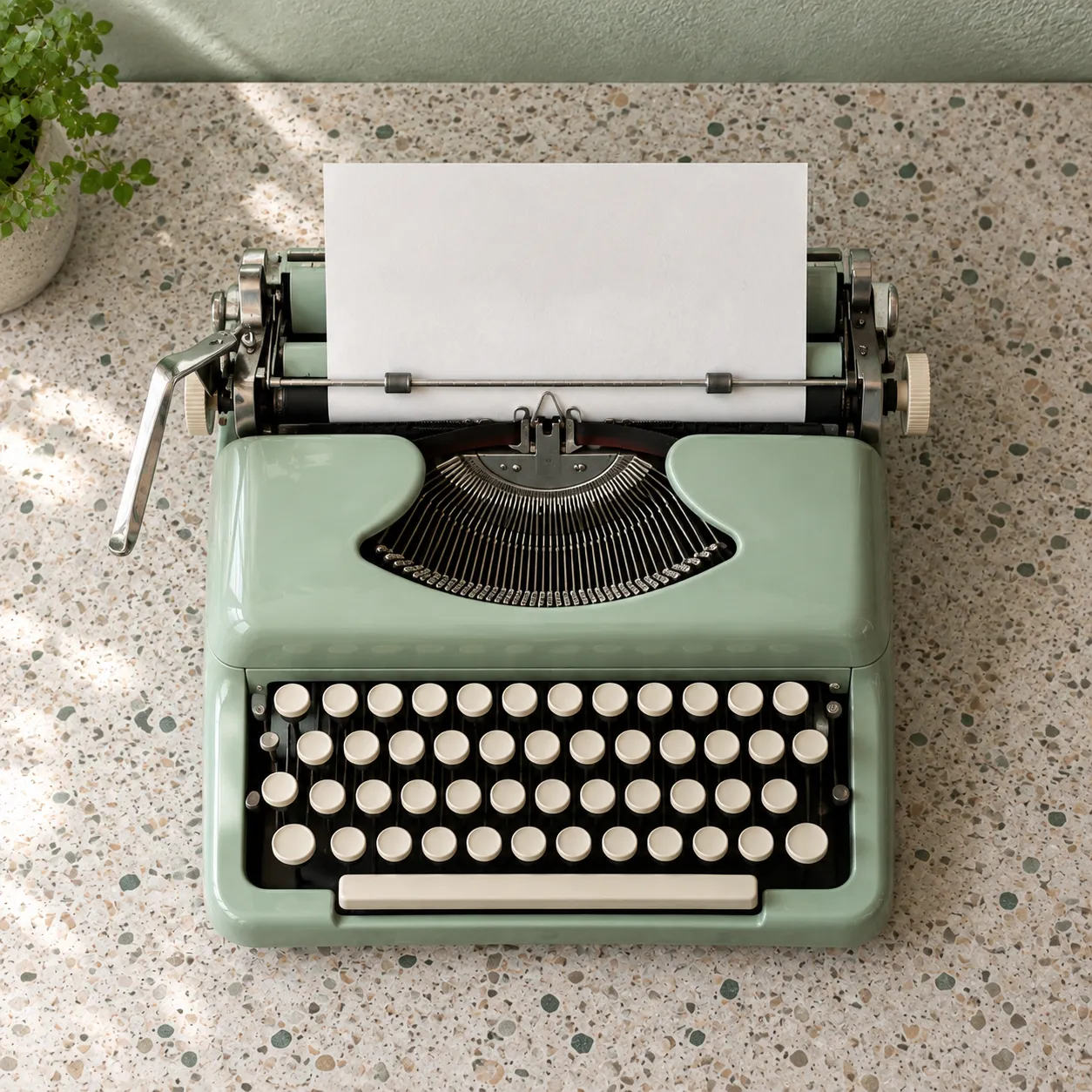 High angle
Product shots from above
Raise the camera on a front catalog photo to look down at the top of the product.
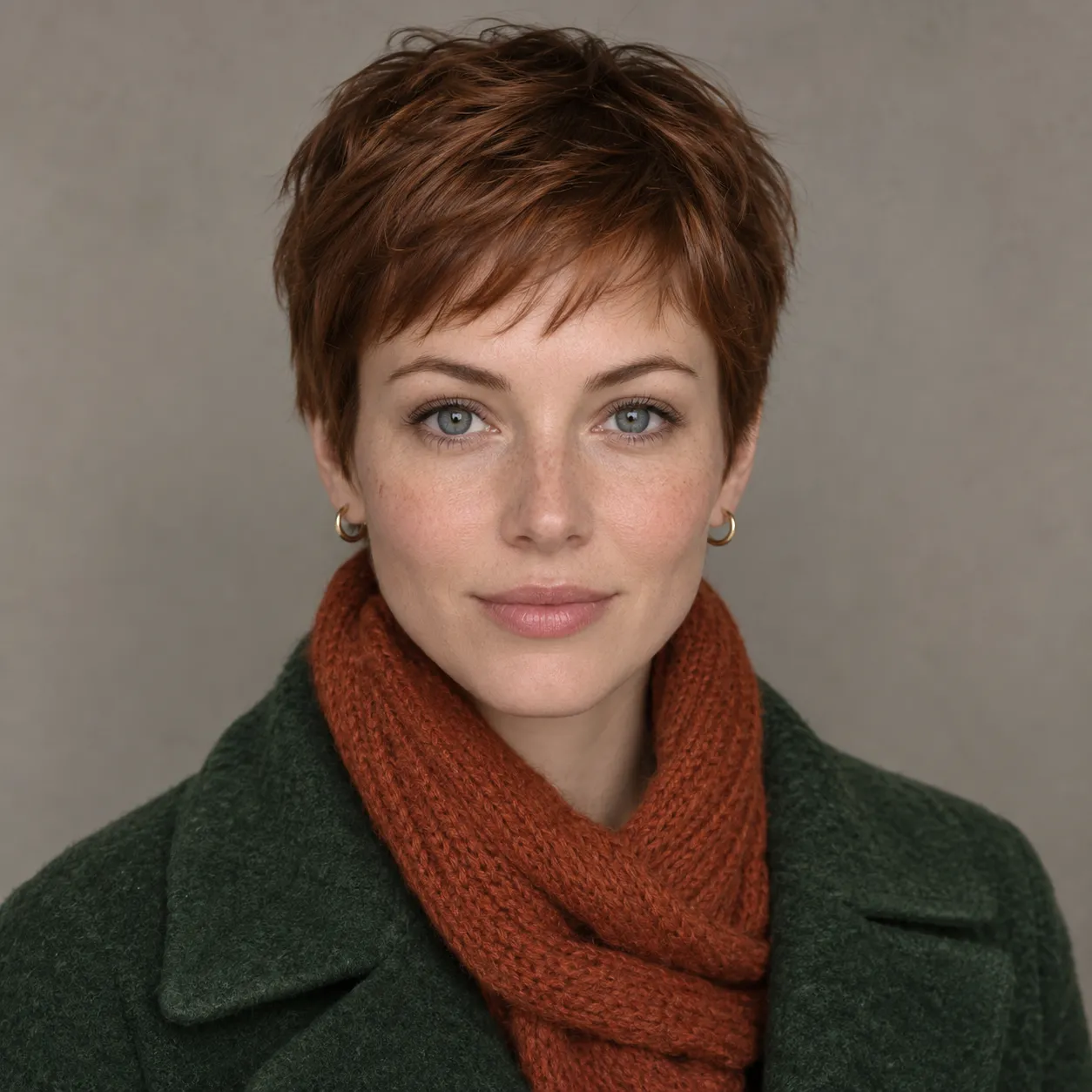 Original
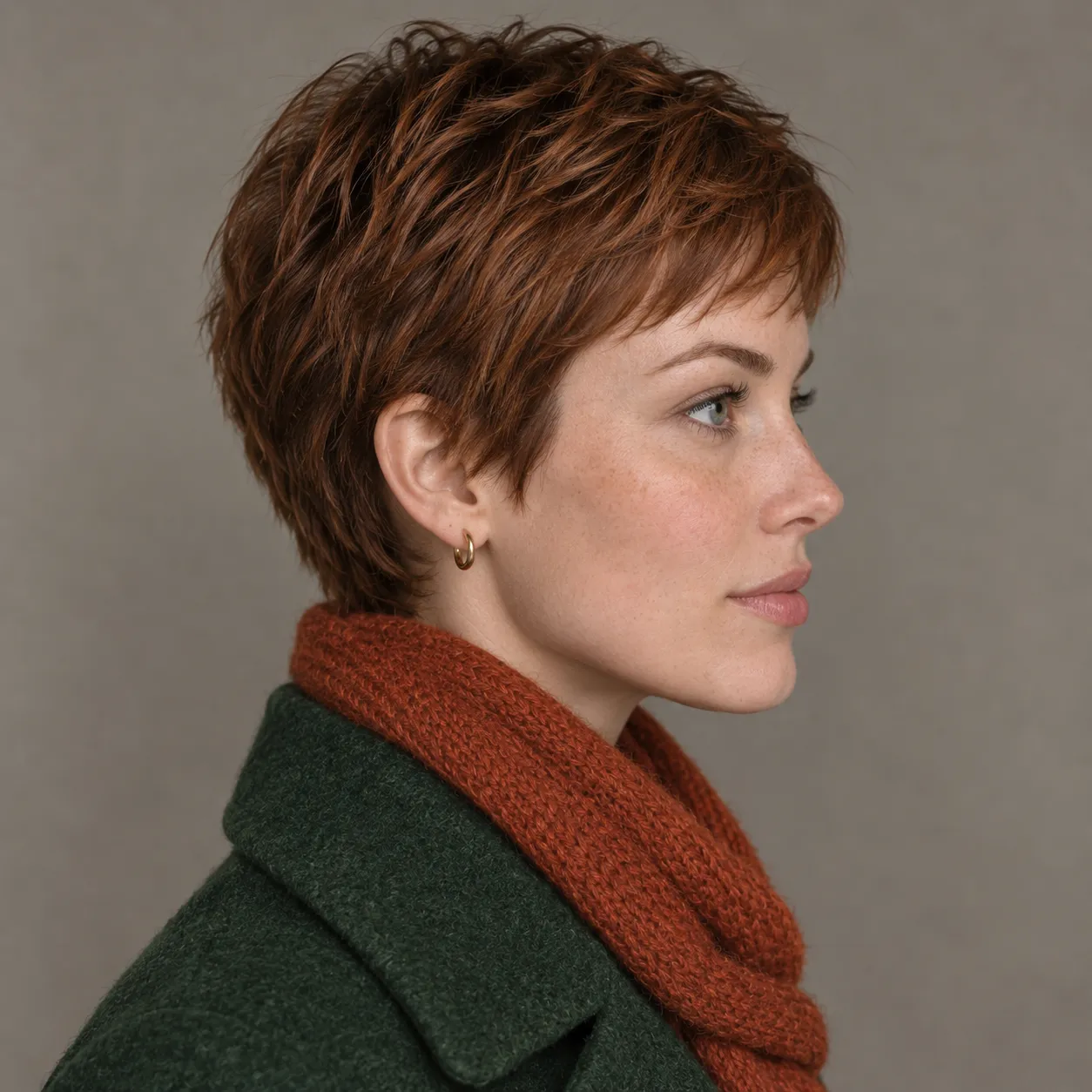 Right side
Front portrait to profile
Swing the camera 90 degrees to get a side profile from a straight-on portrait.
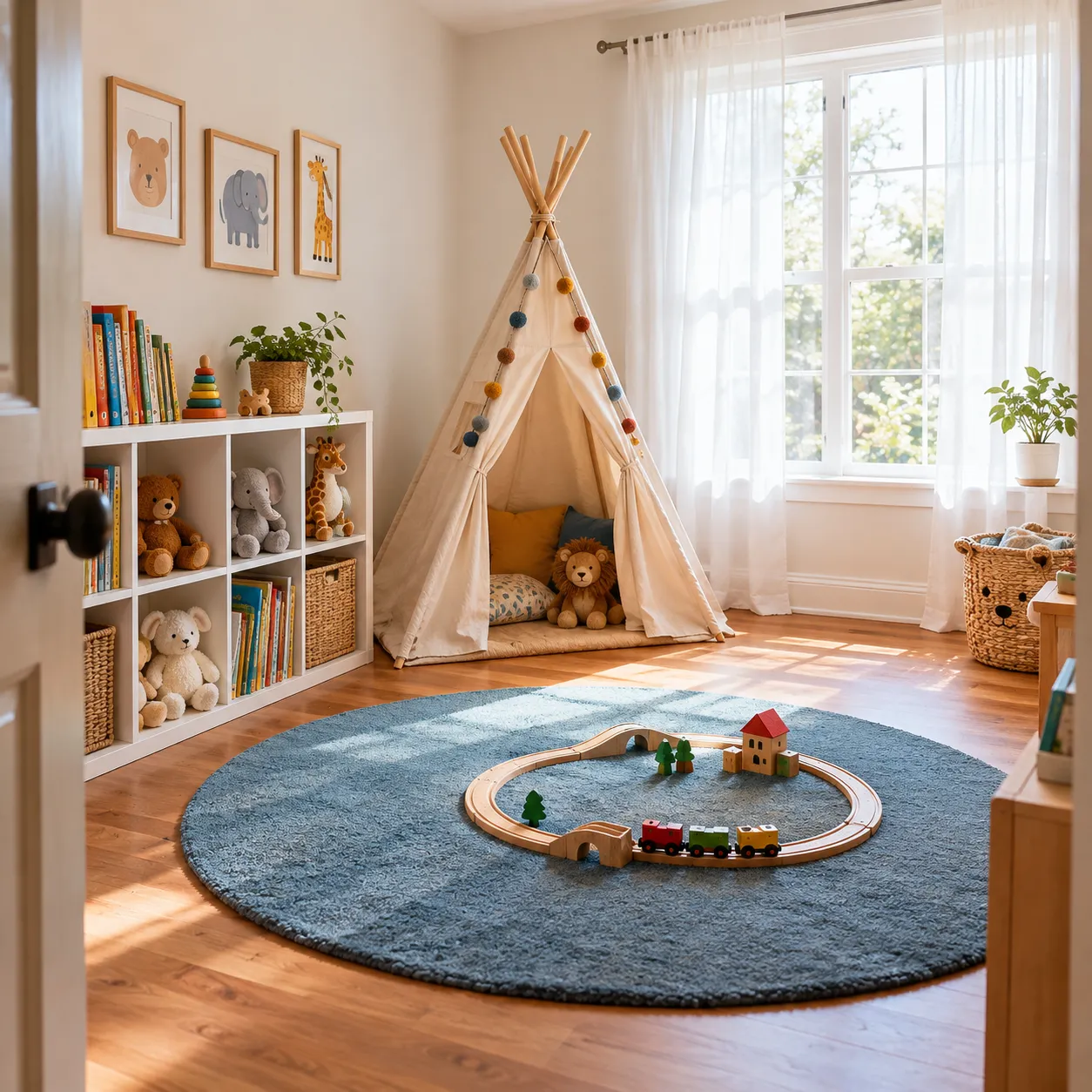 Original
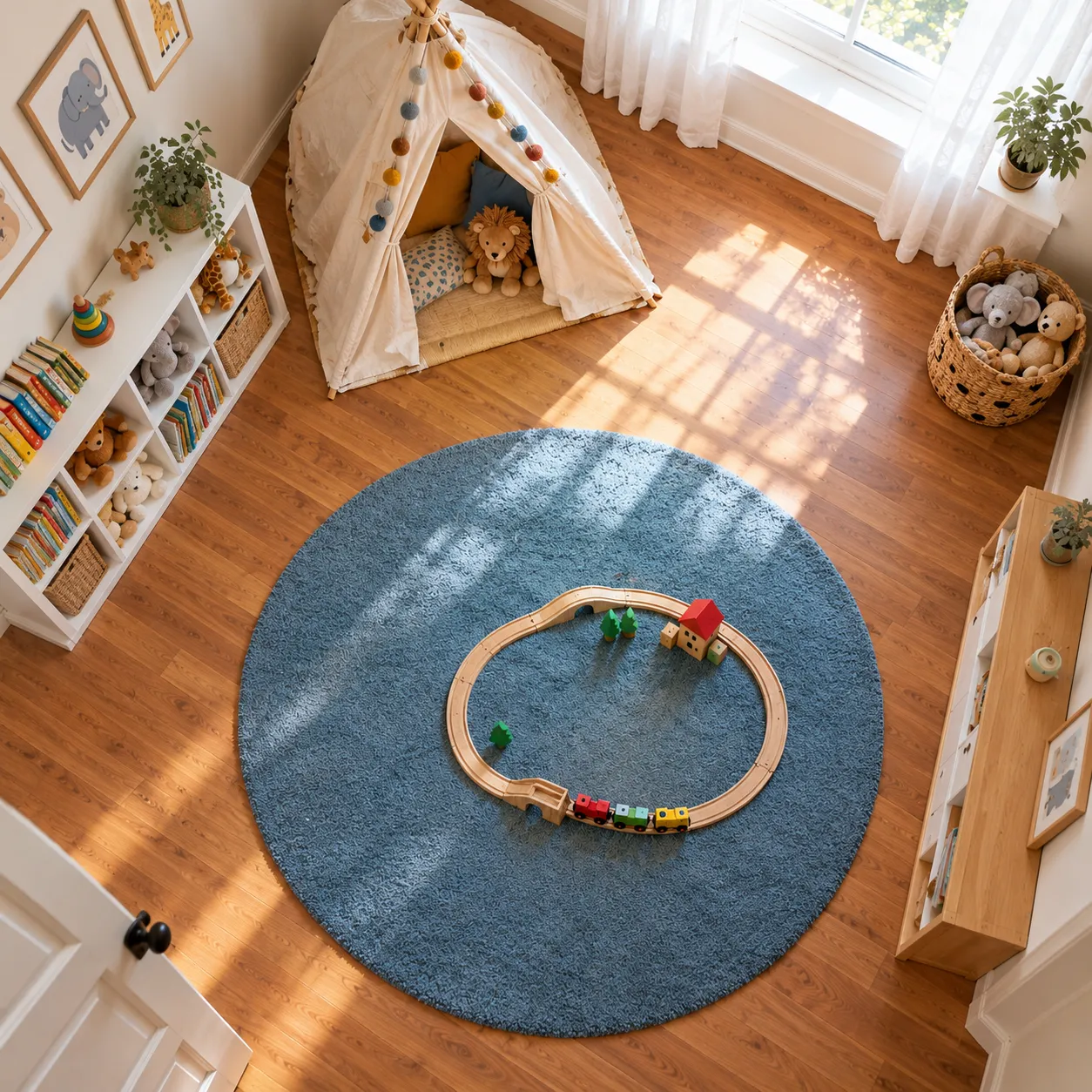 High angle
Rooms seen from above
Lift an eye-level room photo to a high view that shows how the floor is laid out.
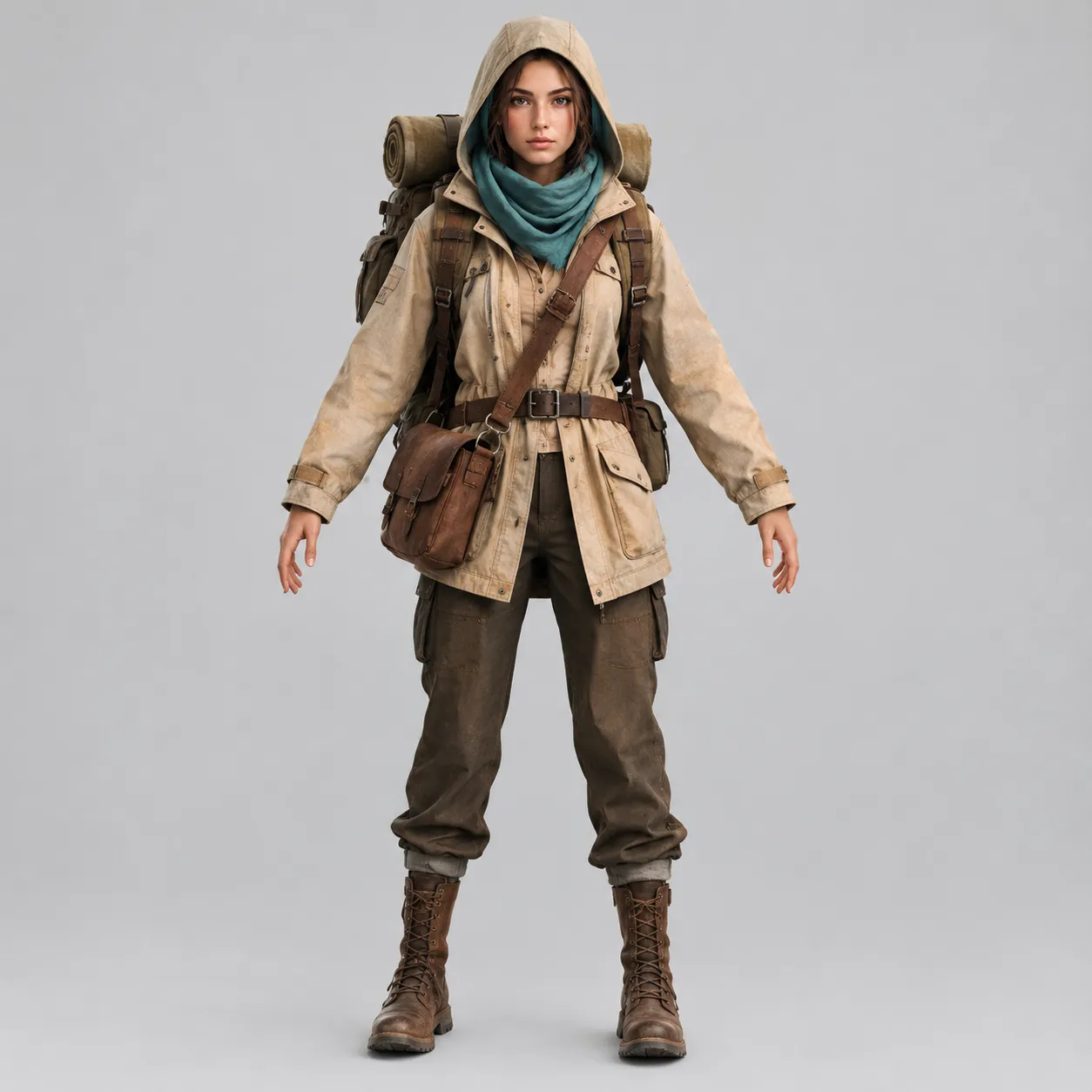 Original
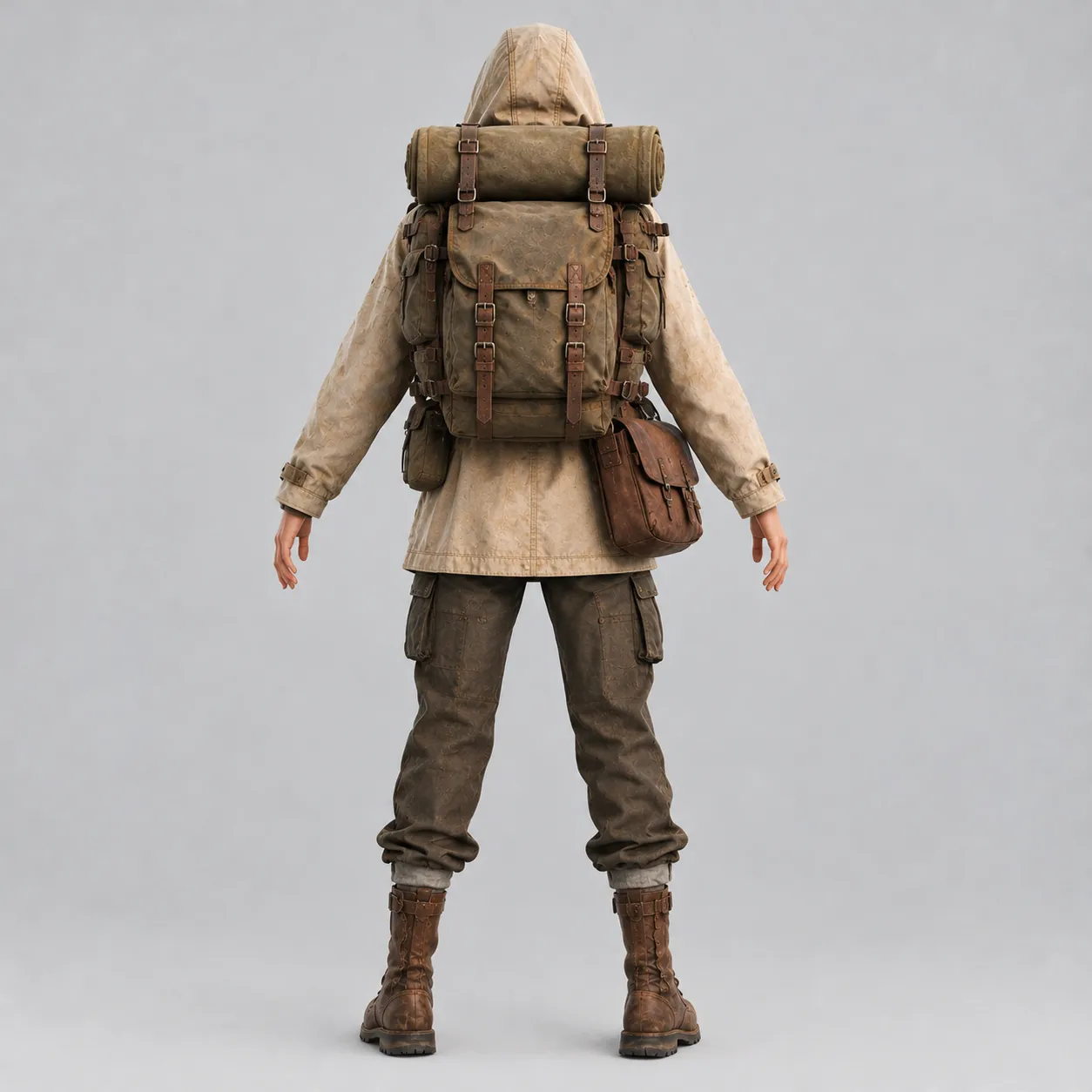 Rear view
Character turnarounds
Get the back of a character from a front concept image to help build a reference sheet.
The images on this page are examples made for this page to show the idea. Your results depend on your photo and settings.
Settings you use to change photo perspective
Camera Angle Control has a short list of settings. Move the camera first, then decide how wide or close the new shot should be.
Rotate the camera
Rotate Right-Left moves the camera around the subject. Rotate Up-Down raises or lowers it, so you can look down from above or up from below.
Lens type
Lens Type has Default, Wide-Angle and Close-Up. These options set the framing; there is no separate zoom slider.
Model and process mode
Choose an available FLUX 2 or Qwen angle model and select Fast or Ultra. Generate a new view, then adjust the settings and run again to compare alternatives.
Views to explore using the rotation controls and lens options. Available angles depend on the selected model:
How to change photo perspective on VEME
Upload one image
Open the image editor with Camera Angle selected. Upload a JPEG, PNG or WEBP image, or choose an image from your History.
Set the new angle
Drag the camera preview or adjust the horizontal and vertical sliders. Reset returns both angles to zero. The available range depends on the selected model.
Choose the model, lens and mode
Choose an available angle model, pick Default, Wide-Angle or Close-Up, and select Fast or Ultra in Process Mode.
Generate and compare
Check the credit cost on the action button, run it, and compare the new view with your original before you download.
Picking a picture that's easy to change perspective on
When you change photo perspective, the AI has to imagine the parts of the scene your picture doesn't show. The less it has to guess, the more believable the new angle looks.
- One clear subject with the whole object or body in the frame.
- A plain or simple background.
- Even, soft light without deep shadows hiding the shape.
- Small to medium angle changes, like 45 degrees to the side.
- A rear view of something you've only shown from the front, when the back has details nobody can guess.
- Busy group photos with many people overlapping.
- Text, logos or labels, which may not survive the move.
- Subjects cut off by the edge of the frame.
AI camera angle change vs a reshoot vs manual editing
| Camera Angle Control | Reshoot | Manual editing | |
|---|---|---|---|
| What you need | One photo | The subject, the set and a photographer again | Editing software and time |
| How the new view is made | The AI rebuilds the scene from a new camera position | A real new photo from the new spot | Warping, cloning and painting in missing areas |
| Best for | Drafts, product page extras, mood boards and character references | Final campaign images where every detail must be real | Small tilts or corrections of an existing angle |
A generated angle is a new image, not a measured 3D model. When you change photo perspective for something you'll publish, check details like logos, text and fine patterns first.
Change photo perspective questions
Can I change photo perspective for free?
Each generation uses credits. If your account has promotional credits, you can use them toward a generation. The cost depends on the selected model and settings and is shown on the action button. See available plans and credit packs on the pricing page.
Which file types can I upload?
The image editor accepts JPEG, PNG and WEBP images. Upload limits are enforced by the upload service; follow any size-limit message shown when uploading.
How far can I rotate the camera?
FLUX 2 supports horizontal angles from -180° to 180° and vertical angles from 0° to 60°. Qwen supports horizontal angles from -90° to 90° and vertical angles from -30° to 90°. A rear view is available with FLUX 2; the available range changes with the selected model. When you change photo perspective by a small amount, the result usually looks more natural, because the AI has to invent less of what the original photo didn't show.
Will the person or product still look the same?
The tool aims to keep the subject, colors and lighting, but it isn't guaranteed. Faces, text and small patterns can shift, so compare each result with your original and generate a few versions if needed.
Can I get more than one result at a time?
The current Camera Angle panel generates one result per run. Adjust the settings and generate again to compare different views.
Is this the same as editing what's in the photo?
No. Camera Angle Control changes the viewpoint. To change objects, colors or backgrounds, use an image editing tool instead, such as VEME's AI image tools.
See your photo from a new angle
Upload one image, move the camera, and compare the result in a few clicks.