


Voice Cloning
Clone a real voice from one short sample and read any script.
veme is a voice cloning tool for audio teams. Record a short sample, and the voice cloner captures the timbre, pace, and emotion. Type any text and the cloned voice reads it back, ready for narration, podcasts, and audiobooks.

Voice Cloning
Clone a real voice from one short sample and read any script.
veme is a voice cloning tool for audio teams. Record a short sample, and the voice cloner captures the timbre, pace, and emotion. Type any text and the cloned voice reads it back, ready for narration, podcasts, and audiobooks.
Who Uses This Voice Cloning Tool
Video Narration Producer
Video Narration Producer
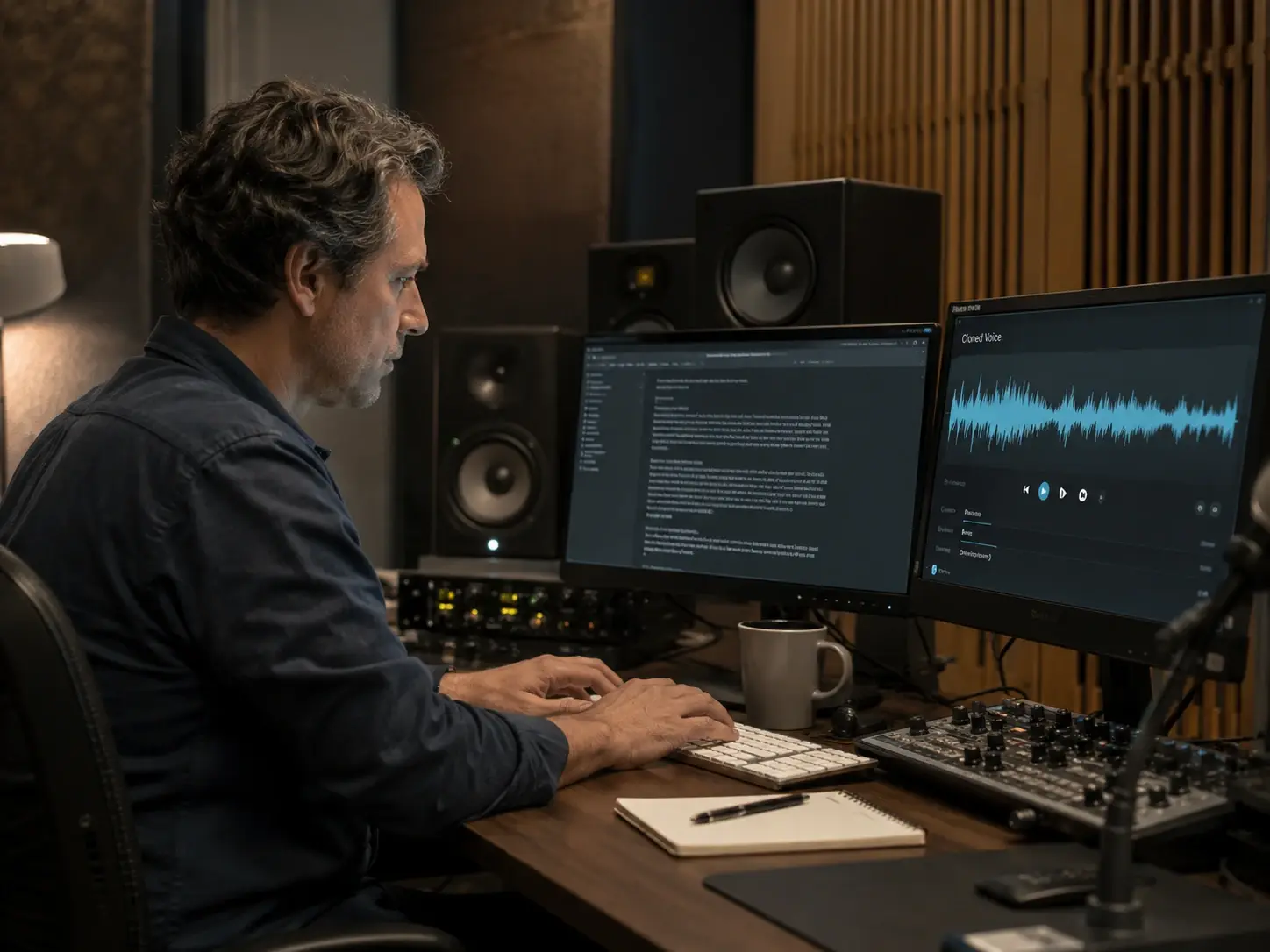
You record voiceover for several videos a week and booking the same talent twice is hard. With voice cloning you capture one sample, then type each script and export narration in the same voice. The timbre and pace stay consistent across every cut.
Podcast Editor
Podcast Editor
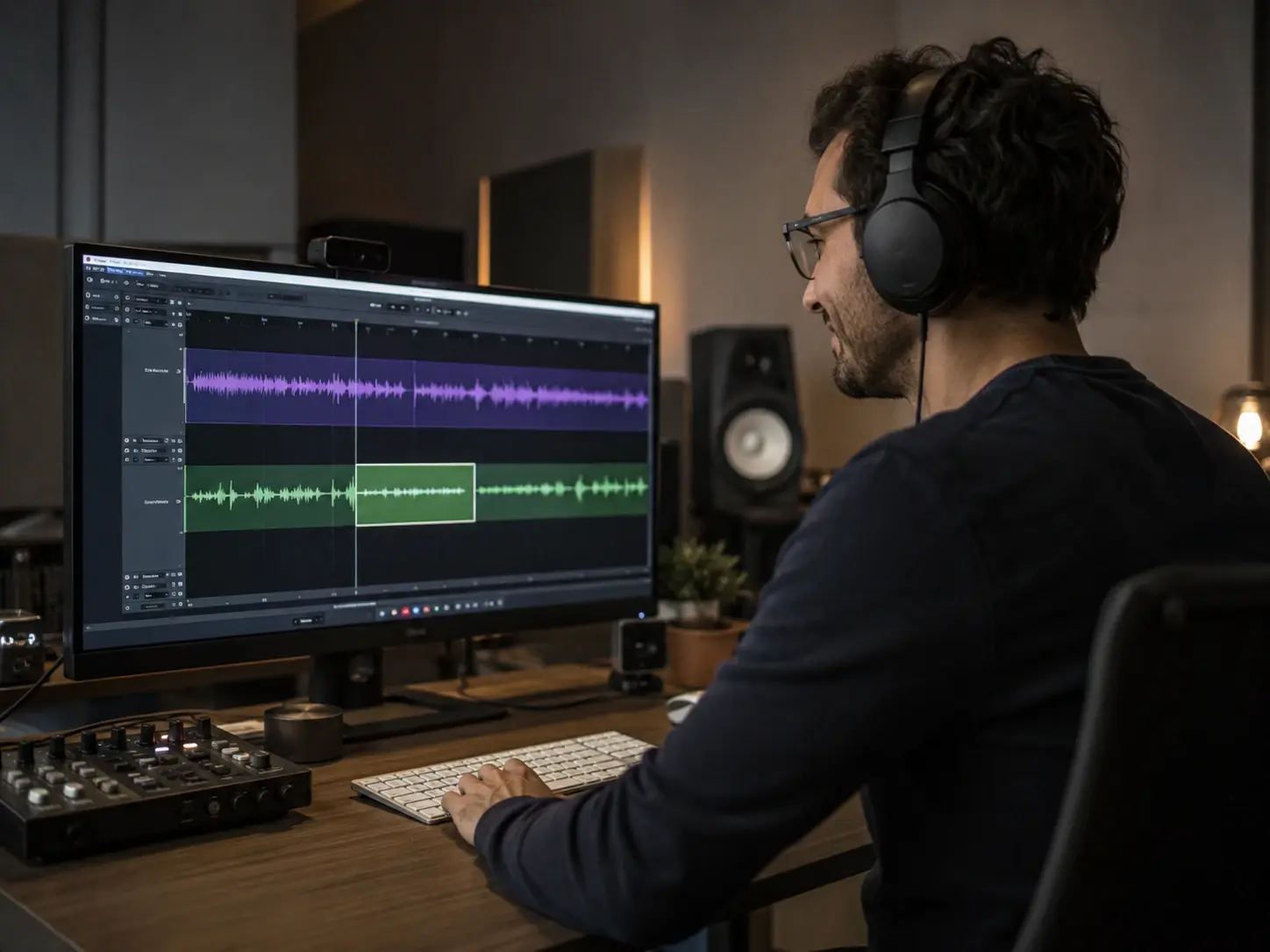
Your host misses a pickup line and a reshoot stalls the episode. The voice cloner copies the host voice from a clean sample, so you type the missing line and drop it into the timeline. The patch matches the original tone without a second session.
Audiobook Publisher
Audiobook Publisher
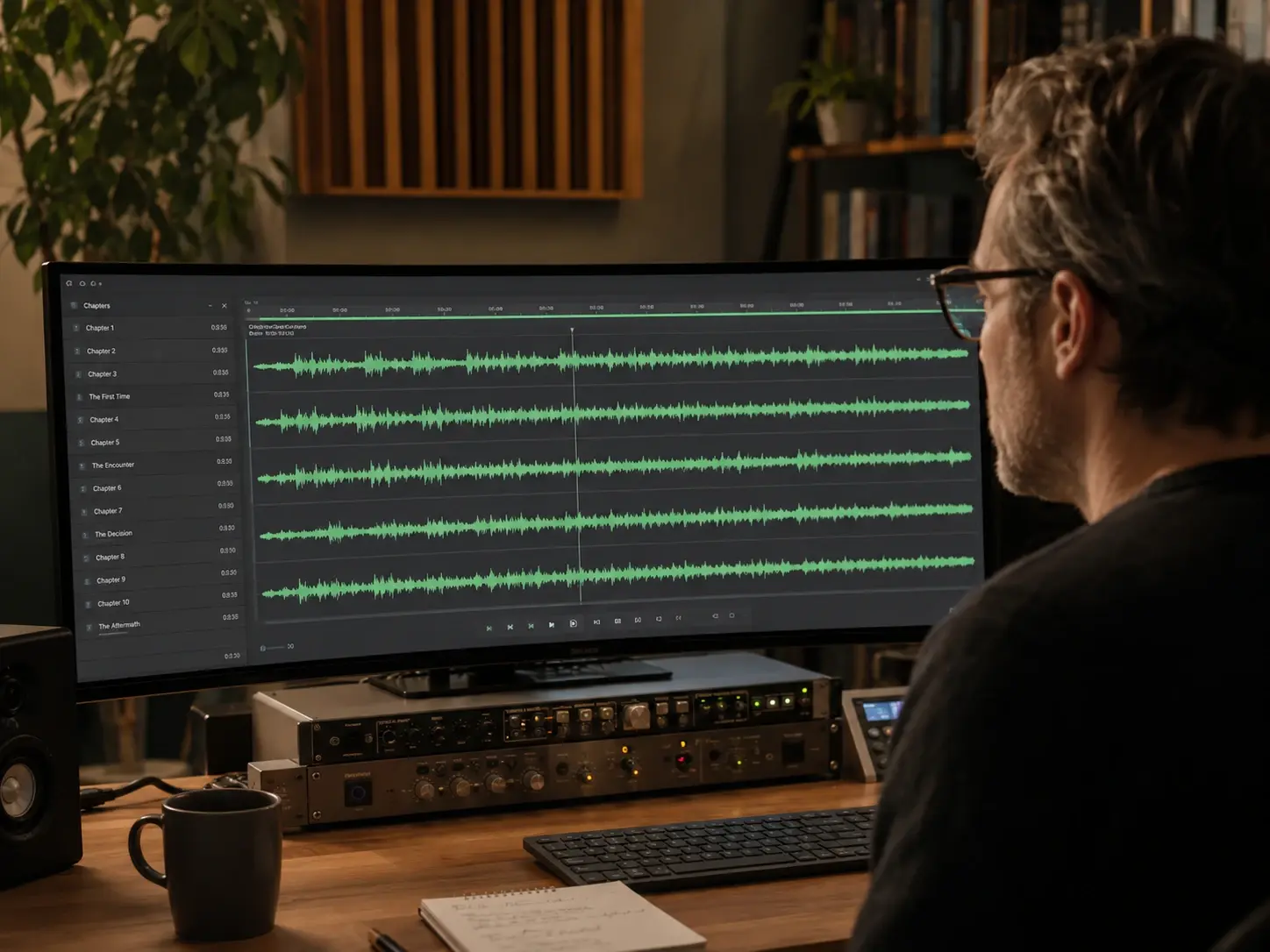
A long manuscript needs one steady narrator across many chapters. This voice cloning workflow holds the same custom voice through every section, so emotion and pacing stop drifting. Hand off a finished audiobook that reads like one continuous session.
How The Voice Cloning Tool Works
Three steps from a short sample to a finished speaking voice.
Record A Short Sample
Start by recording or uploading a short, clean voice sample. The voice cloner reads the audio and captures the timbre, accent, rhythm, and pronunciation habits. A minute of clear speech is enough to model the voice. Review the captured profile before you move on.
Type And Tune The Script
Paste any text and the cloned voice reads it aloud through text to speech. Set the emotion, the speaking rate, and the pauses so the delivery matches the scene. Pick the target language when you need speech in another tongue. Preview a line and adjust the tone before the full render.
Preview And Export Audio
Listen to the generated speech in the preview player and check pace, emotion, and pronunciation. The voice cloning tool lets you regenerate one line without rerunning the whole script. When the take sounds right, export the audio for narration, a podcast, or an ad.
Voice Cloning Questions Answered

Clone A Voice From One Sample
Open voice cloning in veme, record a short sample, type your script, and export speech in the same voice with the emotion and pace you set.