

Motion Control
Move A Still With Motion Control
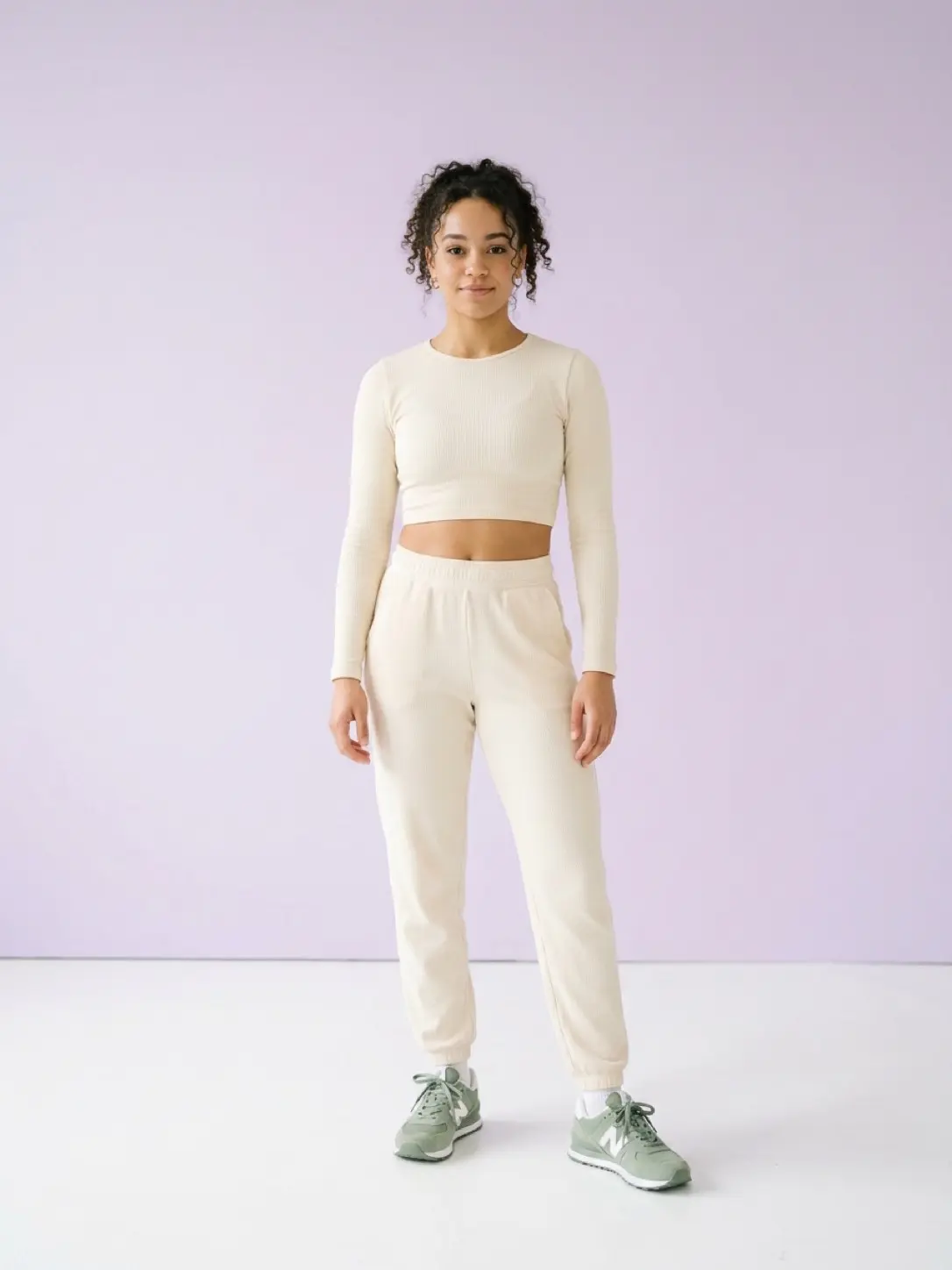
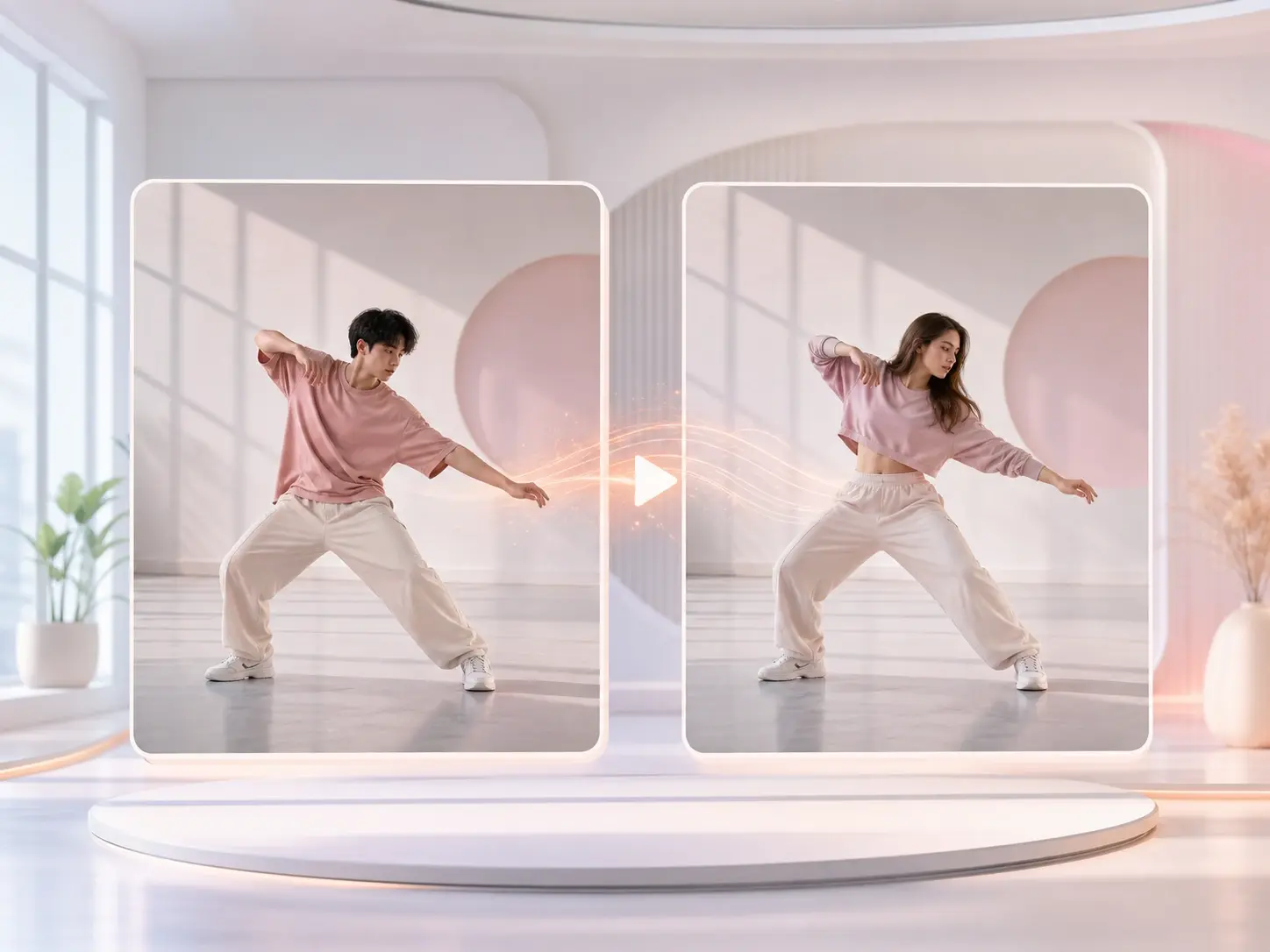
veme is a Motion Control tool that maps a reference clip onto a still image, so a portrait or character moves with full body, face, and gesture transfer.

Motion Control
Move A Still With Motion Control
veme is a Motion Control tool that maps a reference clip onto a still image, so a portrait or character moves with full body, face, and gesture transfer.
What Motion Control Handles
Each capability moves a flat portrait into a finished clip with steady timing and a locked identity.
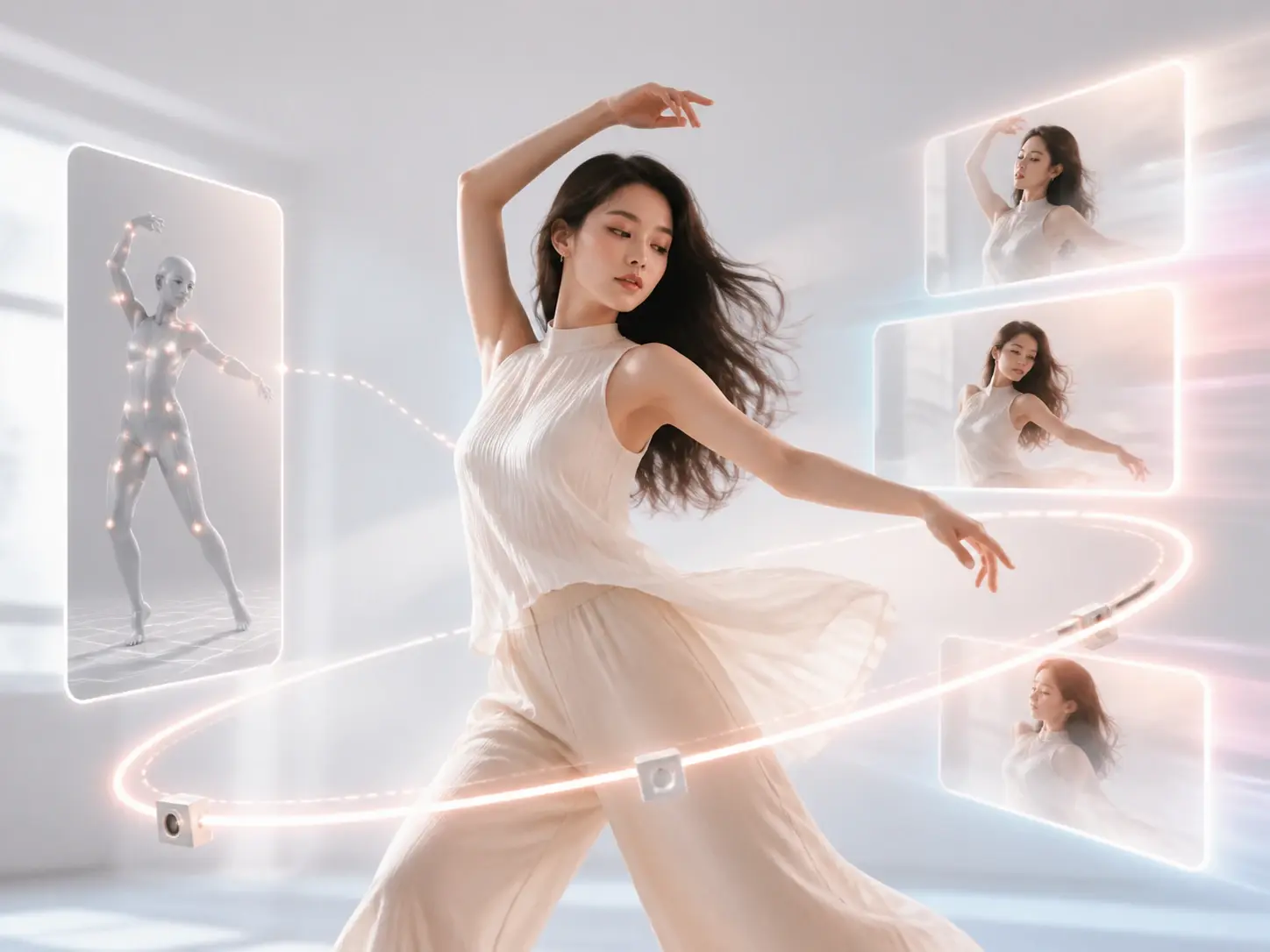
Full Body Capture
veme reads body, face, gesture, and pose from a reference clip, then maps every channel onto your still image. Drop in a portrait and pick the reference motion you want copied. The export holds the original character while the body moves through the captured sequence.
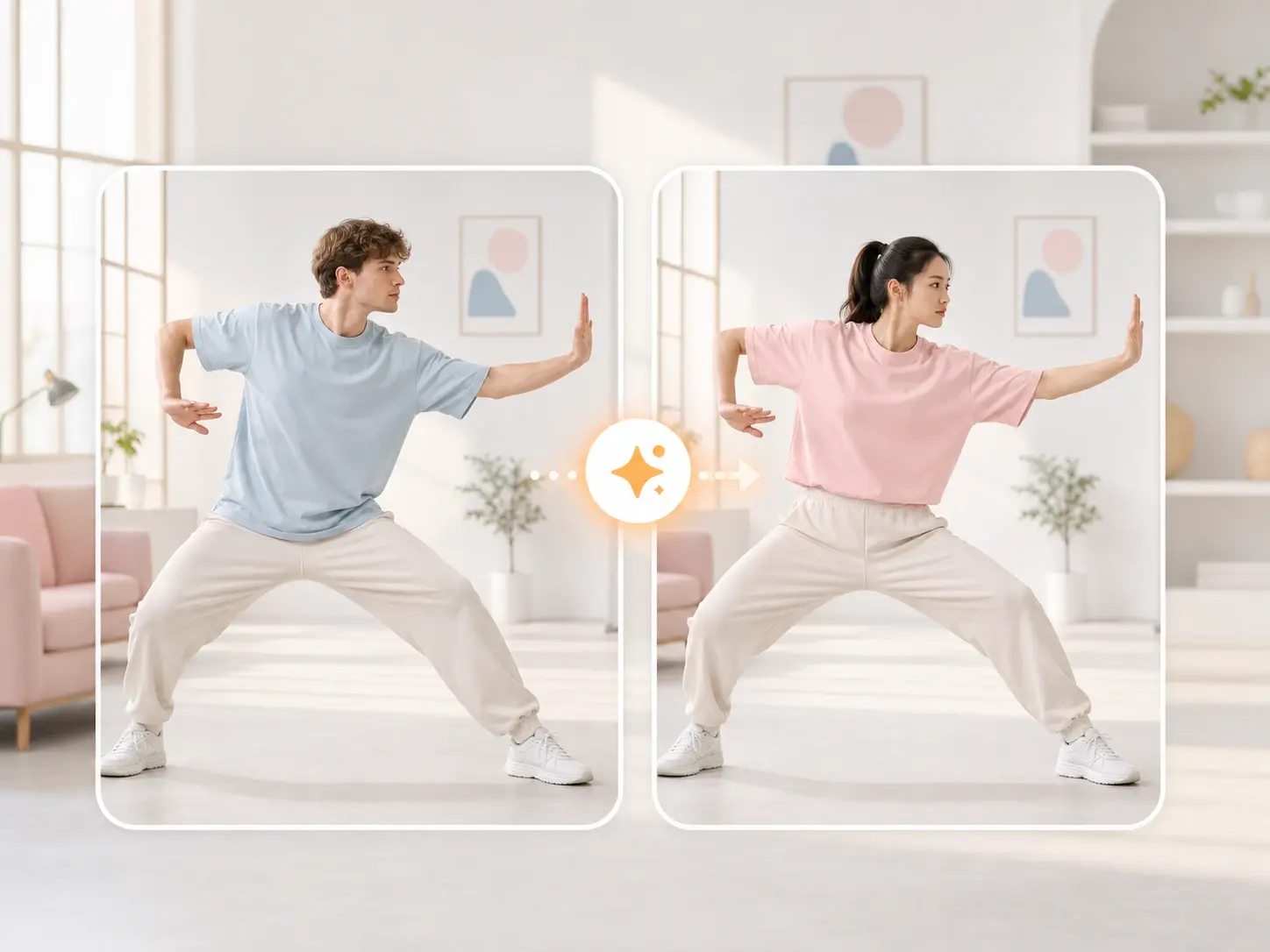
Identity Lock
Motion Control pins the character to your reference image so the face stays the same across every frame. Add the portrait once and the tool keeps that identity while the body moves. The output looks like the same person performed the action on camera.
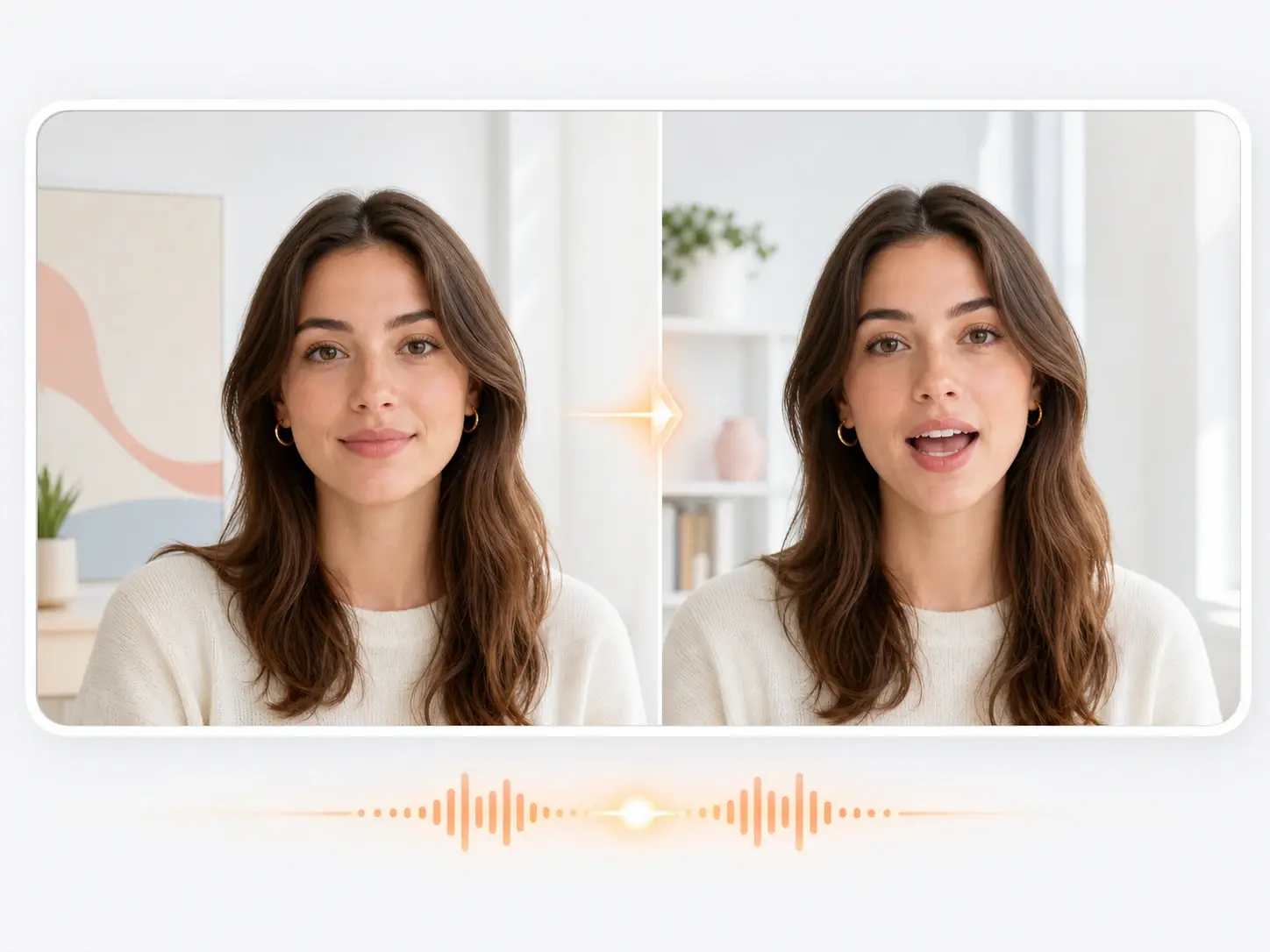
Lip Sync AI
The lip sync ai aligns mouth shapes to a reference clip or voice track, so dialogue reads as natural speech. Set the audio and the tool times each frame to the sound. Your exported clip has a talking character that matches the track without a manual pass.
Path And Rhythm Hold
Motion Control keeps the motion path and rhythm stable, so the action does not drift or stutter between frames. Confirm the reference timing and the render follows that pace. The result is a steady clip that holds its cadence from the first frame to the last.
Motion Control vs Capture Suits
How Motion Control compares with the older studio capture workflow on cost and control.
Software Mapping vs Capture Suit
A traditional capture suit needs markers, a calibrated stage, and a crew before a single take. Motion Control reads the body from a reference clip instead, so you skip the rig and the studio cost. Upload the clip and the still, and the transfer runs in the timeline.
Reference Clip vs Manual Keyframes
Hand keyframing a full body performance takes hours per second of footage. The motion capture in veme pulls the path, gesture, and pose from one reference clip. Set the reference and the render builds the sequence without frame by frame work.
Identity Lock vs Reshoots
Casting a new actor for every variant means another shoot day and another budget line. Motion Control keeps your character identity locked while the reference supplies the action. Swap the reference clip and the same character performs a new routine.
Motion Control Questions

Move A Still With Motion Control
Open Motion Control in veme, add a portrait and a reference clip, and export a character that moves with full body, face, and gesture transfer.