

Voice Library: Browse 3,300+ Voices Before You Speak
The VEME voice library is a searchable catalog of more than 3,300 voices you can filter and preview before you use them. As of October 2026 each listing shows a sample line, a preview clip, and tags for gender, age, use case, and tone. Find one you like, press Use it, and it opens in the voiceover tool ready for your script.
- 3,300+ voices (Oct 2026)
- Filter by language and tags
- Use it in a voiceover

Search and filter the voice library
You can type a name or word into Search Voice, or open the filter panel. Pick a language and add tags from four groups. Adding more tags narrows the list, so a few well-chosen tags get you to a shortlist fast. Counts by language update as voices are added, so the list always reflects what is live on the site.
Gender
Age
Use Case
Voice Qualities
Voices by language
Counts from the library filter, October 2026. Lists change as voices are added.
| English | 629 |
| Spanish | 293 |
| Japanese | 275 |
| German | 250 |
| Portuguese | 243 |
| French | 242 |
| Chinese | 235 |
| Italian | 215 |
Korean, Dutch, Indonesian, Turkish, Polish and Vietnamese each have about 200 voices.
What each listing shows
- The voice name and the creator who made it.
- A sample line of text and a preview clip of that line.
- Its language and tags, so you know what it was made for.
- A Use it button that sends your pick to the voiceover tool.
Tags for every kind of project
The Use Case tag is the quickest way in. These six tags cover the jobs creators filter for most often. Counts are from October 2026.

Storytelling
Storytelling voices for bedtime stories, audiobooks, and fiction with pacing and pauses. About 1,100 listings carry this tag.
Storytelling
Advertisement
Short, punchy reads for product spots and promos, often paired with tags like Energetic or Confident.
Advertisement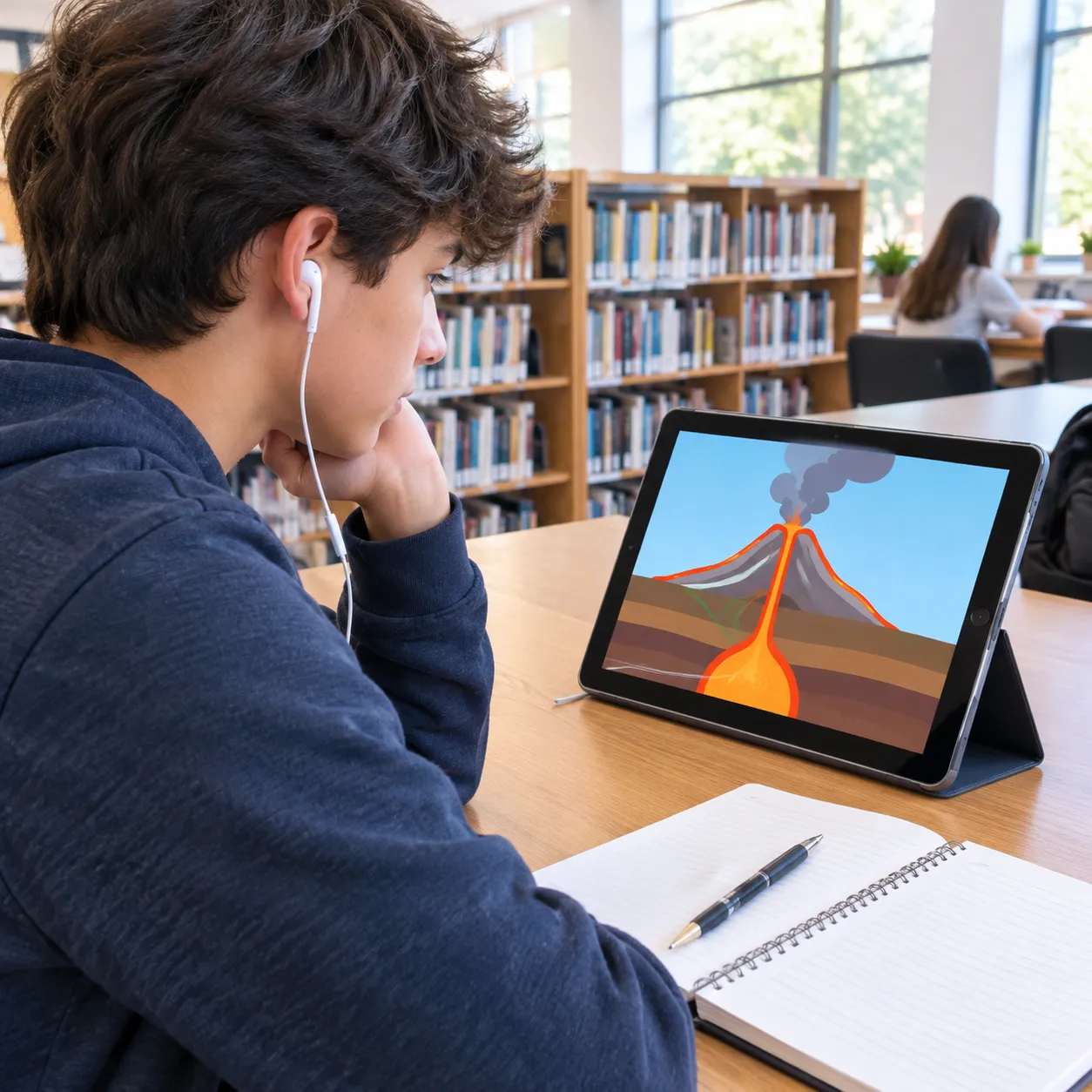
Educational
Clear, steady voices for lessons, explainers and training. Roughly 670 voices have this tag.
Educational
Gaming
Character and announcer voices for game trailers, NPC lines and stream intros.
Gaming
Documentary
Calm, resonant AI voices for nature and history films. A smaller set, about 55 voices.
Documentary
Social Media
Casual, upbeat AI voices for short videos and reels, one of the largest groups with about 1,100 voices.
Social MediaAll seven images are illustrations made for this page, not VEME output.
From a sample to a finished voiceover
You browse and pick here; the speech itself is made in the voiceover tool. Open the Voice Library to follow along.
Filter and listen
Choose a language, add two or three tags, and play the preview clips until one fits your script.
Press Use it
The voice opens in Create Voiceover with your choice already selected, ready for your script.
Paste text and generate
Add your script and generate. As of October 2026, the voiceover panel accepts up to 10,000 characters of text per request.
Common questions
Is browsing free?
You can search here and play the preview clips. Making a voiceover uses credits. VEME's FAQ says new accounts get monthly starter credits and that paid plans add more. Whether you need to log in before your first run is something to check on the site.
Can the voices sound human?
VEME says its voices use speech synthesis tuned for natural intonation, breathing, and pacing. Quality varies by listing, so play a few previews before you choose.
How do you use a voice after you pick it?
Each listing is a model of a speaking style. You choose it here, then give it written text in the voiceover tool so it reads aloud in that voice. Filtering stays in the catalog; generation happens next door.
Which languages are covered?
As of October 2026 the language filter shows voices in English, Spanish, Japanese, German, Portuguese, French, Chinese, Italian, Korean and more. English has the most, with over 600.
Is this a voice changer?
No. This page is for browsing and picking voices that read text. To change the sound of a recording you already have, use VEME Voice Changer. To copy your own voice, use Voice Clone.
Find a voice for your next script
Filter by language and tags, play the samples, and send your pick to the voiceover tool.
Explore the Voice Library