

AI Image Generator
The VEME AI image generator turns a written prompt, a reference photo, or both into a finished picture. Describe the subject, the light and the mood, pick one of the image models, set the aspect ratio, and render product photos, posters, portraits or illustrations, then take the result into the edit, background or upscale tools.
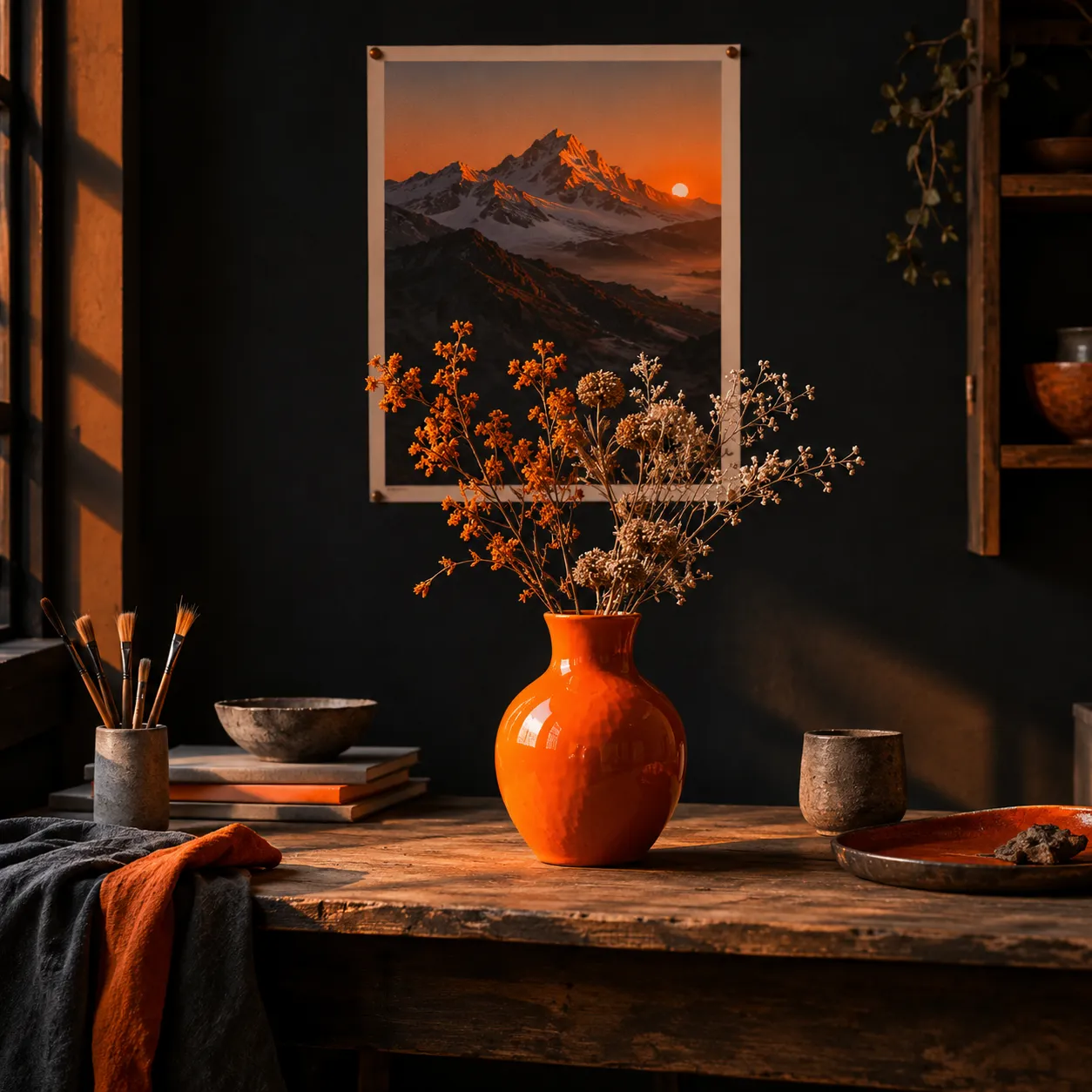
Orange glazed vase on a wooden studio desk, dried flowers, mountain print on the wall, low evening sun, editorial still life
Generation uses credits. Sign in and check the cost shown in the tool before running it; account offers and plan details are shown on the pricing page.
How an AI image generator reads a prompt
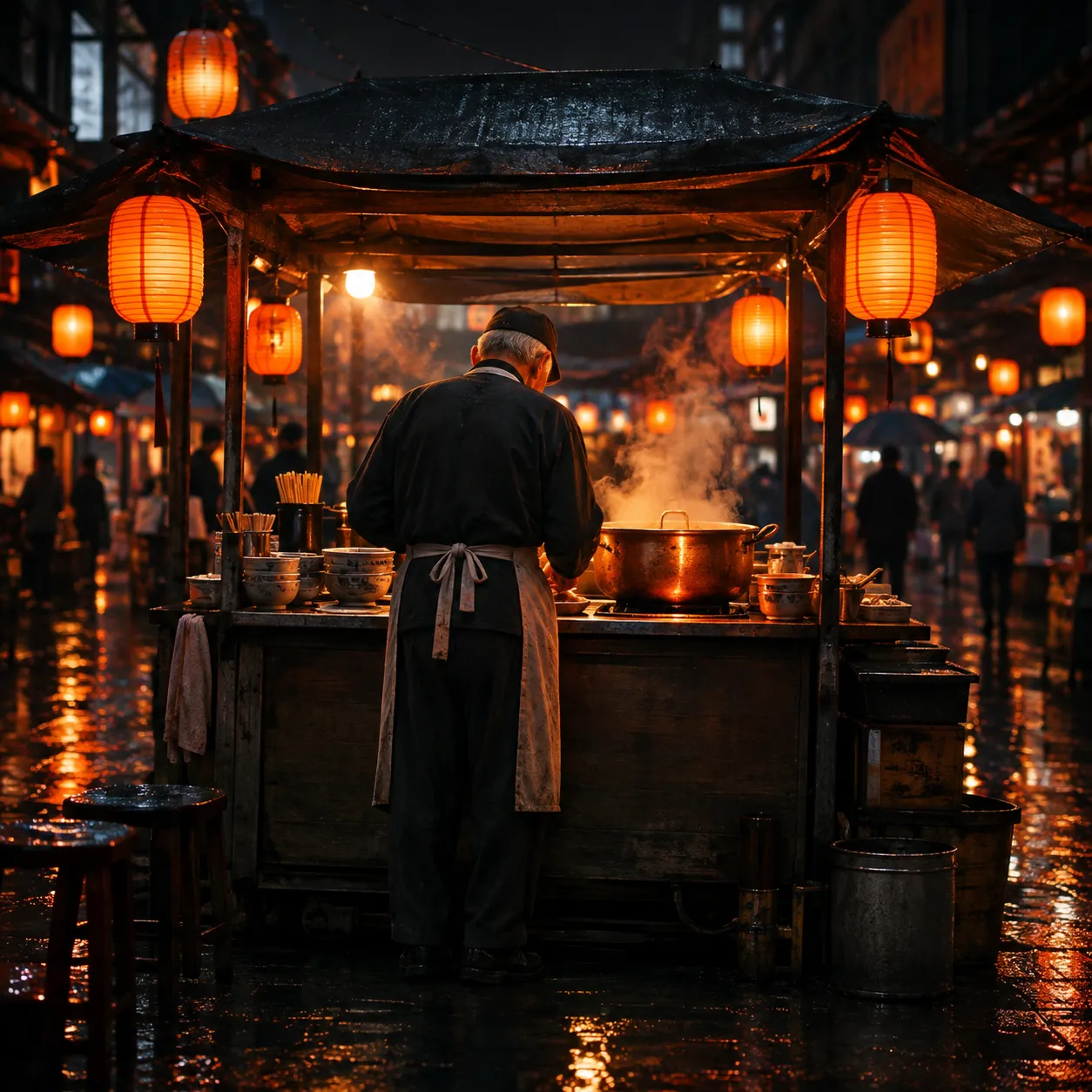
Many weak results come from vague prompts rather than weak models. An AI image generator builds the frame from the nouns and modifiers you give it, so a prompt that names five things clearly beats a long paragraph of adjectives. Here is one prompt split into the parts that shaped this render.
- Subject
"An elderly cook at a noodle stall" tells the model who sits at the center and how much of them to show.
- Setting
"Night market, paper lanterns, wet pavement" fills the background and gives the light something to bounce off.
- Light
"Steam lit by lantern glow" decides where the eye lands first and keeps the shadows warm.
- Lens and finish
"35mm film look, shallow depth of field" sets grain, blur and the distance between camera and cook.
Pick the frame before you render
Each model in the AI image generator exposes its own size controls. Square, 4:3, 3:4, 16:9 and 9:16 are listed for every model below; wider banners and taller story frames depend on the model you choose. Set the shape first so the composition is built for it instead of cropped later.
GPT Image 2
- Aspect ratio
- Auto, plus 1:3 up to 3:1, 9:21 and 21:9
- Resolution
- 1K, 2K or 4K
Nano Banana 2
- Aspect ratio
- Auto, plus 1:8 up to 8:1
- Resolution
- 1K, 2K or 4K
Seedream 5.0 Pro
- Aspect ratio
- 1:1, 2:3, 3:2, 3:4, 4:3, 9:16, 16:9, 21:9
- Quality
- Basic or high
Flux 2 Pro
- Aspect ratio
- 1:1, 3:4, 4:3, 9:16, 16:9
- Resolution
- 0.5 to 4 MP, or match the input image
Options shown are the ones listed in the generator in October 2026 and can change as models update. Open the image generator to see the current list for each model.
High-Speed AI Image Tools for Social Media & Viral Graphics
Generate eye-catching YouTube thumbnails, Instagram post visuals, and meme templates in seconds. Optimize contrast, vibrancy, and bold focal points that maximize click-through rates.
AI Image Generation
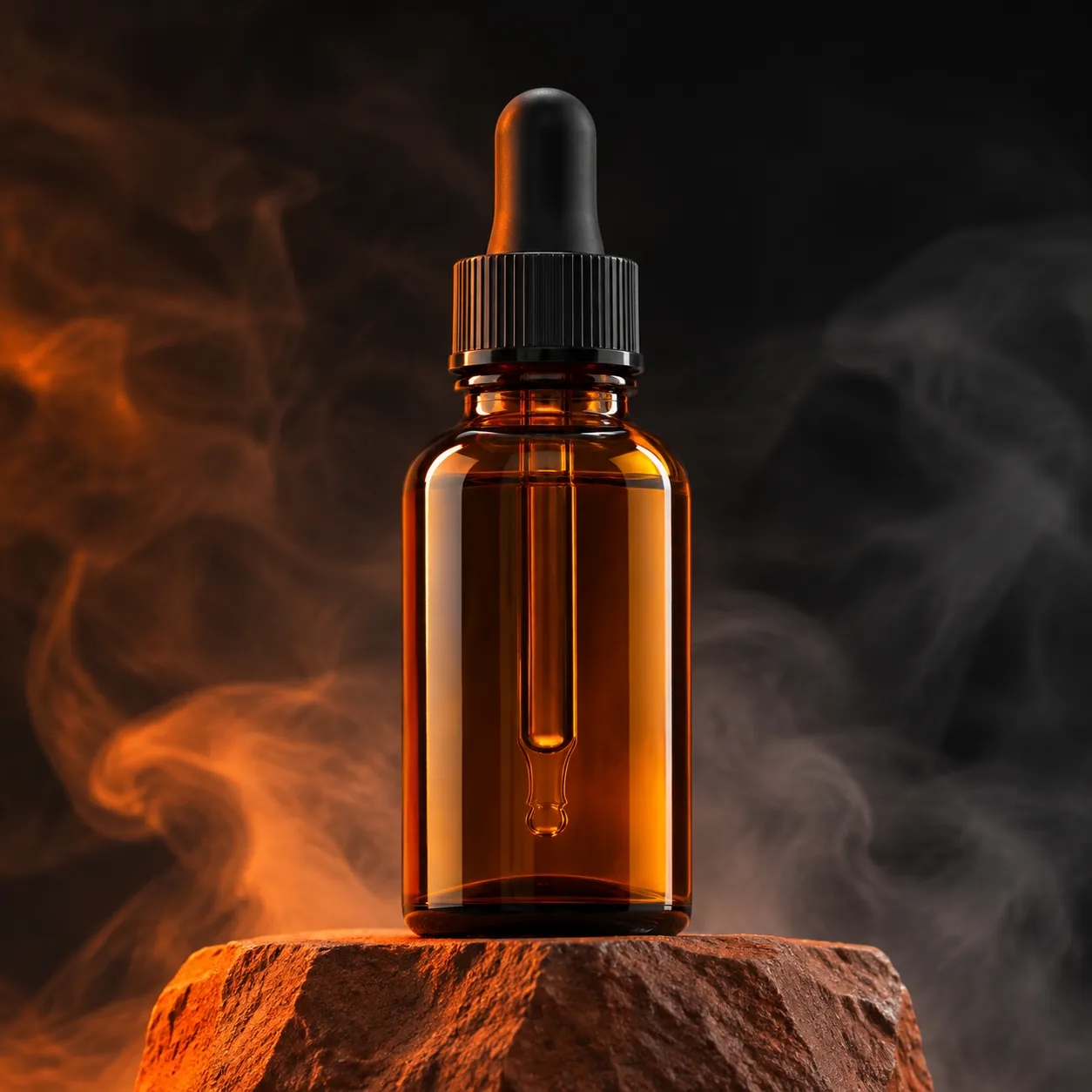
Create product imagery, portraits, scenes, and creative visuals from text prompts.
 ReferenceResult
Image-to-Image and References
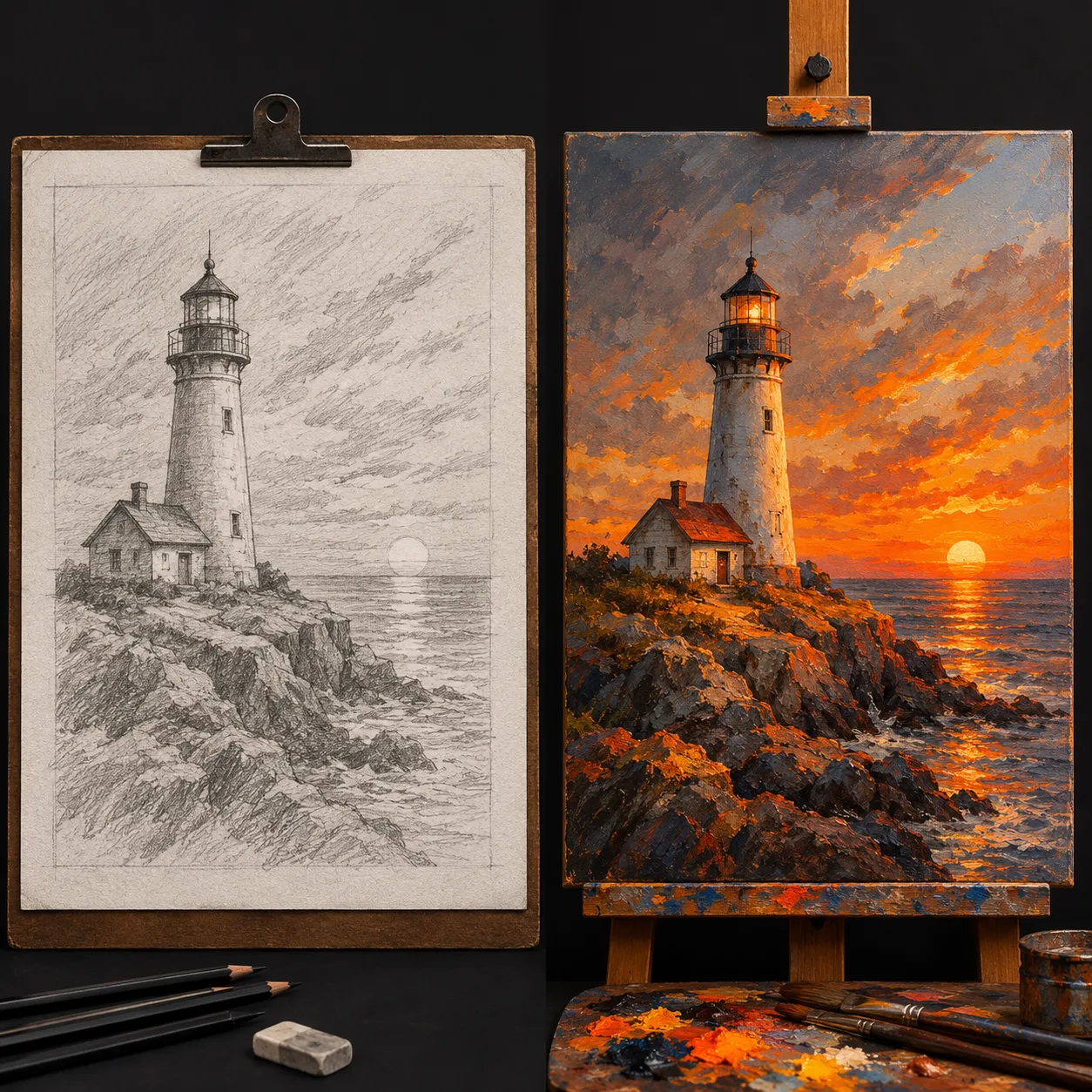
Use images and visual references to guide composition, style, characters, and direction.
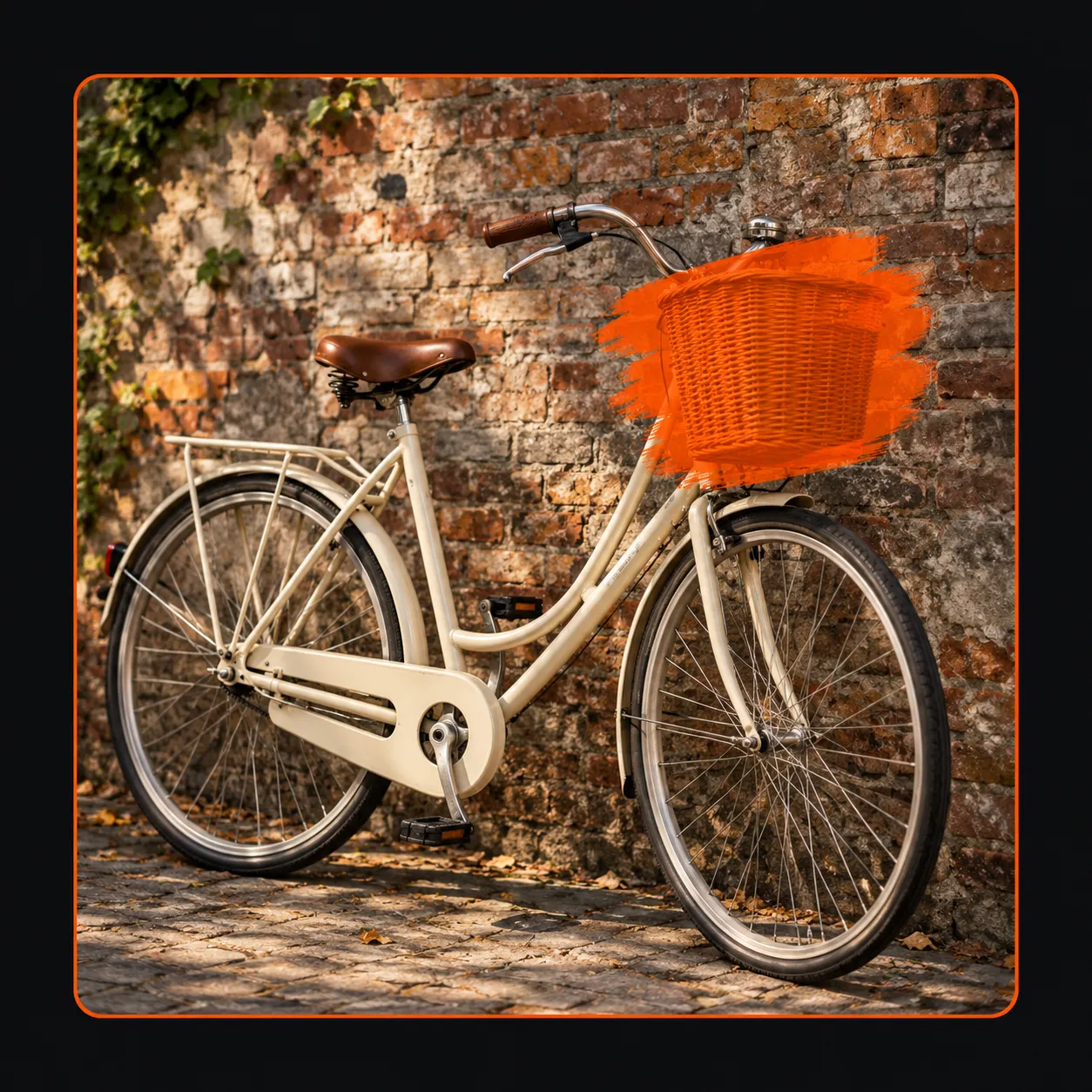
AI Image Editing
Edit selected parts of an image with inpainting and natural-language direction.
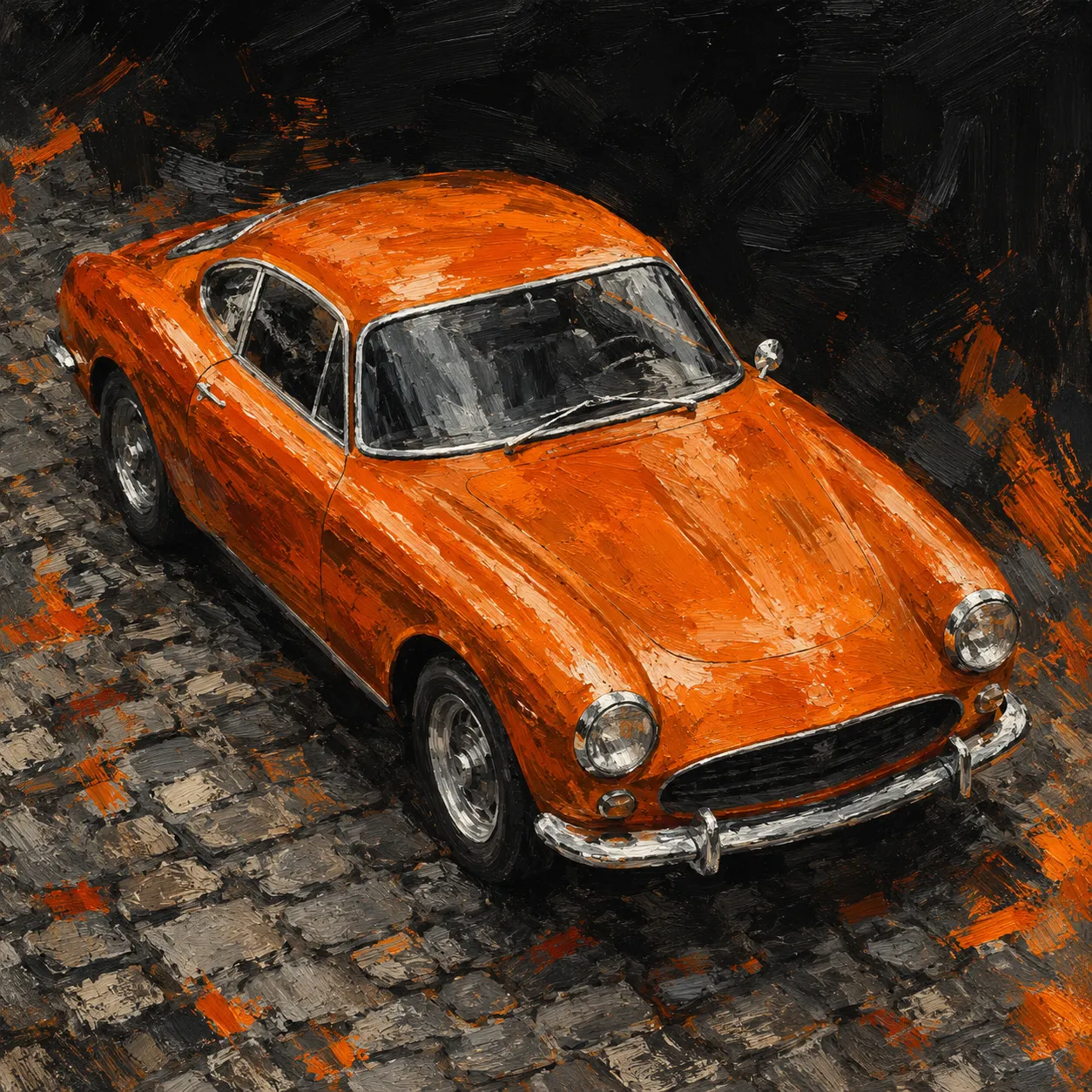
Camera Control and Style Transfer
Adjust image perspective and apply a reference style to new visual content.
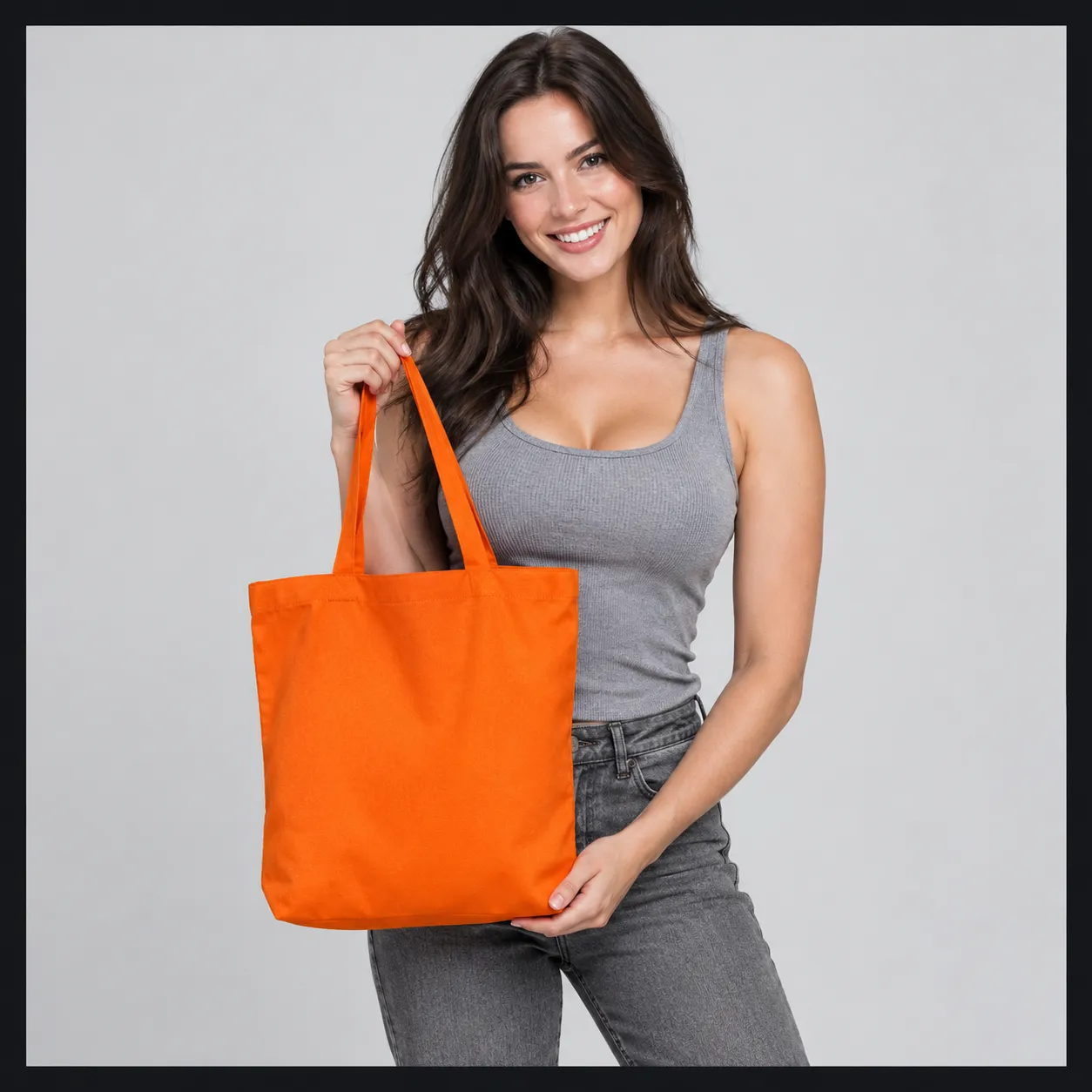
Background Removal and Face Swap
Prepare clean people and product assets for marketing and design delivery.
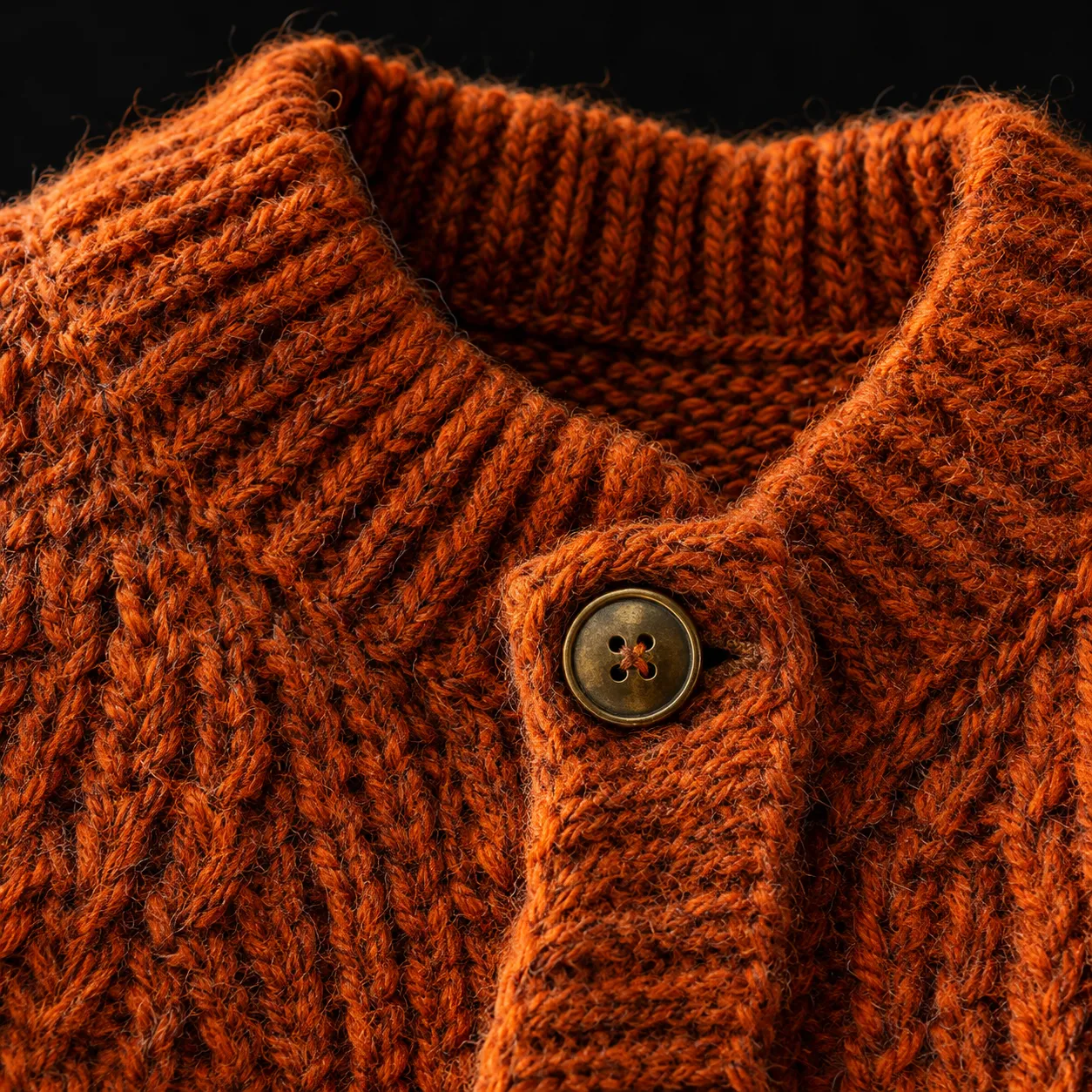
AI Image Upscaling
Increase image resolution, texture, and detail for larger-format delivery.
Top AI Image Models, Ready to Use
Choose the right model for photorealism, graphic design, concept art, or fine-tuned editing.
- 01
GPT Image 2
Prompt understanding and image editing
- 02
Nano Banana 2
Fast creative exploration and iteration
- 03
Nano Banana Pro
High-quality visual generation
- 04
Midjourney
Concept design and artistic visuals
- 05
Recraft V4
Brand assets and graphic design
- 06
Seedream 5.0 Pro
High-fidelity commercial imagery
- 07
Flux 2 Pro
Photorealistic images and details
- 08
Qwen Image 2
Typography and complex composition
From soft draft to print-ready detail
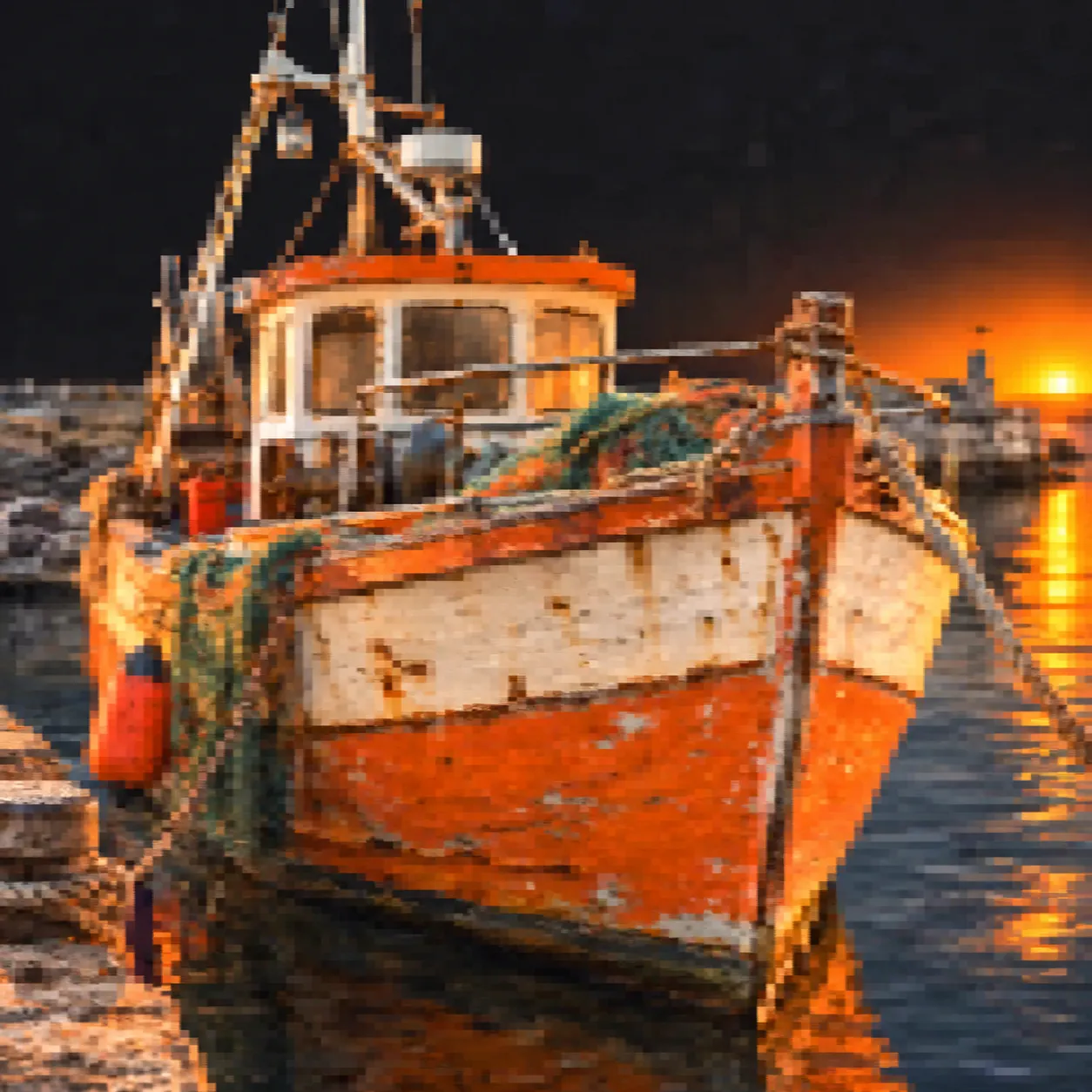
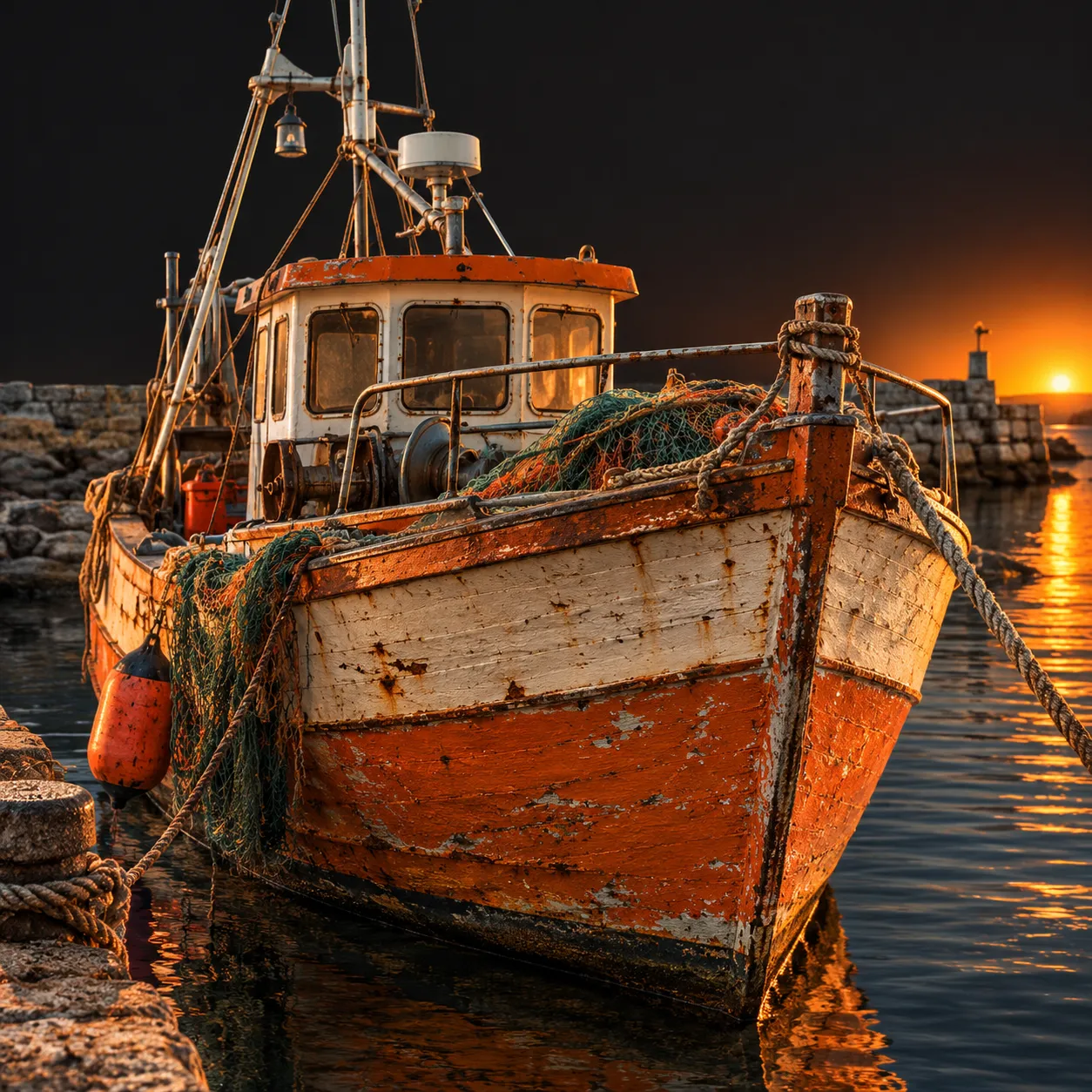
A render that looks fine on a phone can fall apart on a banner. After the AI image generator gives you a frame you like, send it to Image Upscale to raise resolution and recover texture. Same boat, same harbor, same framing: the left frame is the pixelated source, the right one is the upscaled file.
Generate AI images in three moves
No design software and no layers. The whole loop stays inside the VEME image tools.
Describe or upload
Type what you want the AI image generator to show in the prompt box, or add one or more reference images when you need to hold a product, character or layout steady.
Choose model and frame
Pick a model that suits the job, such as Qwen Image 2 for lettering or Flux 2 Pro for photoreal detail, then set the aspect ratio and size.
Render, refine, finish
Generate a few options, keep the best one, then edit a region, remove the background or upscale it with the other VEME image tools.
What people make with this AI photo generator
Three tasks people often bring to the AI image generator, each with the prompt that started it. The brands and titles are invented for these examples.
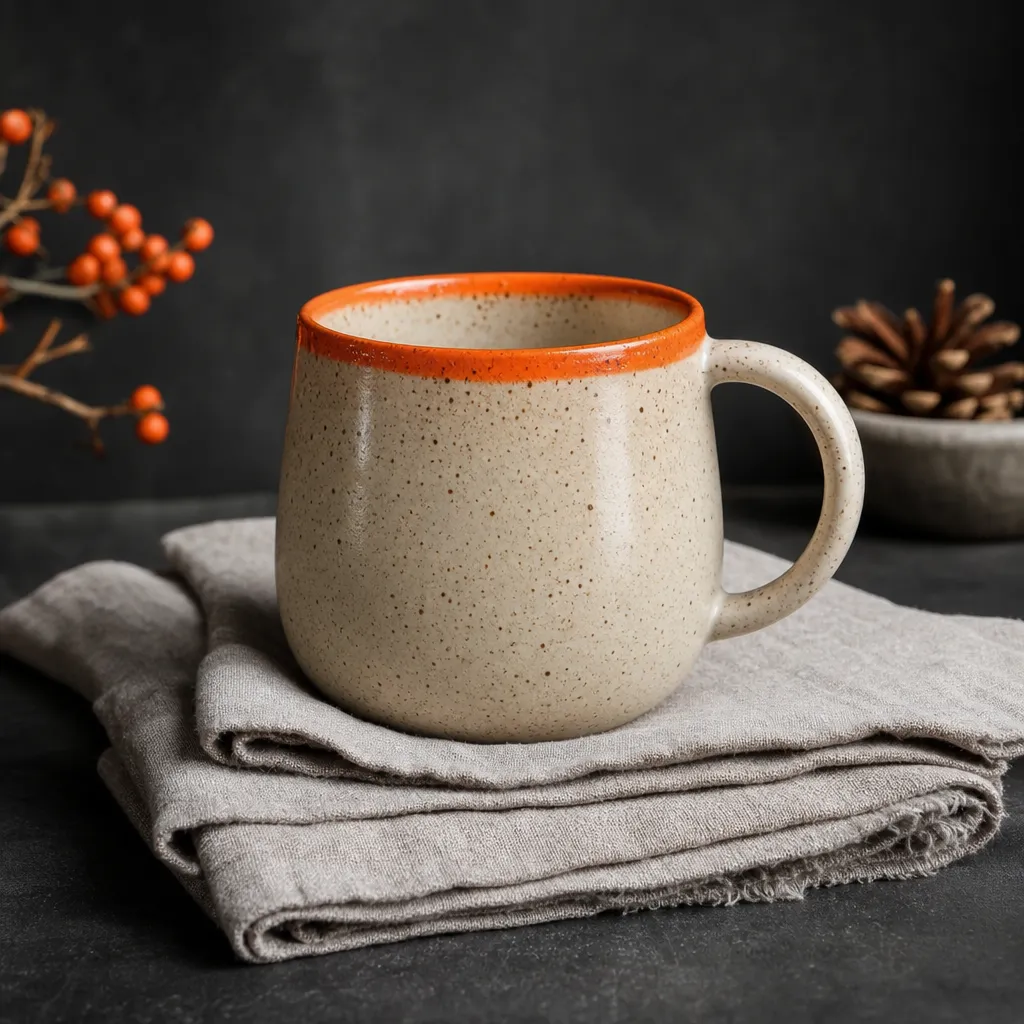
Catalog photo for a shop listing
A small pottery shop, Marrow & Pine, needs a clean listing image before the mugs are back from the kiln. A short prompt with the material, the glaze and soft window light gets a usable catalog frame.
"Speckled cream ceramic mug, orange glazed rim, folded linen, morning window light"
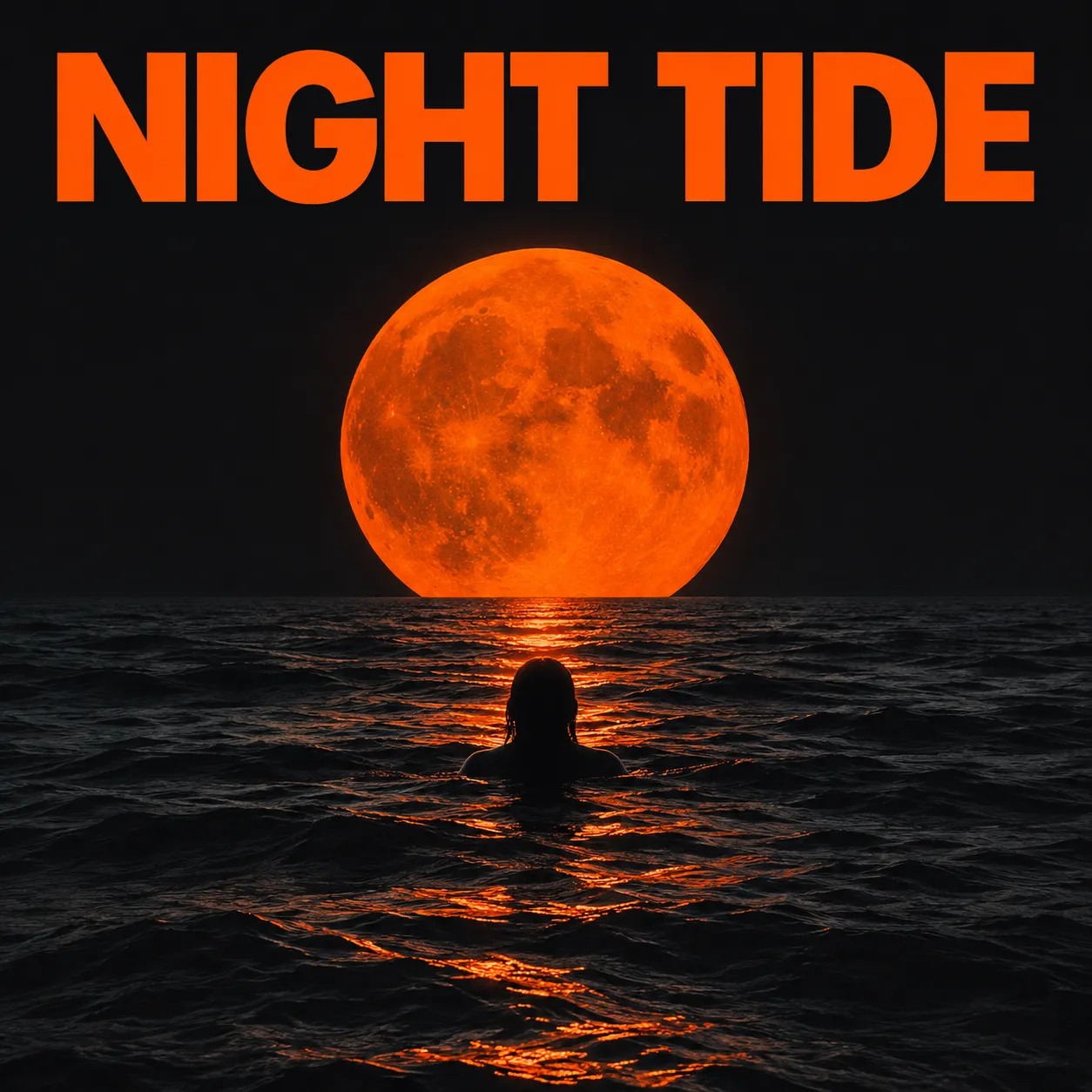
Poster with a readable headline
For a festival called Night Tide, the headline has to read cleanly. Put the exact words in quotes and keep the rest of the layout simple; a model described for typography, such as Qwen Image 2, may handle lettering better.
"Poster, headline reading exactly "NIGHT TIDE", lone swimmer under a huge orange moon"
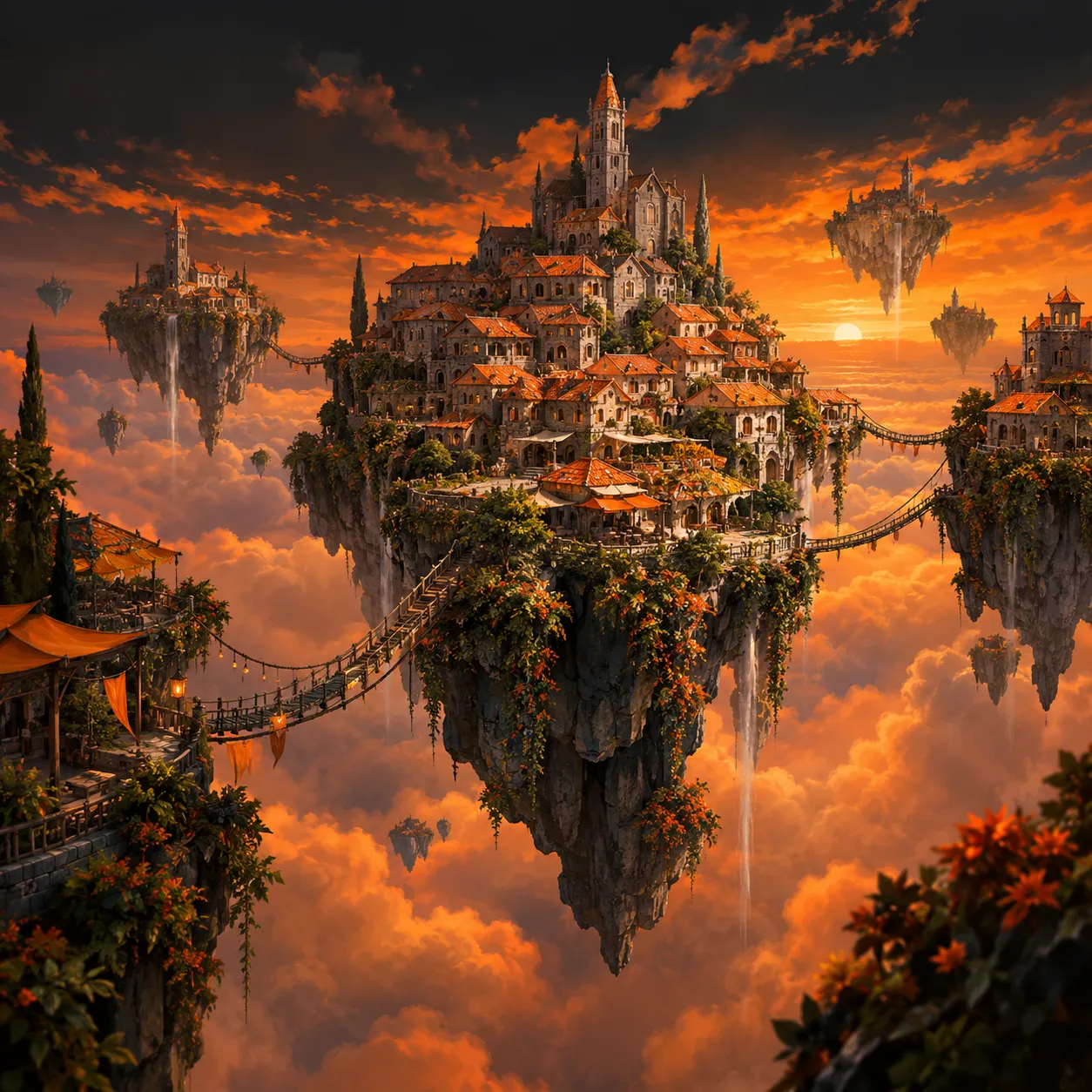
Concept art for a game pitch
A two-person studio pitching a sky-island game uses an AI art generator pass to show the world before any 3D work starts, then reuses the frame as a reference for more scenes.
"Floating island town, terracotta rooftops, rope bridges, sea of amber clouds at sunset"
What to expect from an AI image generator
Where it works well
- Product, lifestyle and portrait images from a clear text prompt.
- Variations that follow a reference photo's layout, palette or character.
- Quick rounds of options, since many models can return several images per run.
- Moving straight into edit, background removal, face swap or upscale on the same image.
Where to check twice
- Long or small text inside the picture can still come out misspelled; proofread every word.
- Hands, crowds and tiny logos may need another render or a local edit.
- A result is a new picture, not a copy of the reference, so exact matches are not guaranteed.
- Credit use may differ by model and settings; check the pricing page for current rates.
AI image generator FAQ
Is this AI image generator free?
Generation uses credits. Sign in and check the cost shown in the tool before running it; account offers and plan details are shown on the pricing page.
How do I generate an AI image?
Open the image generator, write a prompt that names the subject, setting, light and style, and choose a model and aspect ratio. Press generate, review the options, and keep the one you like. You can then edit, remove the background or upscale that image.
Can I create realistic AI photos?
Yes. For photoreal results, describe the camera and light the way a photographer would: lens, time of day, depth of field and surface texture. Flux 2 Pro and Seedream 5.0 Pro are described for photorealistic and commercial imagery, and a reference photo can help keep products accurate.
Can the AI image generator follow a reference photo?
Yes. Most models in the AI image generator list reference images as an input alongside the prompt, so you can guide composition, style or a recurring character. The output is a new image shaped by that reference rather than a pixel copy, so review details such as faces and labels.
Which model should I pick?
Start with the job. GPT Image 2 is strong at following detailed prompts, Recraft V4 suits brand assets and graphic design, Qwen Image 2 targets typography, and Midjourney leans artistic. If you are unsure, run the same prompt on two models and compare the results side by side.
How large can the images be?
It depends on the model. Several models, including GPT Image 2, Nano Banana 2 and Nano Banana Pro, offer 1K, 2K and 4K settings. If you need a bigger file later, the Image Upscale tool can raise resolution and sharpen texture on an image you already made.
Turn your next idea into an image
Write one prompt, choose a model and see your first render in the VEME AI image generator.