

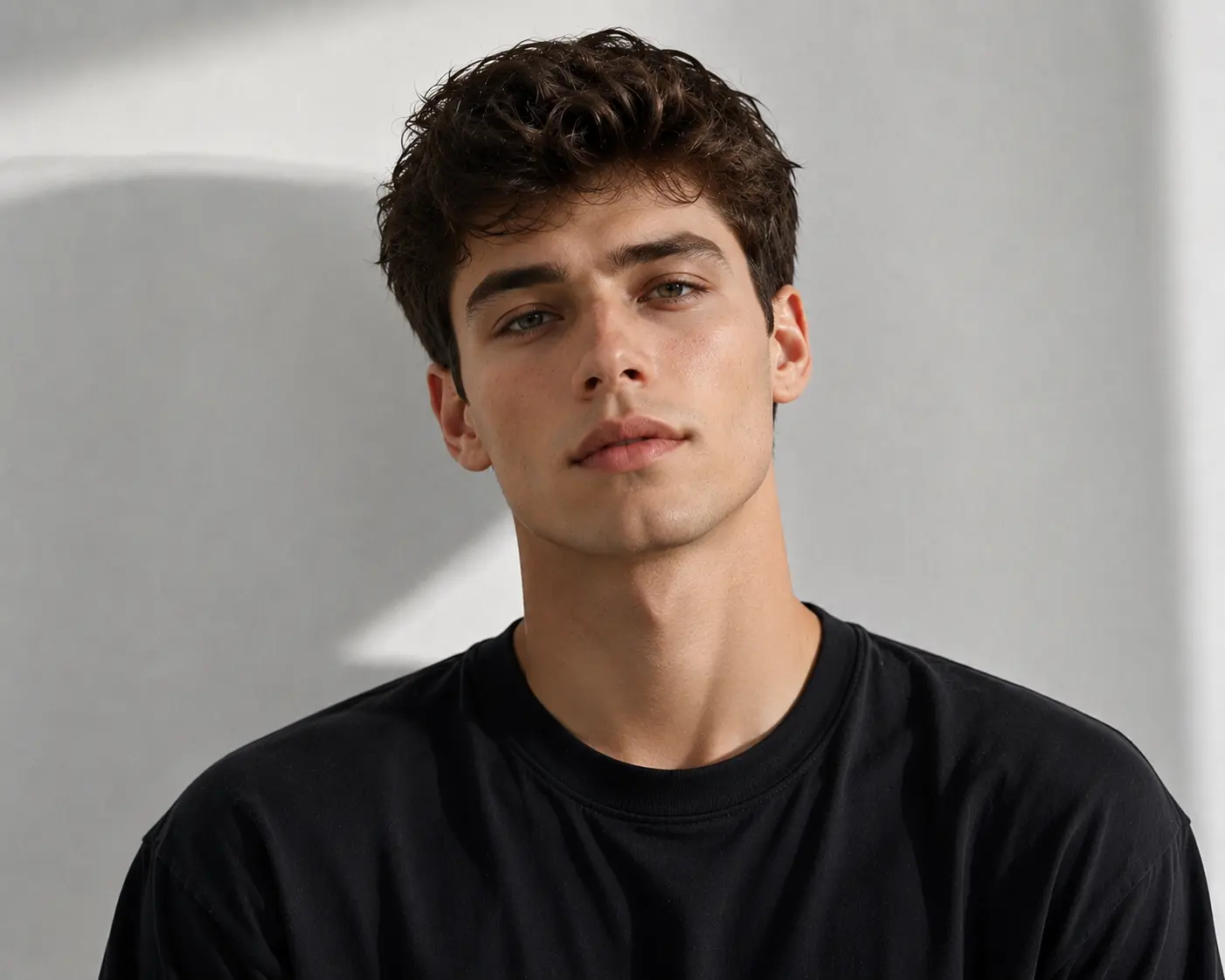


Face Swap
Drop a new face into any photo in seconds.
veme is a face swap tool for creators who replace a face in photo work without Photoshop. Upload a photo, pick the target face, and the editor matches skin tone, light direction, and head angle. The result keeps the original expression and reads as a real shot.
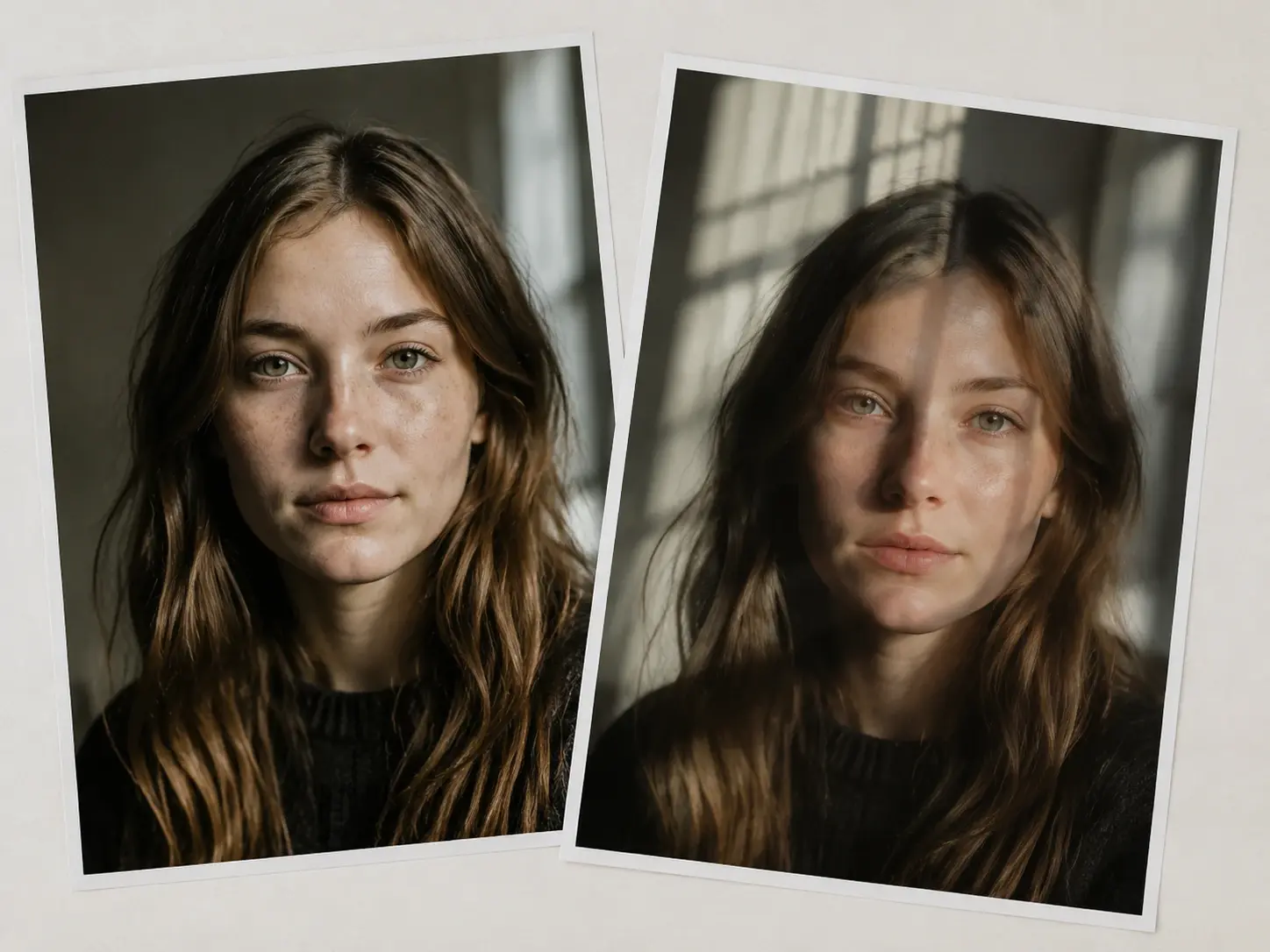
Face Swap
Drop a new face into any photo in seconds.
veme is a face swap tool for creators who replace a face in photo work without Photoshop. Upload a photo, pick the target face, and the editor matches skin tone, light direction, and head angle. The result keeps the original expression and reads as a real shot.
Creative Face Swap Examples
Example outputs the tool can produce from a single source portrait.
Celebrity Lookalike Frame
Place a famous face onto your own portrait for a playful frame. The face swap holds your pose and gaze direction while the new face takes the spotlight. Export a sharp lookalike shot that reads as one continuous photo.
Try It Now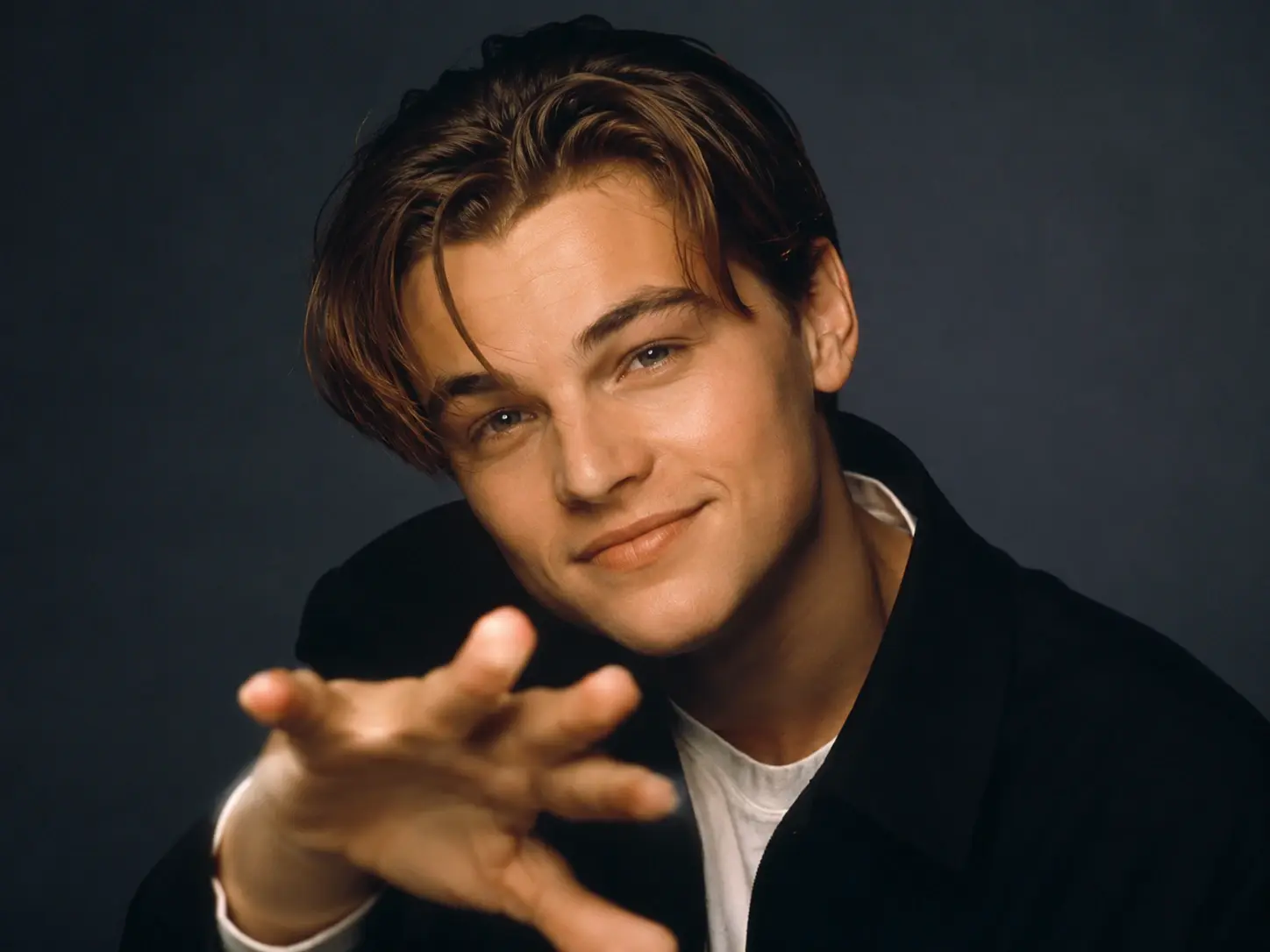
Gender Transformation
Try a gender transformation on a portrait without manual retouching. The face changer rebuilds the features while the head angle and expression stay locked. Export a believable result that still feels like the same shot.
Try It Now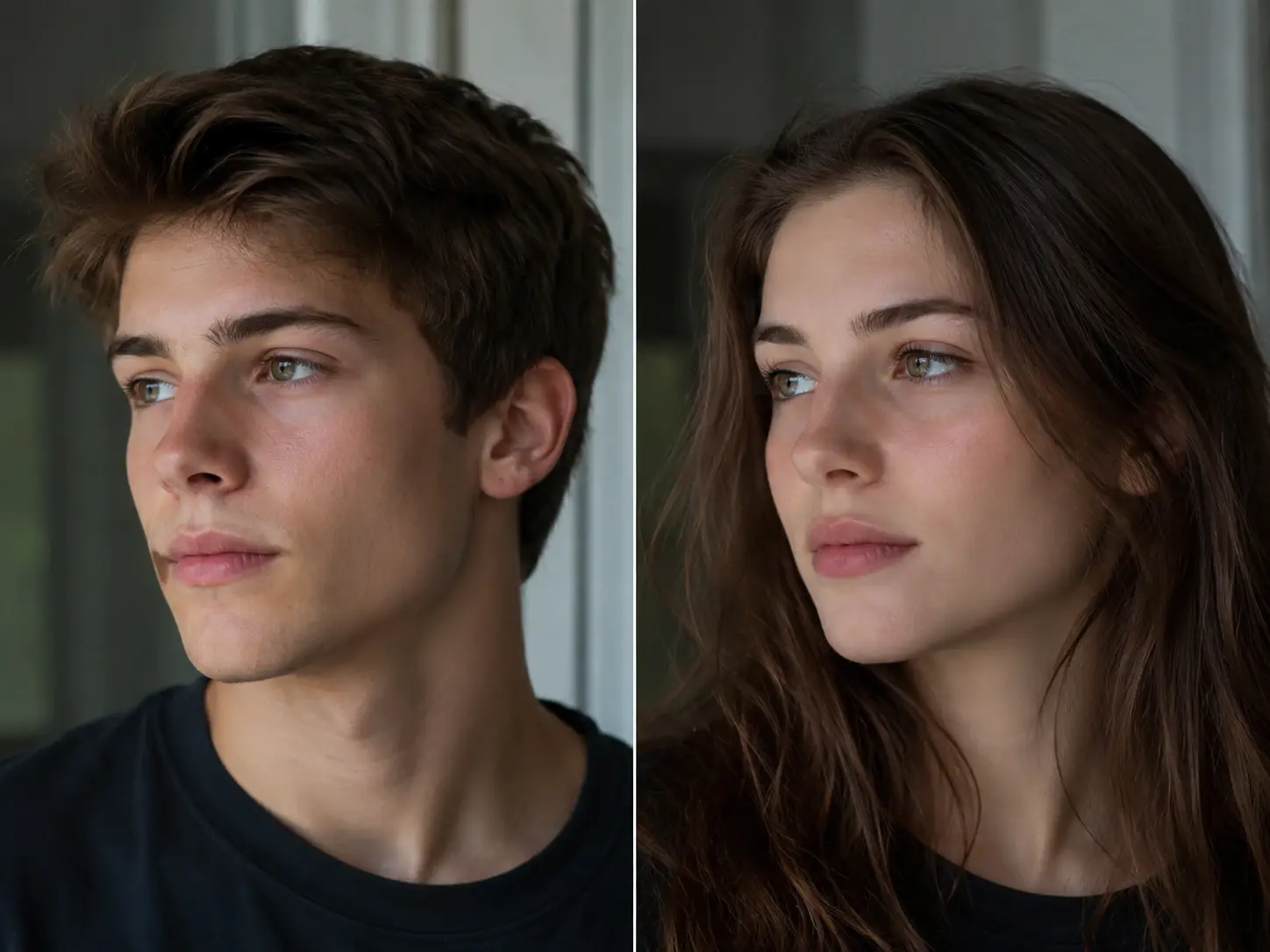
Age Shift Portrait
Shift a subject younger or older from one source frame. The tool keeps the eye line and mood while the skin and contour adjust to the new age. Export a portrait that carries the change without a hard paste edge.
Try It Now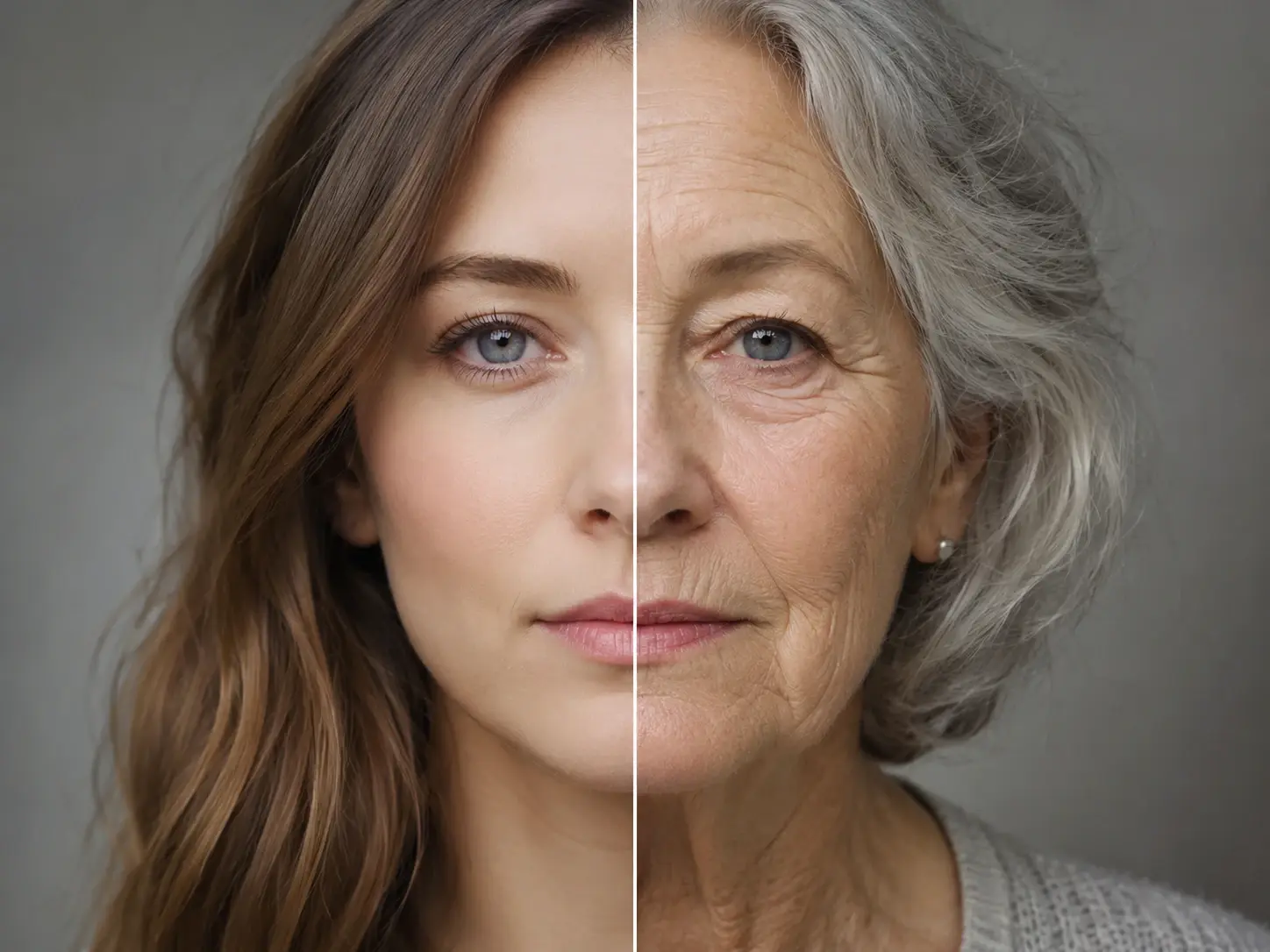
Character Composite Scene
Drop a person into a creative character look for a themed post. The face swap fits the face to the scene light so the costume reads as real. Export a character composite that fits straight into your content set.
Try It Now
Manual Retouch vs Face Swap
Three tasks show how the tool replaces the slow manual portrait workflow.
Photoshop Masking vs Face Swap
Hand masking a face means hours of selection, blending, and shadow cleanup. Here you upload the photo, pick the target face, and the tool matches contour and light on its own. The clean result lands in seconds, not an afternoon.
Reshoot vs Face Swap
Booking a reshoot to change a face costs a studio day and a crew. The tool lets you replace a face in photo assets you already own. You keep the original framing and ship the corrected portrait the same day.
Stock Swap vs Face Swap
Buying new stock to fix one face breaks your visual style across a set. The face swap keeps your own portrait and only changes the face you target. Your campaign holds one consistent look from start to finish.
Face Swap Questions Answered

Swap A Face In Seconds
Open the face swap in veme, upload a portrait, pick the target face, and export a natural result with matched light and skin tone already in place.