

Add Sound Effects to Video
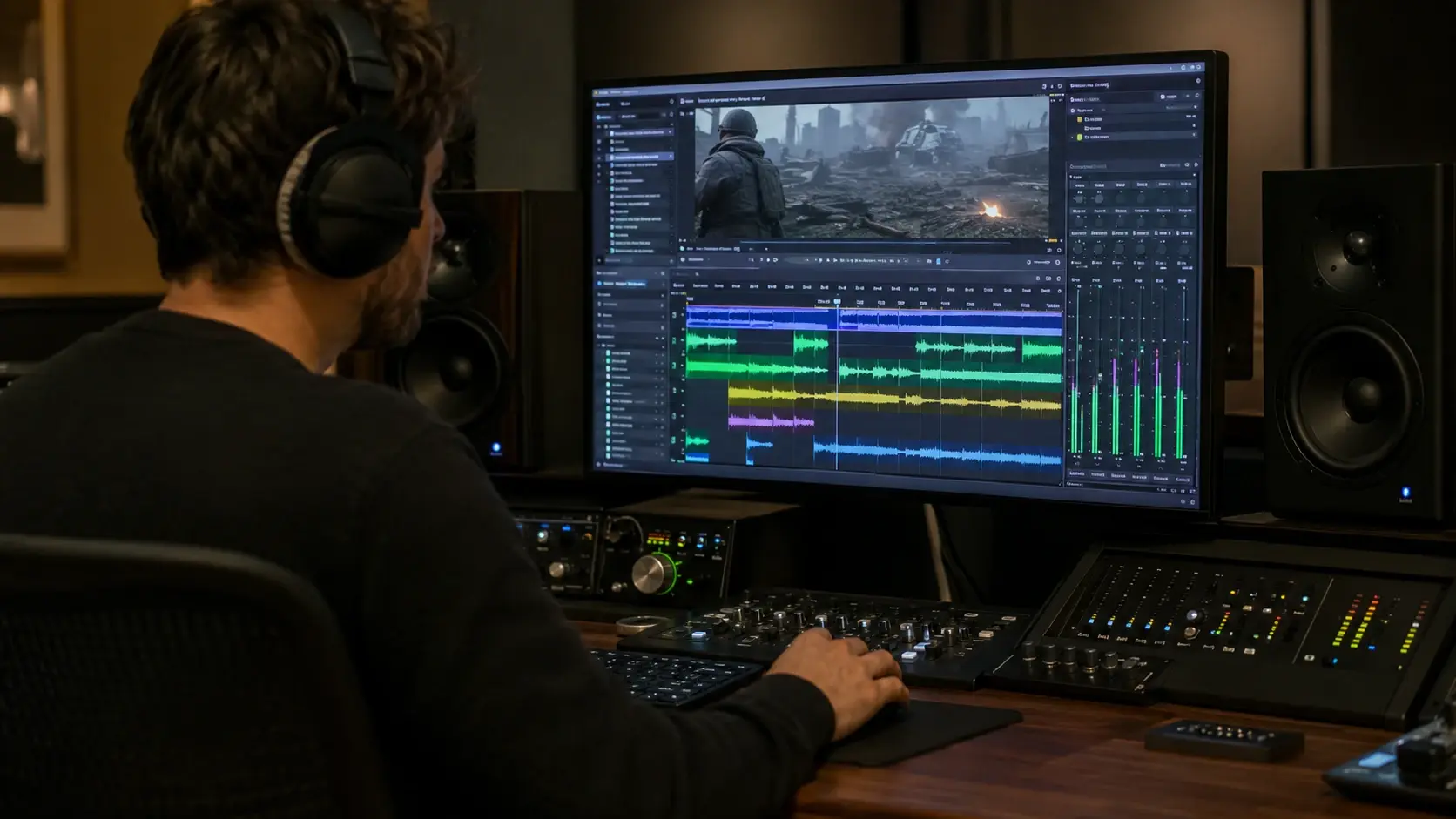
veme reads your footage and places each sound effect on the exact frame where the action lands.
veme is built for editors who add sound effects to video and want the mix to feel intentional. It detects on screen action, picks matching SFX, and balances the levels. The result exports at full resolution with layered audio already in place.
Add Sound Effects to Video
veme reads your footage and places each sound effect on the exact frame where the action lands.
veme is built for editors who add sound effects to video and want the mix to feel intentional. It detects on screen action, picks matching SFX, and balances the levels. The result exports at full resolution with layered audio already in place.
Add Sound Effects to Video Examples
Finished outputs editors build when they add sound effects to video in veme with a matched audio pass.
Cinematic Trailer Bed
Add sound effects to video and build a trailer cut with a rising ambient bed and timed impacts on each title card. The export reads like a scored piece, not raw footage with music dropped on top.
Try It Now
ASMR Style Detail Pass
Score a close up sequence with crisp foley on every small motion. veme keeps each detail clean and centered, so the clip holds attention through quiet moments.
Try It Now
Gameplay Highlight Reel
Add punchy hit markers and crowd swells to a highlight reel. veme aligns each accent with the on screen play, so the cut feels broadcast ready.
Try It Now
Explainer Motion Audio
Pair animated transitions with light whooshes and soft taps. veme matches each motion graphic to a cue, so the explainer moves with rhythm instead of silence.
Try It Now
Add Sound Effects to Video Workflows
Concrete jobs where you add sound effects to video and the matched audio changes how the finished clip reads.
Action Montage Audio
Cut a fast montage and add sound effects to video as veme drops impact SFX on each hit. Every punch, step, and swing lands on frame, and the export carries weight that silent footage never had.
Product Demo Ambience
Layer subtle room tone and interface clicks under a product walkthrough. veme keeps the bed quiet behind the voice, so the demo feels recorded in a real space.
Travel Reel Atmosphere
Drop city, nature, and crowd beds under a travel reel. veme places each ambient layer where the scene changes, so the location reads through sound as well as image.
Sound Effects Questions Answered

Ship Video With Sound That Lands
Add sound effects to video in veme and export a finished clip with matched audio already in place.