

Smart Shot
veme builds a multi shot cinematic clip from one prompt.
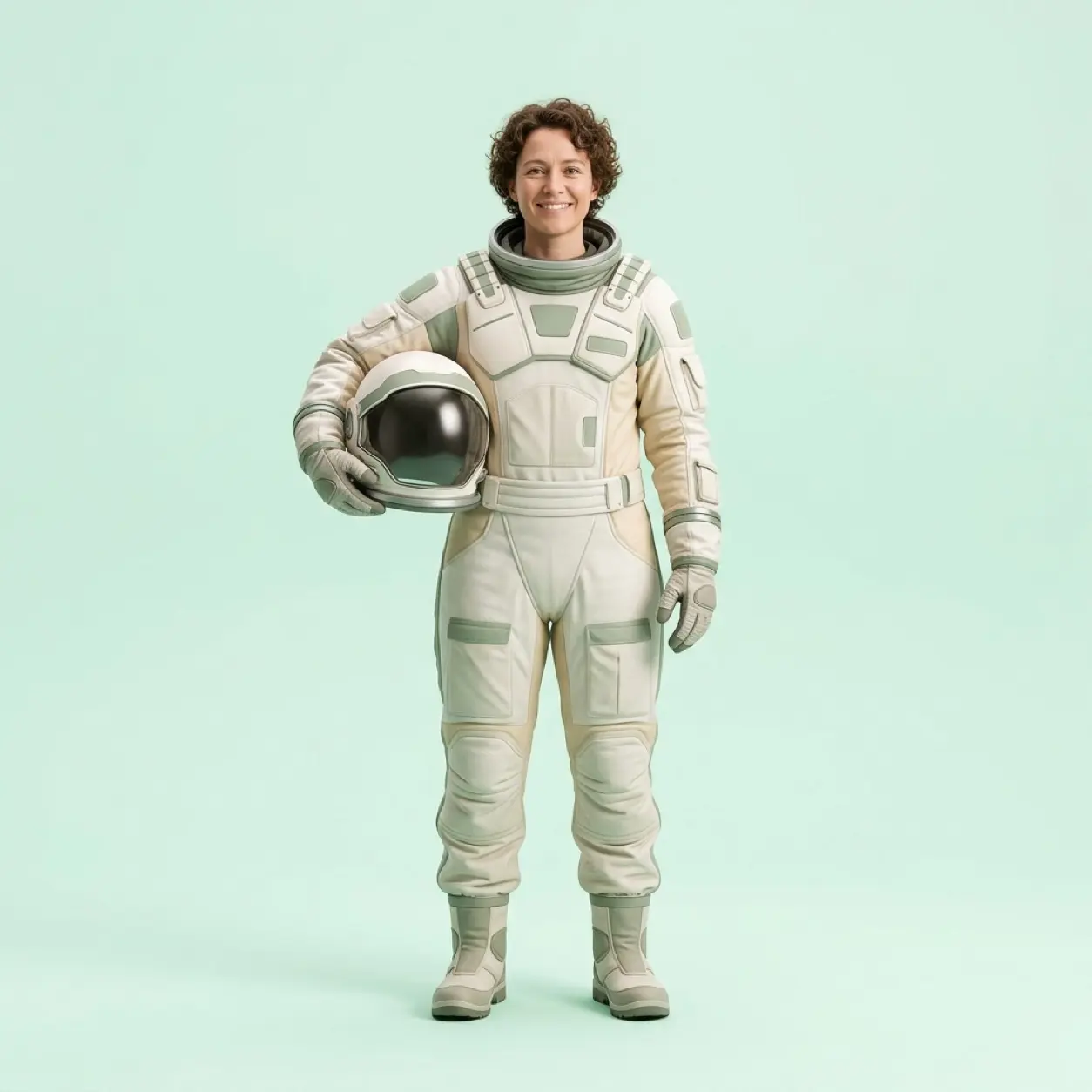
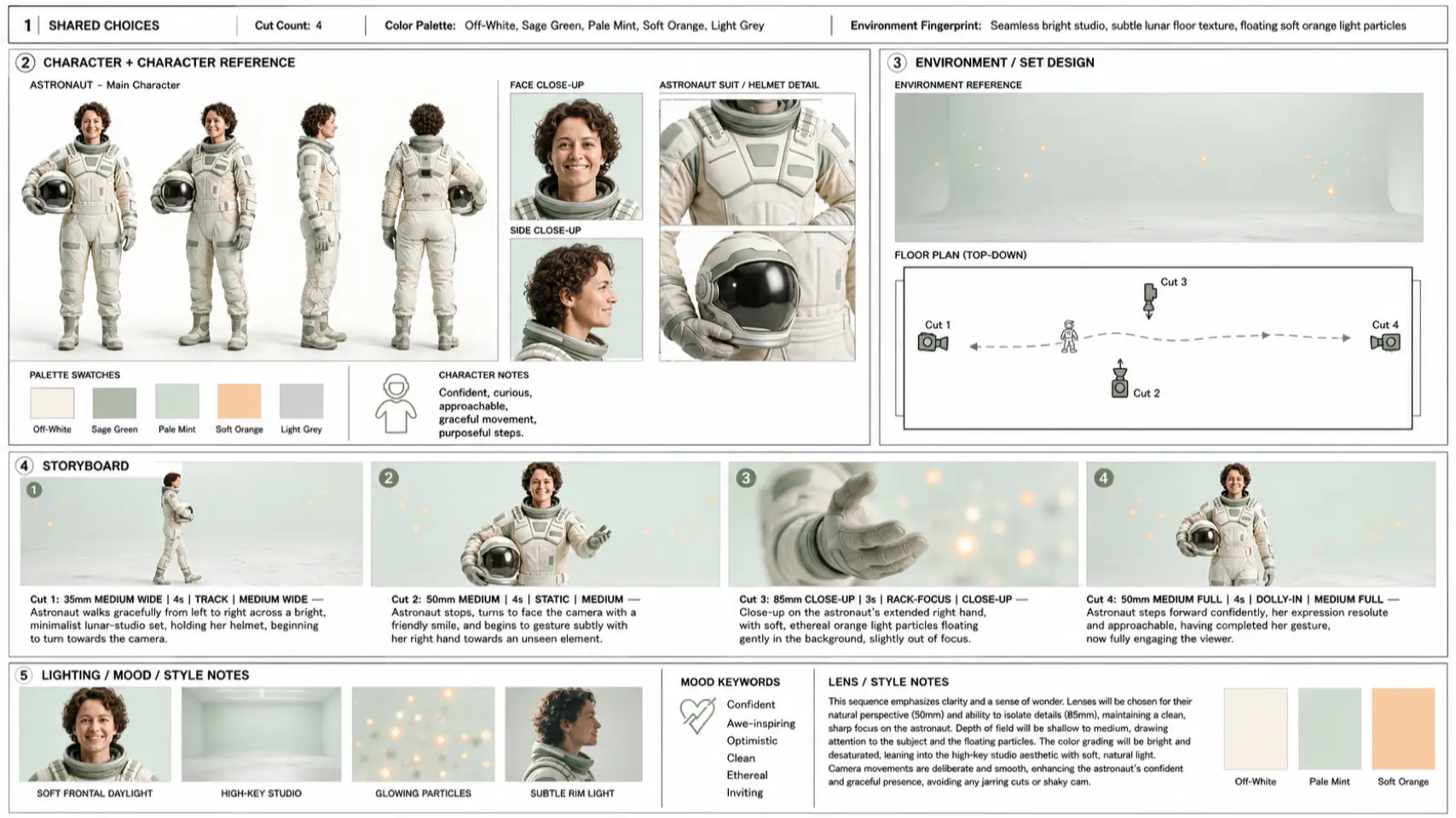
Smart Shot reads your scene and plans the camera language for you. It lays out pan, push in, orbit, and close up across a full shot sequence, holds character and setting consistent between cuts, and exports a finished clip ready for ads, social, or previsualization.
Smart Shot
veme builds a multi shot cinematic clip from one prompt.
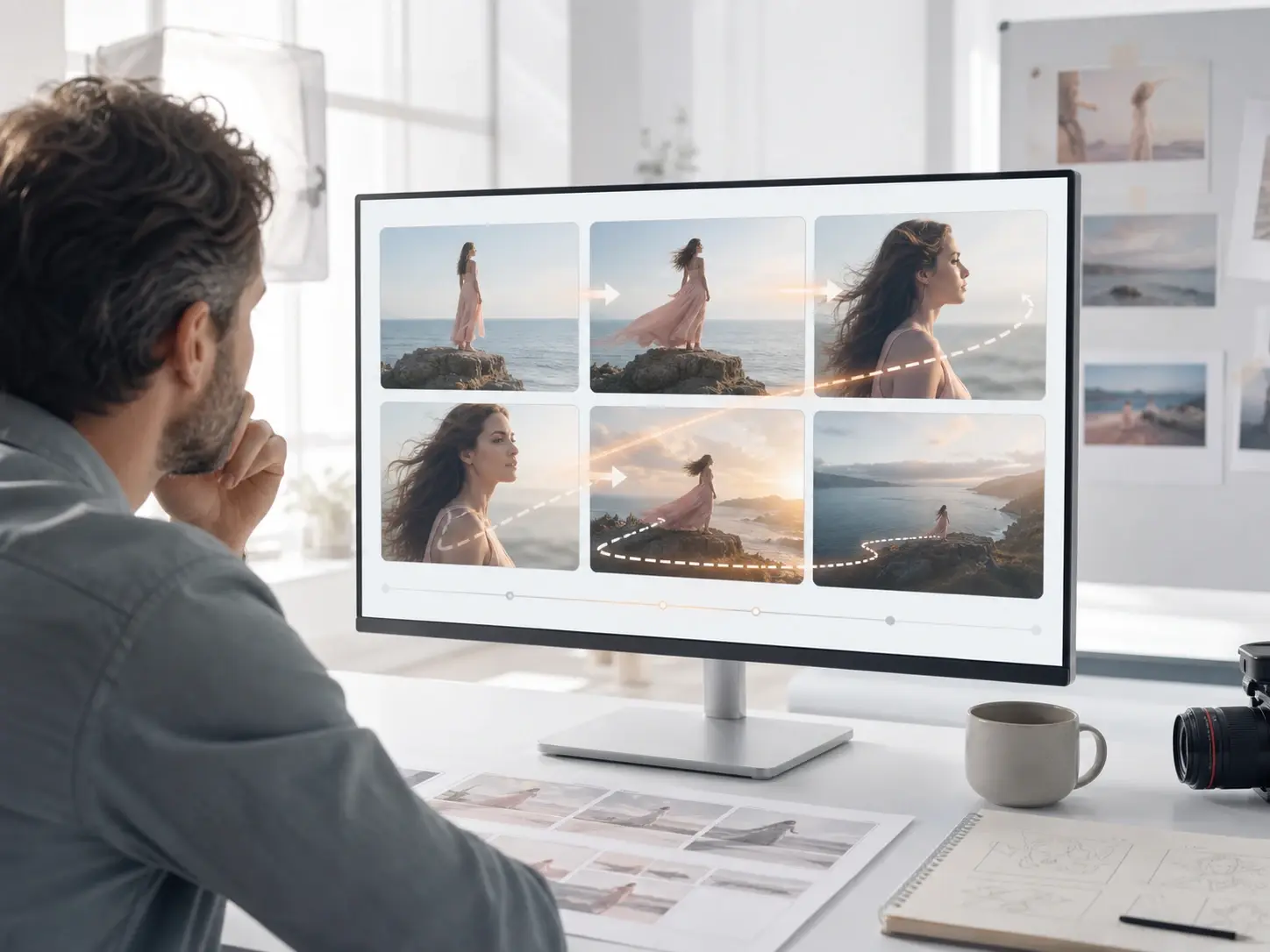
Smart Shot reads your scene and plans the camera language for you. It lays out pan, push in, orbit, and close up across a full shot sequence, holds character and setting consistent between cuts, and exports a finished clip ready for ads, social, or previsualization.
Who Builds Sequences With Smart Shot
Performance Marketer
Performance Marketer
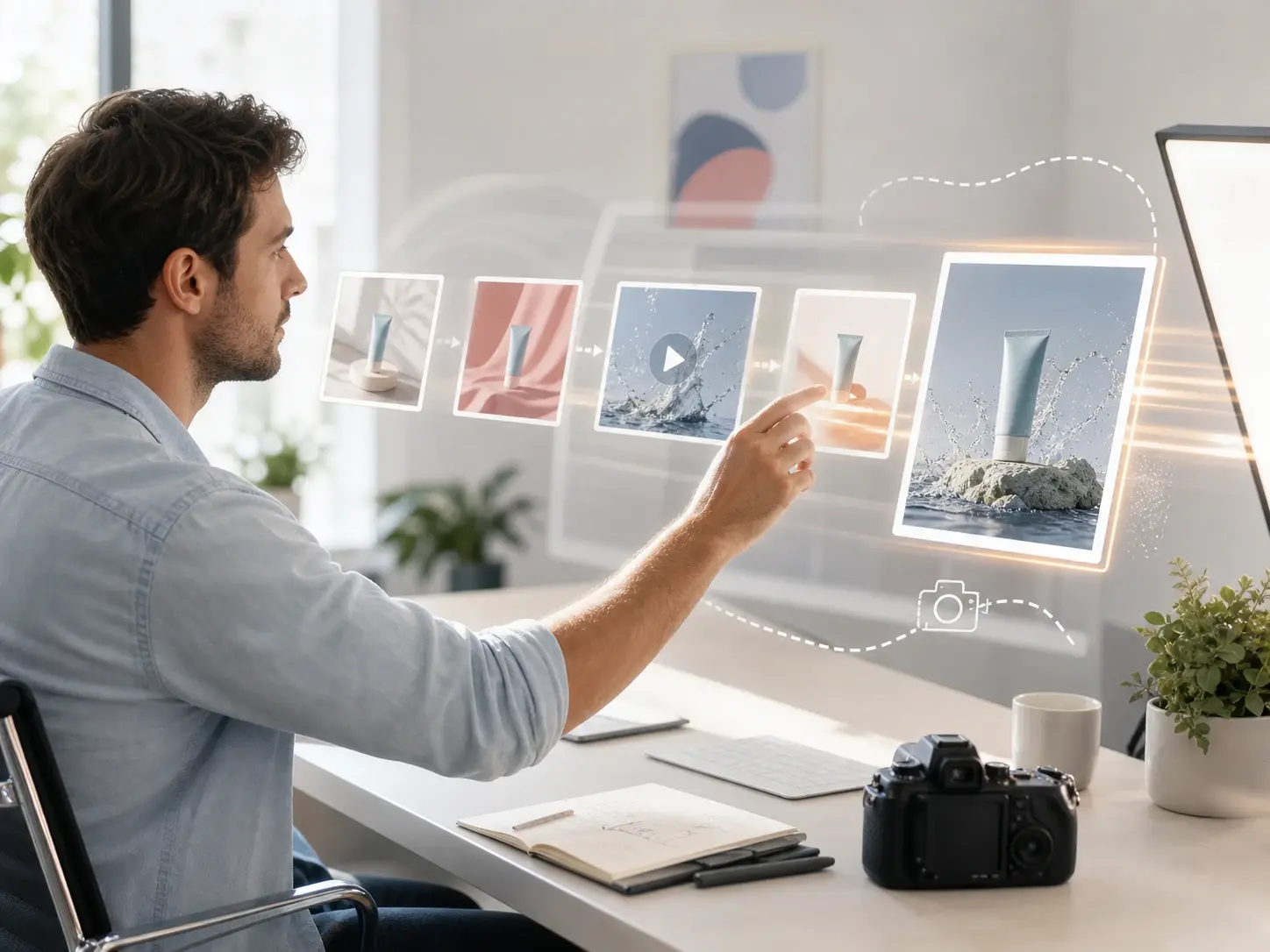
Your product ads need a clear cut between the hook, the detail, and the payoff. The planner sets those beats as separate camera moves, so the orbit on the product reads against the push in on the logo. Drop in your assets and export an ad with real shot structure.
Social Content Producer
Social Content Producer
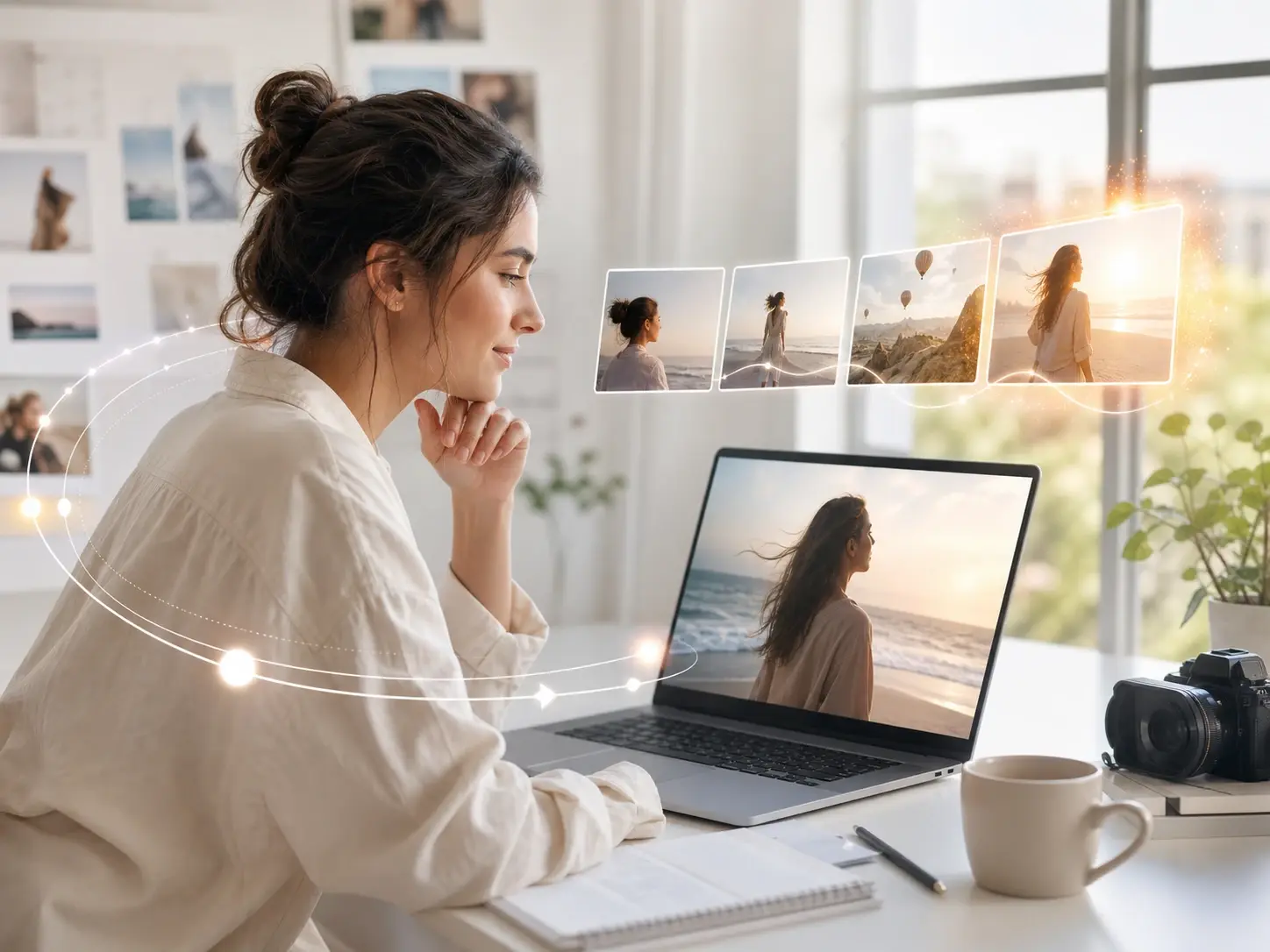
You post short narrative clips several times a week and reshoots break your schedule. The planner sequences a wide shot, a close up, and a dolly into one timeline that fits your feed. Set the scene once and the camera language stays consistent across posts.
Pre Production Director
Pre Production Director
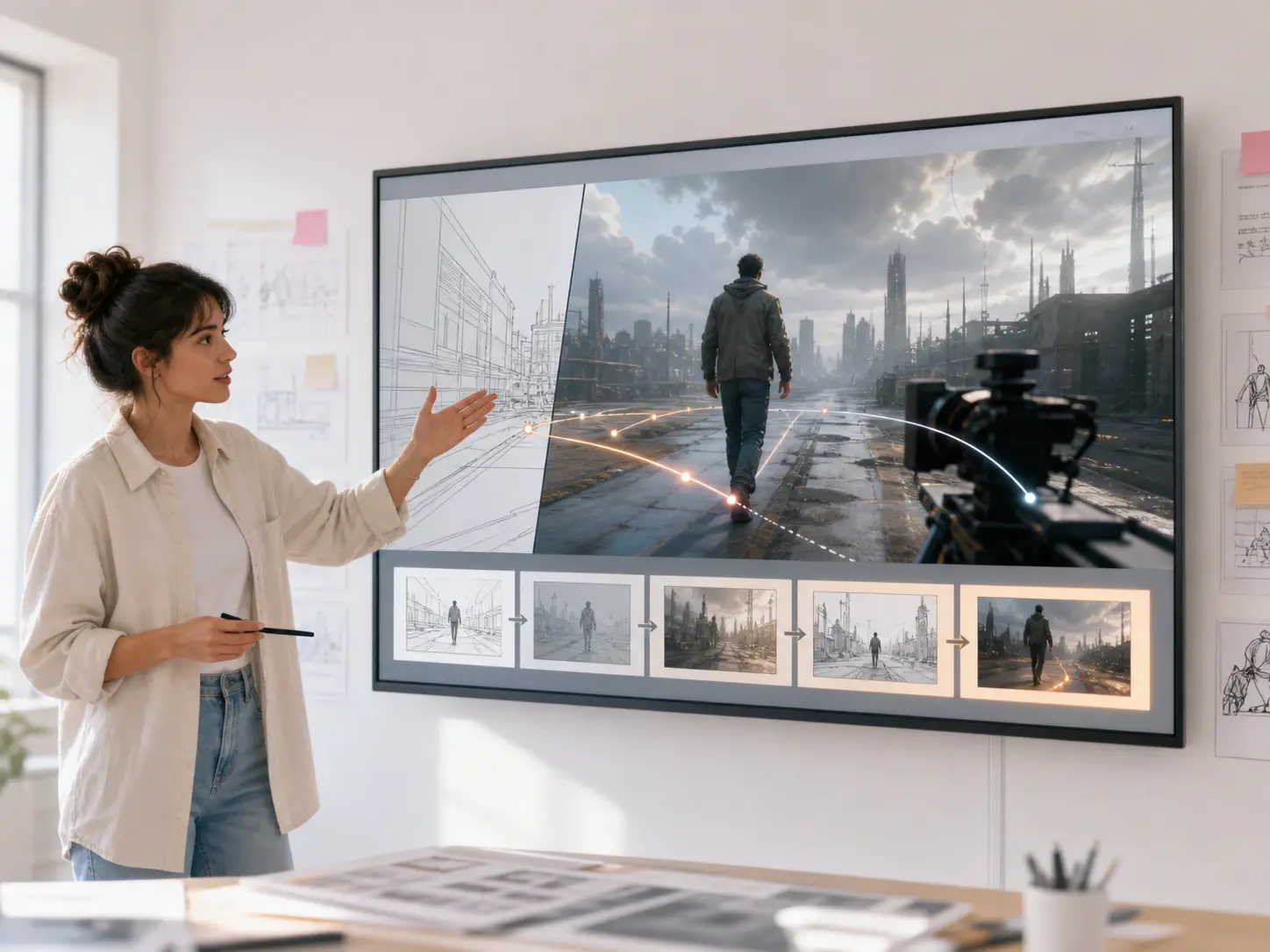
Your previs has to show the camera plan before the budget is approved. With Smart Shot you draft a storyboard, lock the shot positions, and hand stakeholders a moving sequence. The character and environment hold across every cut so the pitch reads as one scene.
Smart Shot vs Single Clip Tools
How the Smart Shot planner differs from a generator that renders one continuous motion.
Shot Plan vs One Motion
A single clip tool gives you one camera move and you cut nothing. Smart Shot writes a full shot plan with storyboard, sequence, and camera positions, so the result moves like an edited scene rather than a slow zoom on a still.
Consistency vs Drift
Generic tools let the character change face and the set shift between renders. The planner reuses your character and environment across cuts, which keeps a series or an AI influencer looking like the same person in every frame.
Camera Language vs Random Pan
Most generators add motion at random and call it cinematic. Smart Shot assigns intentional moves like orbit, dolly, and close up to each beat, so the camera language supports the story instead of fighting it.
Smart Shot Questions Answered
Plan Your First Multi Shot Clip
Open Smart Shot in veme, describe your scene, and export a cinematic sequence with the camera language and character consistency already planned for you.