

AI Image to Image Generator: Turn a Photo or Sketch into Something New
An AI image to image generator on VEME draws a new picture from a reference you upload. Write what should change, turn a pencil sketch into a photo, move a product shot into a studio, or change the season in a scene, then pick from 20 image models to get the look you want.
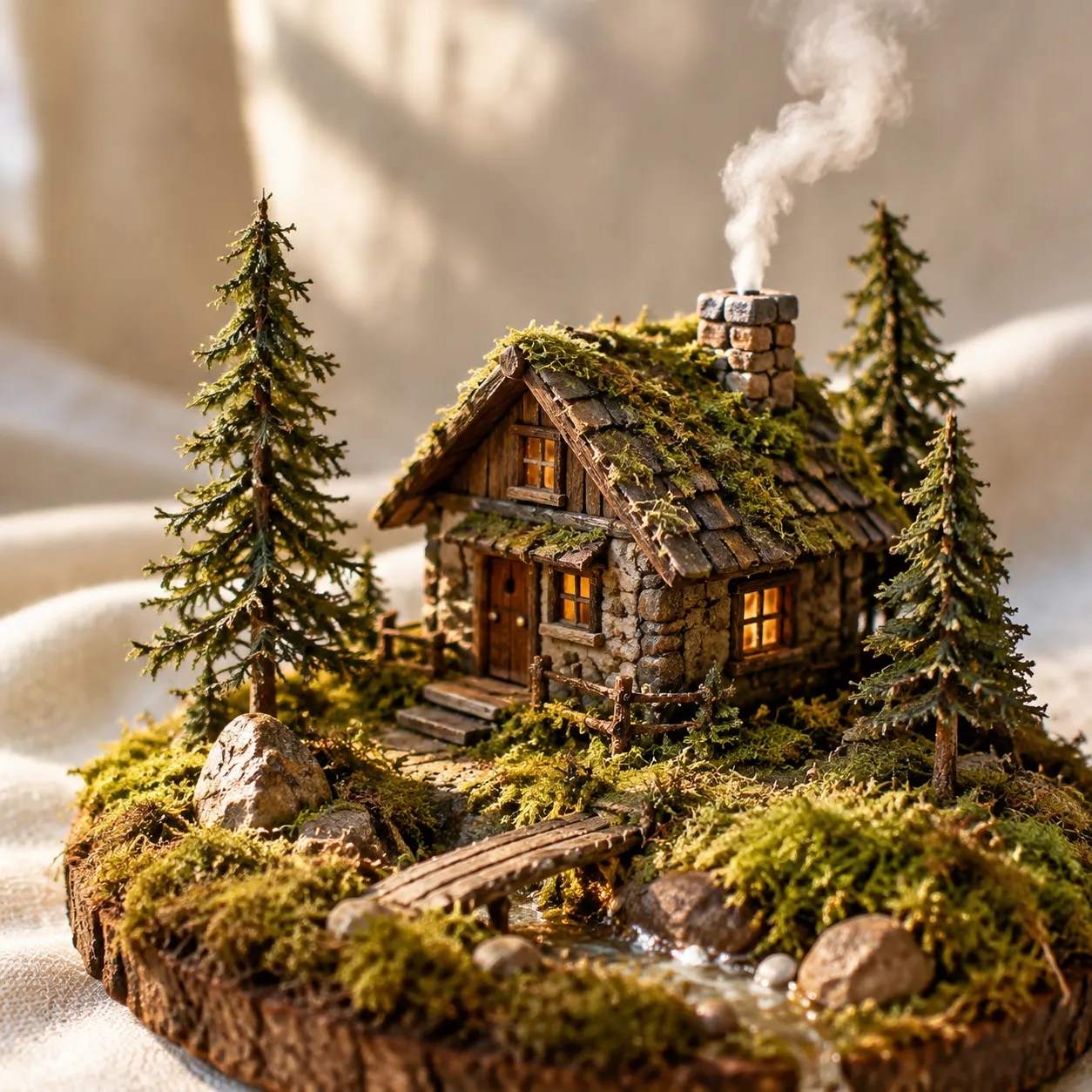
Four things an AI image to image generator can do with a reference
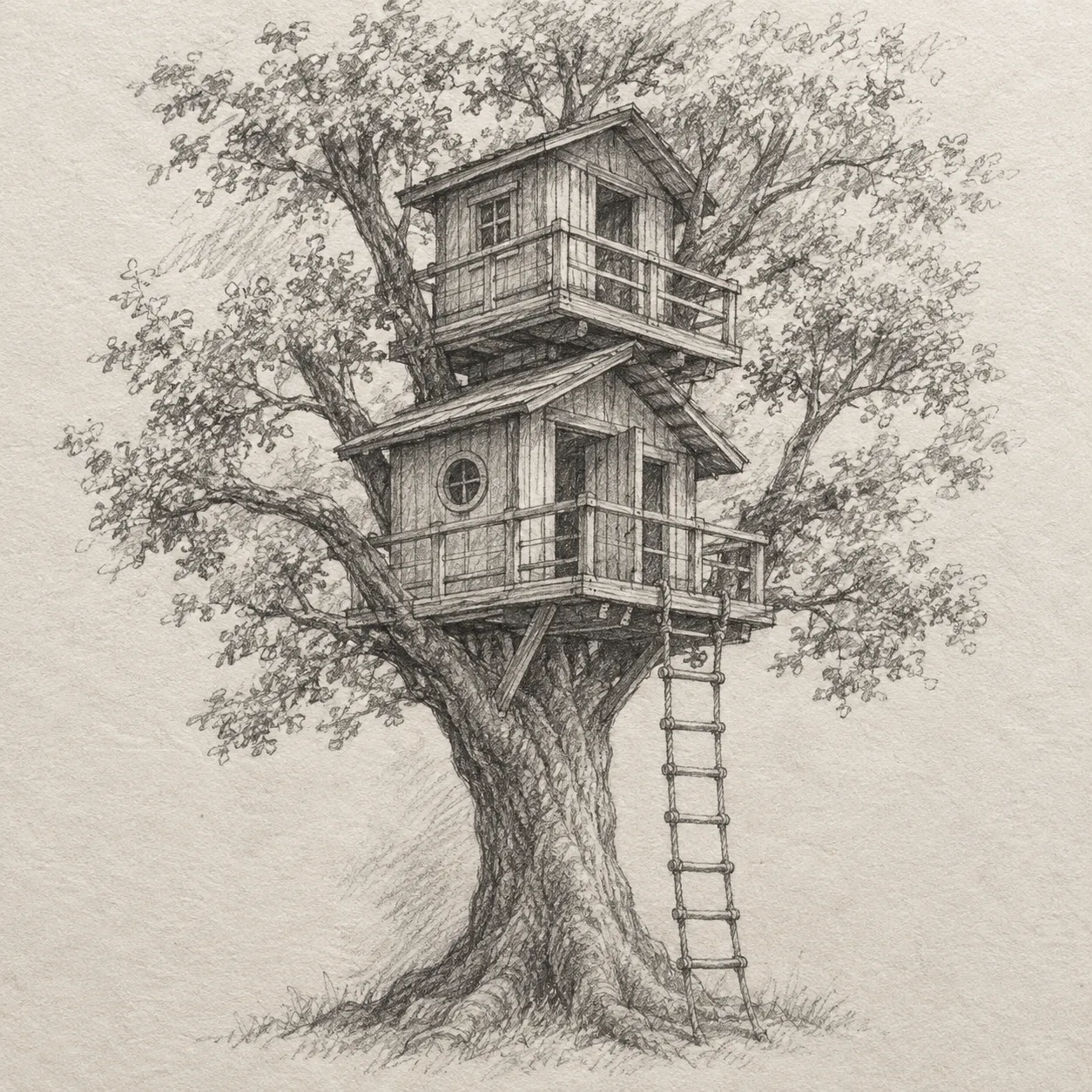
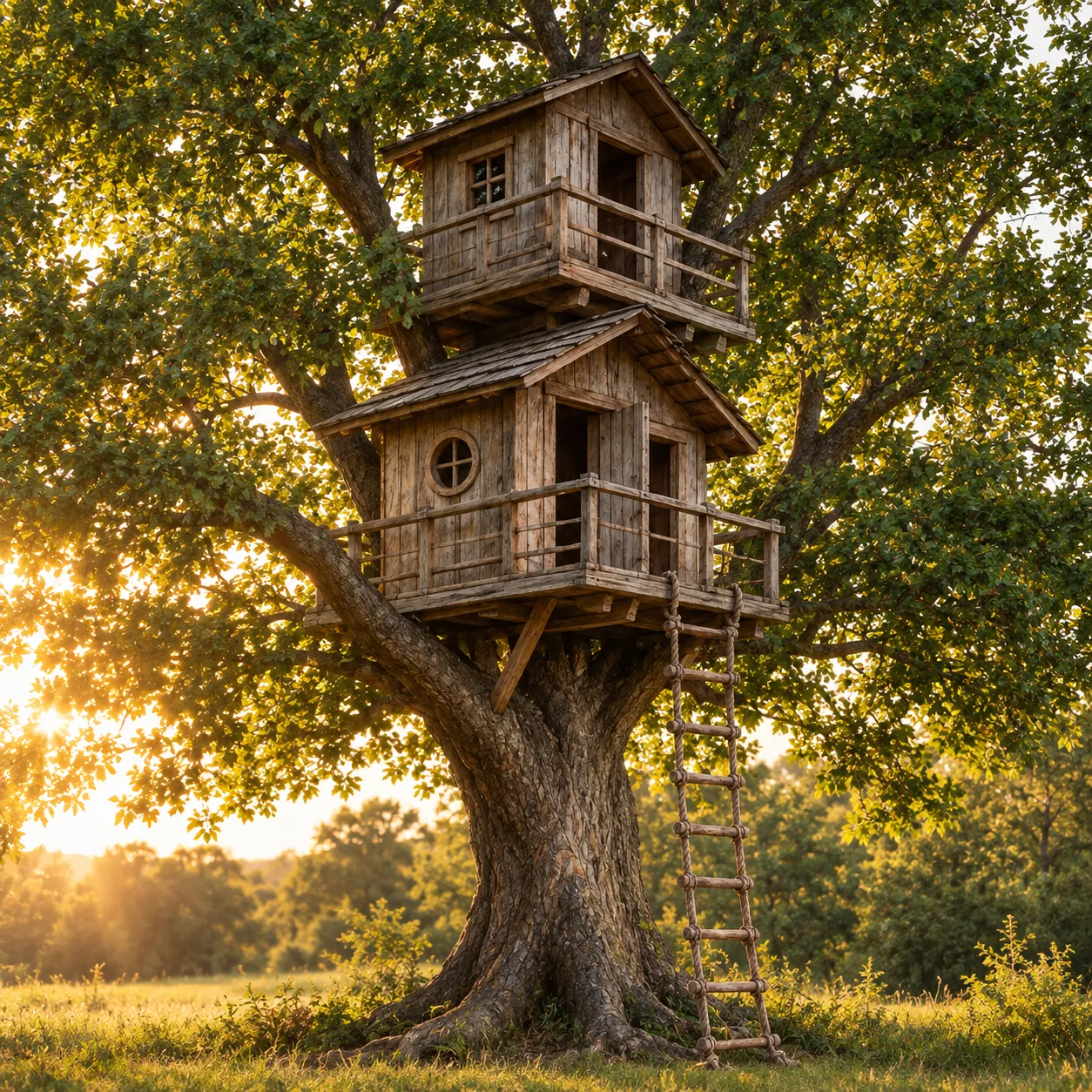
Each pair starts from the input on the left. The prompt says what to keep and what to change. These are illustrative pairs, not exported results.
 Input
 Output
Make a rough drawing look real
Keep the layout of the drawing and ask for real materials and light. It is a quick way to show a client an idea before anyone builds it.
 Input
 Output
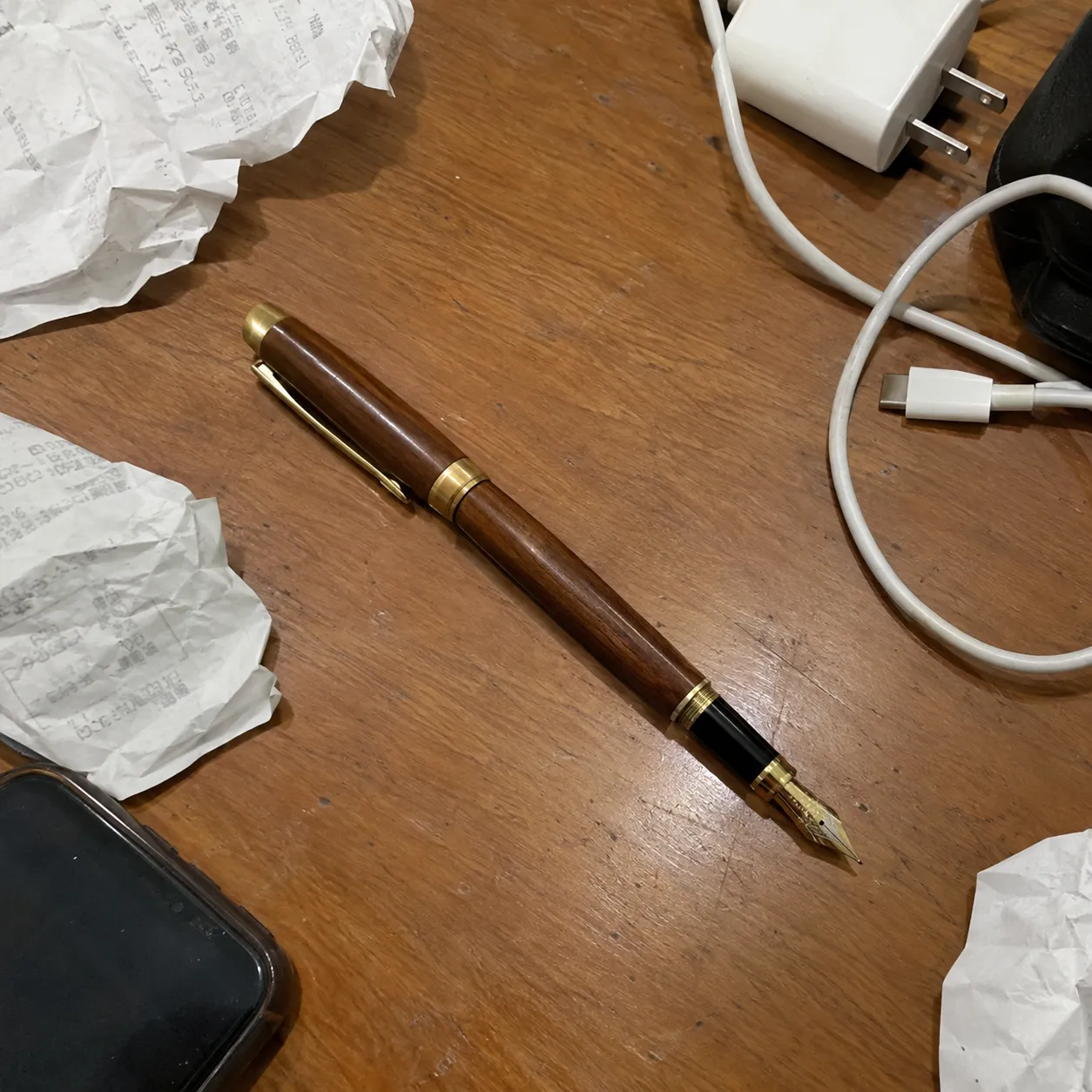
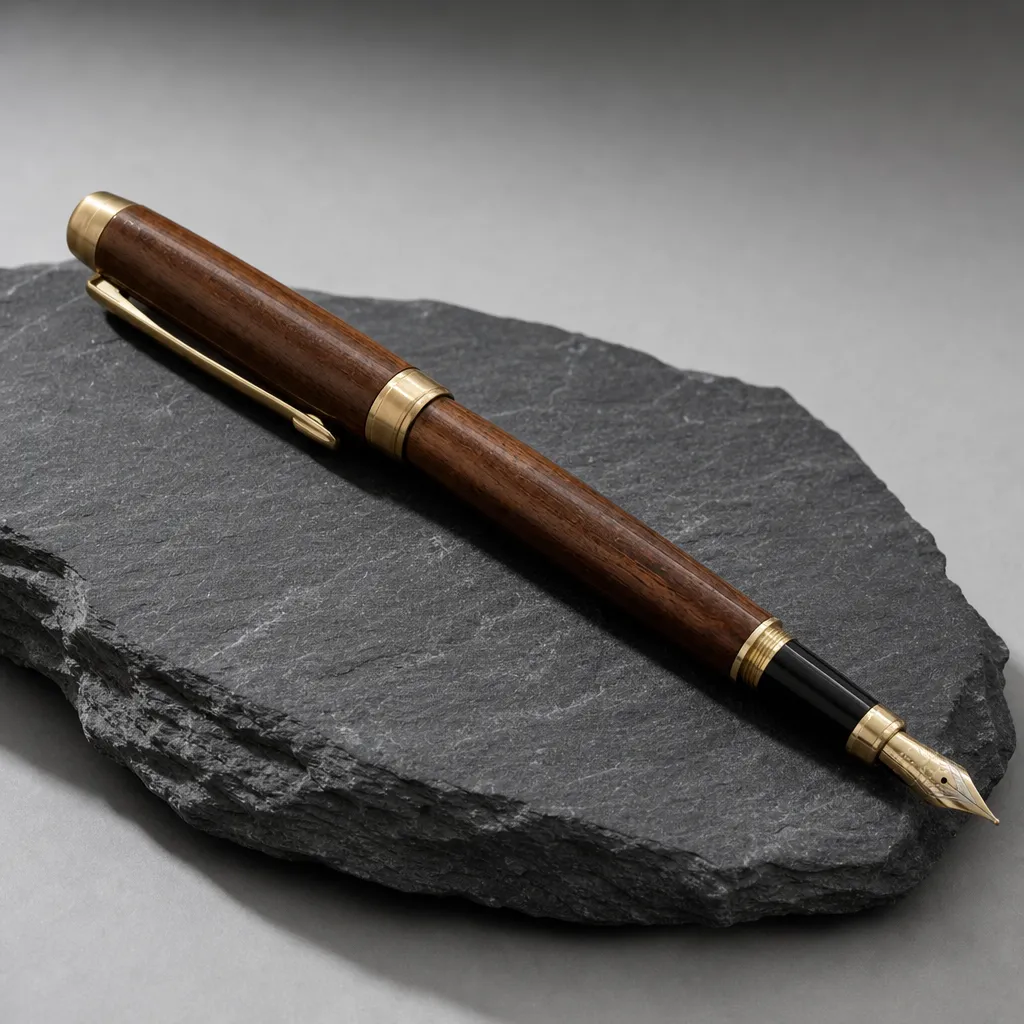
Turn a desk snapshot into a product shot
Describe the surface, background and light you want. Name the details that must stay, such as the shape and the metal trim, so the product still matches the real one.
 Input
 Output
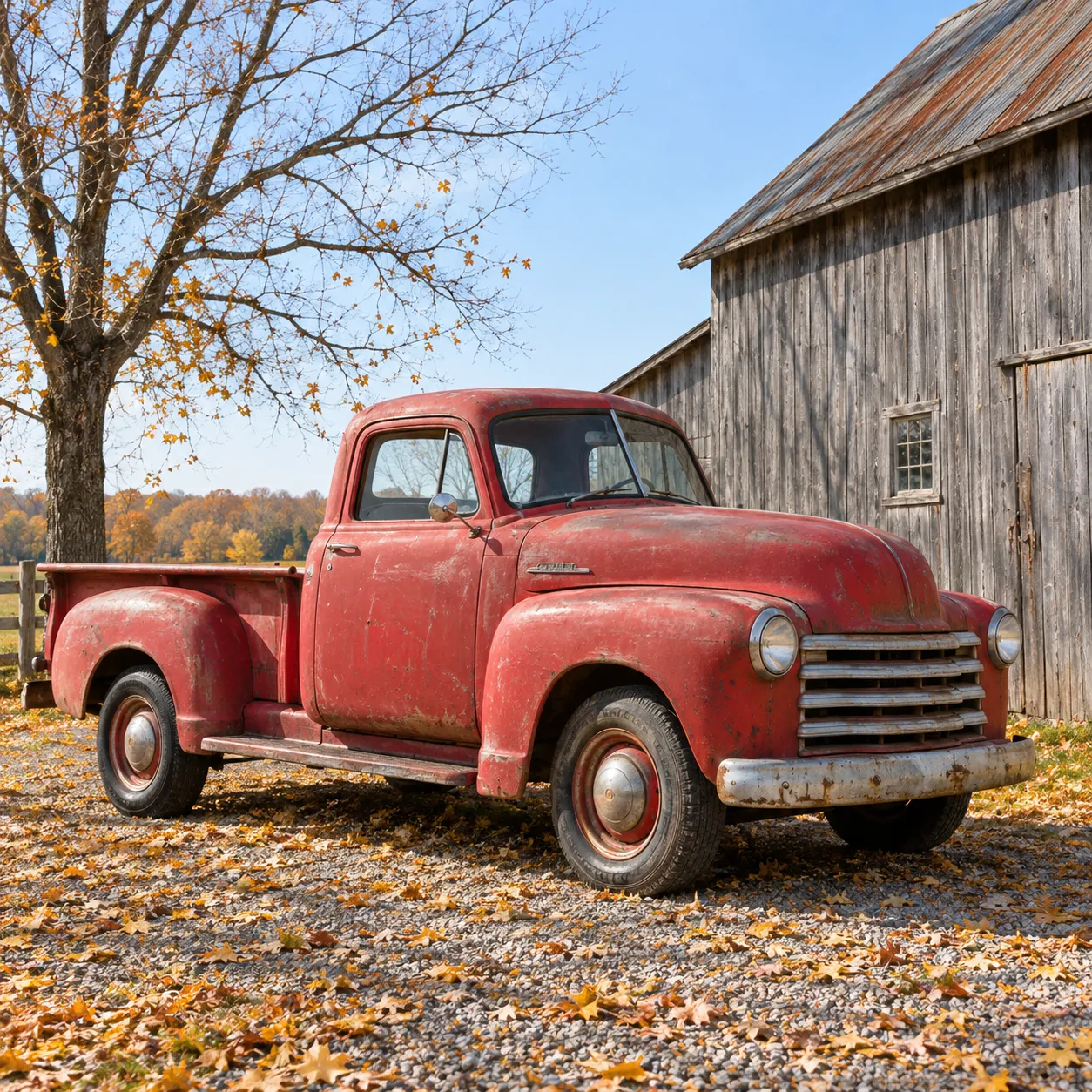
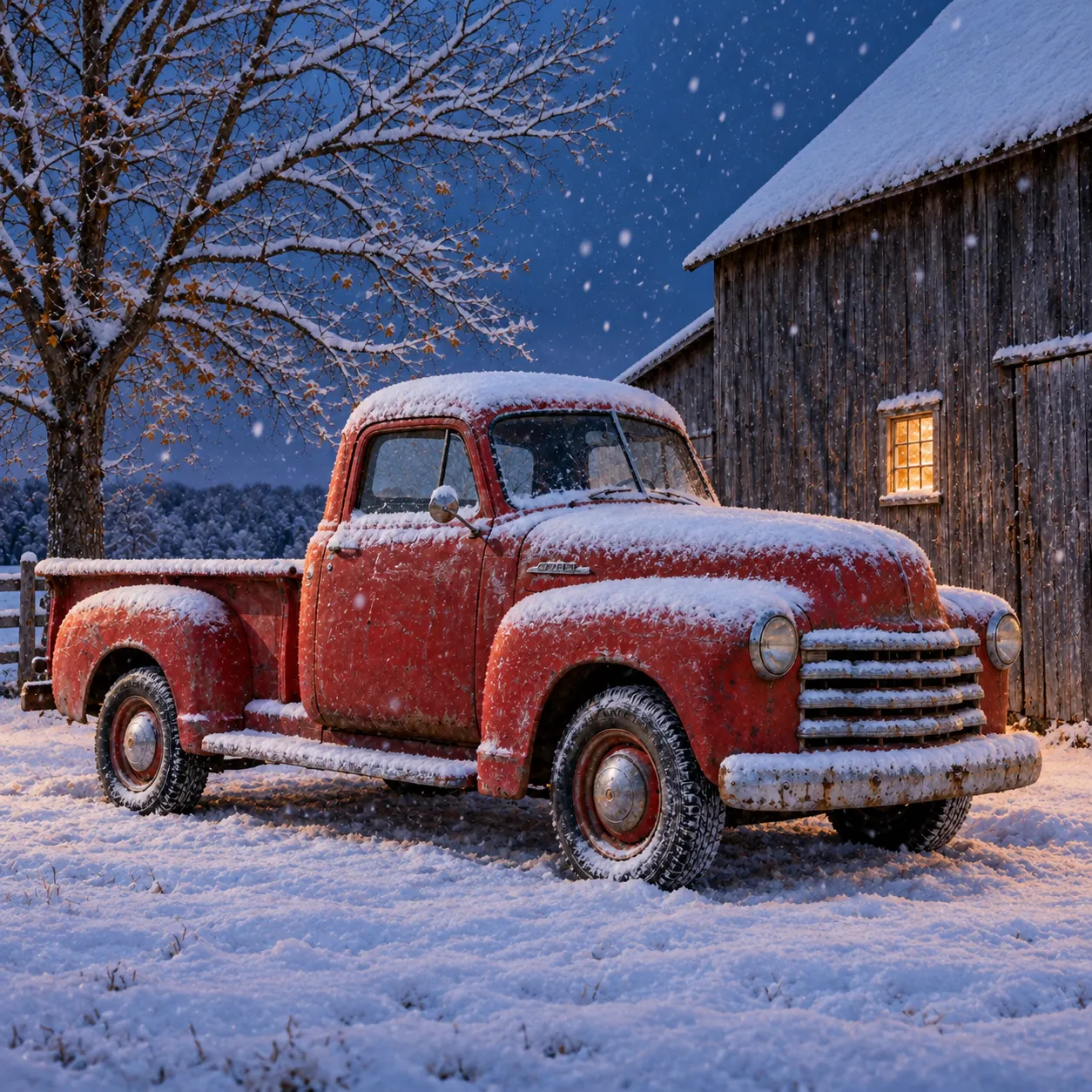
Change the weather, keep the scene
Same truck, same barn, same camera angle, now under snow at dusk. Useful when you need a seasonal version of a picture you already like.
 Input
 Output
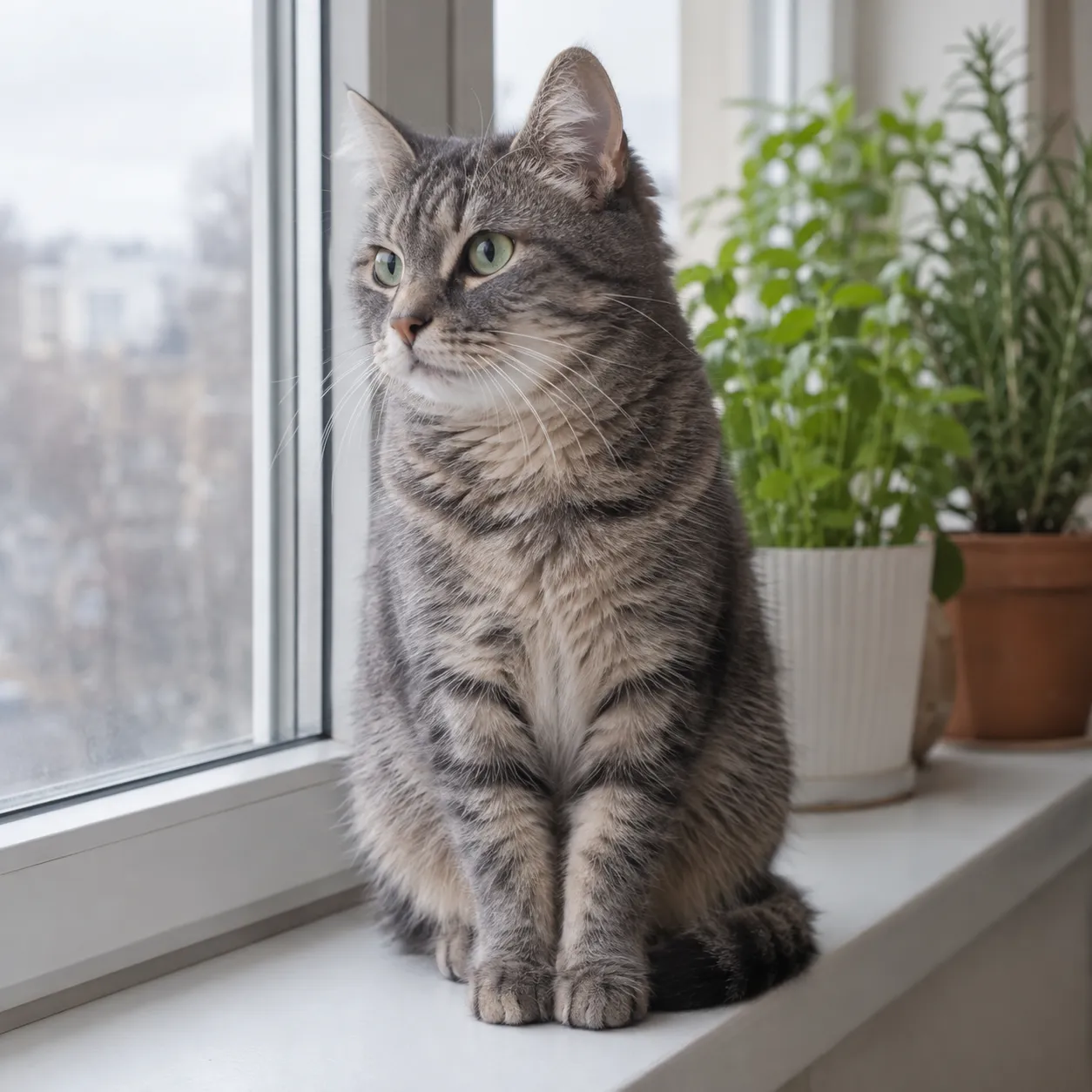
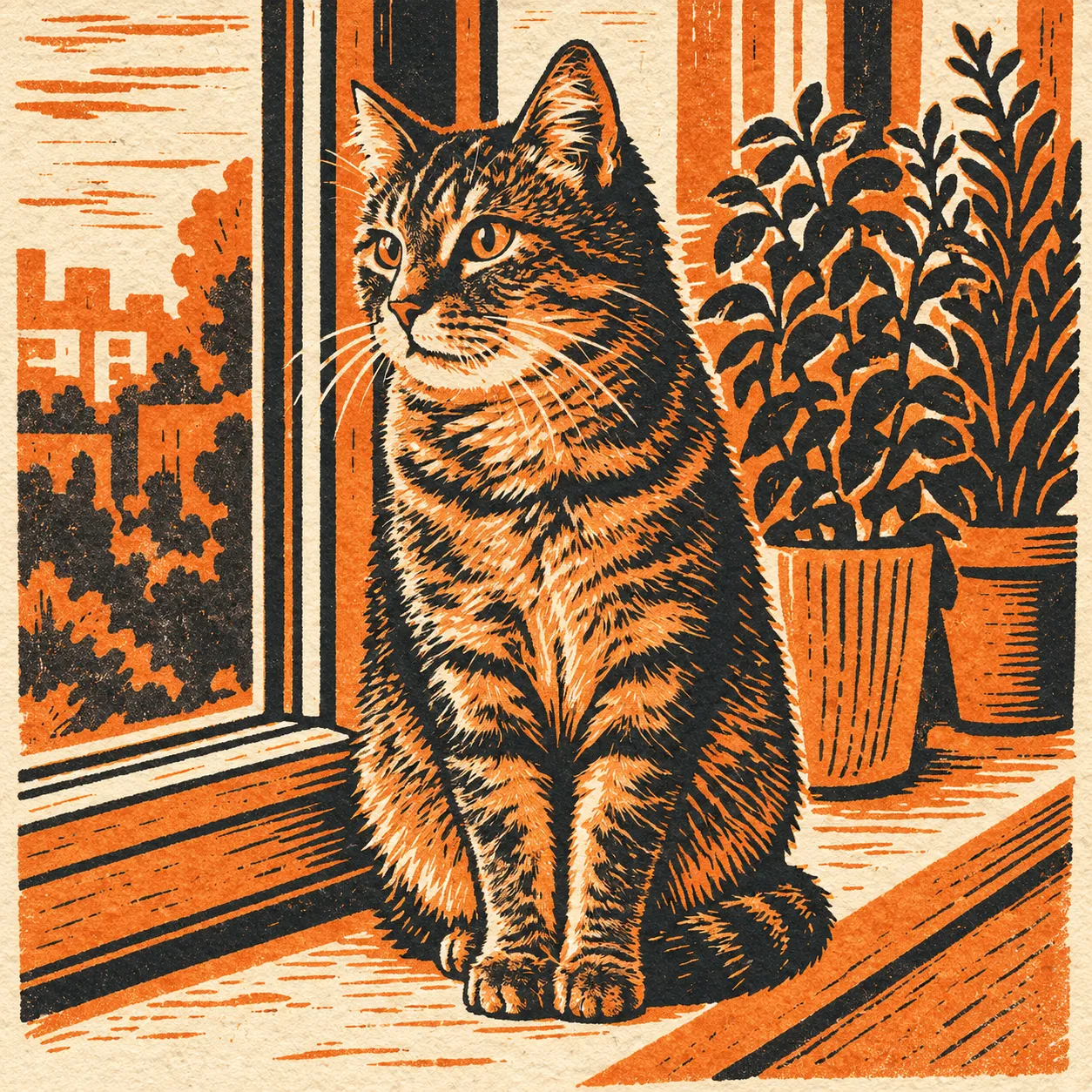
Redraw a photo in a new medium
Ask for a print, a painting or a flat graphic and the pose carries over. Limiting the colors in the prompt gives a cleaner result.
Have a picture in mind already? Try it with your own image.
How the AI image to image generator works on VEME
Three steps from reference to download.
Add your reference
Upload a photo, sketch or render, or pick one from My Creations. If it does not fit the model's size or ratio rules, the panel offers to crop or upscale it for you.
Say what changes
Write the prompt: what to keep, what to change, and the style. Add a preset style, or type @ to bring in a character you saved.
Generate and refine
Choose the model, ratio and resolution, then generate. From the result card you can reuse the prompt, remix it, upscale it, or use it as the next reference.
Pick a model for image-to-image or text to image generator runs
The Image Generator lists 20 models. Most take reference images for image-to-image work; some also run as a text to image generator with prompt only. Output size and options differ by model.
| Models | Takes references | Output size | Worth knowing |
|---|---|---|---|
| GPT Image 2, GPT Image 2.5 Flare, GPT Image 2.5 Sunburst | Yes | 1K, 2K, 4K | The 2.5 models add a Quality setting from Low to Maximum. |
| Nano Banana, Nano Banana 2, Nano Banana Pro | Yes | 1K to 4K (Pro and 2) | Nano Banana can match the input image's aspect ratio. |
| Flux 2 Pro, Flux 2 Flex, Flux 2 Dev | Yes | 0.5 to 4 MP | Pro and Flex can keep the input image's size. |
| Seedream 4, 4.5, 5.0 Lite, 5.0 Pro | Yes | Up to 4K (Seedream 4) | 4.5 and the 5.0 models use a Basic or High quality switch. |
| Kling 3.0 Omni, Kling O1 | Yes | 1K, 2K (3.0 Omni) | Output as JPEG, PNG or WebP. |
| Wan 2.7 Image, Qwen Image 2, Grok Imagine, Midjourney | Yes | Varies | Wan 2.7 Image goes up to 4K. |
| Recraft V4 | Text only | Set by ratio | Use it when you are writing a prompt with no image. |
The panel shows how many references the chosen model accepts and the credit cost before you generate. Recraft V4 is text only, so it fits a text to image generator workflow with no upload. Compare models in the panel.
Who uses an AI image to image generator
The common thread is a picture that is close, but not finished.
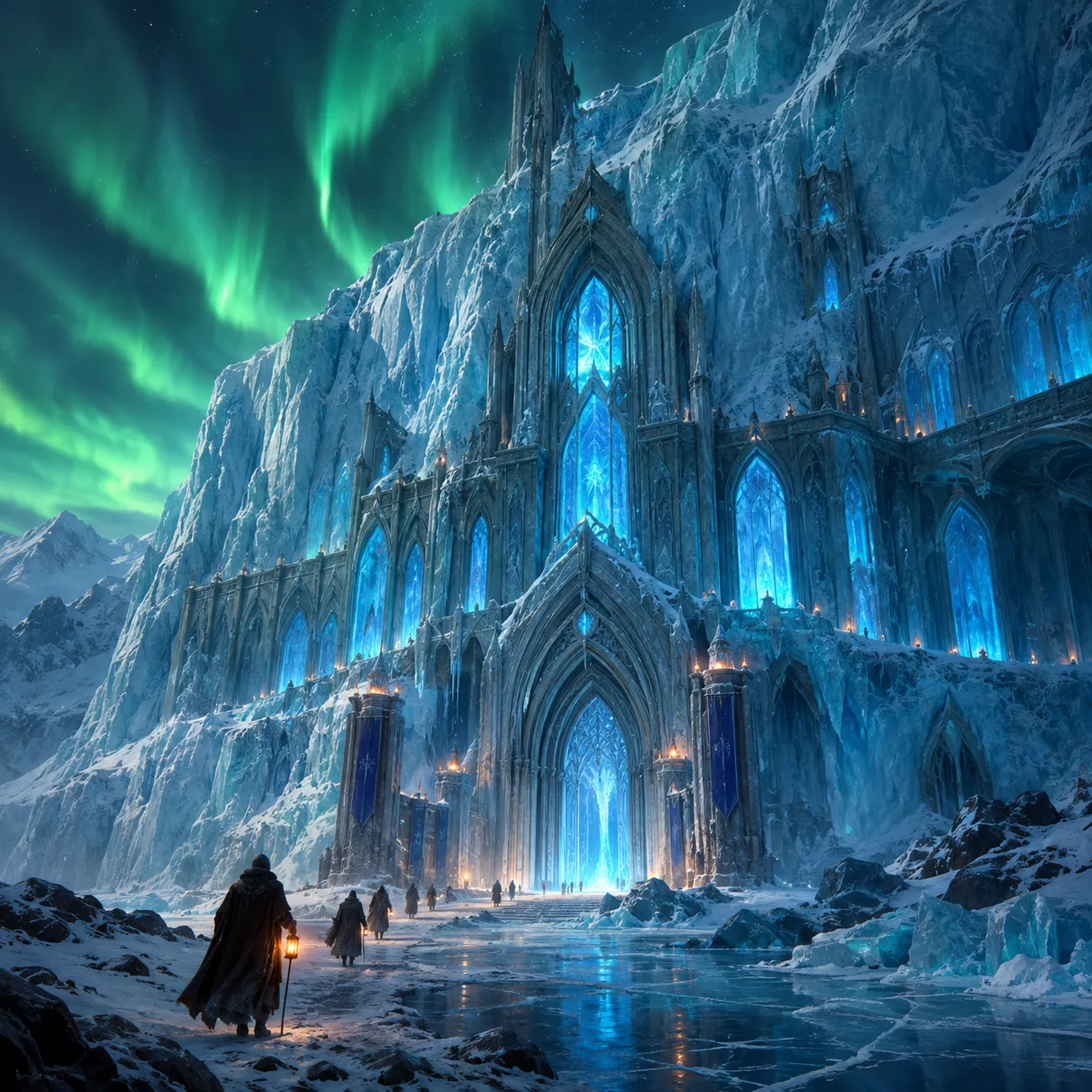
Concept artists
Block out a scene in a few lines, then use it as the reference for a painted version. Try several moods from one layout before you commit.
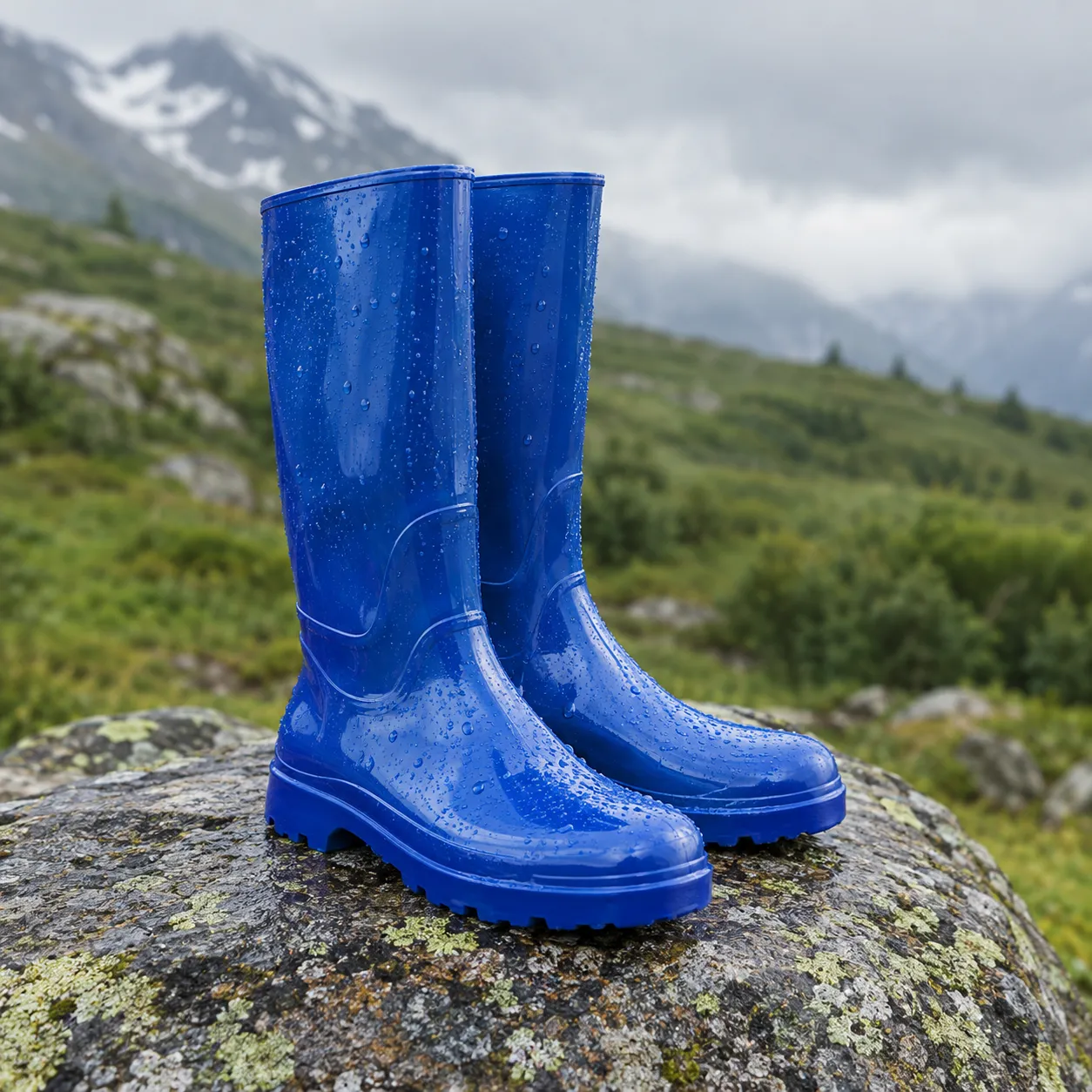
Ecommerce teams
Move a plain product photo onto a new setting for a seasonal page. Keep one reference and change only the background, so the product looks the same everywhere.
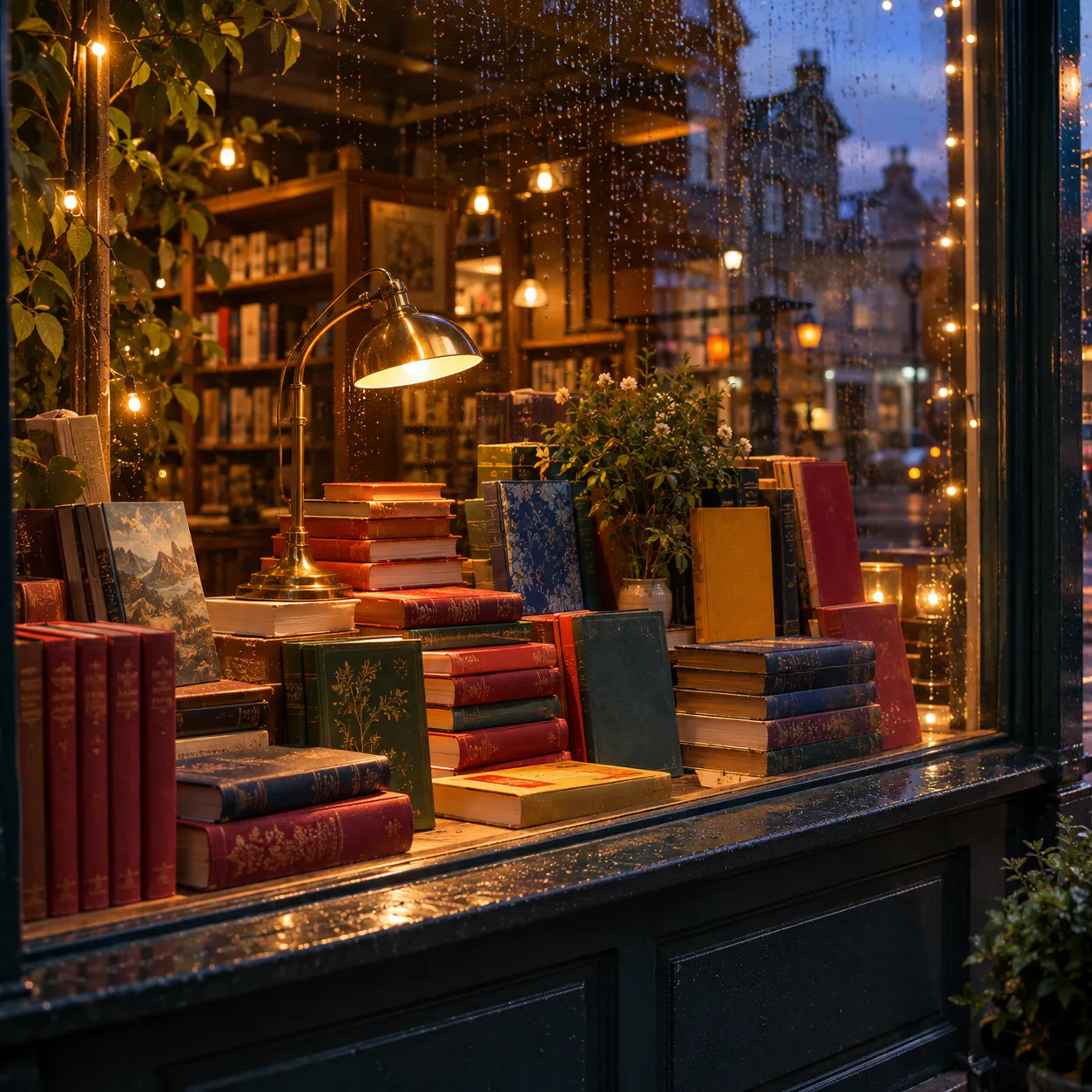
Social and brand content
Turn one approved photo into a set of posts in different styles and ratios, without a new shoot for each format.
What to know before you start
A few limits worth checking first.
- Generation uses credits. Sign in and check the cost shown in the tool before running it; account offers and plan details are shown on the pricing page.
- Each image uses credits. The Generate button shows the cost for your settings, and it changes with the model, quality and resolution. See pricing for plans.
- Some features need Pro. Several models and generating more than one image per run are Pro features.
- Content rules apply. Prompts or reference images that break the content policy, look private or may be under copyright are rejected. For small fixes to a finished image, Image Edit is the better tool.
AI image to image generator FAQ
What is an AI image to image generator?
It makes a new image from one you already have. You upload a reference and write a prompt, and the model keeps what you ask for, such as the subject or layout, while it changes the style, setting or detail.
Is there a free AI image to image generator on VEME?
Generation uses credits. Sign in and check the cost shown in the tool before running it; account offers and plan details are shown on the pricing page.
Can I use it with no sign up?
No. Generating needs a VEME account, so your results and uploads stay in your history.
Will it keep the composition of my photo?
Usually, if you ask for it. Say which parts must stay, such as the pose, layout or camera angle, and describe only what should change.
Can I get realistic results?
Yes. Ask for a photo, name the light and materials, and pick a model that suits photographs. Output goes up to 4K on models that support it.
Can I use it as a text to image generator?
Yes. Leave the reference empty and the same panel runs as a text to image generator: write a prompt, pick a model that allows prompt-only, and generate without uploading a photo.
Start from a picture you have
Upload a photo or sketch, say what should change, and compare the new version with the original. Or skip the upload and use the text to image generator path instead.
Open the Image Generator