

電商經理
您需要管理數百張帶有供應商浮水印的產品照片。使用 Veme AI 圖片文字移除工具處理整個產品目錄的檔案。高效率進行批次處理,並為您的線上商店匯出一致且乾淨的圖像素材。
Veme AI 助您一鍵移除上傳圖片中的文字。導出清晰、高解析度的檔案,適用於設計、電子商務和簡報。

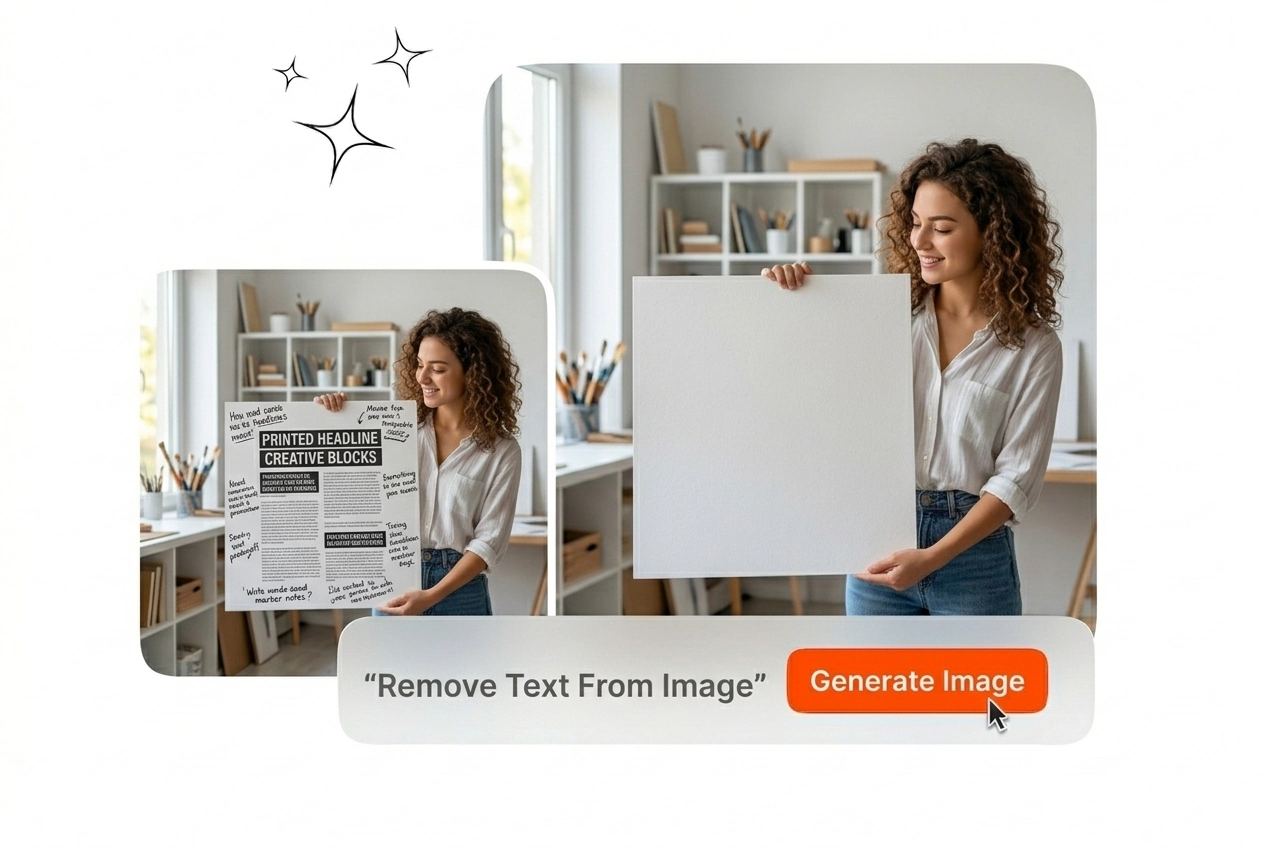
上傳檔案,讓圖片文字移除工具自動為您清除文字。Veme AI 會重建背景紋理,讓您能匯出乾淨無瑕的畫面。
使用圖片文字移除工具處理圖像素材,以保持廣告活動的視覺一致性。Veme AI 負責為您清理畫面,讓您能專注於後續編輯。
您需要管理數百張帶有供應商浮水印的產品照片。使用 Veme AI 圖片文字移除工具處理整個產品目錄的檔案。高效率進行批次處理,並為您的線上商店匯出一致且乾淨的圖像素材。

您的團隊想要重新利用熱門內容,但原有的內嵌字幕破壞了版面。使用我們的 AI 圖片文字移除工具來消除不需要的排版字體。匯出乾淨無字的畫布,並在最終輸出前加上您自己的品牌訊息。

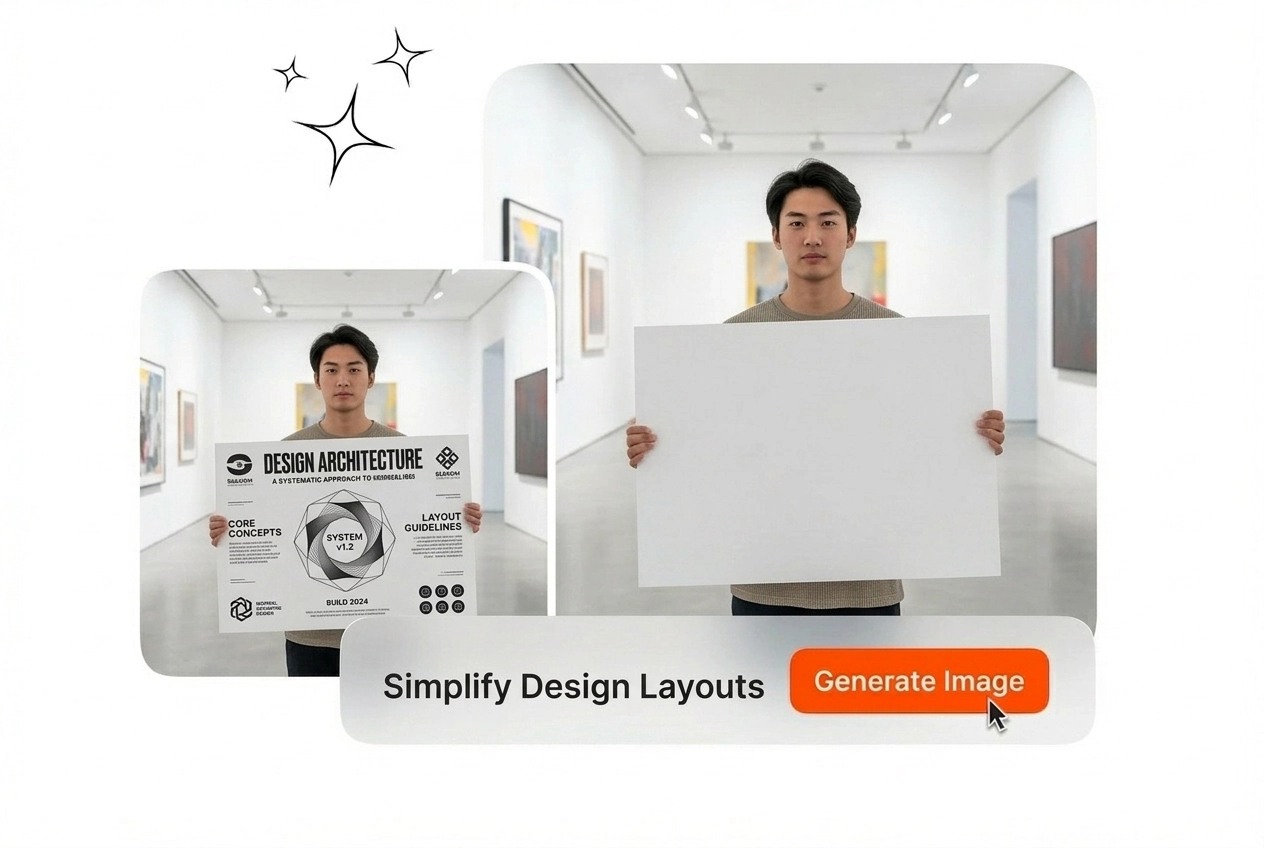
客戶簡報需要乾淨的圖庫照片,不能有干擾視覺的日期浮水印。無需開啟複雜的編輯軟體,即可快速使用圖片文字移除工具處理檔案。Veme AI 會自動重建背景漸層,讓您的簡報看起來更加專業完美。
請遵循以下精確步驟來使用圖片文字移除工具。在匯出之前,此工作流程不需要手動建立遮罩或進行複雜的圖層調整。
將參考圖片直接匯入工作區以開始作業。我們的圖片文字移除工具支援 JPG 和 PNG 等標準格式,可立即進行處理。
標記出需要從構圖中消除的特定文字。AI 圖片文字移除工具引擎會分析周圍的像素,為精準的背景重建做好準備。
預覽清理後的圖片,並確認編輯區域內的背景是否一致。這款圖片文字移除工具能讓您輕鬆下載最終的高解析度檔案,隨時可立即投入您更廣泛的內容製作工作流程中。
Control your output with precise tools designed for professional workflows. Veme AI rebuilds complex textures so your final render requires no additional manual cleanup.
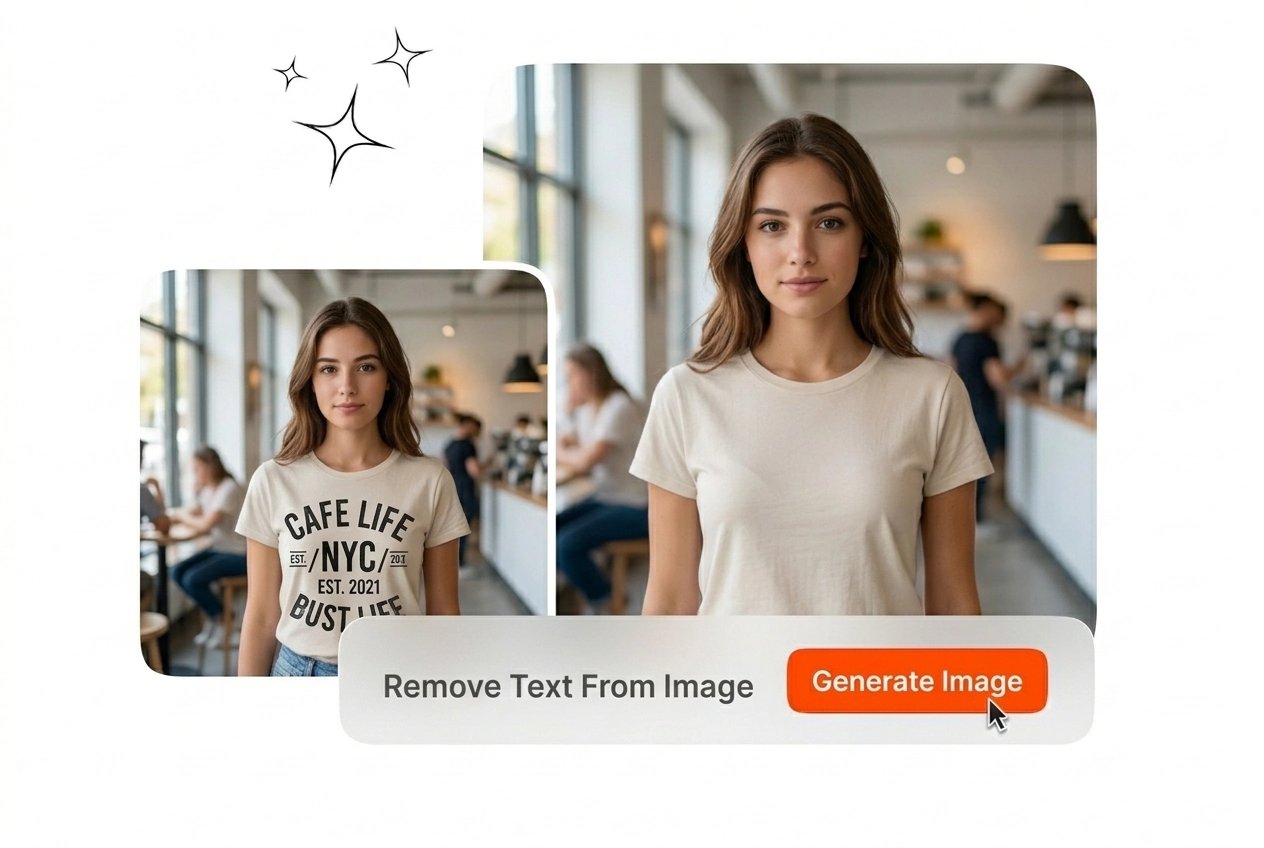
Veme AI analyzes the pixels behind your typography to rebuild natural textures. Remove text from image without leaving blurry patches or smudges. Your exported frame maintains its original lighting and depth for immediate use.

Process your files without sacrificing image quality or introducing compression artifacts. This tool maintains your original resolution throughout the entire editing workflow. Download your final output in crisp detail for large format displays.
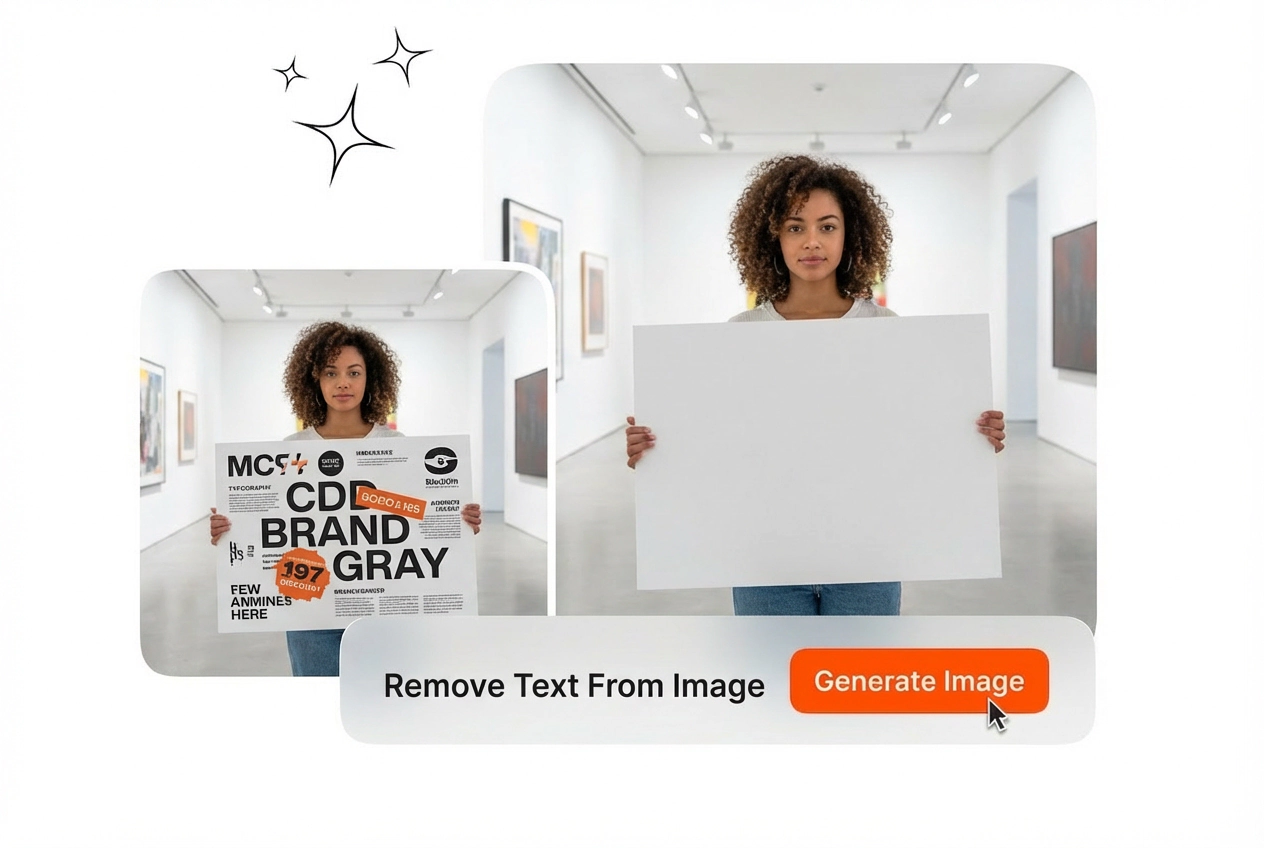
上傳您的檔案並選取想要刪除的文字。系統需要文字與背景之間有清晰的對比,以達到最佳效果。這個工作流程能幫助編輯人員在最終輸出前,快速清理圖庫素材。