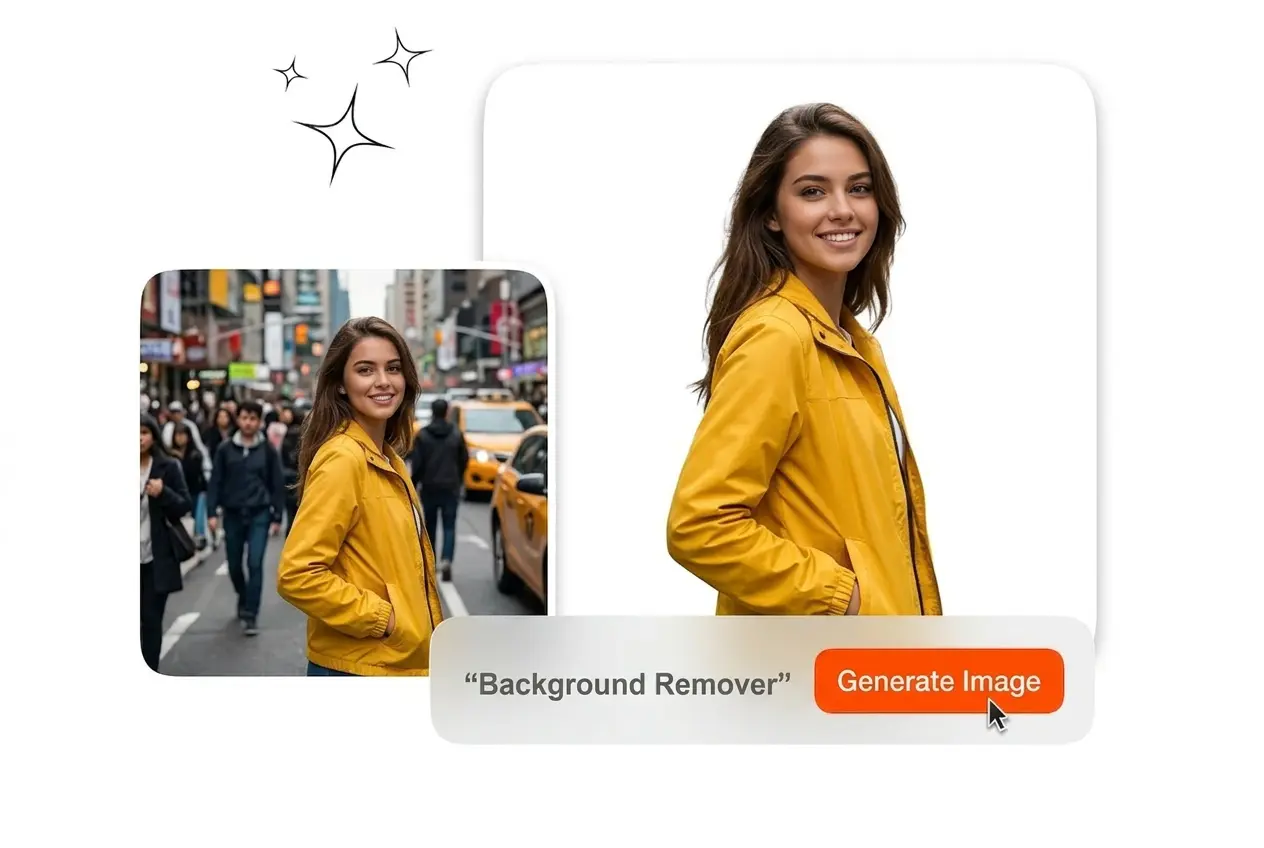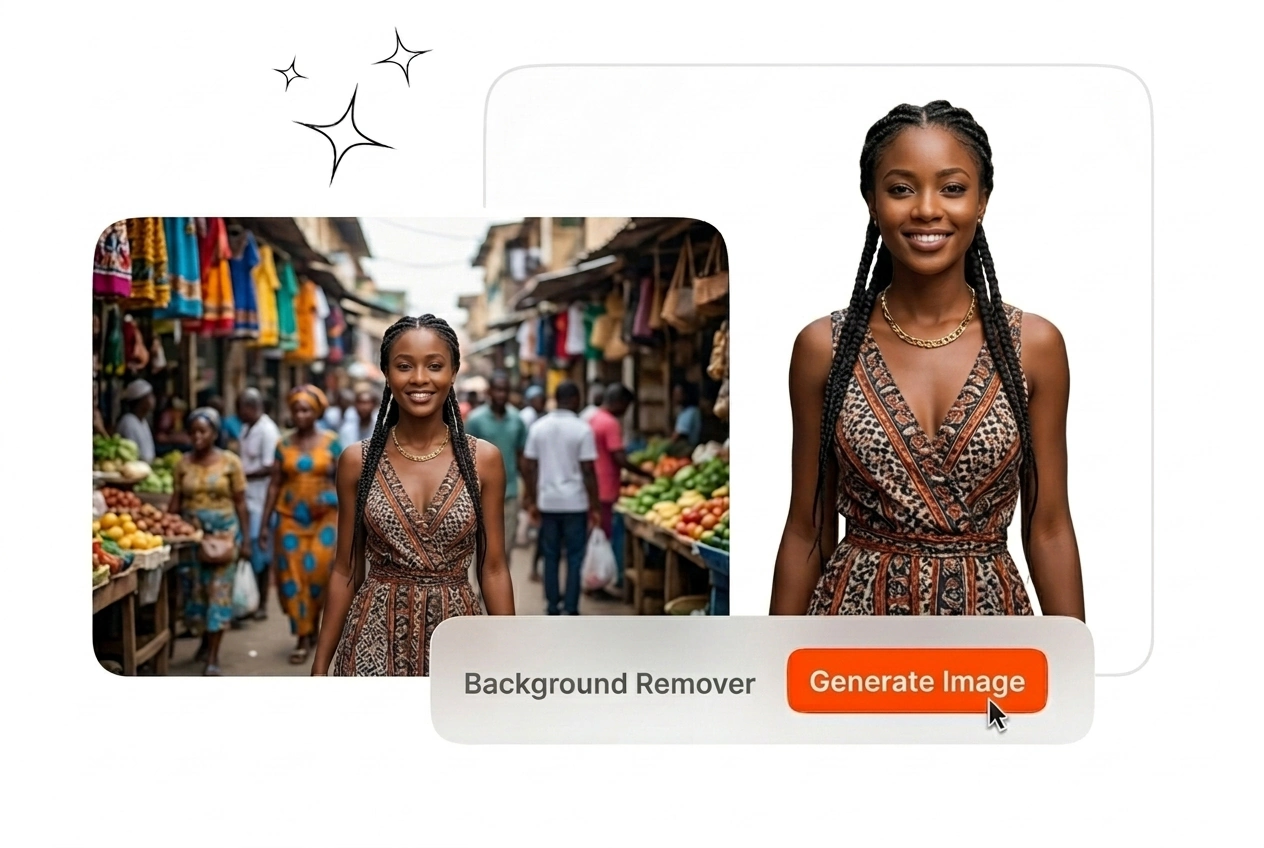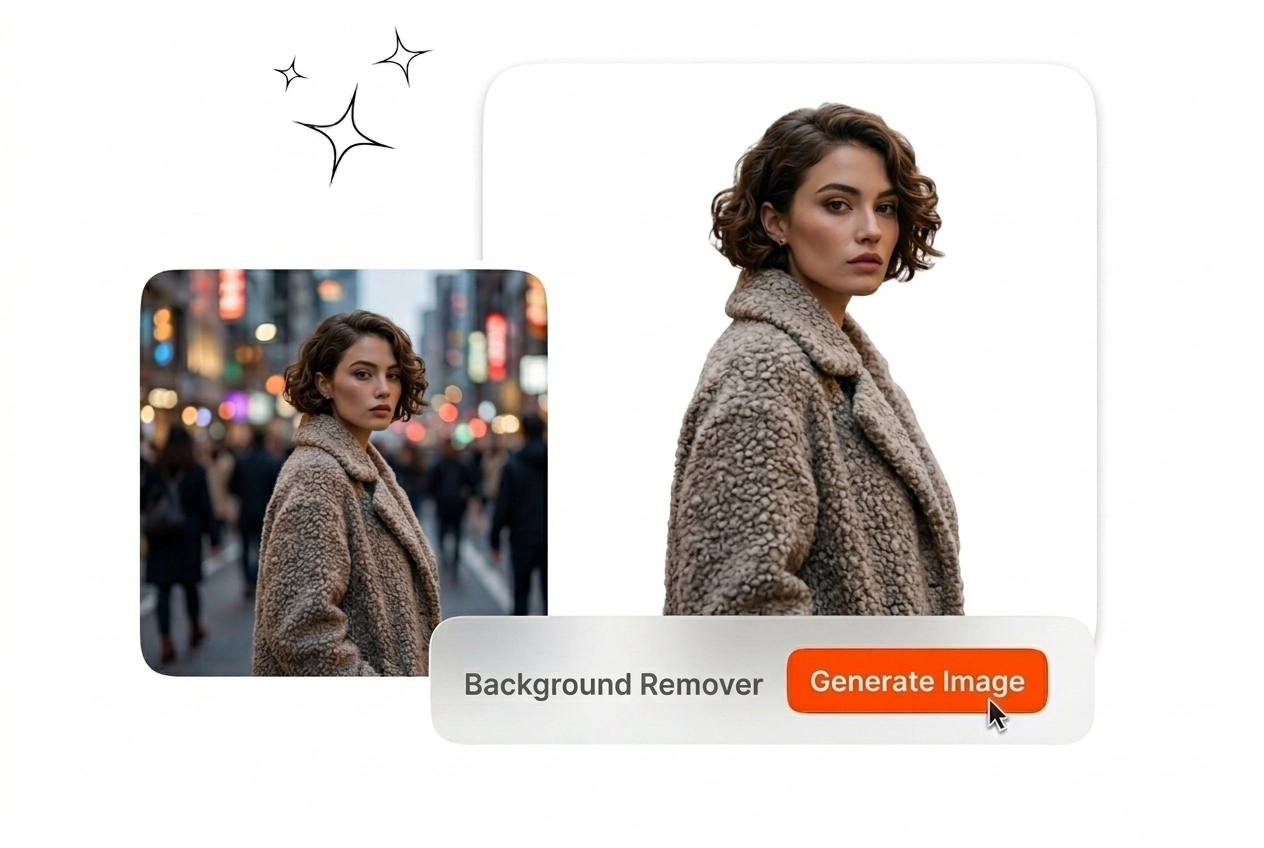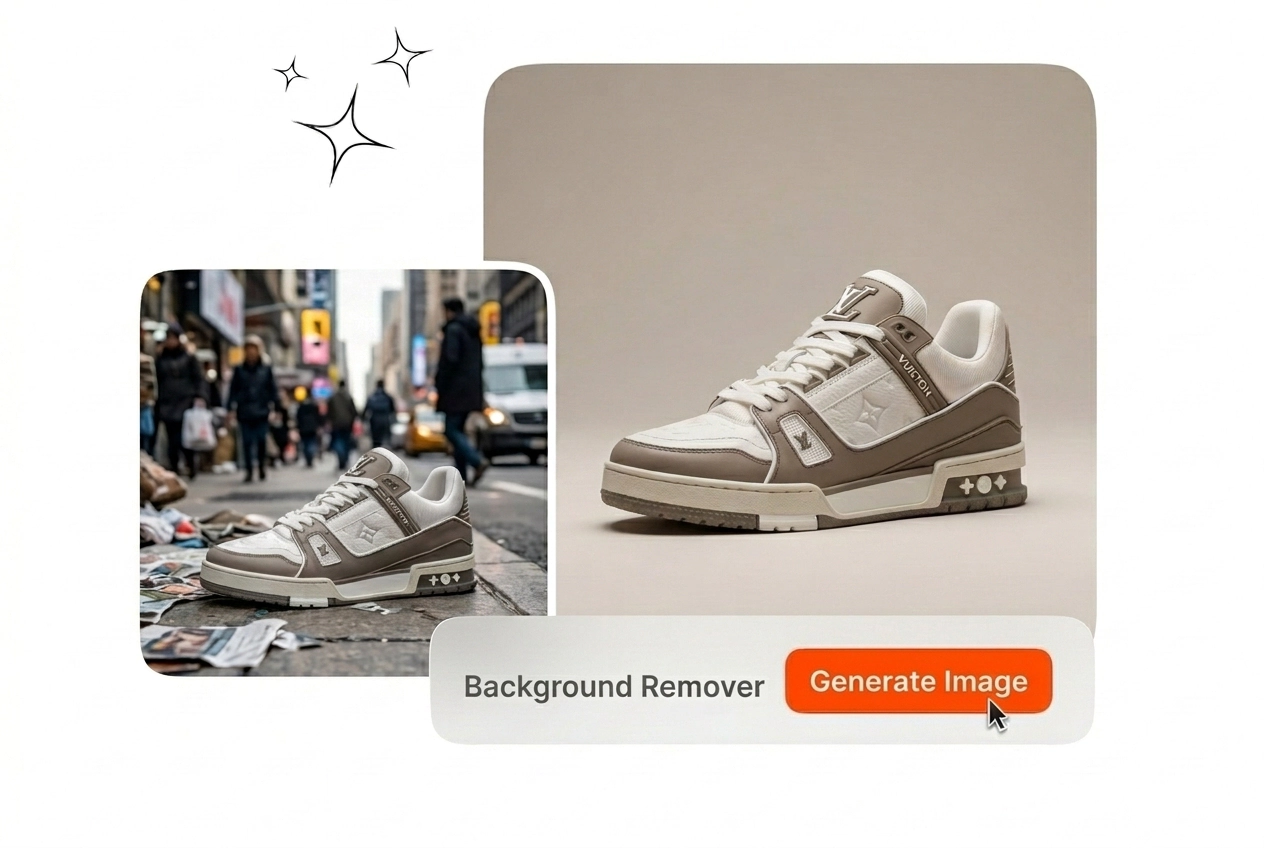

DTC merchants, portrait studios, and ad designers need crisp cutouts. They strip messy plates, route PNGs downstream, and skip overnight pen work.

You refresh PDP galleries weekly and each SKU expects a neutral or alpha plate. A cutout flow keeps schedules honest. Export PNGs, sync the PIM, and advance without midnight mask rebuilds that stall every launch calendar.

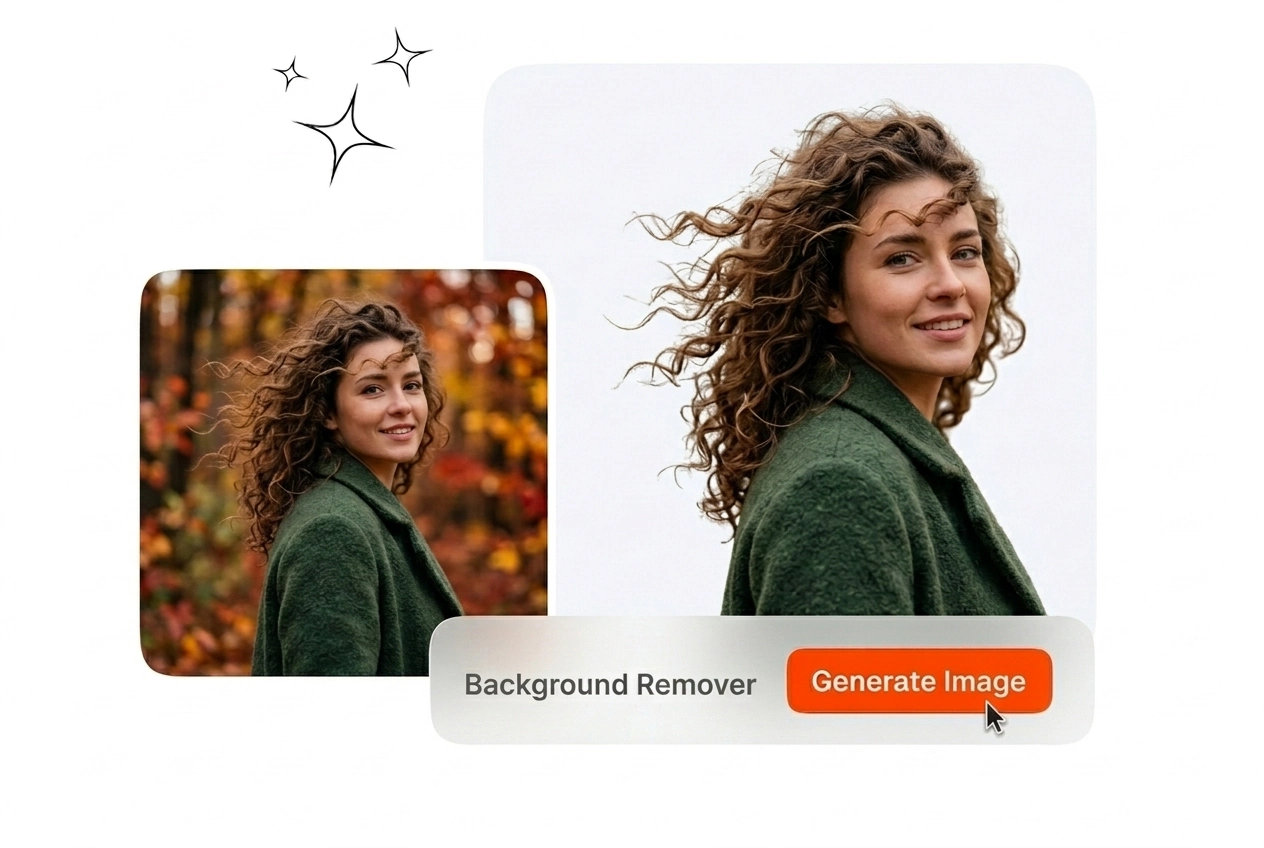
Clients inspect hairlines, beards, and jacket fur before invoices clear. Manual tracing burns hours better spent on color correction cycles. This path preserves fine strands so you approve masks, export PNGs, and return the same afternoon.

You test thumbnails all morning and each variant needs a crisp silhouette. Paste fresh plates behind talent without another shoot day. Stay efficient while you learn how to remove background from picture files inside Background Remover pilots without color drift.
Three Step Background Remover Flow
Load a still, let Veme AI isolate the subject, and inspect the mask. Export PNG transparency or flat color before teammates publish fresh listings.
Step 1
Upload Still Photo
Drop a JPEG or PNG from your shoot into Veme AI. The workspace keeps stills only and skips video so GPUs focus on segmentation. Name files so editors trace cutouts through QA without hunting folders.
Step 2
Refine Subject Mask
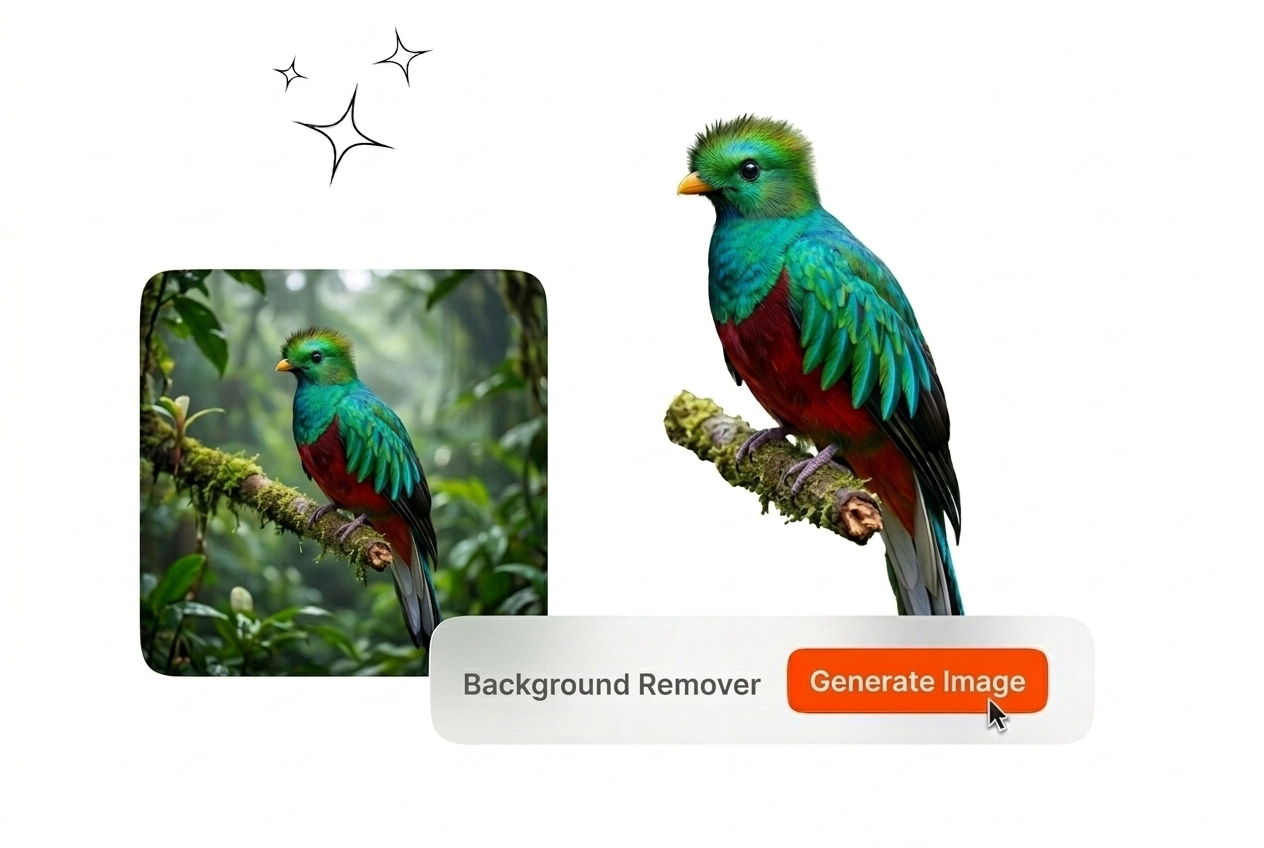
Compare preview modes on hair, glass, and woven edges before locking the mask. Feather locally where matte fabric meets chrome glare. Those tweaks stop merchants from rejecting PDP tiles when halos slip past the pass.
Step 3
Export Final Asset
Download alpha PNG for composites or pick hex fills when retailers ban transparency on uploads. Attach notes so teammates remove background from free sandbox exports inside the DAM without reopening Friday sessions you already closed.
去除背景精準控制
Veme AI 保持去背工作區的高效,以利去除背景的品質控管(QA)。您可以審核遮罩、選擇匯出,並將最終圖檔交付給商家,無需為每個 SKU 開啟笨重的照片編輯軟體。

透明 PNG 匯出
當設計師跨頻道合成商標、貼花或社群邊框時,可選擇 Alpha 透明度。檔案大小對 CMS 系統依然友善,同時能讓複雜珠寶的輪廓保持清晰。商家可以將 PNG 檔案與每個去除背景里程碑一起歸檔,而不會造成任何專案延遲。

純色背景替換
當平台政策禁止您今晚交付的圖片素材具有透明度時,可套用零售商的十六進位色彩填滿。鎖定色彩範圍,確保 SKU 圖像完美符合品牌規範,避免意外遭退件。即使通路在嚴格的去除背景截止日期前突然改用純白規格,操作人員也能省去繁瑣的重建工作。
去除背景常見問題
這是一款可以處理電商照片的 AI 去除背景工具嗎?
是的,Veme AI 可以處理您擁有的產品圖、展示車和頭像靜態照片。只需上傳圖片,確認遮罩範圍,即可匯出 PNG 格式或平面的純色填充,滿足商家在截止日期前進行的免費去除背景檢查,而不會耗盡您的去除背景預算。
我可以上傳影片檔案來自動去除背景嗎?
不行,目前不支援動態檔案,因為此功能僅能處理單格靜態影像。您可以匯出靜態截圖,使用線上去除背景功能,然後將 PNG 檔案交給剪輯師,在 Veme AI 之外重建動態效果。這樣的限制可以確保在營運團隊要求上傳影片時,維持明確的期望。
這與網路上最好的免費去除背景工具有何不同?
Veme AI 強調精確的遮罩處理與專業的檔案匯出,而不是那些被過度吹捧為最佳線上摳圖的一鍵式玩具。在財務部批准升級之前,您仍然可以透過去除背景免費試用來評估批次處理的價值。更乾淨的玻璃光暈邊緣處理,絕對勝過那些隱藏了客服聯絡方式的噱頭網頁。
我能獲得經過 PNG 去除背景處理的可用素材嗎?
是的,透明 PNG 符合需要 Alpha 通道的合作夥伴需求,而純色填充則滿足了受信任平台對半透明圖像的限制。檔案名稱會保留,讓數位資產管理 (DAM) 團隊能清楚知道哪些圖檔已在週五發布前通過審核。這能防止將錯誤的免費去除背景草稿混入無法暫停的付費廣告活動中。
新手可以在這裡學習如何對圖片檔案進行去除背景嗎?
本教學指南假設您在沒有事先訓練的情況下,直接上傳靜態圖片並查看遮罩覆蓋範圍。內建的提示會解釋滑桿功能,讓實習生在趕工週不再詢問如何對圖片資料夾去除背景。這樣的學習節奏能保護團隊士氣,迎接大家都擔心的重大零售發布期。
開啟 Veme AI,載入下一張靜態影像,並在審查前交付 PNG 或平面圖層。省去營運團隊不再需要的繁瑣授權流程。